Blog
Discover the latest from MagicBoat

How to Turn a Product Photo Into a Cinematic Image-to-Video Ad
Create a polished product ad by building one accurate hero frame, animating only the camera and environmental details, and rejecting any result that changes the product itself. This reference-first image-to-video workflow works especially well for cosmetics, electronics, packaged goods, footwear, and other objects whose shape must remain recognizable.
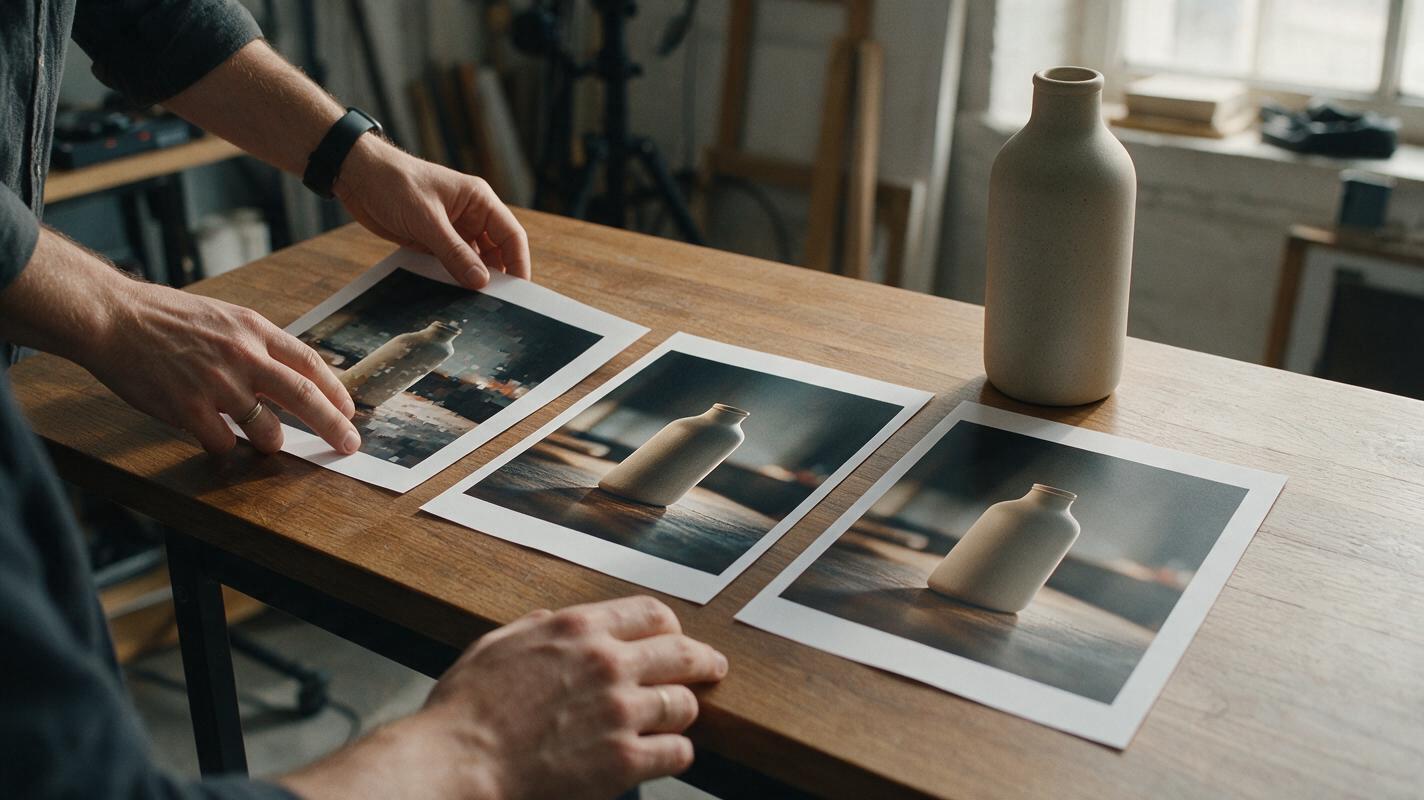
AI Video Enhancer Workflow for Compressed Social Clips
Learn how to improve a compressed social video without creating waxy faces, harsh edges, or artificial detail. This ordered workflow covers artifact reduction, conservative upscaling, motion checks, and controlled before-and-after evidence.
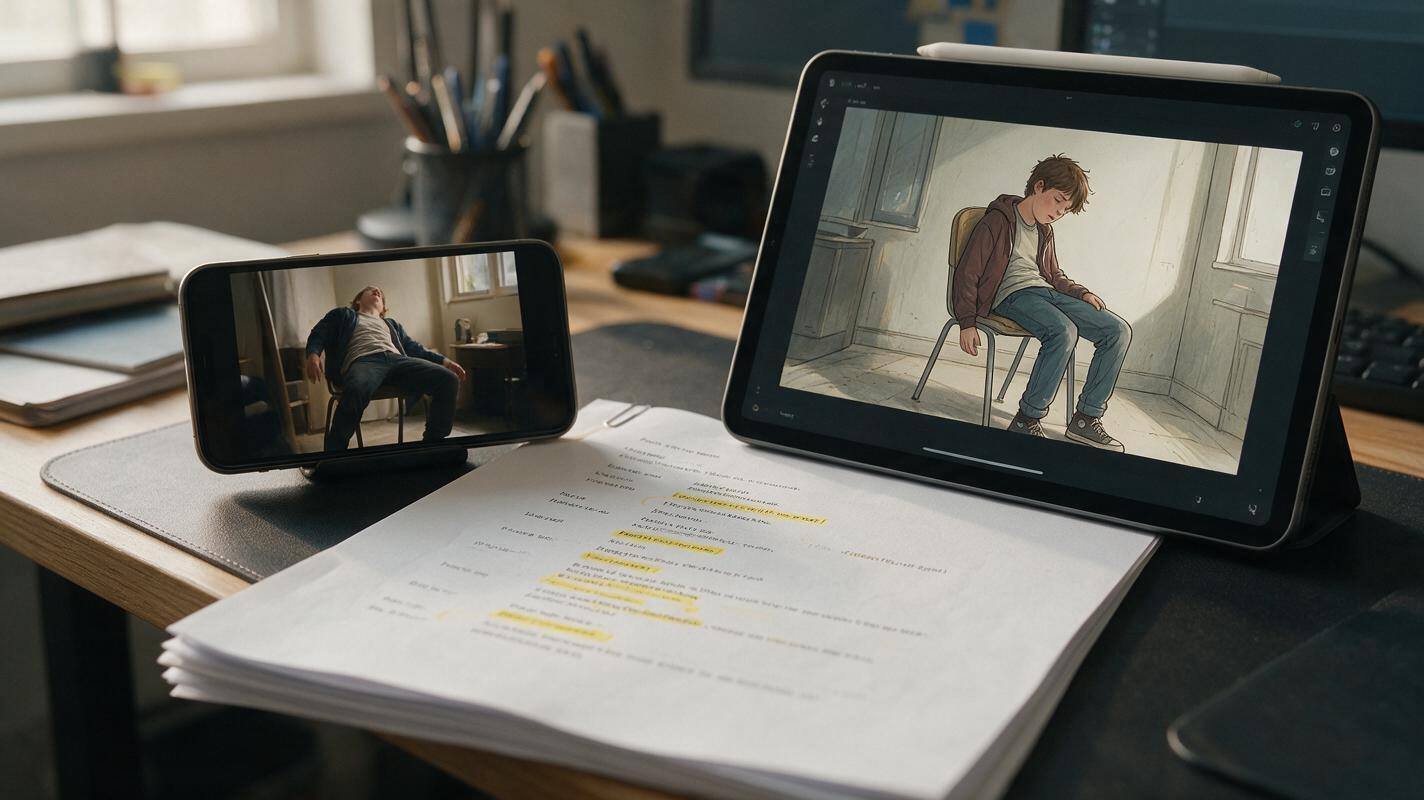
Script to Video: Use Motion Transfer AI for Realistic Character Movement
Stiff, inconsistent character movement is a common pain point for script to video AI creators, especially for longer short films and novel to video adaptations. This guide shows how to integrate motion transfer ai video into your workflow to borrow realistic human movement from reference clips, while preserving consistent character design and art style locked in during the ai storyboard phase. You’ll get copyable prompts, continuity checks, and editing tips for seamless, natural-looking AI story videos.

Vertical Drama Video: Build Shots That Survive the 9:16 Frame
A vertical drama video needs more than a landscape shot cropped down the middle. This tutorial shows how to design a narrow story column, build crop-safe locations, control character motion, and repair common 9:16 framing failures.
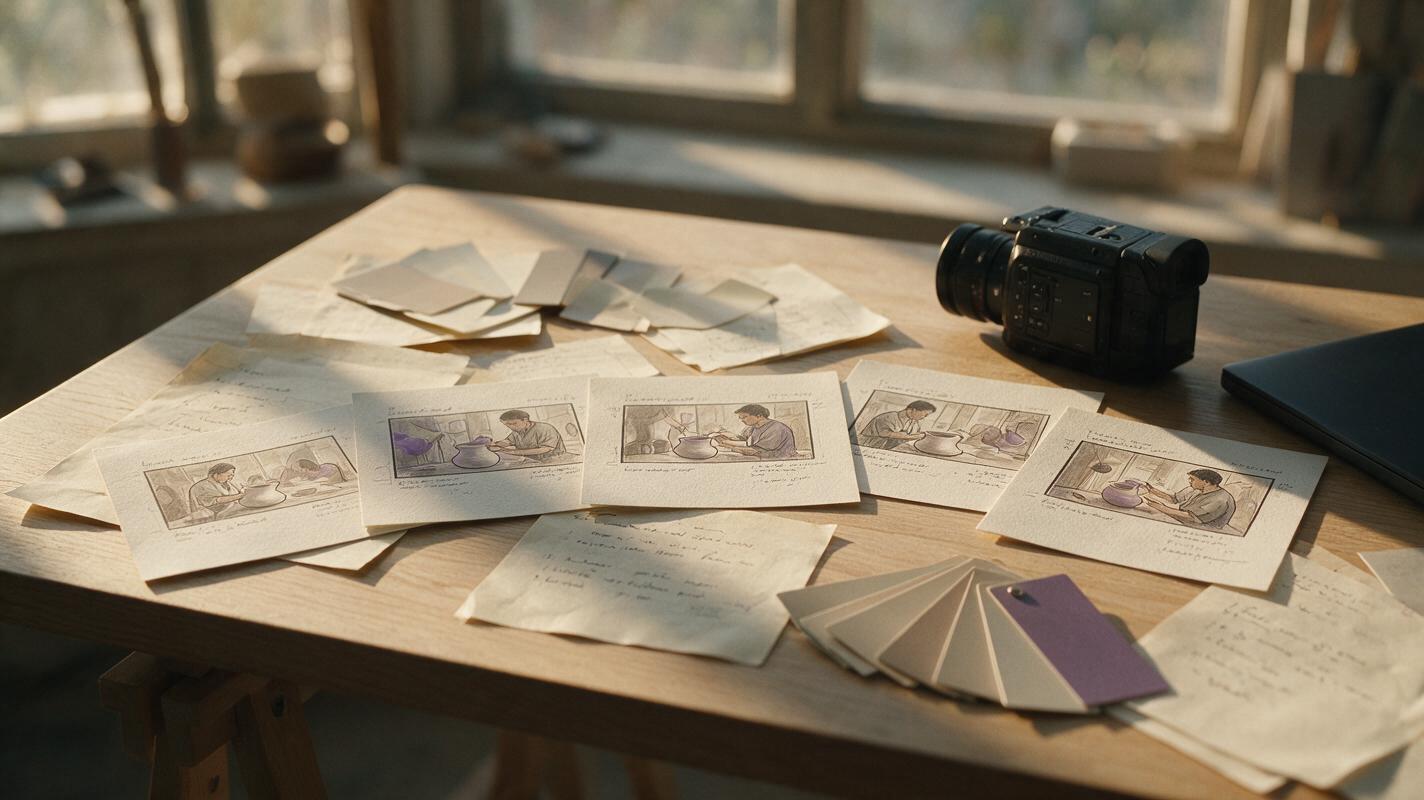
MiniMax Alternatives: 5 AI Video Tools for More Workflow Control
MiniMax’s Hailuo AI makes short text-to-video and image-to-video creation accessible, but its credit system and production workflow will not suit every creator. This guide compares five practical MiniMax alternatives by motion control, editing options, pricing model, and best use case.

Veo Prompts for Realistic Hair Oil Videos That Avoid Greasy Hair
Veo’s advanced strand-level hair rendering and liquid texture capabilities make it a strong choice for hair oil product videos, but generic prompts often produce greasy, limp strands and distorted packaging. This collection of reusable Veo prompts covers four common hair oil ad angles, plus quick fixes for the most common AI rendering mistakes like uneven oil distribution and unnatural shine. Beauty brands, marketers, and content creators can use these prompts to create luxurious, conversion-ready hair oil videos without a full studio shoot.

White-on-White Product Renders: Prompts That Keep Every Edge Visible
White hardware can disappear into a white AI-generated background, leaving its silhouette, seams, and controls difficult to judge. These reference-guided prompts use subtle tonal separation and controlled lighting to make a white product readable without changing its design.
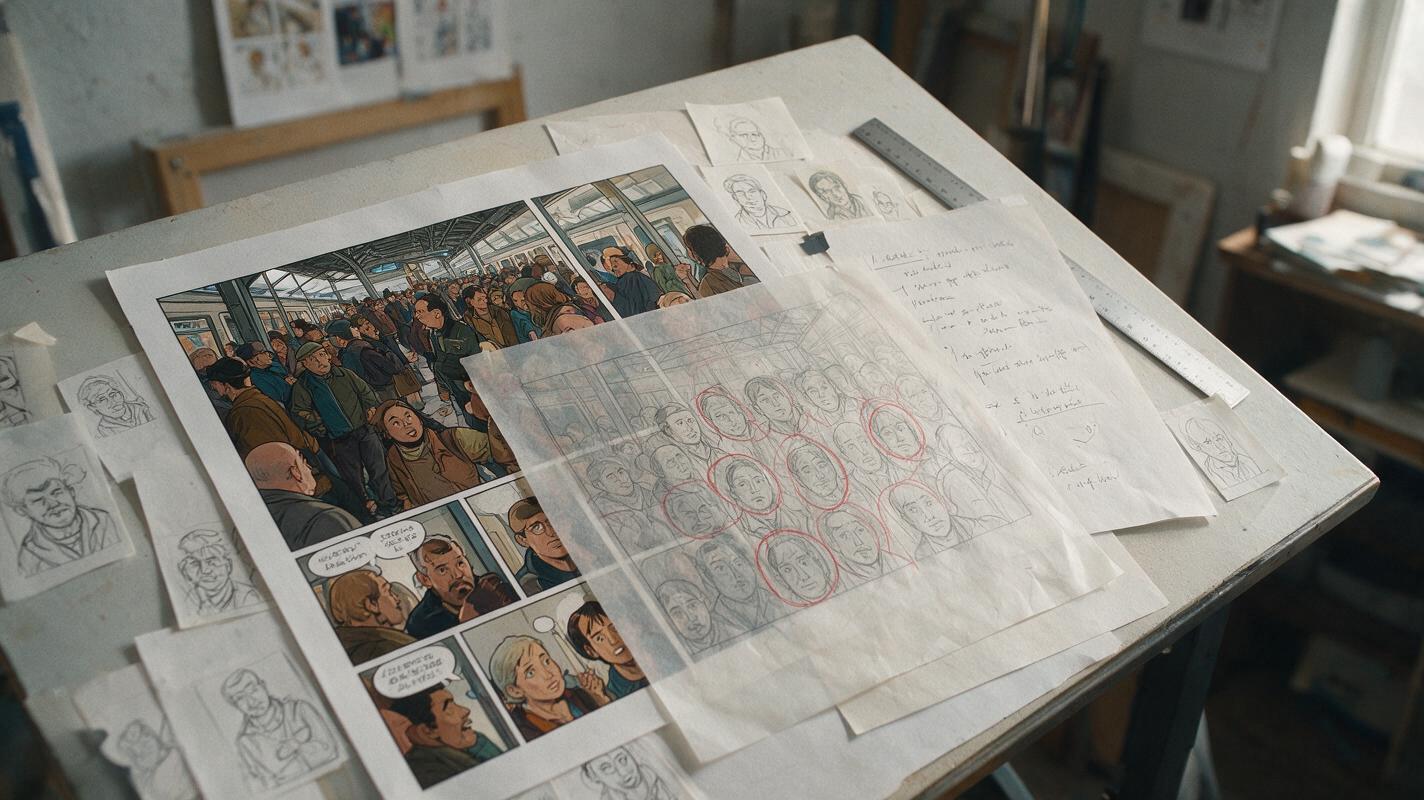
Why AI Comic Crowds Look Cloned—and the Prompt Fixes That Work
AI-generated comic crowds often repeat faces, poses, clothing and spacing until a busy scene looks copied and artificial. This guide uses Flux prompts, crowd hierarchy and targeted repair passes to create varied background characters without sacrificing panel readability.
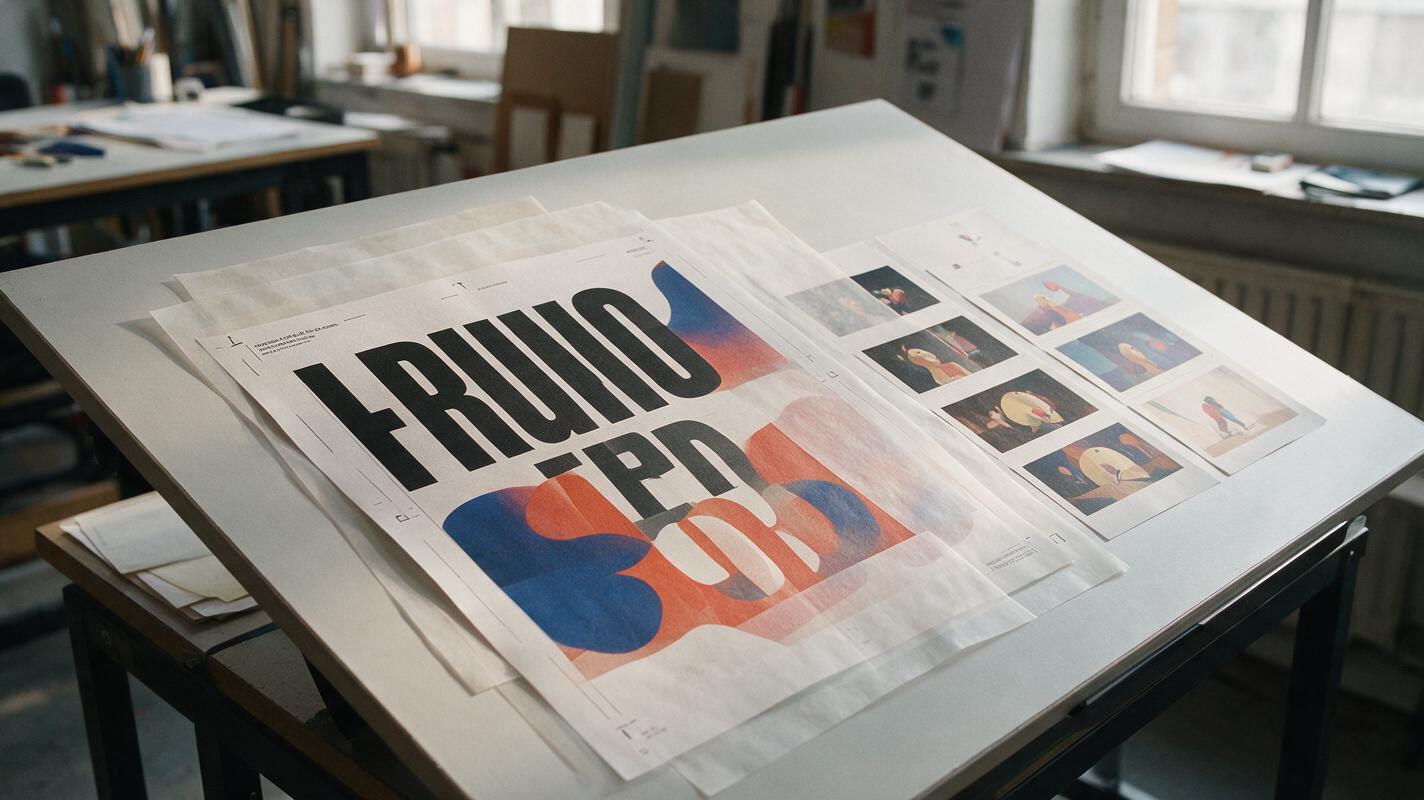
AI Poster Animation Prompts for Subtle Loops Without Text Warping
These Vidu poster animation prompts help designers add restrained, loop-friendly motion without sacrificing the original composition. The workflow separates generative movement from protected typography, logos, and campaign information so the finished asset remains recognizably on-brand.

AI Storyboard Prompts for 15-Second Performance Ads
Turn a single ad concept into a production-ready 15-second storyboard before spending time on video generation. This guide provides reusable prompts, shot structures, review criteria, and a Hailuo motion-testing method for performance marketing teams.
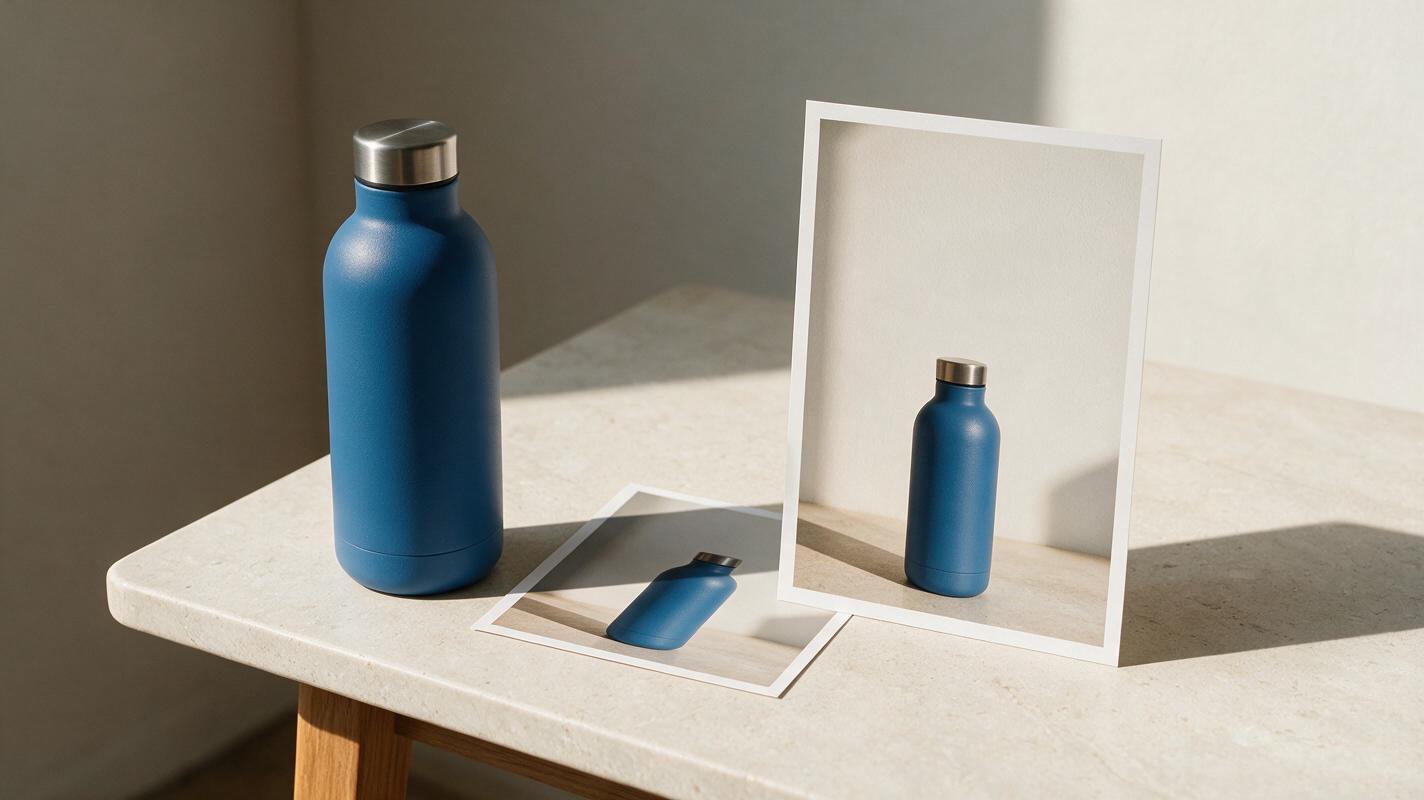
Square Product Photo to Vertical Ad Without Changing the Product
A square product photo often leaves too little room for a vertical ad’s headline and call to action. This guide shows ecommerce sellers how to expand the surrounding scene while keeping the photographed product, label, and proportions intact.
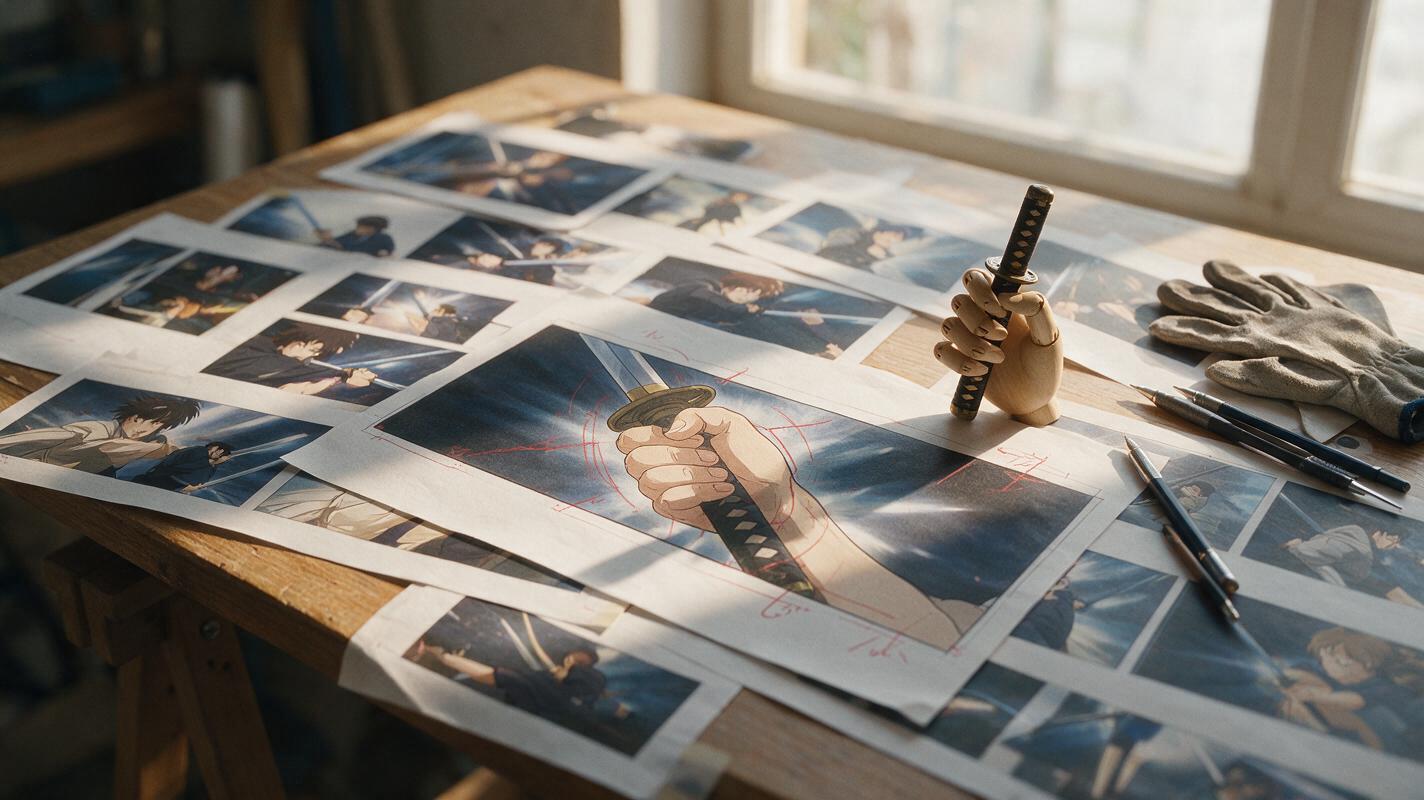
Why AI Anime Sword Grips Break—and How to Repair Them
AI-generated sword grips often fail because the hand, guard, and handle must obey a precise occlusion order that broad prompts do not define. This guide shows anime artists how to plan a believable grip, repair it with Seedream 4.5, and prepare the corrected frame for animation without redesigning the character or weapon.