Blog
Discover the latest from MagicBoat
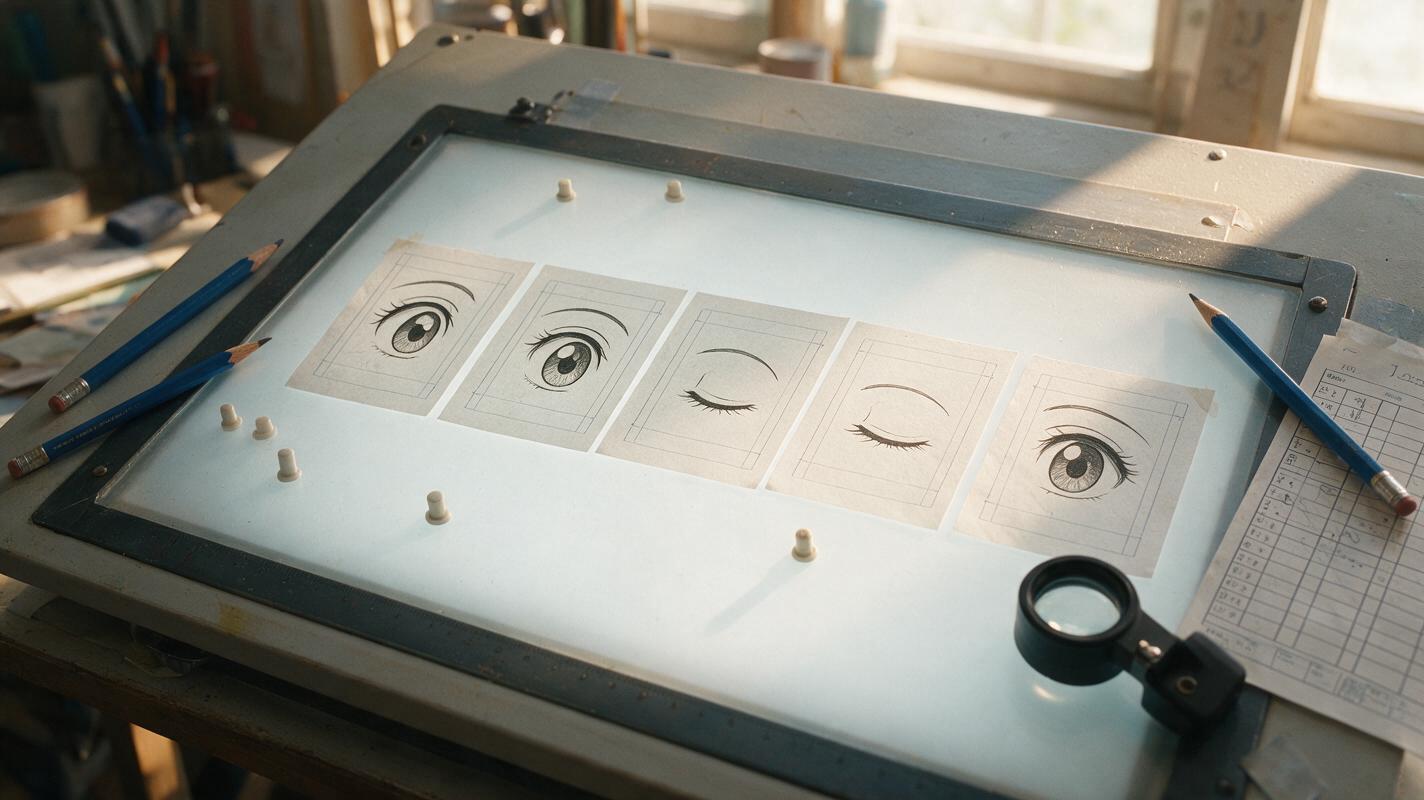
Why AI Anime Blinks Look Broken—and How to Fix Them
AI-generated anime blinks often distort the iris, redraw the eyelashes, or move the entire face. This guide explains how to create a clean blink from one illustration with Luma by choosing a stable source frame, defining the key poses, restricting motion, and repairing imperfect results.
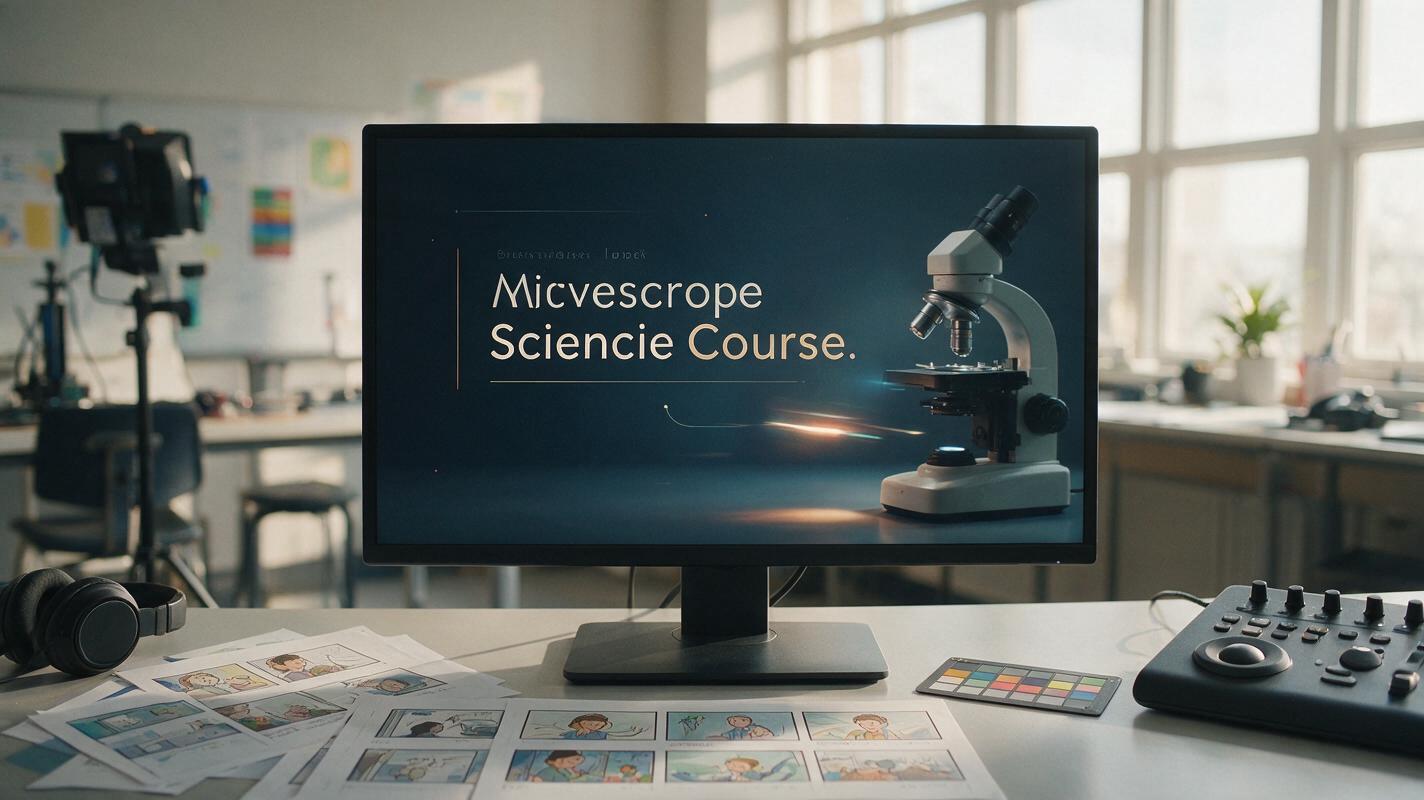
Runway Prompts for Seamless Course Intro Loops
Create short, polished course intro loops in Runway without distracting camera moves, warped branding, or obvious jump cuts. This guide provides reusable prompt patterns, source-frame advice, editing techniques, and fixes for common animation failures.
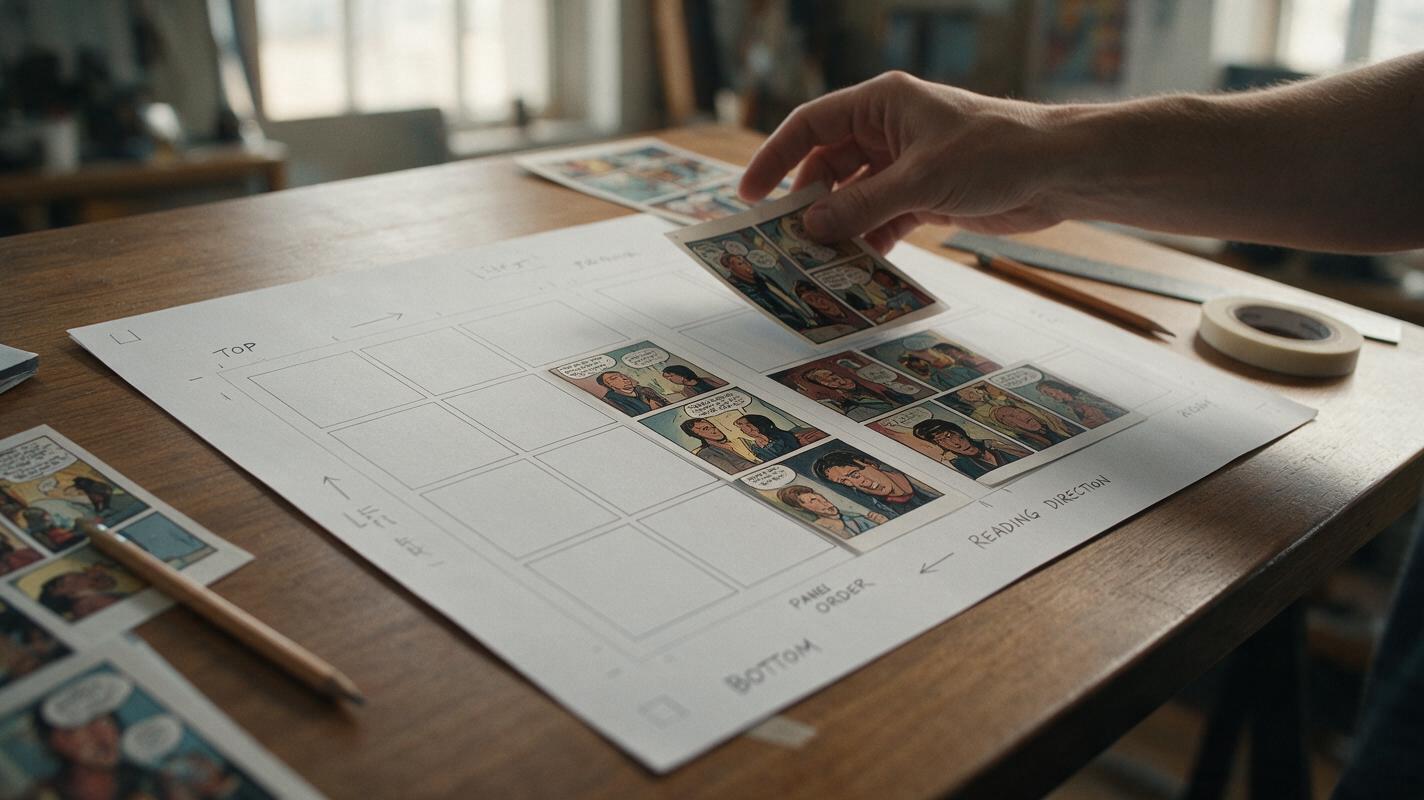
Why AI Comic Pages Break—and the Single-Panel Workflow That Fixes Them
Generating an entire comic page in one prompt often produces inconsistent characters, broken gutters, unreadable action, and unusable lettering. This guide shows how to use Seedream 4.5 to generate panels separately, assemble them inside a fixed page layout, and preserve a clear reading path.
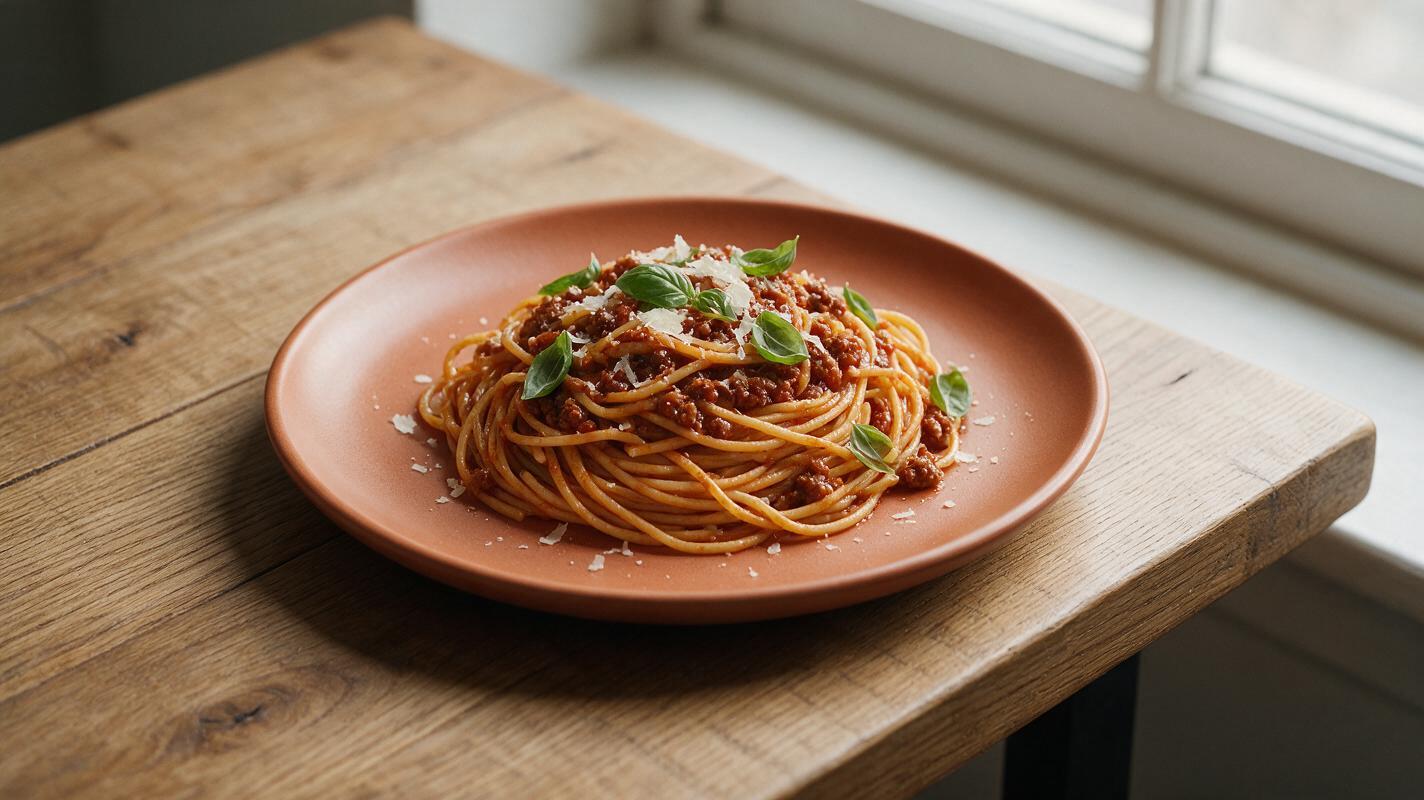
Why AI Pasta Photos Look Mushy (And How to Get Al Dente Results)
AI-generated pasta photos often turn out lumpy, mushy, and indistinguishable, with no individual noodle texture or appetizing sauce cling. This troubleshooting guide breaks down the three most common pasta AI generation failures and shares tested prompt templates, model settings for GPT Image and Seedream 4.5, and targeted inpainting fixes to create realistic, al dente pasta visuals for restaurant menus and social media. Use the included quality checklist to ensure every shot looks fresh and aligned with your brand.
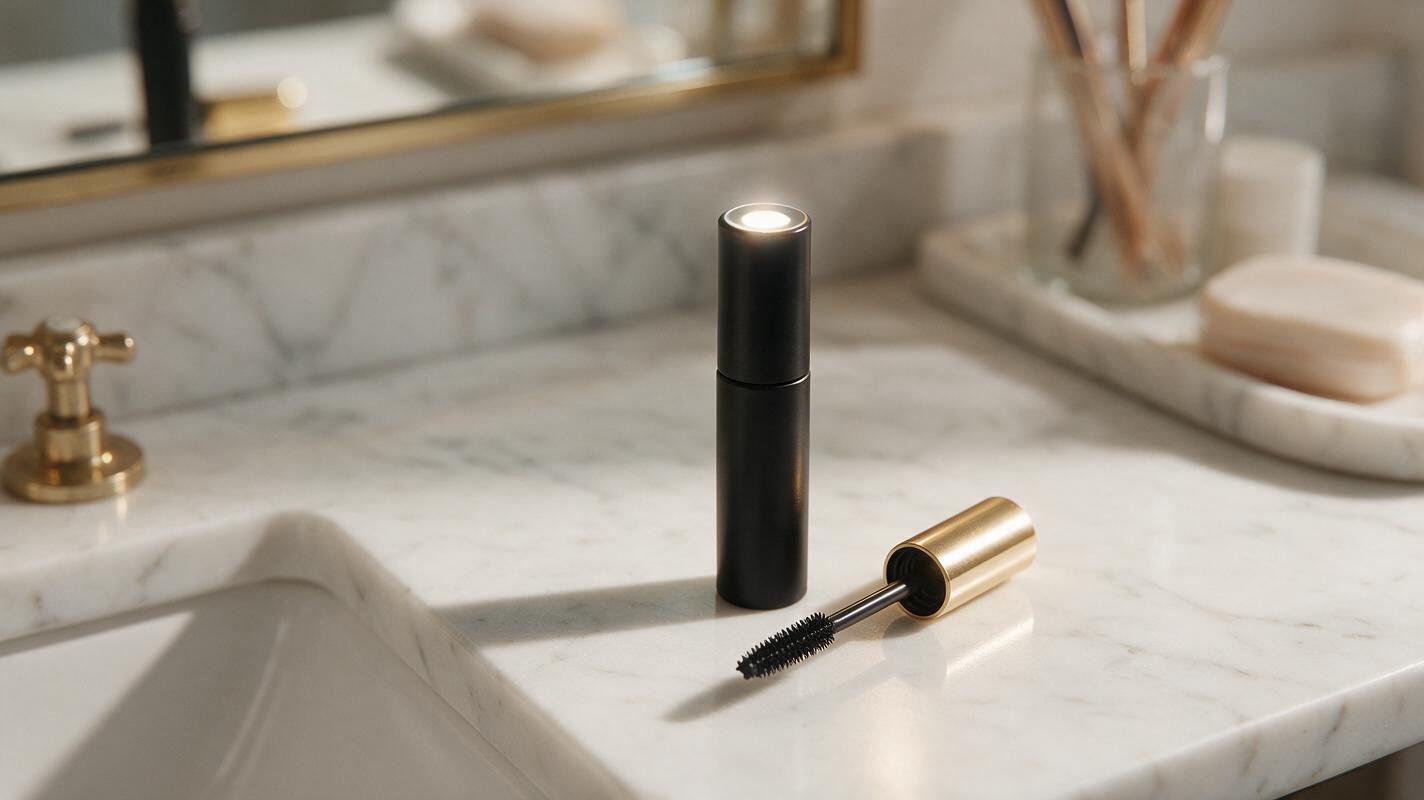
Runway Prompts for Realistic Mascara Product Videos That Avoid Uncanny Lashes
Uncanny lashes, distorted wands, and warped packaging make AI-generated mascara product videos feel unprofessional for beauty campaigns. This article shares reusable Runway prompts for realistic mascara ad videos, plus a 4-part prompt framework and fixes for the most common AI mascara rendering mistakes. You’ll get 5 use case-specific prompts tailored to different campaign angles, from volumizing to waterproof formulas.

Seedream 4.5 Prompts for Virtual Staging Vacant Listing Photos
Vacant listings take longer to sell and cost thousands in traditional staging fees, but Seedream 4.5 lets real estate marketers generate photorealistic virtual staging from existing listing photos in minutes. This guide includes 4 ready-to-use prompts for popular design styles tailored to different buyer personas, plus quick fixes for common AI staging mistakes like warped walls and mismatched lighting. Use these prompts to create style variants for social testing and listing sites without hiring a professional stager.
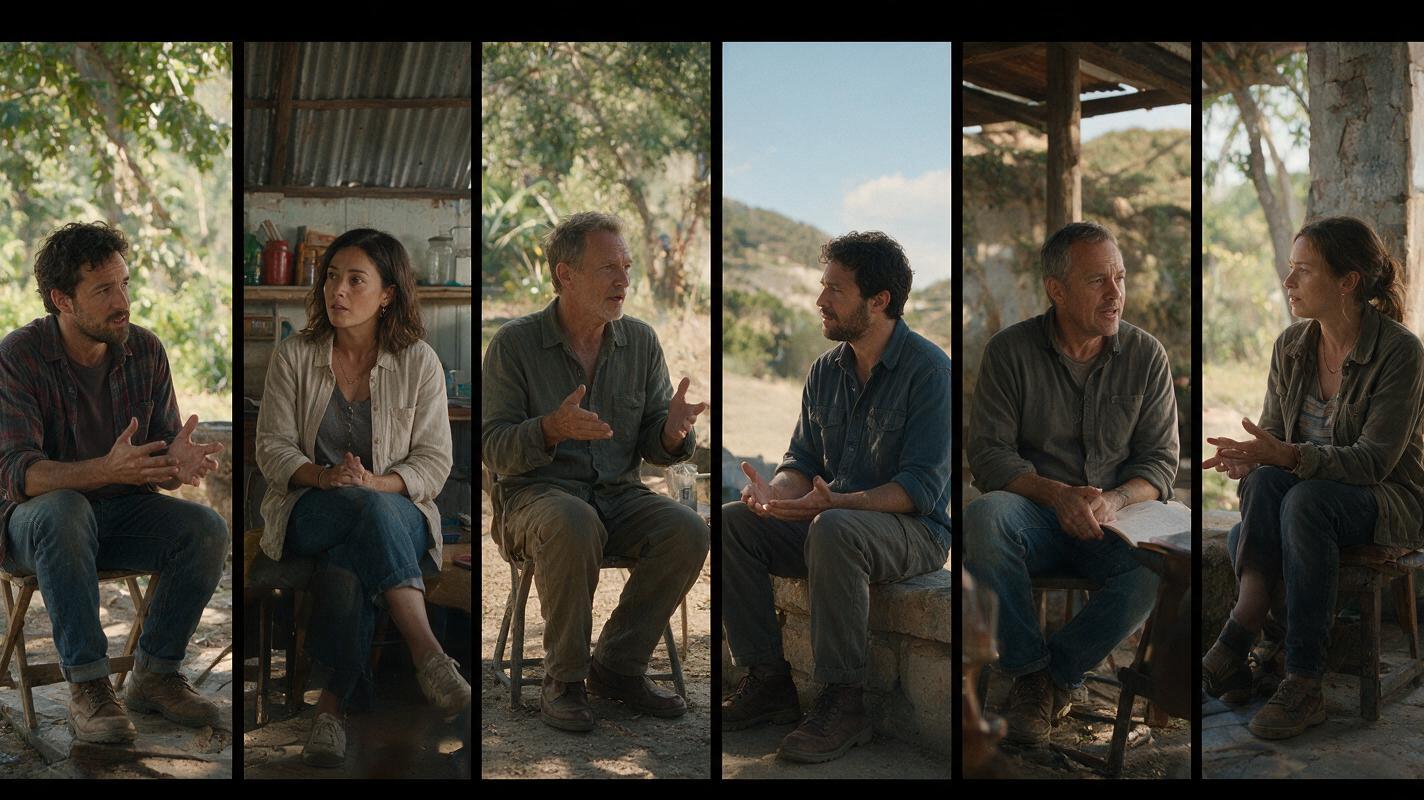
Seedance Prompts for 6 Standard Dialogue Scene Coverage Shots
Directors and previsualization artists often spend hours mocking up dialogue scene coverage to plan their shot list. This collection of Seedance prompts generates short, cinematic previs clips for 6 standard coverage shot types from a single script scene description. It also includes simple continuity rules to keep lighting, setting, and character placement consistent across every shot in the scene.
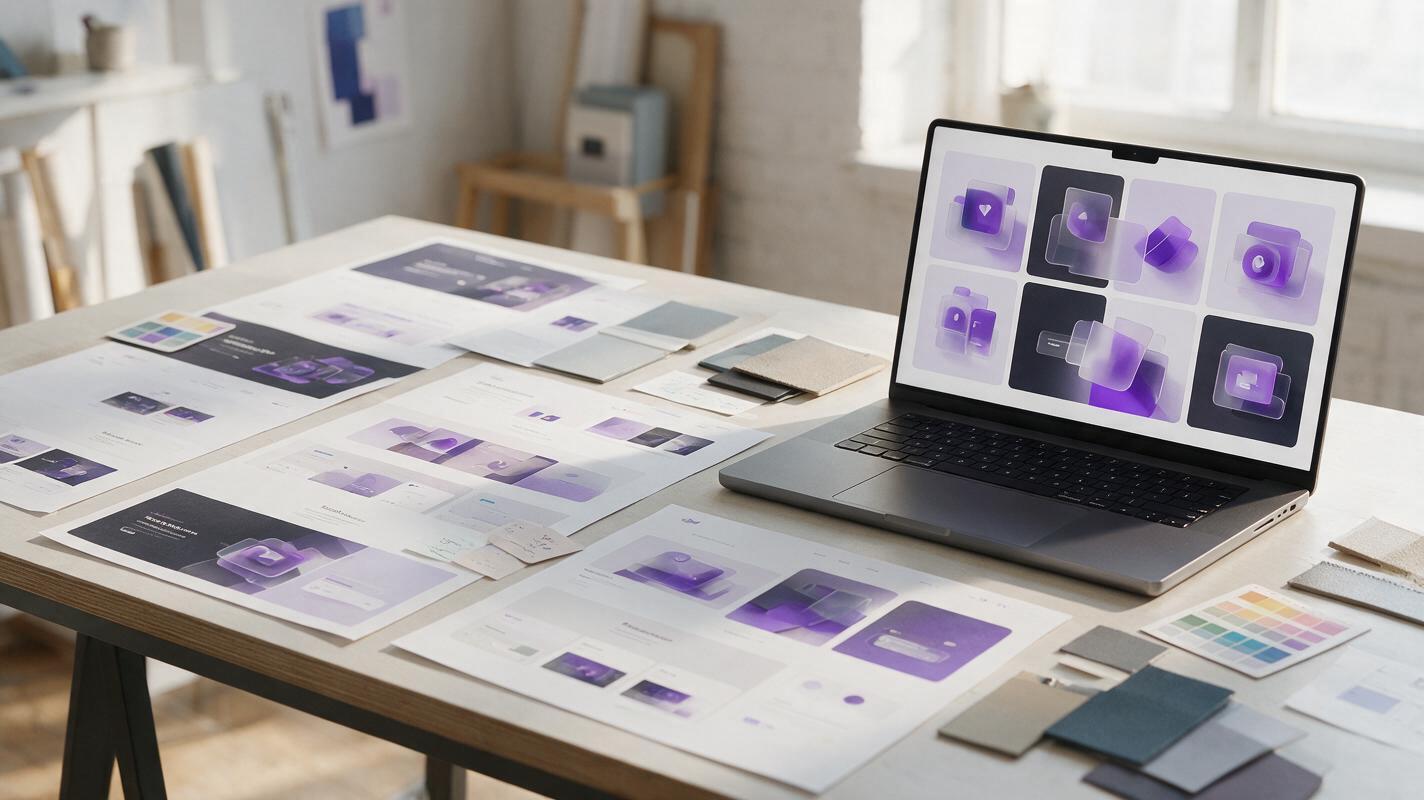
Seedream 4.5 Prompts for Consistent SaaS Feature Illustrations
Create a coordinated set of SaaS feature illustrations with Seedream 4.5 instead of generating unrelated images for every section. This prompt system controls composition, color, materials, camera angle, and visual density while leaving interface text for final design.
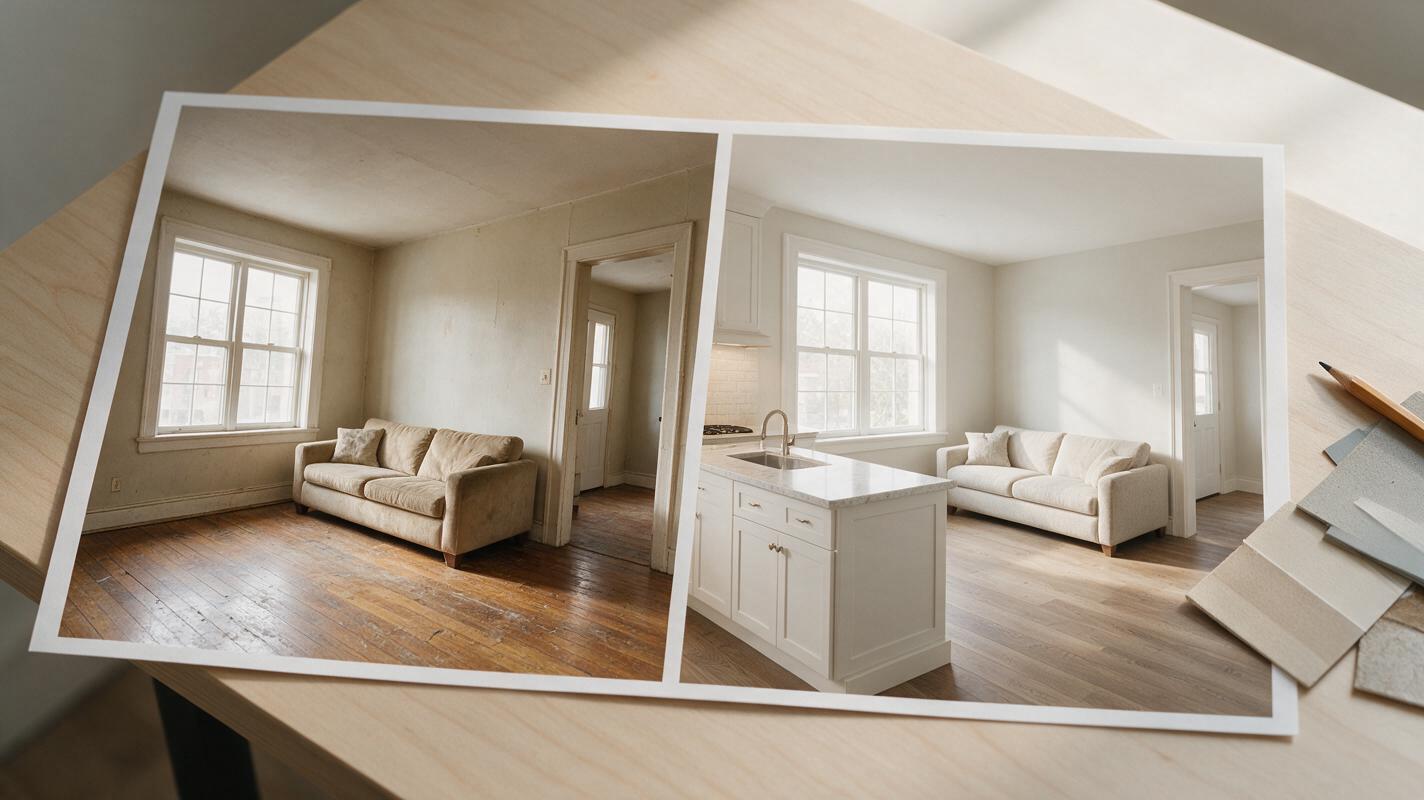
Turn Before-and-After Room Photos Into a Renovation Reveal With Seedance
Create a short renovation reveal from existing room photos or approved design concepts without asking AI to invent the construction between them. This guide covers photo matching, restrained Seedance motion prompts, editing, and checks that keep the result honest and easy to compare.
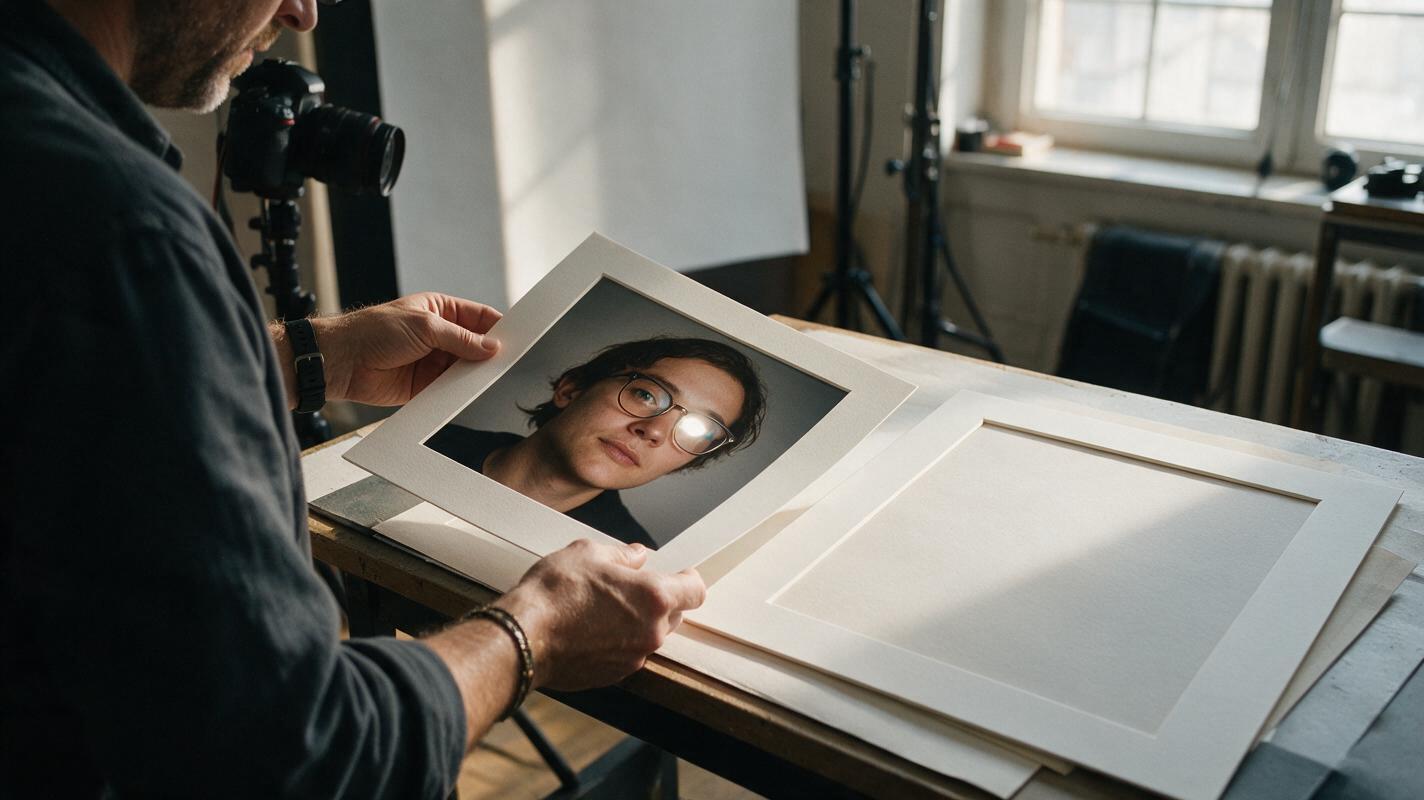
Remove Glasses Glare From Headshots With Seedream 4.5
Glare across eyeglass lenses can obscure a subject’s eyes in an otherwise strong headshot. This guide shows photographers when to use Seedream 4.5 for a localized repair, how to avoid invented eye detail, and how to blend the edit back into the original photograph.
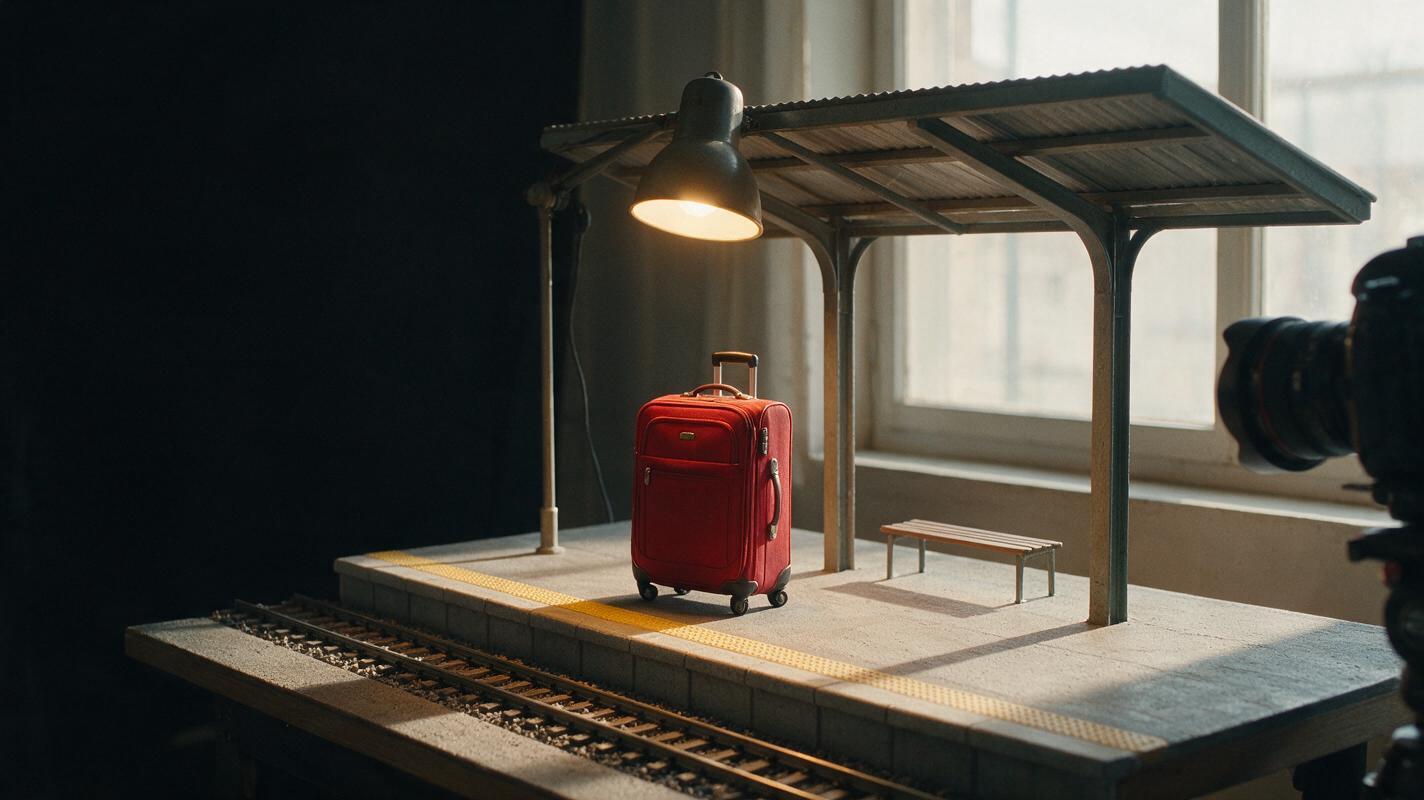
Seedream 4.5 Prompts for Faceless Video Hooks That Read in One Second
A faceless video needs an opening image that communicates a question before the viewer scrolls away. These Seedream 4.5 prompts help creators make readable hook images, leave room for captions, and turn the strongest still into an opening shot.
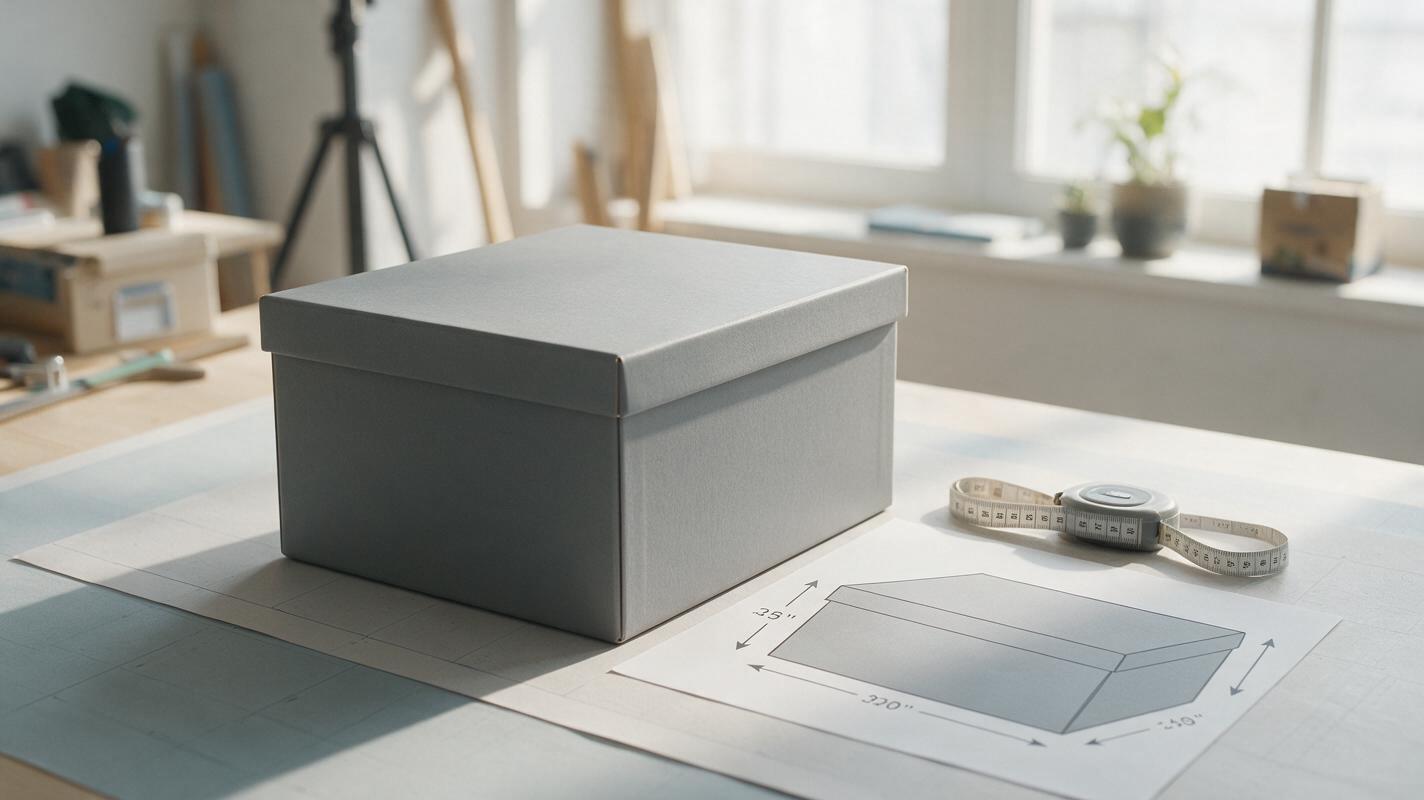
Amazon Product Dimension Infographics Without Wrong Measurements
AI can help turn a plain product photo into a useful Amazon size graphic, but it should not decide the measurements or draw the final dimension labels. This guide shows sellers how to build a dimension infographic from verified measurements, use Nano Banana Pro for the visual draft, and check the finished image for misleading scale or invented details.