Blog
Discover the latest from MagicBoat
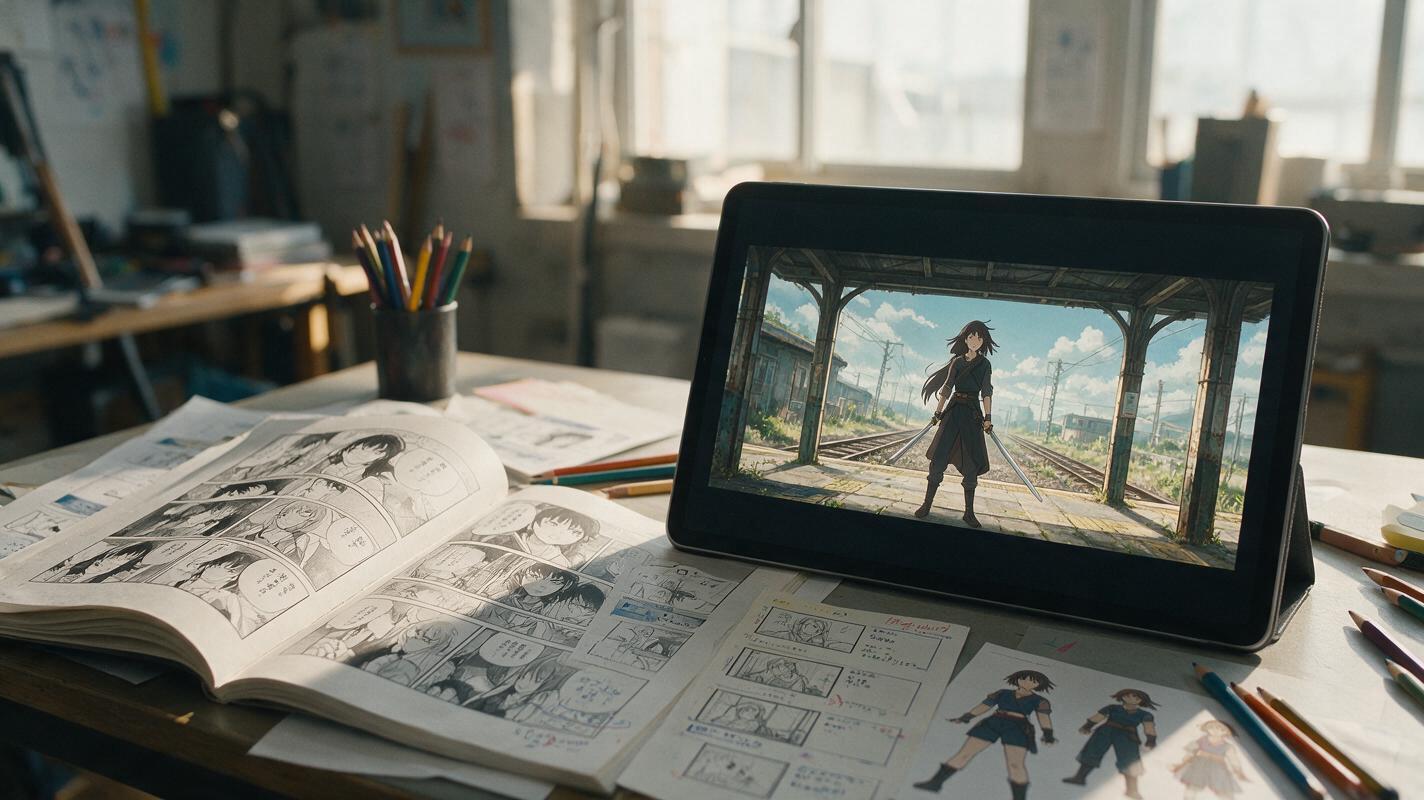
Manga Page to Anime Storyboard With Nano Banana Pro
Convert a manga page into a production-ready anime storyboard instead of simply animating each panel. This workflow uses Nano Banana Pro to create consistent shot frames while preserving character identity, screen direction, dramatic emphasis, and editing rhythm.
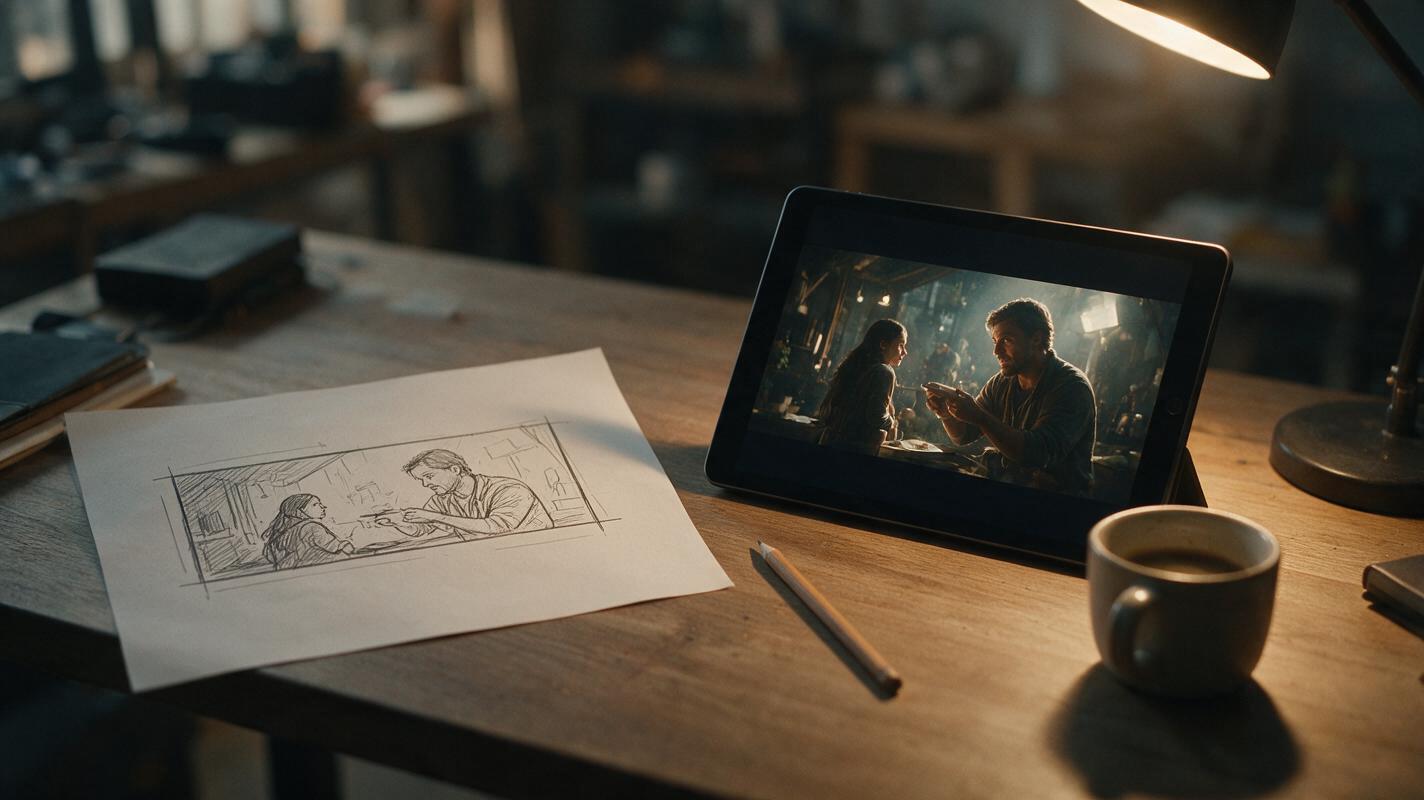
Turn Hand-Drawn Storyboard Sketches Into Cinematic Frames With PixVerse
Rough hand-drawn storyboard thumbnails are fast to create but too unpolished for client pitches and production meetings. This guide shows filmmakers how to use PixVerse’s image-to-image generation to turn loose sketches into cinematically accurate, photorealistic storyboard frames while preserving original shot composition and blocking. It includes prompt templates, composition strength settings, and fixes for common artifacts like sketch bleed and character distortion.
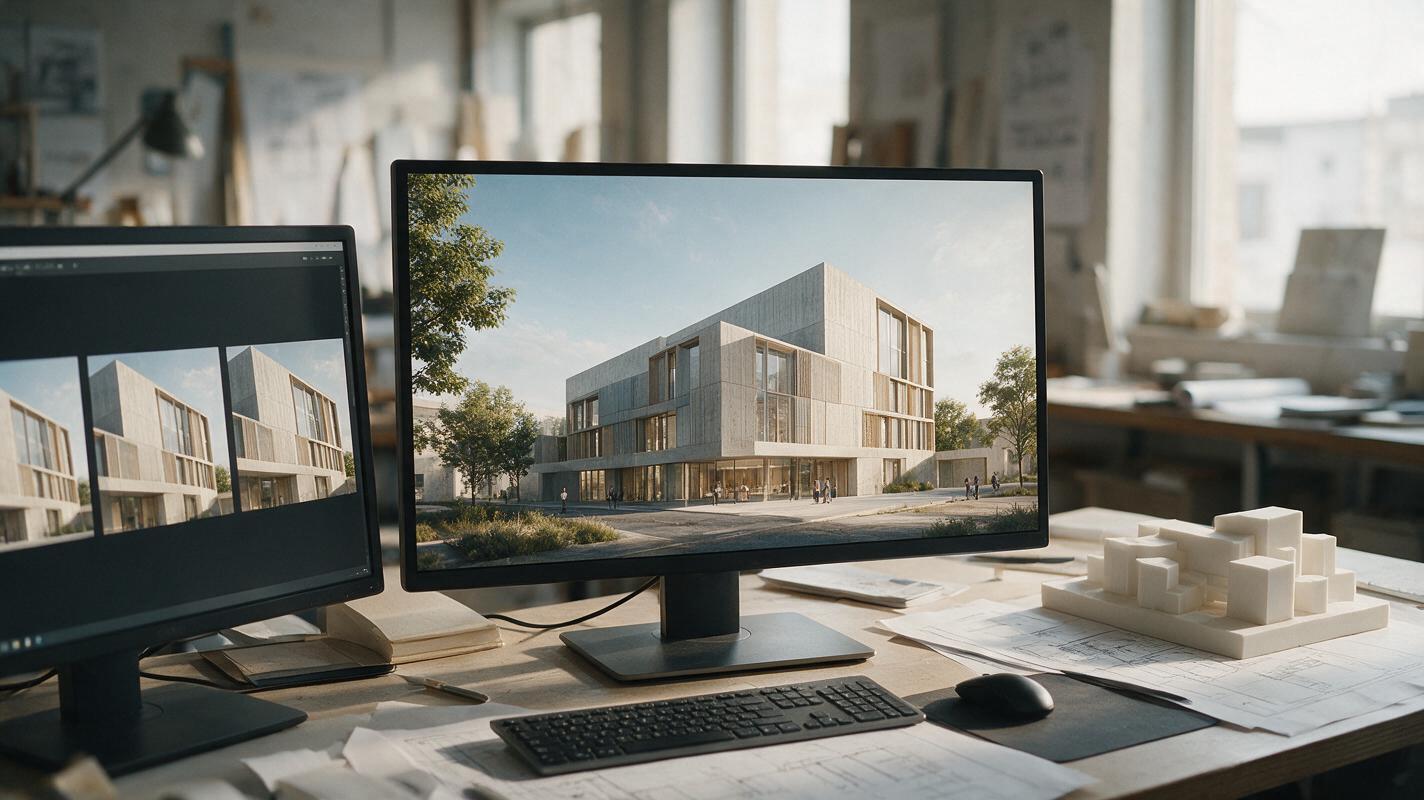
How to Turn an Architecture Render into a Camera Flythrough with Kling
A single architecture render can become a short, convincing camera move—but it cannot reveal parts of a building the image never showed. This tutorial explains how to prepare a render, prompt Kling for restrained motion, spot geometry drift, and assemble longer walkthroughs from multiple verified views.
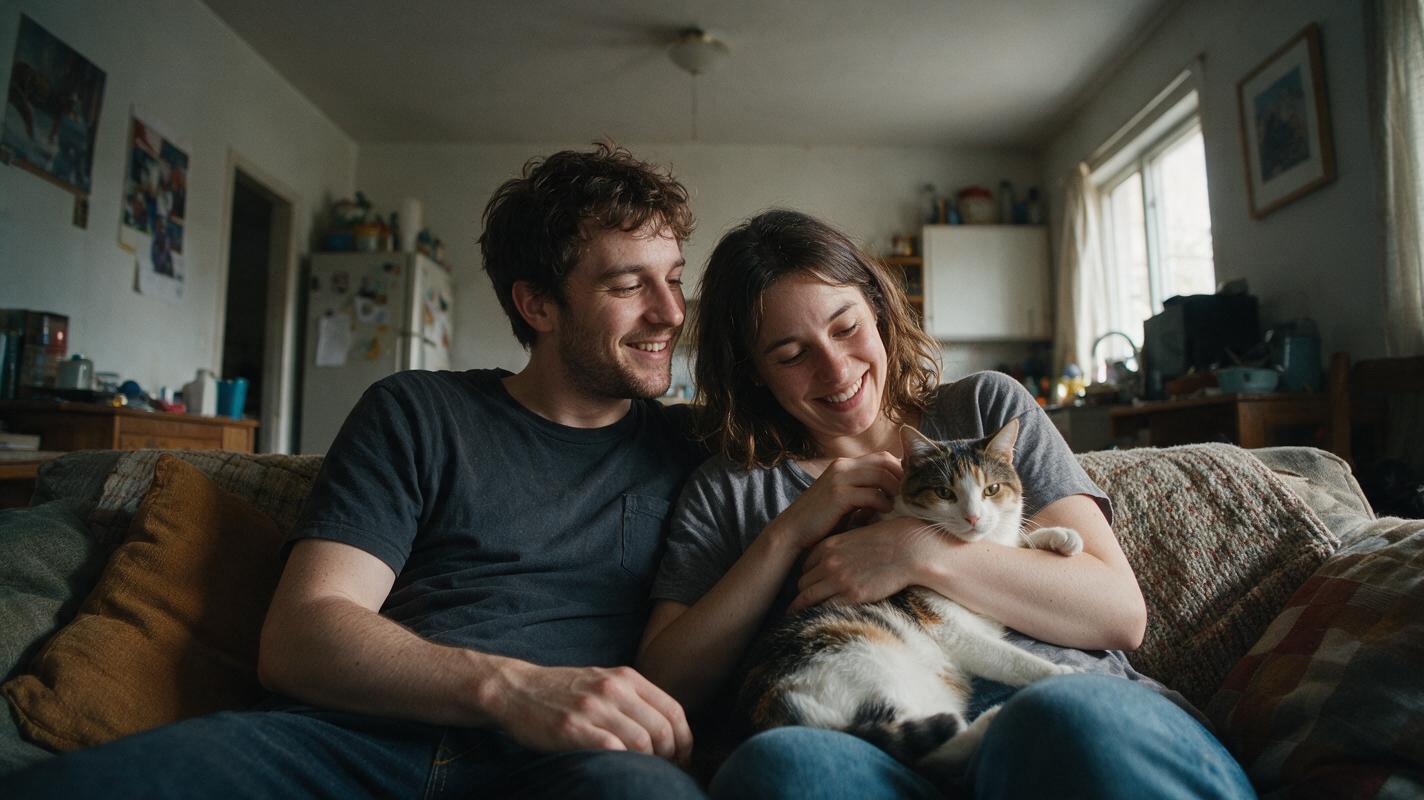
Turn Winning Static Ad Creatives Into High-Converting Video Ads With AI
If you have a winning static ad creative that’s plateauing on reach or click-through rate, turning it into a short performance video ad doesn’t require a full production shoot. This guide breaks down how to use image-to-video AI models to transform static ads into scroll-stopping video creatives while preserving brand consistency, ad compliance, and conversion-driving elements. We compare top models including Seedance, Kling, Runway, and Veo for performance use cases, plus share reusable prompts and troubleshooting for common issues.
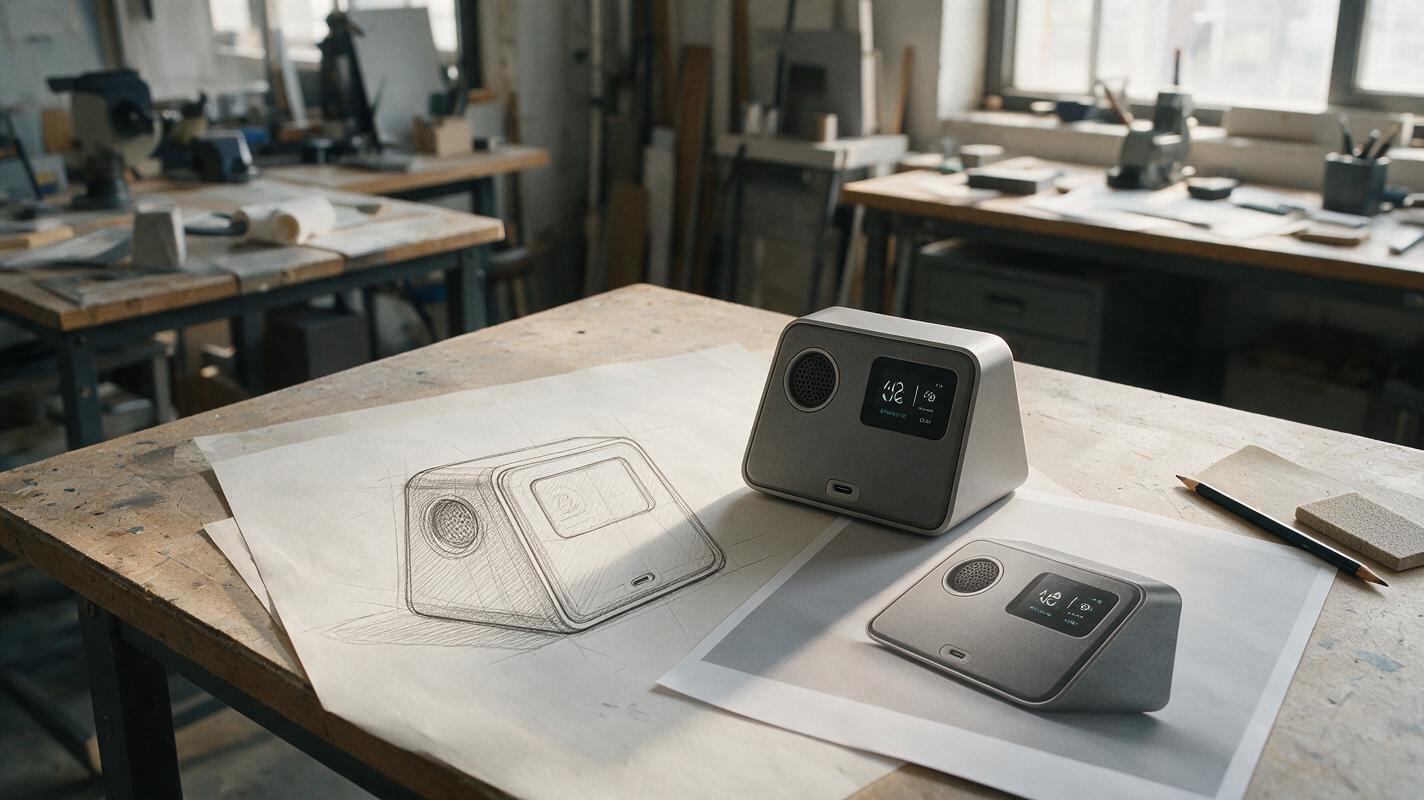
How to Turn a Product Sketch Into a Render Without Losing the Design
A convincing AI product render is only useful if it still shows the product you drew. This tutorial explains how to prepare a sketch, write a geometry-first reference prompt, refine the result, and check whether the final image is suitable for a concept presentation.
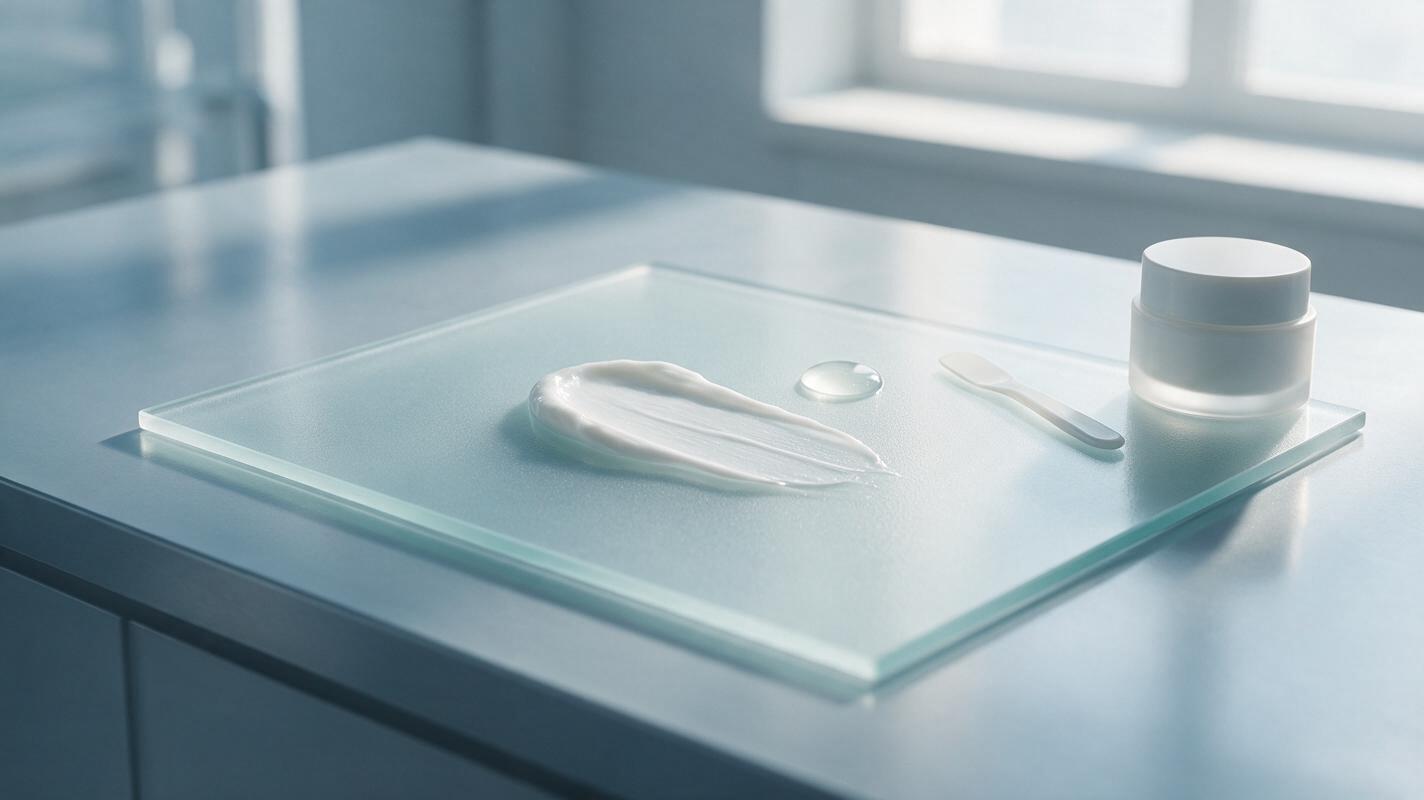
AI Skincare Texture Shots: Prompts for Realistic Cream and Serum Ads
Learn how to create realistic AI skincare texture shots for creams, gels, serums and balms without making the formula look physically inaccurate. This tutorial covers reference capture, model testing, reusable prompts, troubleshooting and final ad-quality checks.
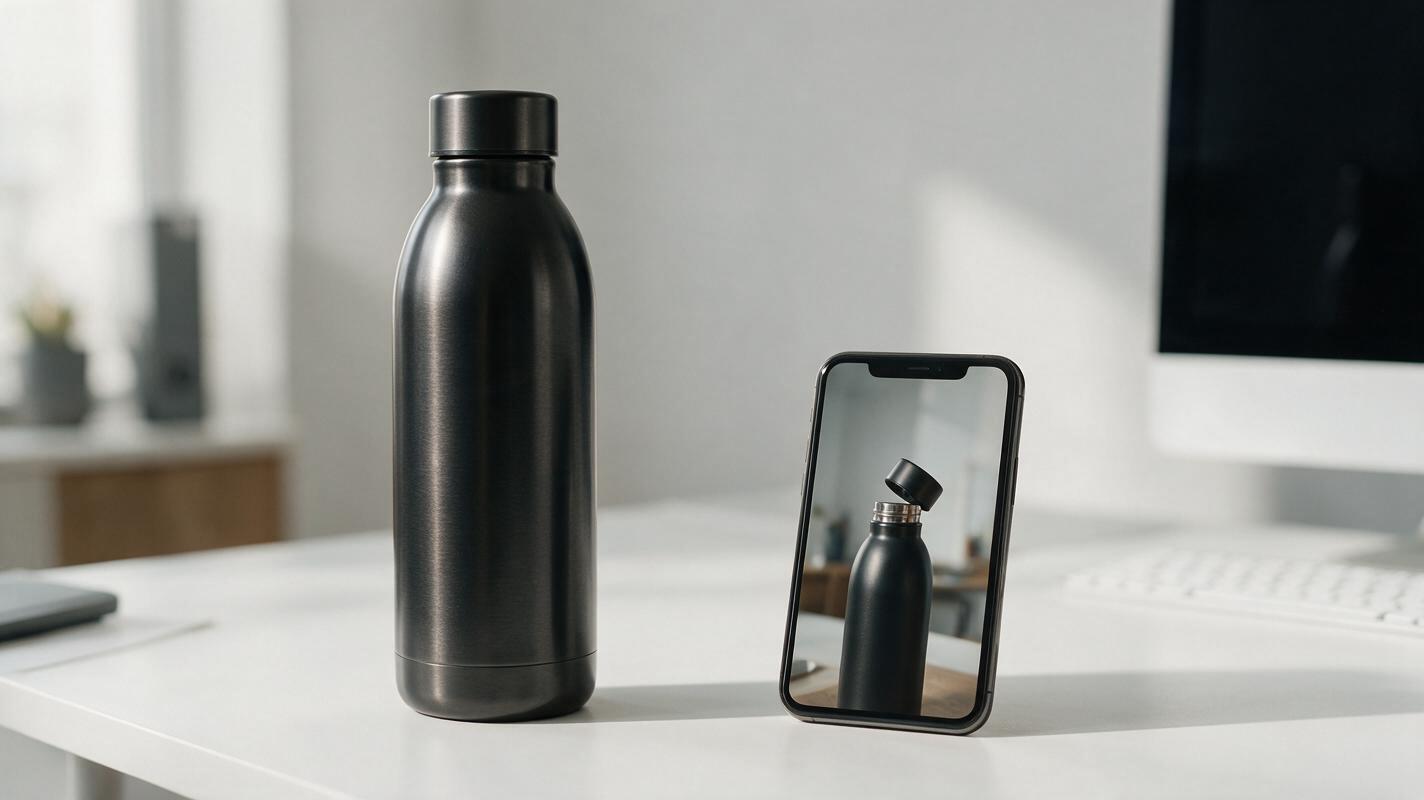
How to Turn a Product Photo Into a Feature Demo Video With Seedance (No Warping)
Ecommerce marketers often only have one catalog product photo but need high-converting demo videos for launches and ads. This step-by-step tutorial shows how to use Seedance’s image to video workflow to create feature-focused product demo videos without warping, logo distortion, or expensive video shoots. You’ll learn exact prompt formulas, consistency settings, and channel-specific variant tips to get launch-ready footage in 10 minutes or less.
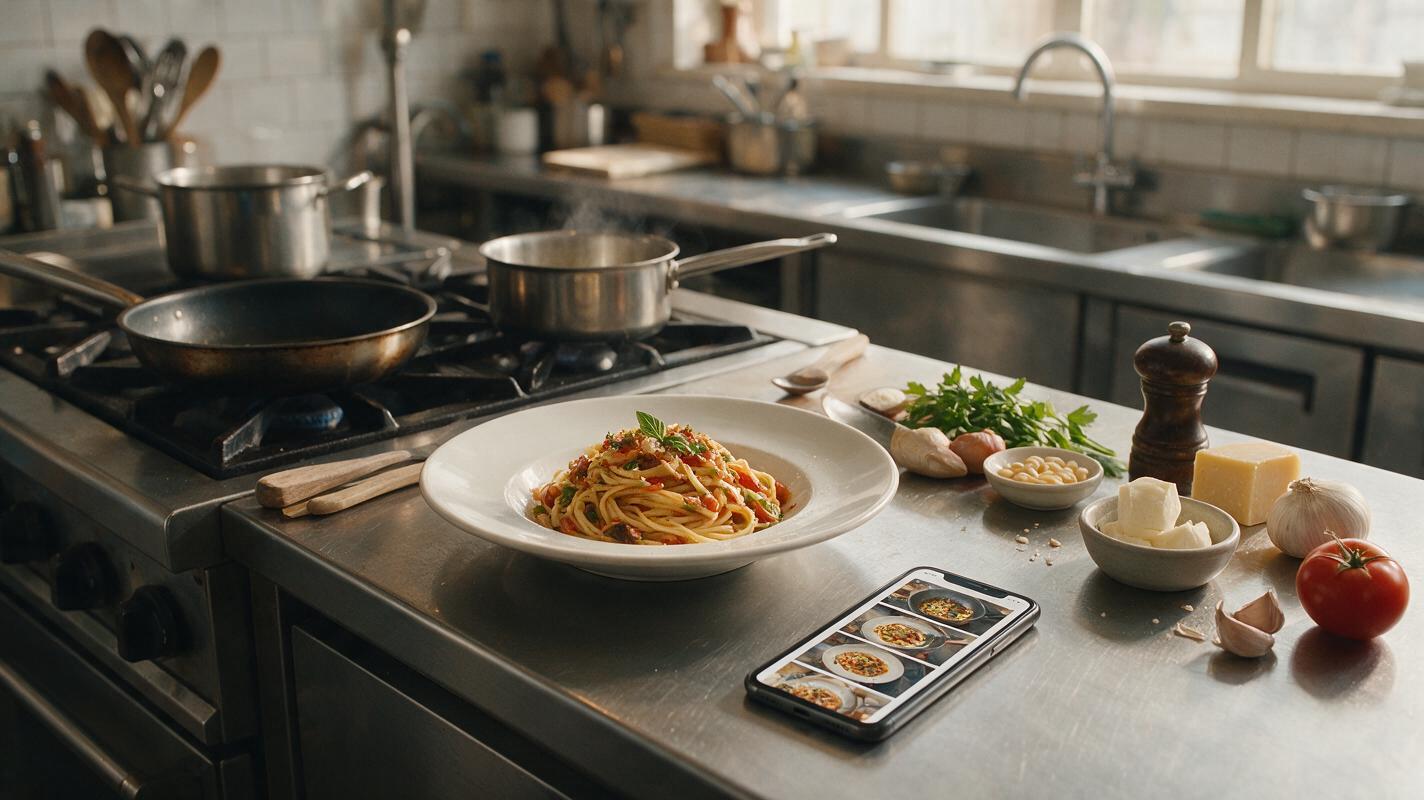
How to Turn One Food Photo Into an AI Recipe Video Without Morphing
Turn a single finished-dish photo into a believable vertical recipe video without making ingredients melt, multiply, or change identity. This practical workflow uses anchor images, shot-specific AI models, motion prompts, and continuity checks to build a polished food reel.
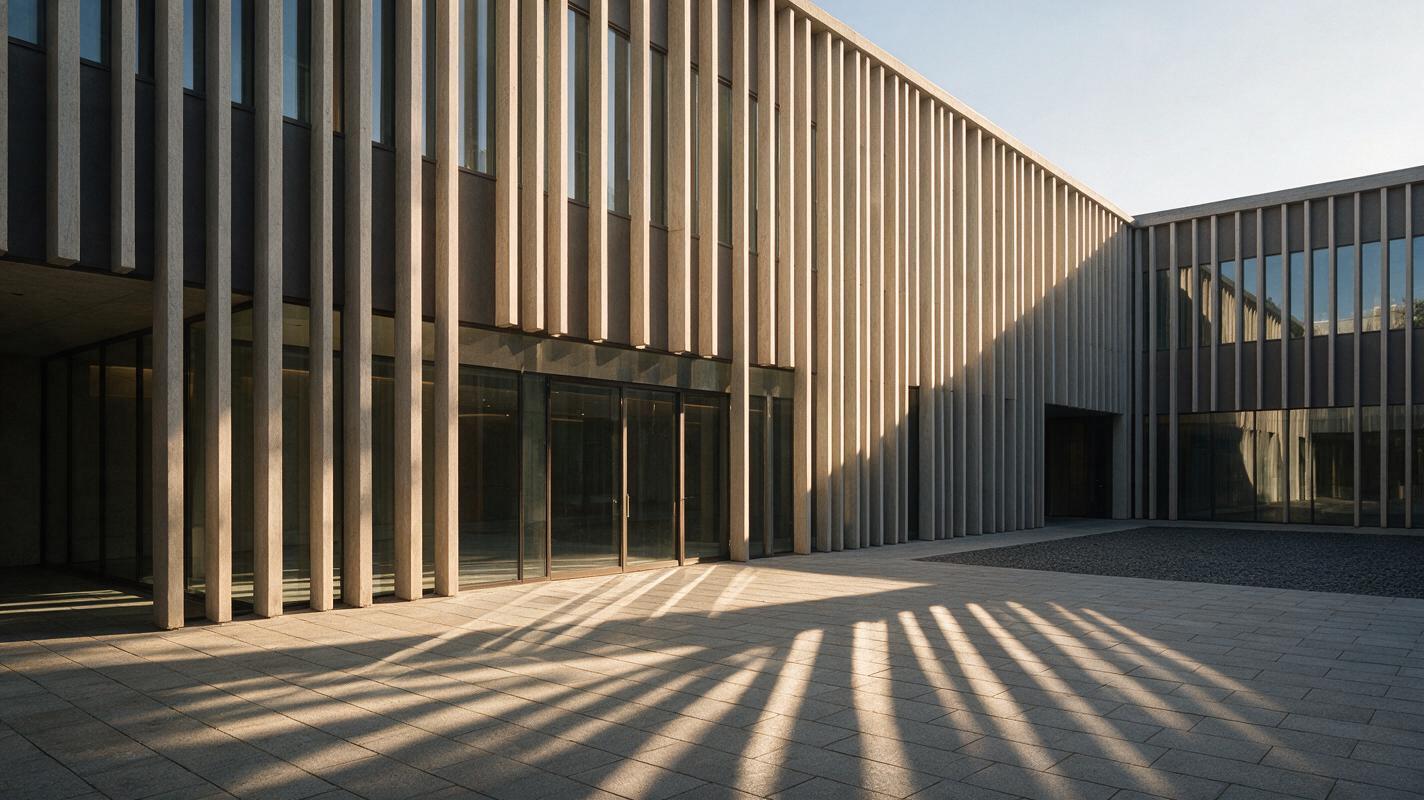
Seedance Prompts for Moving Sunlight in Architecture Render Animations
Animate a still architecture render with changing sunlight while keeping the camera and building visually stable. These Seedance prompts cover a facade, a courtyard, and an interior, with checks for shadow direction and geometry drift.
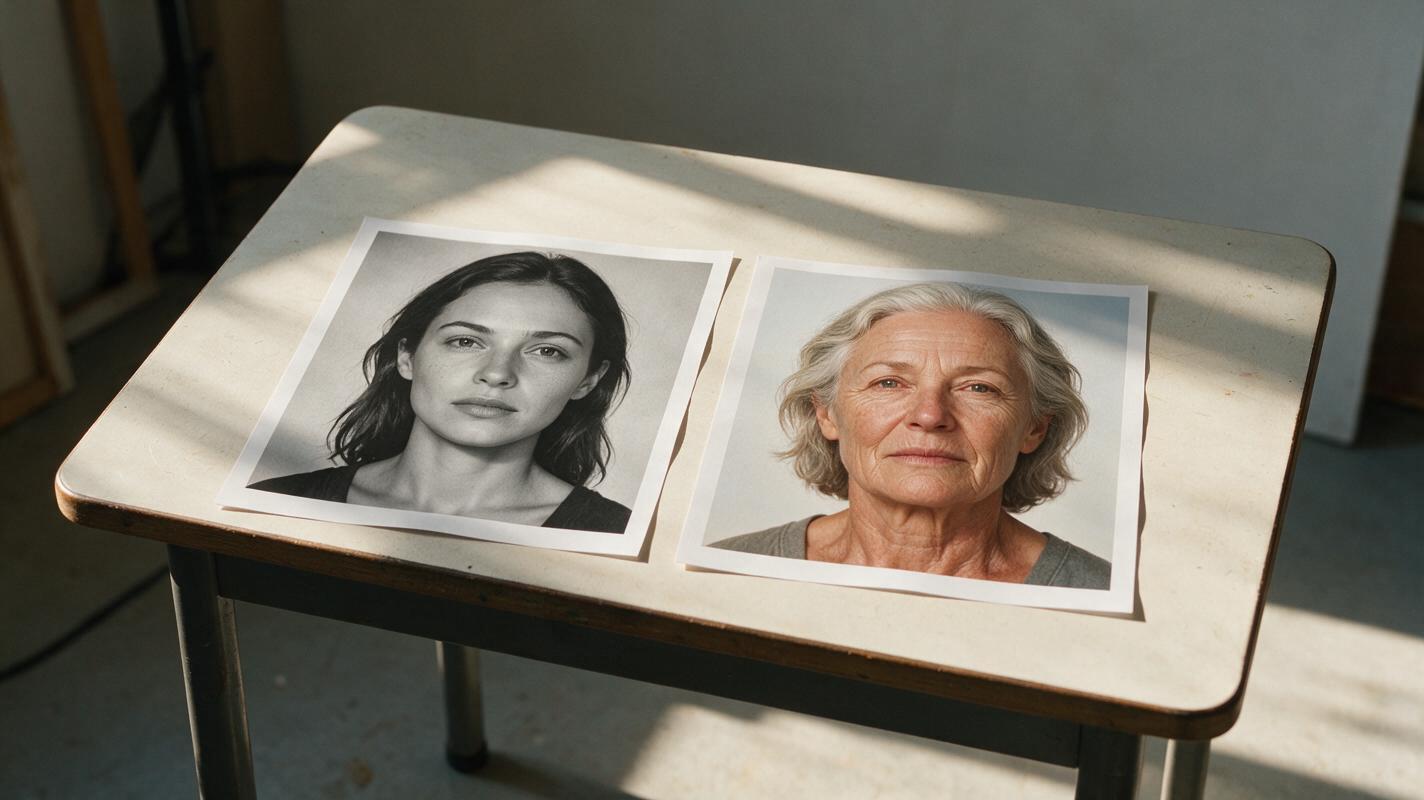
Keep One AI Video Character Consistent Across Flashbacks
A time jump should change a character’s apparent age without making them look like a different person. This tutorial builds an identity sheet, age-specific references, and a shot plan for checking flashback-to-present continuity.
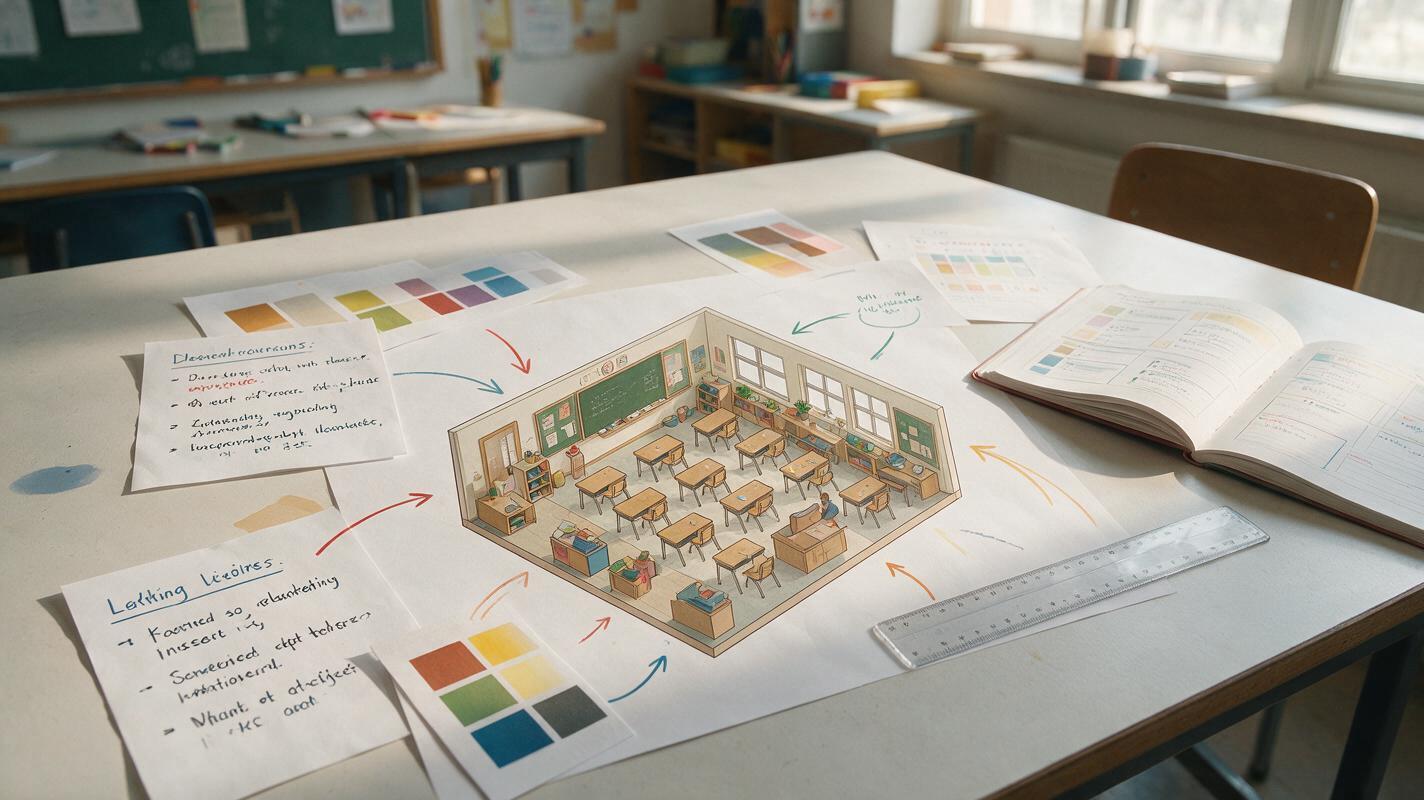
Midjourney Prompts for Clear Isometric Lesson Illustrations
Learn how to prompt Midjourney for isometric lesson illustrations that communicate processes and spatial relationships without unnecessary visual clutter. The guide includes a reusable prompt formula, classroom-ready examples, accuracy safeguards, and fixes for common composition problems.
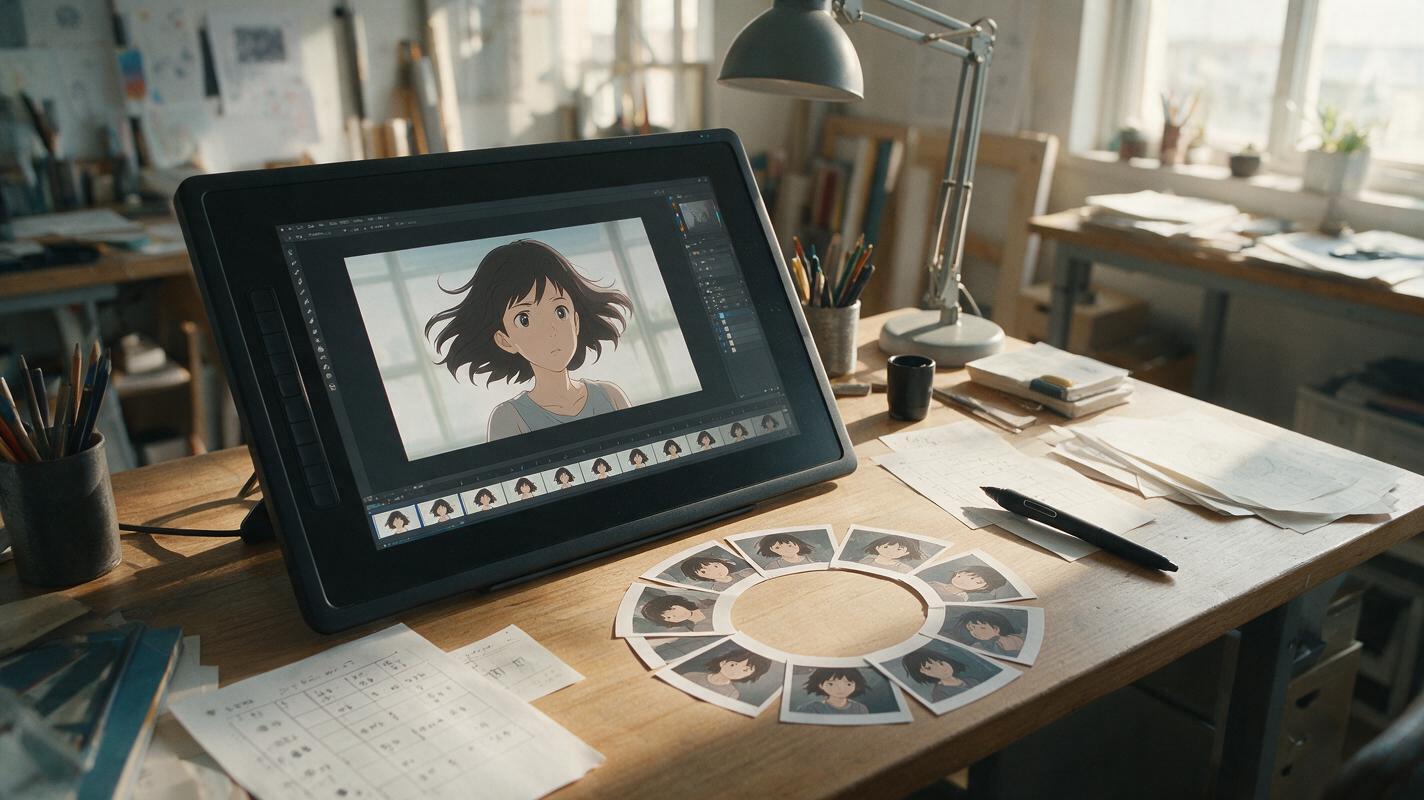
Why AI Anime Loops Jump—and How to Make Them Seamless
AI-generated anime loops often reveal a visible jump because the final pose, camera position, lighting, or particle layout no longer matches the opening frame. This guide explains how to use Vidu, loop-friendly prompts, and simple editing techniques to create seamless motion from a single anime illustration.