Blog
Discover the latest from MagicBoat
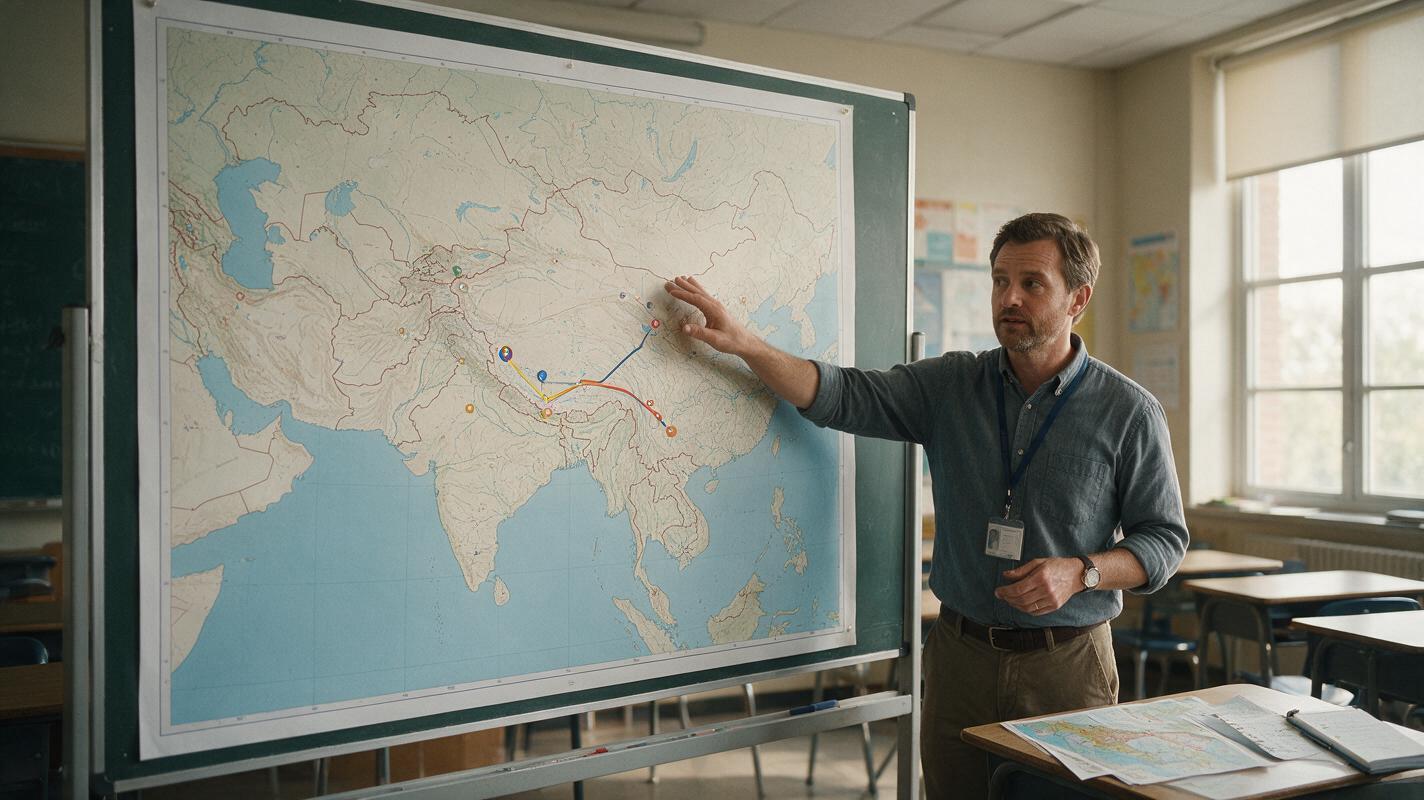
Runway Prompts for Animated Map Lessons Without Distorting Geography
Animated maps can make migration, exploration, trade, and historical change easier to follow, but generative motion may bend coastlines or relocate borders. This guide shows educators how to use Runway with a verified base map, constrained prompts, separate labels, and a geography-focused review process.
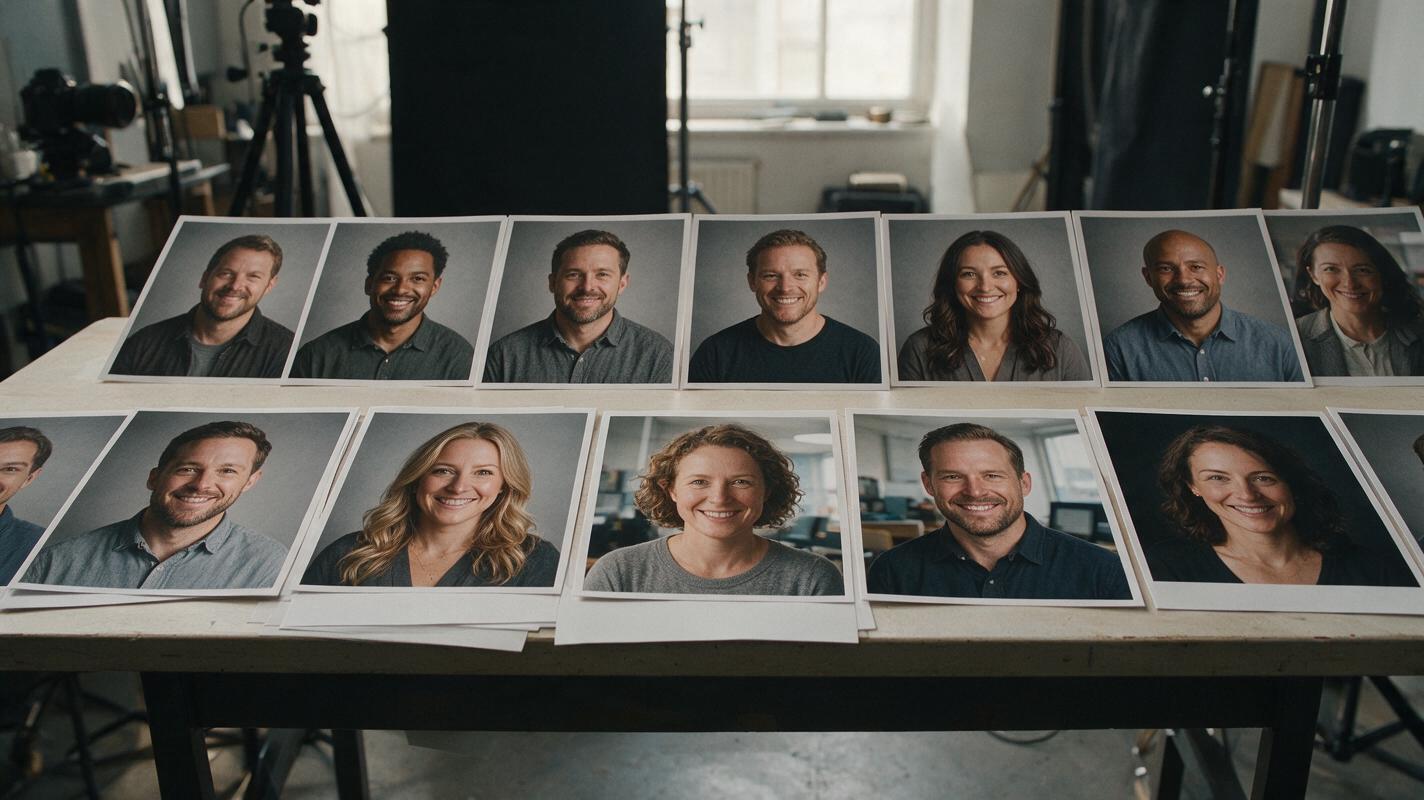
Nano Banana Pro Prompts for Consistent Team Headshot Backgrounds
A team’s headshots can look mismatched even when every portrait is well photographed. These Nano Banana Pro prompts help portrait and commercial photographers bring varied backgrounds into one visual system while preserving each person’s photographed face, hair, clothing, and lighting.
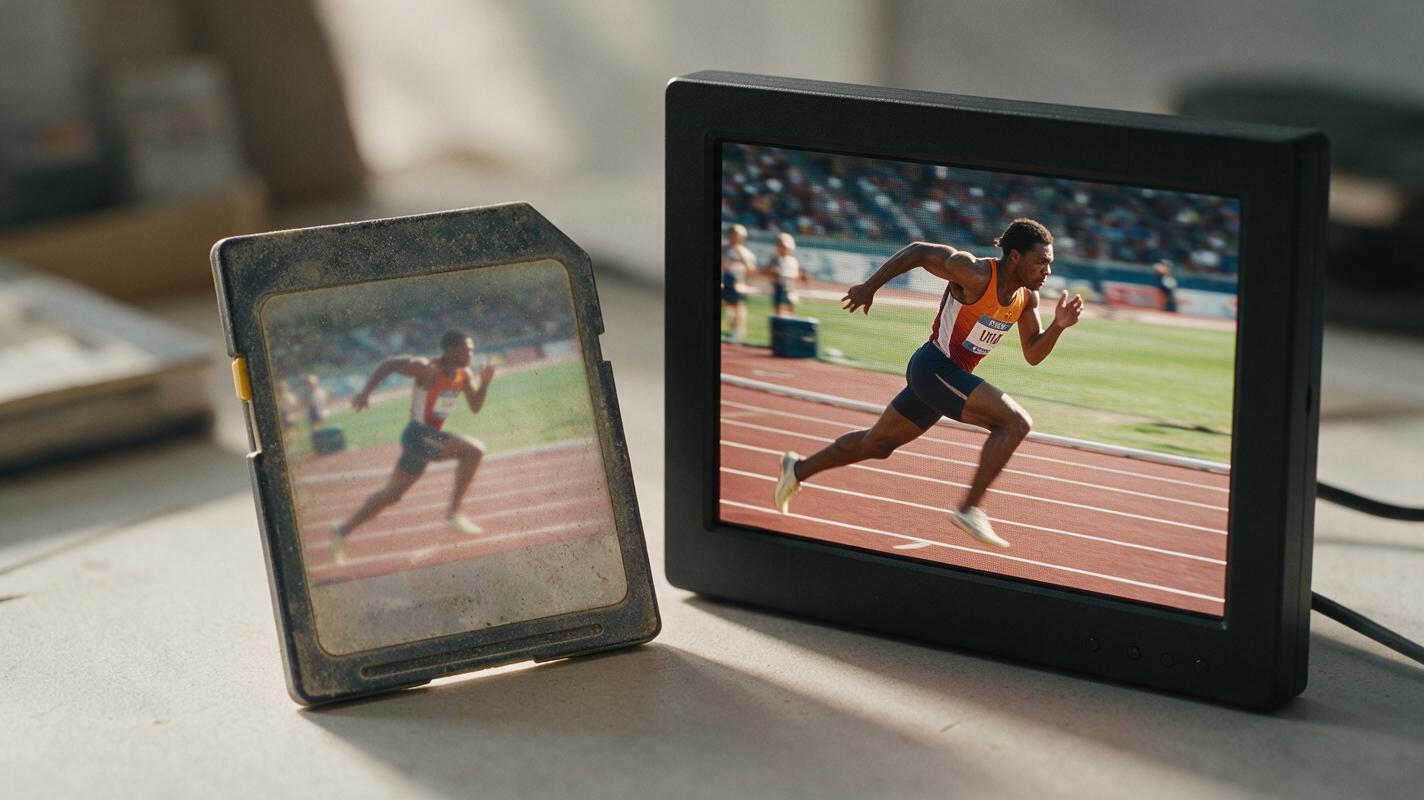
AI Video Upscaler: Turn Old Sports Highlights Into Crisp 4K Clips
Old sports footage with fast motion is notoriously hard to upscale without artifacts. This step-by-step workflow shows how to use an AI video upscaler to turn blurry 480p/720p sports highlights into clean 4K clips, with the right order of operations for denoising, sharpening, and artifact checking.

How to Keep the Same AI Video Character Across Fisheye and Normal Shots
A doorbell-style fisheye shot can make a familiar face look like a different character when the next shot uses a normal lens. This tutorial shows how to anchor identity to a three-view character sheet, build lens-specific references, and check the cut without trying to erase intentional perspective distortion.
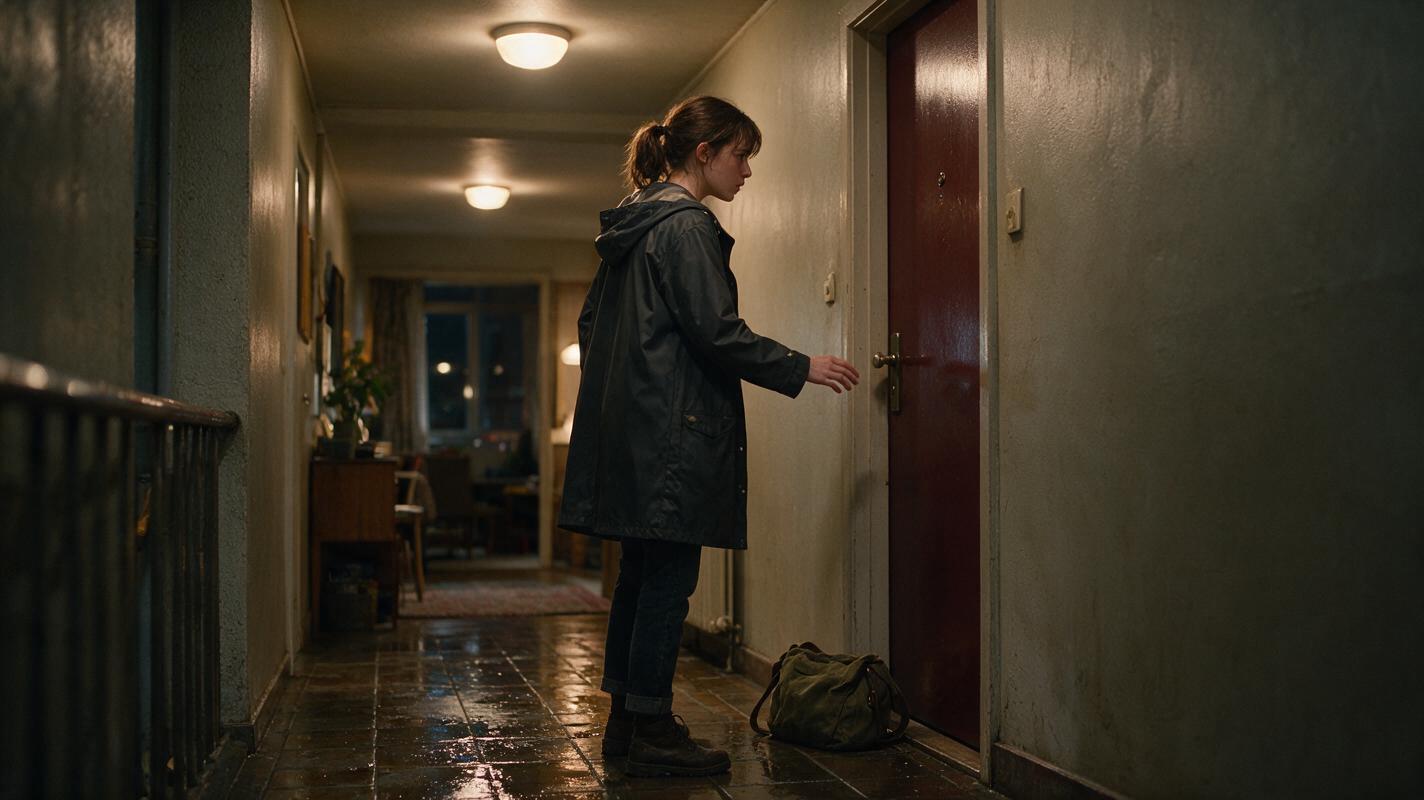
How to End an AI Microdrama Episode With a Strong Cliffhanger
A strong AI microdrama cliffhanger interrupts a consequential decision, not an ordinary action. This tutorial shows how to design the reveal, generate continuity-safe boundary frames, animate controlled reactions, and cut a vertical episode at the point of maximum unresolved pressure.

How to Design Consistent Visual Tone in Script to Video AI
Learn how to build and maintain a unified visual tone across every scene of your AI-generated film. This guide covers tone bible creation, script annotation, storyboard locking, clip generation guardrails, and post-production fixes for mood consistency.
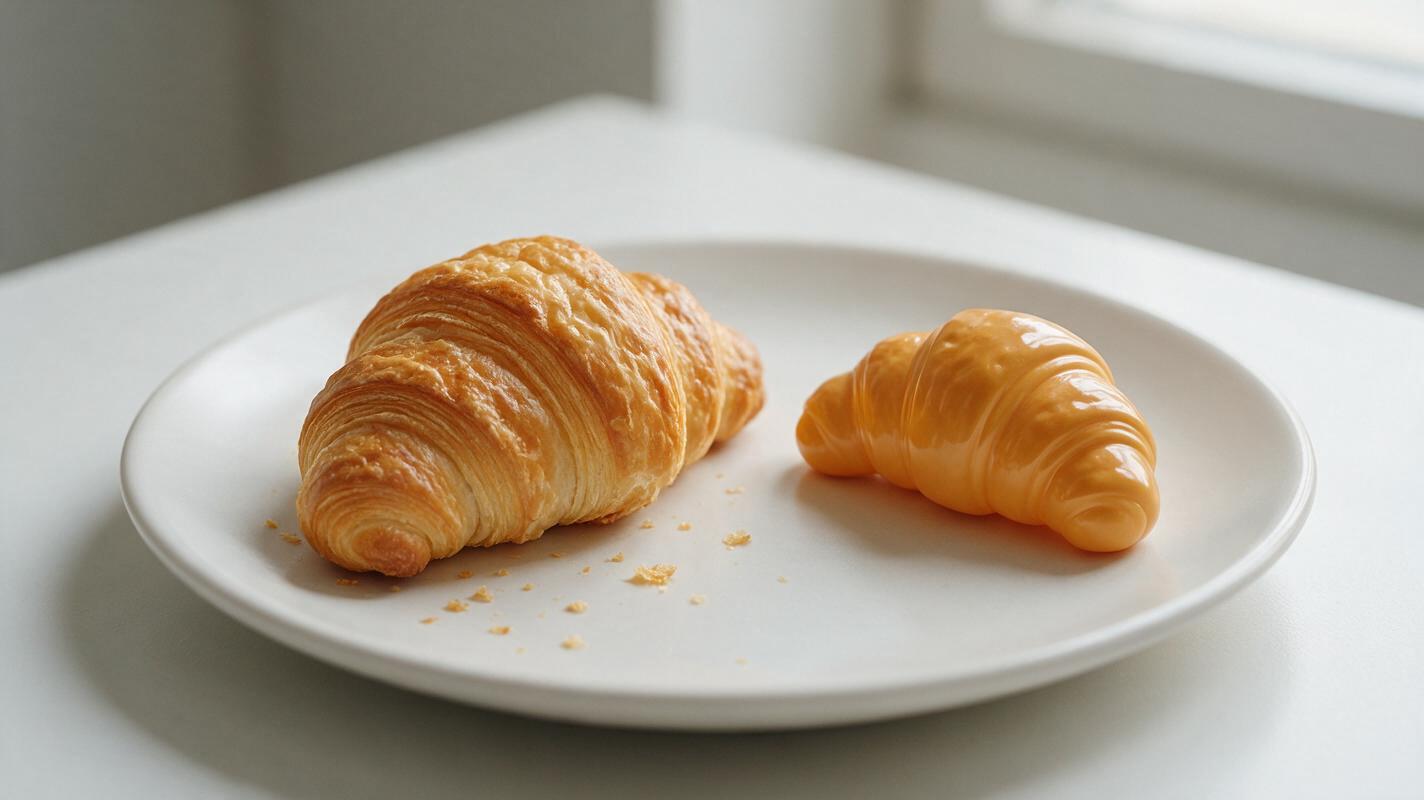
Why AI Pastry Photos Look Plastic (And How to Get Flaky, Golden Results)
AI-generated pastry photos often have a plastic-like sheen, missing flaky layers, and uniform color that makes them look unappetizing for bakery and café marketing. This guide breaks down the root causes of unrealistic AI pastry texture, provides reusable Seedream 4.5 prompt templates for croissants, cookies, and sourdough, and shares inpainting fixes and video repurposing tips for social media and menu assets.

Flux Prompts for Matte Liquid Lipstick Campaigns (No Cakey Texture)
Tired of AI-generated matte liquid lipstick visuals that look cakey, flaky, or unnaturally drying? This guide shares reusable Flux prompt templates for campaign-ready matte lipstick images across four common use cases, plus troubleshooting fixes for common rendering issues. You’ll get shade-accurate swatches, model application shots, and packaging visuals that align with beauty brand standards.
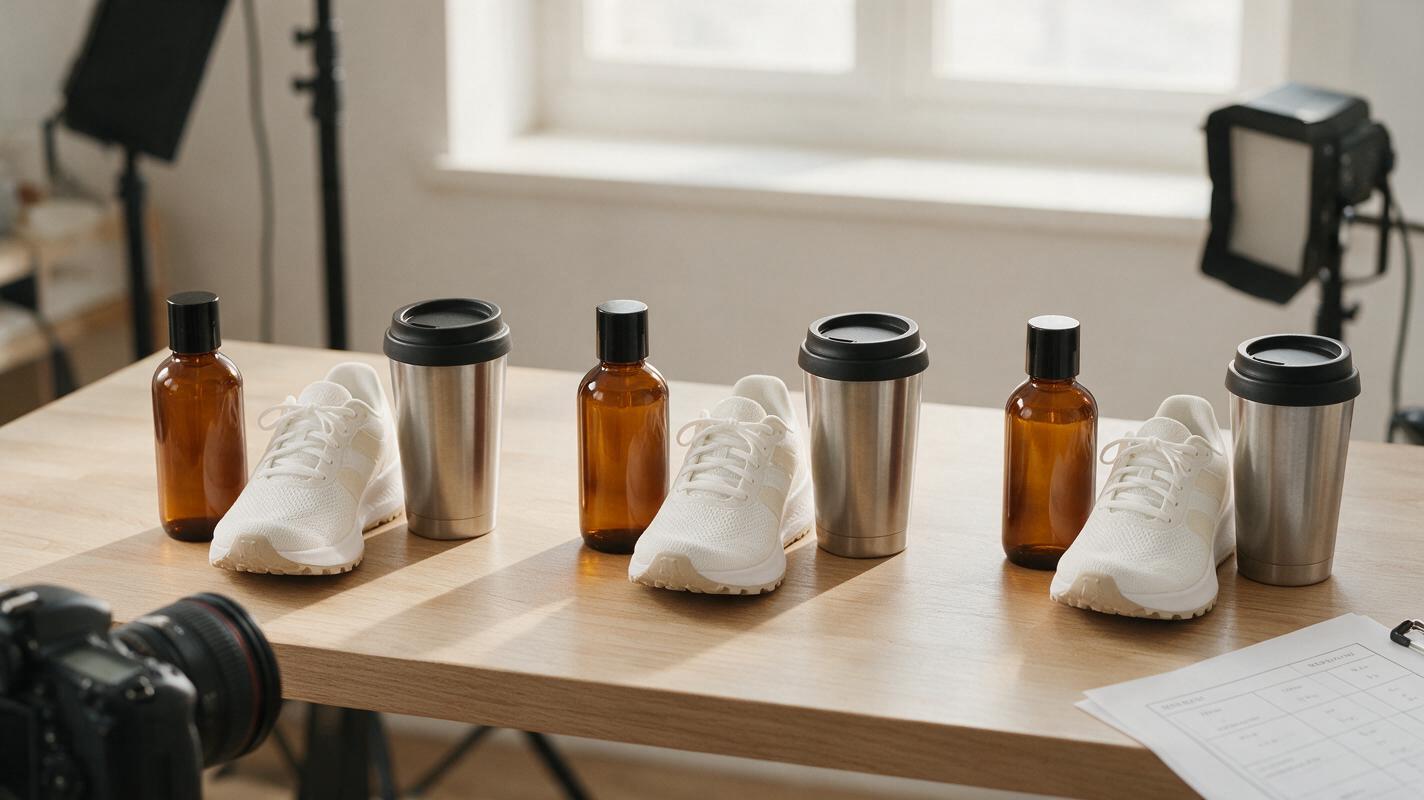
Sora Alternatives for Ecommerce Product Videos: 6 Tools Compared
Sora is a capable video generator, but ecommerce teams may need easier model comparison, stronger image-led workflows, or different pricing structures. This guide compares six Sora alternatives for turning catalog images and product concepts into advertising-ready motion drafts.
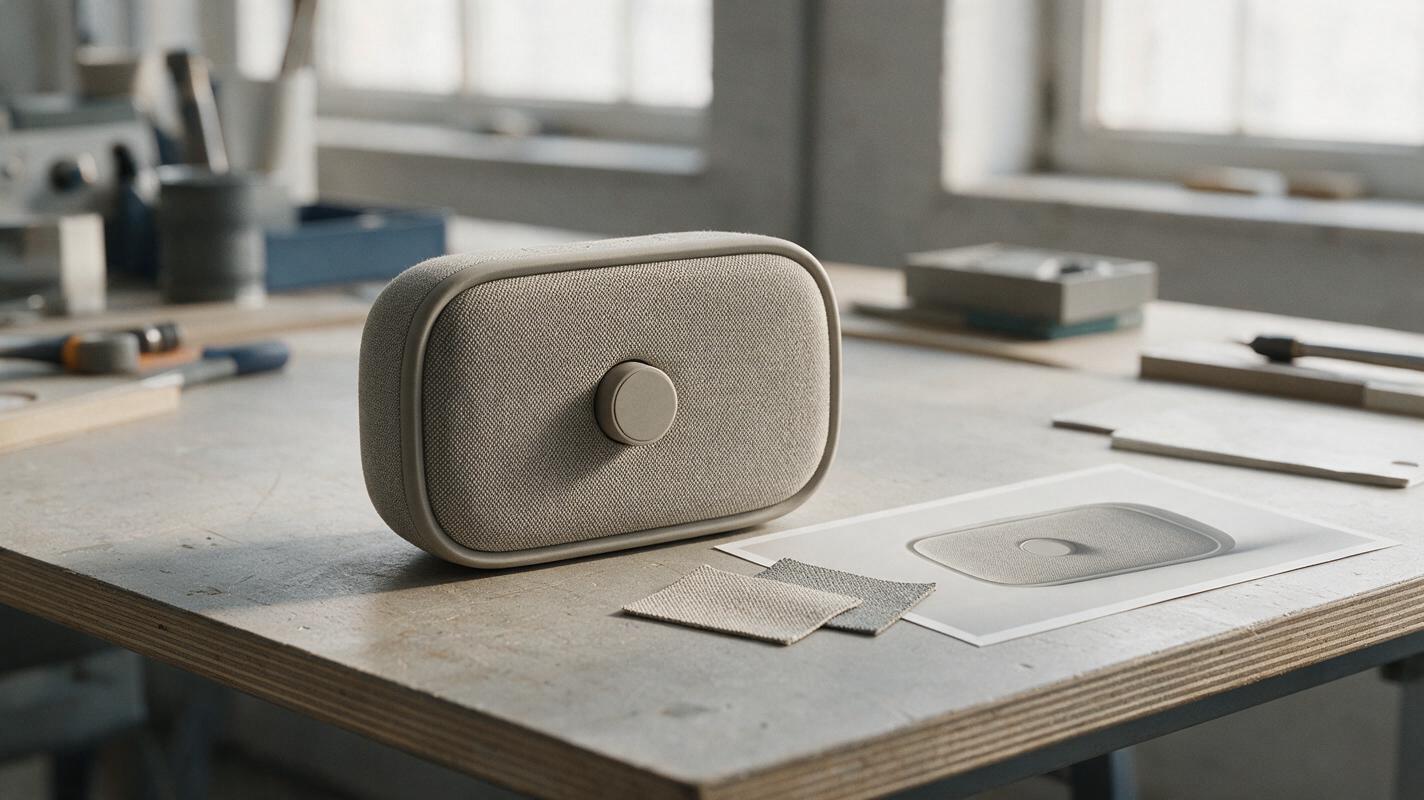
AI Fabric Product Renders: Fix Plastic-Looking Texture and Oversized Weave
Fabric-wrapped product concepts often lose their material character in AI renders: the weave becomes an oversized pattern, a glossy plastic surface, or a distorted product feature. This guide shows industrial designers how to use a fixed product reference, a material swatch, and targeted image editing to make textile texture believable without redesigning the object.
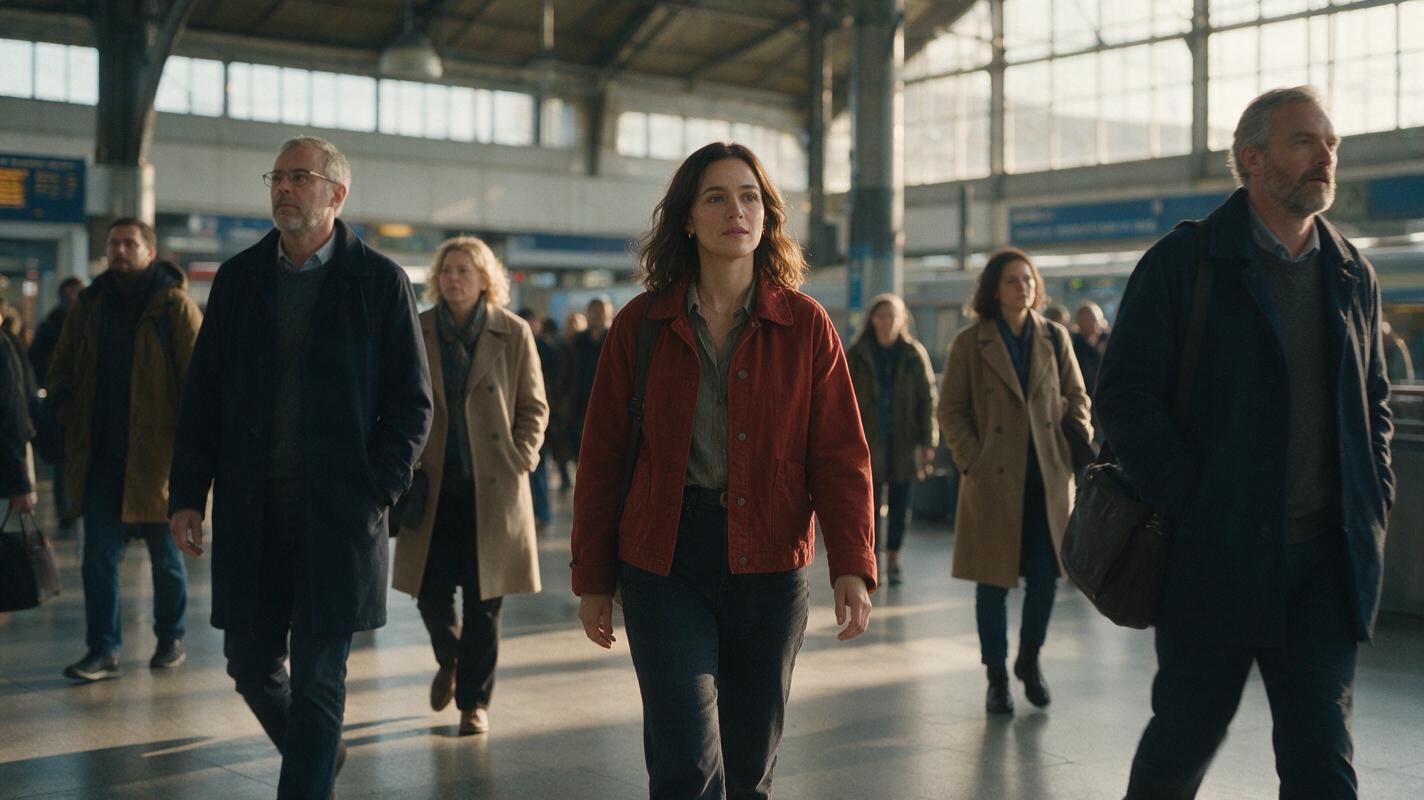
How to Create Stable Crowd Scenes With Image to Video AI
Stable AI crowd scenes come from designing the cast as visual layers instead of asking a model to invent many equally important people at once. Build one controlled staging frame, separate the hero from near and background extras, then use restrained image-to-video motion and regenerate structural failures rather than trying to repair them afterward.

How to Create Stable Hand-Object Interactions with Image to Video
Create believable AI hand-object interactions by starting from a clear contact-state image, splitting the action into short physical beats, and animating each beat with restrained motion. This reference-first image-to-video workflow reduces fused fingers, floating props, changing grip positions, and objects that deform during contact.