Blog
Discover the latest from MagicBoat
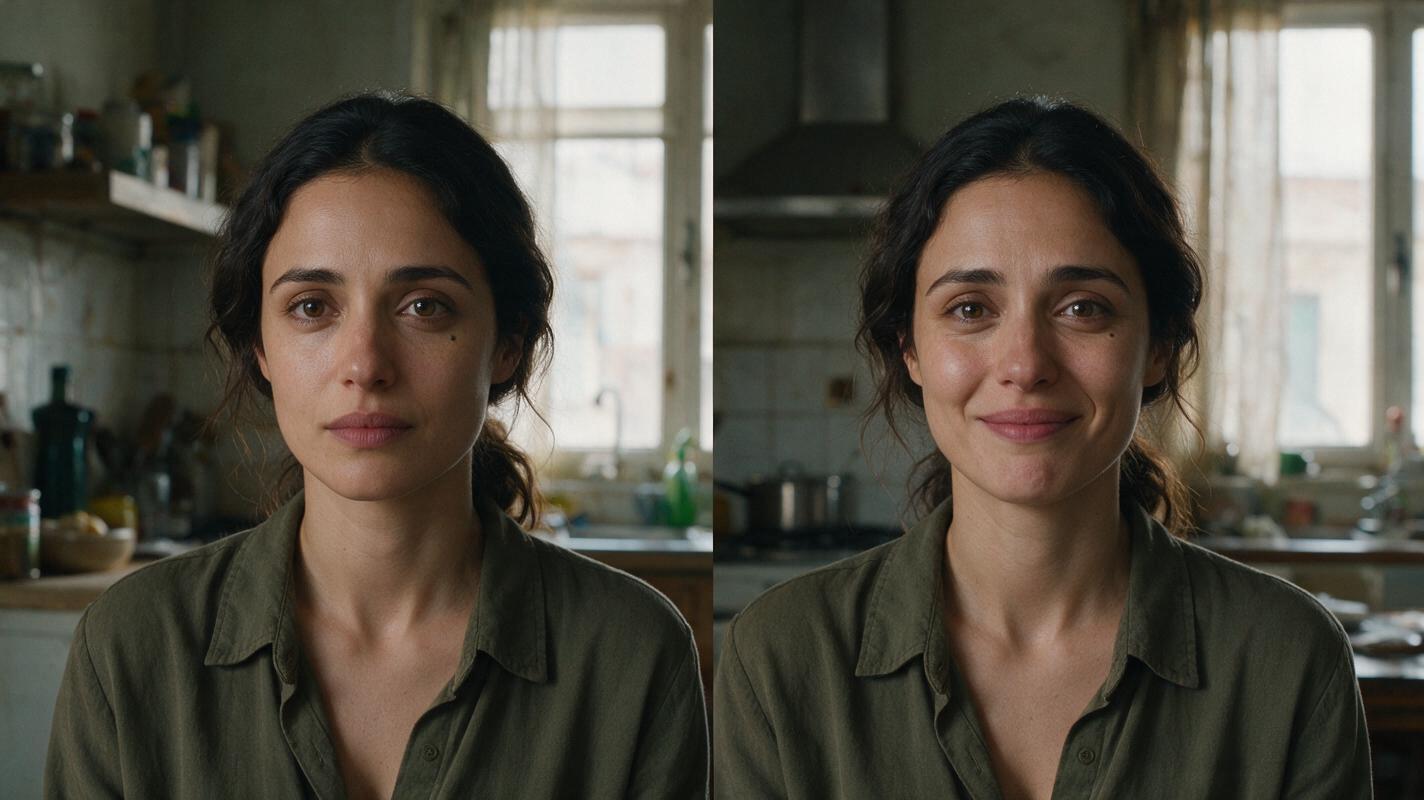
How to Keep the Same AI Video Character While Expressions Change
A character can look like someone else when a generated shot shifts from calm to crying or laughter. This tutorial uses a neutral three-view sheet, expression-specific reference frames, and cut-point checks to preserve facial identity without freezing the performance.
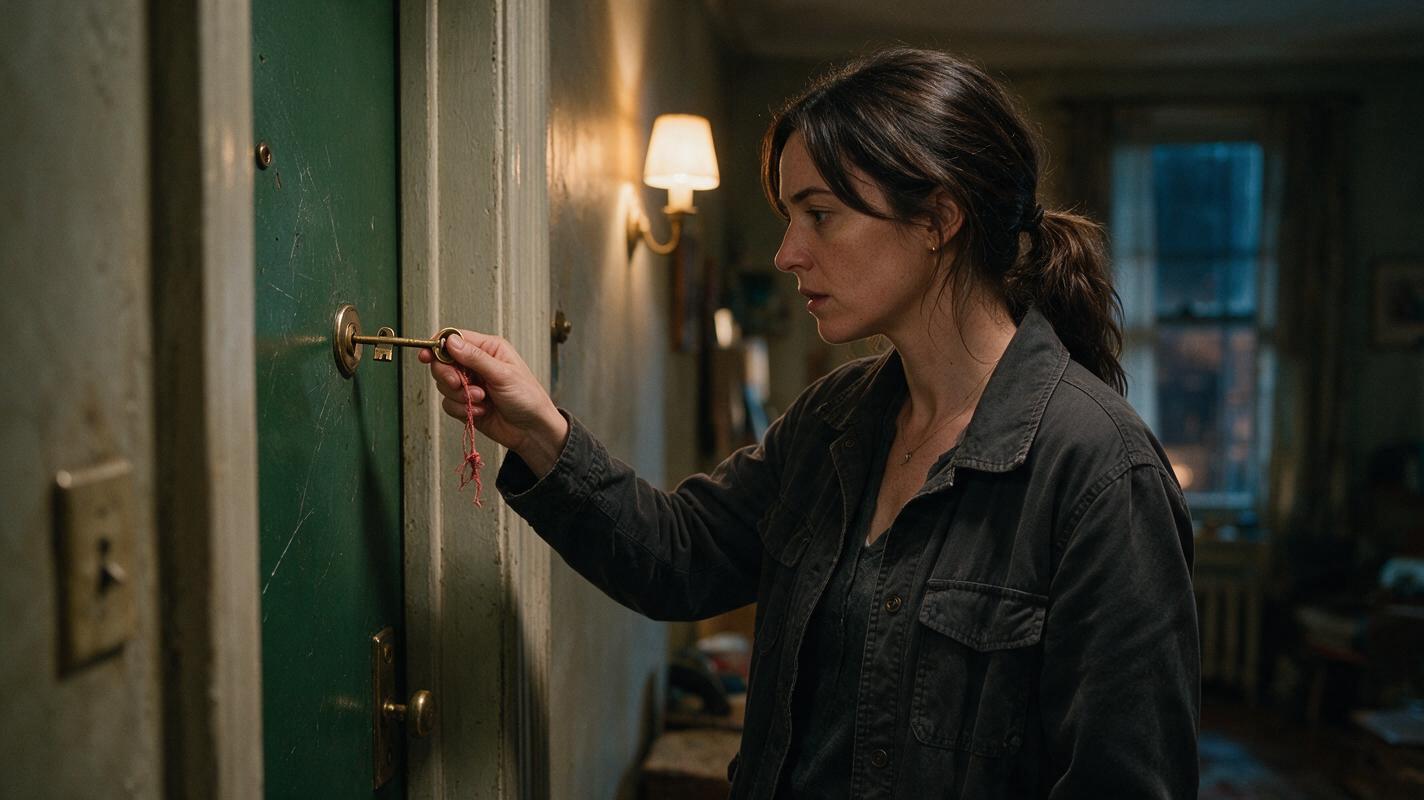
How to Keep a Story-Critical Prop Consistent in an AI Short Drama
A changing or duplicated clue can break an otherwise convincing AI short drama. This tutorial shows how to lock a story-critical prop, track its legitimate state changes, generate reliable boundary frames, and repair isolated continuity errors without rebuilding entire scenes.
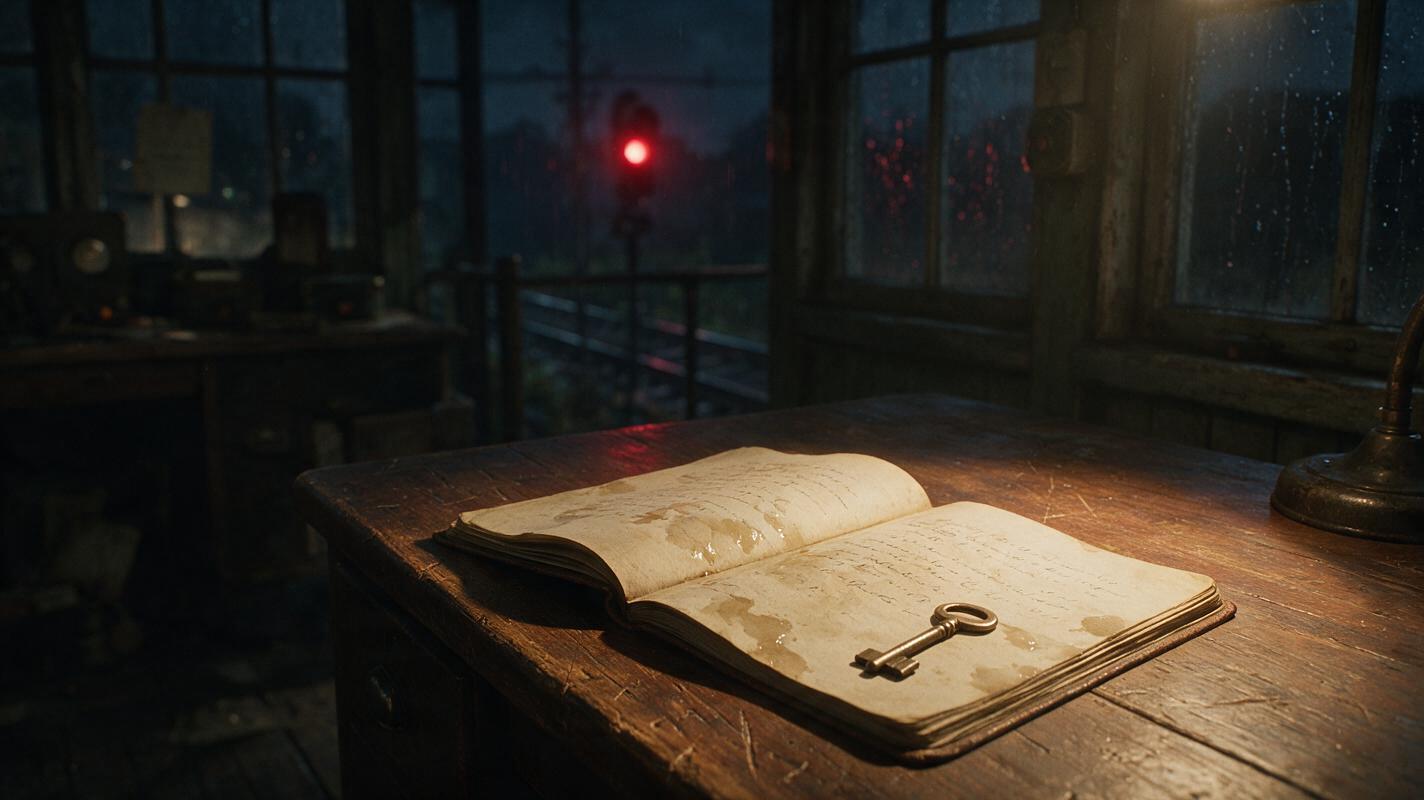
Novel to Video: Turn Letters and Diaries Into Cinematic Scenes
Learn how to adapt letters, diary entries, and messages from a novel into visual scenes instead of static text screens. This workflow converts written testimony into filmable actions, consistent storyboard frames, controlled AI clips, and voiceover-led sequences.
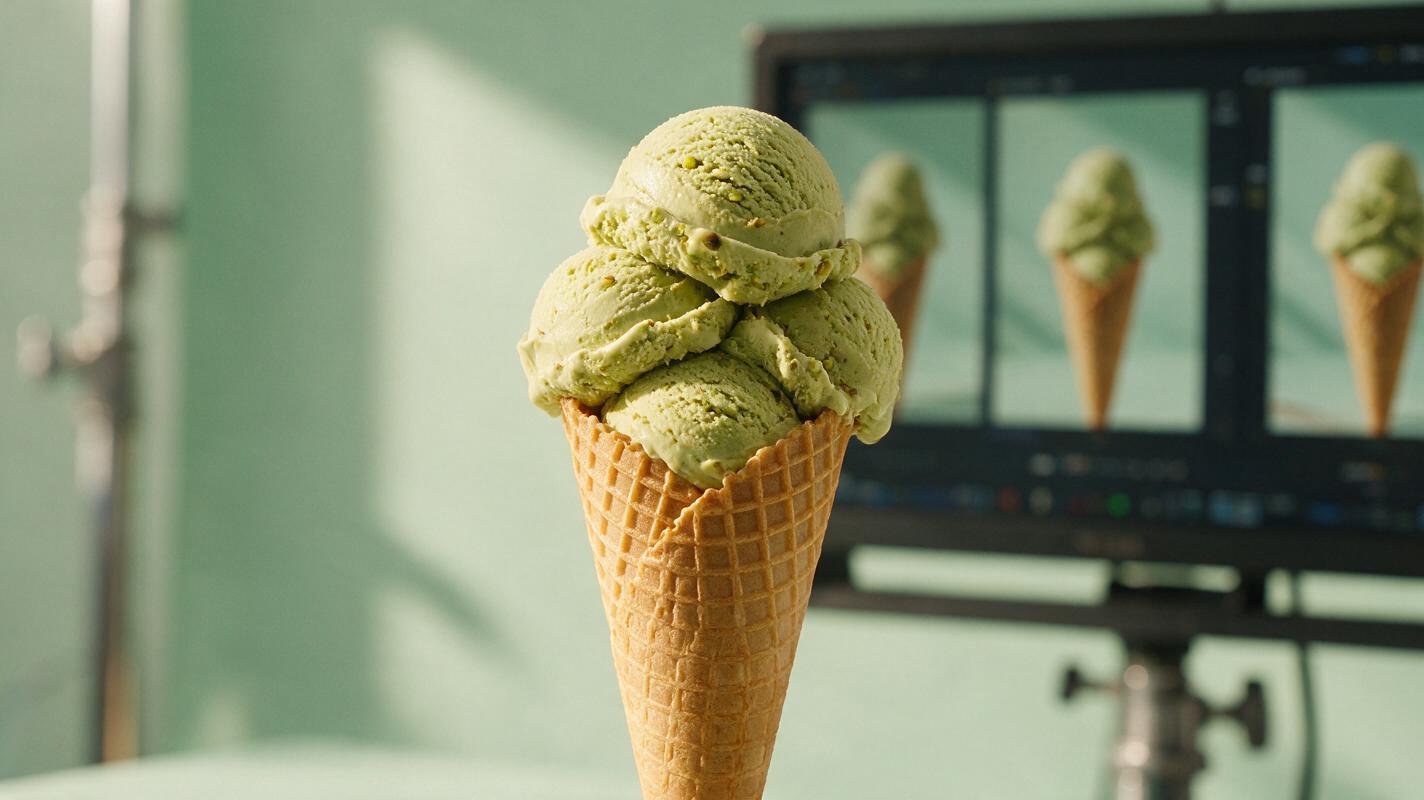
AI Ice Cream Videos Without Melting Scoops or Warped Cones
AI ice cream videos often fail when the model treats the dessert as a fluid object, causing scoops, cones, toppings and packaging to mutate between frames. This guide presents a PixVerse image-to-video workflow with restrained motion prompts, short takes and targeted fixes for stable, appetizing frozen-dessert ads.

Sora Alternatives for Handmade-Style AI Video: 6 Tools Compared
This comparison evaluates six Sora alternatives for handmade-looking AI video, including paper craft, clay animation, miniature sets, and painted-frame aesthetics. It focuses on reference preservation, restrained motion, pricing approaches, and fair same-prompt testing.
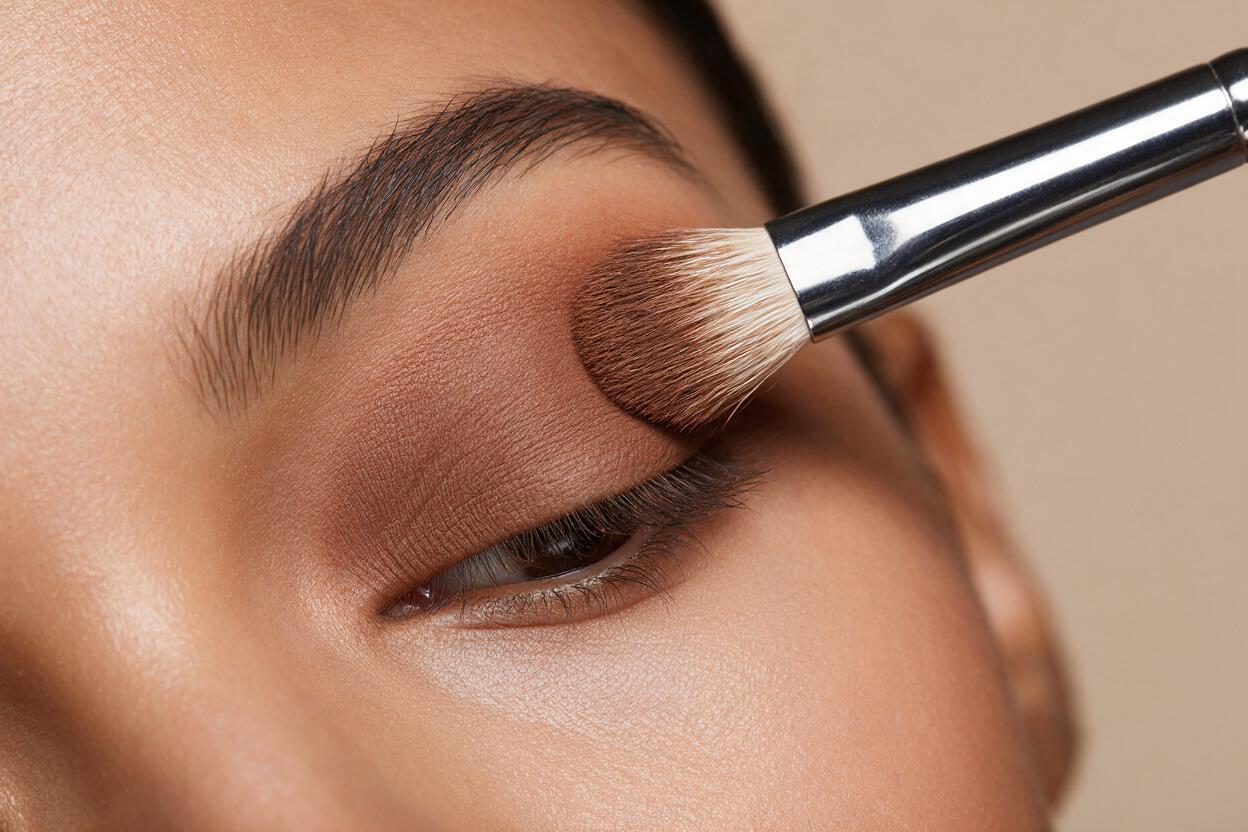
Seedance Prompts for Realistic Eyeshadow Tutorial Videos (No Creasy Fallout)
This article shares reusable Seedance prompt templates for creating realistic eyeshadow tutorial short videos for beauty social media and campaign use. It covers four common tutorial formats, fixes for frequent AI rendering issues like creasy fallout, uneven pigment, and distorted brushes, plus reference image prep tips for brand consistency. Beauty creators, marketers, and makeup artists can use these prompts to generate high-quality tutorial content without full studio shoots.
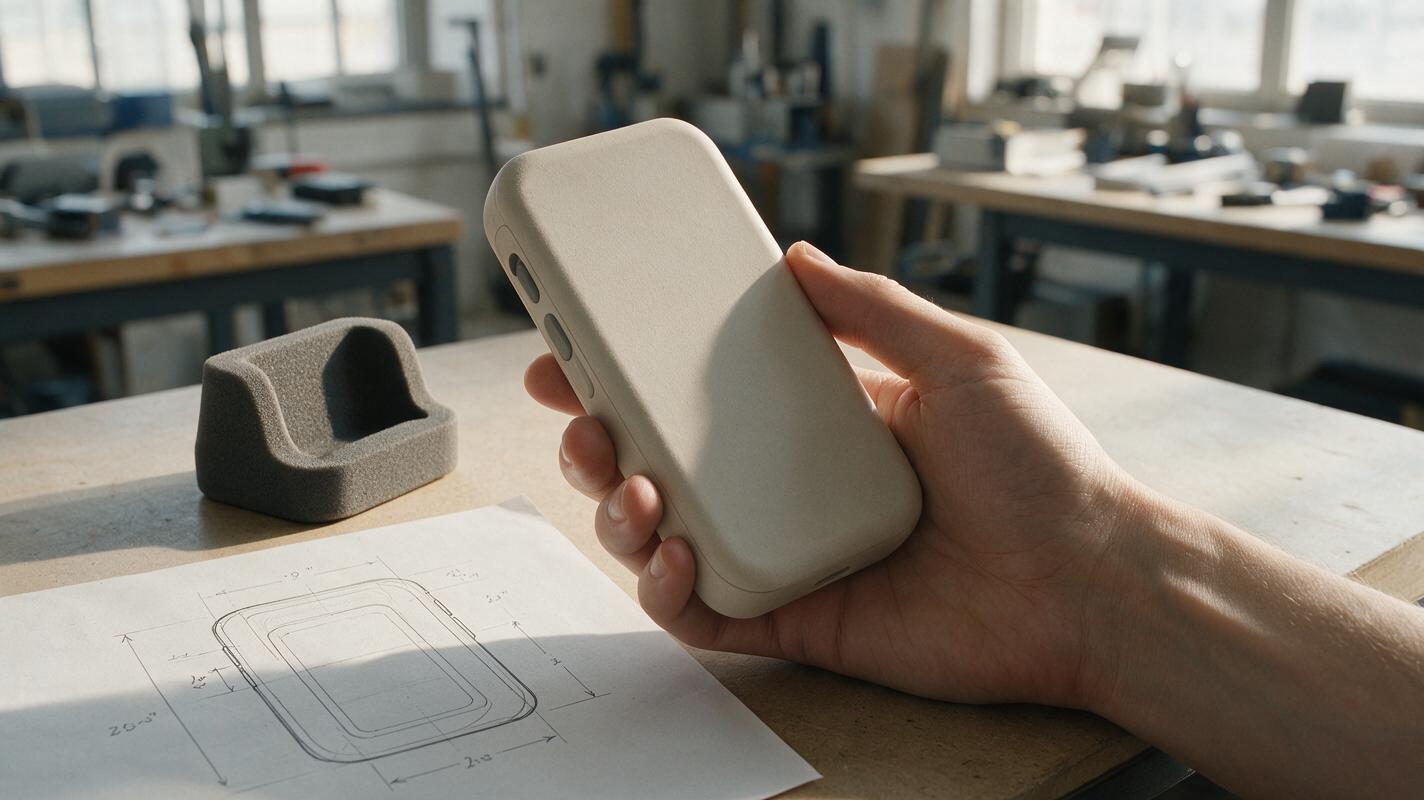
AI Product-in-Hand Renders Without Extra Fingers or False Scale
A product-in-hand render can communicate intended grip and visual scale, but generated hands often obscure controls, distort the housing, or imply an ergonomic fit that has not been tested. This guide uses a measured reference, a constrained Nano Banana Pro prompt, and a practical review to make the image useful for concept presentations.
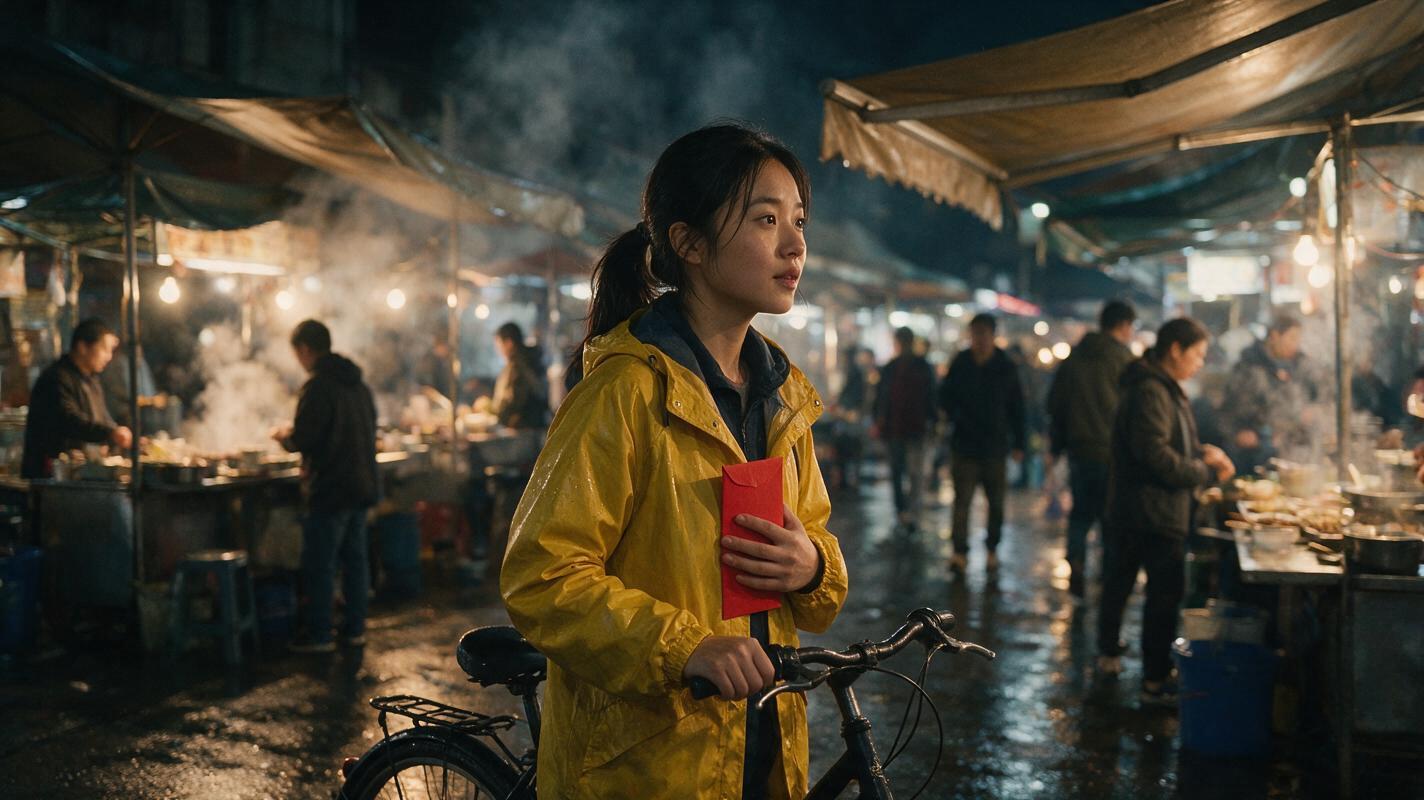
How to Debug Text-to-Video Prompts Without Starting Over
Fix unreliable text-to-video generations by reducing your prompt to one testable shot, then adding character, environment, camera, and timing constraints one layer at a time. This tutorial uses a rainy night-market scene to show how to compare Seedance and Kling prompts without changing every variable at once.
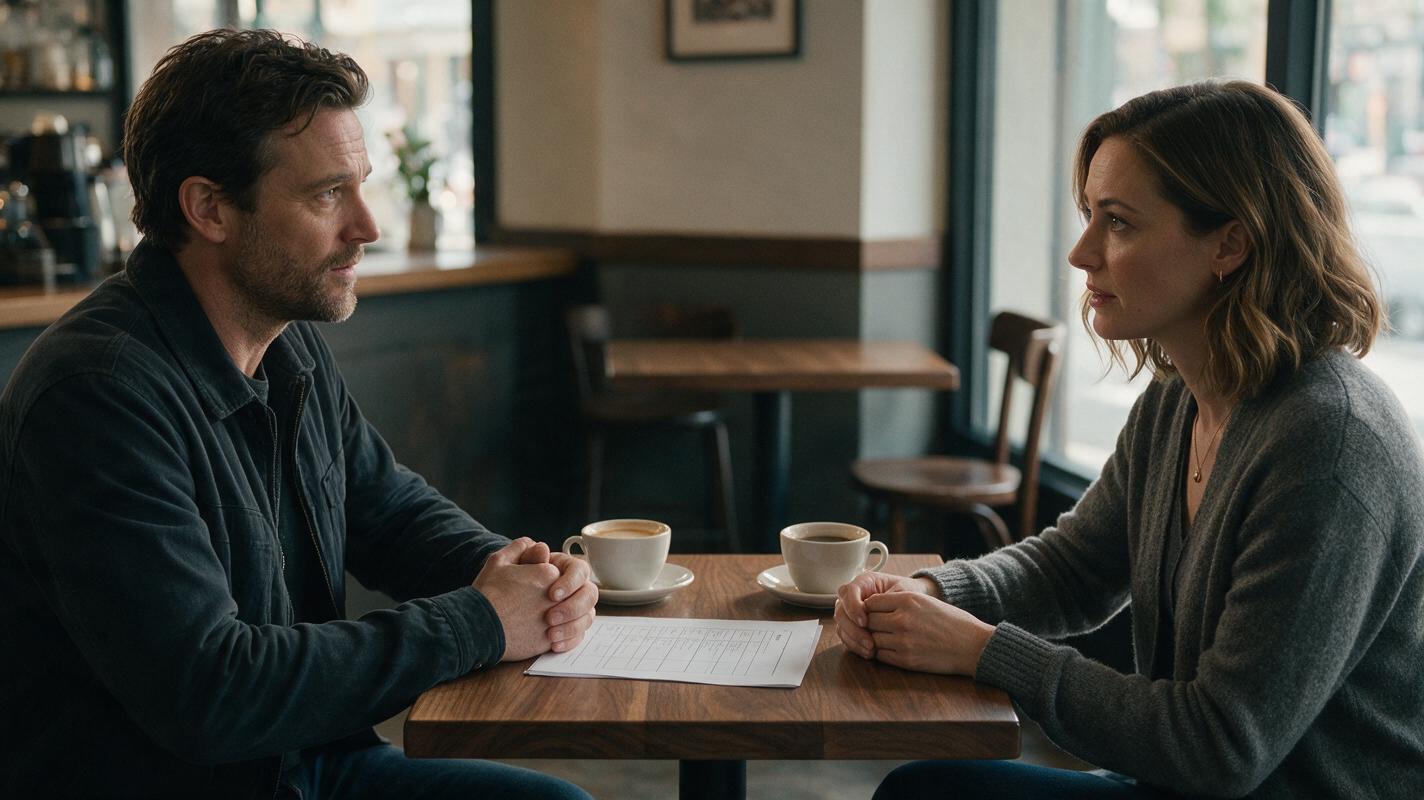
How to Create a Believable AI Dialogue Scene with Image to Video
Create a believable AI dialogue scene by designing one stable location, locking each character’s screen position and eyeline, then animating a master shot, close-ups, and reaction shots separately. This image-to-video workflow reduces identity drift, reversed eyelines, uncontrolled mouth movement, and continuity errors between cuts.
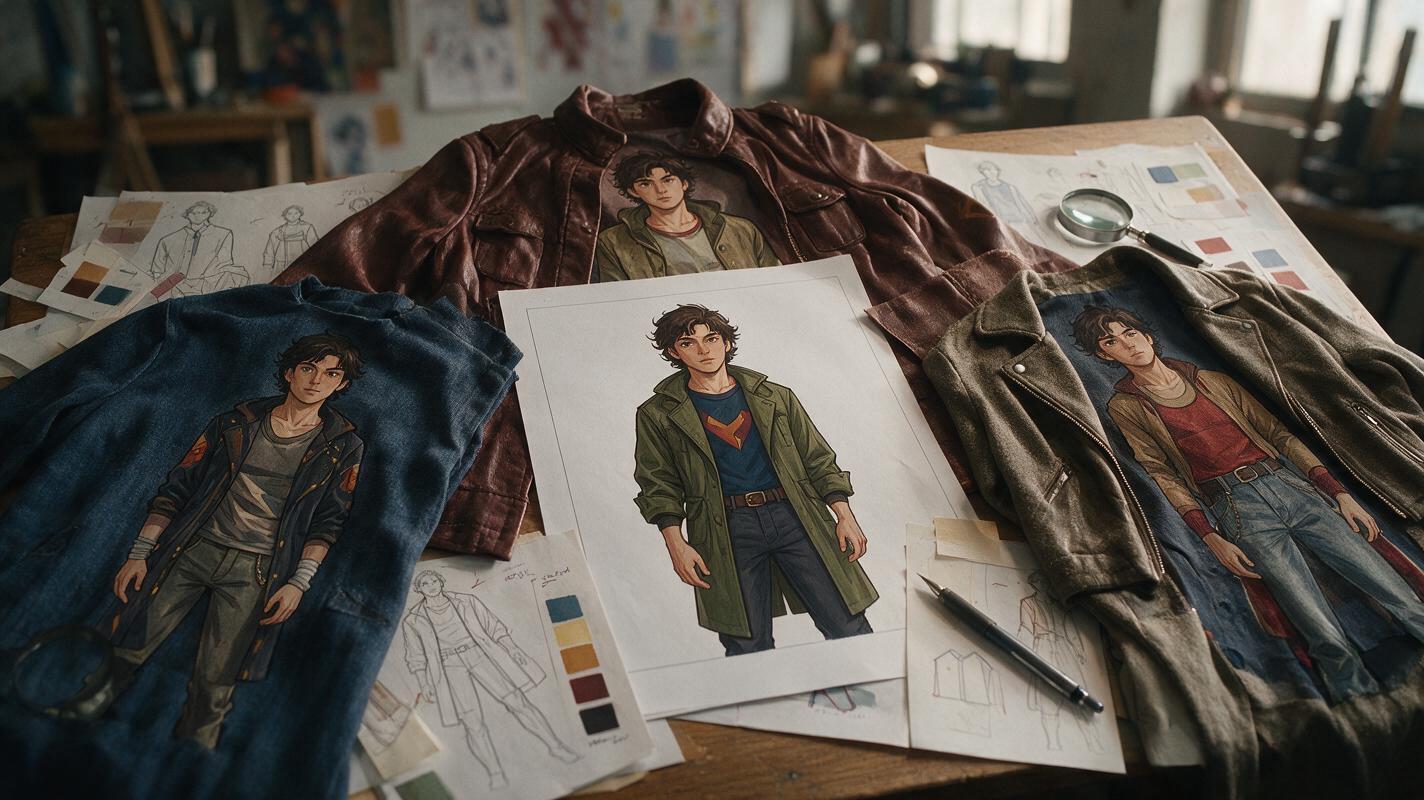
Why AI Costume Swaps Redesign Your Character—and How to Stop It
AI costume edits often change the character’s face, proportions, pose, or drawing style along with the clothes. This workflow uses Seedream 4.5, identity anchors, garment construction notes, and localized editing to create reliable outfit variants for comics and webtoons.
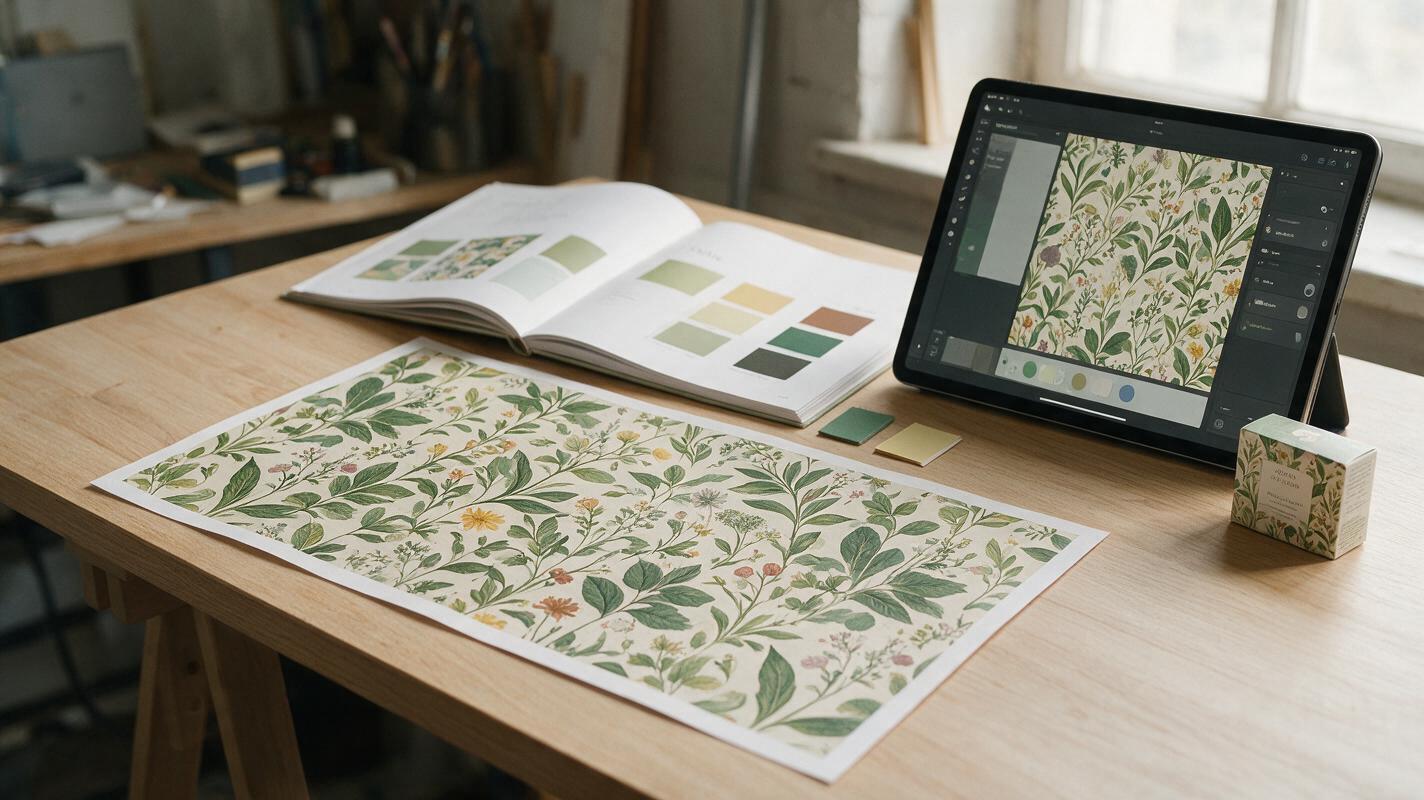
Seedream 4.5 Prompts for On-Brand Seamless Patterns (No Visible Seams)
Brand patterns are versatile assets for packaging, posters, and social graphics, but AI-generated versions often suffer from visible seams, off-brand colors, and mismatched motifs. This guide shares reusable Seedream 4.5 prompt structures for creating perfectly tileable, on-brand seamless patterns aligned with your existing visual identity. It also includes fixes for common pattern generation failures and tips for adapting patterns across different campaign touchpoints.
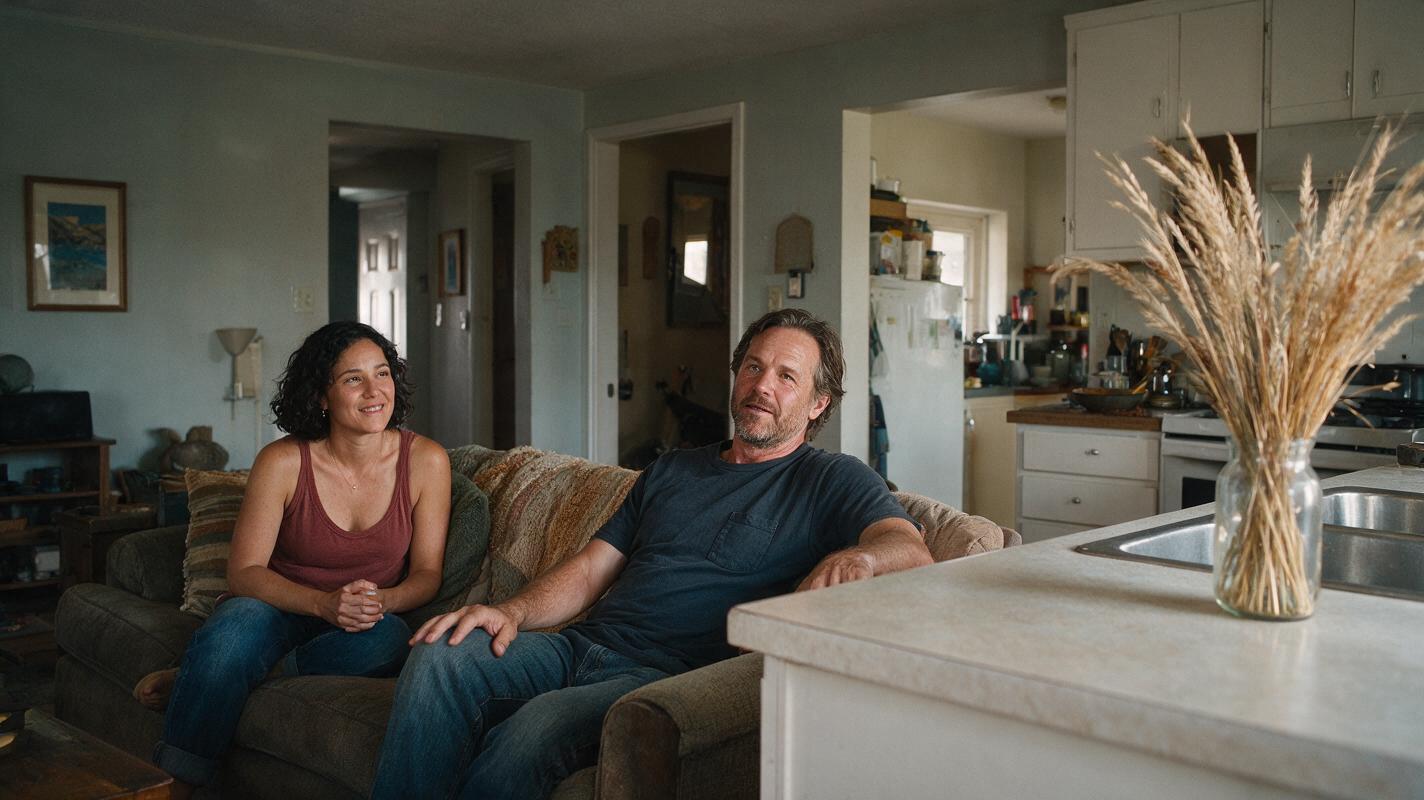
How to Generate Ad-Matched Landing Page Hero Variants to Boost Conversions
Mismatched ad and landing page creative erodes conversion rates by breaking message match for visitors who click through from paid campaigns. This guide shows performance marketers how to use Nano Banana Pro’s reference-based image generation to build on-brand landing page hero variants aligned with their top-performing ad creatives. It includes a core matching element framework, reusable prompt templates for common ad types, and tips for running controlled A/B tests.