Blog
Discover the latest from MagicBoat

How to Create Realistic Hand Interactions in AI Video
The most reliable way to create realistic hand interactions in AI video is to begin with a contact-safe keyframe, divide the action into simple motion phases, and animate only one interaction at a time. This tutorial uses a barista passing a ceramic mug to show how image-to-video workflows reduce extra fingers, unstable grips, and props that merge with hands.
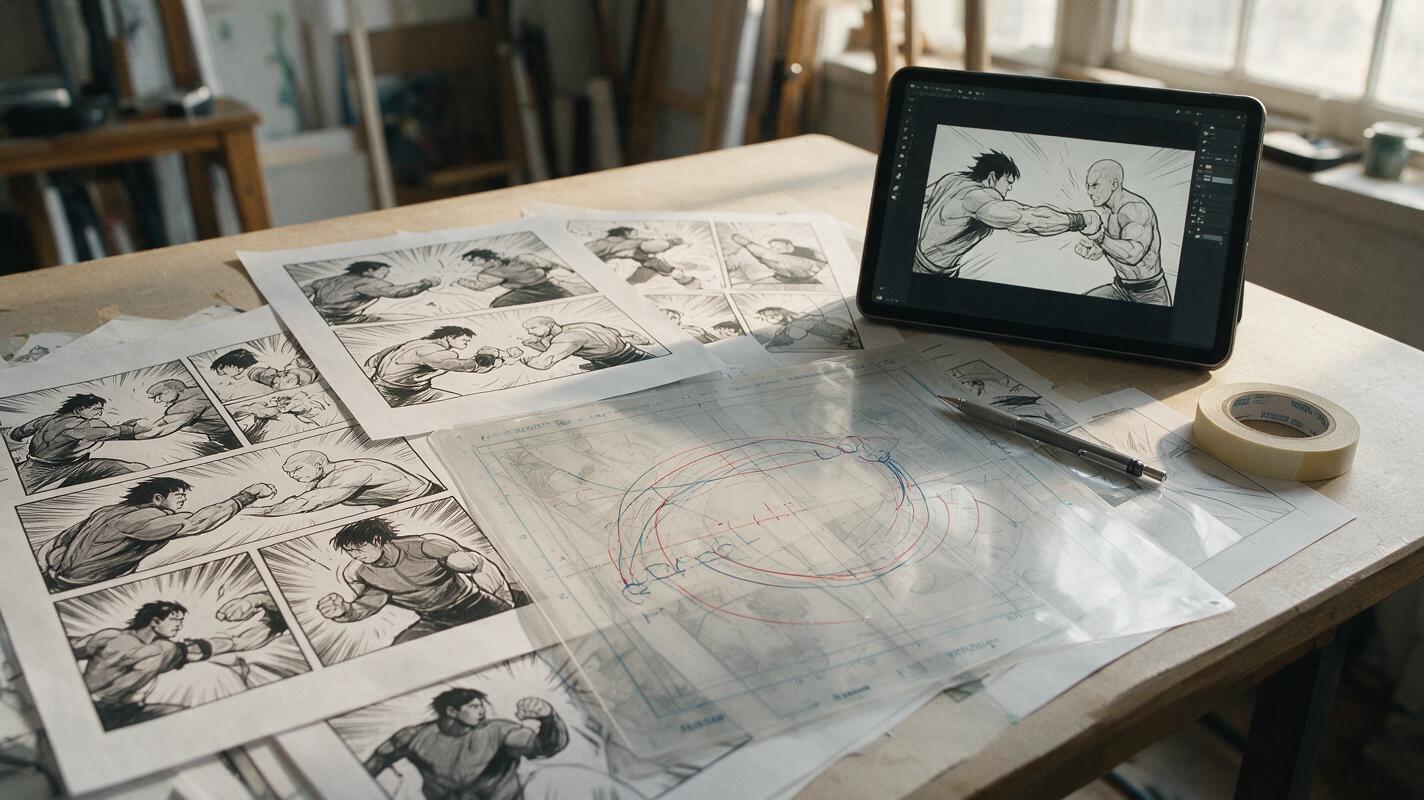
Why AI Comic Fight Animations Bend Limbs—and How to Fix Them
AI-generated fight animation often turns clear comic anatomy into rubbery arms, sliding feet, and unstable contact poses. This guide explains how to prepare illustrated panels for Seedance, constrain each action beat, and repair motion without sacrificing the original drawing.

Product Photo to Campaign Key Visual With Nano Banana Pro
Turn a clean product photograph into a polished campaign key visual without letting AI redraw the packaging, logo, or proportions. This workflow uses Nano Banana Pro for controlled scene exploration, then protects brand-critical details through masking and compositing.

AI Prompts for Promotional Ad Creatives With Accurate Offer Text
Performance marketers often struggle with AI-generated promotional ad creatives that have misspelled, distorted, or off-brand offer text, wasting hours of manual editing time during time-sensitive campaigns. This article shares a reference-based prompt framework for Seedream 4.5 to generate on-brand promotional ad variants with perfect discount, deadline, and CTA text, plus a master prompt template and 6 campaign-specific variations.
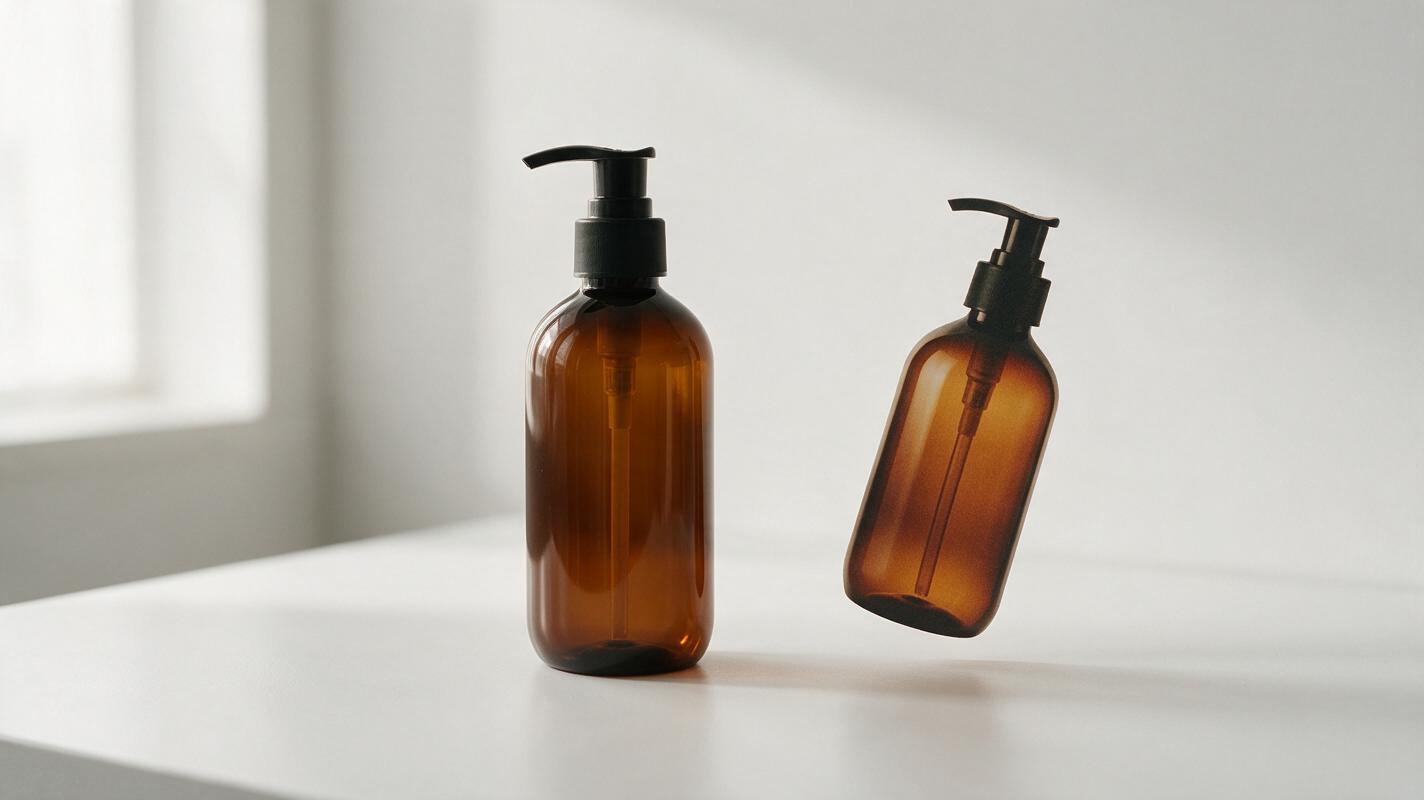
Why Your Amazon Product Photo Looks Like It’s Floating—and How to Fix It
A product can be cleanly cut out and still look wrong on a white listing image if its contact shadow disappears. This guide shows Amazon sellers how to restore a believable shadow while keeping the photographed product intact and the background suitable for the listing.
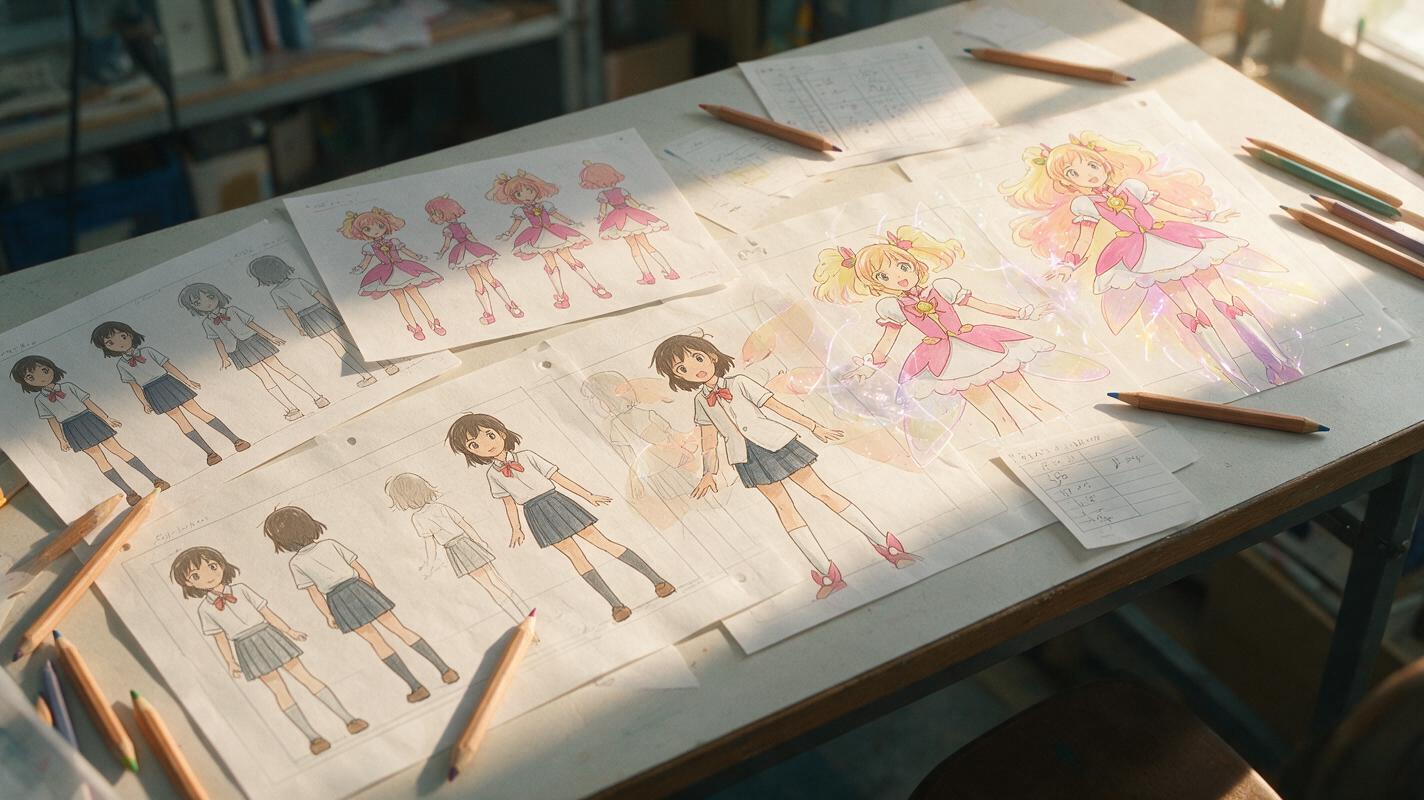
PixVerse Prompts for Stable Anime Transformation Sequences
Create anime transformation clips without losing the character’s face, costume logic, or silhouette. These PixVerse prompt patterns divide the change into readable visual beats and show how to diagnose identity drift, premature costume changes, and chaotic effects.
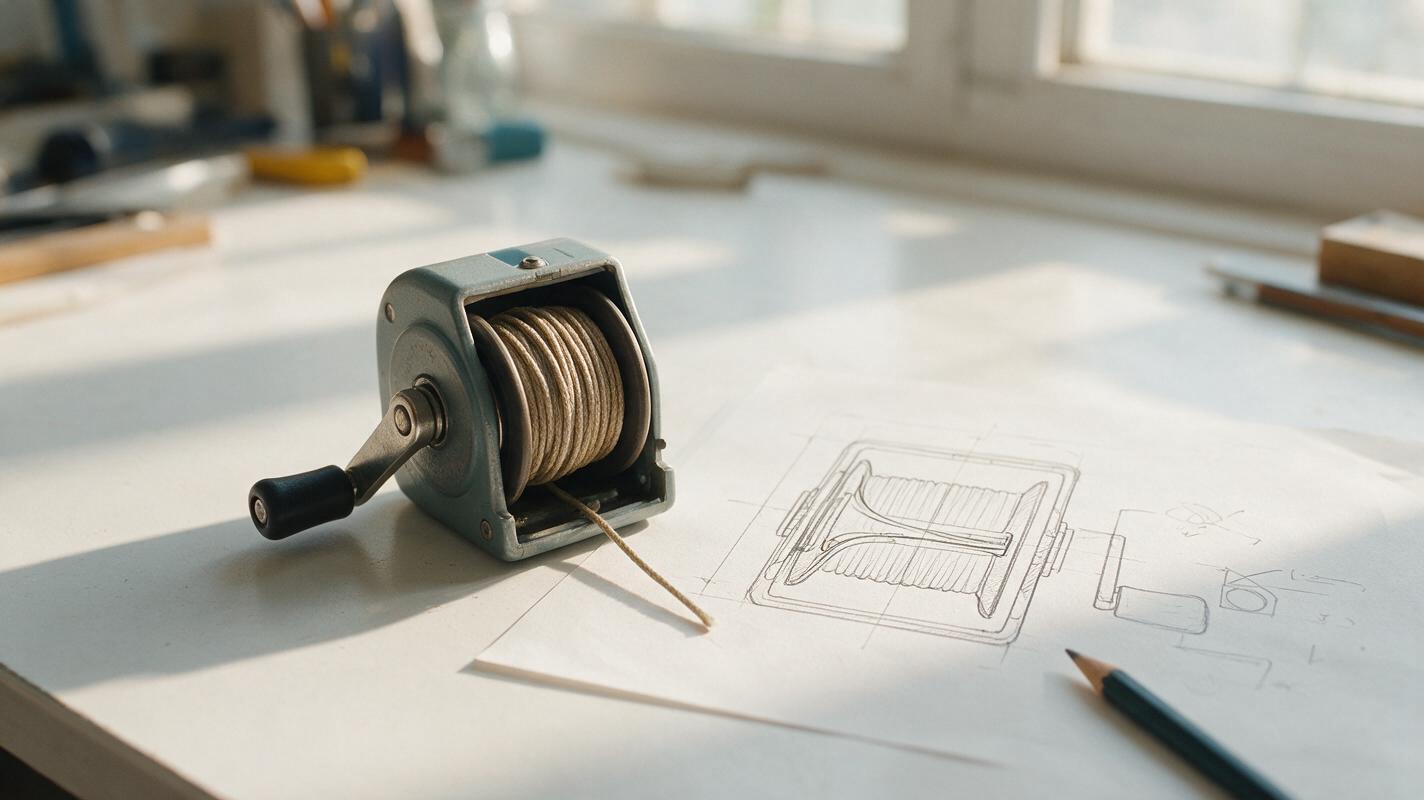
Seedream 4.5 Prompts for Cutaway Diagrams in YouTube Explainers
Create cutaway visuals that help viewers understand what is happening inside an object or process. These Seedream 4.5 prompts focus on clear shapes, controlled revisions, and editor-added labels rather than decorative detail.

How to Remove Objects From Video Using AI (Clean Travel Footage Guide)
Learn how to remove unwanted objects like stray tourists, power lines, and trash from travel videos using AI inpainting tools. This practical guide covers footage prep, masking techniques, artifact fixing, and polishing for seamless, professional-looking results.

How to Keep the Same AI Video Character Across a 35-Year Time Jump
An AI video time jump should make a character look older, not like a different person. This guide uses paired age-specific character sheets, matched scene references, and a cut-point review to preserve facial identity from a flashback to the present day.

How to Block Two Characters in an AI Short Drama Without Face Blending
Two-character AI scenes often fail when bodies overlap, faces occupy similar screen space, or both performers move at once. This tutorial presents a reference-first blocking workflow that separates identity, movement, and screen direction before video generation begins.
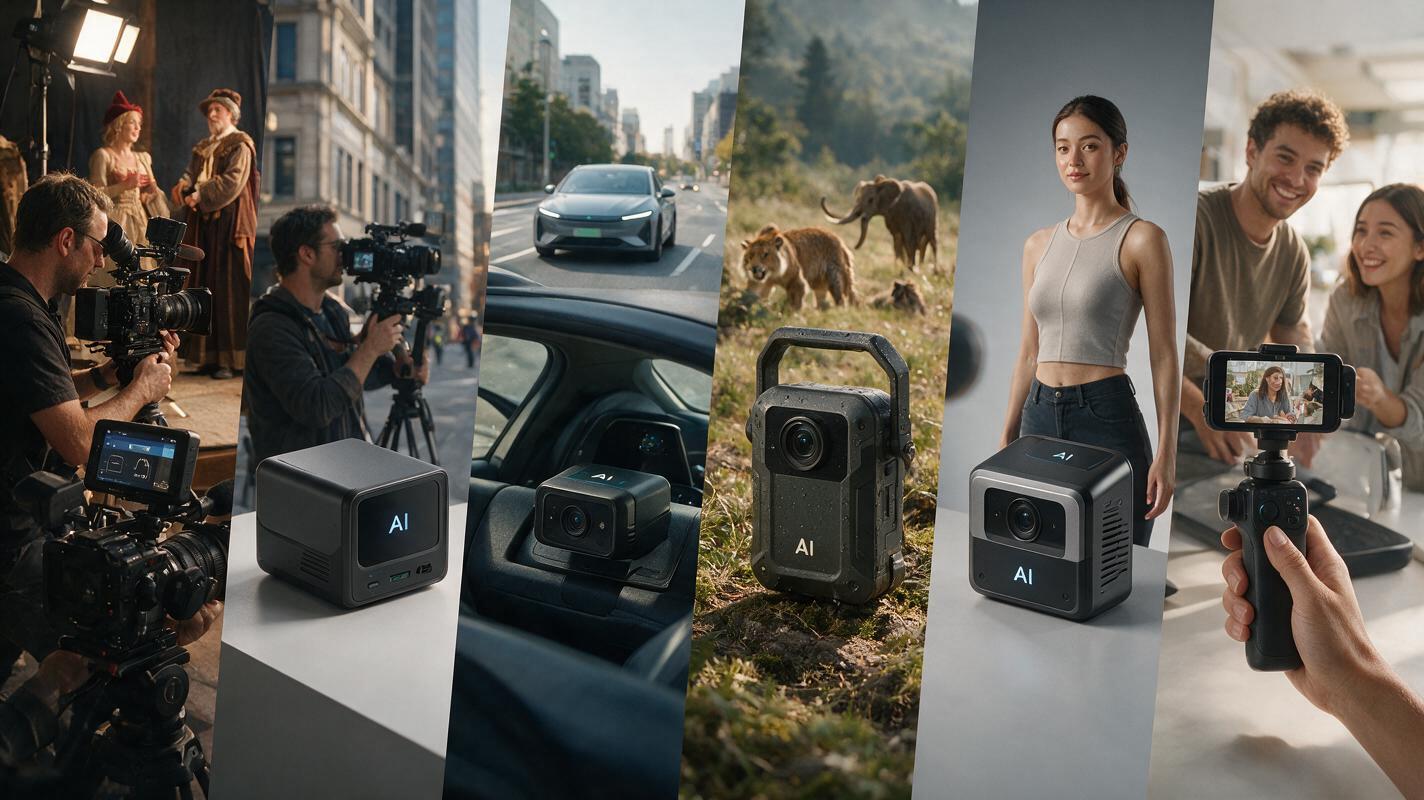
Sora Alternatives: 6 Best Royalty-Free AI Video Tools for Commercial Use (2026)
OpenAI’s Sora remains in limited private beta with restricted access and unclear commercial use rights for most creators, making it difficult for businesses, agencies, and independent creators to use its output for client work, ads, or monetized public content. This guide compares 6 verified Sora alternatives with explicit royalty-free commercial licensing terms, evaluating each tool’s pricing, capabilities, and ideal use cases to help you pick the right fit for your project. We also highlight how MagicBoat simplifies cross-model testing while keeping licensing information accessible in one unified workflow.
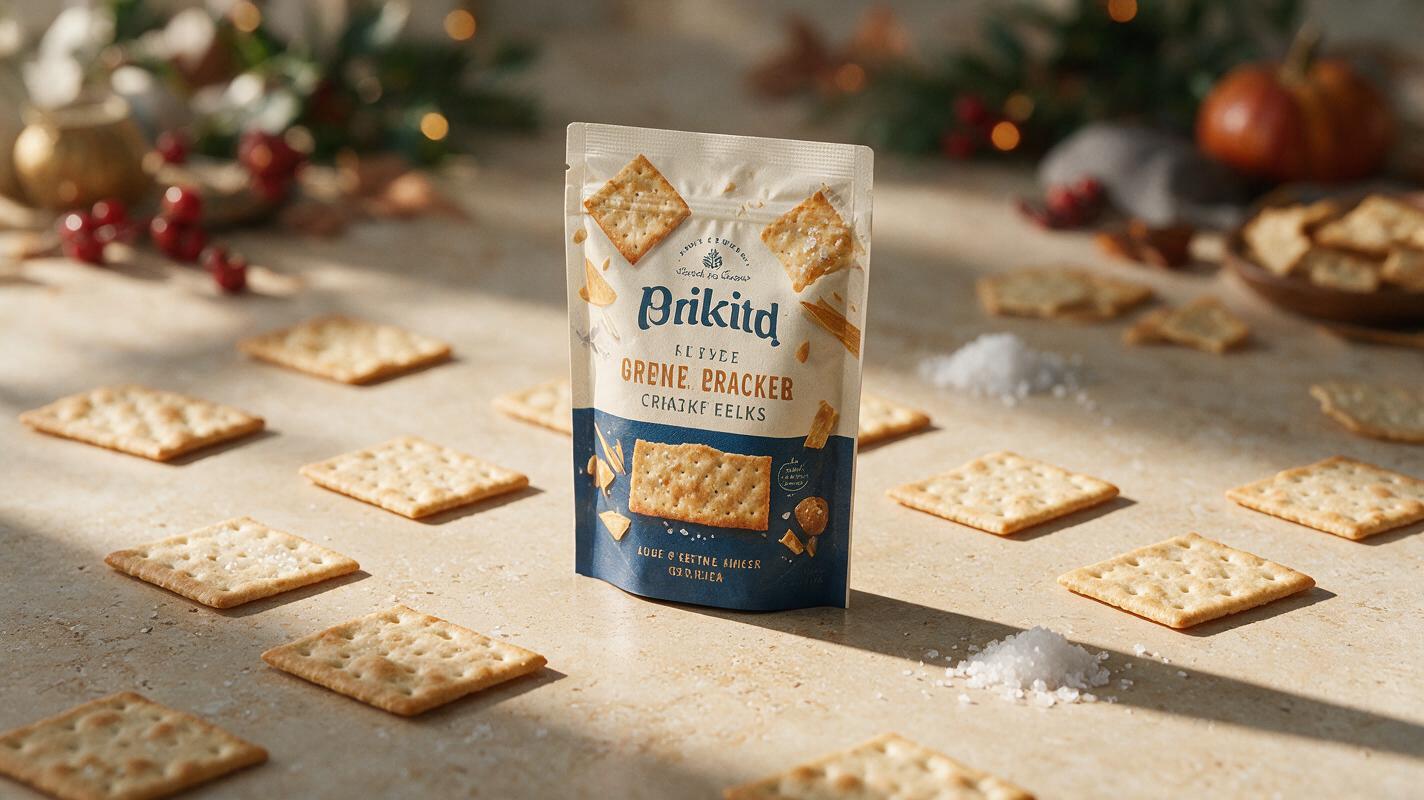
AI Food Packaging Ads Without Warped Labels or Fake Ingredients
Create polished AI food packaging ads without allowing the model to redraw your logo, product name, nutrition claims or package geometry. This preservation-first workflow keeps the real pack intact while using Seedream 4.5 to build seasonal backgrounds, ingredient staging and campaign variations around it.