Blog
Discover the latest from MagicBoat
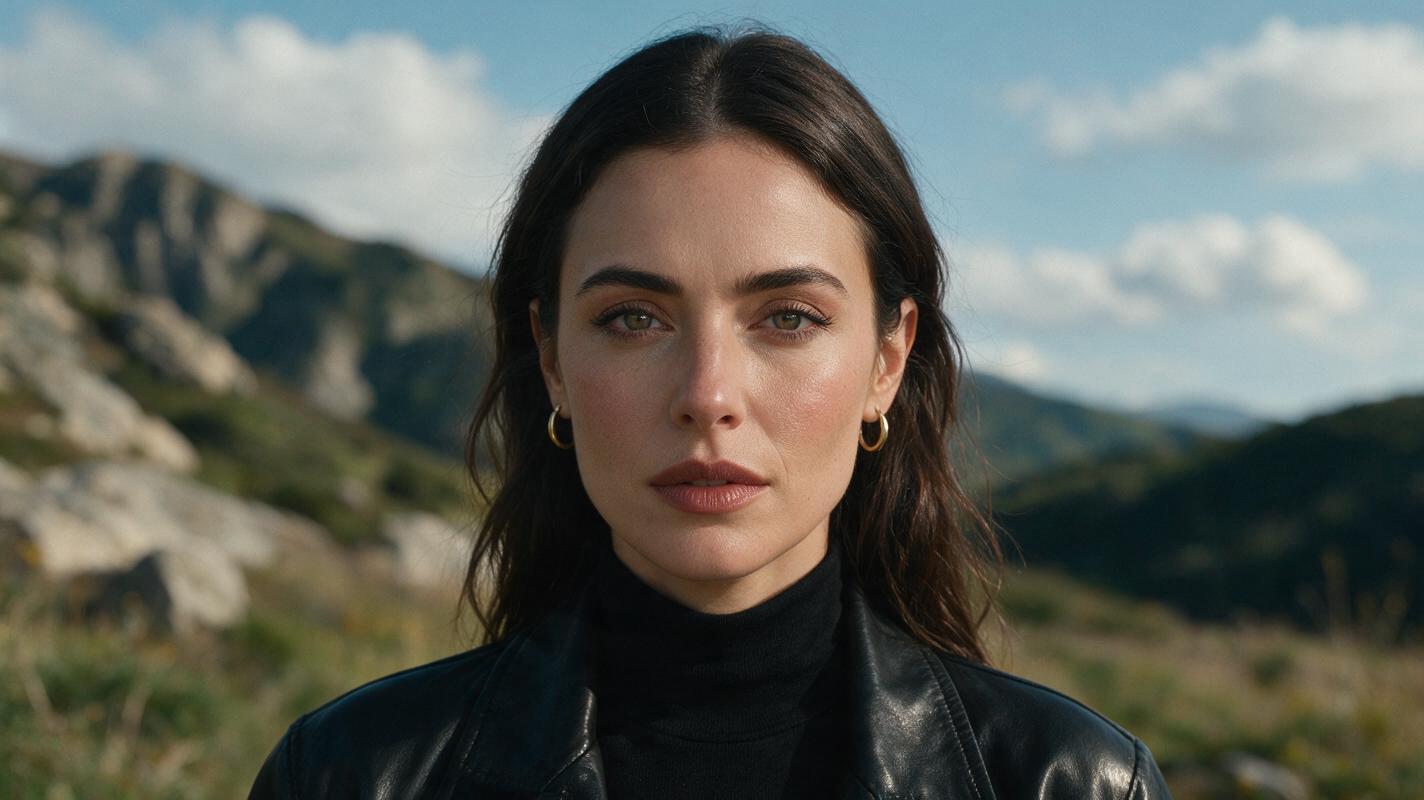
Nano Banana Pro Prompts for Consistent Makeup Looks (No Face Drift)
Tired of AI-generated makeup looks that change your model’s face shape, skin tone, or features with every new prompt? This guide shares Nano Banana Pro prompt templates, reference photo prep tips, and troubleshooting fixes to create consistent full-face makeup variations while preserving model identity. Perfect for beauty brands, makeup artists, and content creators building cohesive lookbooks or campaign assets.
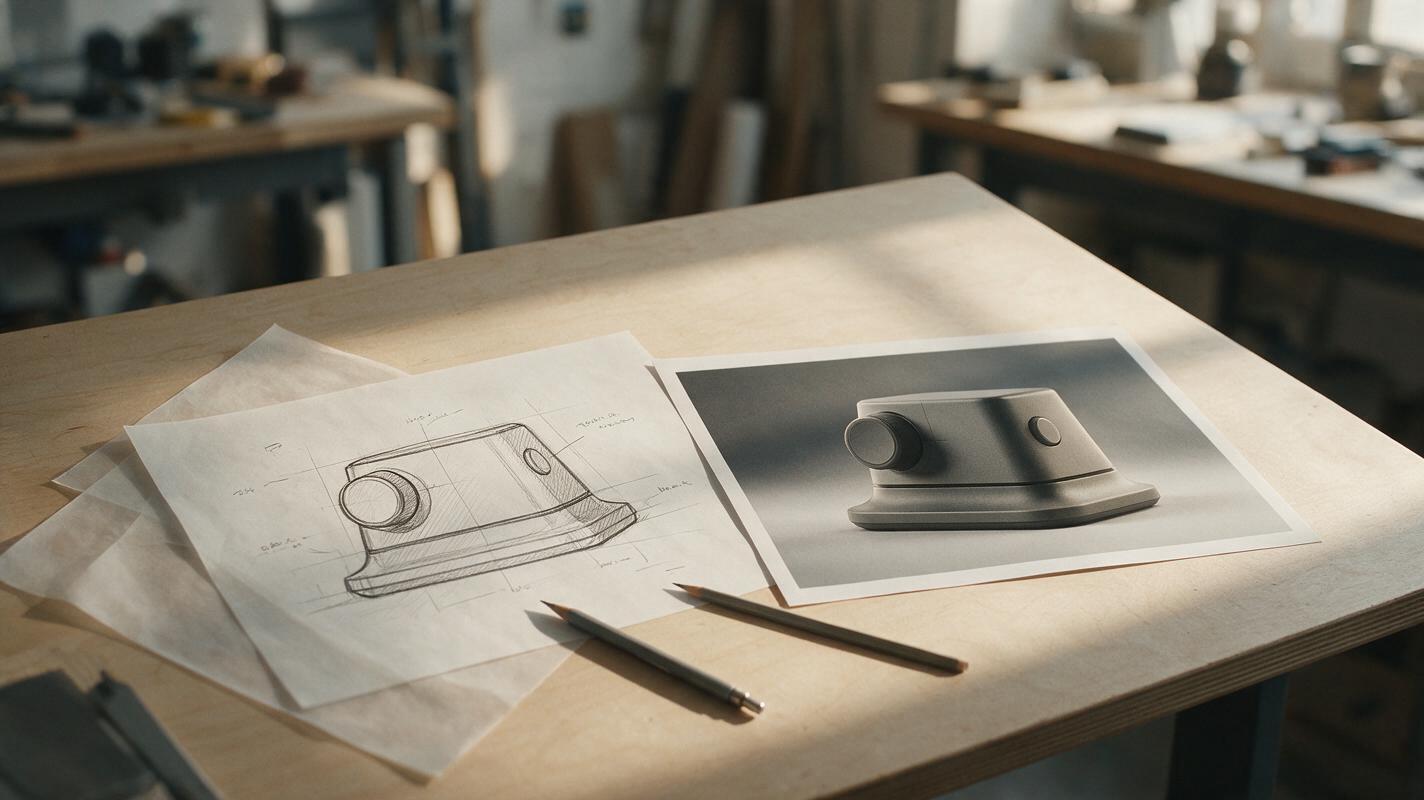
Sketch to Product Render Without Losing Your Design Details
A polished AI render is useful only if it still shows the product you sketched. This guide shows industrial designers how to prepare a reference, write a constraint-led Nano Banana Pro prompt, and check the result for design drift before presenting it.
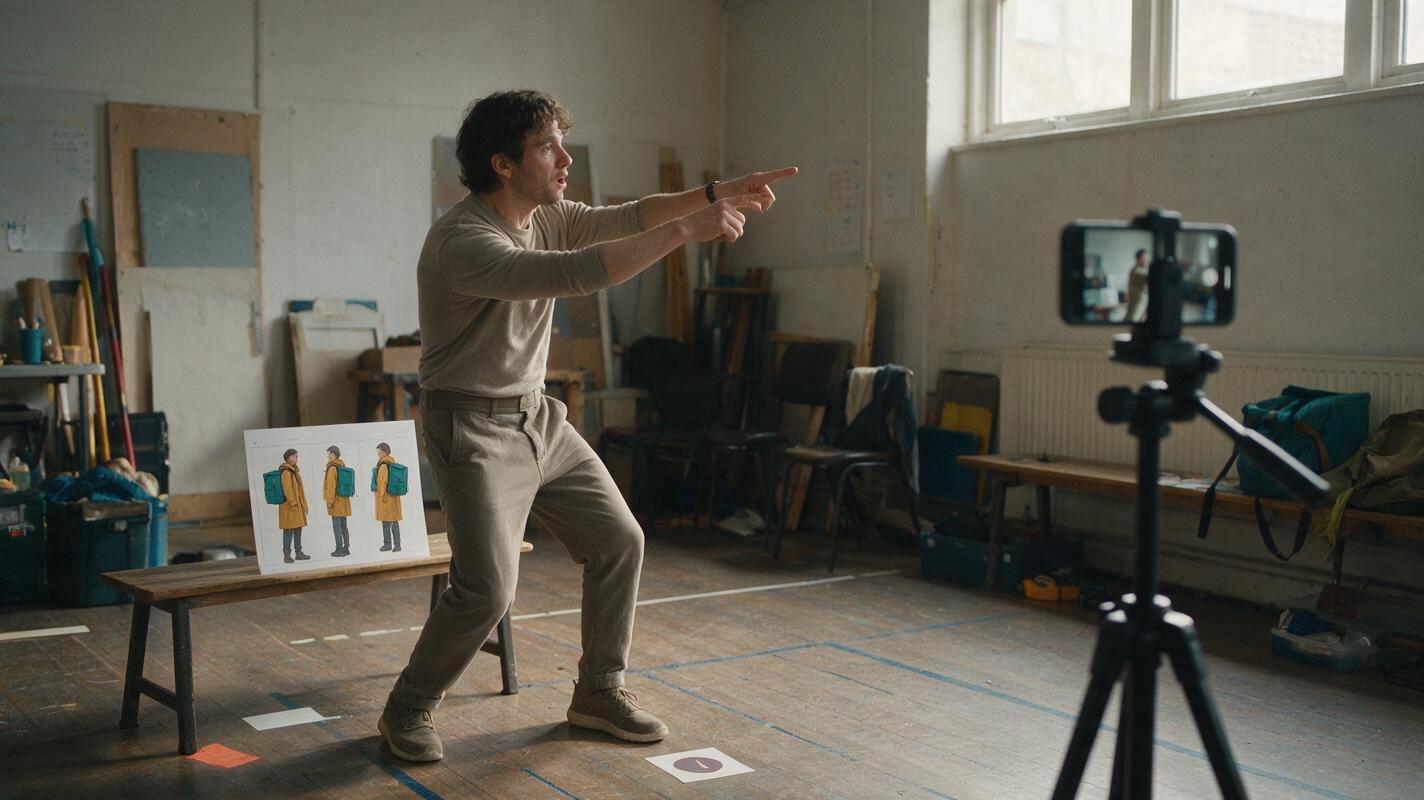
How to Turn a Phone Clip Into an AI Character With Motion Transfer
Use a clean full-body phone recording as the motion source, create a reference image with unmistakable identity anchors, and transfer the performance before adding cinematic styling. This workflow preserves timing and body language more reliably than asking a text-to-video model to invent the entire performance.
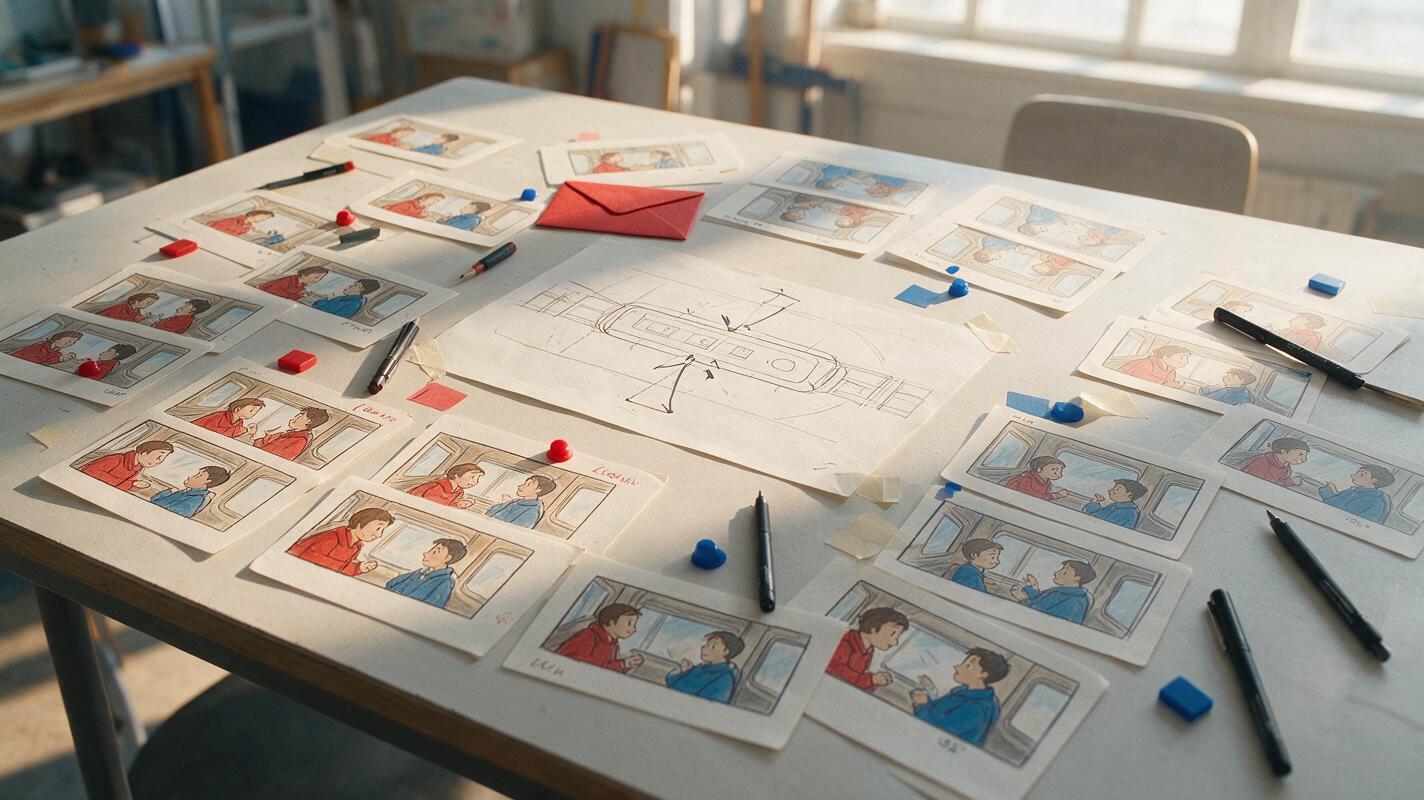
Why AI Storyboards Flip Characters—and the Continuity Map That Fixes It
AI-generated storyboard panels often reverse character positions, eyelines, props, and movement direction between shots. This practical continuity-map method helps comic artists and visual storytellers generate readable shot sequences with Nano Banana Pro while retaining control over screen geography.
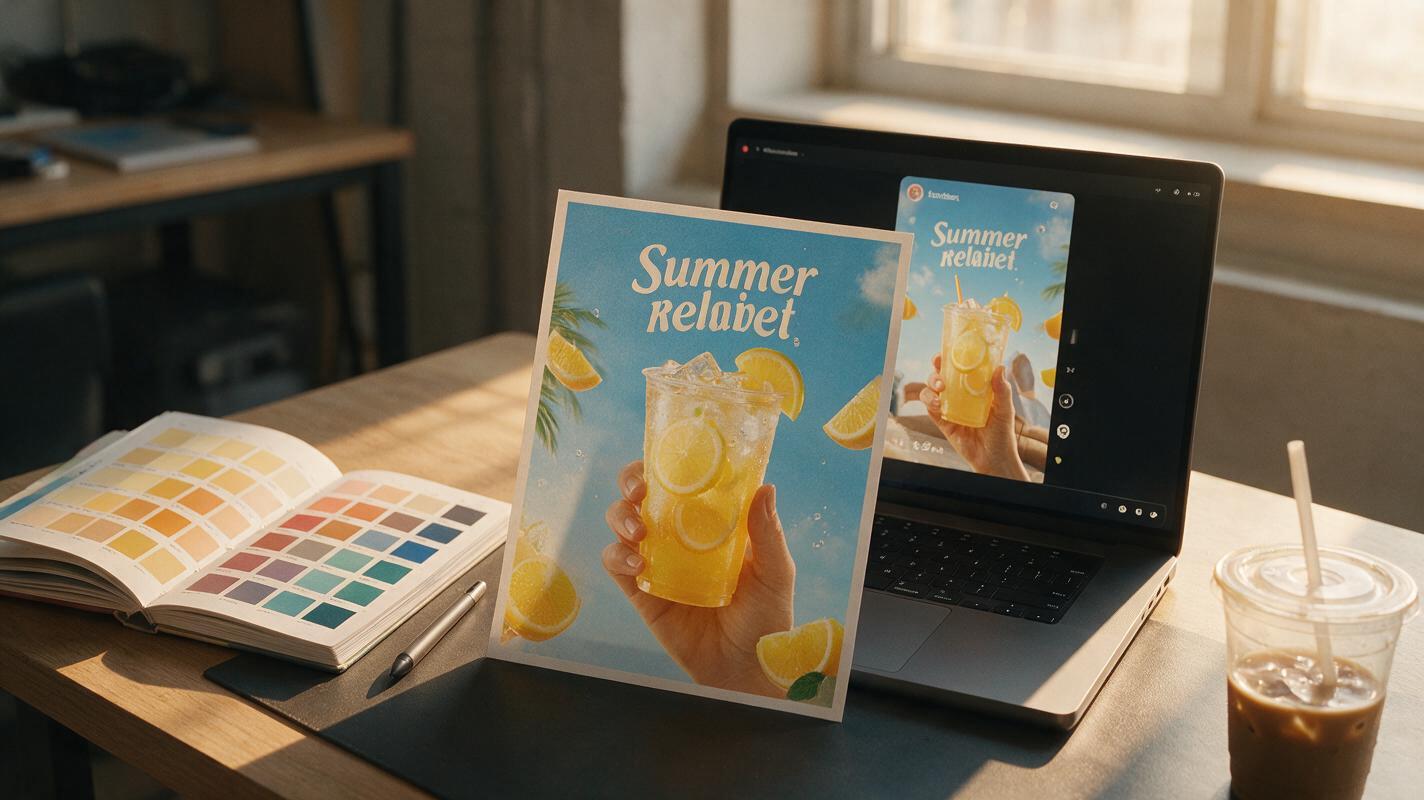
Why AI Social Ad Clips Warp Campaign Key Visuals (3 Fixes With Kling)
AI image-to-video tools make it fast to repurpose static campaign key visuals into short-form social ads, but most tools warp logos, blur text, and shift brand colors. This article breaks down three common causes of brand drift in AI-generated social ad clips and shares actionable fixes using Kling’s image-to-video mode, including reference masking, constrained camera movement, and hybrid compositing. Brand and graphic designers can use these workflows to create on-brand 10–15 second Reels and TikTok ads without hiring a motion designer.
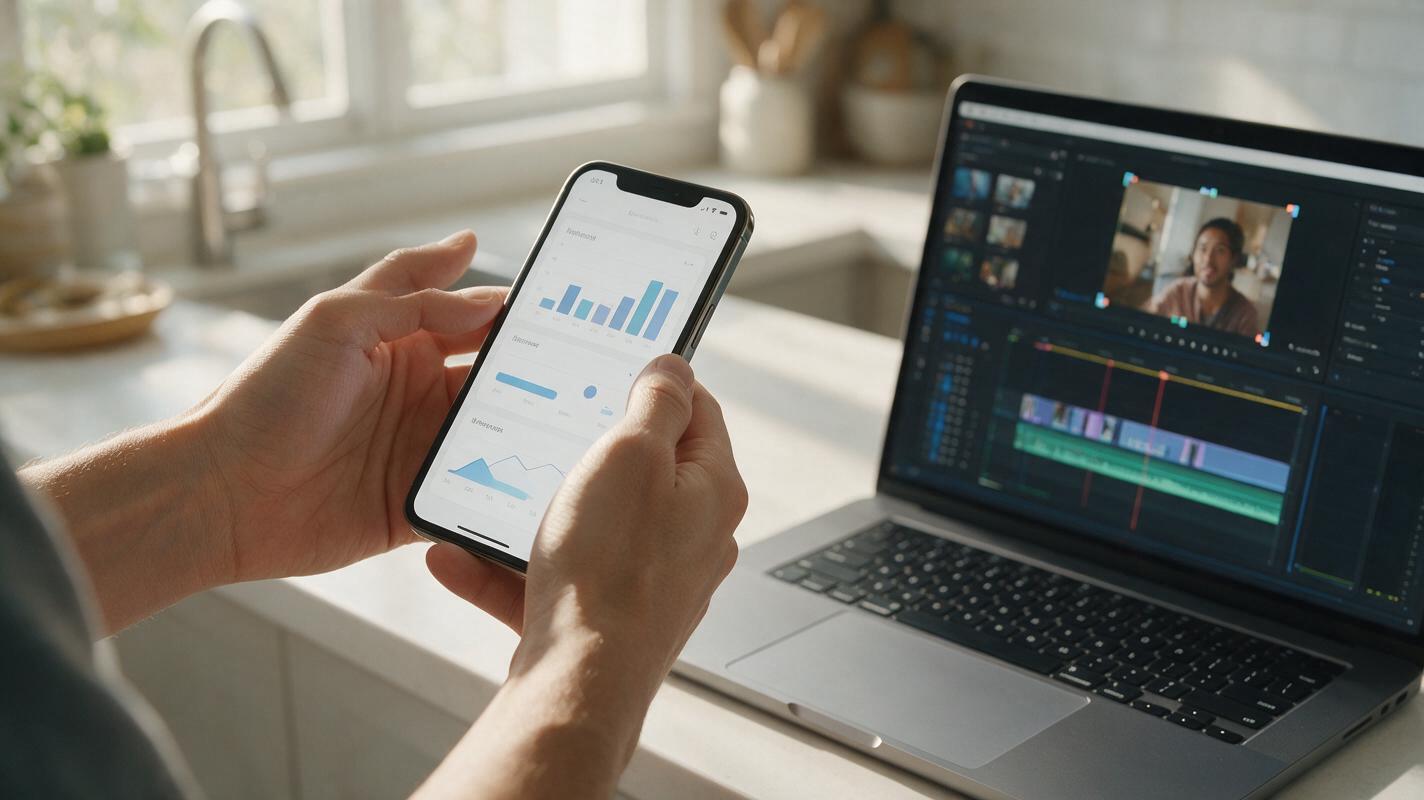
Turn App Screenshots Into 9:16 Demo Ads Without Fake UI
Learn a preservation-first workflow for turning real app screenshots into vertical demo ads without asking AI to redraw buttons, text, or product flows. Use Hailuo to generate supporting motion while retaining verified interface captures as the source of truth.
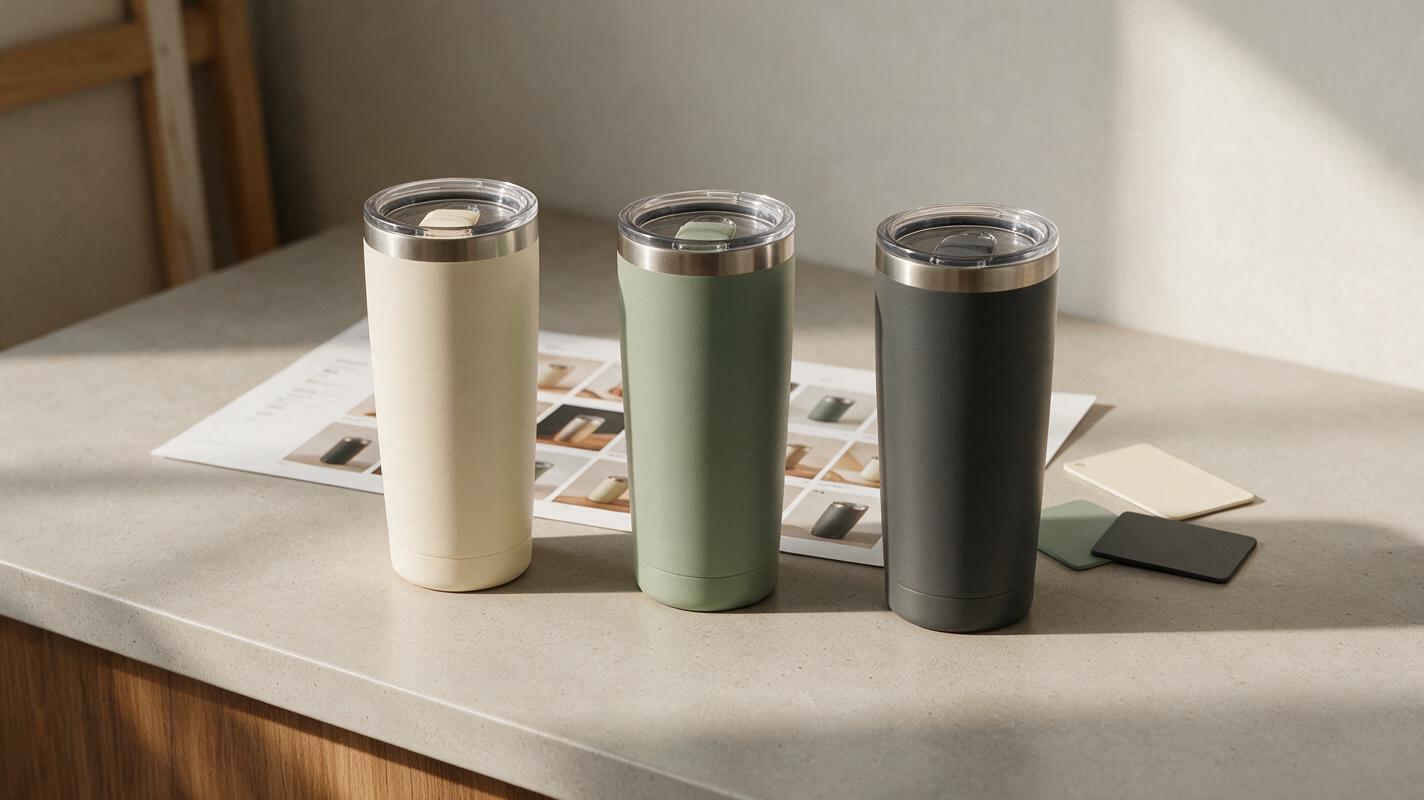
Shopify Color Variant Photos That Match the Product Buyers Select
A consistent backdrop can make Shopify color variants look like one product range, but AI recoloring can make the actual colors unreliable. This guide shows how to build a matched image set from a real photograph of every variant, use Nano Banana Pro for product-free backgrounds, and check each image against its swatch and SKU before publishing.
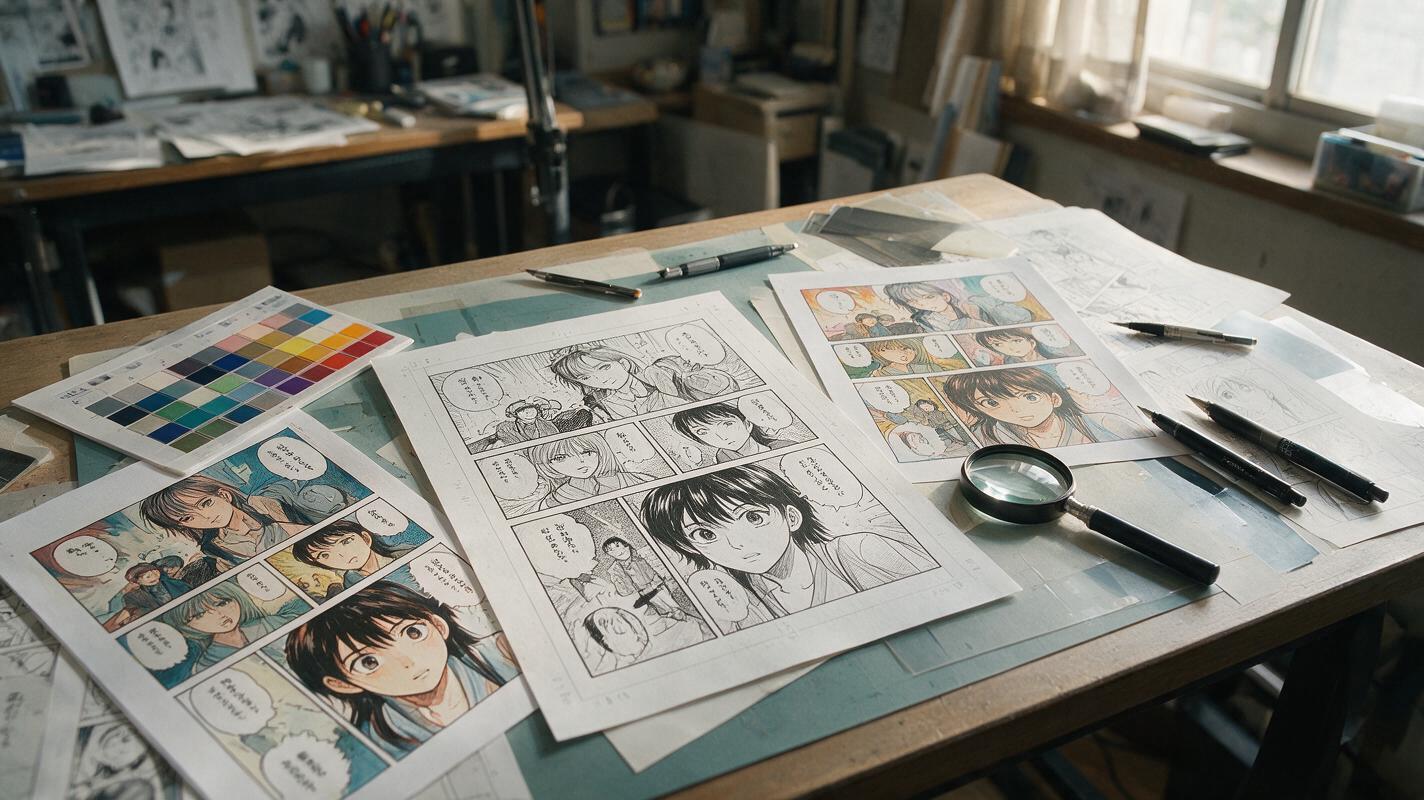
Why AI Manga Colorization Flattens Ink—and How to Preserve It
AI manga colorization often erases screentones, weakens line weight, and makes every surface look equally smooth. This guide shows manga artists how to use Imagen with structure-aware prompts, restrained color layers, and targeted repairs while preserving the original drawing.
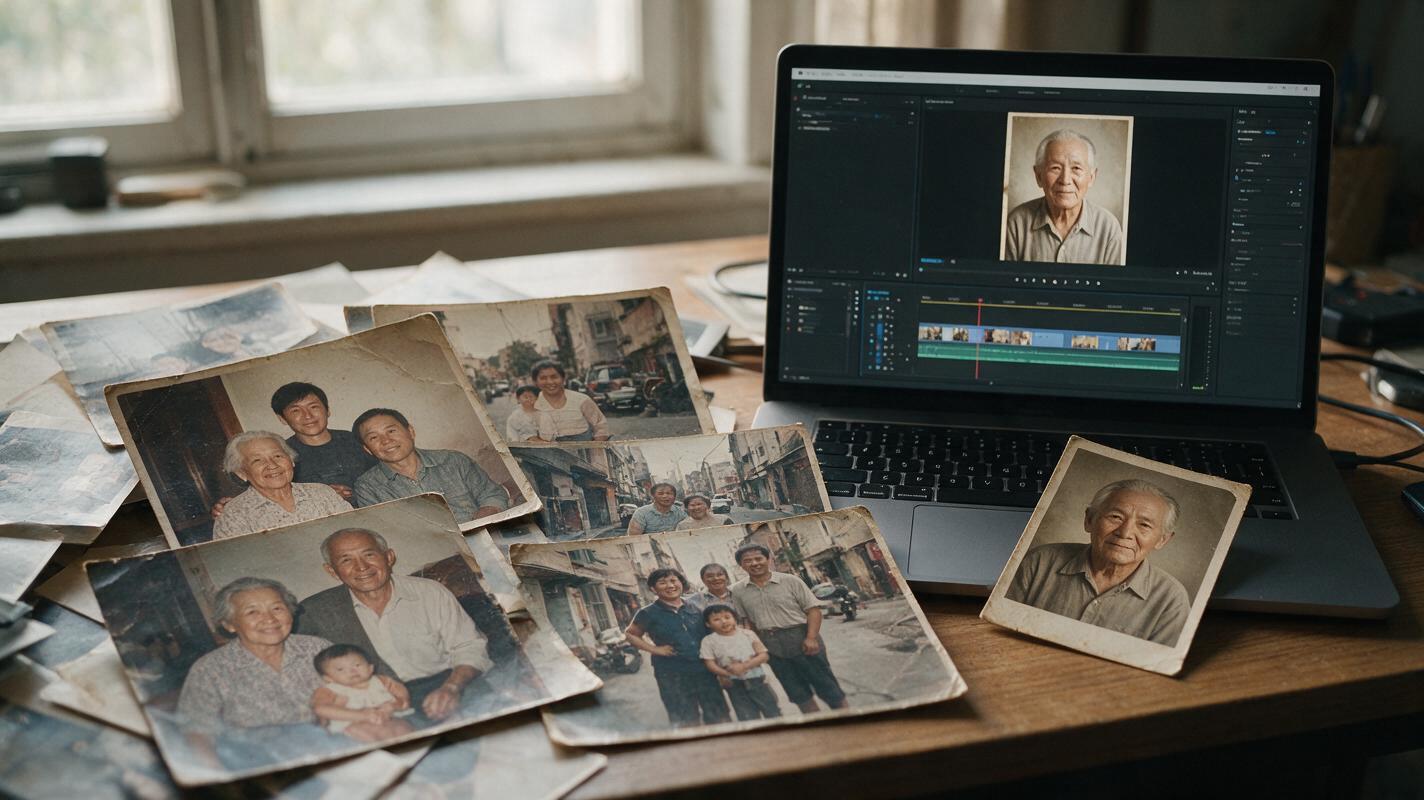
Kling Prompts to Animate Old Photos Without Warping Faces
Turn old photographs into restrained cutaways for faceless YouTube videos using Kling image animation prompts. Learn which movements are least likely to distort faces, when to keep the original photo on screen, and how to make the result clear to viewers.
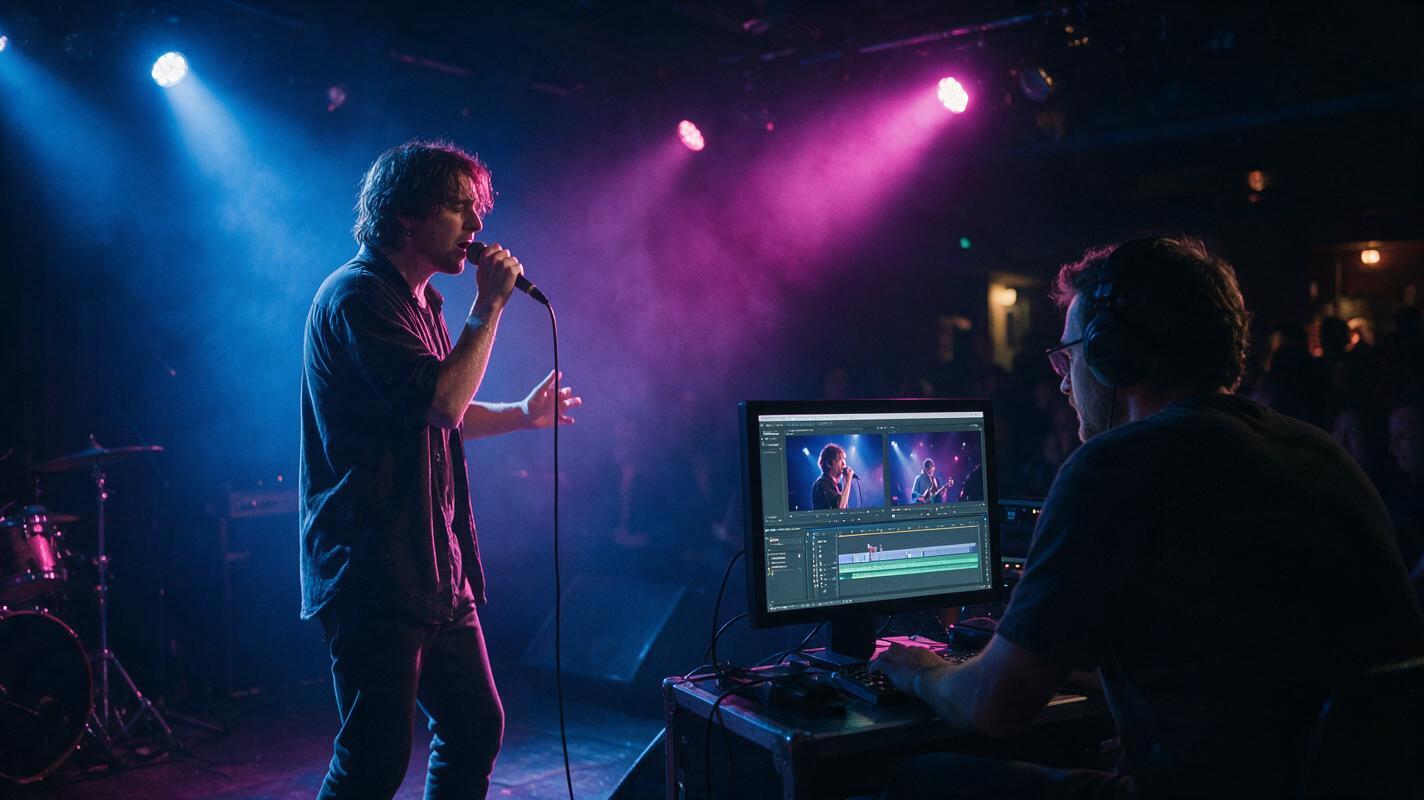
How to Denoise Low-Light Concert Video Without Waxy Faces
Low-light concert footage often combines color noise, compression artifacts, motion blur, and rapidly changing stage lights. This practical workflow shows how to denoise video conservatively, preserve facial texture, and document the improvement with matched-frame evidence.
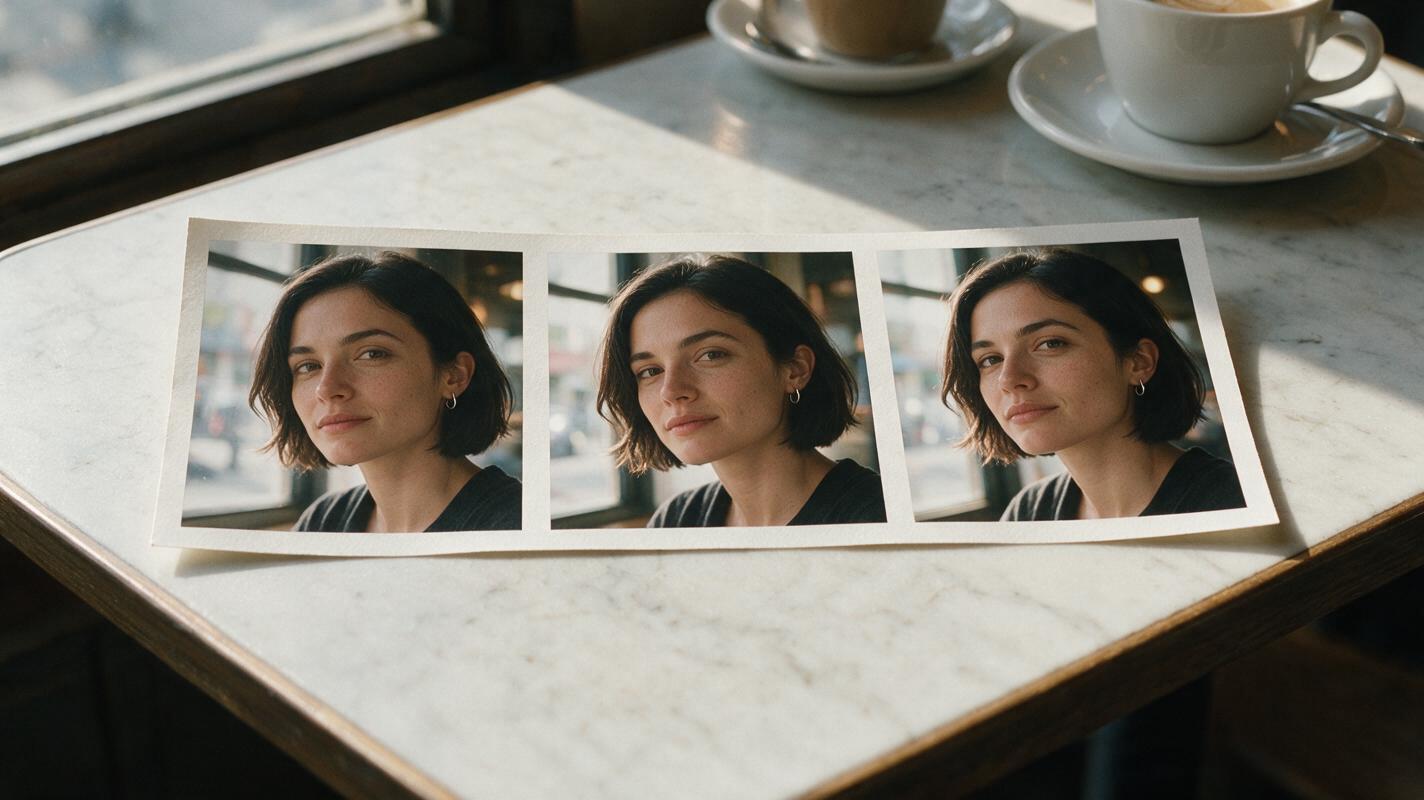
How to Keep the Same Face During an AI Video Camera Orbit
A camera orbit can change a character’s face even when the shot never cuts. This guide shows how to anchor the front, profile, and rear views of one fictional character, prepare an orbit-ready reference frame, and review the angles where identity drift becomes visible.
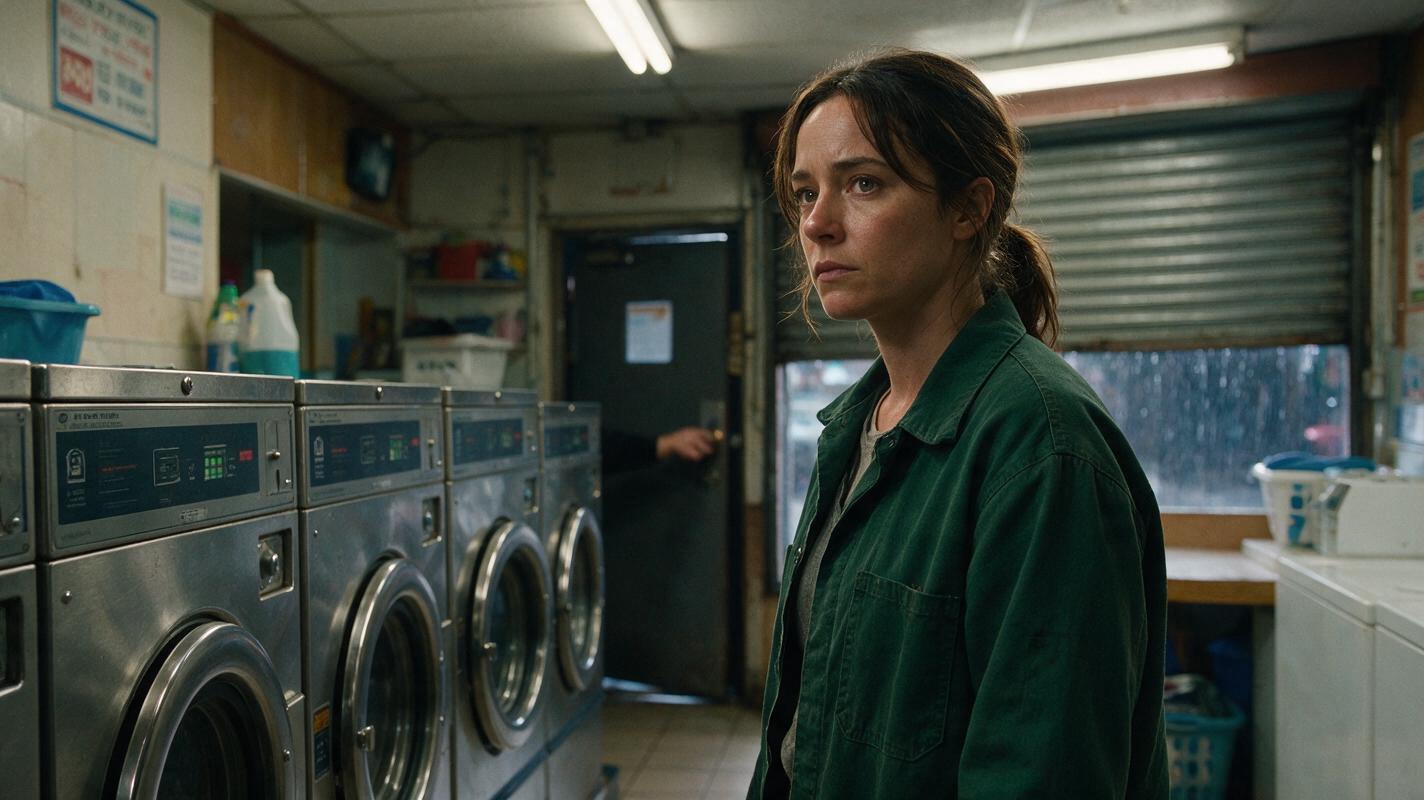
How to Stage an Unseen Threat in an AI Short Drama
An unseen threat can create suspense without forcing an AI video model to render a complicated attacker, chase, or fight. This tutorial builds the scene from visible evidence, locked geography, boundary frames, restrained motion, and sound-led editing.