Blog
Discover the latest from MagicBoat
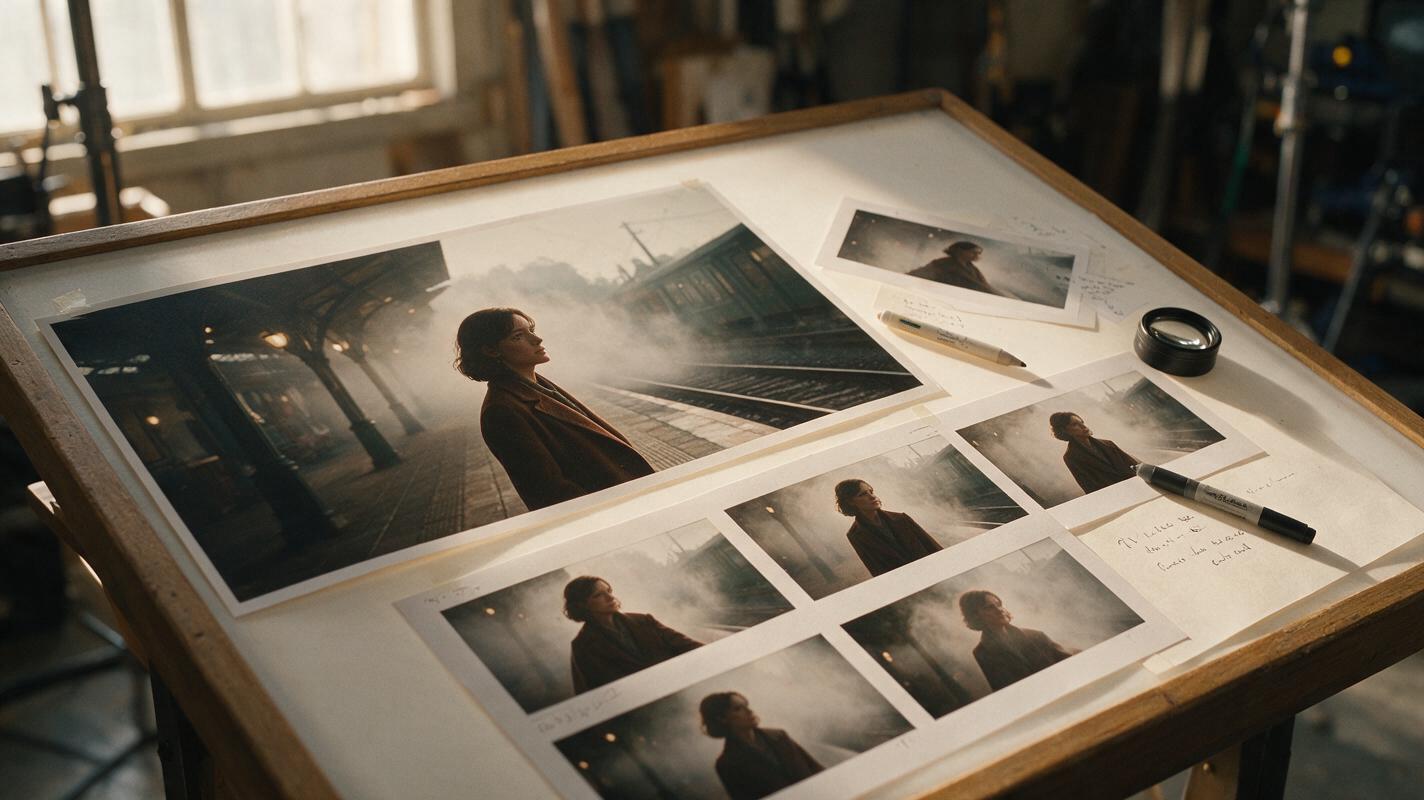
Sora Alternatives for Animating Still Images: 6 Tools Compared
Sora is not the only option for turning photographs, illustrations, and product stills into moving shots. This guide compares six Sora alternatives by image-to-video workflow, model access, pricing structure, and suitability for controlled animation tests.
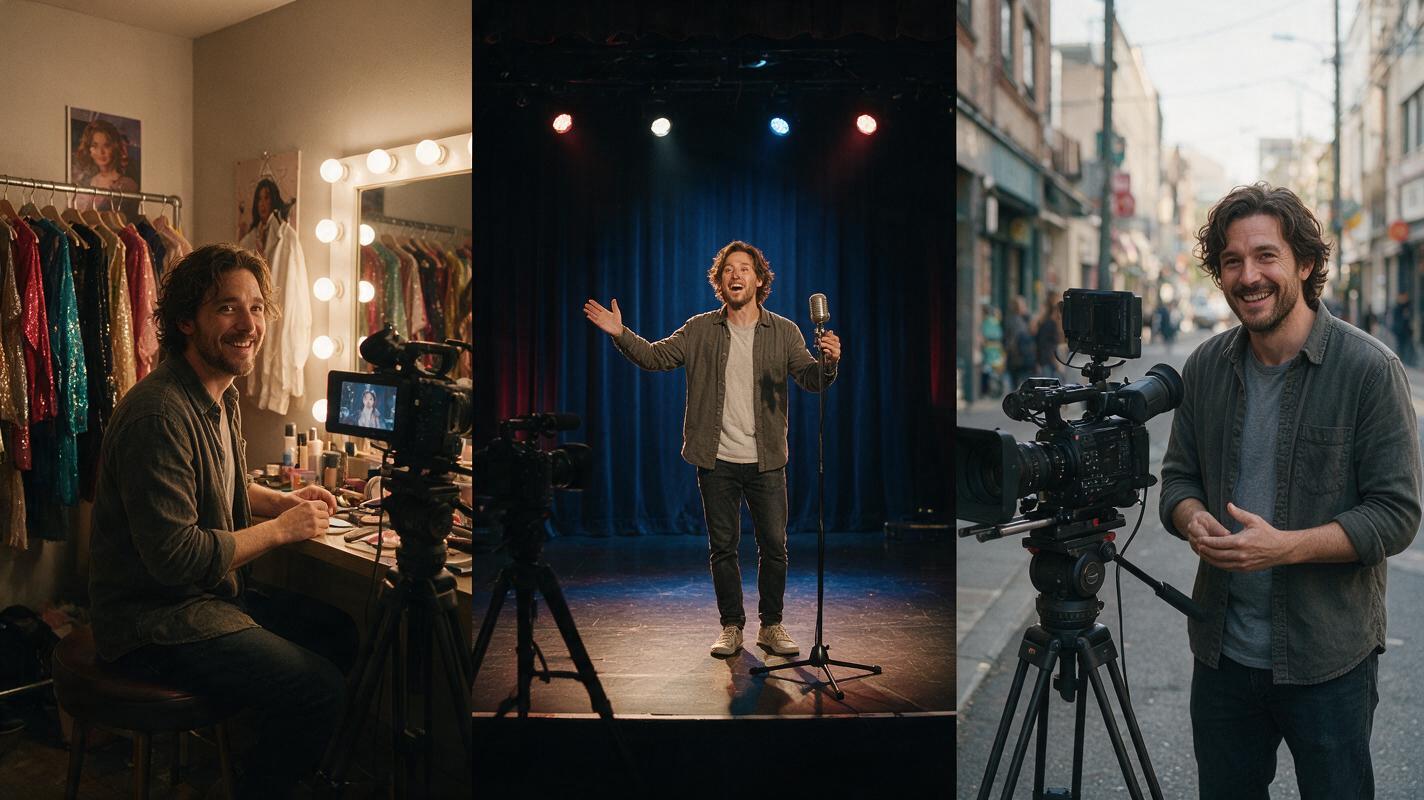
Best AI Tools for Consistent Characters Across Video Scenes
Keeping a character’s look, movement, and voice consistent across multiple video scenes is one of the biggest pain points in AI video production. This guide breaks down proven techniques and the top AI tools to lock in character consistency for short dramas, branded content, and series, with actionable prompts and workflow tips you can apply immediately. We also cover how all-in-one platforms streamline the process without juggling multiple tools.
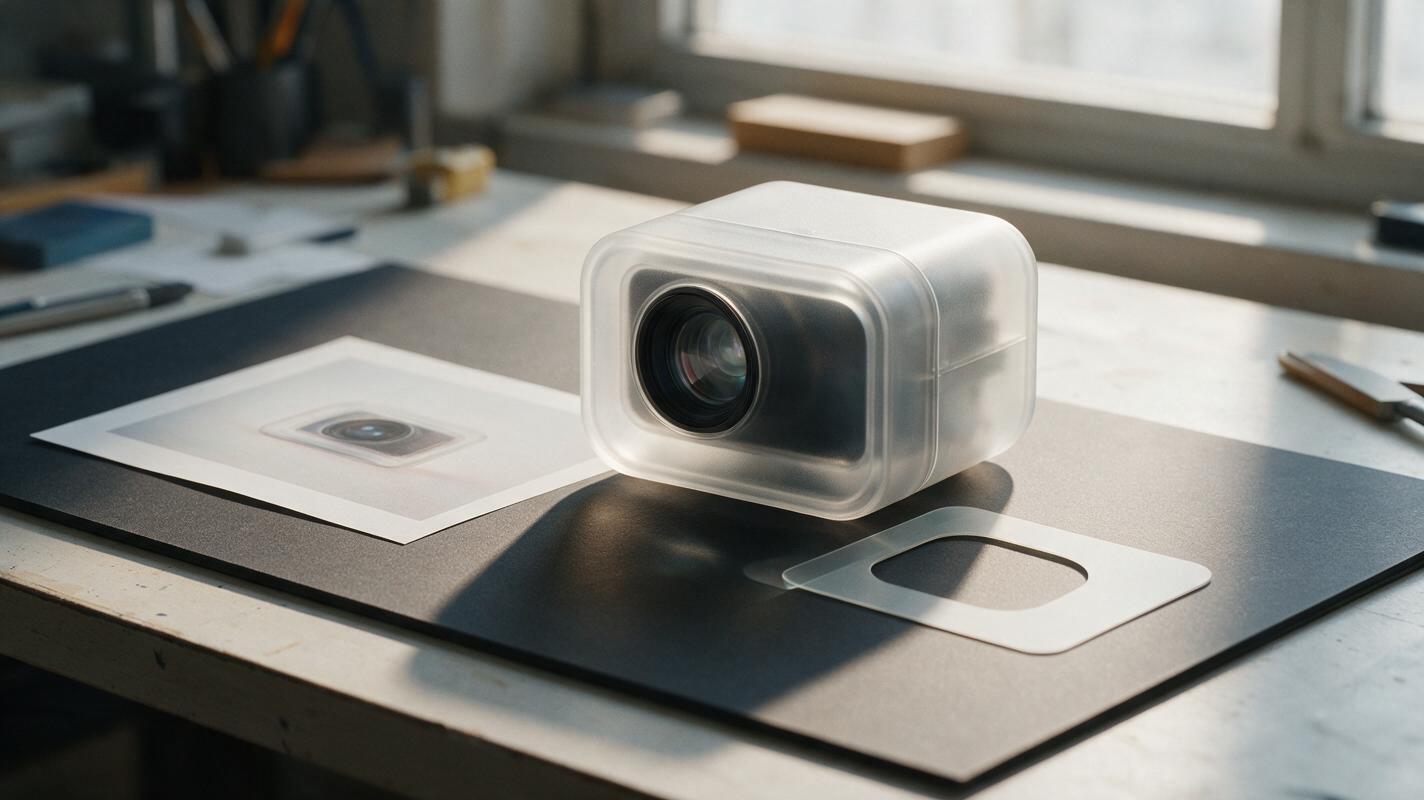
Transparent Product Render Backgrounds Without Losing Glass or Shadows
Removing a product render’s background is straightforward until the design includes a clear lens, frosted housing, or contact shadow. This guide shows how to prepare a separable backdrop, build a careful cutout, and test the result without mistaking a presentation image for a technically accurate material render.
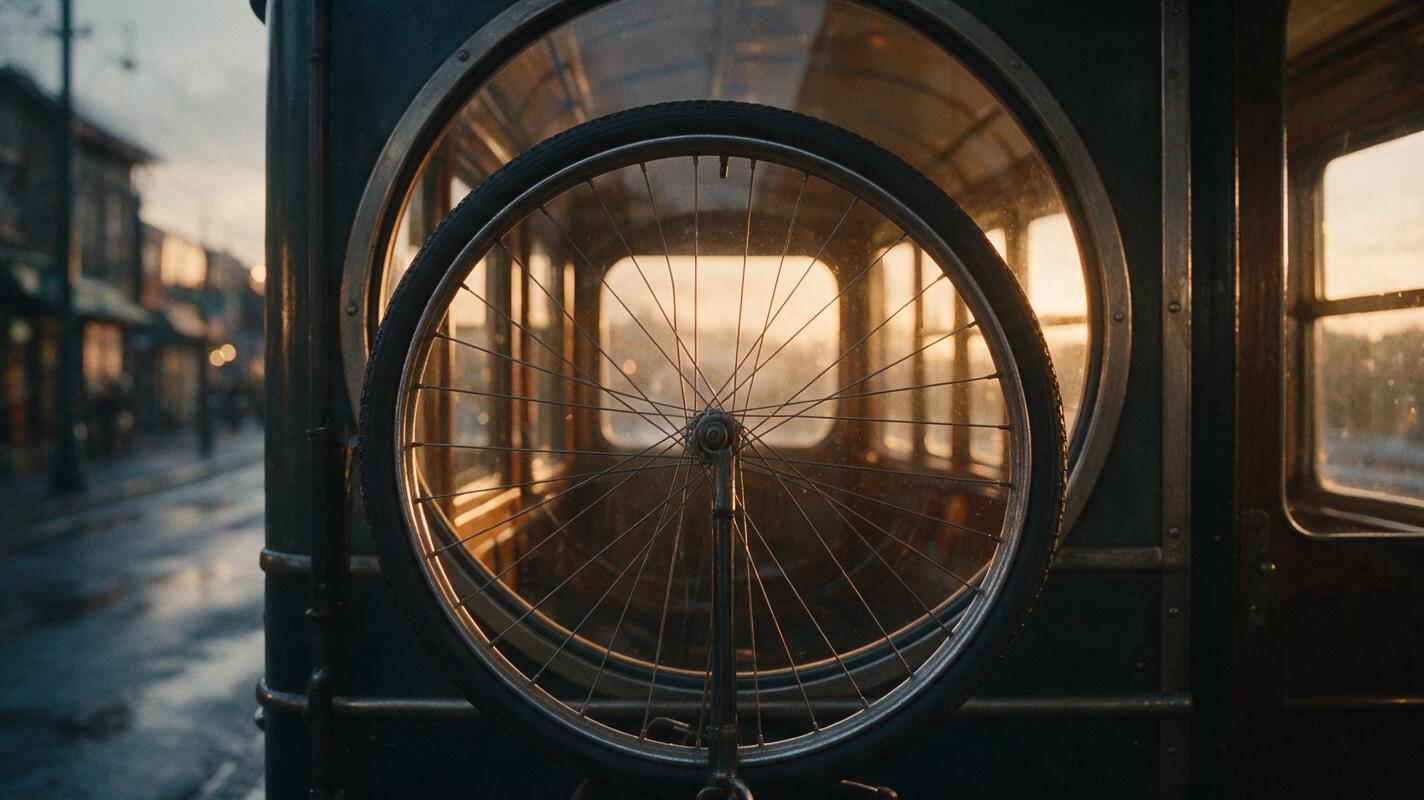
How to Create Seamless Match Cuts With Image-to-Video AI
Create convincing AI match cuts by designing two keyframes around the same shape, screen position, and motion direction before generating either clip. This tutorial builds a bicycle-wheel-to-train-window transition with reusable prompts, model comparison, and a frame-level editing workflow.
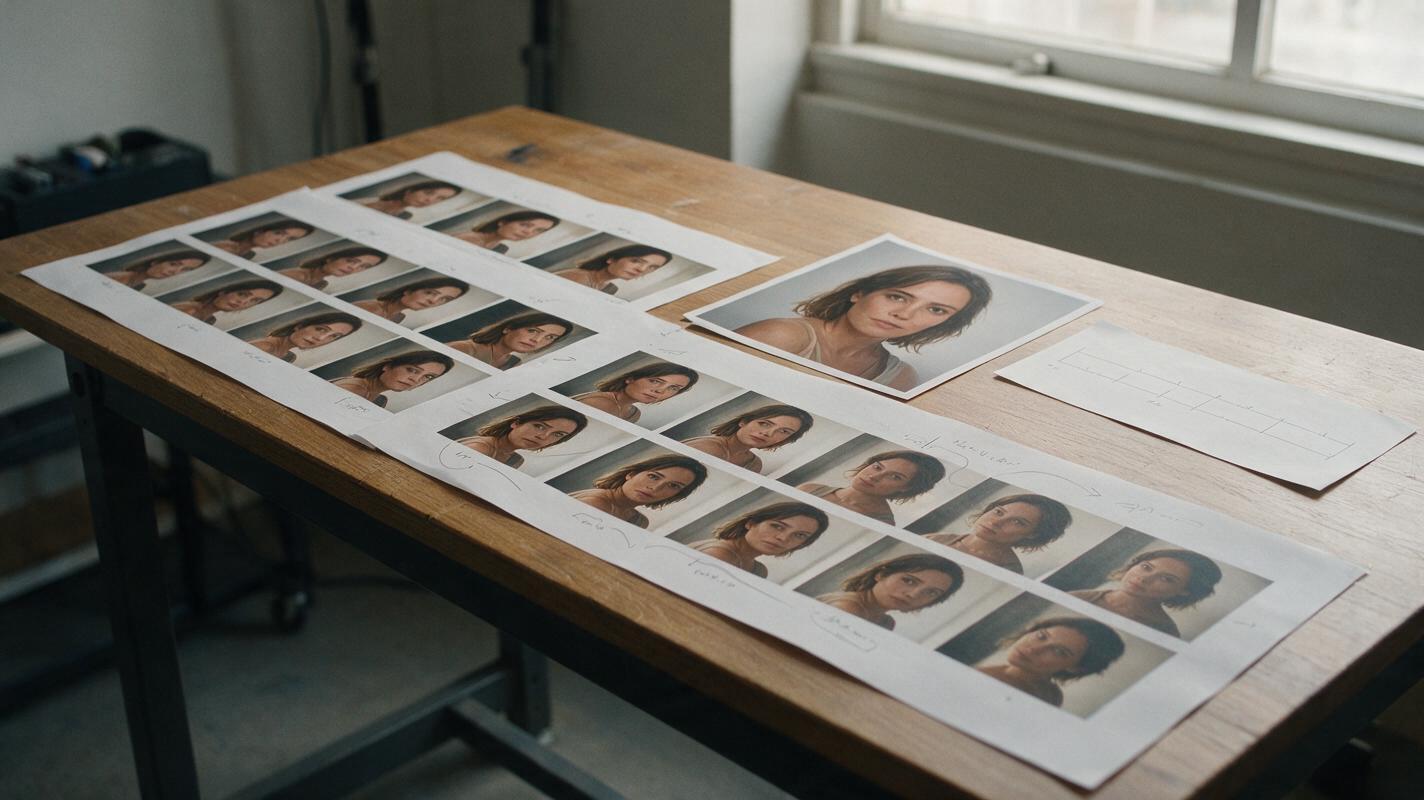
How to Fix Face Drift in AI Video with Face Swap
Repair face drift by generating the scene first, identifying only the unstable frames, and applying face swap with a clean identity reference. This selective workflow preserves the original motion, lighting, and camera work while correcting facial identity without regenerating the entire AI video.
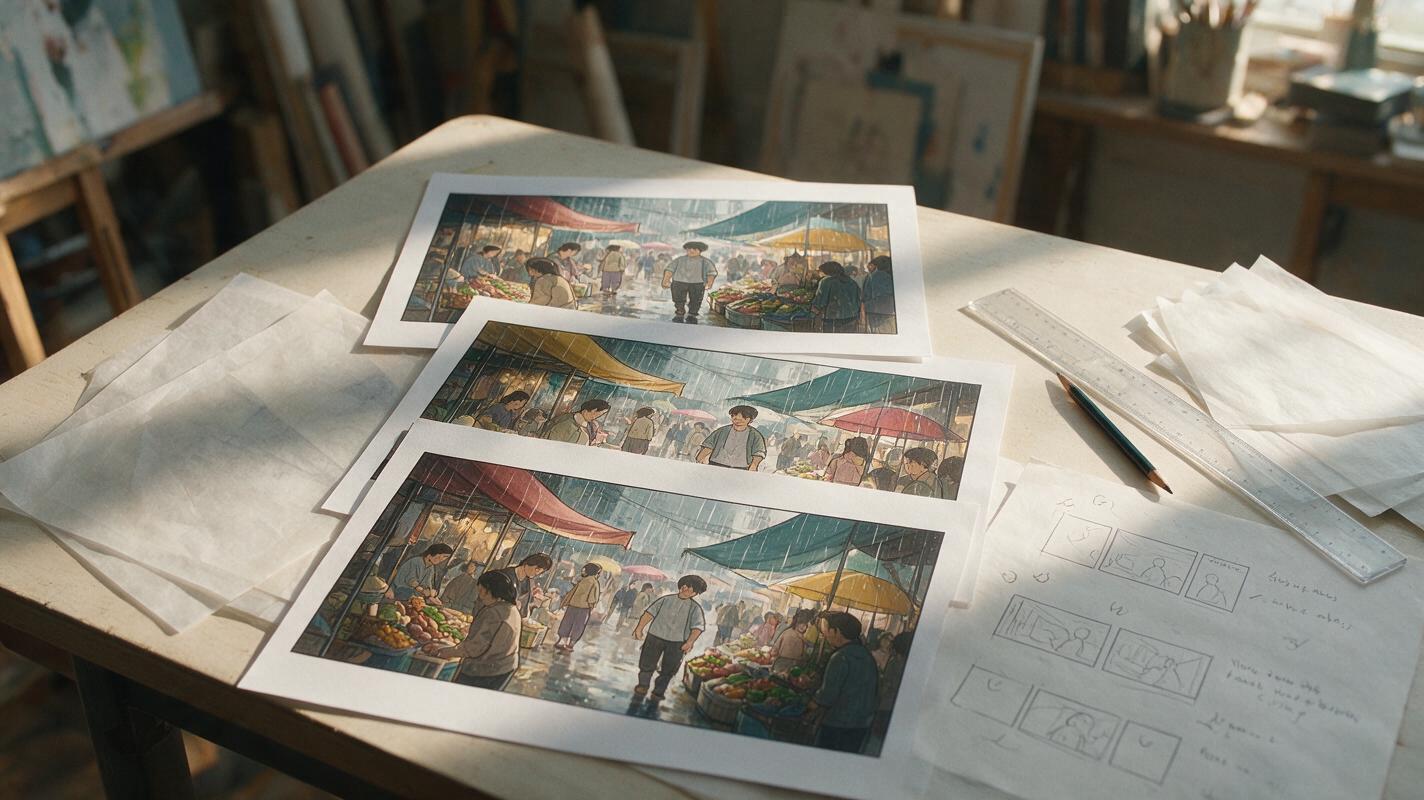
Why AI Webtoon Panels Look Flat—and Prompts That Add Depth
Flat AI webtoon panels usually lack clear foreground, middle-ground, and background relationships—not more detail. This guide shows how to use Midjourney prompts, occlusion, scale changes, lighting, and vertical composition to create panels with readable depth.
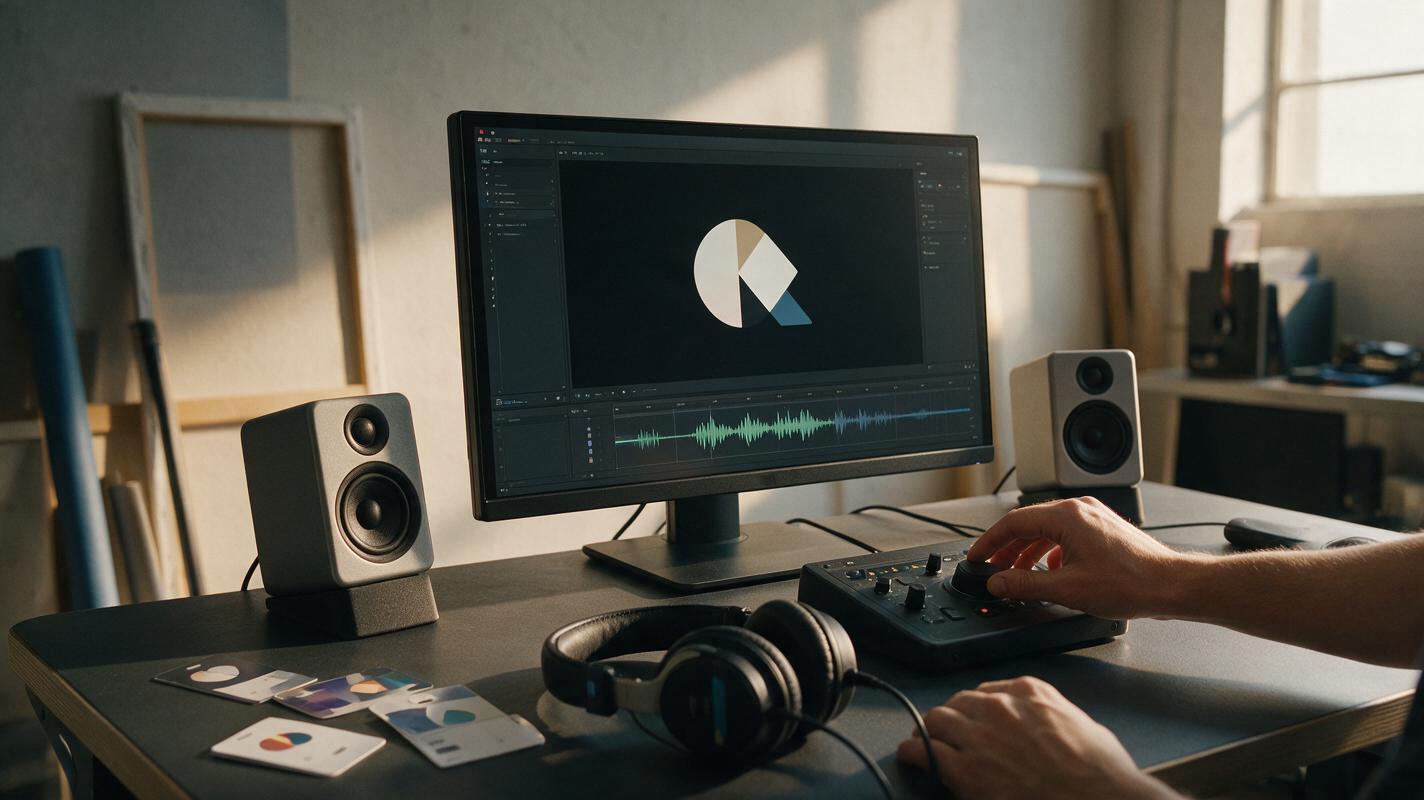
AI Sound Prompts for Logo Animations That Feel On-Brand
A polished logo animation can still feel generic when its soundtrack comes from a random stock effect. These reusable AI sound prompts help brand designers create sonic directions that match a visual identity, motion style and campaign context.

AI Ad Background Prompts for Product Creatives With Copy Space
Use these AI ad background prompts to create product scenes with deliberate copy space, clear visual hierarchy, and testable campaign angles. The collection includes reusable prompts for offer ads, product benefits, seasonal campaigns, and premium positioning, plus a framework for evaluating each variation.

AI Candle Lifestyle Photo Prompts That Don’t Invent Ingredients
Scented candle sellers can use AI to create evocative lifestyle scenes without turning decorative props into misleading ingredient claims. These prompts generate product-free settings for a real candle photo, with practical checks for label accuracy, scent associations, and marketplace use.
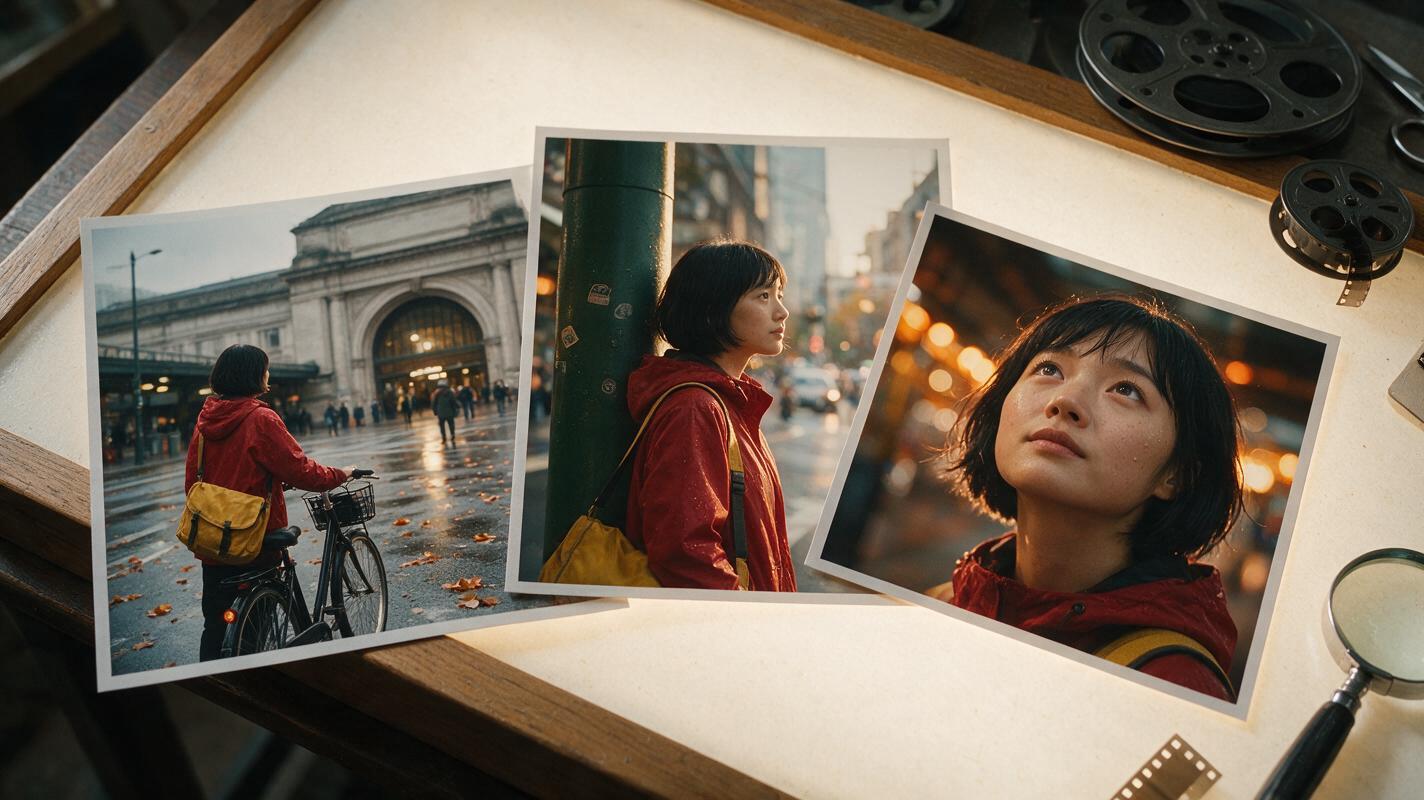
How to Keep One Character Consistent Across a Multi-Shot AI Video
Create a consistent multi-shot AI video by locking the character design first, generating each scene as a controlled keyframe, and animating the shots separately. This reference-first workflow reduces face drift, wardrobe changes, duplicated features, and continuity errors when using models such as Seedance and Kling.
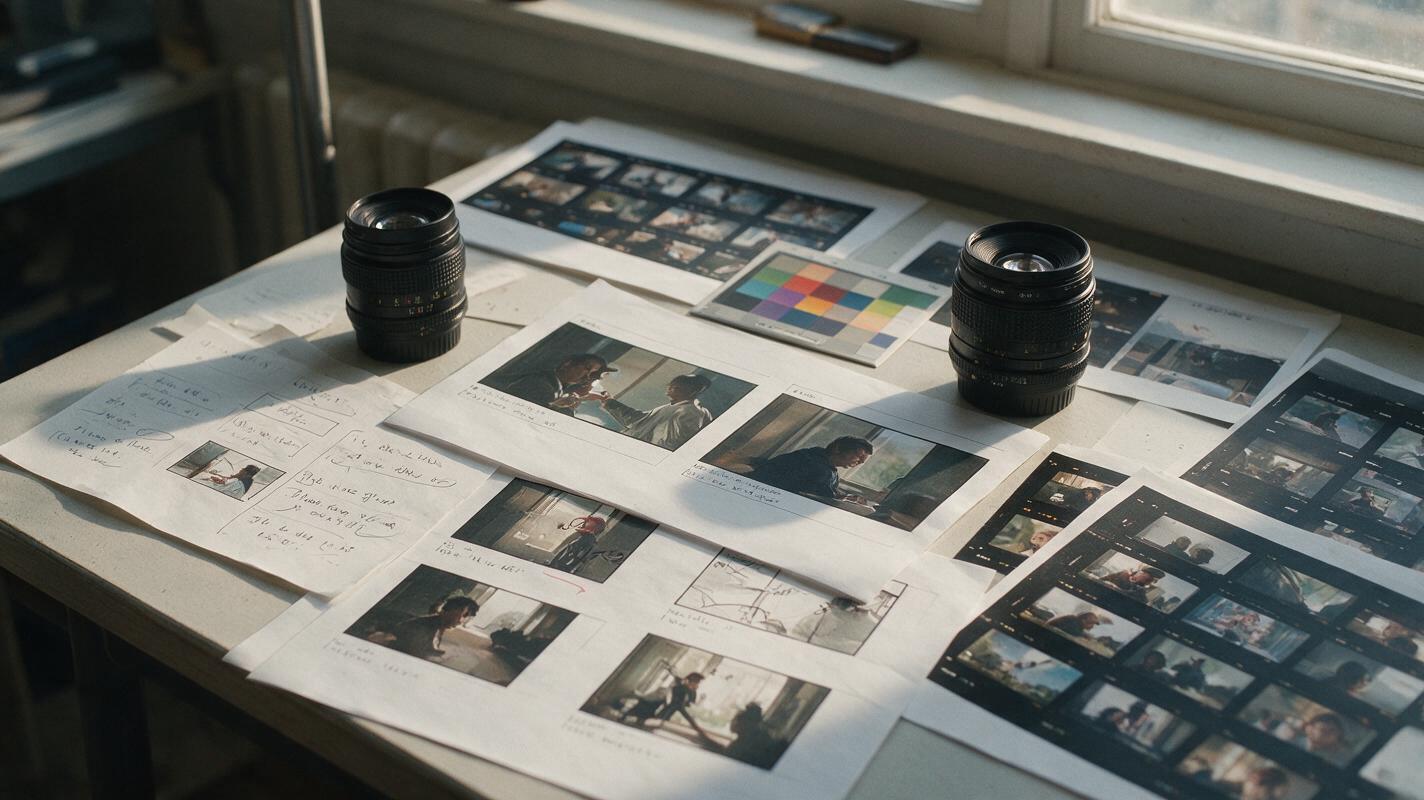
Sora Alternatives for Storyboarding: 6 AI Video Tools Compared
Sora is not the only option for turning storyboards and reference images into video concepts. This guide compares six Sora alternatives for previsualization, shot testing, rapid iteration, and side-by-side model evaluation without overstating volatile pricing or capabilities.
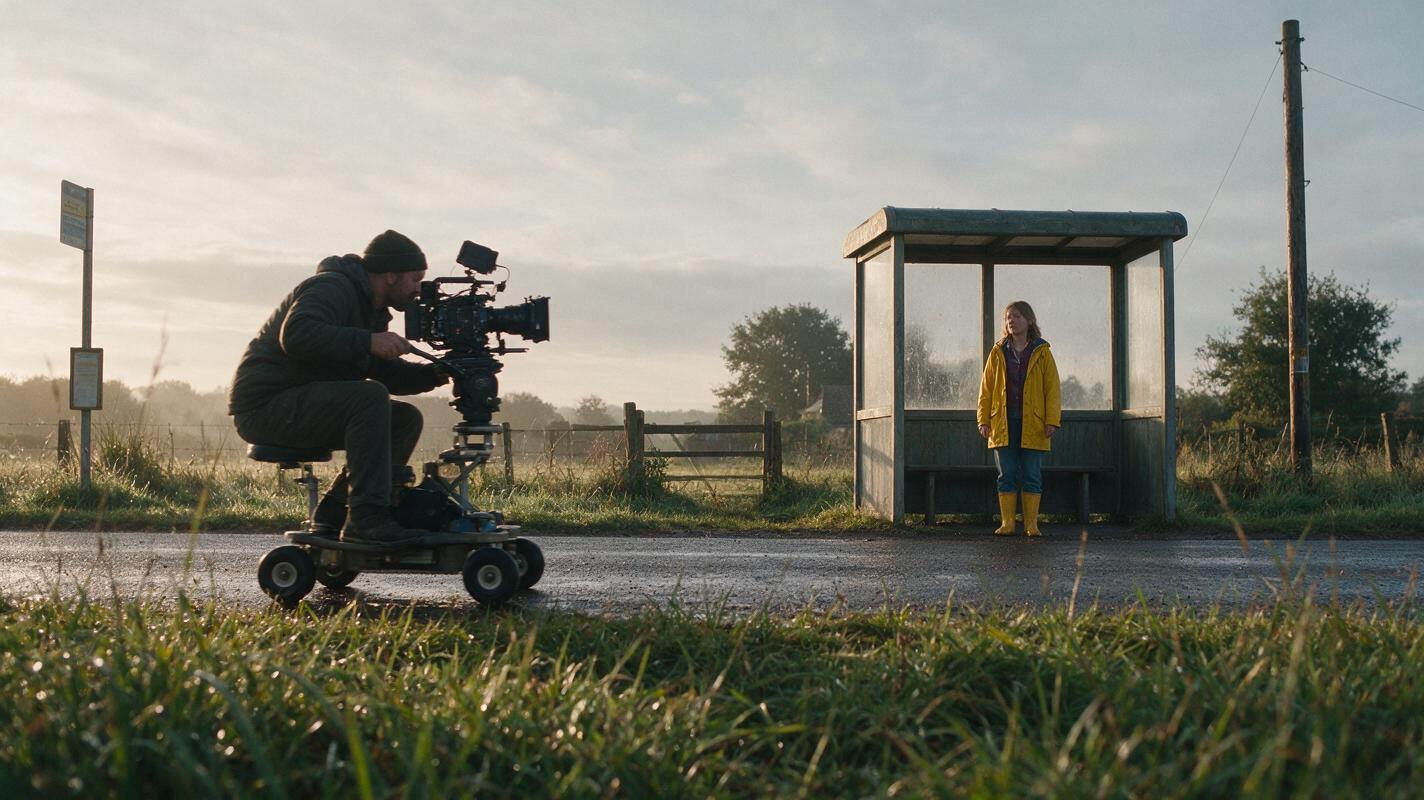
How to Write Better Text-to-Video Prompts for Seedance and Kling
Better text-to-video results come from directing one readable shot instead of packing a prompt with unrelated cinematic terms. This tutorial shows how to structure Seedance and Kling prompts around subject motion, camera motion, timing, and continuity, then compare both models with the same shot brief.