Blog
Discover the latest from MagicBoat
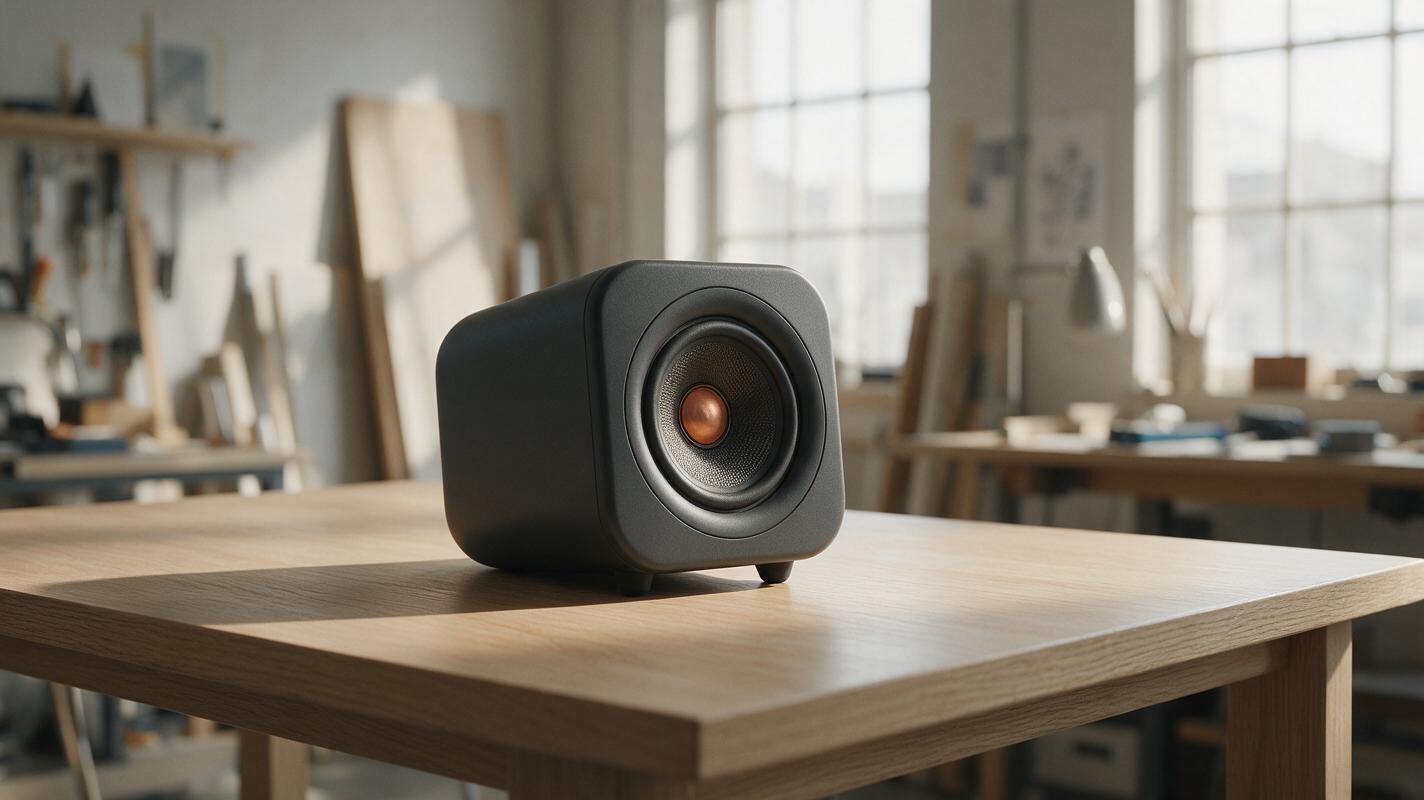
Why AI Product Renders Look Like They’re Floating—and How to Fix It
A polished product concept can look weightless when its contact shadow, cast shadow, and surface perspective disagree. This guide shows product designers how to diagnose the mismatch, write a focused image-editing prompt, and check the result without changing the approved design.
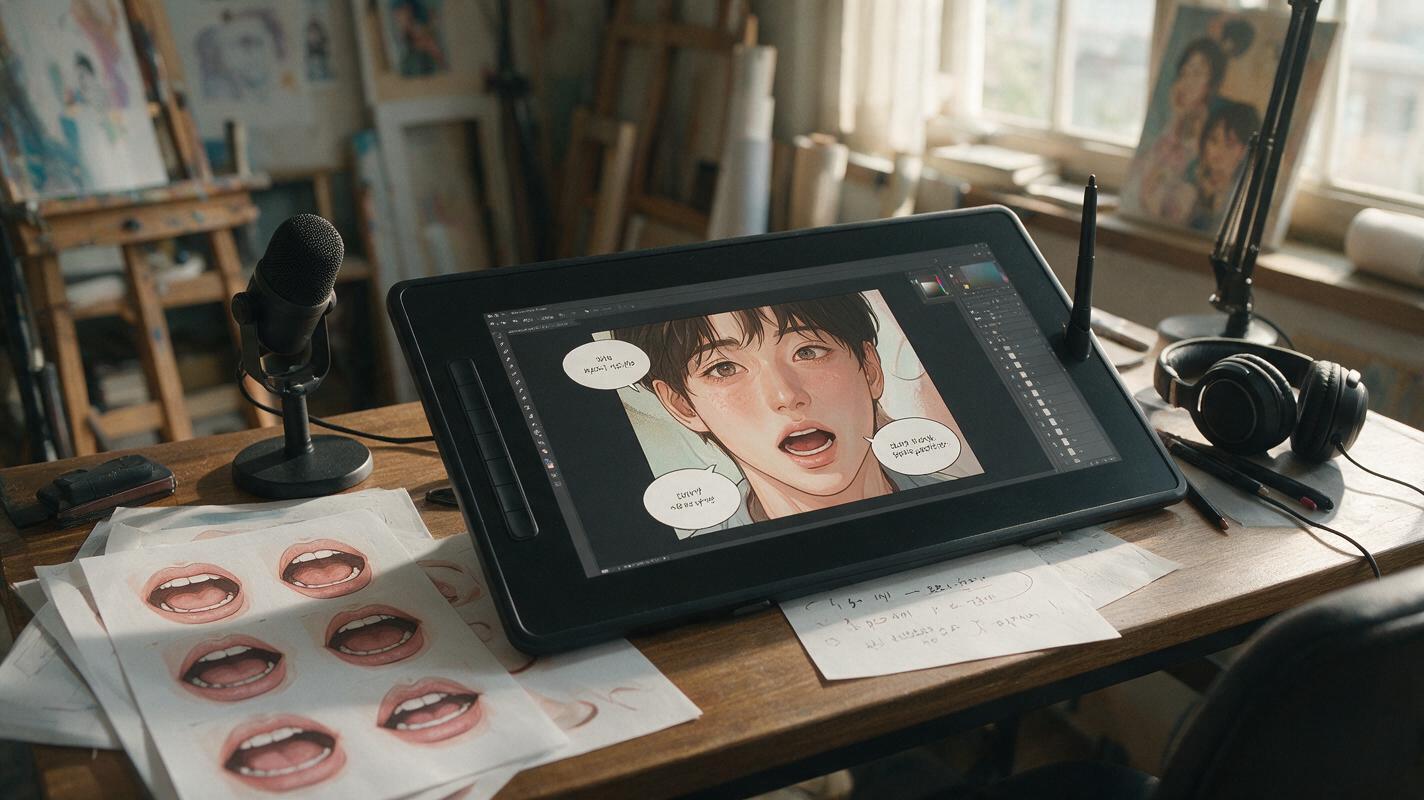
Comic Panel Lip Sync Without Melting the Line Art
A finished comic panel can become a convincing talking shot, but only if facial motion, camera movement and audio timing are kept under control. This guide uses Hailuo for restrained panel animation, followed by a dedicated lip-sync pass that protects line art and character identity.
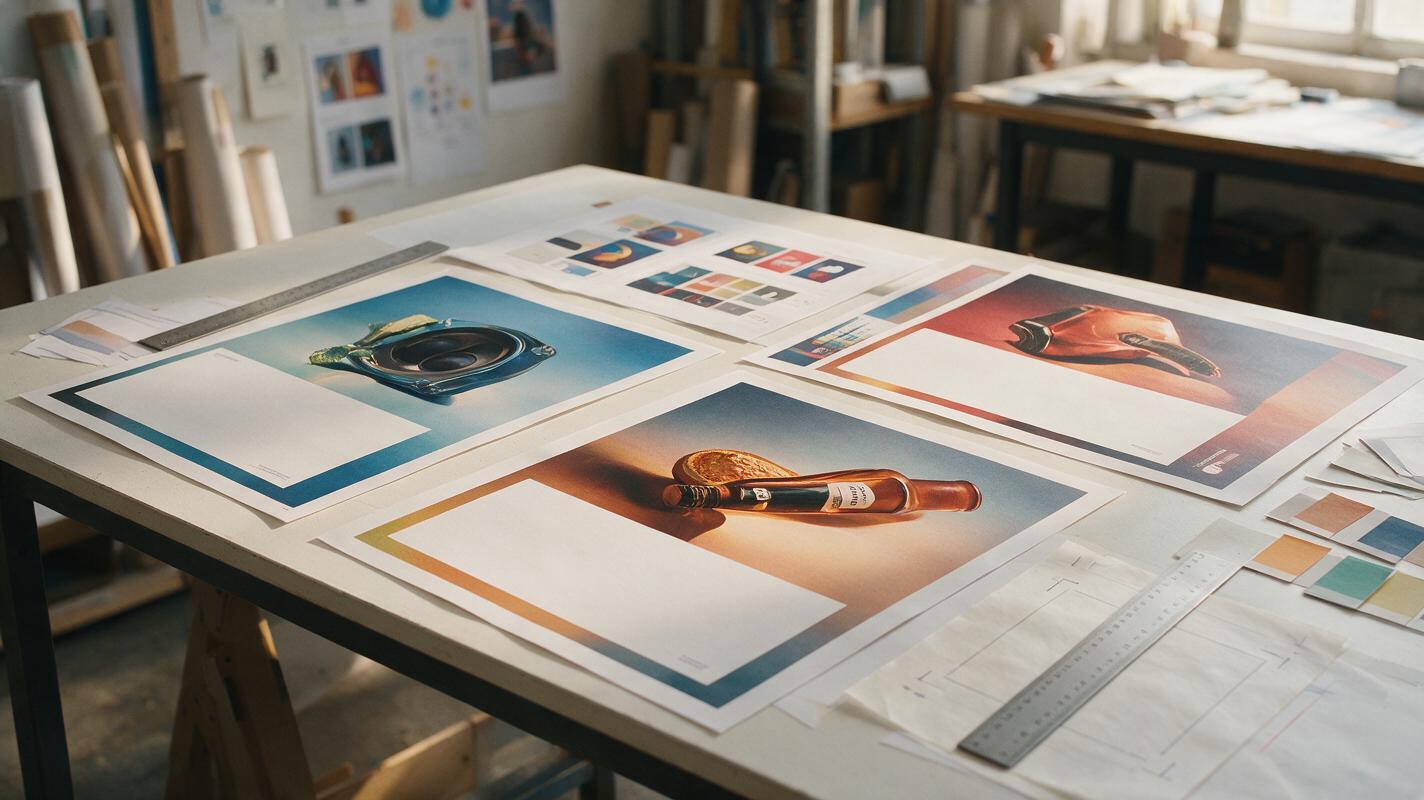
AI Poster Prompts That Leave Clean Space for Headlines
AI poster backgrounds often look impressive until the headline has nowhere to go. This guide shows graphic designers how to use Imagen prompts, spatial instructions, and composition checks to generate campaign visuals with intentional copy space.
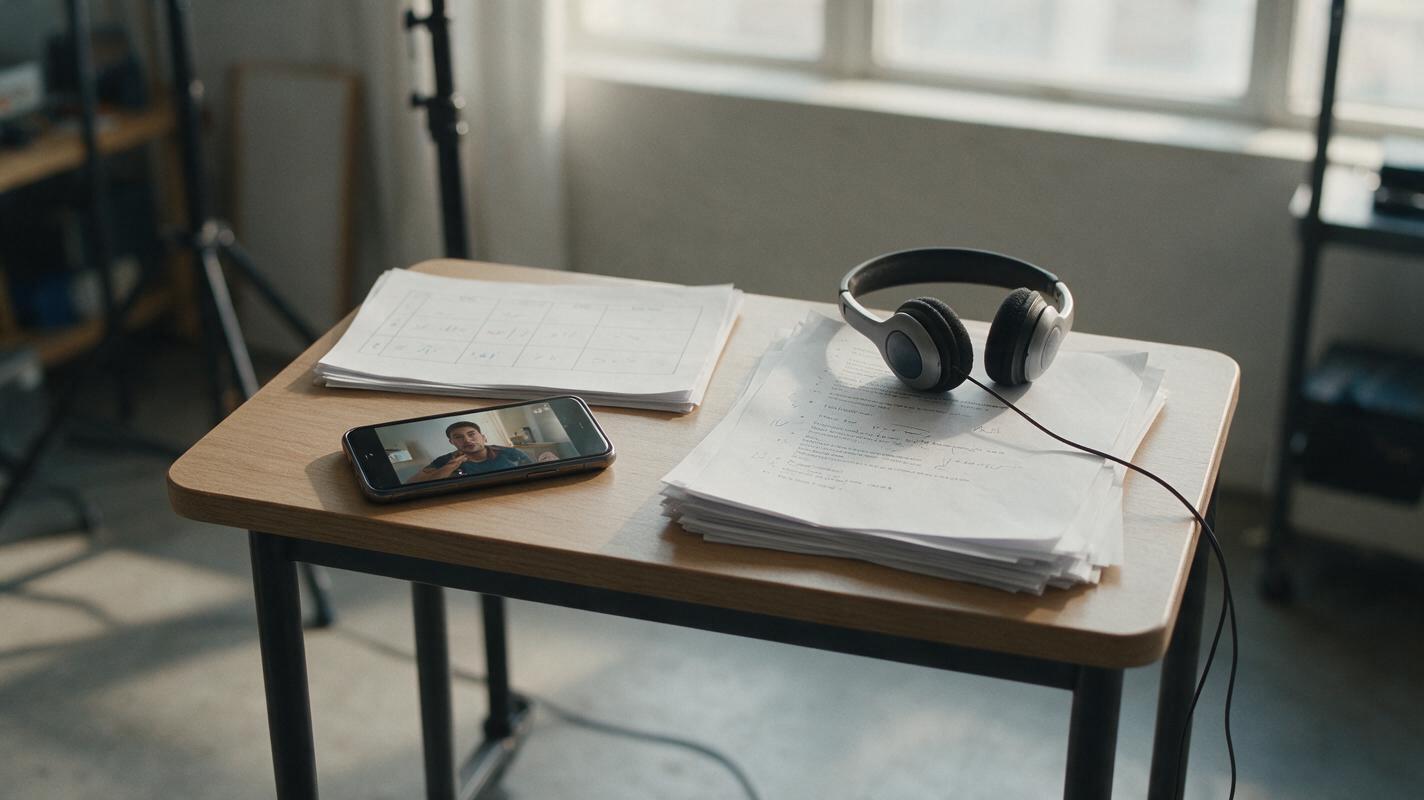
AI Voiceover Prompts for 15-Second Product Demo Ads
A short product demo ad needs a voiceover that explains the benefit without outrunning the footage. Use three adaptable script angles, a reusable generation prompt, and a sound-on/sound-off review to make each creative ready for testing.

Amazon Listing Image Order: What to Show After the Main Photo
A strong Amazon image gallery answers buying questions in the order shoppers are likely to ask them. This guide shows sellers how to plan secondary images, use AI for scene concepts without altering the product, and check whether each image earns its place.
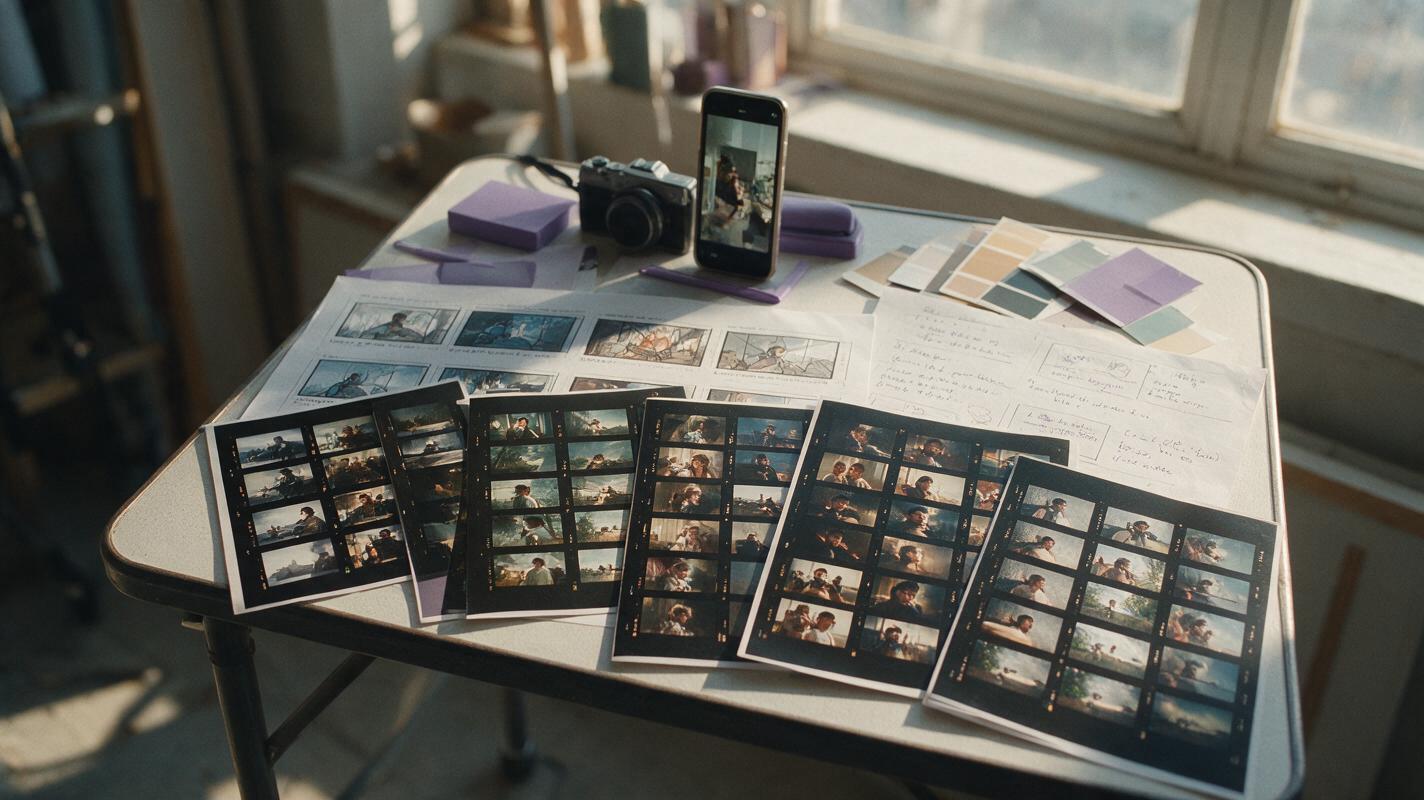
Beyond Pika: 6 AI Video Alternatives for Short-Form Creators
Pika makes short, effect-driven AI clips accessible, but its credit system and limited production controls may not suit every project. This guide compares six Pika alternatives for cinematic shots, image animation, commercial content, social editing, and budget-conscious experimentation.
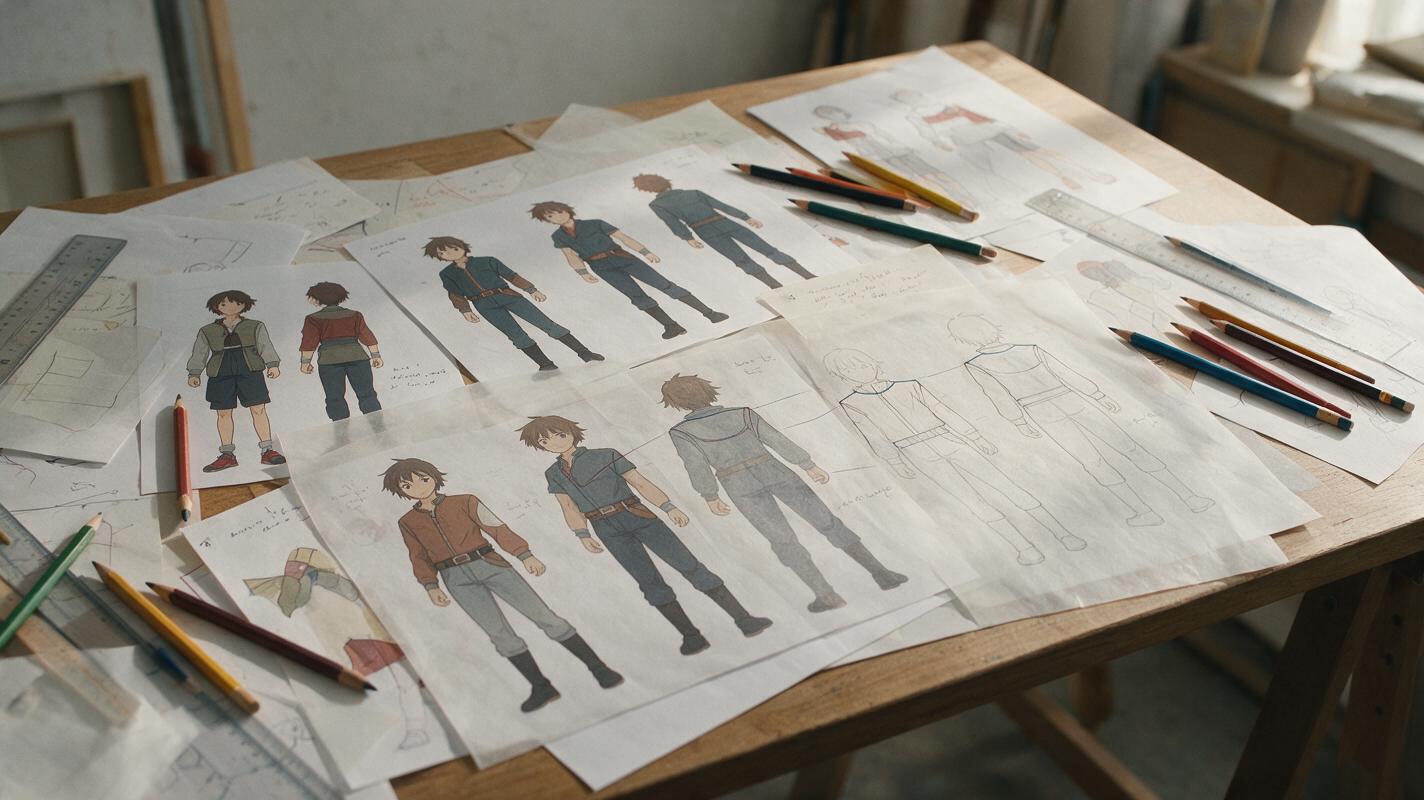
Why AI Anime Back Views Lose Costume Details—and How to Fix Them
AI-generated back views often preserve a character’s colors while inventing seams, accessories, hair shapes, and garment construction. This troubleshooting guide shows how to define hidden costume logic, use reference-guided editing with Nano Banana Pro, and verify a back view before adding it to a character sheet or animation pipeline.
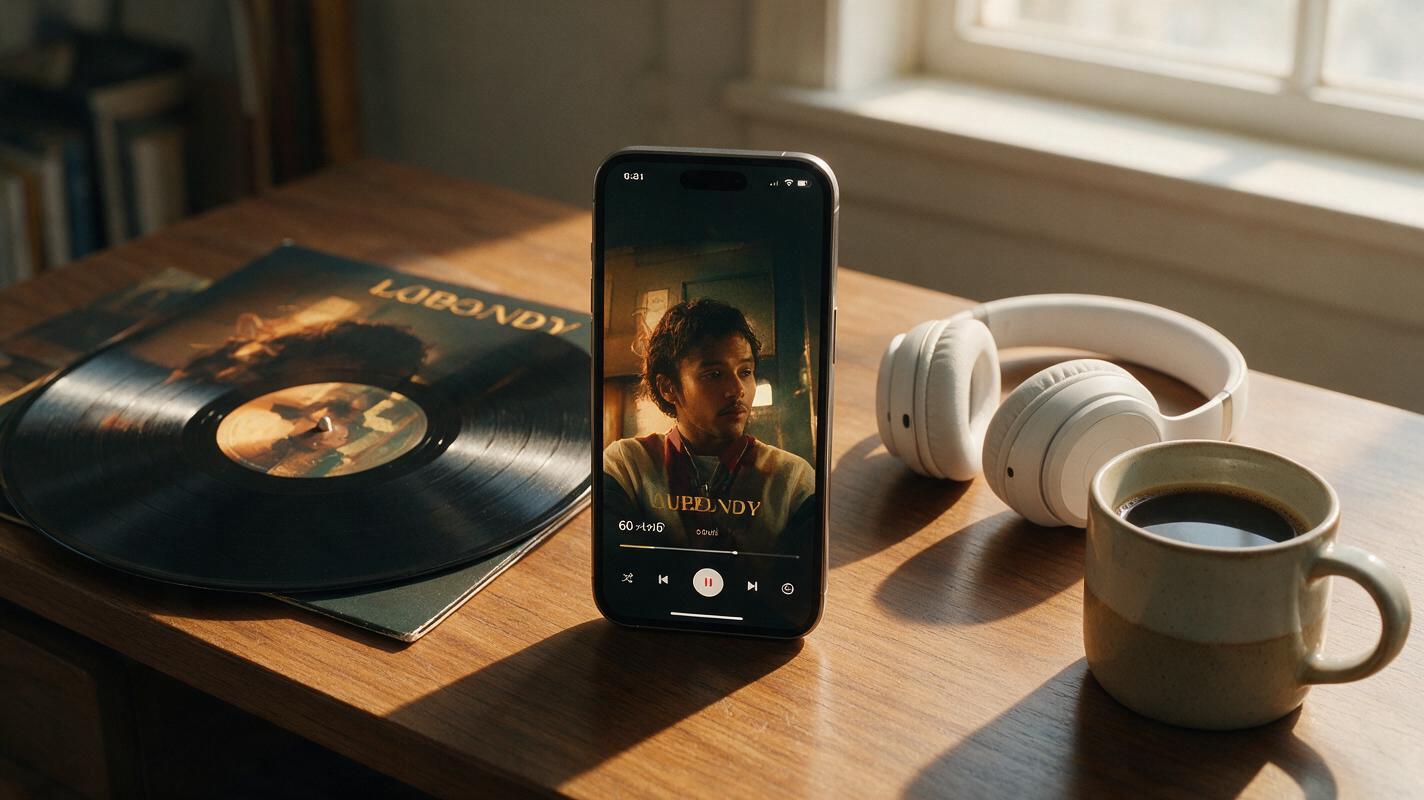
Turn Album Cover Art Into 60s Narrative Promo Reels With Veo
Independent musicians and MV creators can use Veo’s long-form video generation to turn static album cover art into 60-second vertical narrative promo reels that feel like mini music videos. This guide breaks down how to prep your cover art for reference locking, structure a tight 3-act micro-story aligned with your album’s theme, and write prompts that eliminate style drift across scenes. You’ll walk away with a ready-to-post social media reel that boosts pre-saves and stays true to your album’s visual identity.

How to Add Realistic Lifestyle Figures to Listing Photos With Seedream 4.5
Adding relatable lifestyle figures to listing photos helps potential buyers connect emotionally with a property, but AI-generated people often look distorted or out of place with the scene. This guide teaches real estate marketers how to use Seedream 4.5 to add seamless, believable people and pets to listing photos, including persona matching, masking tips, reusable prompt templates, and troubleshooting for common rendering issues. It also covers ethical best practices to ensure listing marketing remains transparent and compliant with industry standards.
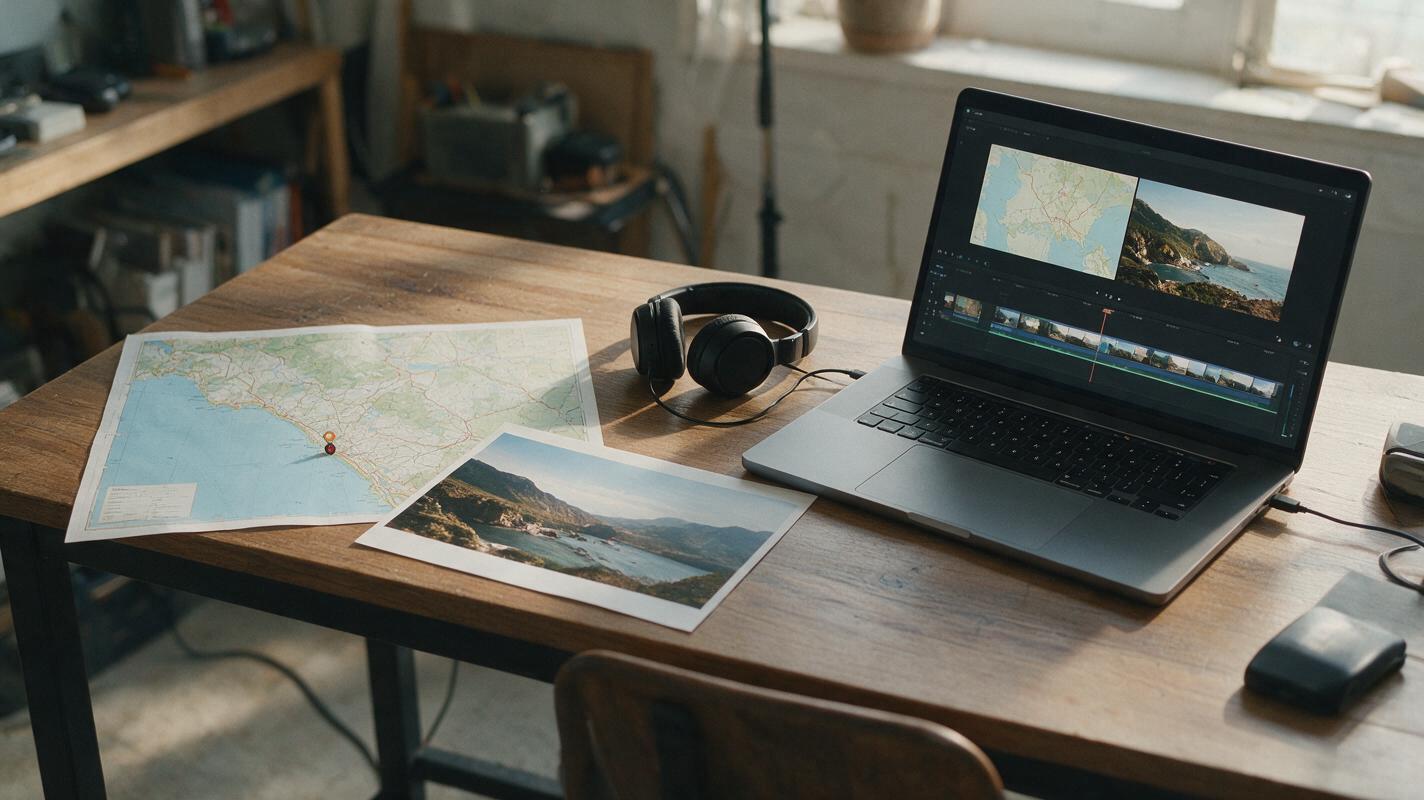
How to Animate a Travel Map for YouTube Without Distorting It
A travel-map reveal should take viewers from a real location to a vivid scene without inventing roads, borders, or place names. This tutorial keeps the map in the editor and uses Runway to animate a separate destination image for a faceless YouTube video.
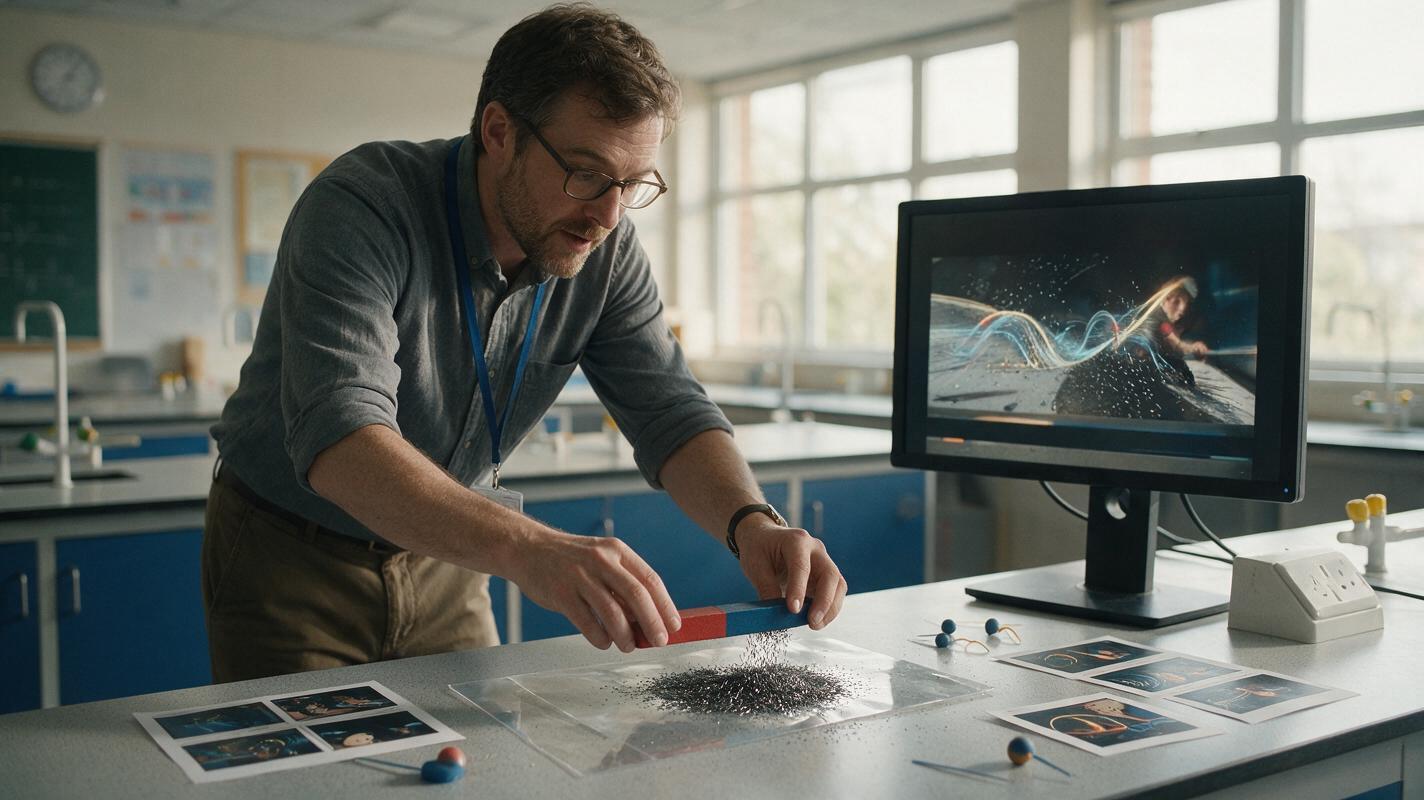
Luma Prompts for Visualizing Invisible Forces in Physics Lessons
Use Luma to create short physics lesson clips that represent magnetic fields, electric forces, gravity, and convection without presenting conceptual models as literal footage. This guide includes reusable prompts, misconception checks, and practical ways to keep generated motion scientifically useful.
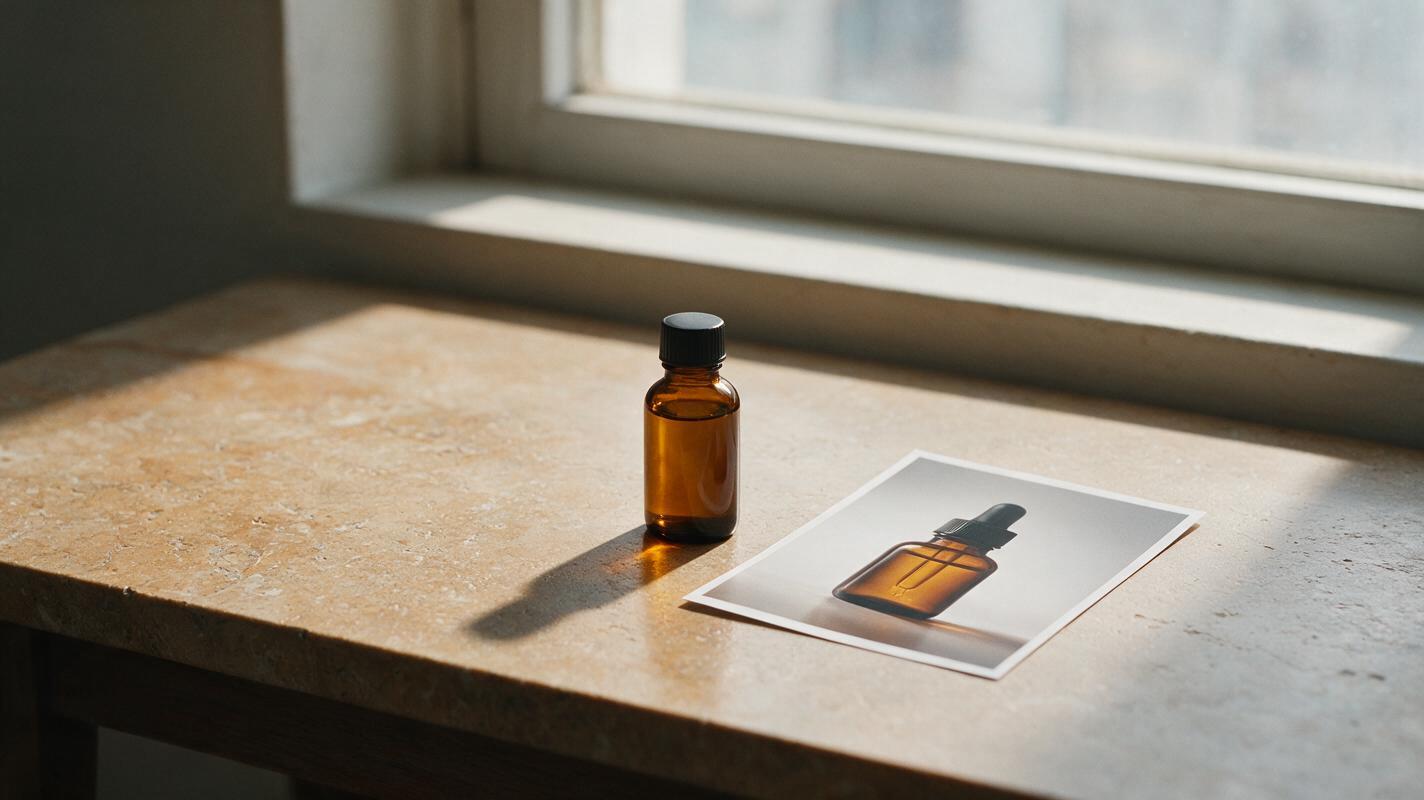
Fix Floating Product Photos With Seedream 4.5 Shadow Prompts
A product can look as though it is hovering after a background replacement, even when its edges are clean. This guide shows commercial photographers how to use Seedream 4.5 to develop a believable contact shadow while keeping the photographed product untouched.