Blog
Discover the latest from MagicBoat
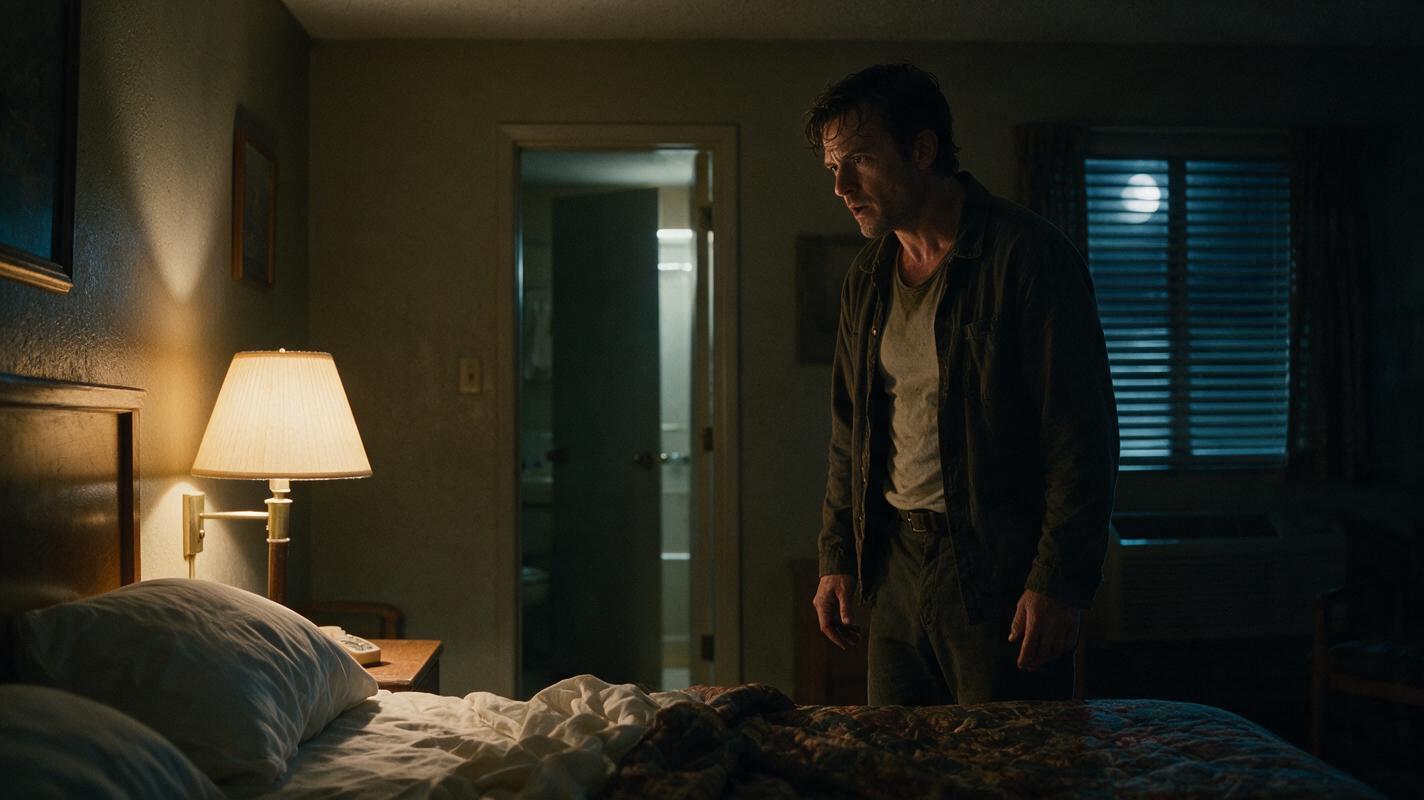
How to Make AI Short Drama Night Scenes Easy to Edit
Dark scenes become difficult to edit when faces, light sources, and background details change between generated shots. This tutorial shows how to establish one night-lighting state, generate stable anchor frames, divide action into exposure-safe units, and repair continuity without regenerating the entire scene.
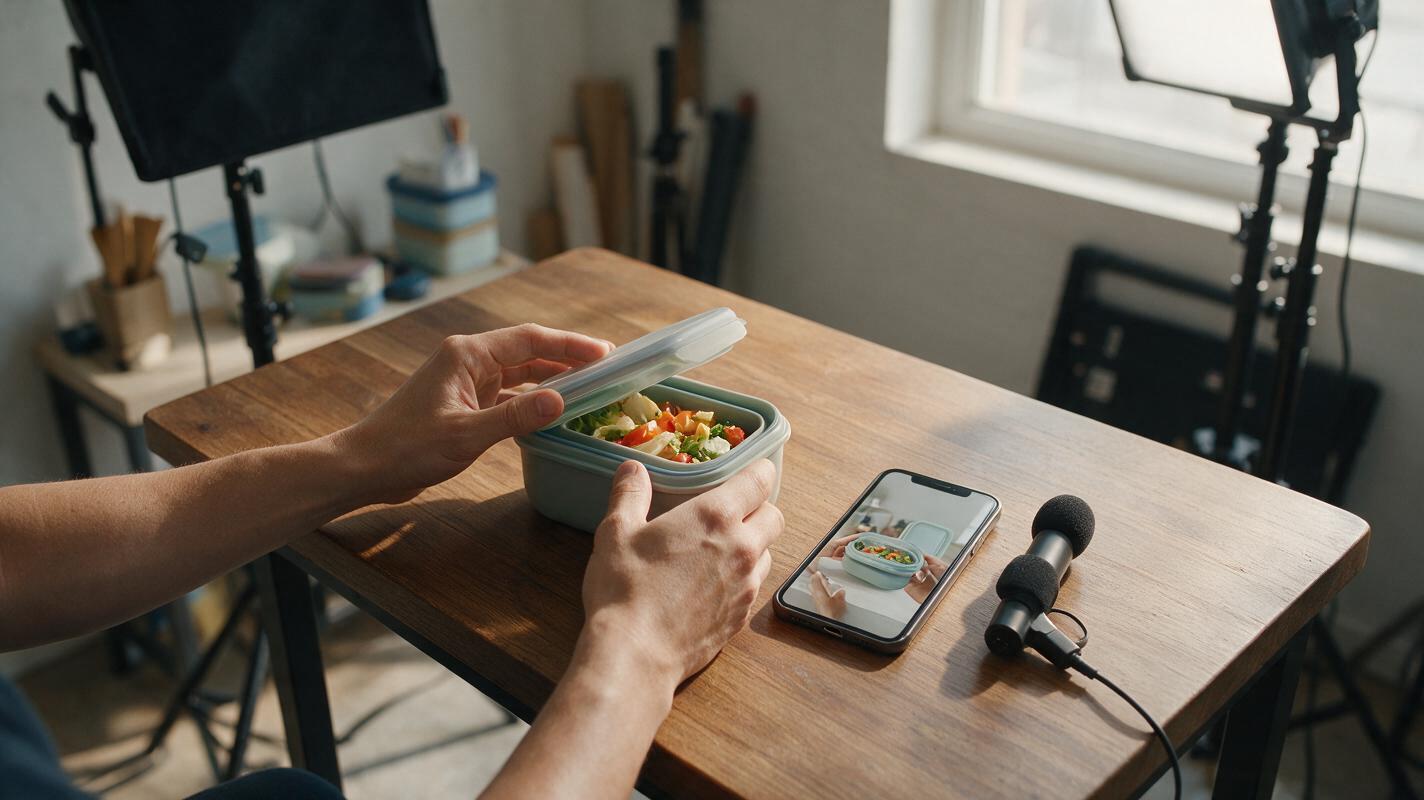
AI Voiceover for Product Demo Videos That Stays True to the Product
A clear voiceover can make a silent product demonstration easier to understand, but narration should never claim more than the footage or product specifications support. This guide shows ecommerce sellers how to write, generate, and check AI narration against a real demonstration.
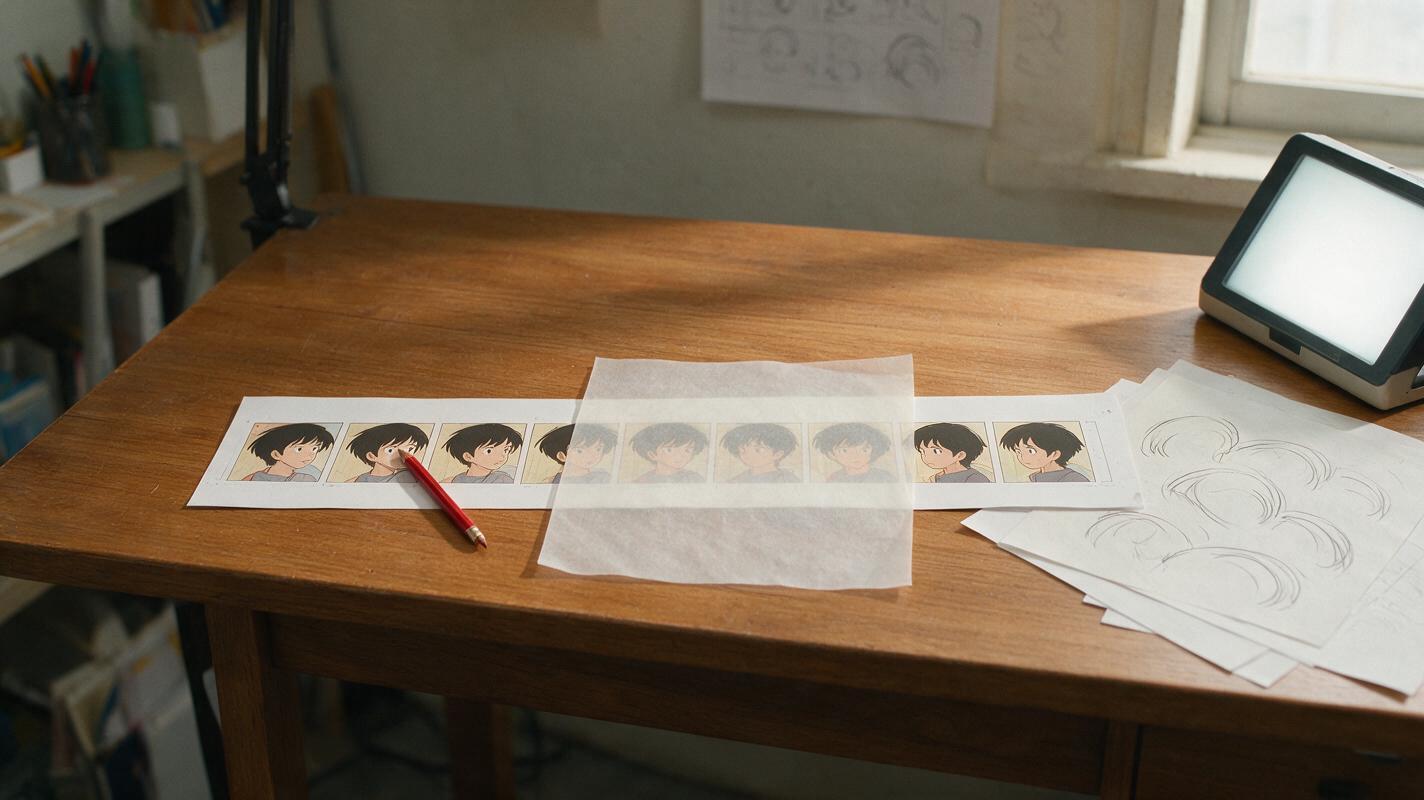
Why AI Anime Hair Motion Melts—and How to Keep It on Model
AI-generated anime hair often stretches, fuses, or changes shape when a character moves. This guide explains how to use Kling with restrained motion prompts, stable source art, and targeted repairs to animate hair while preserving the original character design.
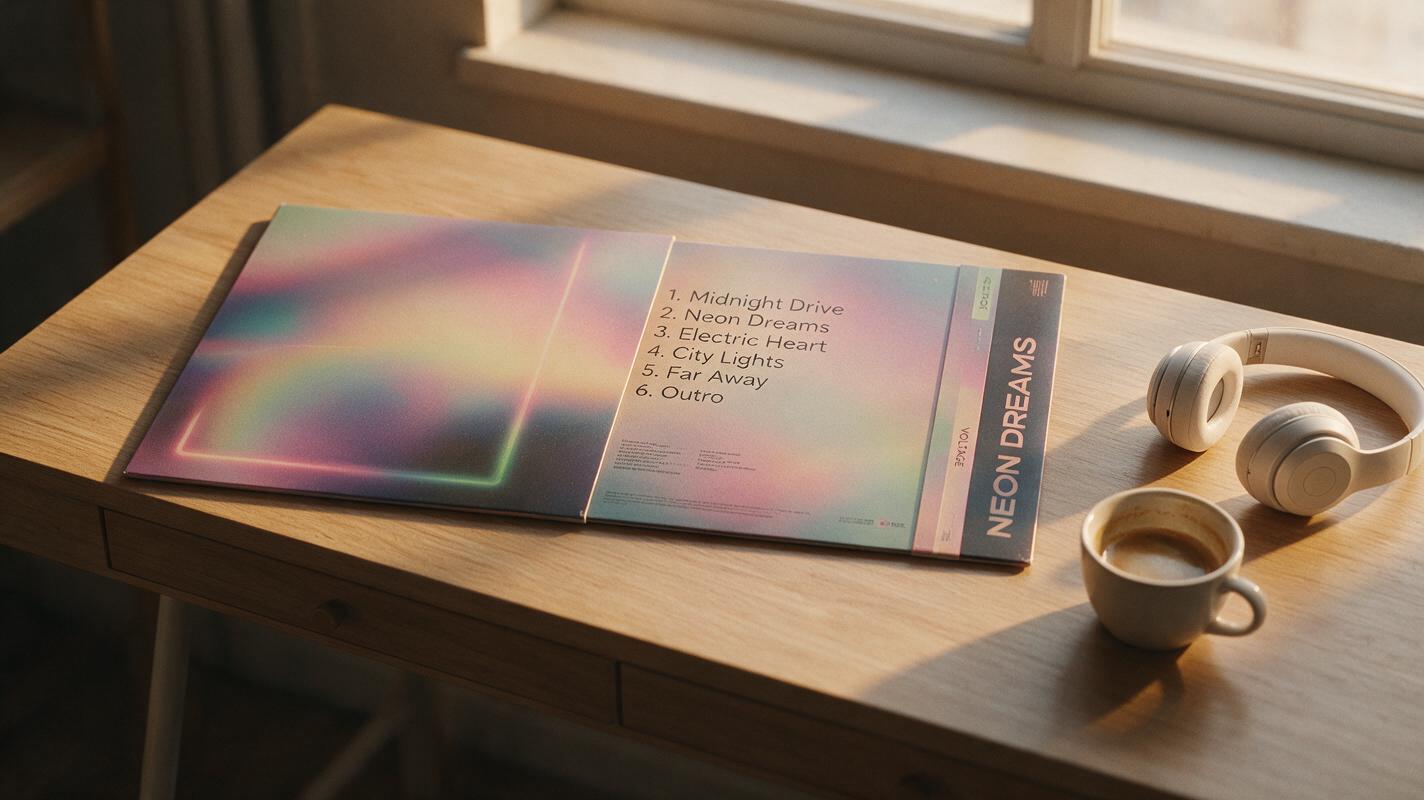
How to Make Matching Album Back Covers & Spines With Readable Text (Imagen)
Most AI image tools generate mangled, unreadable text, making it nearly impossible to create matching album back covers and spines without manual design work. This guide shows musicians and MV creators how to use Imagen’s style reference and high-accuracy text rendering to produce print-ready back covers, spines, and packaging assets that perfectly match their existing front cover art. It includes reusable prompt templates, setting recommendations, and fixes for common text and style issues.
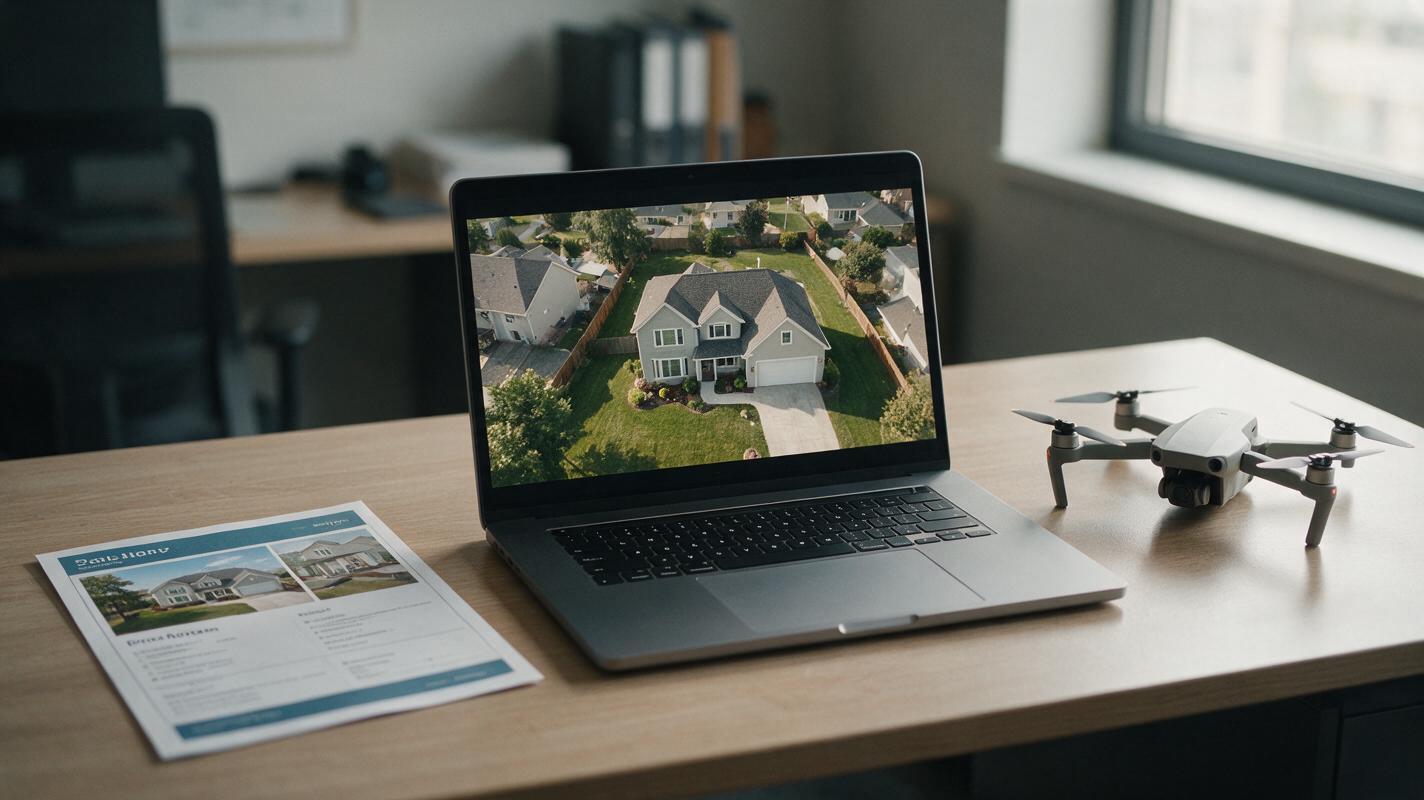
How to Generate Realistic Aerial Drone Footage for Listings With Kling
Aerial drone footage helps real estate listings showcase lot size, property layout, and neighborhood proximity, but hiring a pilot can be costly or restricted by regulations. This guide explains how to generate realistic, architecturally accurate aerial drone clips for listings using Kling’s text-to-video capabilities, including reusable prompt templates, optimal settings, and troubleshooting for common rendering issues. Marketers can use these clips for MLS listings, social media reels, and virtual property tours without the need for a physical drone.
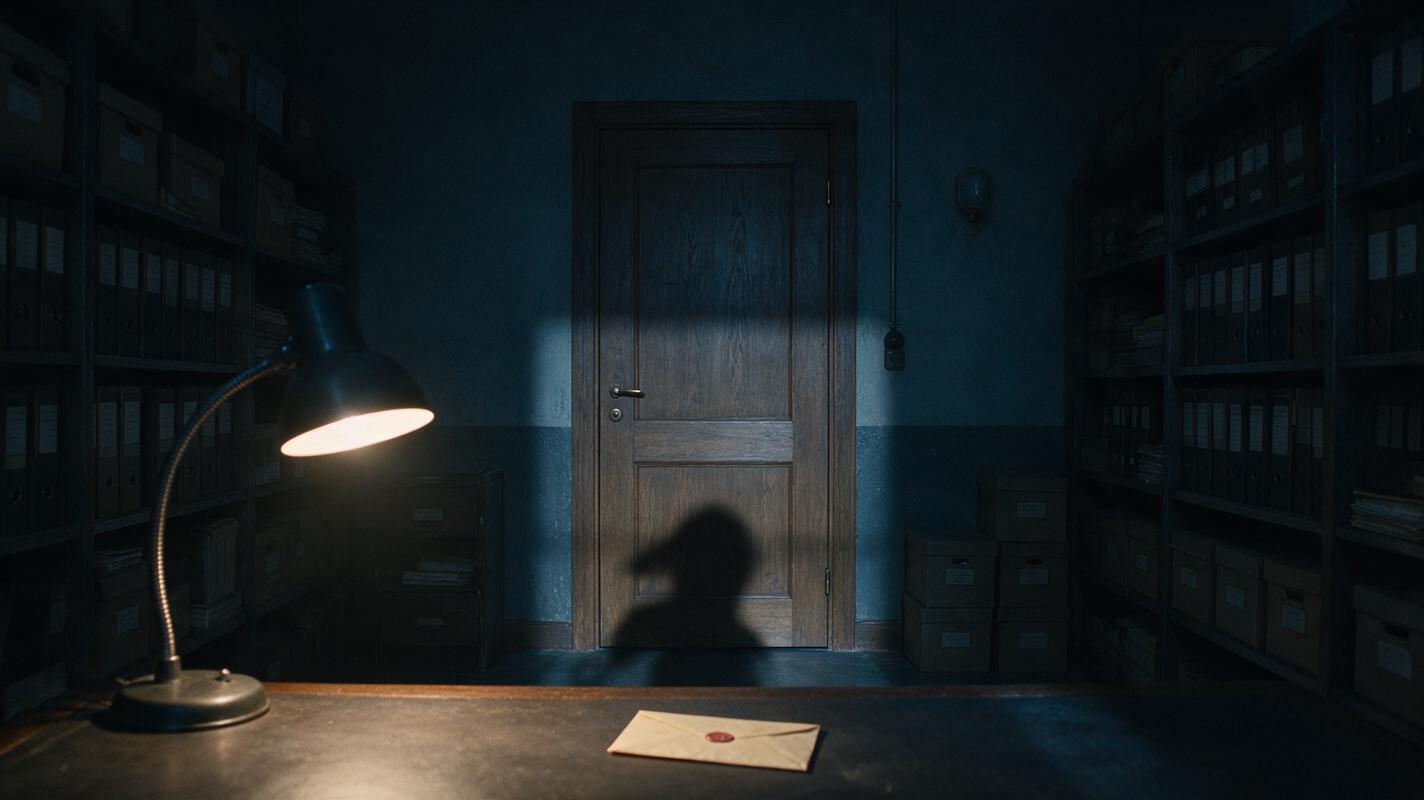
Script to Video AI: Direct Suspense With Cross-Cutting
Learn how to convert parallel-action scenes into a clear, suspenseful AI short film instead of a collection of disconnected clips. This tutorial covers interlocking beat lanes, paired storyboard frames, controlled motion prompts, audio bridges, and cross-cutting rhythm.
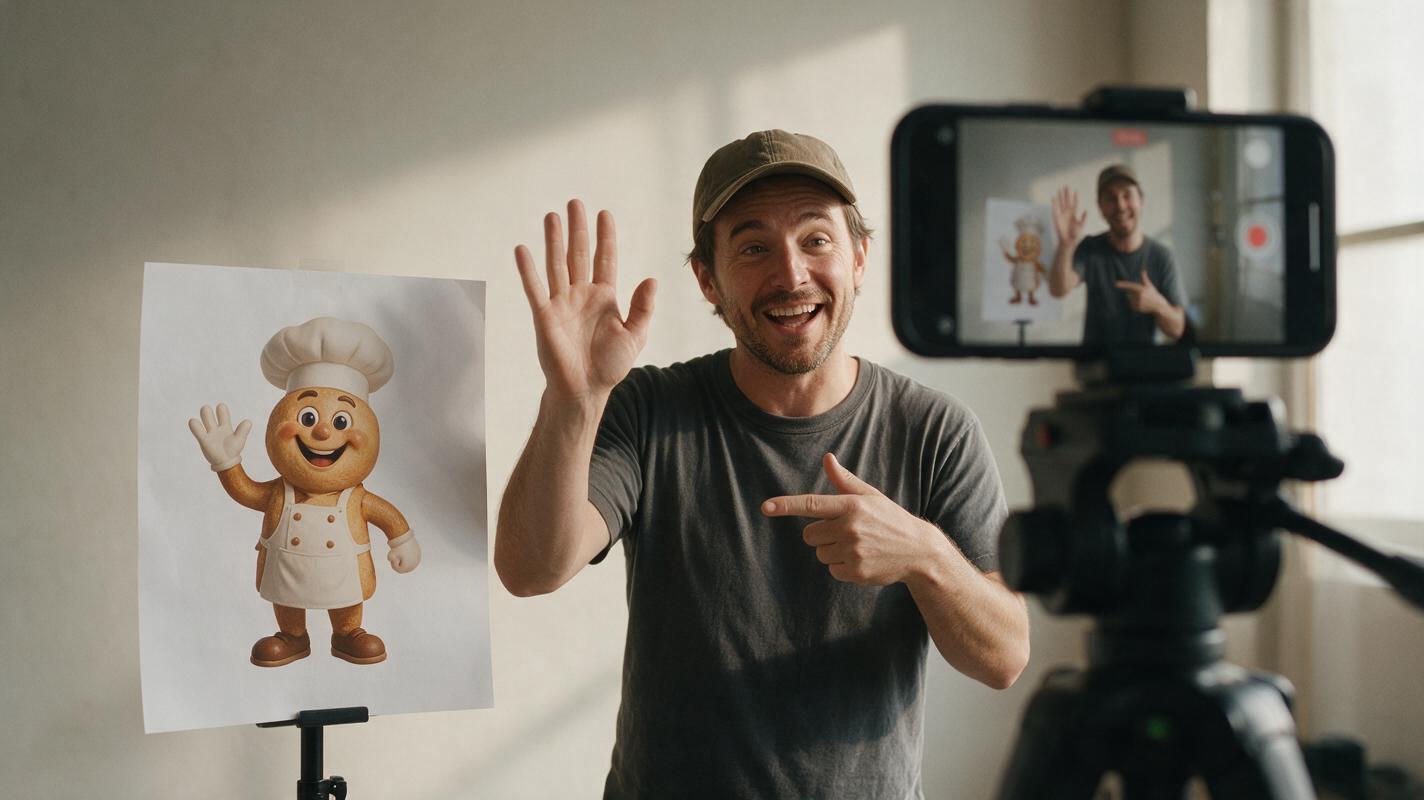
Motion Transfer AI Video: Animate a Mascot From Your Performance
Learn how to animate an illustrated brand mascot from a short, authorized reference performance while reducing pose drift and unstable limbs. This practical workflow also explains when true motion transfer is required and when prompt-guided image-to-video animation is a suitable alternative.
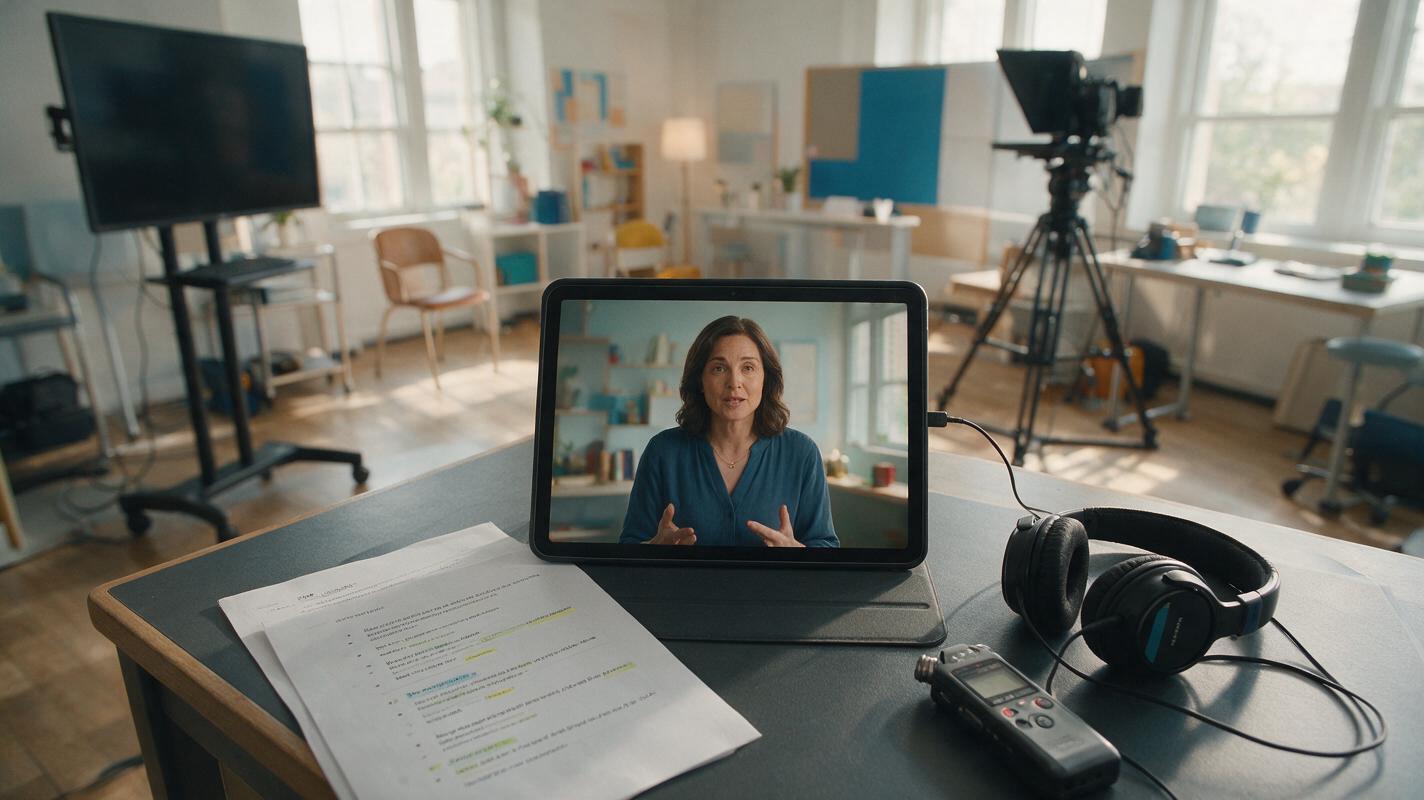
PixVerse Talking Course Avatar: Fix Lip Sync and Stiff Motion
A course avatar can save recording time, but mismatched mouth movements, frozen expressions, and excessive head motion quickly distract learners. This guide shows how to prepare a clean portrait, create restrained motion with PixVerse, synchronize short narration segments, and review the result for clarity and accessibility.
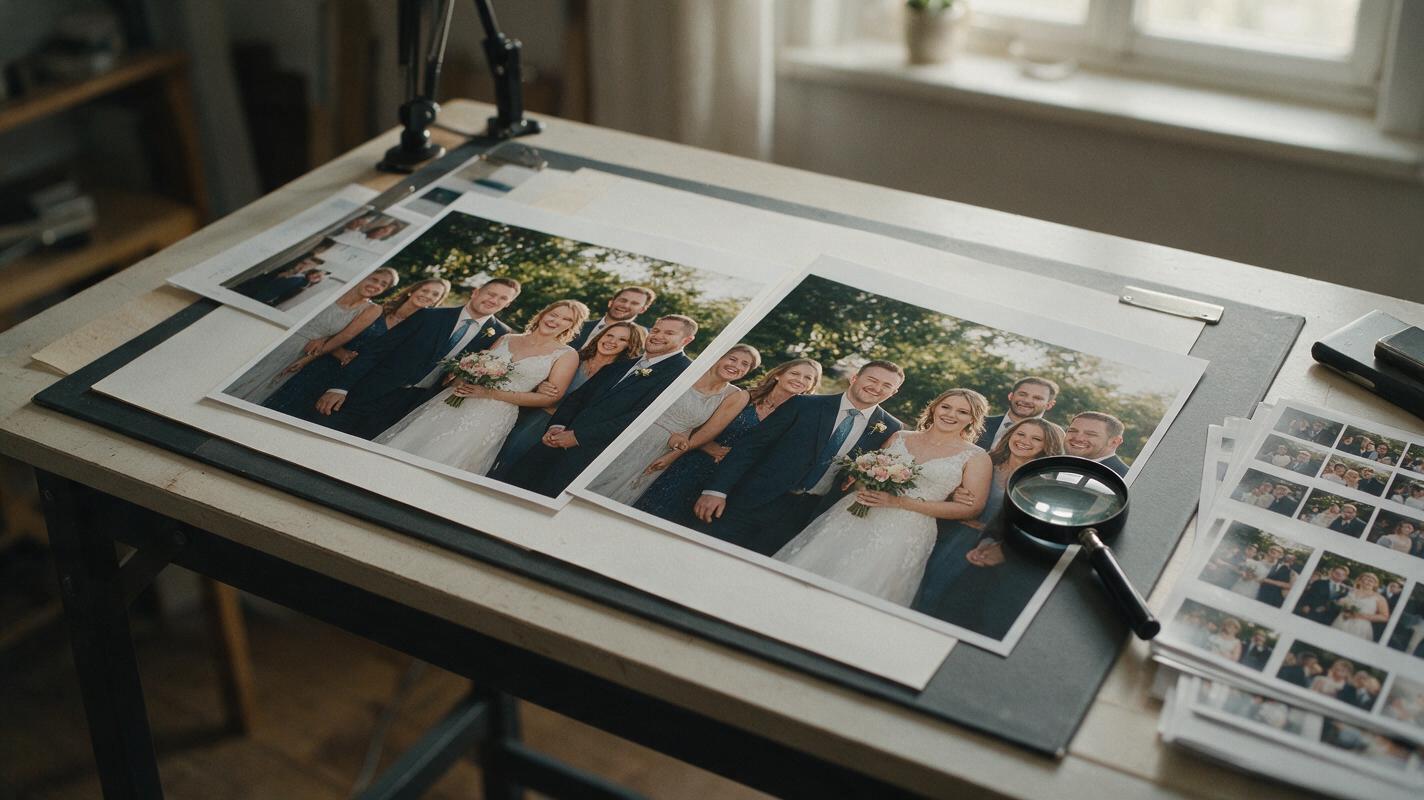
Fix Closed Eyes in a Wedding Group Photo With Nano Banana Pro
A single blink can spoil an otherwise excellent wedding group photo. This guide shows photographers how to use a second frame and Nano Banana Pro to repair closed eyes while keeping the final image faithful to the people photographed.
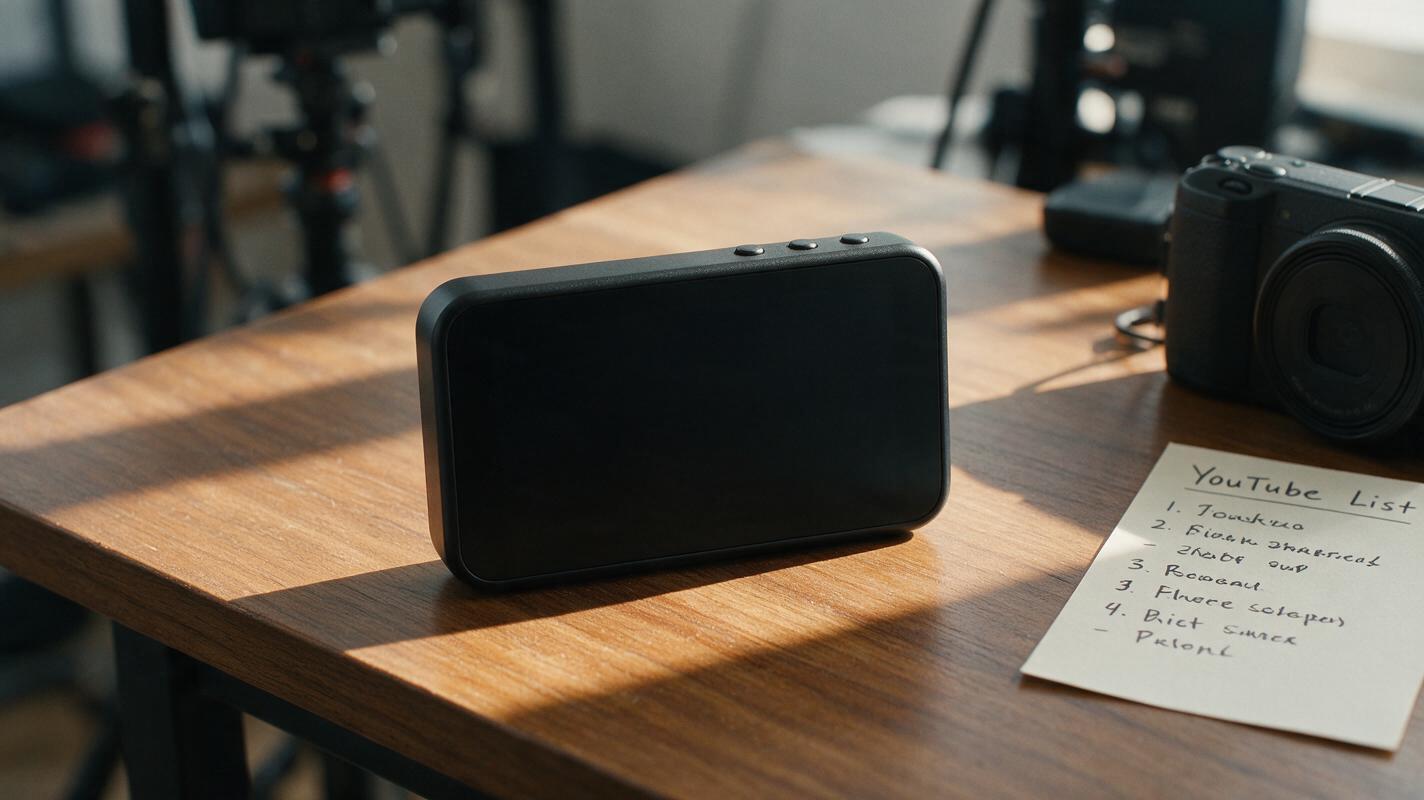
Luma Prompts for Product Review B-Roll Without Fake Features
Turn your own product photos into short, atmospheric cutaways for YouTube reviews without making generated footage look like evidence of a feature you never tested. These Luma prompt templates focus on restrained motion, recognizable product details, and clear boundaries between illustration and demonstration.
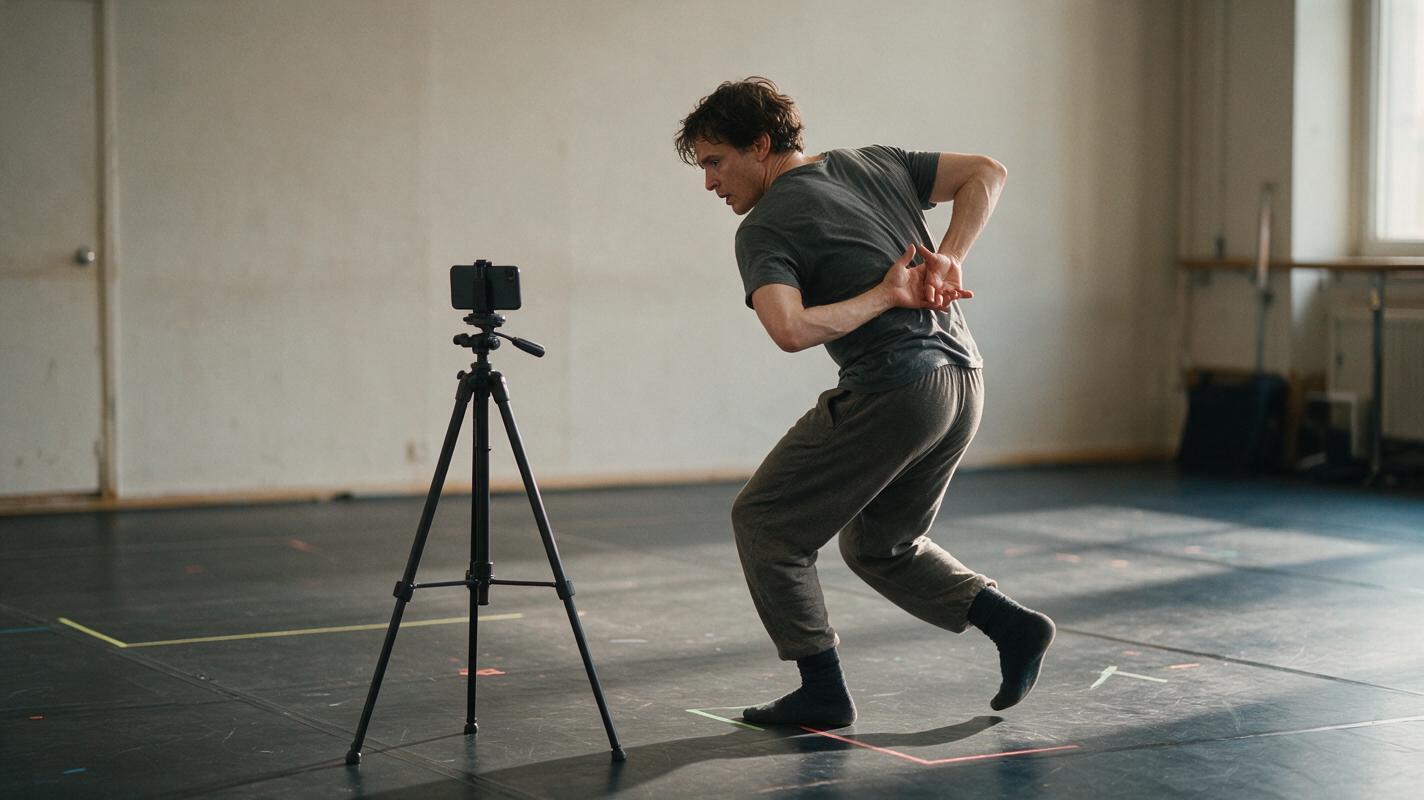
Motion Transfer AI Video: Direct Better Microdrama Performances
Learn how to turn a recorded body performance into a controlled vertical microdrama scene using motion transfer AI video. This production workflow covers performance planning, source recording, character preparation, prompting, generation, editing, and targeted repairs.
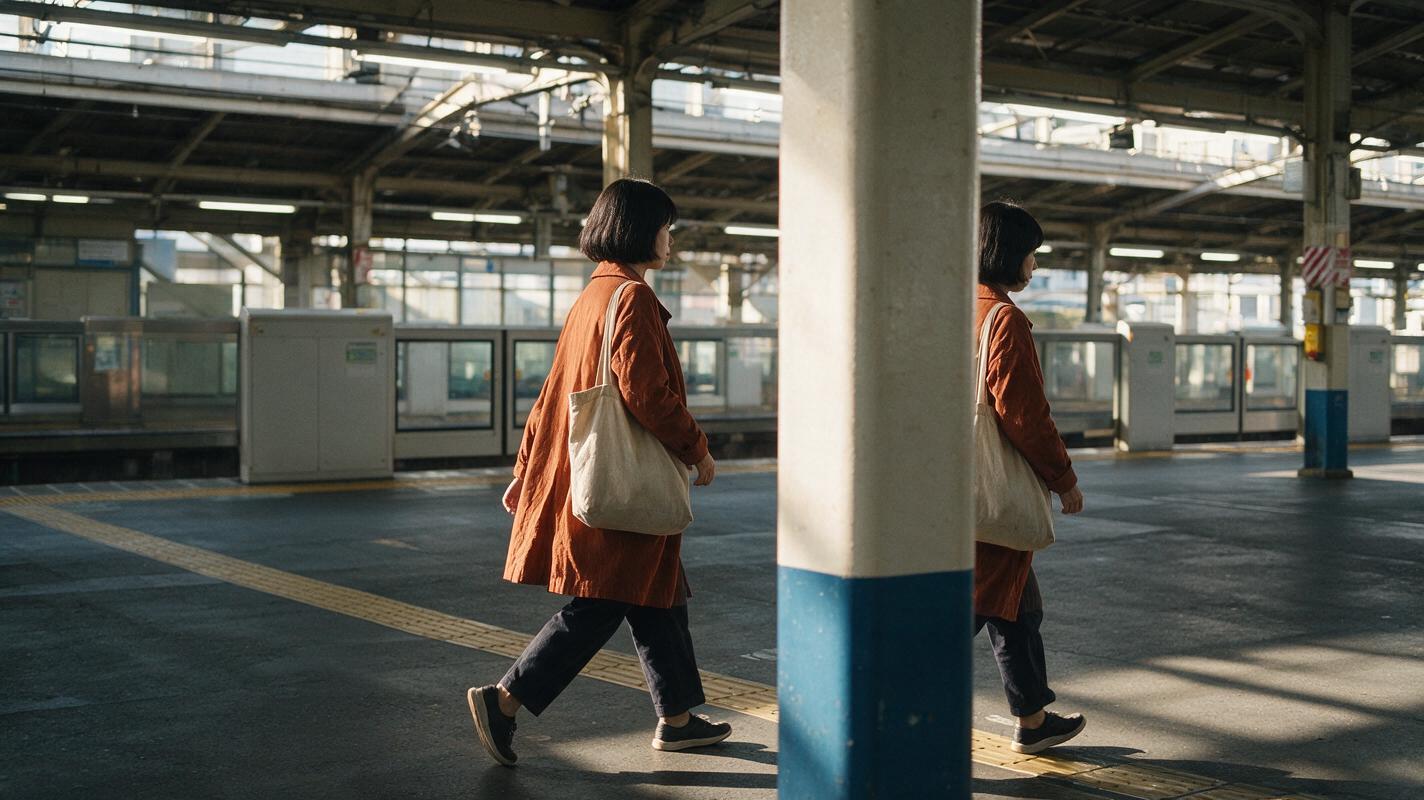
Keep the Same Character After Occlusion in AI Video
When a character passes behind a pillar or another person, the reappearance can look like a new face. This tutorial uses an occlusion-aware character sheet, paired boundary frames, and a shot-by-shot review to preserve identity through the reveal.