Blog
Discover the latest from MagicBoat
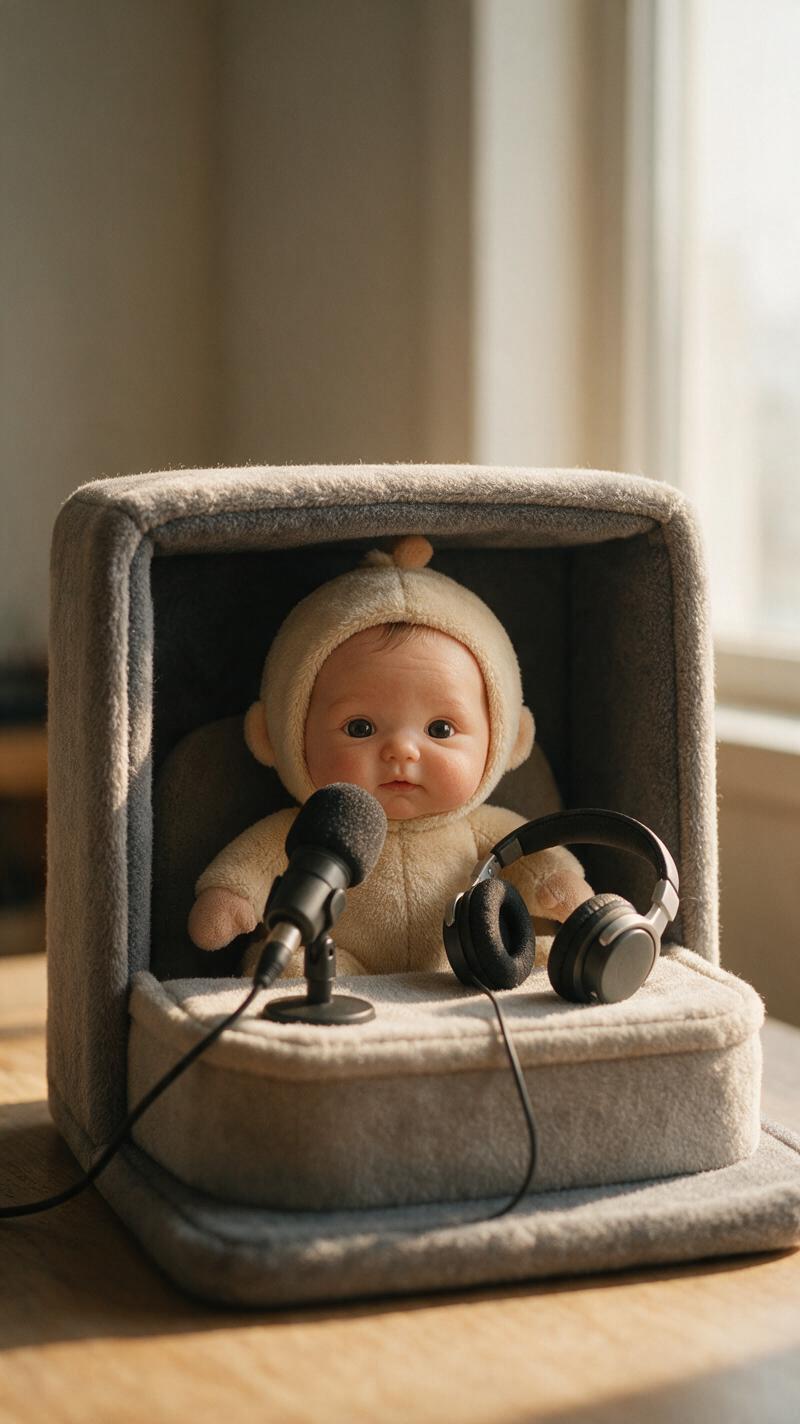
AI Talking Baby Podcast Generator: Make a Safe Fictional Short
Learn how to turn an original baby-like character into a short fictional podcast video using portrait generation, lip sync, restrained motion, and careful editing. This workflow prioritizes clear speech, stable facial animation, honest labeling, and evidence-based quality checks.
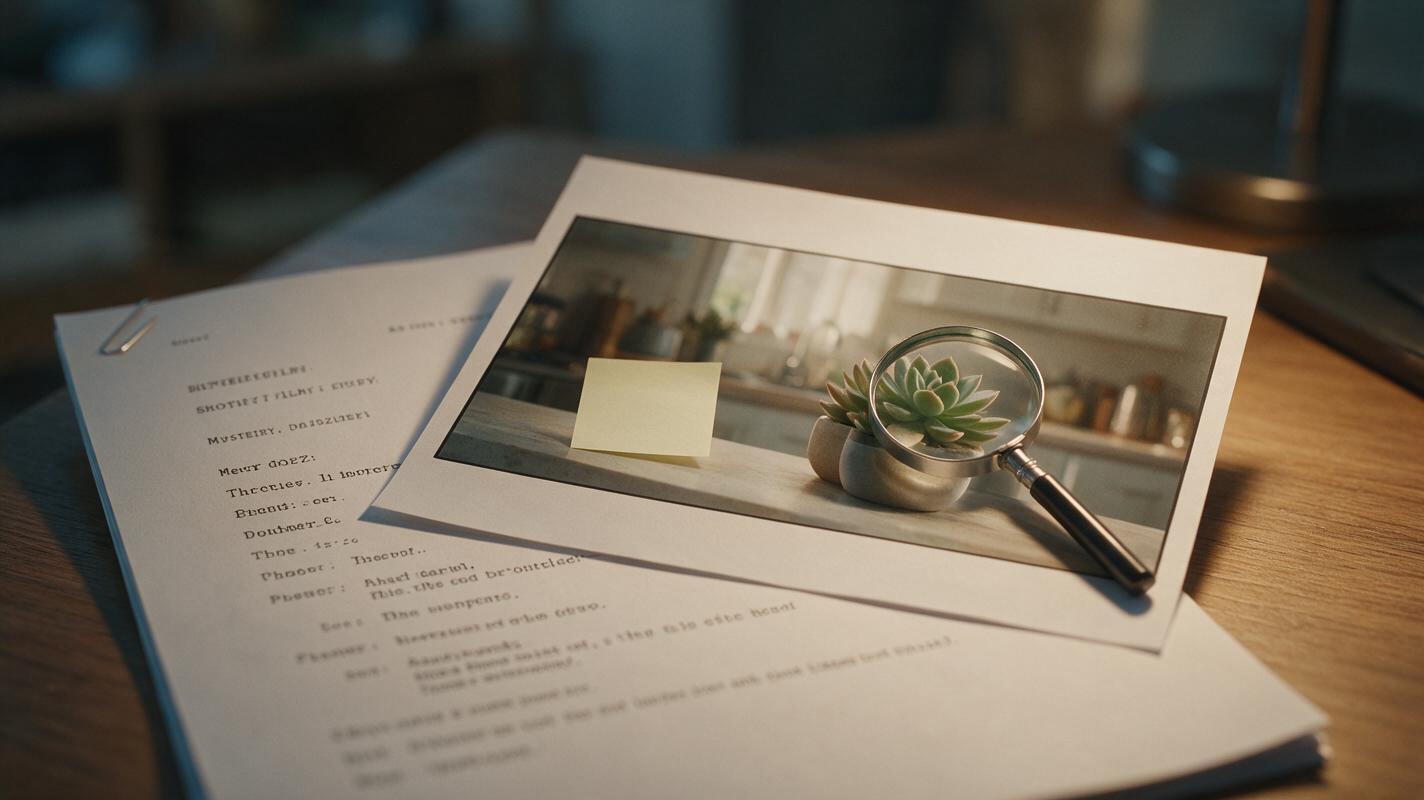
Script to Video: Plant Visual Clues for Mystery AI Short Film Twists
This tutorial shows creators how to use script to video AI to make mystery short films with earned twist endings by intentionally planting visual clues at every production stage. You’ll learn to mark clue beats in your script, generate consistent AI storyboard frames with hidden details, and render motion clips that guide viewer attention subconsciously. By the end, you’ll be able to direct an AI short film with satisfying foreshadowing without manual frame-by-frame edits.
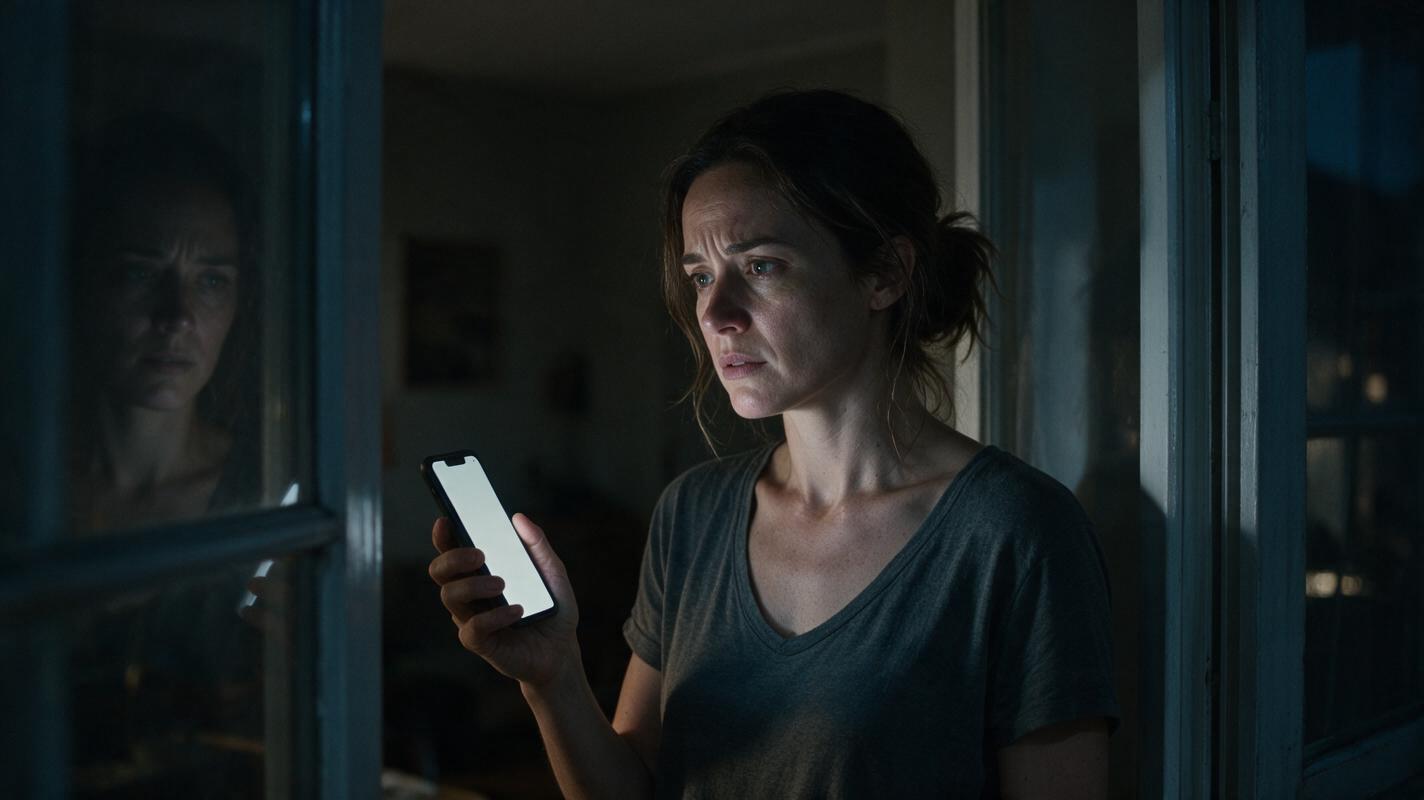
How to Make Phone Messages Readable in an AI Short Drama
Unreadable phone screens can break an otherwise convincing vertical drama scene. This tutorial shows how to separate message design from video generation, build a clean phone plate, composite reliable text, and connect every message to a visible character reaction.
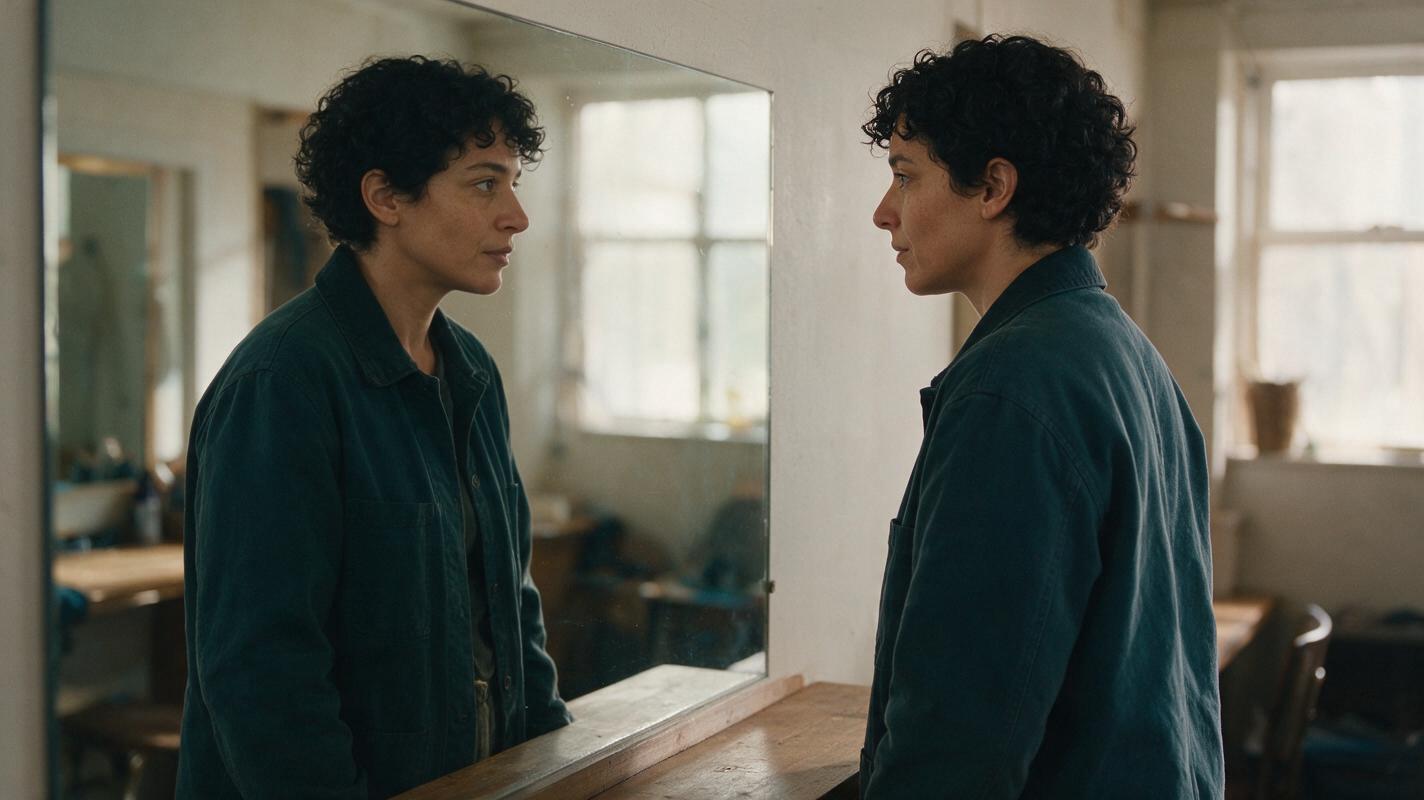
Keep the Same Character in AI Video Mirror Shots
Mirror shots can make one character look like two different people when a visible face and its reflection are generated independently. This tutorial uses an anatomy-aware character sheet, paired reference images, and cut-point checks to keep identity and movement coherent.
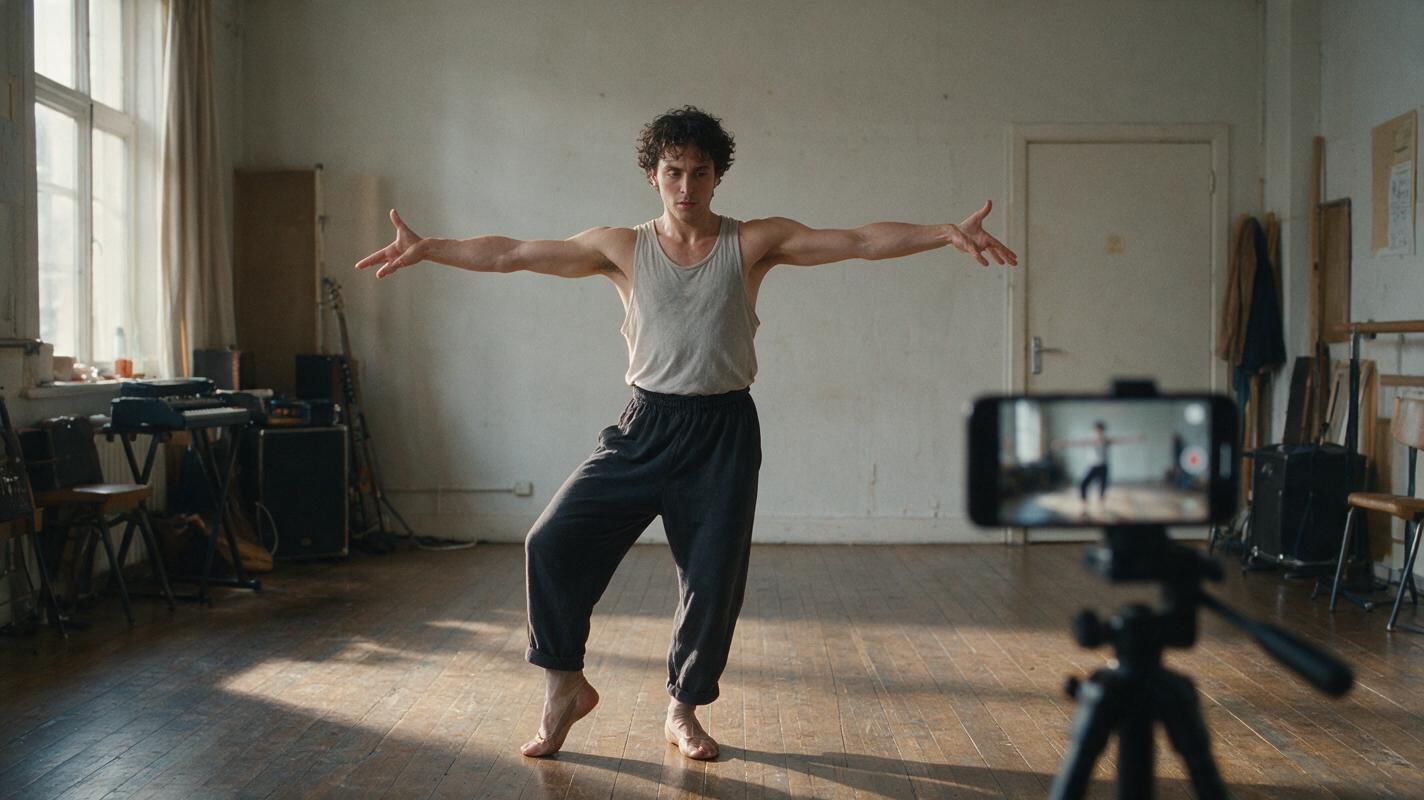
AI Dance Generator Workflow: Animate a Music Promo From One Portrait
Learn how to turn one full-body character portrait into a short dance promo while controlling identity drift, distorted limbs, camera movement, and beat timing. This practical workflow separates prompt-driven animation from exact motion transfer and shows how to document the result honestly.
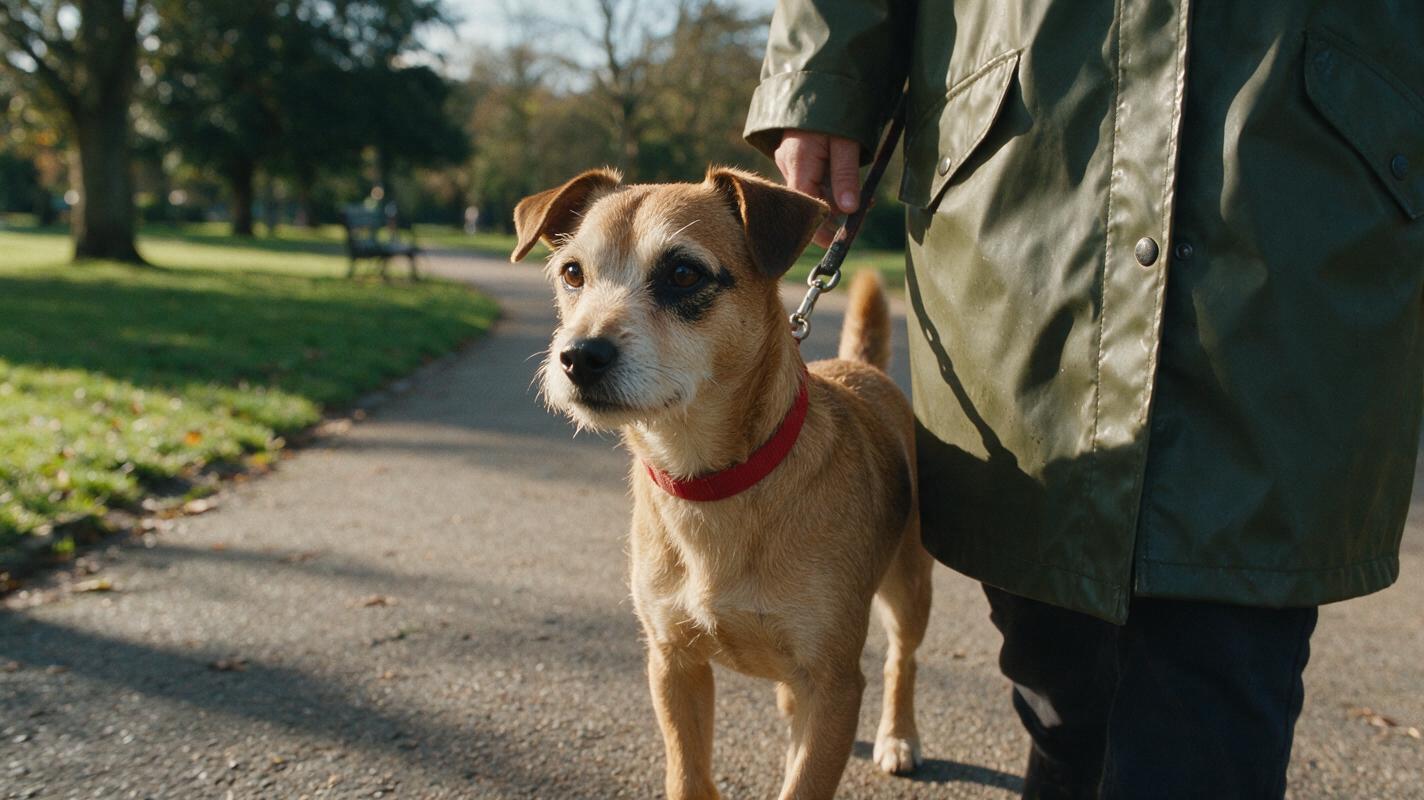
Keep the Same Dog and Owner Across AI Video Scenes
A dog can change markings, size, or collar between AI video shots even when its owner stays recognizable. This tutorial uses paired character references, a shot-by-shot continuity plan, and cut-point checks to keep both entities consistent.
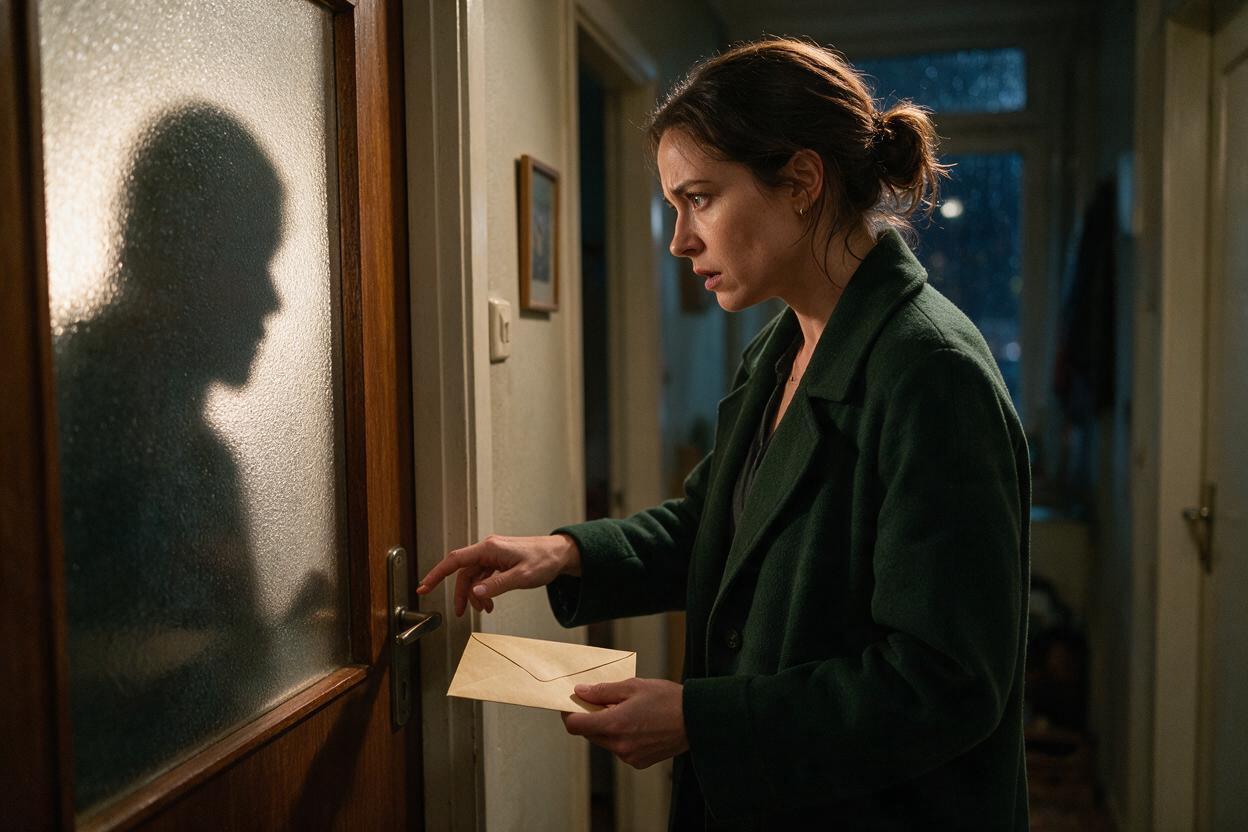
AI Series Video: Build Seamless Cliffhanger Handoffs
A strong episodic handoff makes the end of one AI-generated episode and the opening of the next feel like a single continuous event. This tutorial shows how to design, generate, and edit a reusable bridge unit that preserves character position, action, sound, and dramatic tension.

Script to Video AI: Turn a Written Montage Into a Coherent Sequence
Learn how to translate a written montage into a clear AI video sequence without generating a disconnected collection of attractive shots. This tutorial shows how to define visual progress, build storyboard beats, design transitions, prompt motion, and edit the final montage.
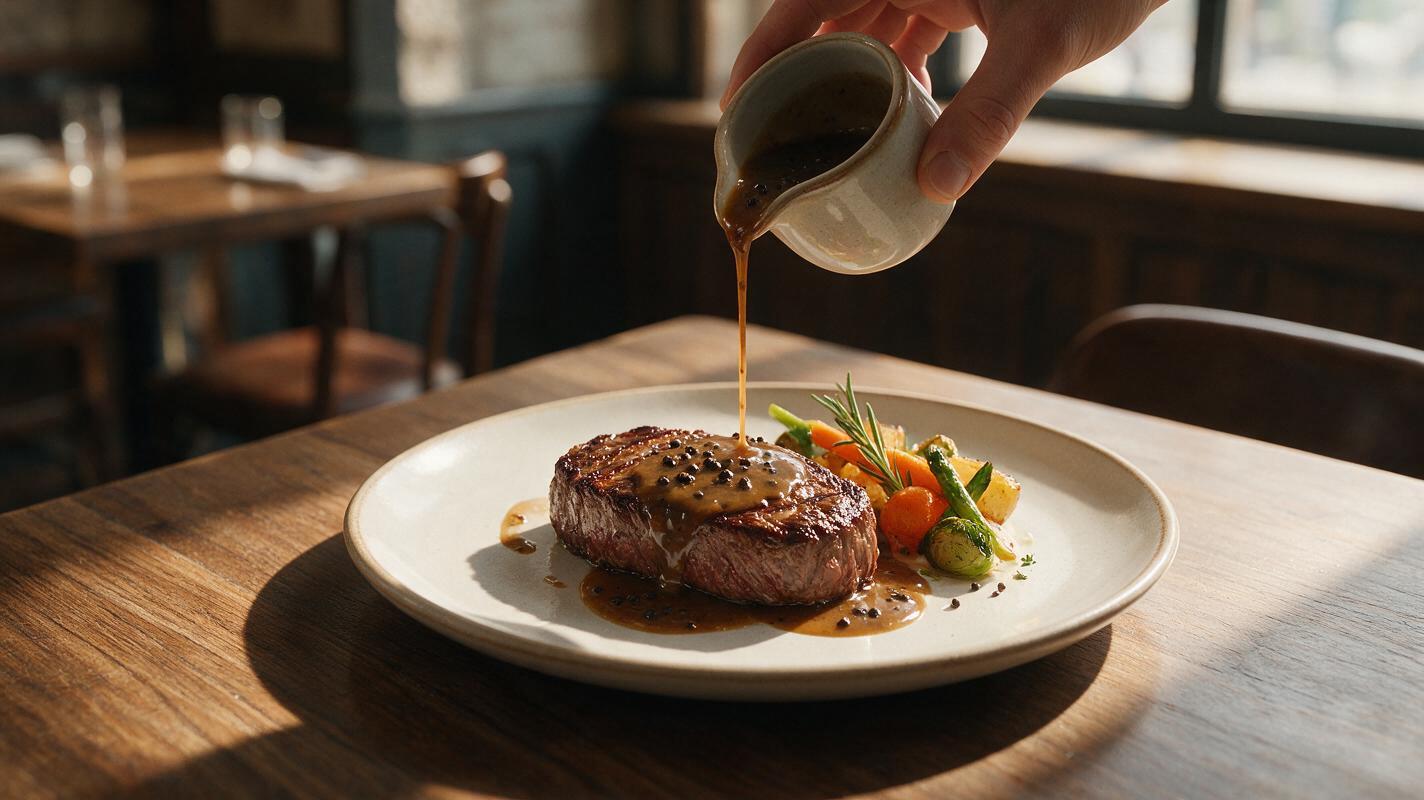
Why AI Sauce-Pour Videos Look Fake—and How to Fix the Motion
AI sauce-pour videos often fail when the stream changes shape, the serving utensil drifts, or the food deforms on contact. This guide shows food marketers how to design a stable source image, prompt believable liquid motion in Hailuo, and troubleshoot common physics errors.

Why AI Product Renders Garble Screen UI—and How to Fix It
AI can make a convincing smart-product render while turning its screen into unreadable interface elements. This article shows product designers how to generate the physical product separately, place approved UI artwork into the display, and check that the finished image remains believable.
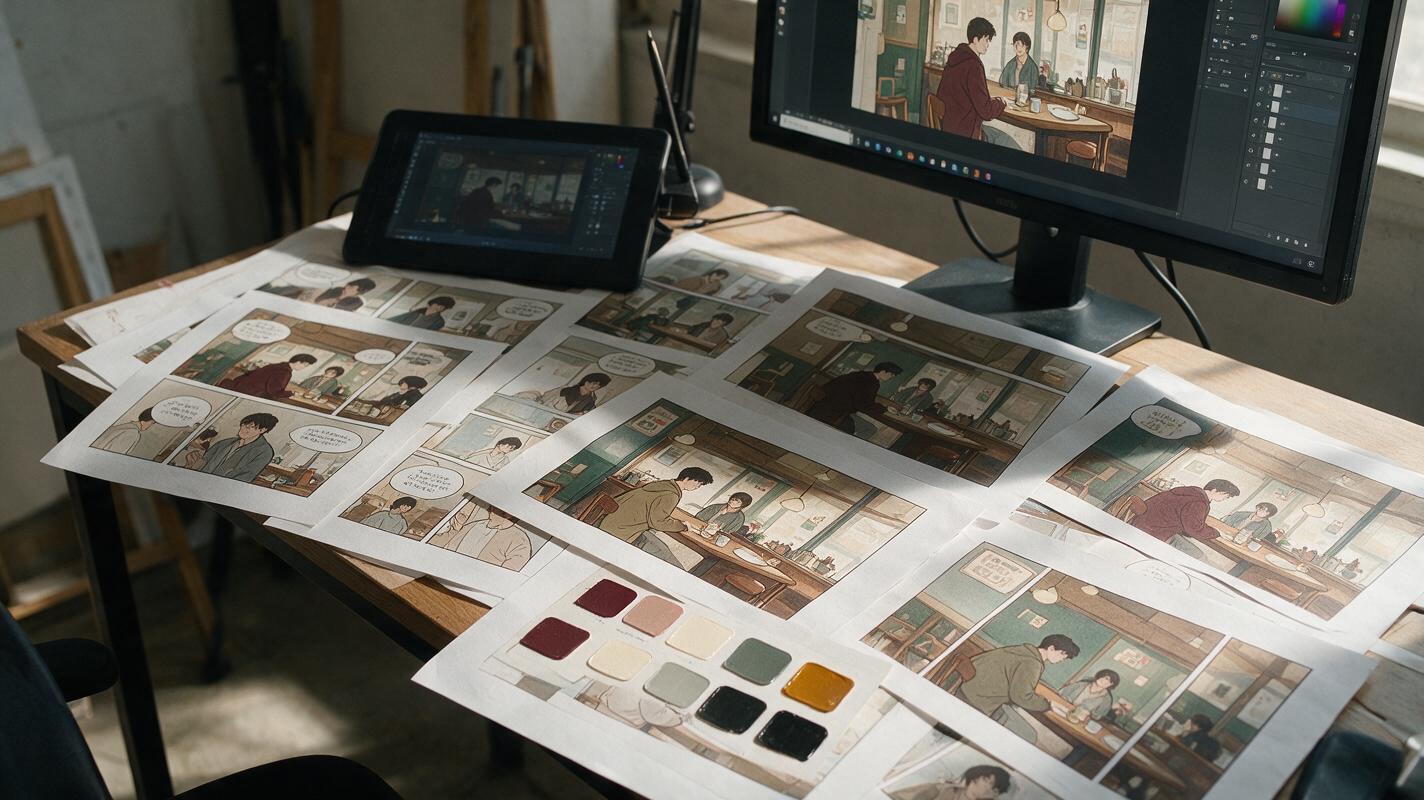
Why AI Webtoon Colors Drift—and the Palette Workflow That Fixes It
AI-generated webtoon panels often change hair, costume, prop, and background colors as lighting or composition shifts. This guide presents a scene-palette workflow for Nano Banana Pro that separates fixed identity colors from variable lighting, making episodes easier to generate, edit, and read.
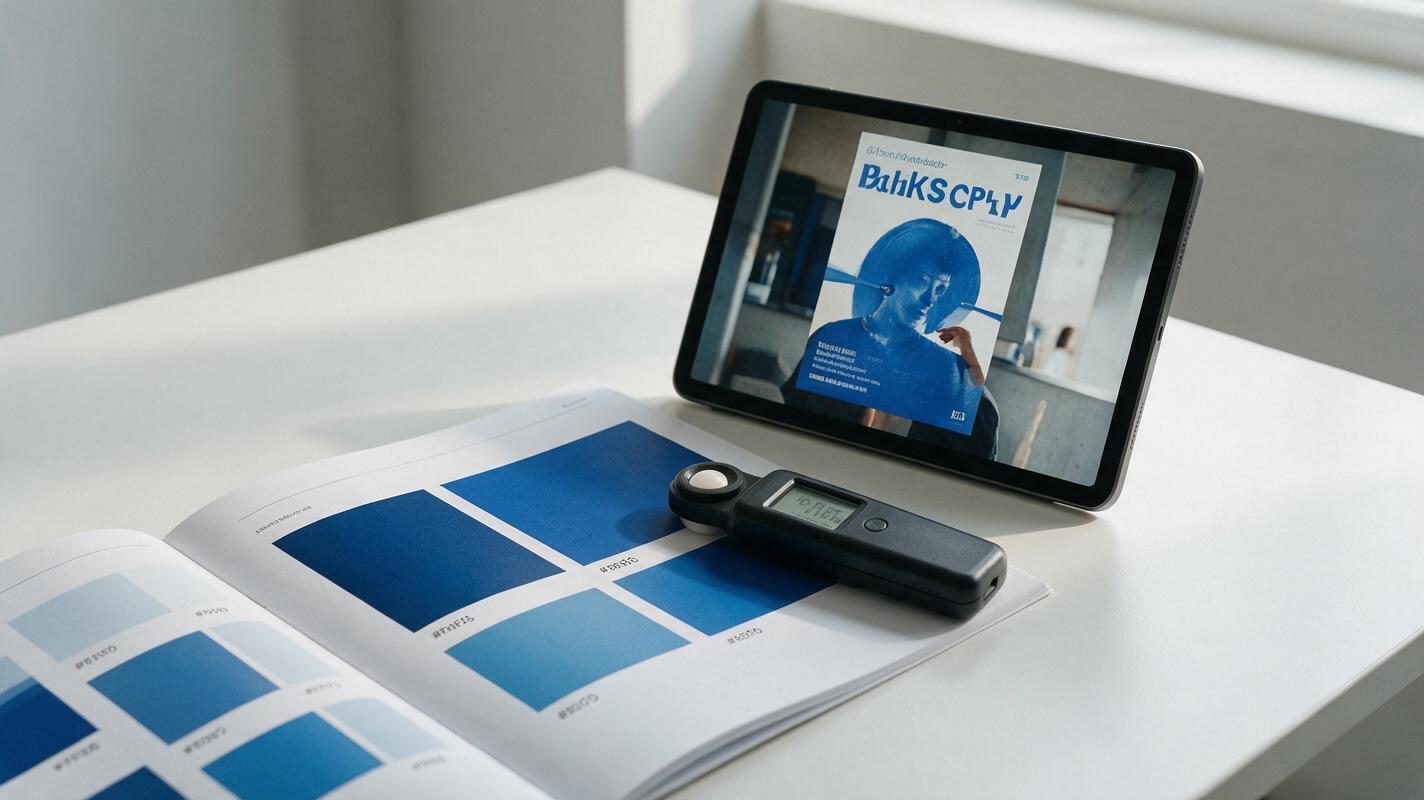
Why AI Brand Graphics Miss Your Exact Color Palette (and 3 Ways to Fix It)
AI-generated brand graphics often return with slightly off-color hues that don’t match approved brand palettes, forcing hours of manual color correction. This article breaks down why AI struggles with precise color matching and shares three actionable methods using Seedream 4.5 to get on-brand colors every time, from reference sheet locking to targeted inpainting. Whether you’re creating campaign posters, key visuals, or packaging renders, these methods cut down correction time and ensure brand consistency.