Blog
Discover the latest from MagicBoat
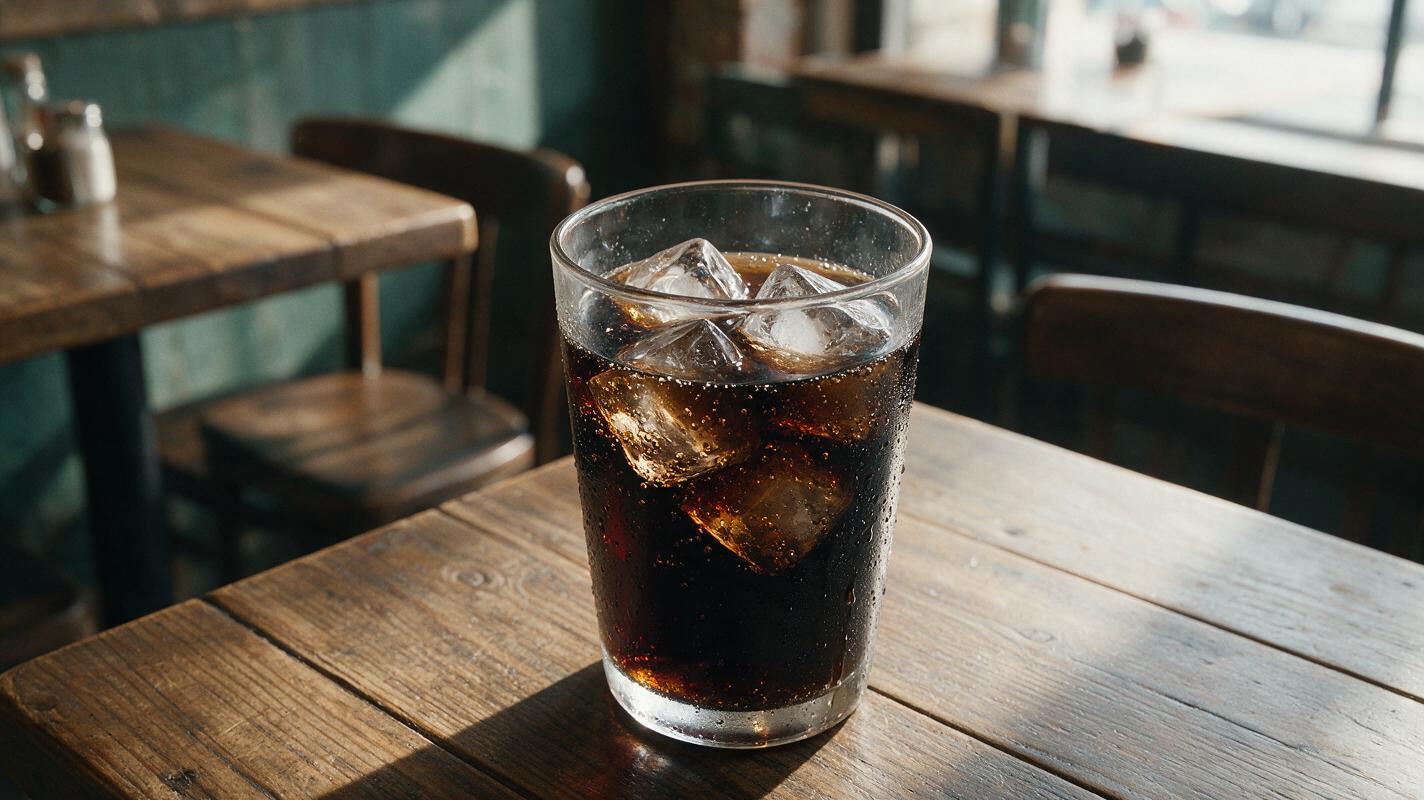
Why AI Cold Drink Photos Look Fake (And How to Fix Ice, Condensation, Fizz)
AI-generated cold drink photos often suffer from plastic-looking ice, uniform condensation, and flat fizz that make them feel unappetizing for restaurants and beverage brands. This guide breaks down the most common realism fails, provides reusable prompt templates for different drink types, and shares model settings and inpainting tips to create studio-quality cold beverage visuals. These tweaks help produce refreshing, tangible-looking drink photos for menus, social media, and ad campaigns without the cost of a professional photoshoot.
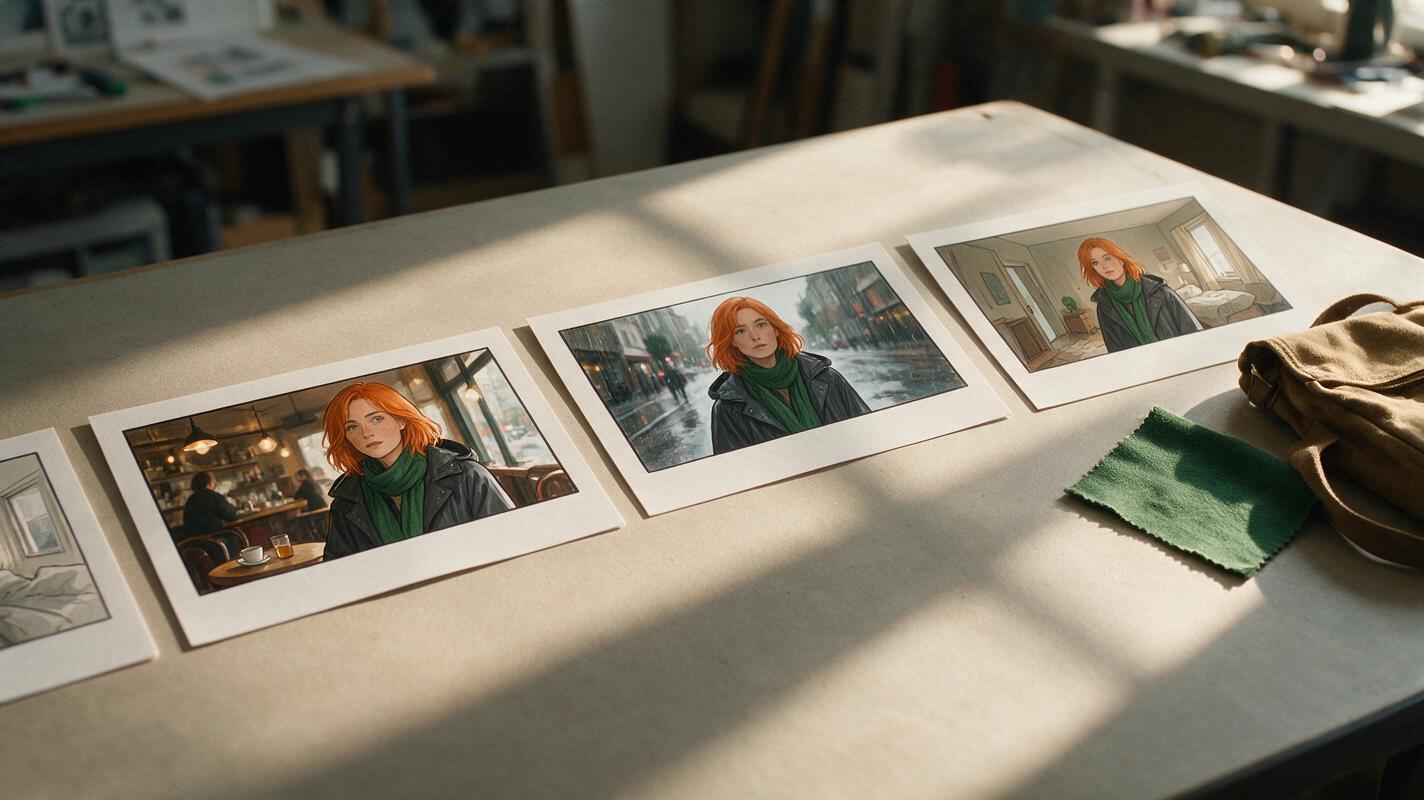
Storyboard References for Consistent Character Outfits Across Scenes
Keep one character’s outfit and recognizable details coherent when a multi-shot AI video moves between locations or jumps forward in time. This tutorial uses a character sheet, an approved reference image, and a scene-change ledger to distinguish continuity errors from intentional costume changes.
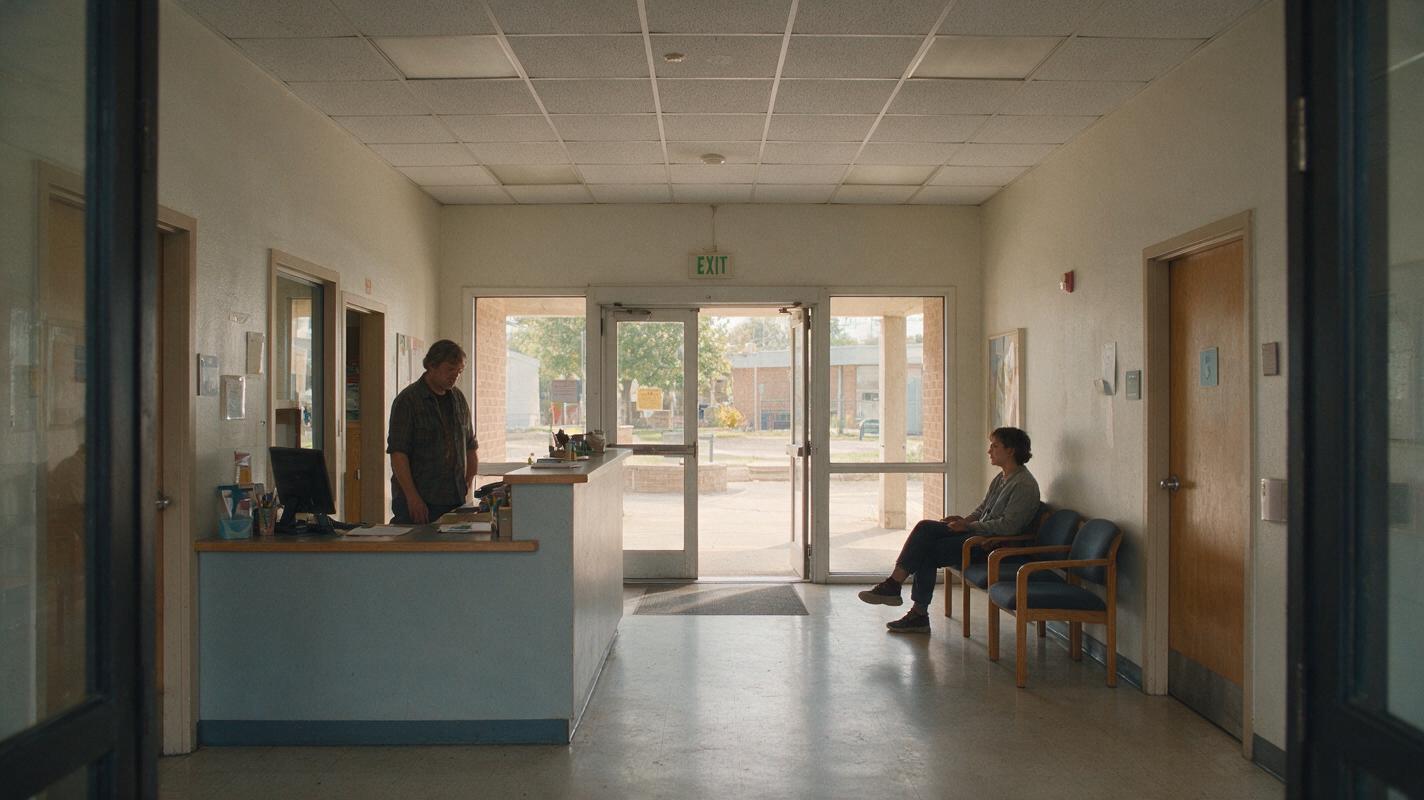
Midjourney Prompts for Interior Renders with Believable Scale
Interior concept images can look convincing until a door, stair, or person reveals that the room is out of scale. These Midjourney prompts use familiar architectural elements to make spatial proportions easier to judge, with a review method for catching errors before an image reaches a client presentation.
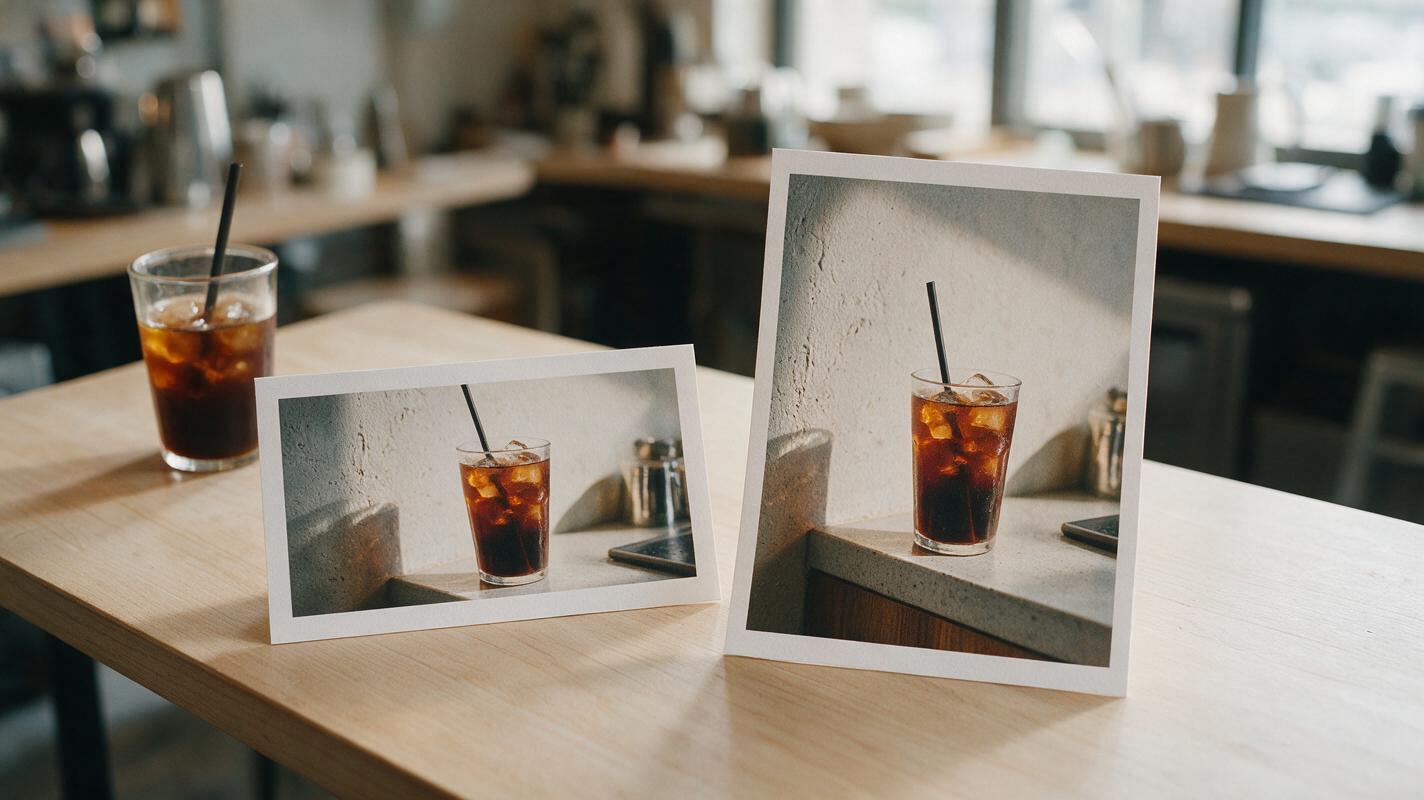
Fix Cropped Reel Covers With Nano Banana Pro
Turn a 4:5 feed graphic into a 9:16 Reel cover without cutting off the subject or asking AI to redraw your branding. This guide shows how to extend the background with Nano Banana Pro, restore text cleanly, and check the result in the actual cover preview.
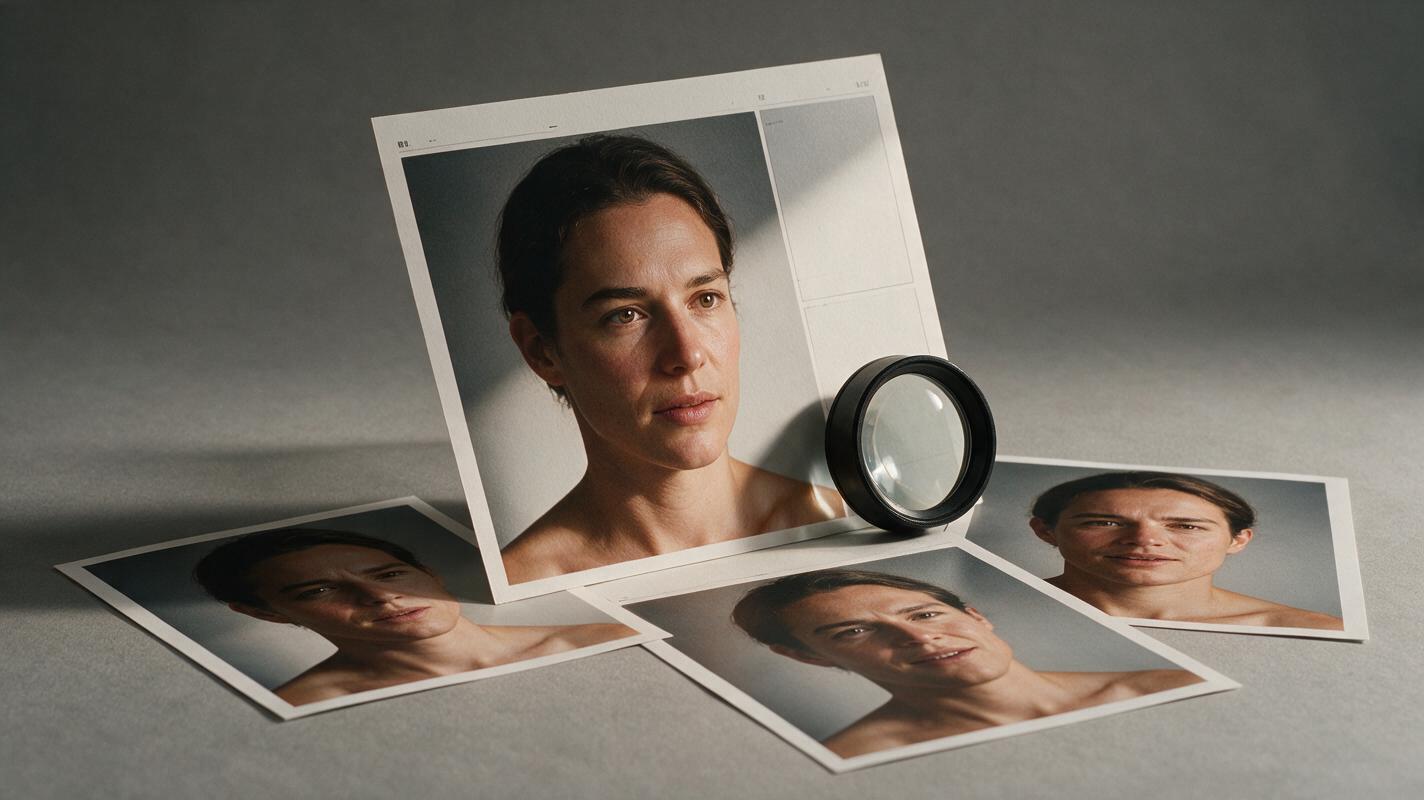
Nano Banana Pro Prompts for Portrait Expressions That Keep Identity
Create a small set of portrait expression variations from one photograph without intentionally changing the subject’s identity, lighting, or styling. These Nano Banana Pro prompts focus on restrained edits, practical quality checks, and clear boundaries for documentary work.
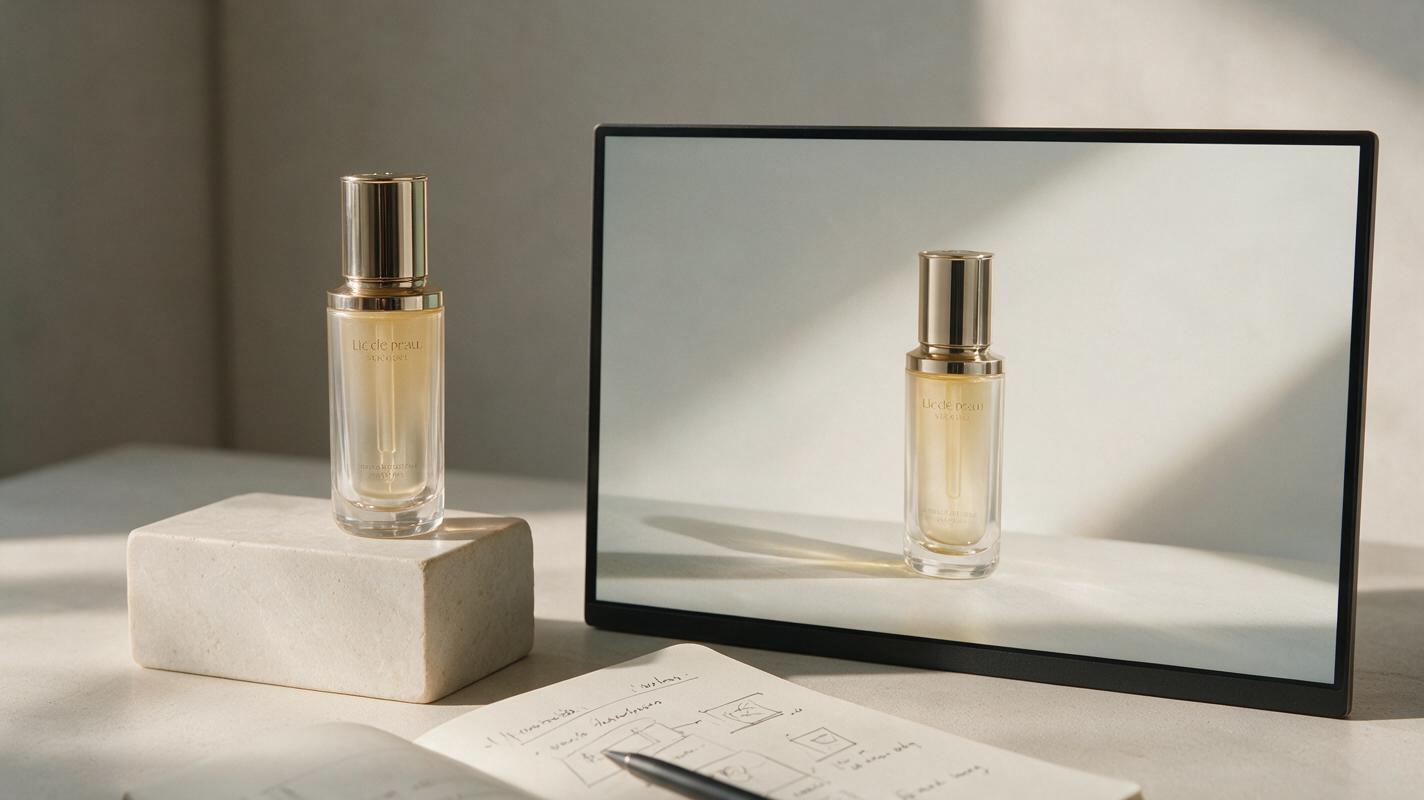
Hailuo Prompts for Product Hero Videos That Don’t Drift
Learn how to animate a product image into a restrained website hero video with Hailuo while keeping the product recognizable and the composition usable for web copy. This guide includes reusable prompts, looping methods, layout advice, and fixes for camera drift, warped packaging, and excessive motion.
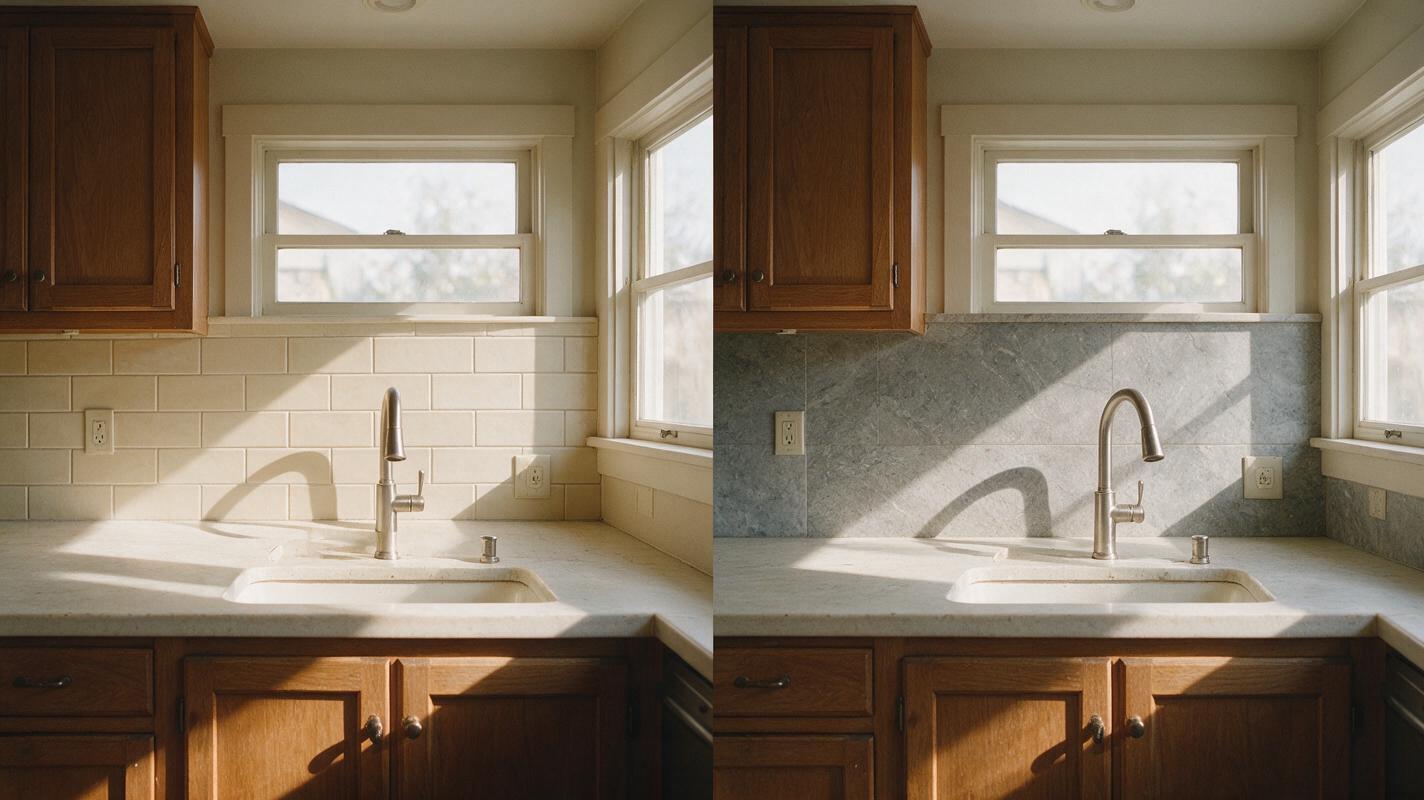
Seedream 4.5 Prompts for Kitchen Backsplash Makeovers
Preview different kitchen backsplash finishes in an existing room photo without redesigning the cabinets, counters, or layout. These Seedream 4.5 prompts help interior designers make controlled comparisons and catch misleading tile scale or installation details.
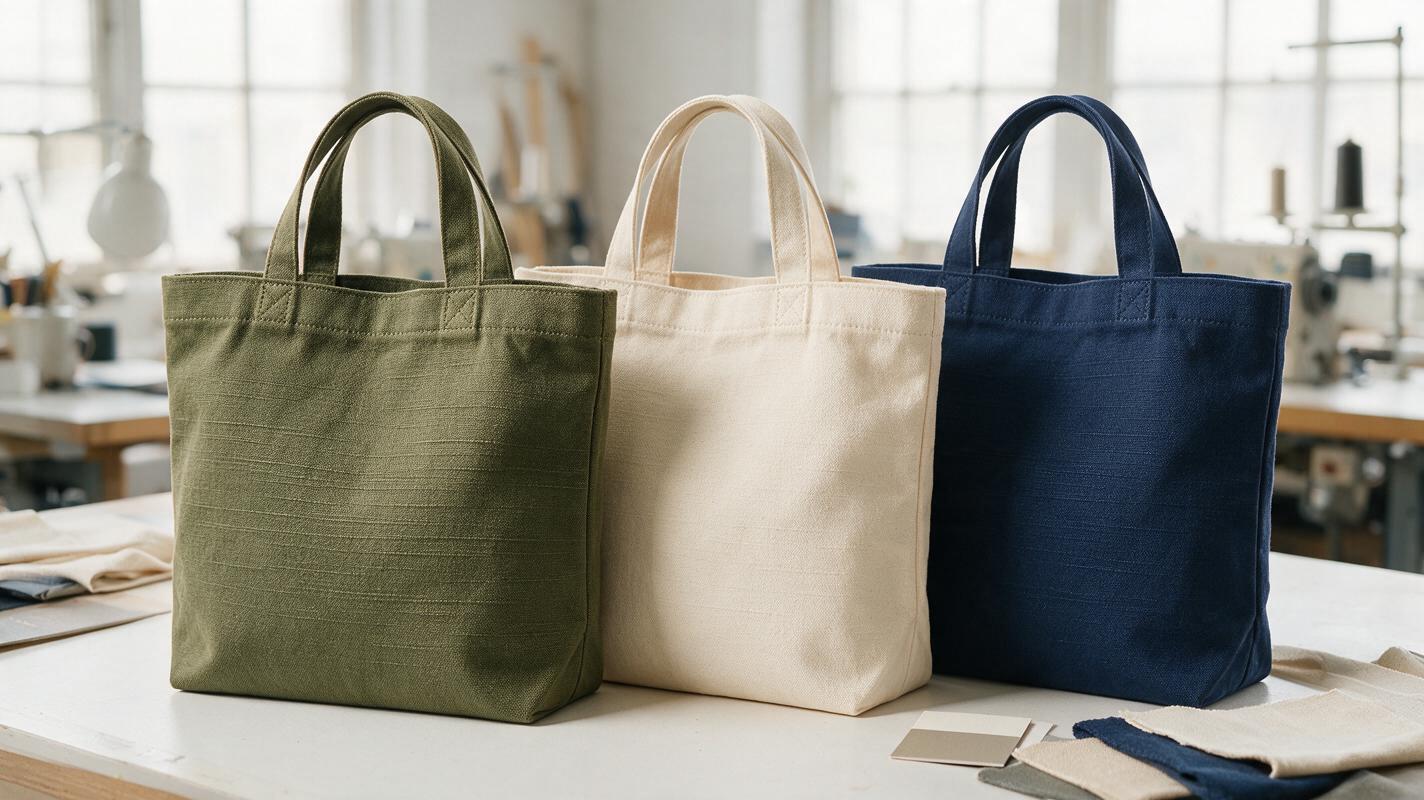
Shopify Color Variant Images That Match the Product You Ship
AI can make a Shopify catalog look consistent, but a convincing color variant is not necessarily an accurate one. This guide shows sellers how to use Nano Banana Pro for presentation concepts while grounding every sellable variant image in a real product reference.

Nano Banana Pro Prompts for Faceless Explainer Video Graphics
Make process diagrams, comparisons, and timeline graphics that viewers can understand quickly in a faceless video. These Nano Banana Pro prompts leave labels for your editor, where you can keep every word accurate and readable.
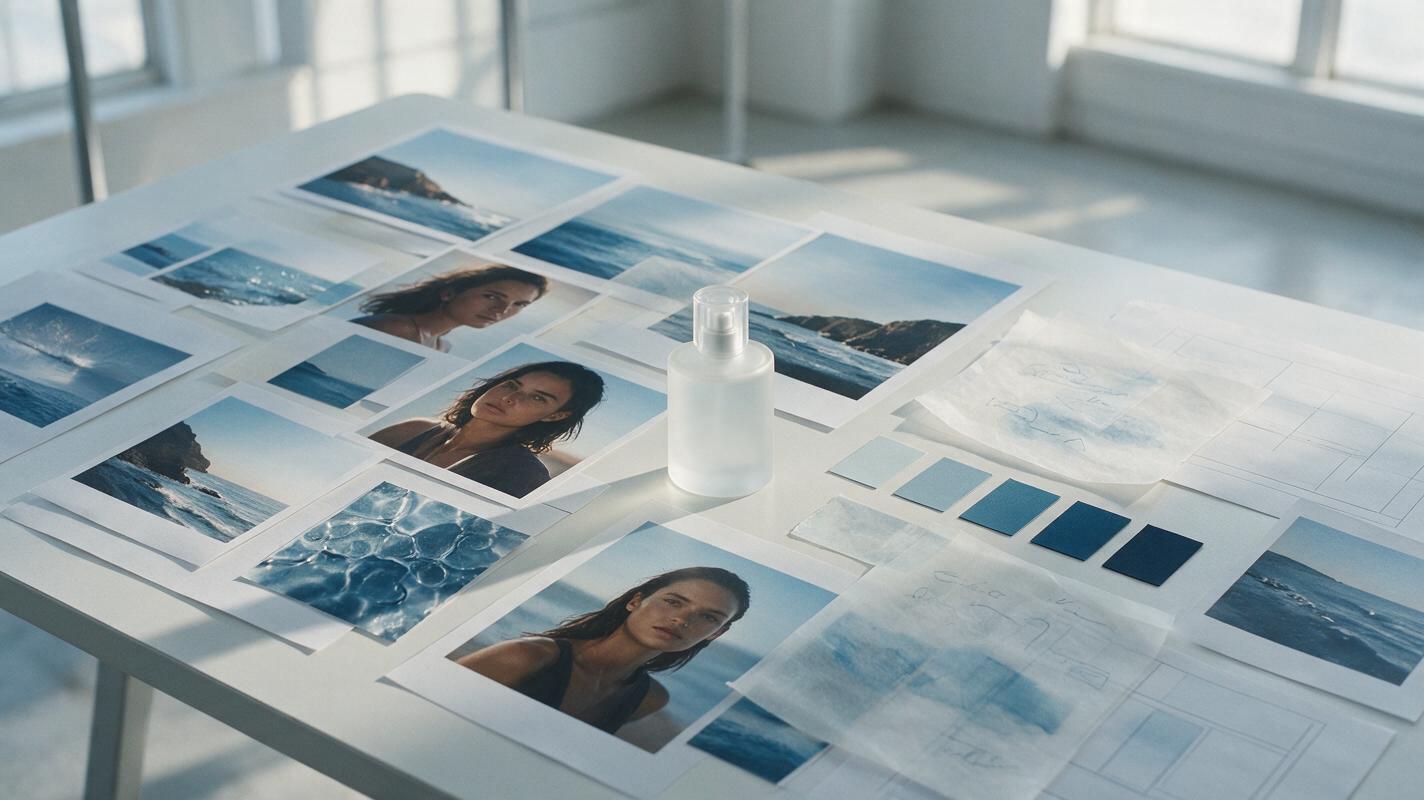
Midjourney Prompts for Cohesive Creative Pitch Moodboards
Build a coherent Midjourney moodboard for an advertising pitch without filling the deck with disconnected images. This practical method uses a visual thesis, an anchor frame, shot-role prompts, and a simple coherence test to keep campaign worlds focused and persuasive.
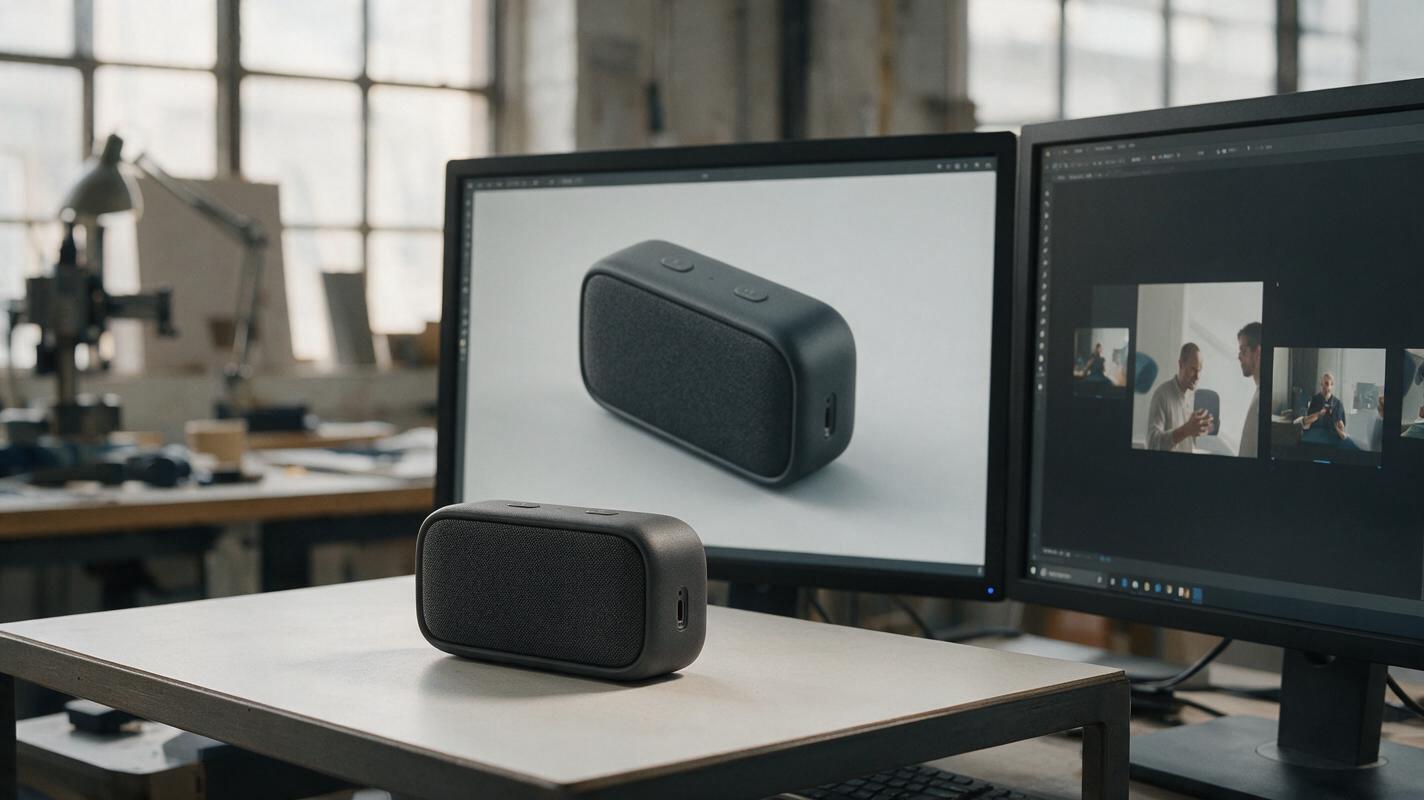
Why AI Product Videos Warp Your Design—and How to Fix the Motion
A product animation can look polished until a button moves, a port disappears, or the silhouette changes between frames. This guide uses a restrained Seedance image-to-video approach to create short concept clips while making design fidelity the main review criterion.
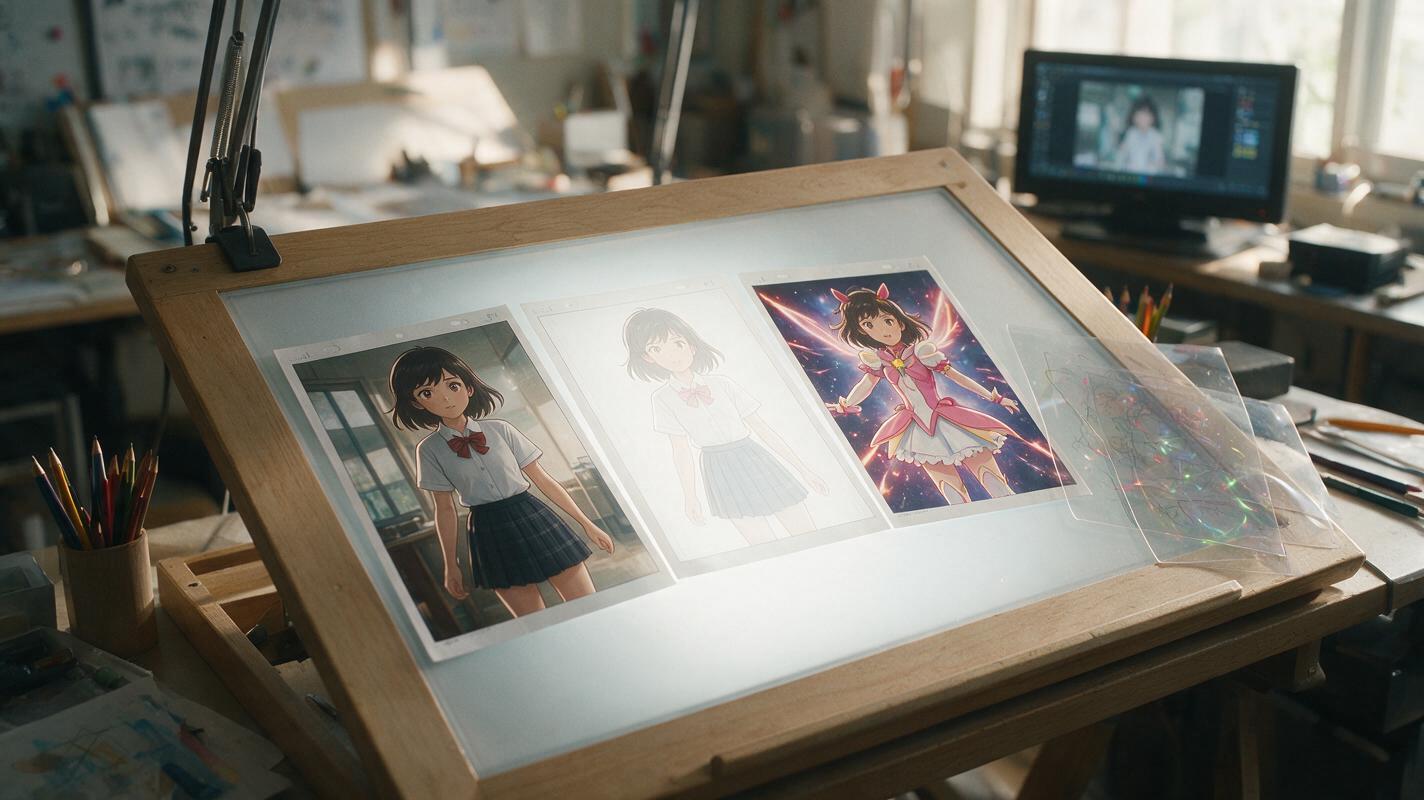
AI Anime Transformation Prompts That Prevent Costume Drift
A single AI-generated transformation clip often melts faces, swaps costume details, and produces an unreadable blur. This guide uses PixVerse, locked before-and-after designs, short motion prompts, and concealed cuts to create a cleaner anime transformation sequence.