Blog
Discover the latest from MagicBoat
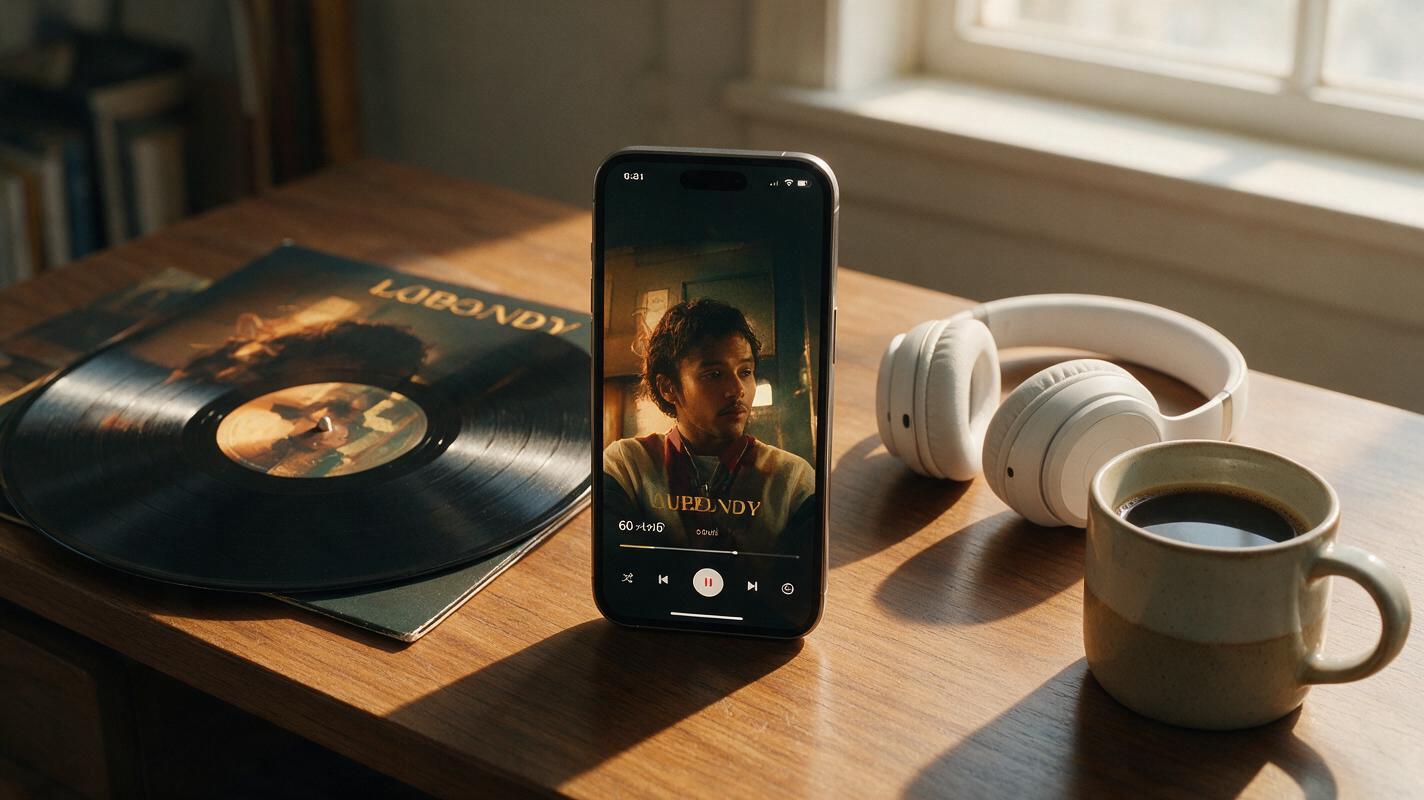
Turn Album Cover Art Into 60s Narrative Promo Reels With Veo
Independent musicians and MV creators can use Veo’s long-form video generation to turn static album cover art into 60-second vertical narrative promo reels that feel like mini music videos. This guide breaks down how to prep your cover art for reference locking, structure a tight 3-act micro-story aligned with your album’s theme, and write prompts that eliminate style drift across scenes. You’ll walk away with a ready-to-post social media reel that boosts pre-saves and stays true to your album’s visual identity.

How to Add Realistic Lifestyle Figures to Listing Photos With Seedream 4.5
Adding relatable lifestyle figures to listing photos helps potential buyers connect emotionally with a property, but AI-generated people often look distorted or out of place with the scene. This guide teaches real estate marketers how to use Seedream 4.5 to add seamless, believable people and pets to listing photos, including persona matching, masking tips, reusable prompt templates, and troubleshooting for common rendering issues. It also covers ethical best practices to ensure listing marketing remains transparent and compliant with industry standards.
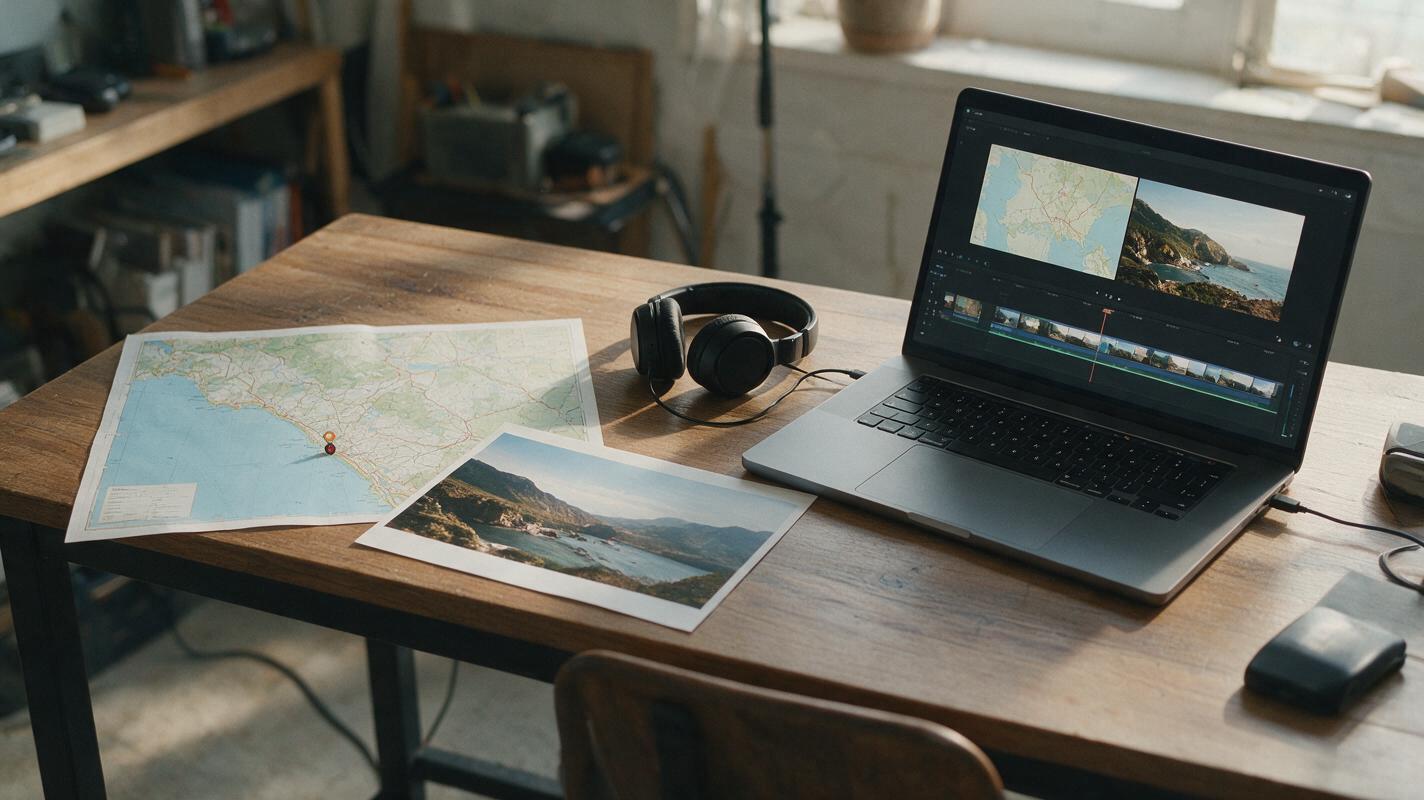
How to Animate a Travel Map for YouTube Without Distorting It
A travel-map reveal should take viewers from a real location to a vivid scene without inventing roads, borders, or place names. This tutorial keeps the map in the editor and uses Runway to animate a separate destination image for a faceless YouTube video.
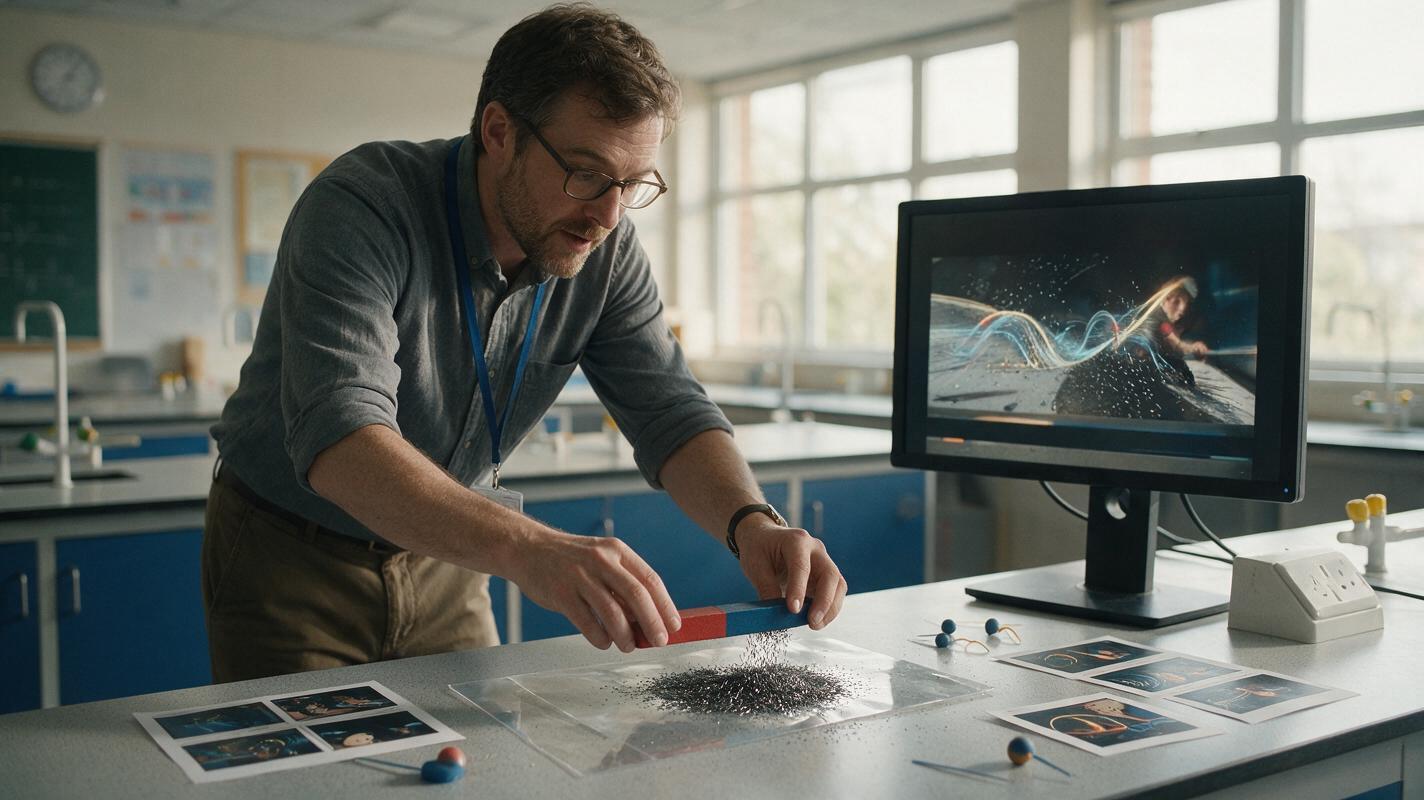
Luma Prompts for Visualizing Invisible Forces in Physics Lessons
Use Luma to create short physics lesson clips that represent magnetic fields, electric forces, gravity, and convection without presenting conceptual models as literal footage. This guide includes reusable prompts, misconception checks, and practical ways to keep generated motion scientifically useful.
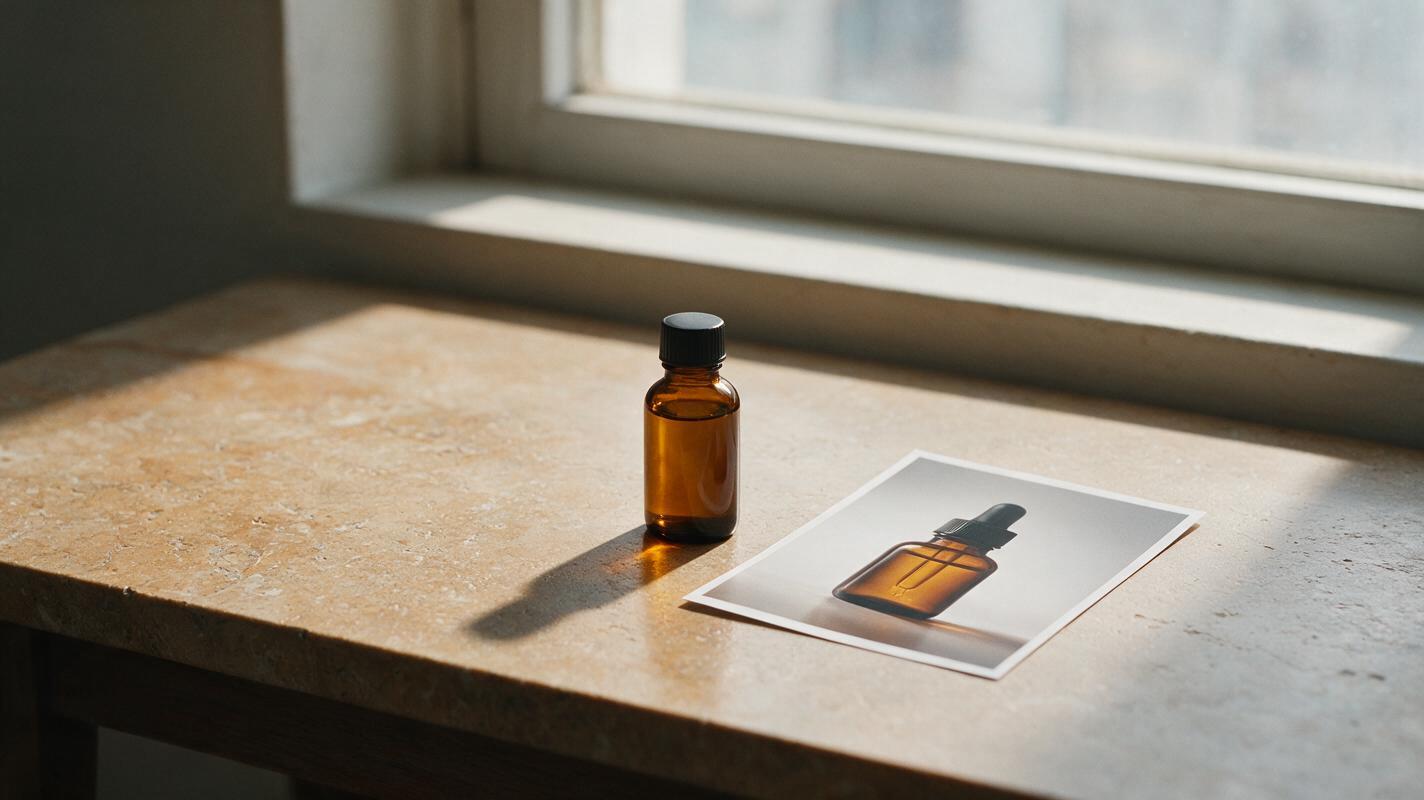
Fix Floating Product Photos With Seedream 4.5 Shadow Prompts
A product can look as though it is hovering after a background replacement, even when its edges are clean. This guide shows commercial photographers how to use Seedream 4.5 to develop a believable contact shadow while keeping the photographed product untouched.
Why Creators Are Switching From Kling: 5 Alternatives Compared
Kling has become a leading AI video generator for cinematic clips and consistent character rendering, but regional restrictions, pricing tiers, and limited motion control lead many creators to seek alternatives. This step-by-step guide compares 5 verified Kling alternatives, breaking down their core features, pricing, and ideal use cases to help you find the best fit for your workflow. We also share a simple framework for evaluating AI video tools without overspending.
How to Maintain Character Consistency in AI Video Clips
You can maintain character consistency across AI video clips by combining reference image locking, structured prompting, and model-specific settings for Seedance and Kling. The fastest workflow starts with a single high-quality base character image, then uses image to video with locked facial and style parameters for every new scene. This tutorial covers 3 actionable methods you can test for free on MagicBoat’s multi-model platform.
How to Keep Two Characters Consistent in One AI Video Scene
The most reliable way to preserve two characters in one AI video is to design them in a single reference image, lock their positions and identifying traits, then animate that image with restrained motion. This tutorial shows how to build the reference, write separation-aware prompts, compare video models, and repair identity drift with MagicBoat.
Sora Alternatives: 6 Practical AI Video Tools Compared
Sora is a prominent prompt-to-video platform, but its access model and workflow will not suit every creator. This guide compares six practical Sora alternatives by capabilities, pricing structure, creative control, and ideal use case.
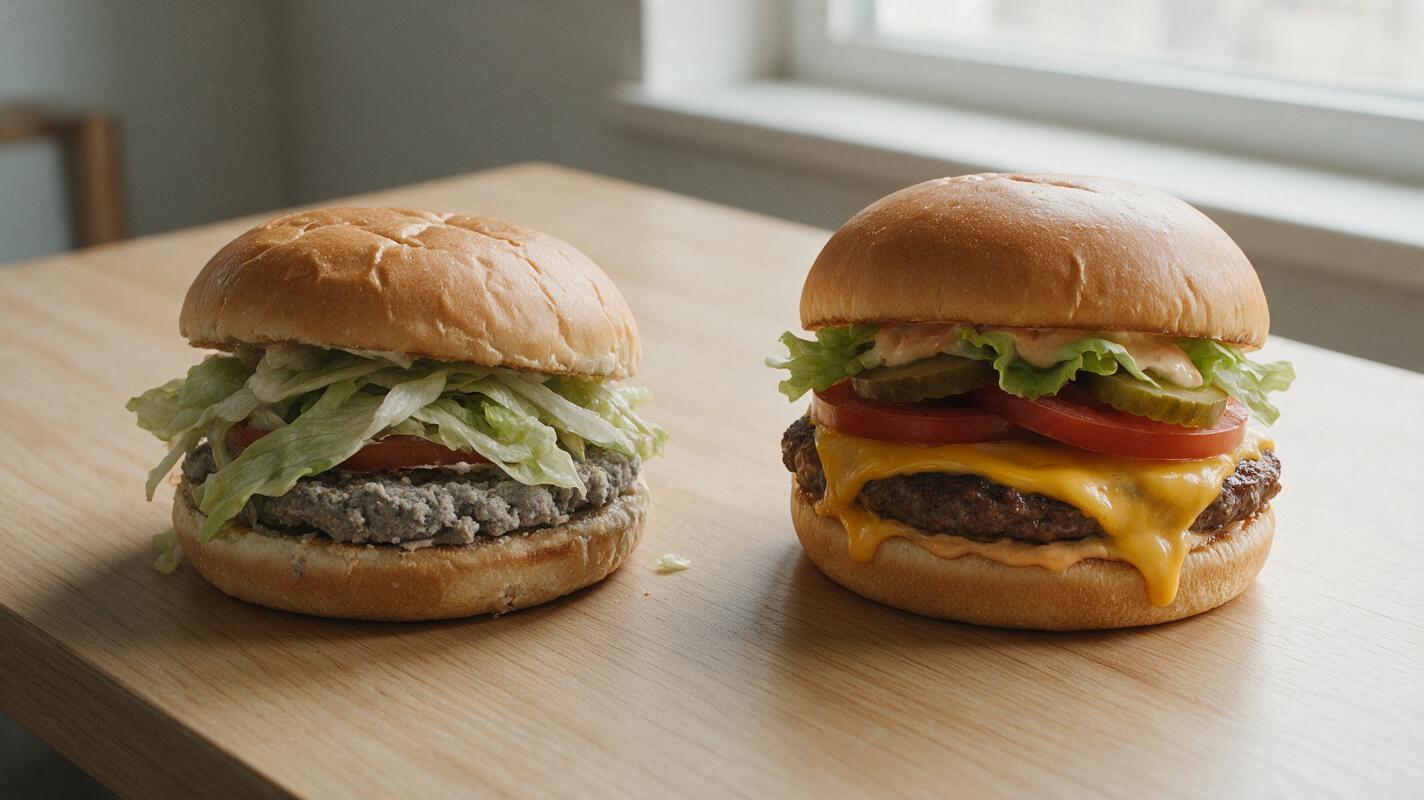
Why AI Burger Photos Look Dry and Messy (And How to Get Juicy, Stacked Results)
AI-generated burger photos often suffer from dry patties, sliding toppings, and plastic-like cheese that fail to drive orders for restaurants and food brands. This troubleshooting guide breaks down the root causes of these common failures, provides reusable prompt templates for Seedream 4.5, shares inpainting fixes for small flaws, and explains how to turn static photos into social videos with Seedance. Use these tips to create juicy, perfectly stacked burger visuals for menus, delivery apps, and social media without expensive photoshoots.
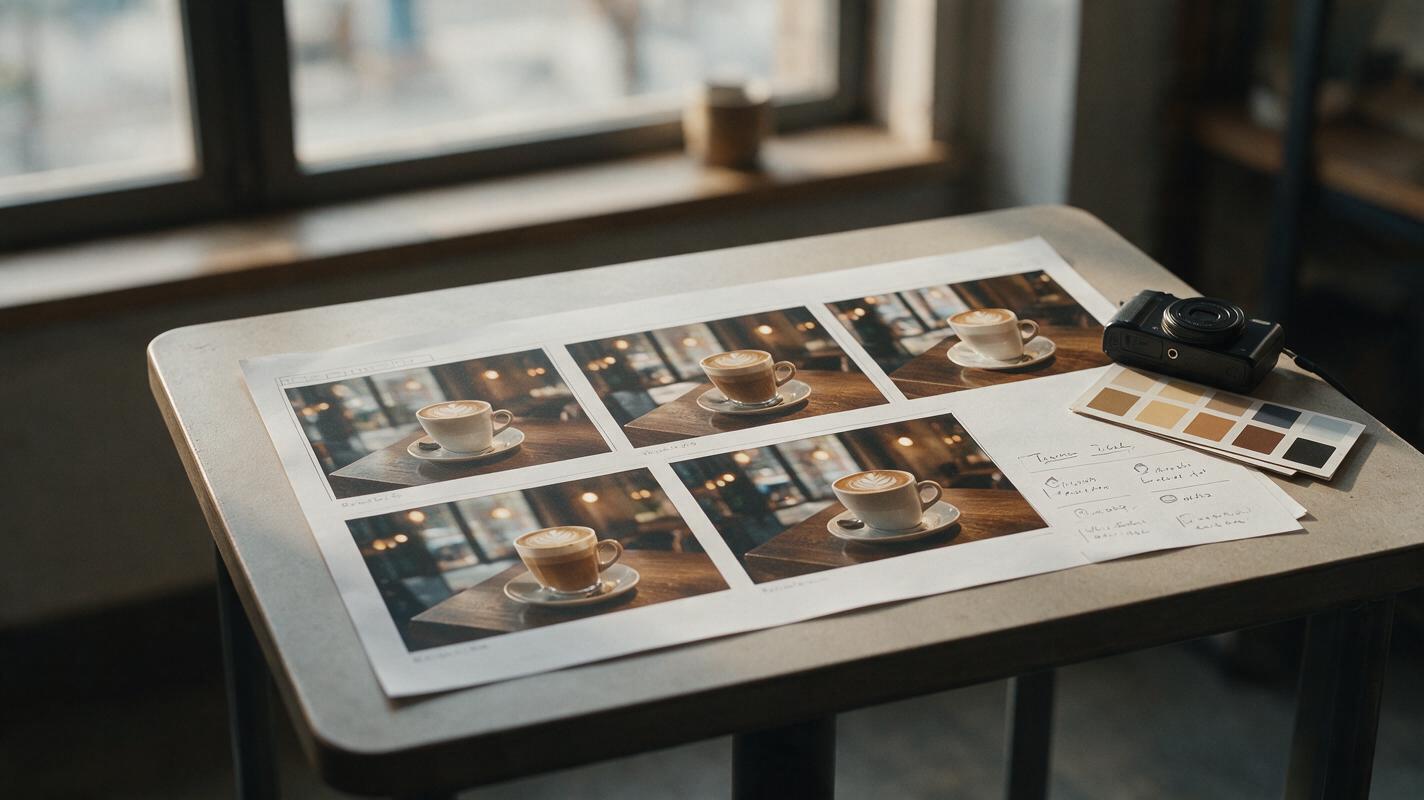
Beyond Runway: 5 AI Video Alternatives for Different Workflows
Runway combines video generation and editing in one mature creative platform, but its credit system and workflow will not suit every project. This guide compares five Runway alternatives across generation methods, pricing models, creative controls, and ideal use cases.

Seedance Prompts for Realistic Lip Oil Videos That Avoid Plastic Gloss
Lip oil product videos need to sell hydrating, glossy texture and precise packaging details — but AI generators often produce plastic-looking shine, distorted applicators, and blurry brand text. This guide shares reusable Seedance prompts for four common lip oil video ad formats, plus fixes for the most frequent rendering mistakes. Beauty brands and content creators can use these prompts to generate TikTok- and Reels-ready lip oil ads in minutes without sacrificing realism.