Blog
Discover the latest from MagicBoat
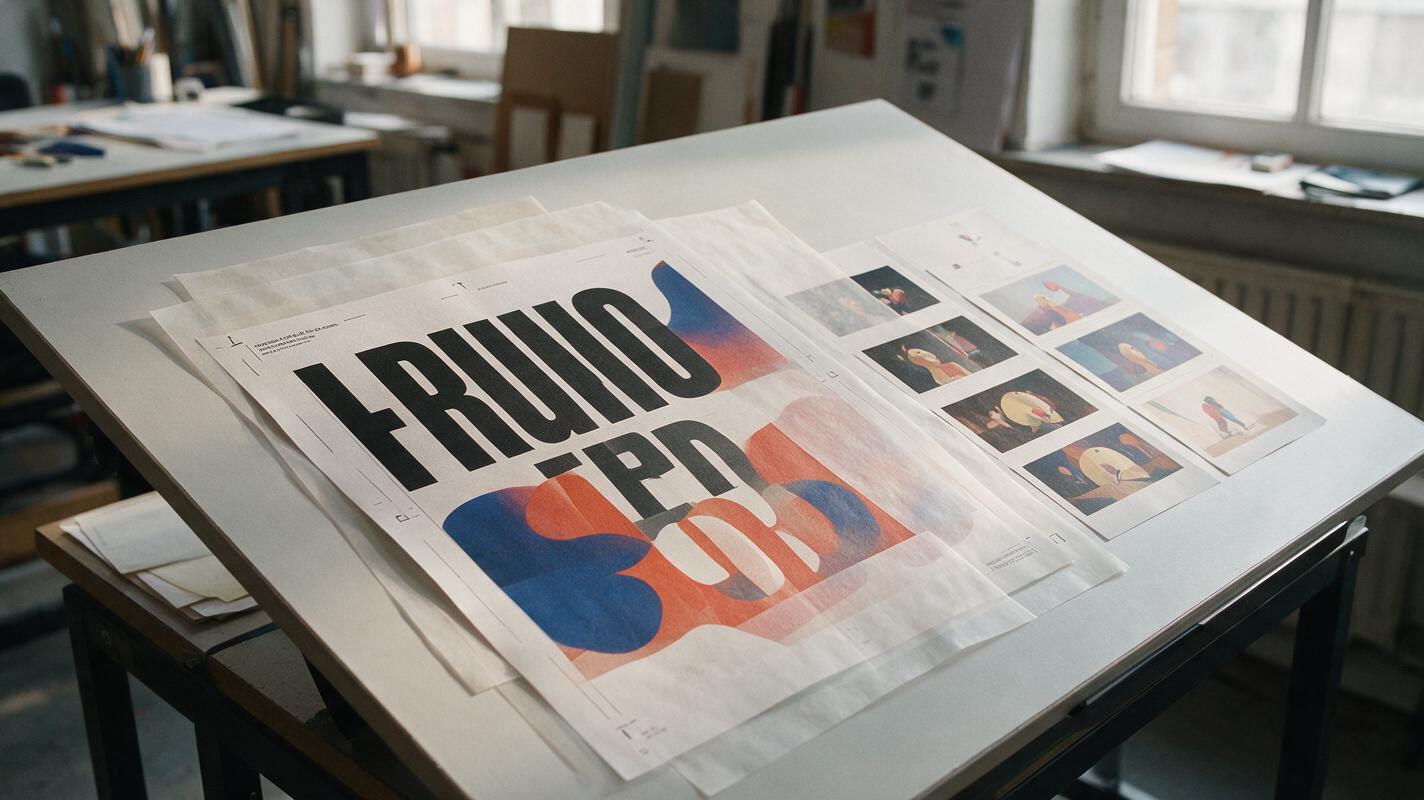
AI Poster Animation Prompts for Subtle Loops Without Text Warping
These Vidu poster animation prompts help designers add restrained, loop-friendly motion without sacrificing the original composition. The workflow separates generative movement from protected typography, logos, and campaign information so the finished asset remains recognizably on-brand.
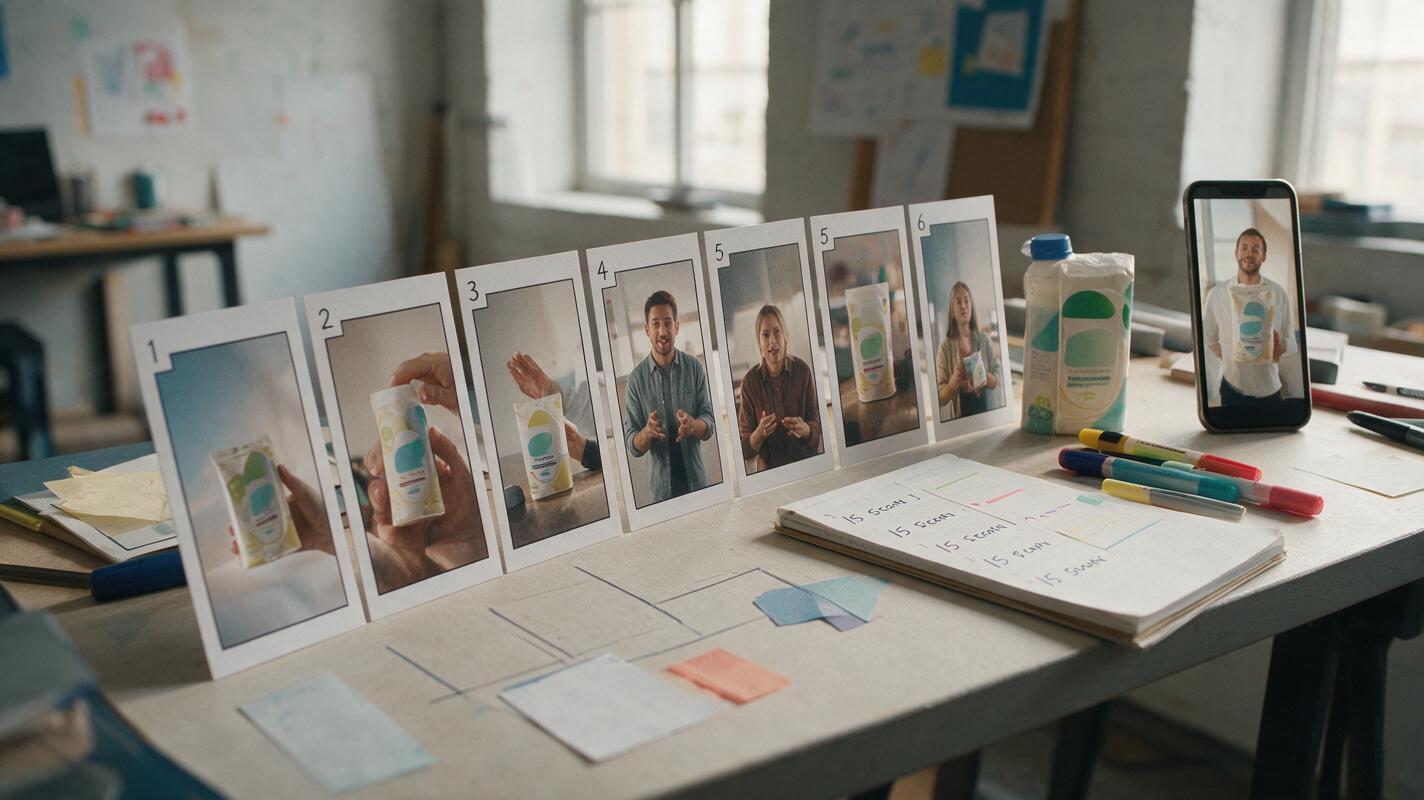
AI Storyboard Prompts for 15-Second Performance Ads
Turn a single ad concept into a production-ready 15-second storyboard before spending time on video generation. This guide provides reusable prompts, shot structures, review criteria, and a Hailuo motion-testing method for performance marketing teams.
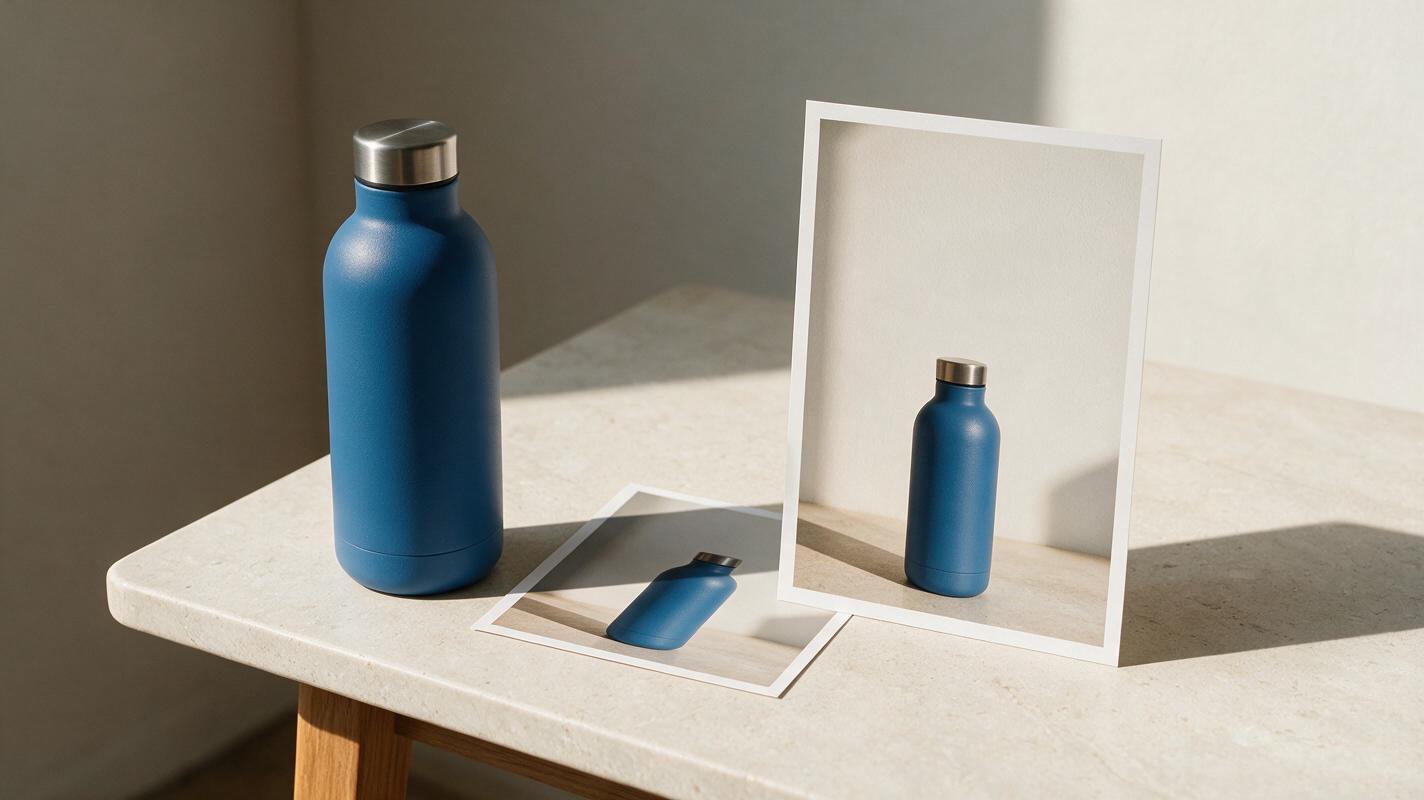
Square Product Photo to Vertical Ad Without Changing the Product
A square product photo often leaves too little room for a vertical ad’s headline and call to action. This guide shows ecommerce sellers how to expand the surrounding scene while keeping the photographed product, label, and proportions intact.
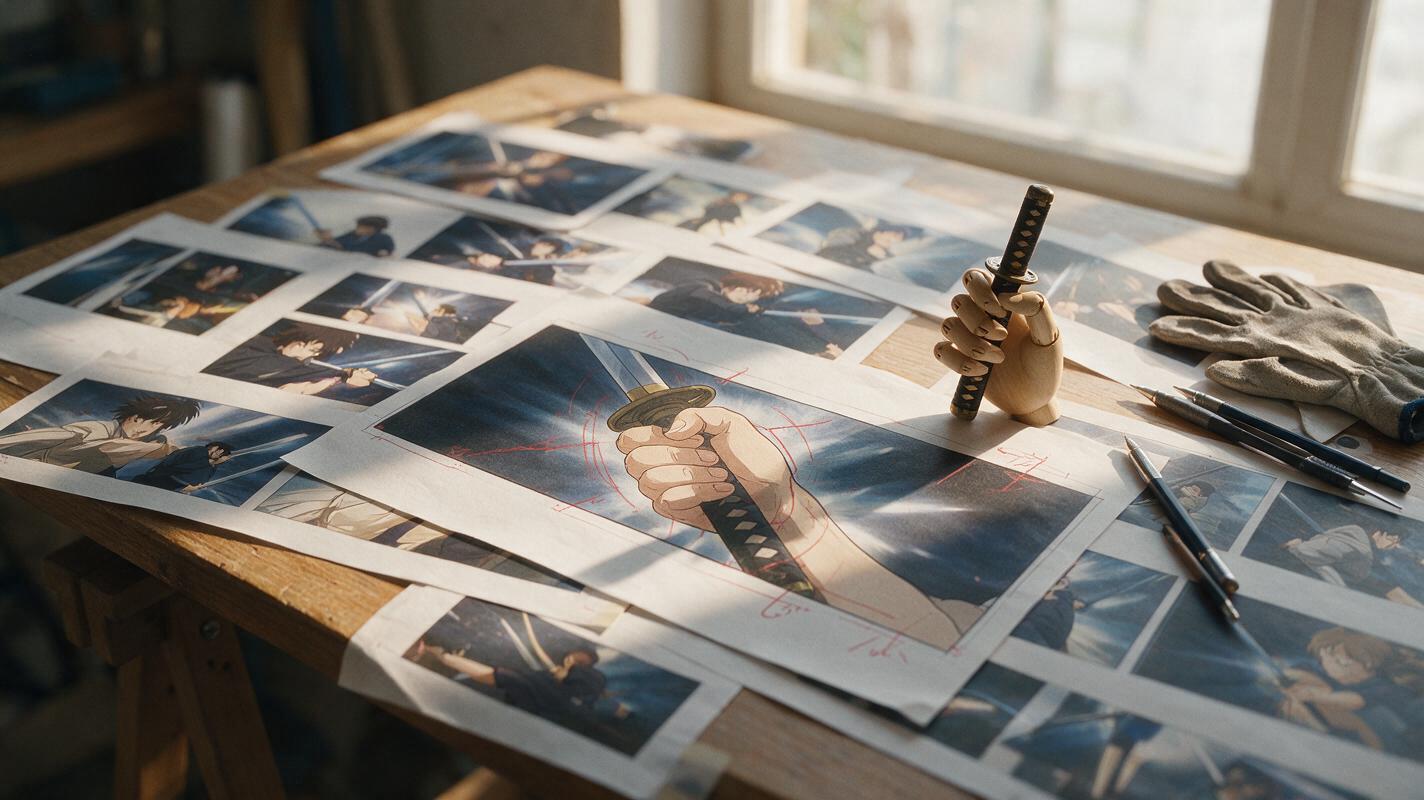
Why AI Anime Sword Grips Break—and How to Repair Them
AI-generated sword grips often fail because the hand, guard, and handle must obey a precise occlusion order that broad prompts do not define. This guide shows anime artists how to plan a believable grip, repair it with Seedream 4.5, and prepare the corrected frame for animation without redesigning the character or weapon.
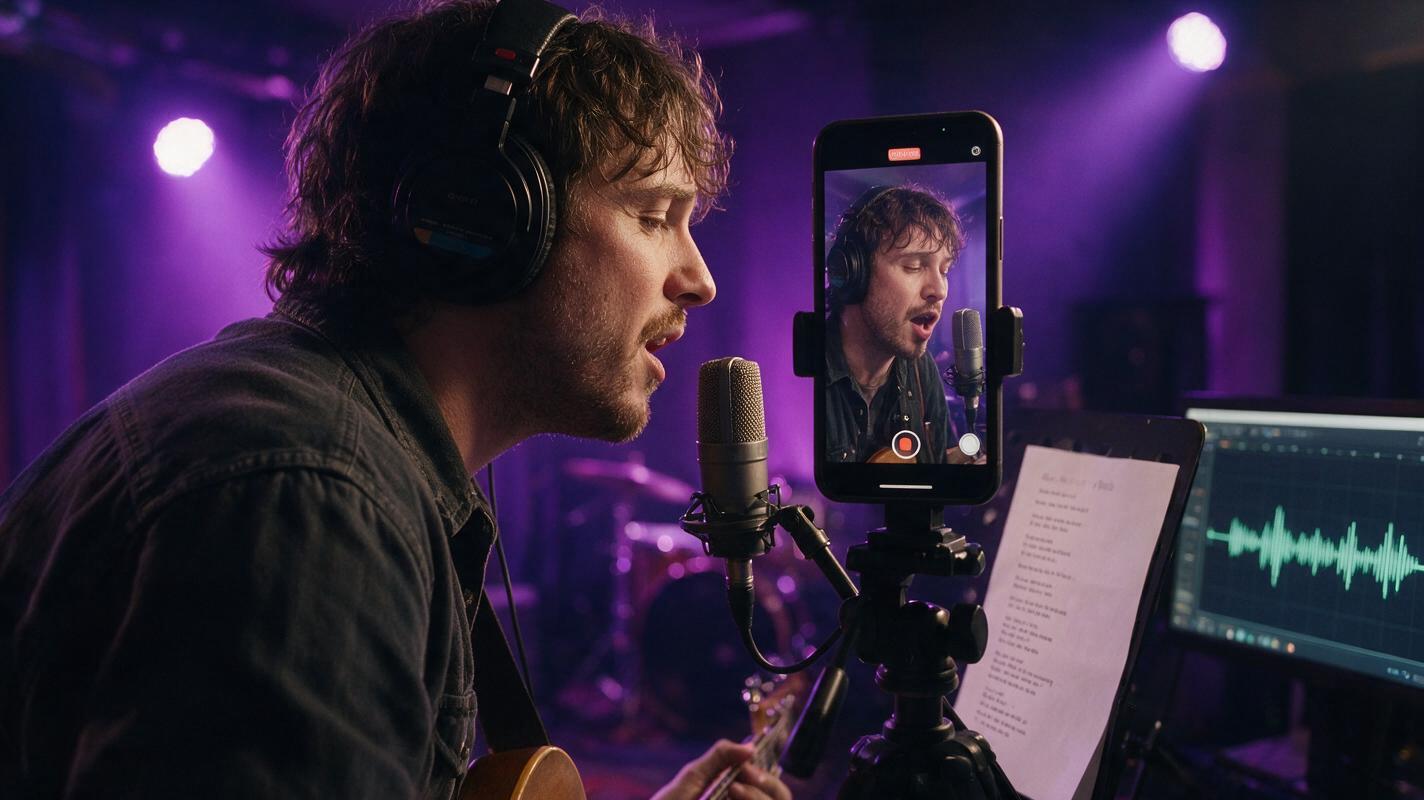
Make a Singing Artist Promo From One Photo Without Lip-Sync Drift
Turn one artist portrait into a convincing singing promo by separating camera motion from mouth synchronization. This practical Hailuo and AI lipsync workflow covers portrait preparation, restrained motion prompts, lyric timing, drift fixes, and vertical exports for music promotion.
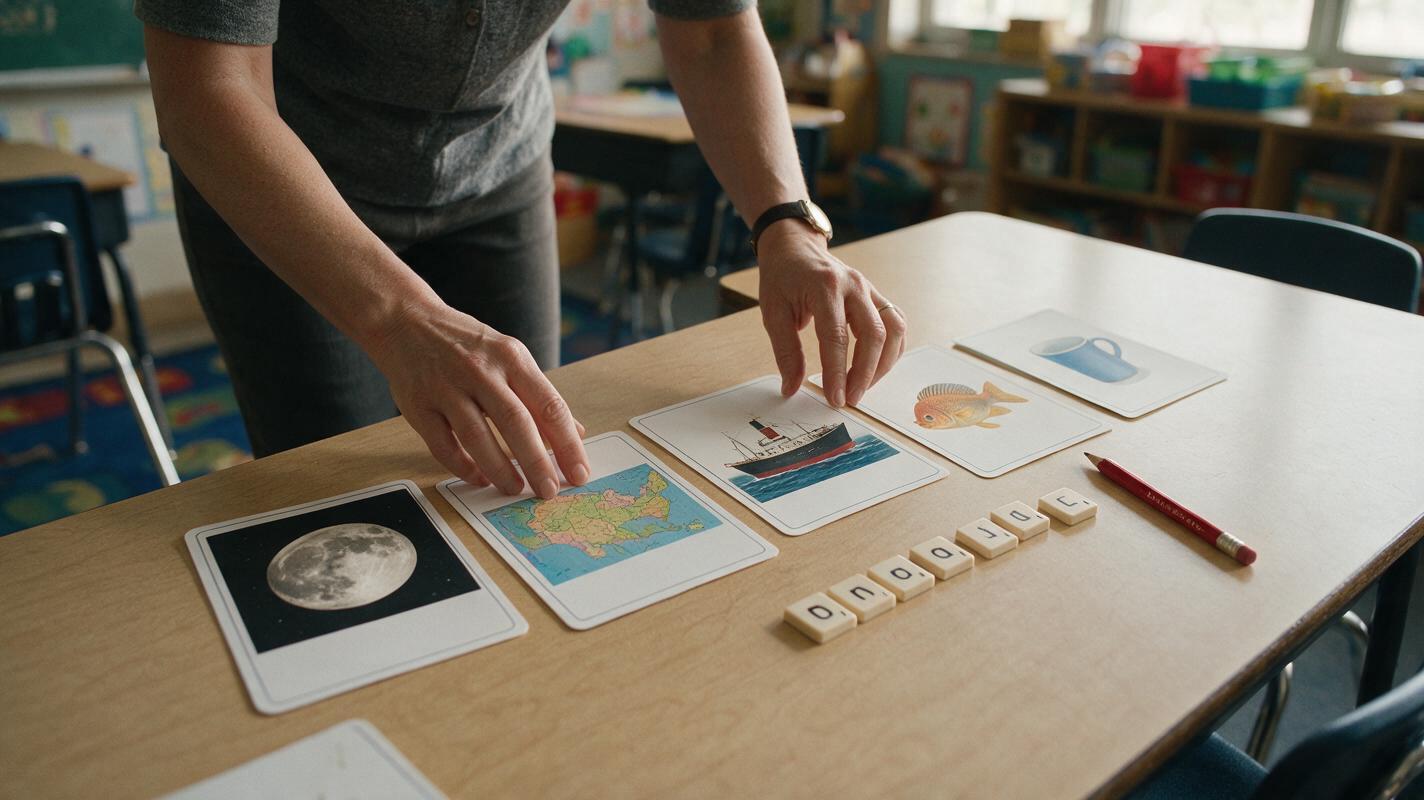
Flux Prompts for Clear Phonics Picture Cards
Create phonics picture cards that show one recognizable word without distracting objects or ambiguous vocabulary. These reusable Flux prompts help teachers control composition, visual style, sound position, consistency, and classroom readability.
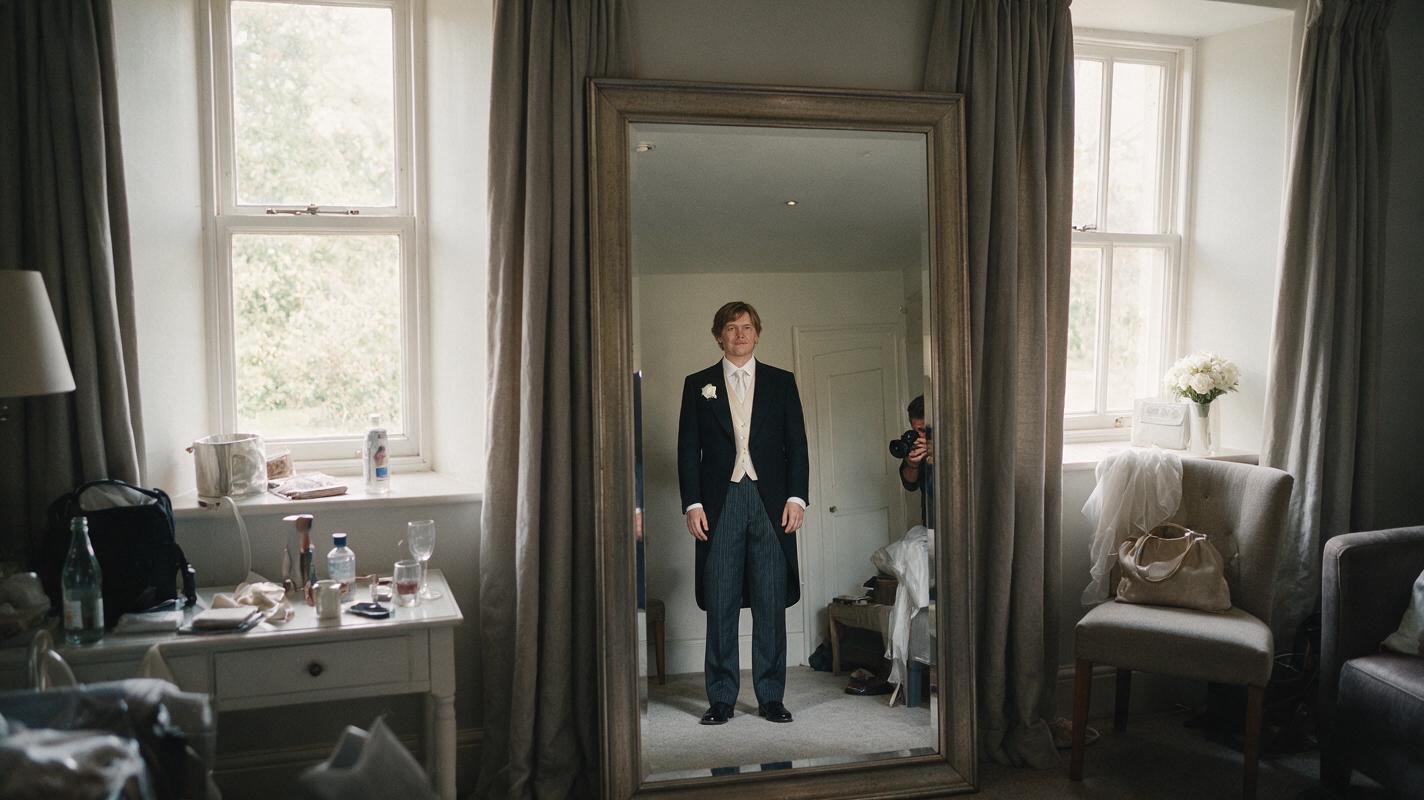
Remove a Camera Reflection From a Mirror Portrait With Nano Banana Pro
A camera reflection can spoil an otherwise strong mirror portrait, but removing it without changing the person or distorting the room takes a narrow edit. This guide shows photographers how to prepare a reference, prompt Nano Banana Pro for a localized repair, and decide when a crop or conventional retouch is safer.
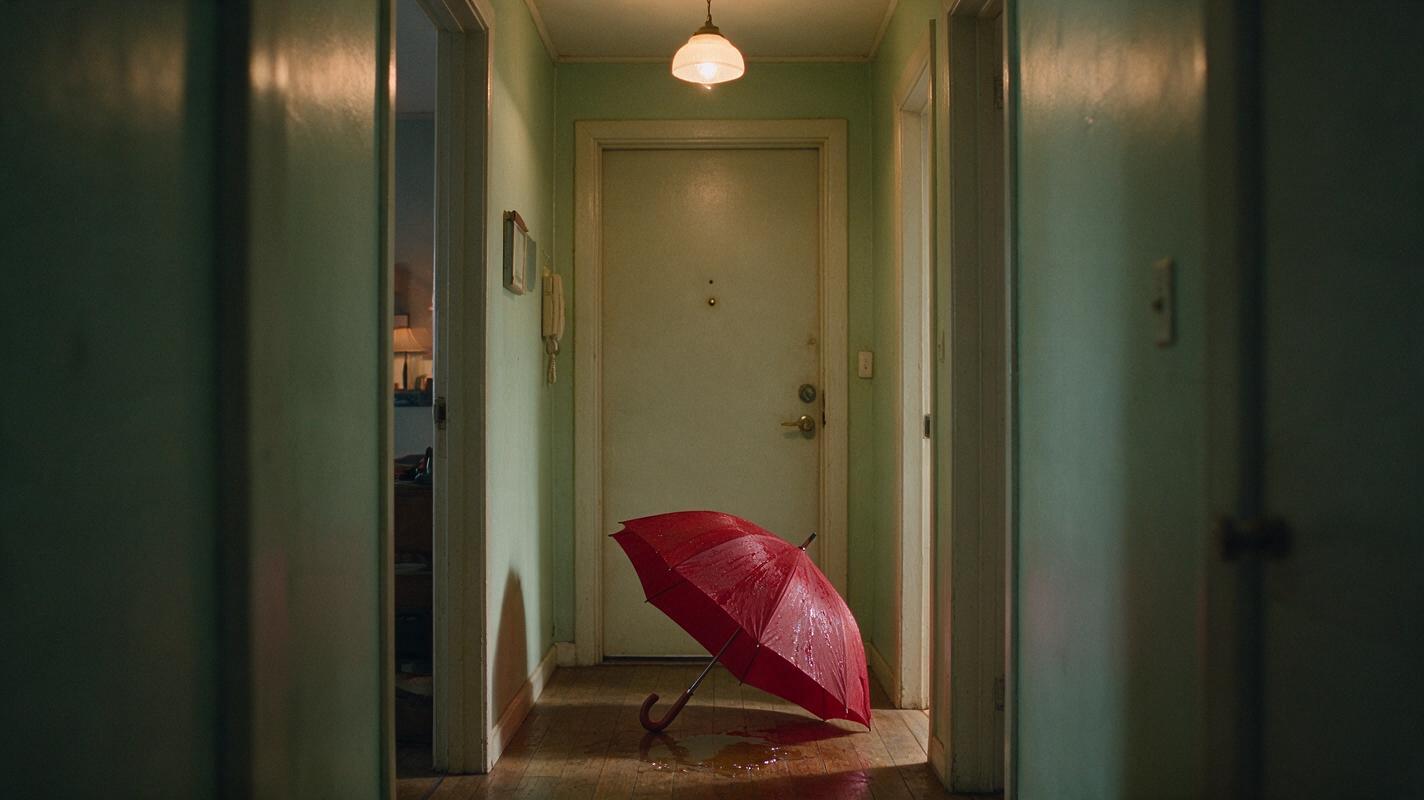
Hailuo Prompts for Faceless Horror Story B-Roll
Create short horror cutaways that support a narrated story without showing a host or revealing the threat too early. These Hailuo prompts cover establishing shots, clues, suspense transitions, and endings, with practical guidance for matching visuals to the script.
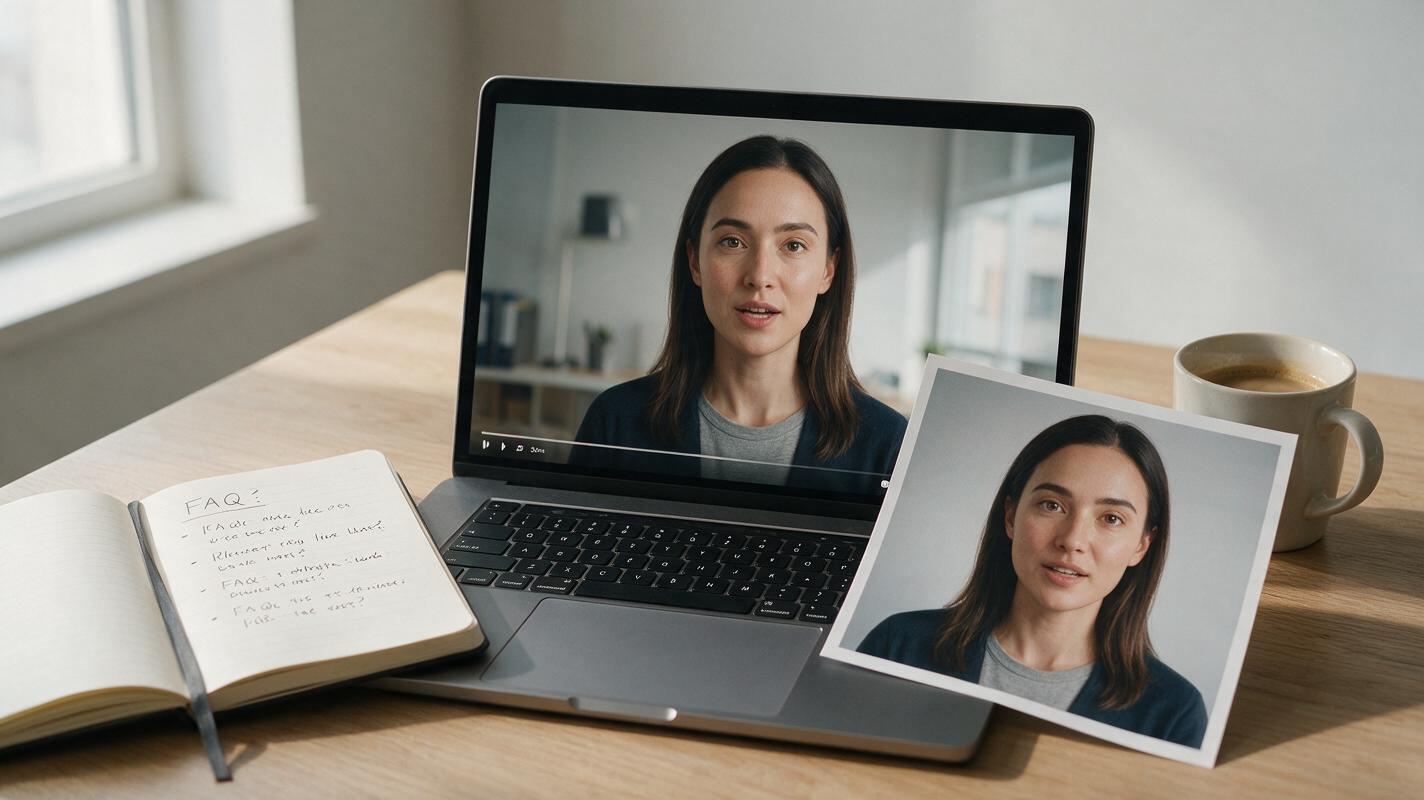
AI Avatar Video Generator: Make Consistent FAQ Clips From One Photo
Learn how to use an AI avatar video generator to create consistent, professional FAQ clips for your small business website using just one reference photo. This step-by-step guide covers avatar prep, natural gesture animation with motion mimic, clean background swaps with video matting, and preset-based brand consistency. You’ll walk away with a repeatable workflow that cuts down filming time while keeping your brand voice and visual style consistent.
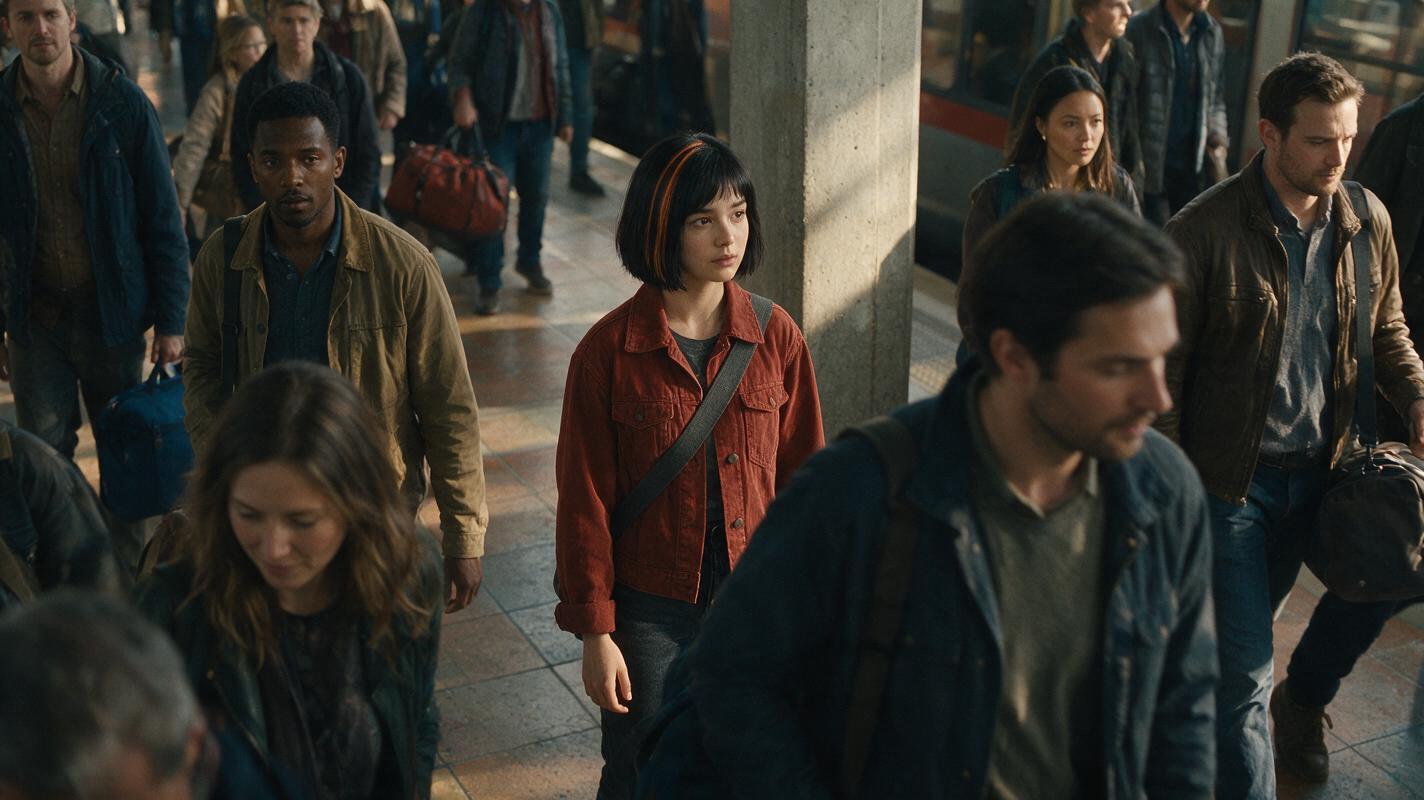
Keep the Same Character From Wide Shot to Close-Up in AI Video
A character can look right in a close-up yet become unrecognizable in a crowded wide shot. This tutorial shows how to connect those camera distances with a character sheet, a matched reference-image workflow, and a cut-point check.
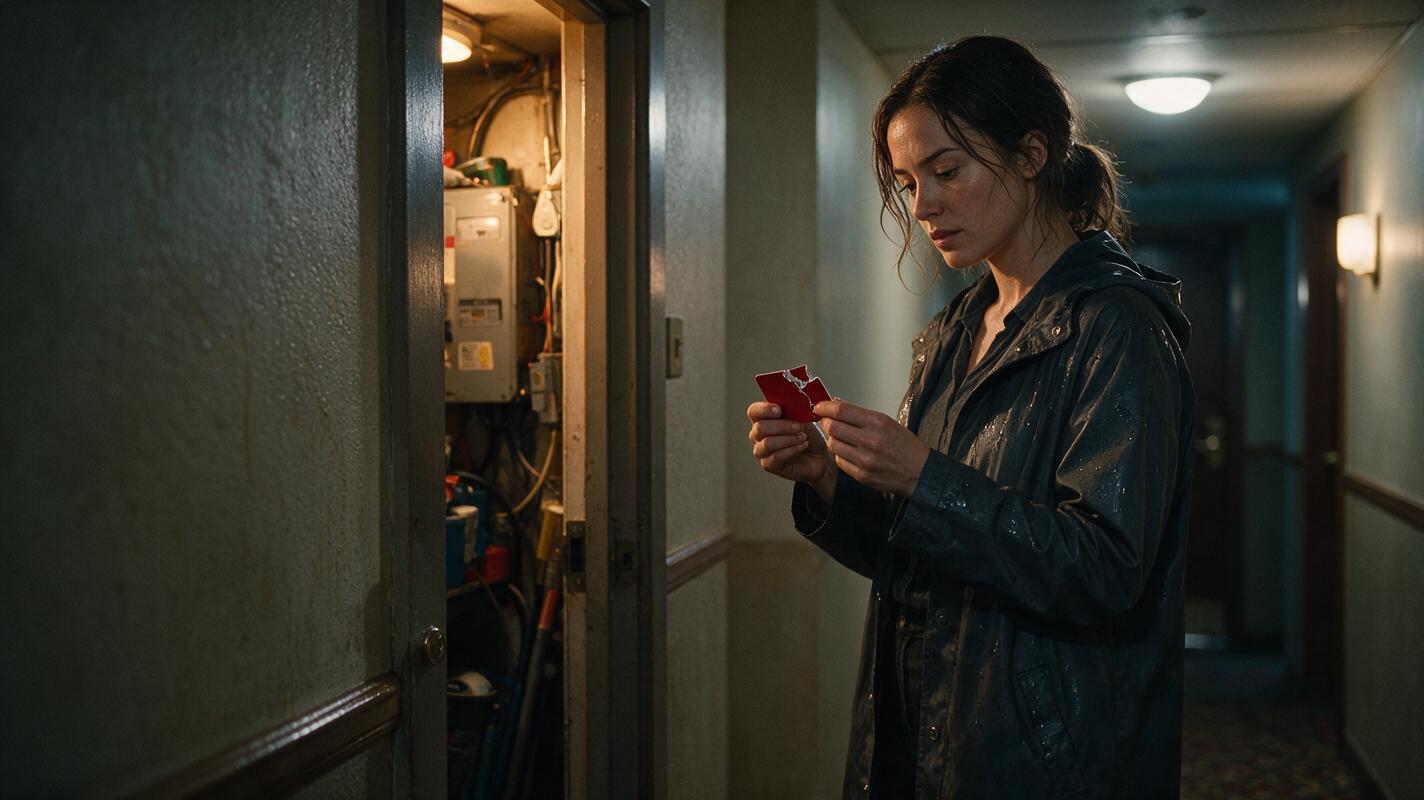
How to Make Flashbacks Clear in an AI Short Drama
A flashback becomes confusing when the audience cannot immediately identify where the memory begins, what information it reveals, or when the story returns to the present. This tutorial shows how to design paired timeline states, generate reliable transition frames, and edit readable flashbacks for a vertical AI short drama.
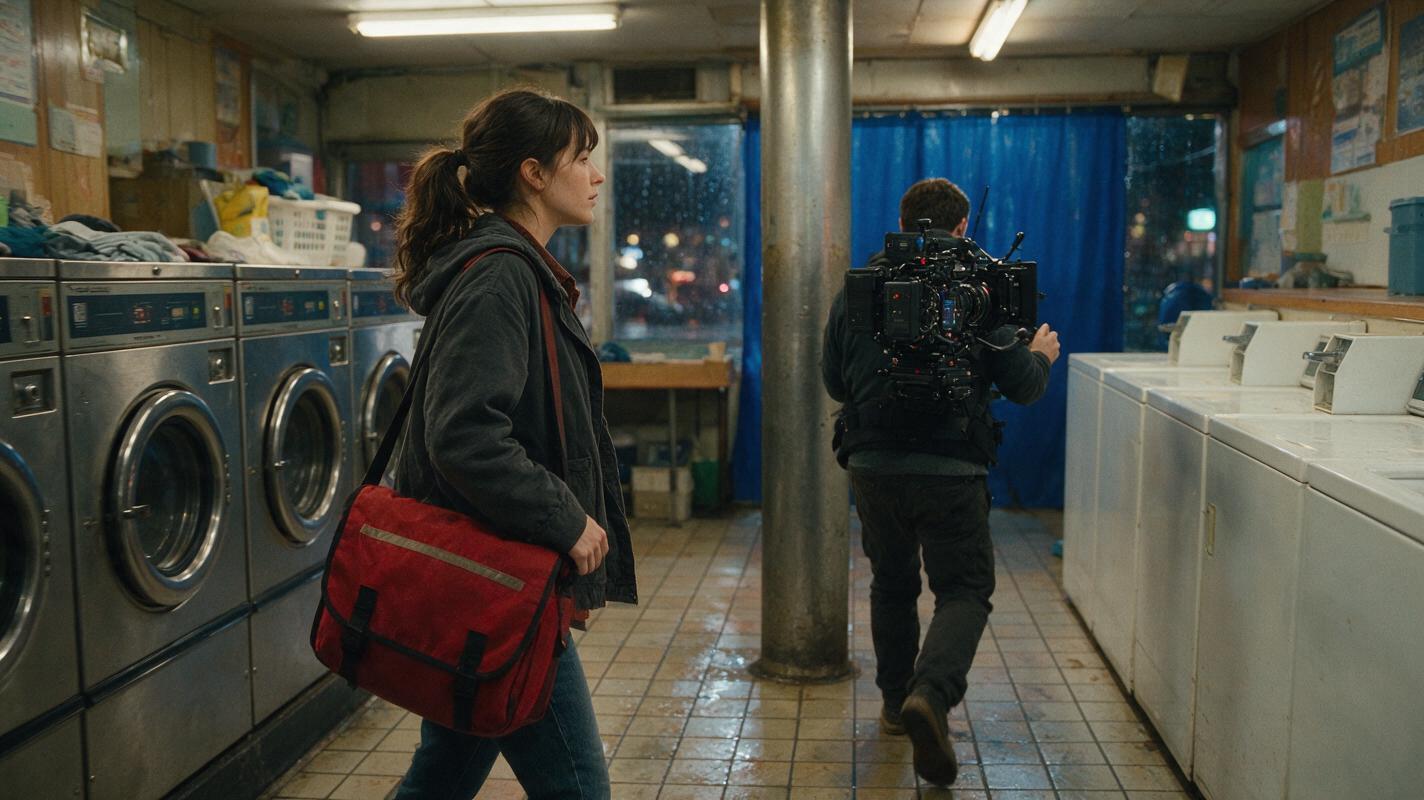
Script to Video AI: Build a Seamless One-Take Short Film
Learn how to turn a short script into an AI-generated continuous-take sequence without forcing one model to render the entire scene at once. This workflow uses camera handoffs, reference assets, overlapping clips, hidden cuts, and continuous sound to create the illusion of one uninterrupted shot.