Blog
Discover the latest from MagicBoat
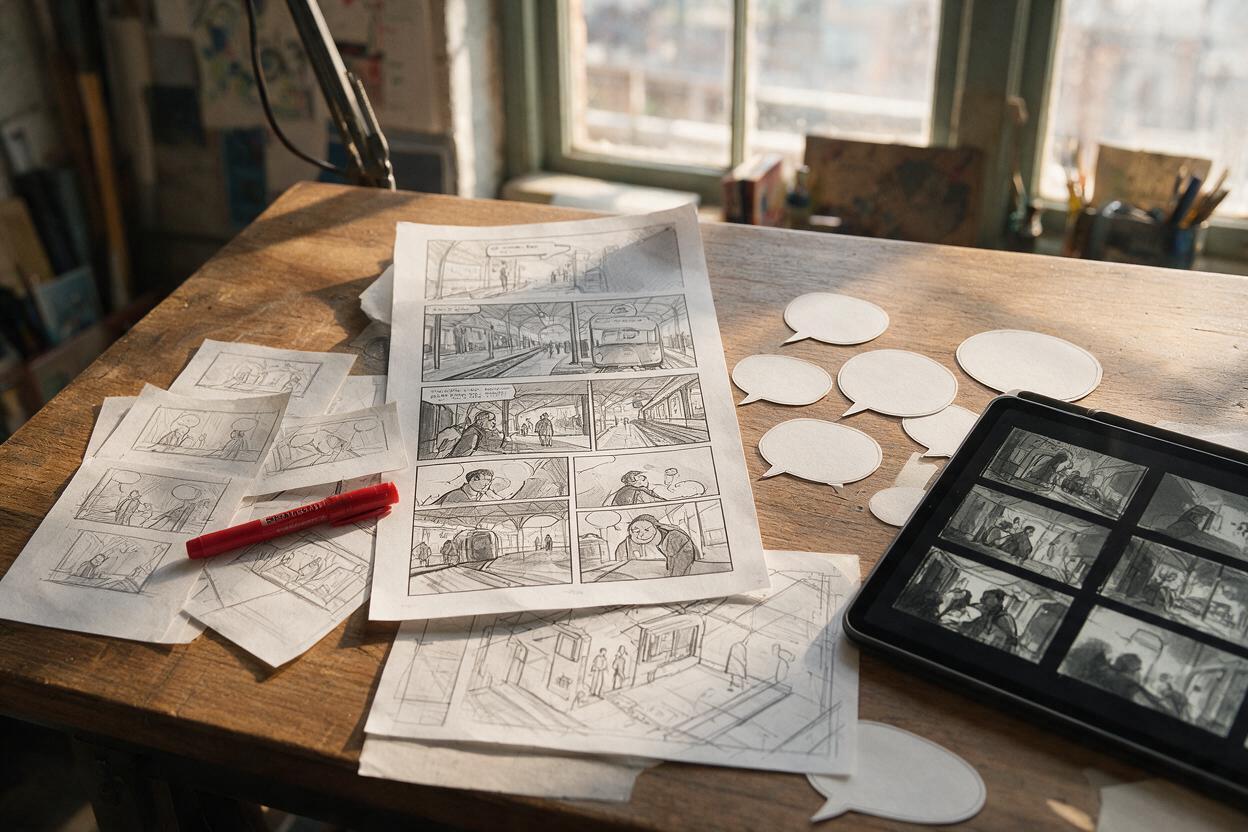
Comic Script to AI Storyboard: Panels That Read Clearly
Turn a comic or webtoon script into a readable visual plan before spending time on finished artwork. This workflow uses Seedream 4.5 to explore shot choices, panel rhythm, character blocking, and scene continuity without treating rough generations as final pages.
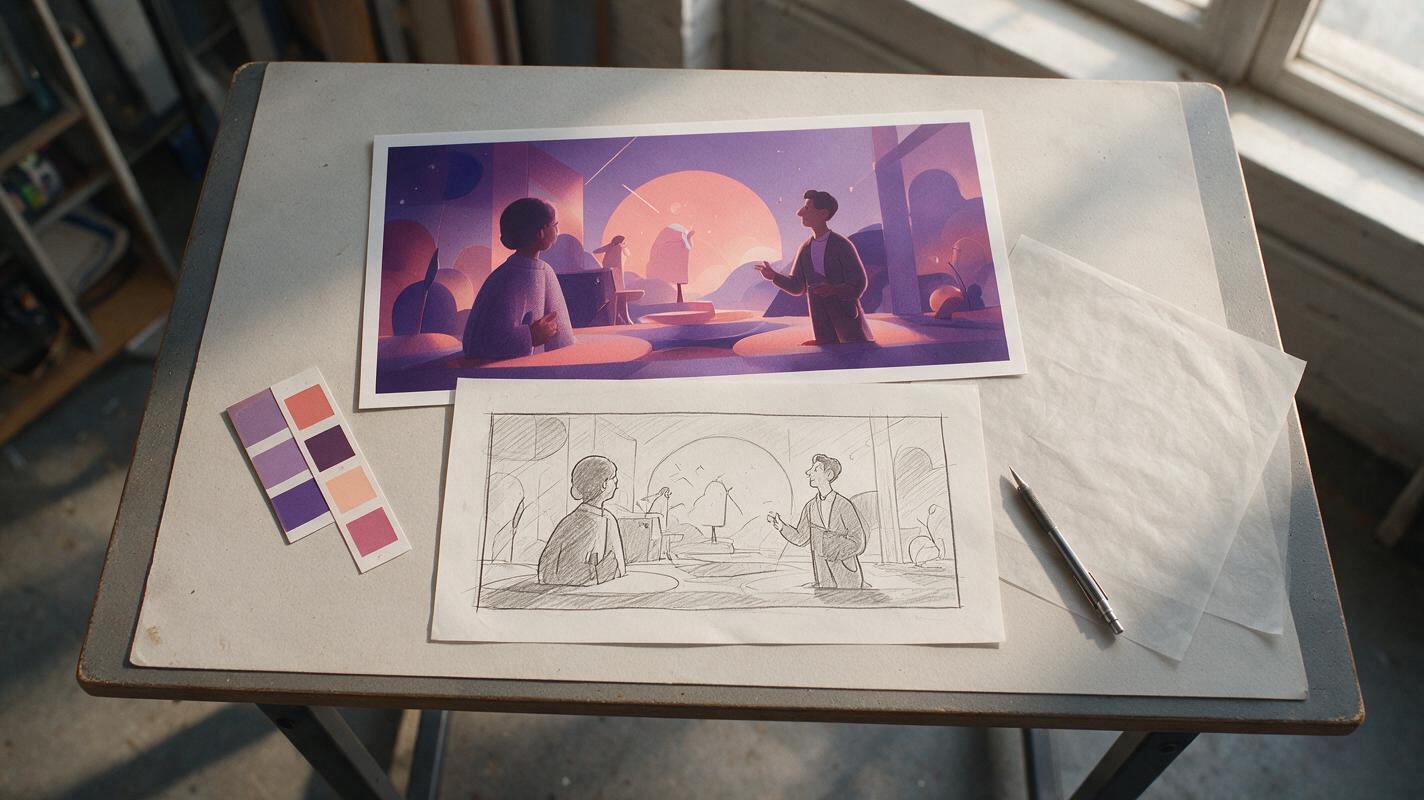
Turn Rough Storyboard Sketches into Motion Styleframes with Seedream 4.5
Transform rough storyboard thumbnails into polished motion-graphics styleframes with Seedream 4.5 while preserving composition, hierarchy, and animation space. This practical workflow covers source-sketch preparation, controlled prompting, variation review, motion-readiness checks, and troubleshooting common layout failures.
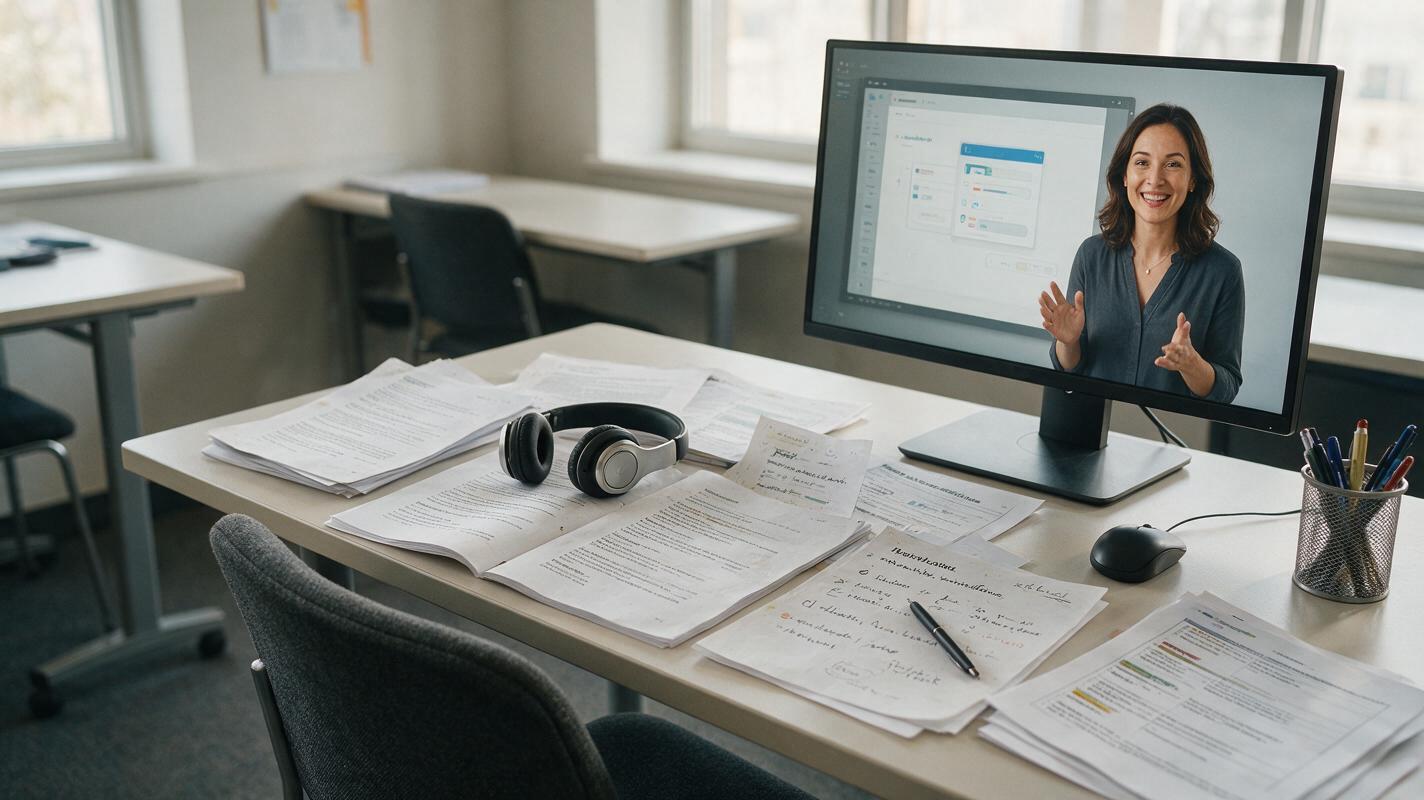
How to Dub Training Videos Into Multiple Languages Without Rerecording
Learn how to localize training videos with AI dubbing while preserving technical meaning, readable pacing, and a natural delivery. This workflow covers script preparation, pronunciation control, voice selection, synchronization, quality review, and accessible exports.
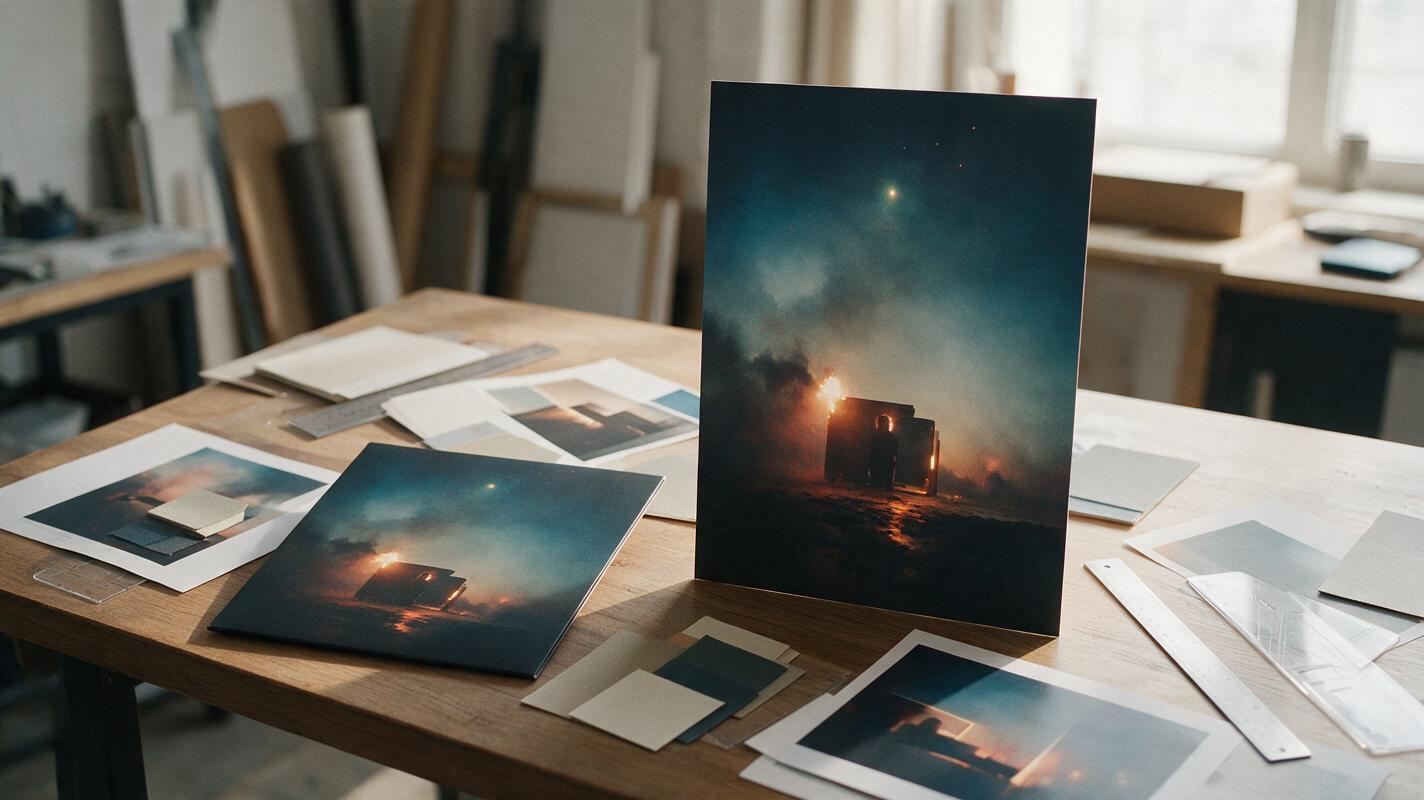
Turn Square Cover Art Into Vertical Promo Posters With Seedream 4.5
Learn how to expand square album artwork into polished 9:16 promotional posters with Seedream 4.5 without stretching the artist, rebuilding the composition, or damaging typography. This practical workflow covers layout planning, outpainting prompts, identity protection, text restoration, and export checks for music campaigns.
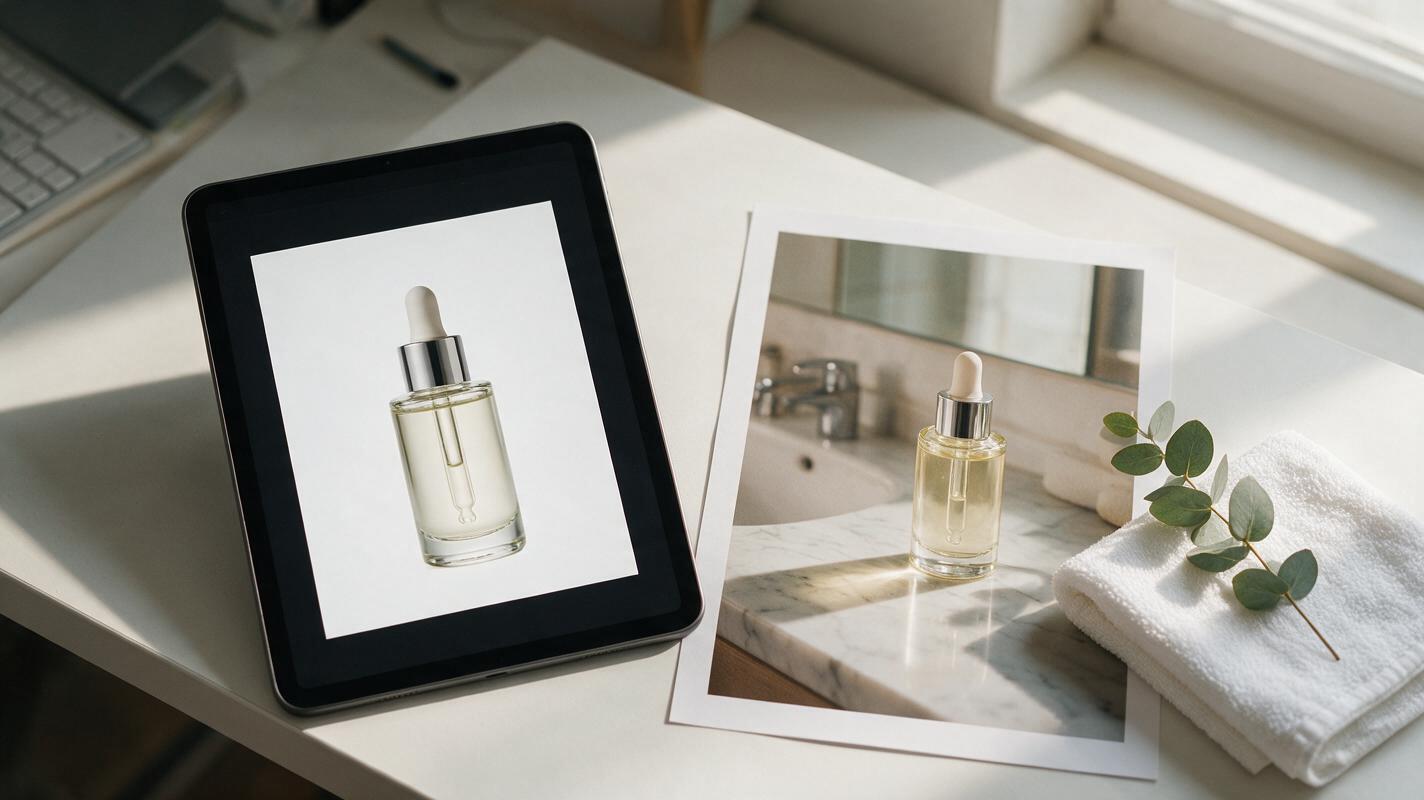
How to Turn Catalog Photos Into Lifestyle Product Images With Nano Banana Pro
Ecommerce marketers can turn flat white-background catalog product photos into high-converting lifestyle images using Nano Banana Pro’s reference-based image generation. This guide covers optimal source photo selection, reference strength settings, reusable prompt templates for popular product categories, and troubleshooting for common issues like warped labels and mismatched lighting. The workflow eliminates the need for expensive lifestyle photoshoots and delivers ad-ready assets in minutes.
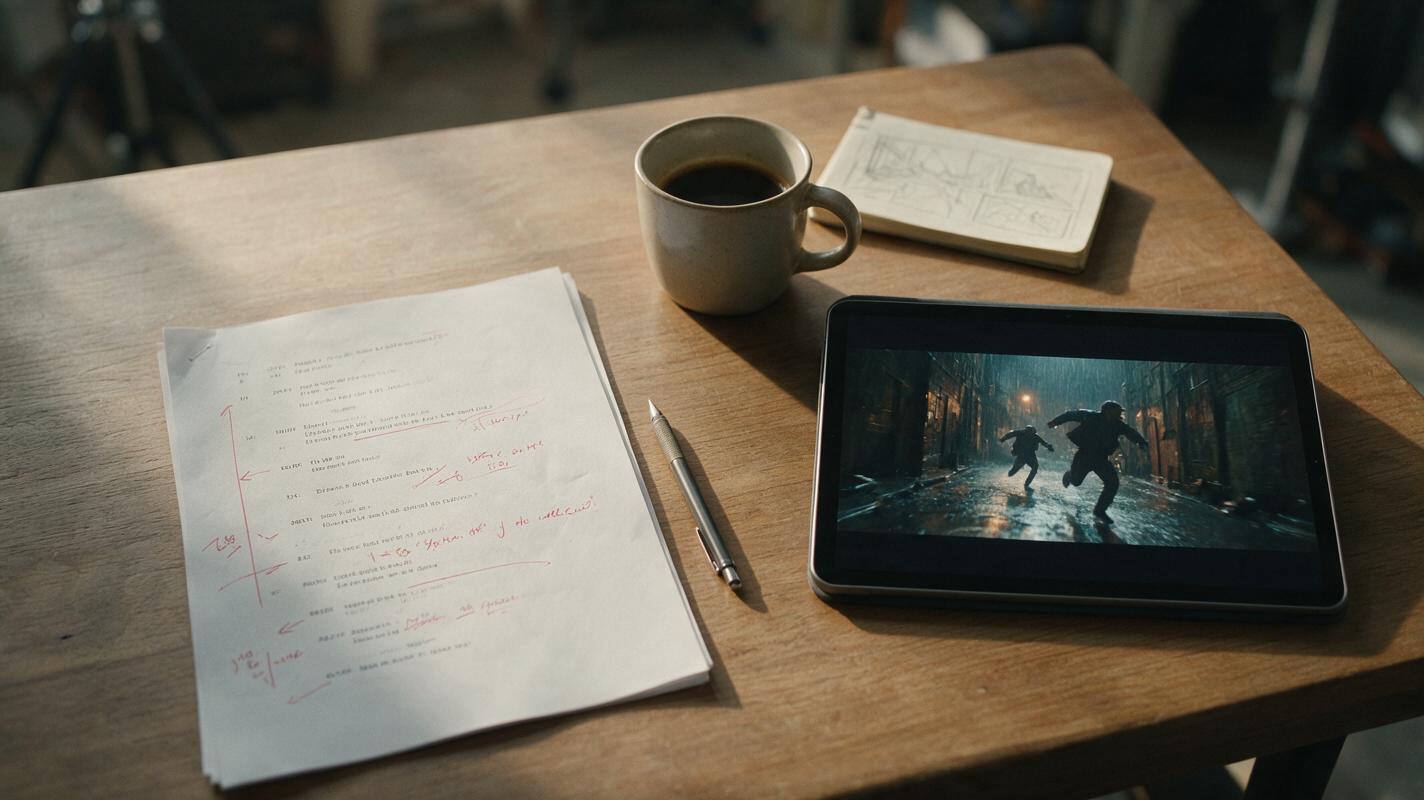
Veo Prompts for Cinematic Action Scene Previs (5-Shot Sequence Template)
This guide shares 5 ready-to-use Veo prompts for generating coherent, cinematic action scene previs sequences from script beats. It includes a reusable base prompt template to lock in setting, lighting, and screen direction across shots, plus troubleshooting tips for common AI action previs artifacts. Filmmakers can use these prompts to create pitch-ready action previs in minutes instead of days.
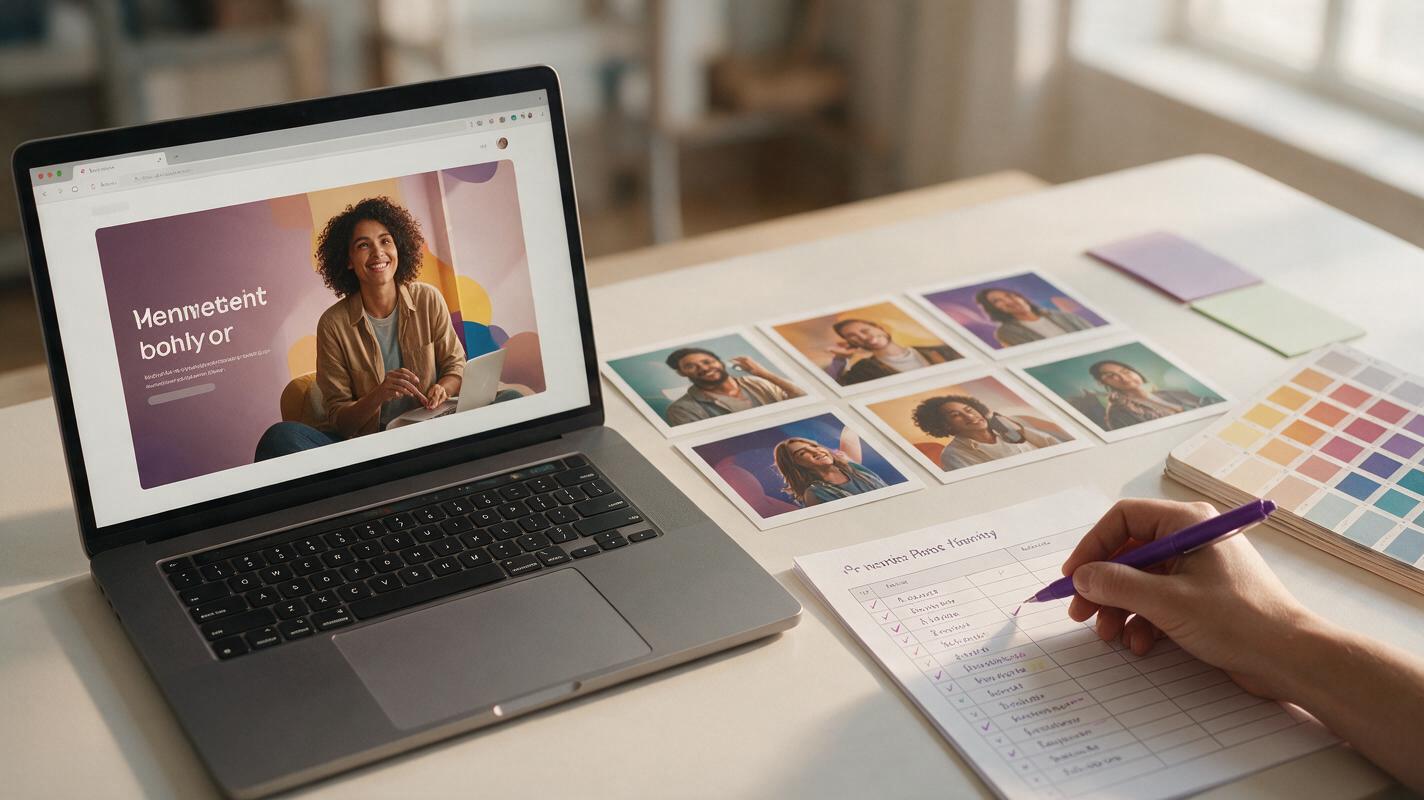
Landing Page Hero Creative Testing: 10 On-Brand AI Variants in 1 Hour
Performance marketers know landing page hero sections drive the majority of first-impression conversions, but designing on-brand variants for creative testing can take weeks of designer back-and-forth. This guide shows how to generate 10+ testable, on-brand landing page hero variants in 1 hour using Seedream 4.5’s reference-based image generation, with reusable prompt templates and a weighted scoring framework to prioritize the highest-impact variants. You’ll also learn quick fixes for common AI output issues like off-brand colors, distorted product visuals, and awkward text space.
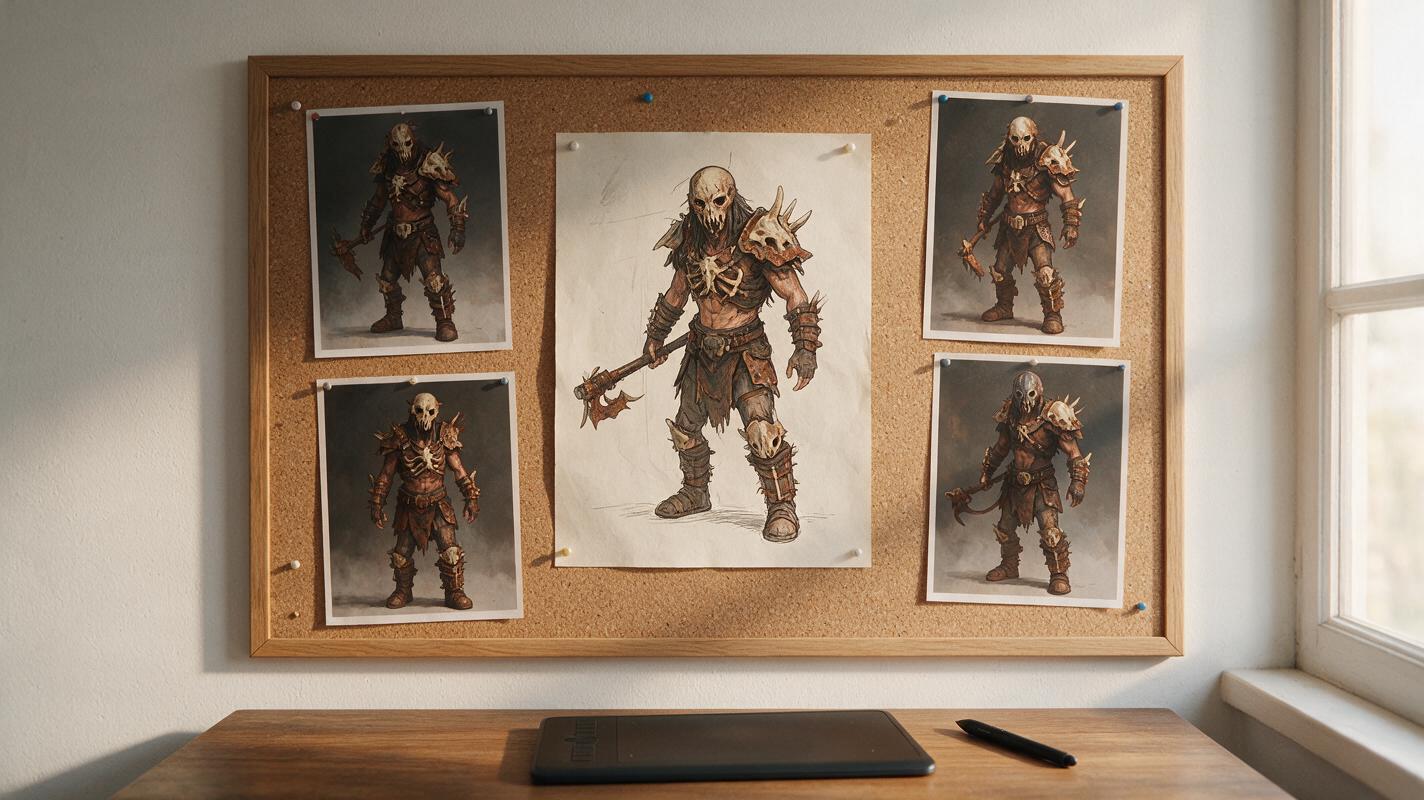
How to Generate Consistent Enemy Faction Variations With Seedream 4.5
Game concept artists often spend weeks designing cohesive enemy faction variants, struggling to retain shared armor motifs, color palettes, and stylistic tone across different unit roles. This guide walks through a reference-locked workflow using Seedream 4.5 to generate consistent grunt, scout, heavy, and boss enemy concepts that stay true to a core faction visual identity. It includes reusable prompt structures, reference weight settings, and fixes for common consistency issues like color drift and missing design motifs.
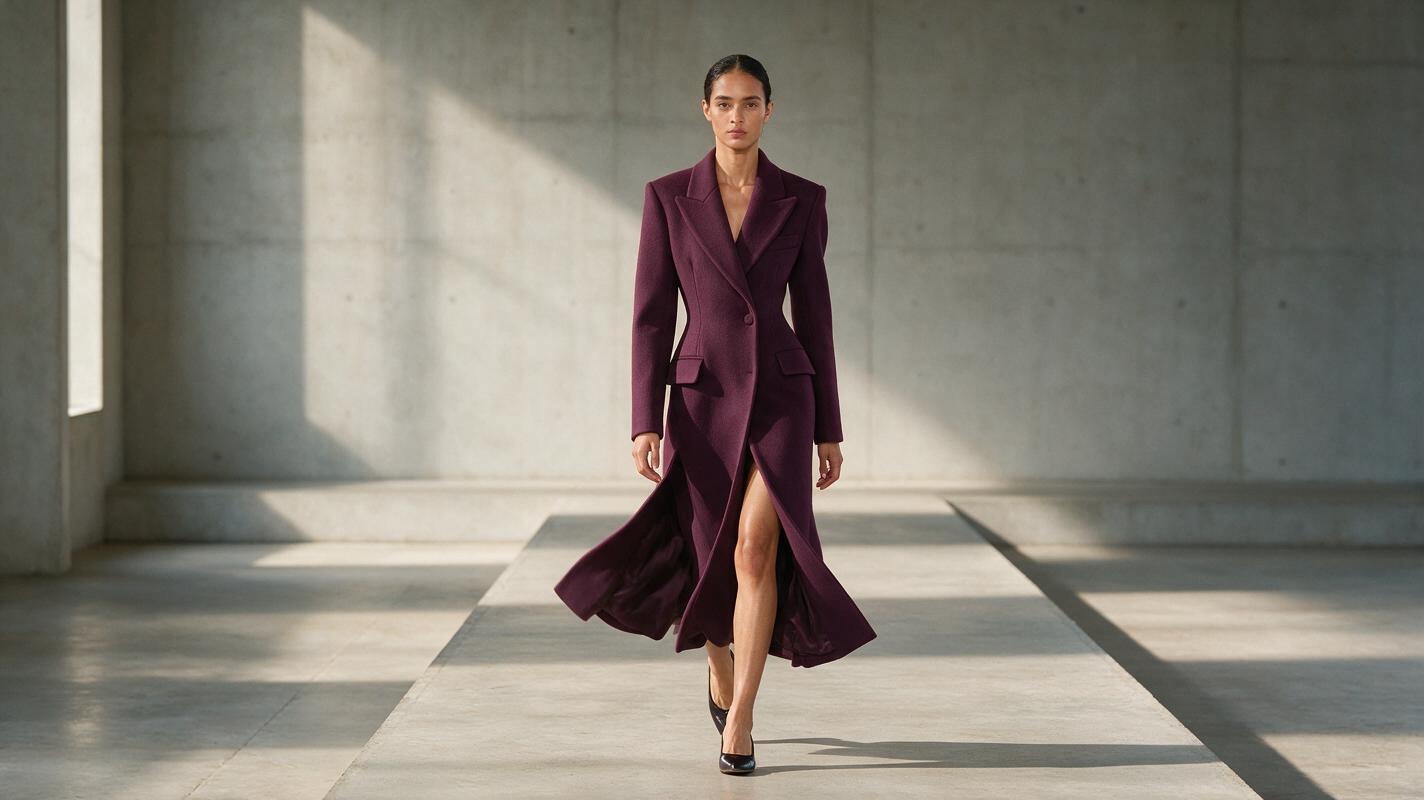
Hailuo Prompts for Runway Walk Videos Without Garment Drift
Learn how to prompt Hailuo to create controlled runway walk videos from fashion campaign images while protecting garment shape, styling, and model identity. Includes reusable prompts, shot variations, and practical fixes for fabric melting, camera drift, and unnatural walking.
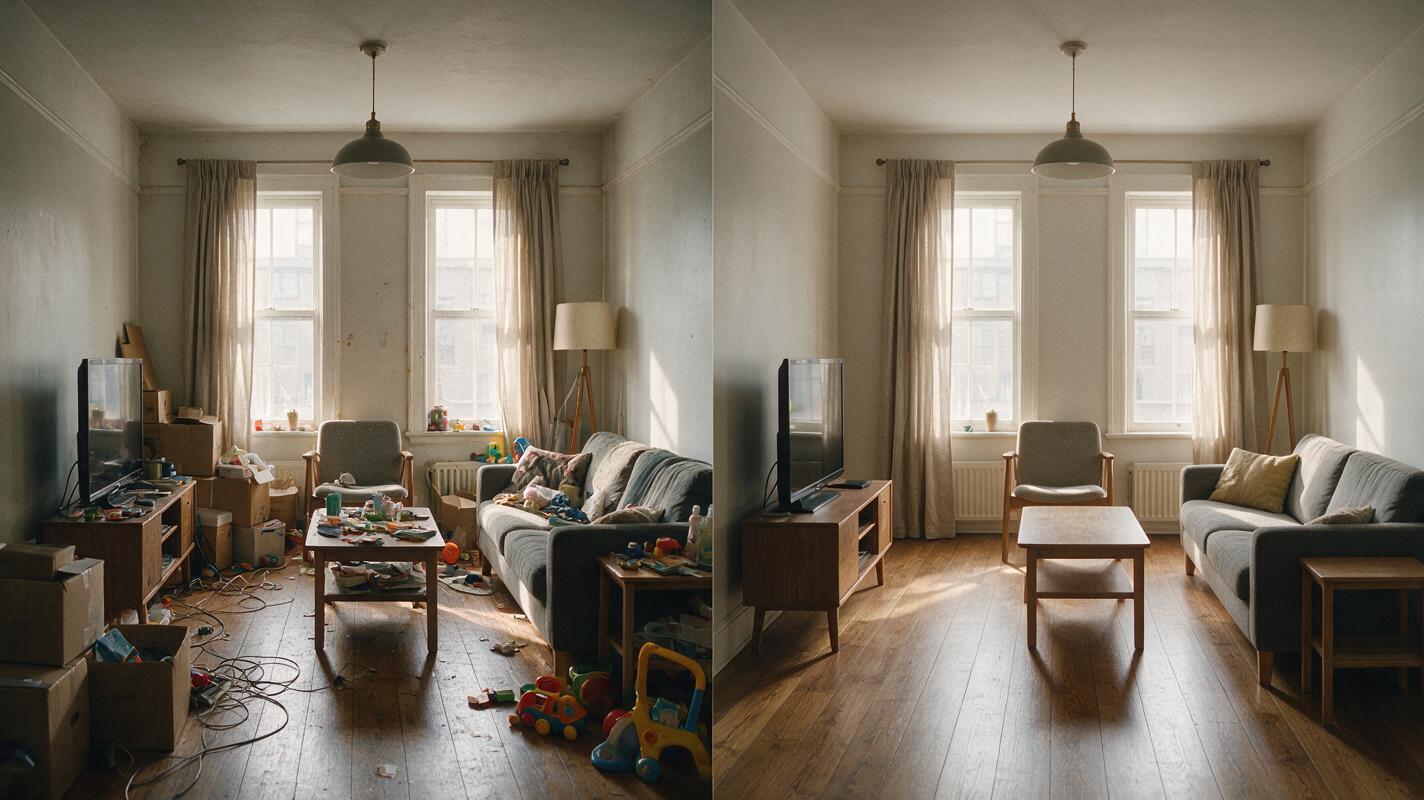
How to Declutter Listing Photos With Nano Banana Pro
Learn how to remove movable clutter from listing photos with Nano Banana Pro while preserving walls, windows, fixtures, proportions, and permanent property features. This practical workflow includes room-specific prompts, quality-control checks, and safeguards against misleading edits.
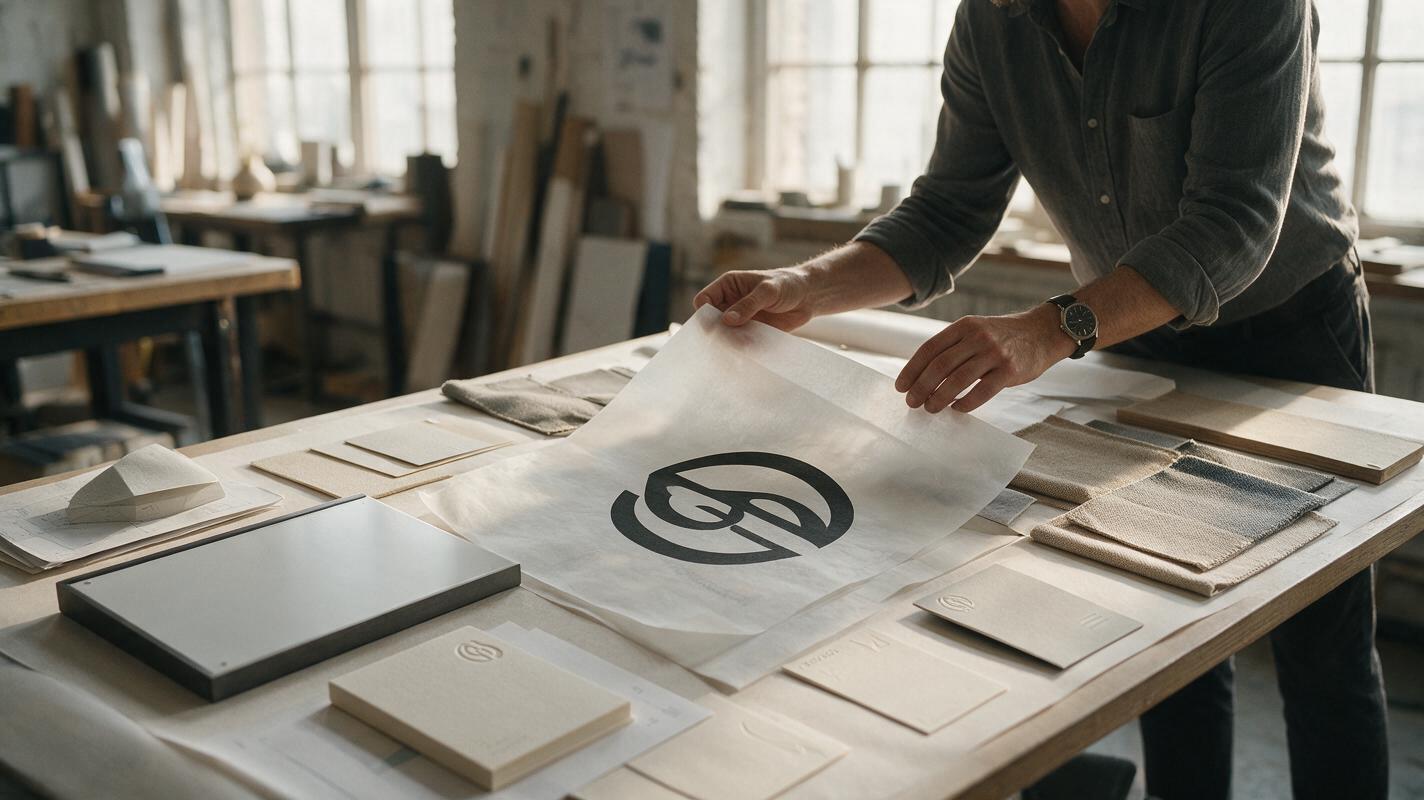
Why AI Logo Mockups Distort Your Mark—and How to Fix It
AI-generated logo mockups often bend letterforms, alter spacing, or invent details that weaken the identity being presented. This practical Seedream 4.5 workflow separates scene generation from logo compositing, producing polished presentation visuals without sacrificing the approved mark.
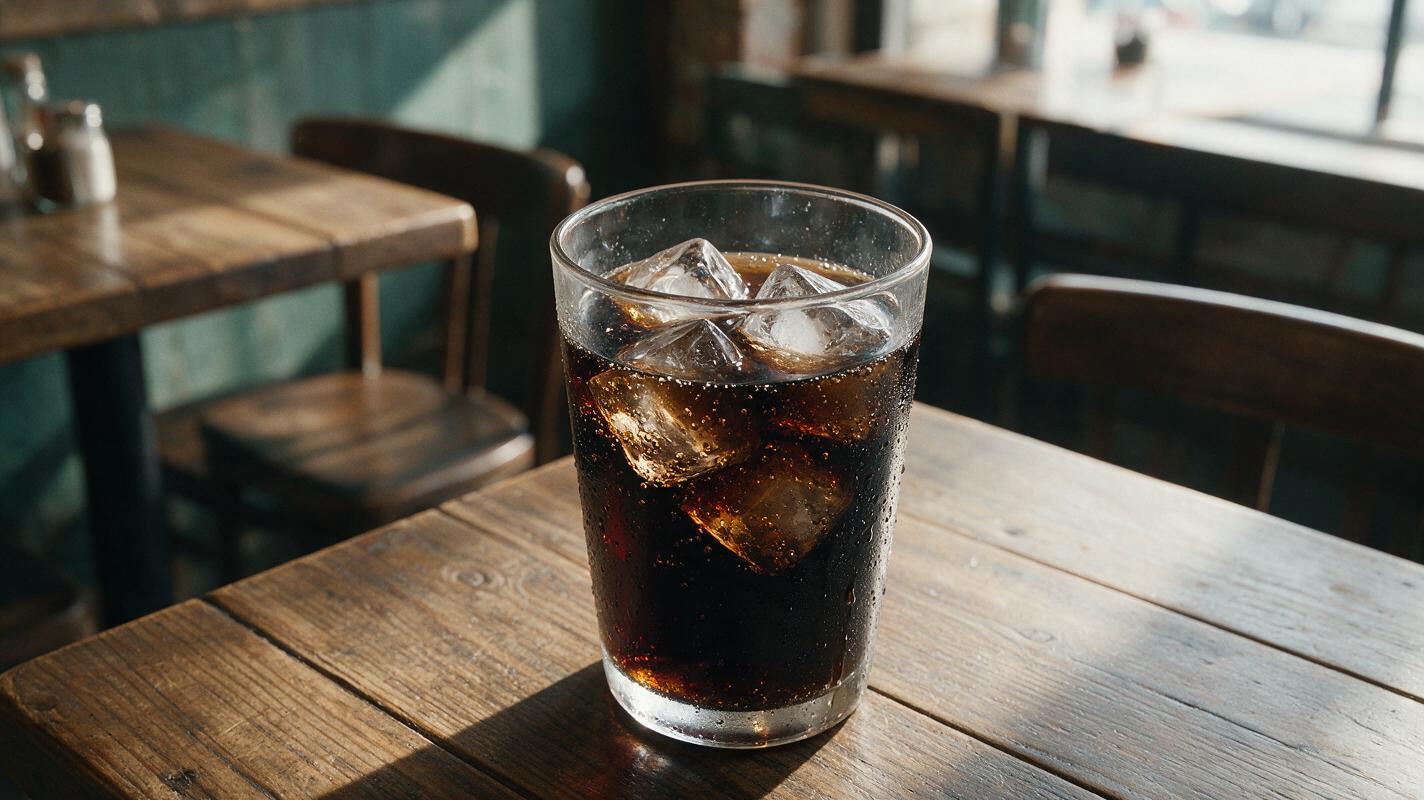
Why AI Cold Drink Photos Look Fake (And How to Fix Ice, Condensation, Fizz)
AI-generated cold drink photos often suffer from plastic-looking ice, uniform condensation, and flat fizz that make them feel unappetizing for restaurants and beverage brands. This guide breaks down the most common realism fails, provides reusable prompt templates for different drink types, and shares model settings and inpainting tips to create studio-quality cold beverage visuals. These tweaks help produce refreshing, tangible-looking drink photos for menus, social media, and ad campaigns without the cost of a professional photoshoot.