Blog
Discover the latest from MagicBoat
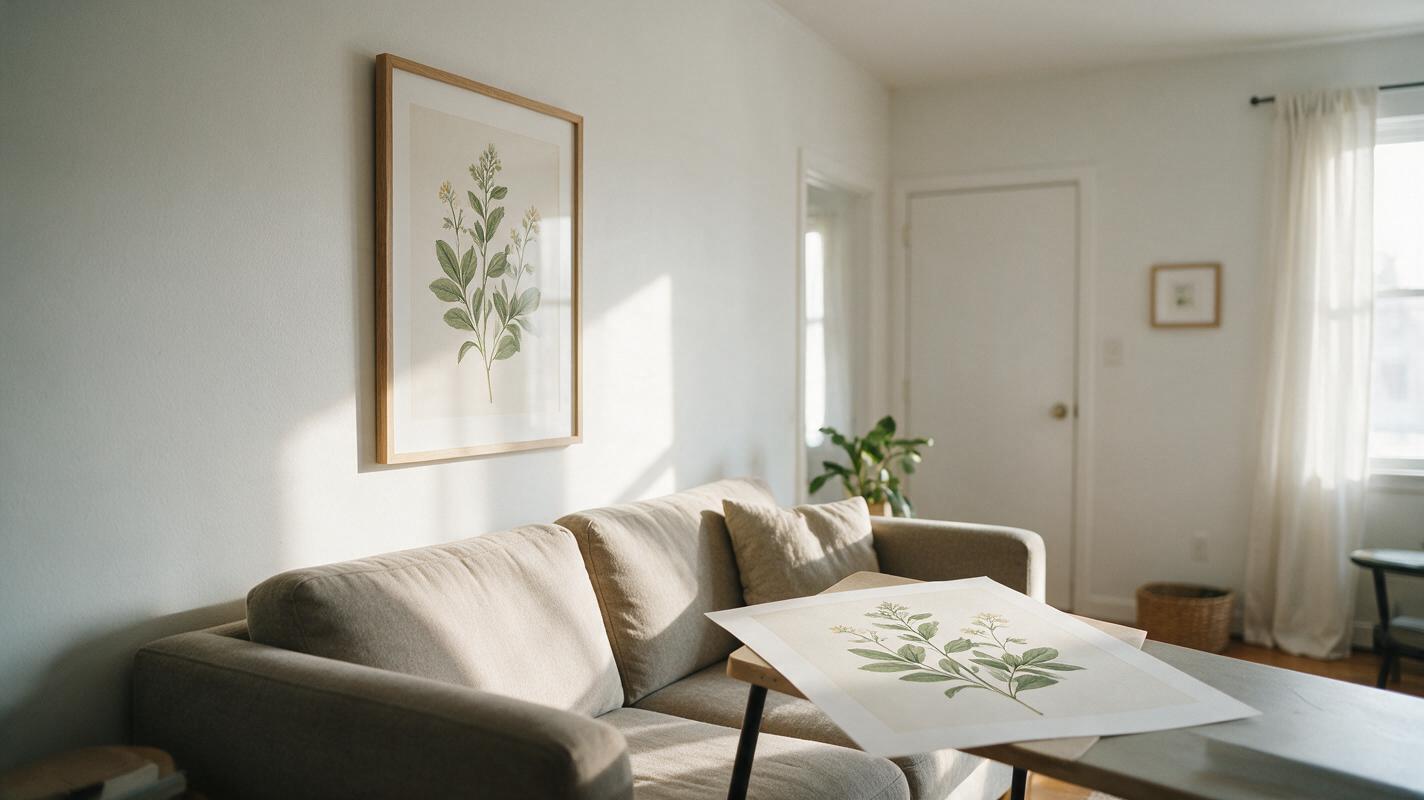
Etsy Printable Wall Art Mockups That Keep Your Artwork Accurate
Create Etsy listing mockups for printable wall art without letting AI redraw the artwork buyers will download. Use Seedream 4.5 to make empty room scenes, then place the actual file into correctly proportioned frames.
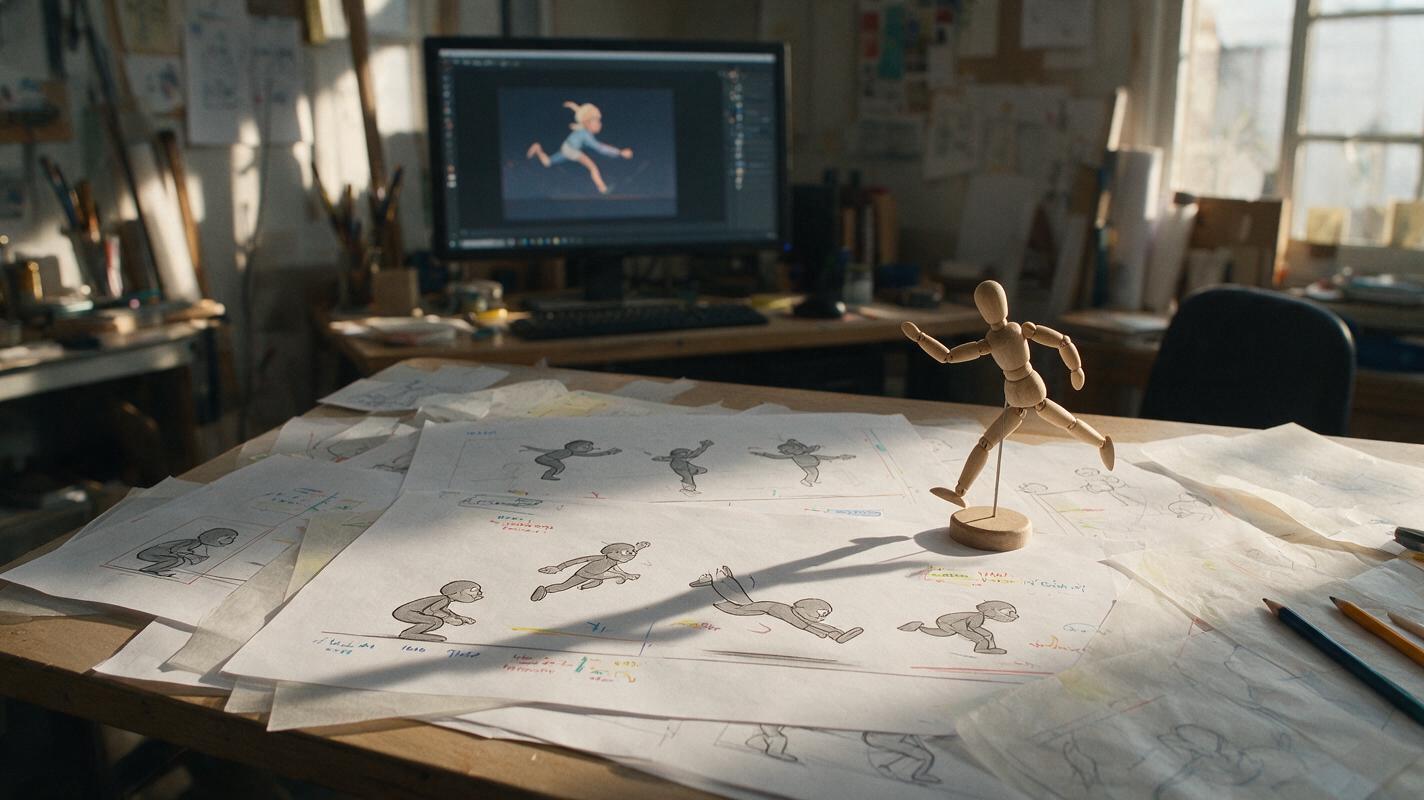
Why AI Character Motion Looks Floaty—and How to Fix It in Hailuo
Floaty AI character motion usually comes from missing contact, vague timing, and excessive camera movement—not simply a weak prompt. This guide shows motion designers how to structure Hailuo shots around readable poses, weight transfer, impact, and recovery.
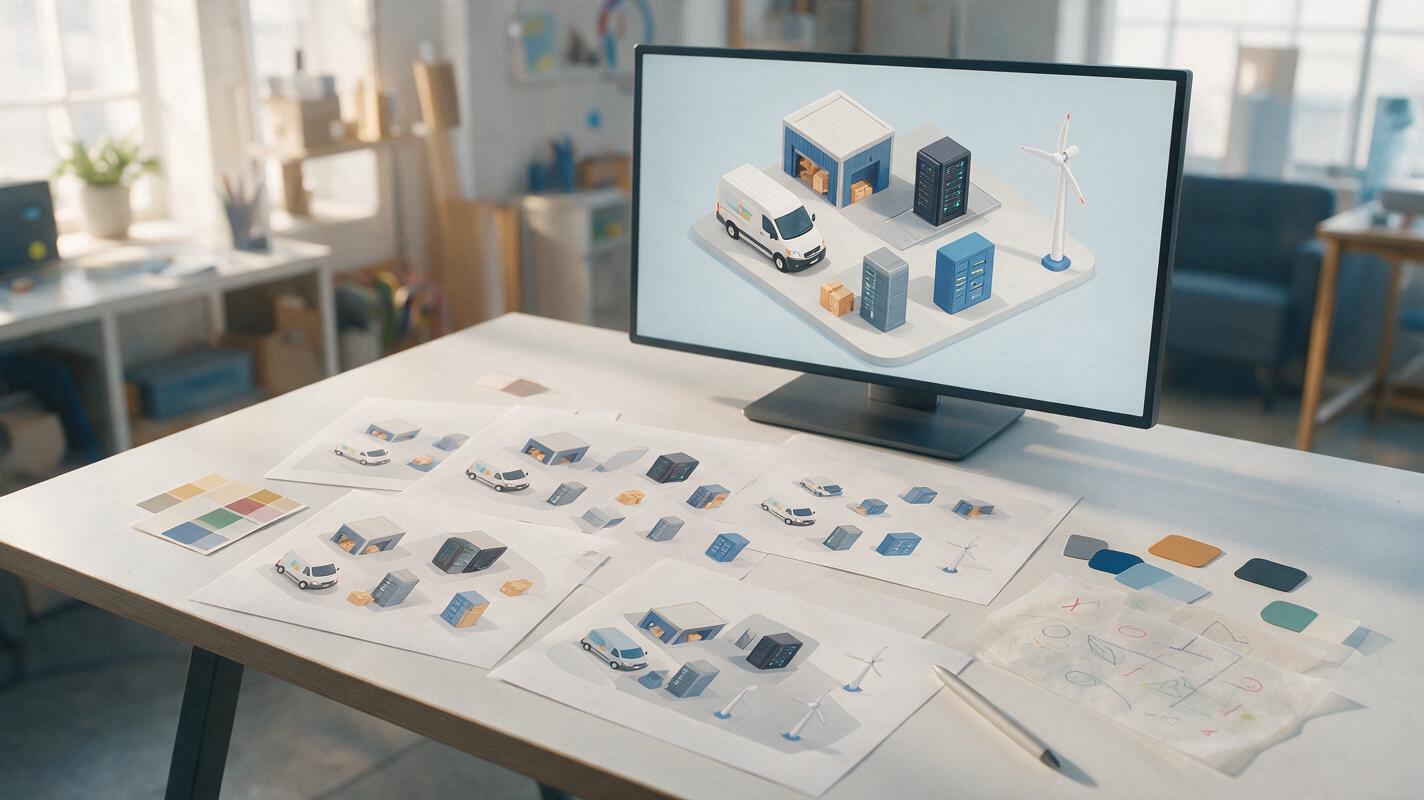
Imagen Prompts for Consistent Isometric Explainer Assets
Create a cohesive set of isometric buildings, devices, vehicles, and props for animated explainers with Imagen. This prompt system locks the camera, palette, lighting, scale, and surface treatment so independently generated assets feel like one designed world.
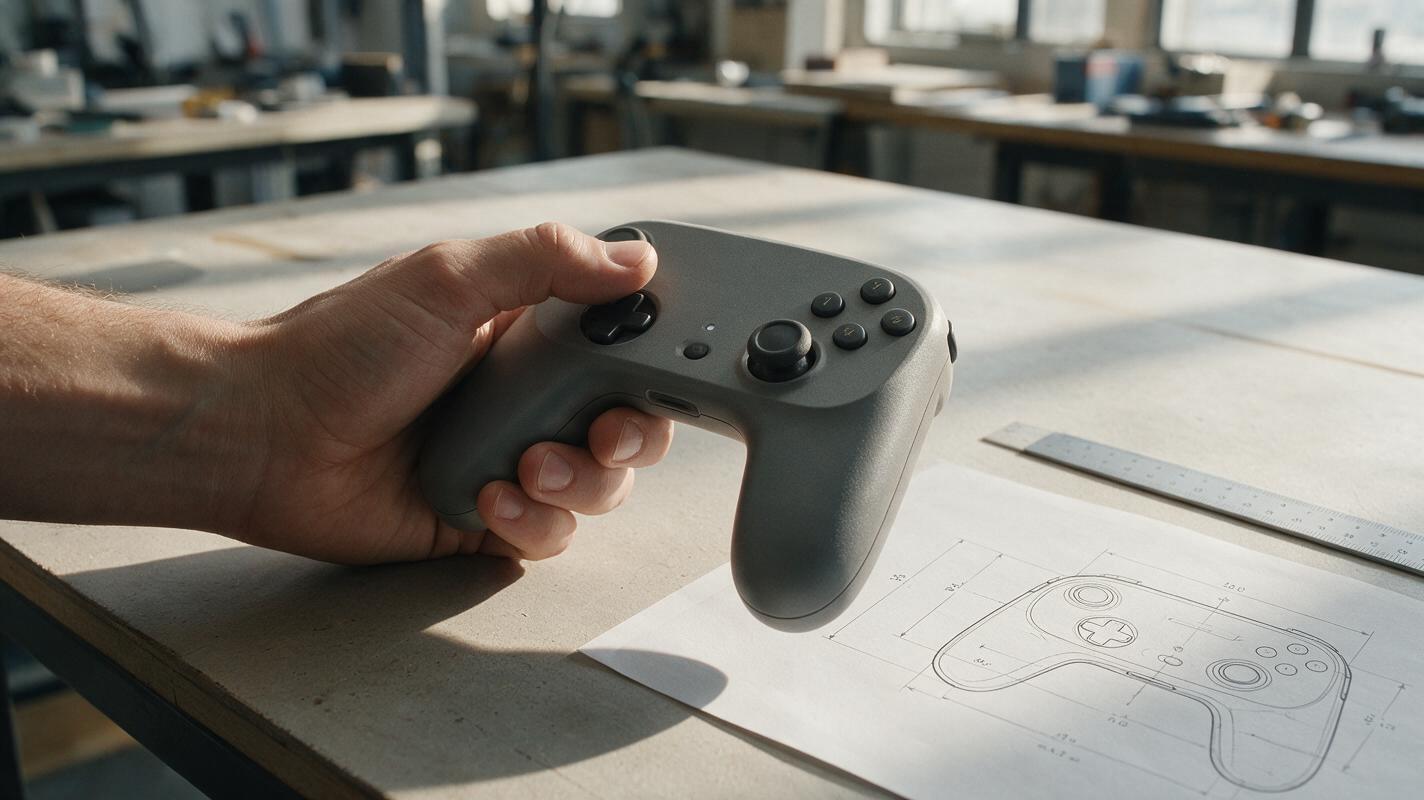
Why AI Product-in-Hand Images Look Wrong—and How to Fix Scale and Grip
A product can look convincing on its own yet become implausibly large, small, or awkward when placed in a hand. This guide shows product designers how to use measured references and controlled image edits to create more credible in-hand concept images without treating them as ergonomic proof.
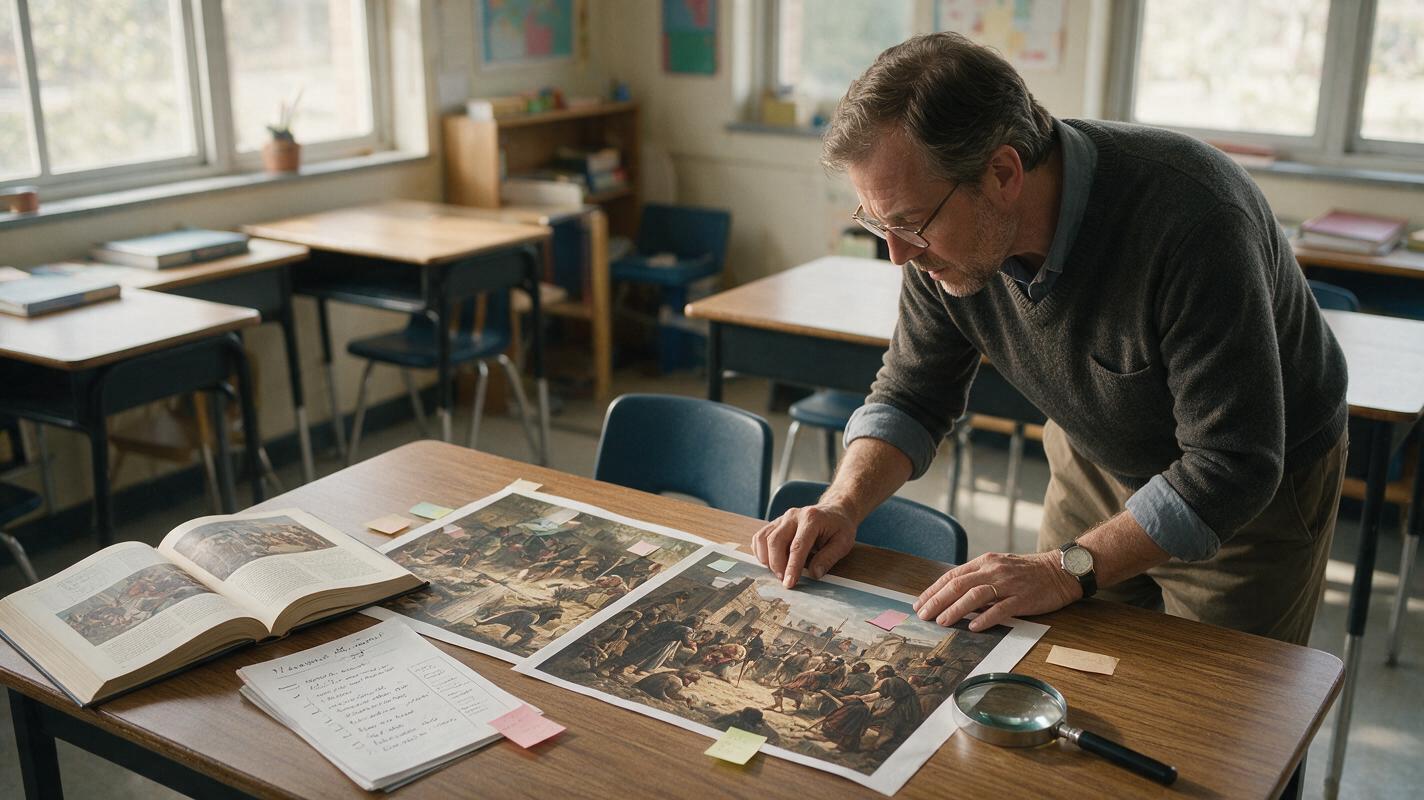
Seedream 4.5 Prompts for Historical Scenes Without Anachronisms
Create historical lesson visuals that are specific, teachable, and easier to verify with Seedream 4.5. This guide provides reusable prompt structures, correction methods, and a practical review checklist for reducing anachronisms without presenting AI-generated reconstructions as primary evidence.
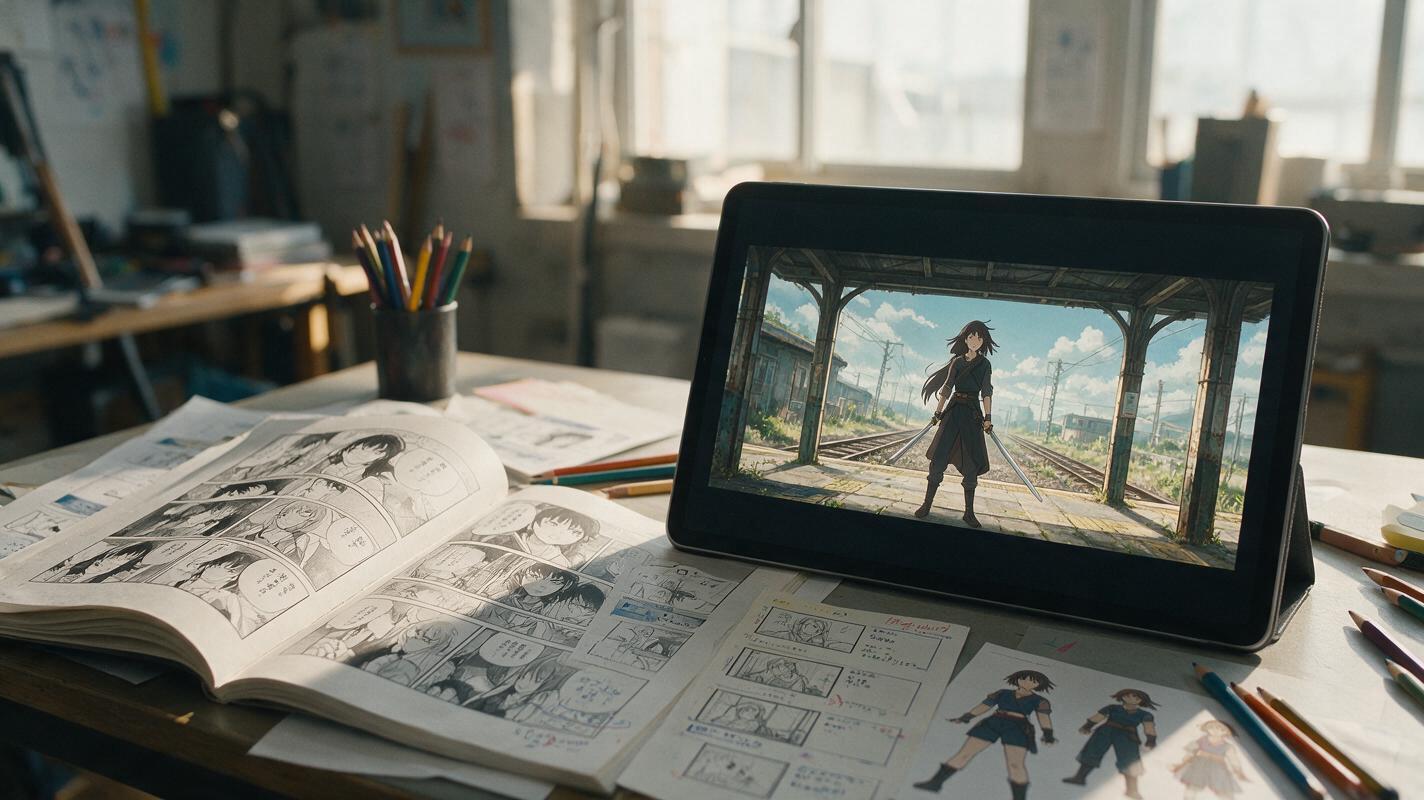
Manga Page to Anime Storyboard With Nano Banana Pro
Convert a manga page into a production-ready anime storyboard instead of simply animating each panel. This workflow uses Nano Banana Pro to create consistent shot frames while preserving character identity, screen direction, dramatic emphasis, and editing rhythm.
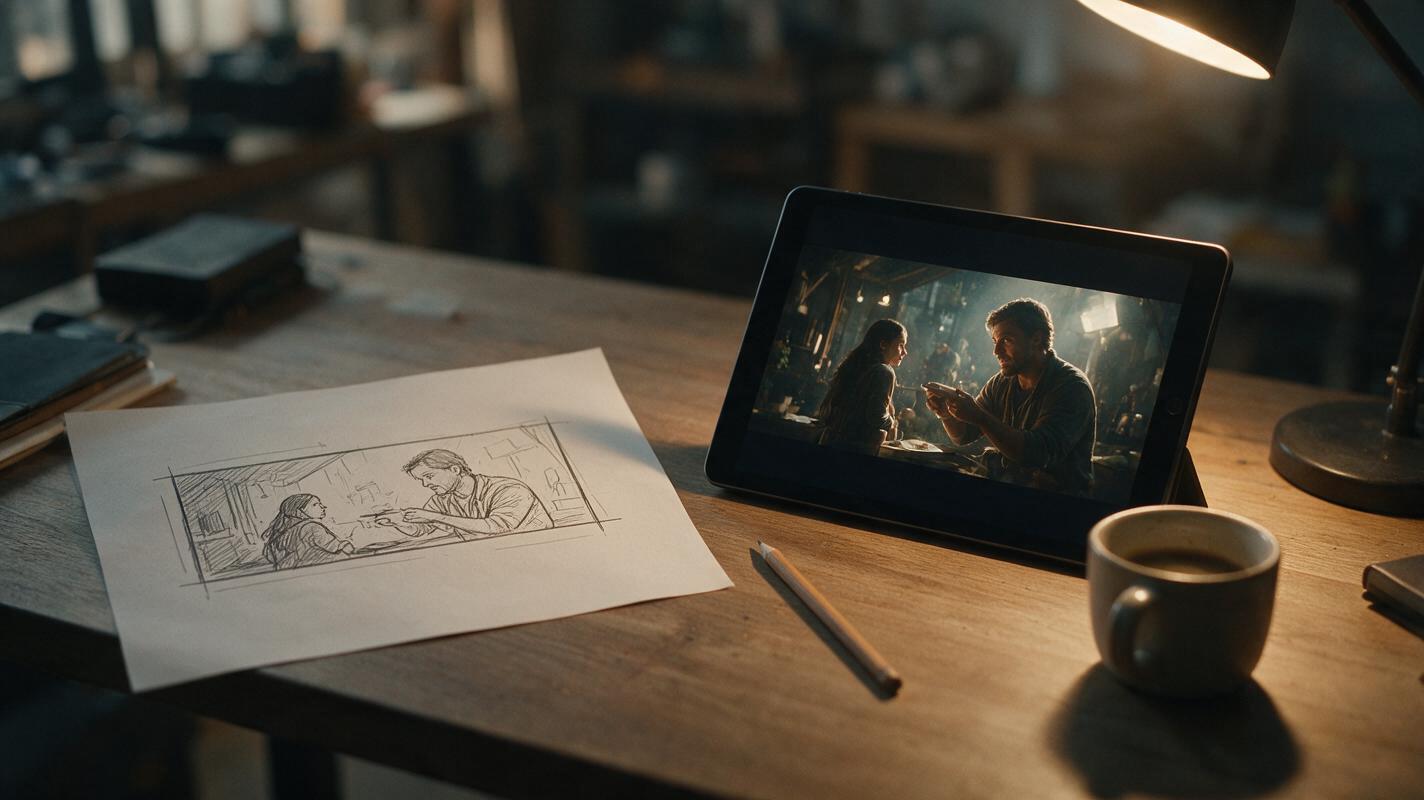
Turn Hand-Drawn Storyboard Sketches Into Cinematic Frames With PixVerse
Rough hand-drawn storyboard thumbnails are fast to create but too unpolished for client pitches and production meetings. This guide shows filmmakers how to use PixVerse’s image-to-image generation to turn loose sketches into cinematically accurate, photorealistic storyboard frames while preserving original shot composition and blocking. It includes prompt templates, composition strength settings, and fixes for common artifacts like sketch bleed and character distortion.
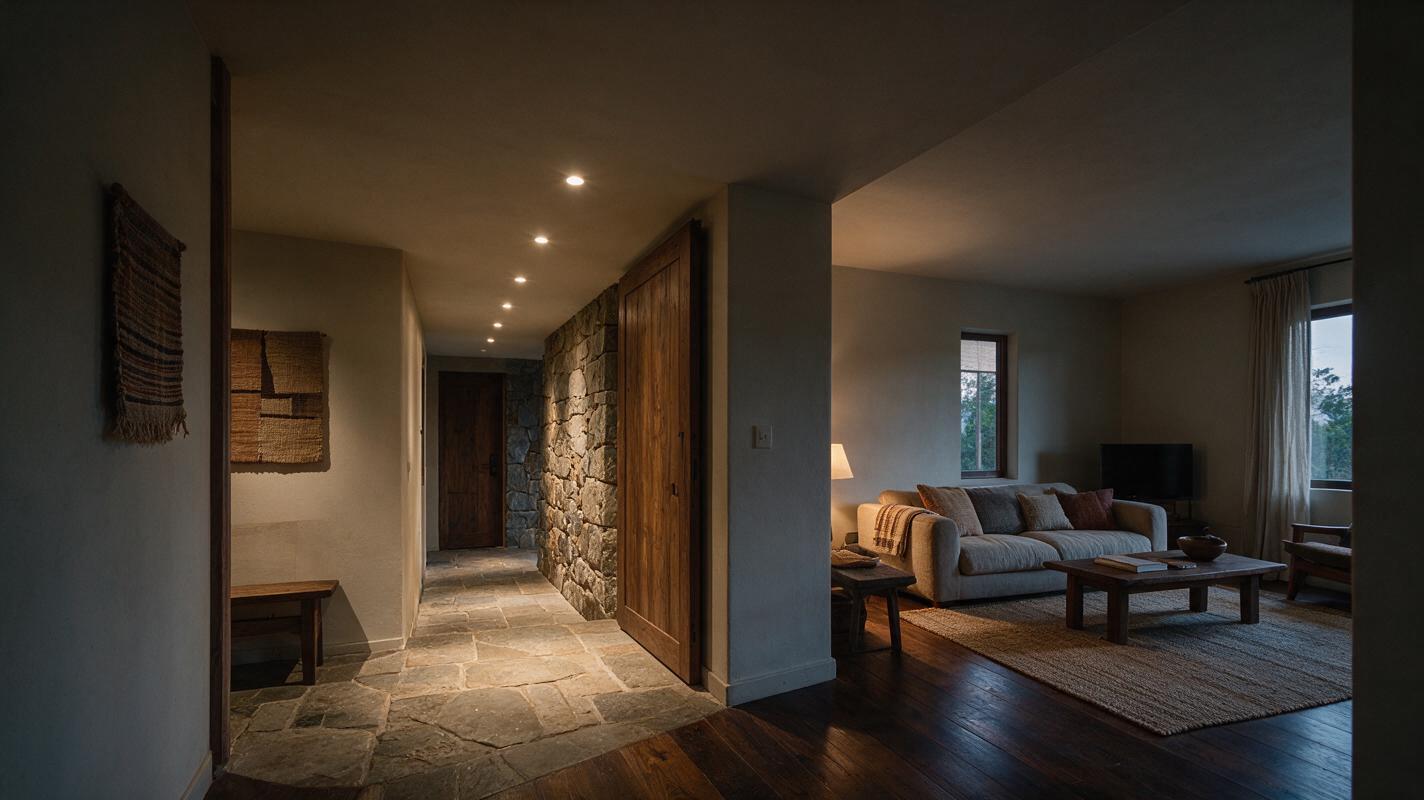
How to Preview Recessed Lighting in a Room Photo with GPT Image
Use a room photo and GPT Image to compare recessed-lighting concepts without changing the architecture or furniture. This tutorial covers reference preparation, prompts for controlled lighting edits, and checks that keep concept images from being mistaken for technical lighting plans.
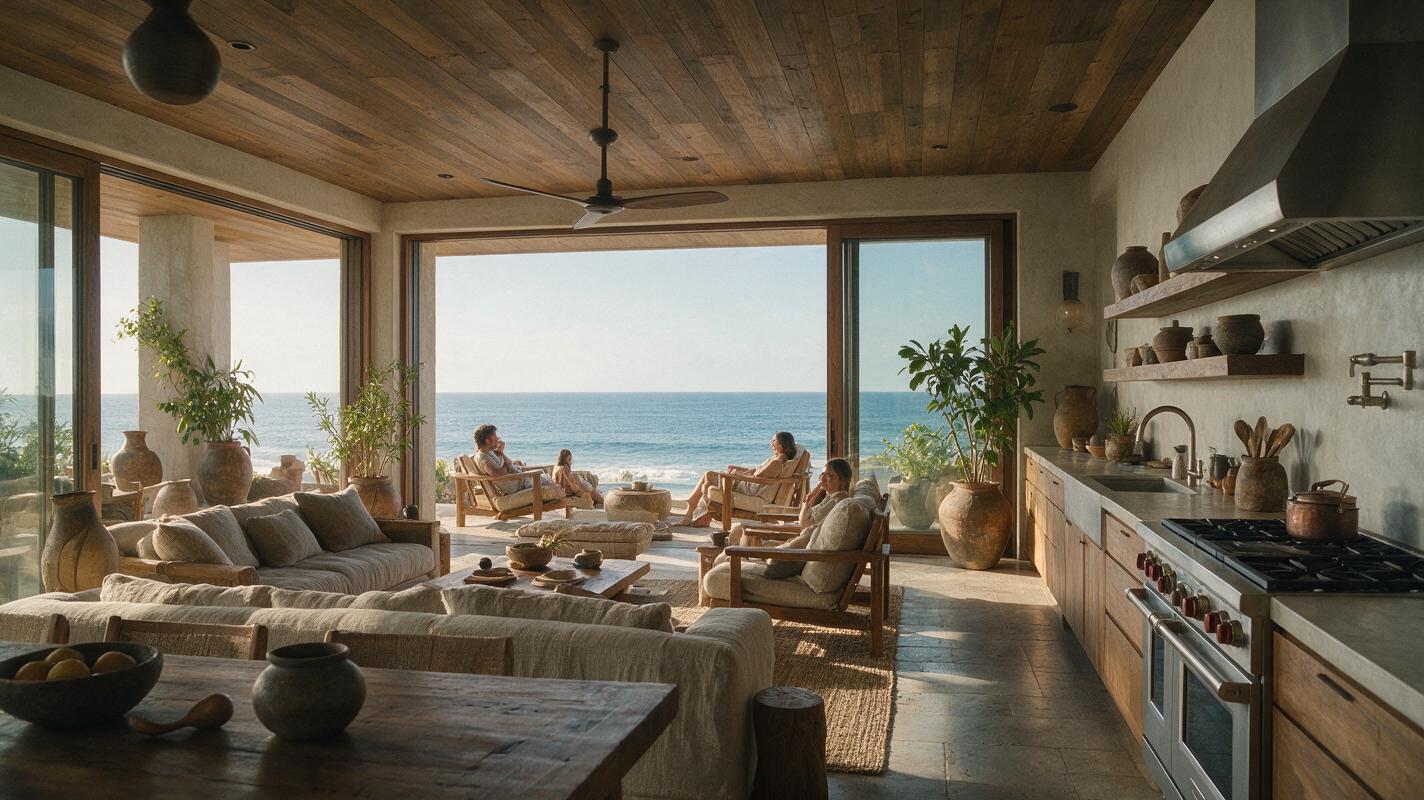
How to Make Cinematic Luxury Property Tours With Text to Video AI
Learn how to create cinematic luxury property tour videos from scratch using text-to-video AI, ideal for pre-construction, off-market, or coming-soon luxury listings with no existing visual assets. This guide compares top AI video models for real estate, includes reusable prompt templates, and shares fixes for common rendering issues like warped walls and unrealistic finishes. You’ll walk away with a step-by-step workflow to produce professional-quality tours in hours instead of weeks.
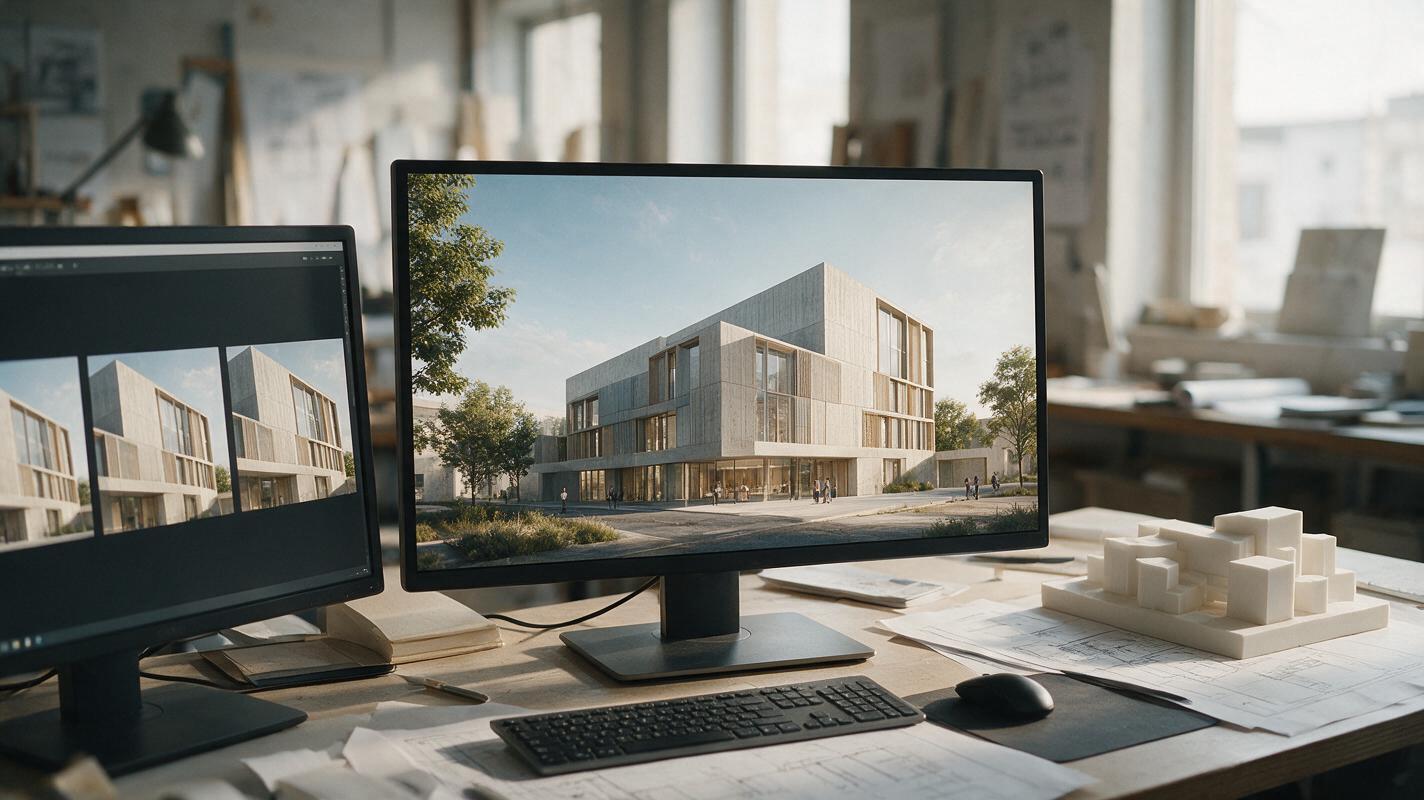
How to Turn an Architecture Render into a Camera Flythrough with Kling
A single architecture render can become a short, convincing camera move—but it cannot reveal parts of a building the image never showed. This tutorial explains how to prepare a render, prompt Kling for restrained motion, spot geometry drift, and assemble longer walkthroughs from multiple verified views.
Turn Winning Static Ad Creatives Into High-Converting Video Ads With AI
If you have a winning static ad creative that’s plateauing on reach or click-through rate, turning it into a short performance video ad doesn’t require a full production shoot. This guide breaks down how to use image-to-video AI models to transform static ads into scroll-stopping video creatives while preserving brand consistency, ad compliance, and conversion-driving elements. We compare top models including Seedance, Kling, Runway, and Veo for performance use cases, plus share reusable prompts and troubleshooting for common issues.
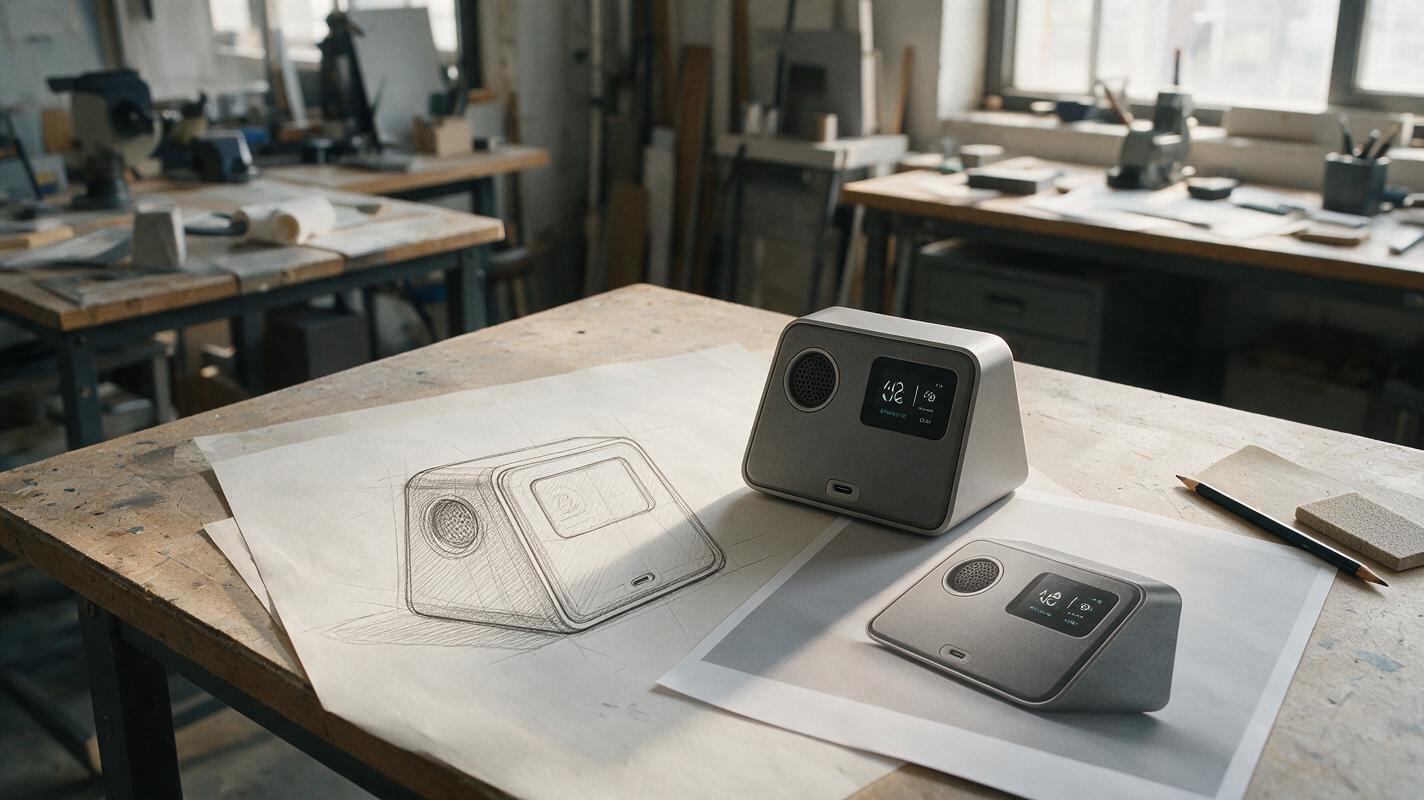
How to Turn a Product Sketch Into a Render Without Losing the Design
A convincing AI product render is only useful if it still shows the product you drew. This tutorial explains how to prepare a sketch, write a geometry-first reference prompt, refine the result, and check whether the final image is suitable for a concept presentation.