Blog
Discover the latest from MagicBoat
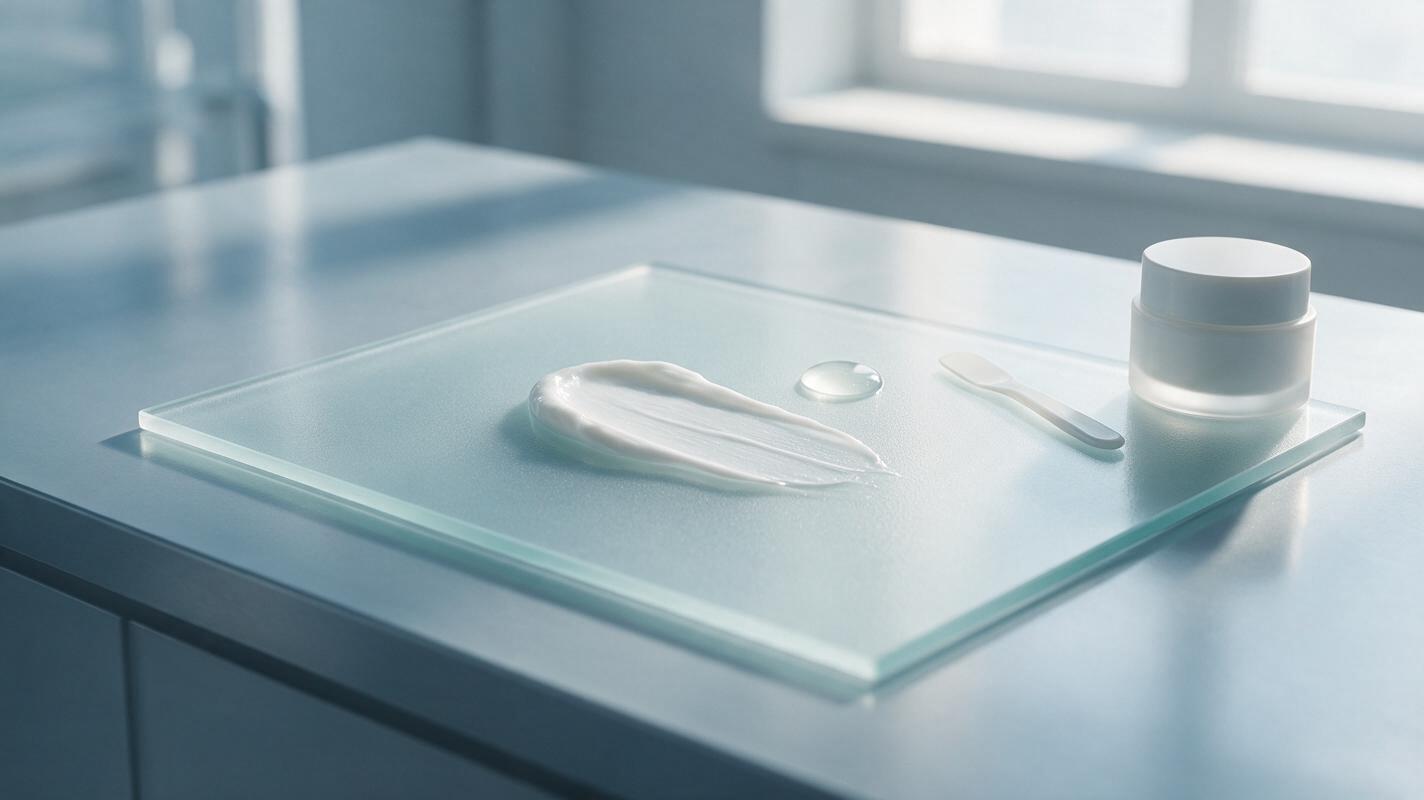
AI Skincare Texture Shots: Prompts for Realistic Cream and Serum Ads
Learn how to create realistic AI skincare texture shots for creams, gels, serums and balms without making the formula look physically inaccurate. This tutorial covers reference capture, model testing, reusable prompts, troubleshooting and final ad-quality checks.
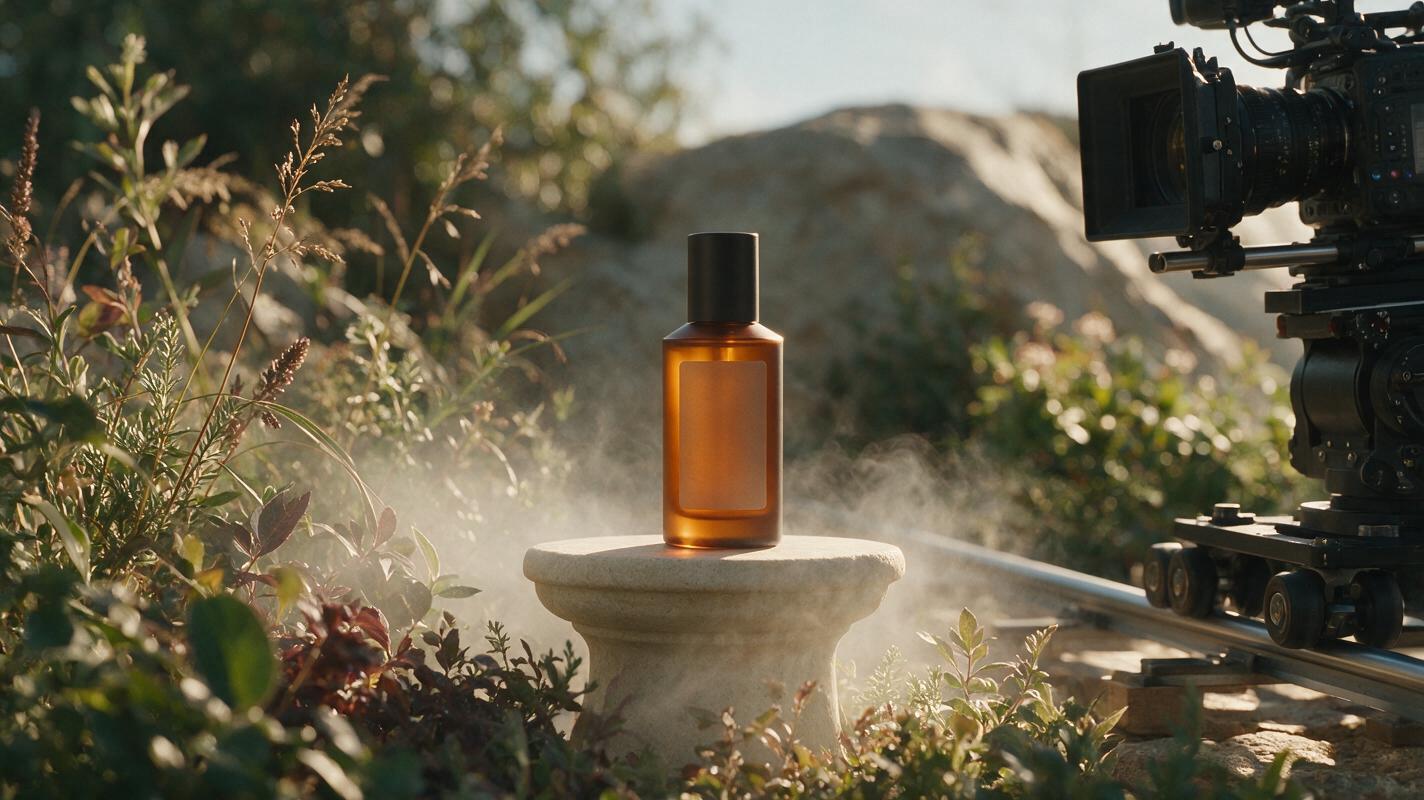
How to Animate Product Photos with Kling Without Warping Labels
Learn how to turn a polished product photo into a commercial-ready Kling video while protecting packaging, logos, labels, and product geometry. This practical workflow covers source-image preparation, motion prompts, camera control, troubleshooting, and edit-friendly campaign variations.
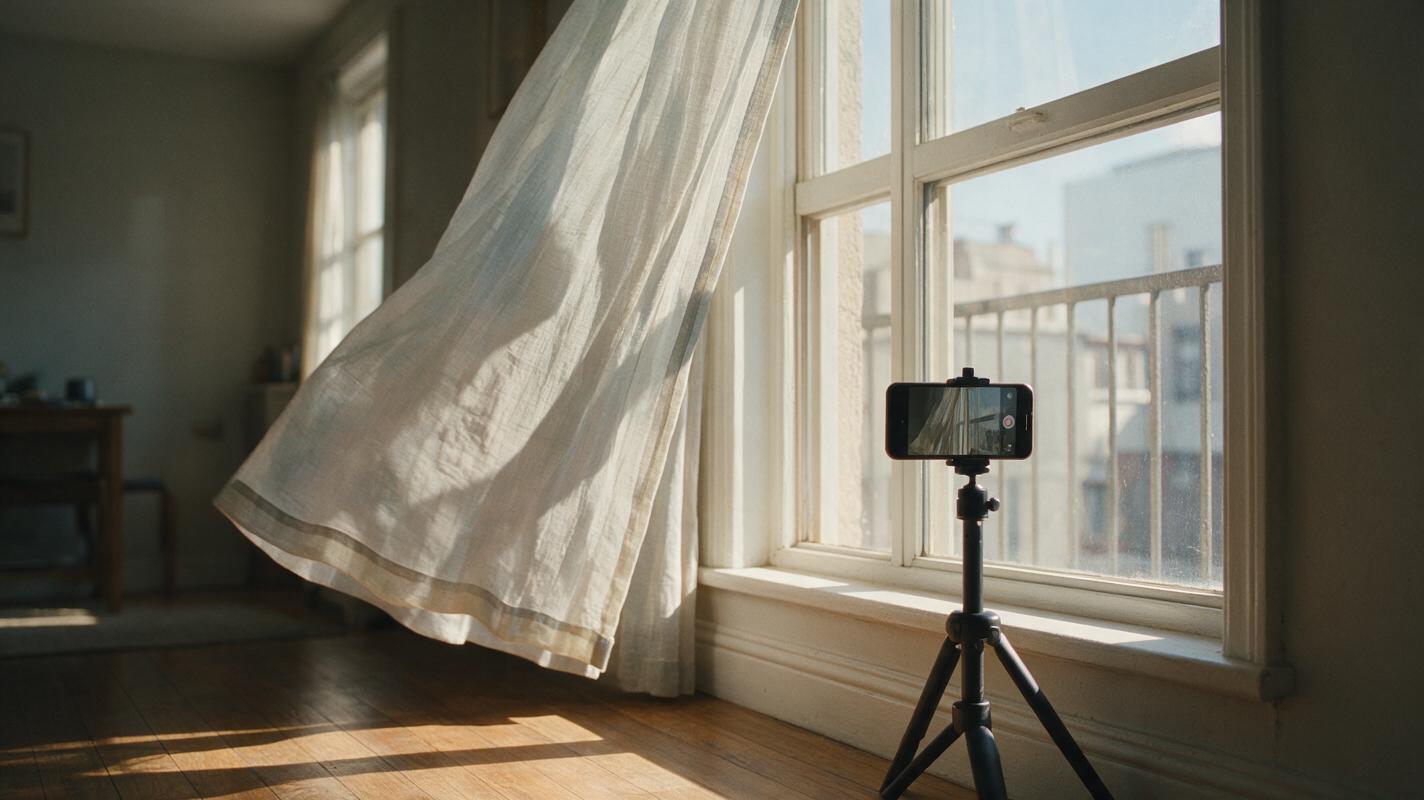
How to Make a Seamless Loop Reel From a Still Image With Kling
Turn a single still image into a subtle looping background for Reels, TikTok, or Shorts. This tutorial shows how to choose a loop-friendly image, prompt Kling for controlled motion, and hide the join in a video editor.
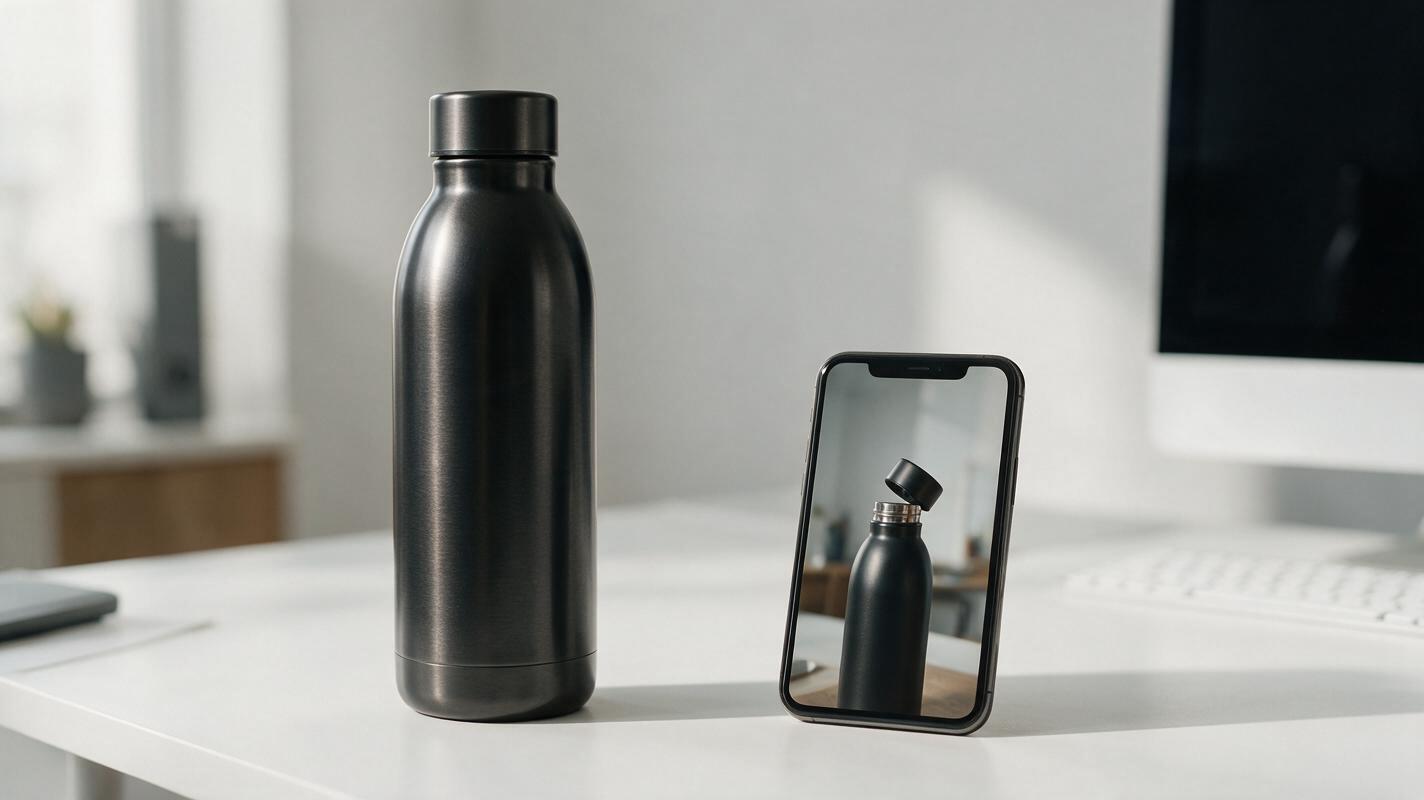
How to Turn a Product Photo Into a Feature Demo Video With Seedance (No Warping)
Ecommerce marketers often only have one catalog product photo but need high-converting demo videos for launches and ads. This step-by-step tutorial shows how to use Seedance’s image to video workflow to create feature-focused product demo videos without warping, logo distortion, or expensive video shoots. You’ll learn exact prompt formulas, consistency settings, and channel-specific variant tips to get launch-ready footage in 10 minutes or less.
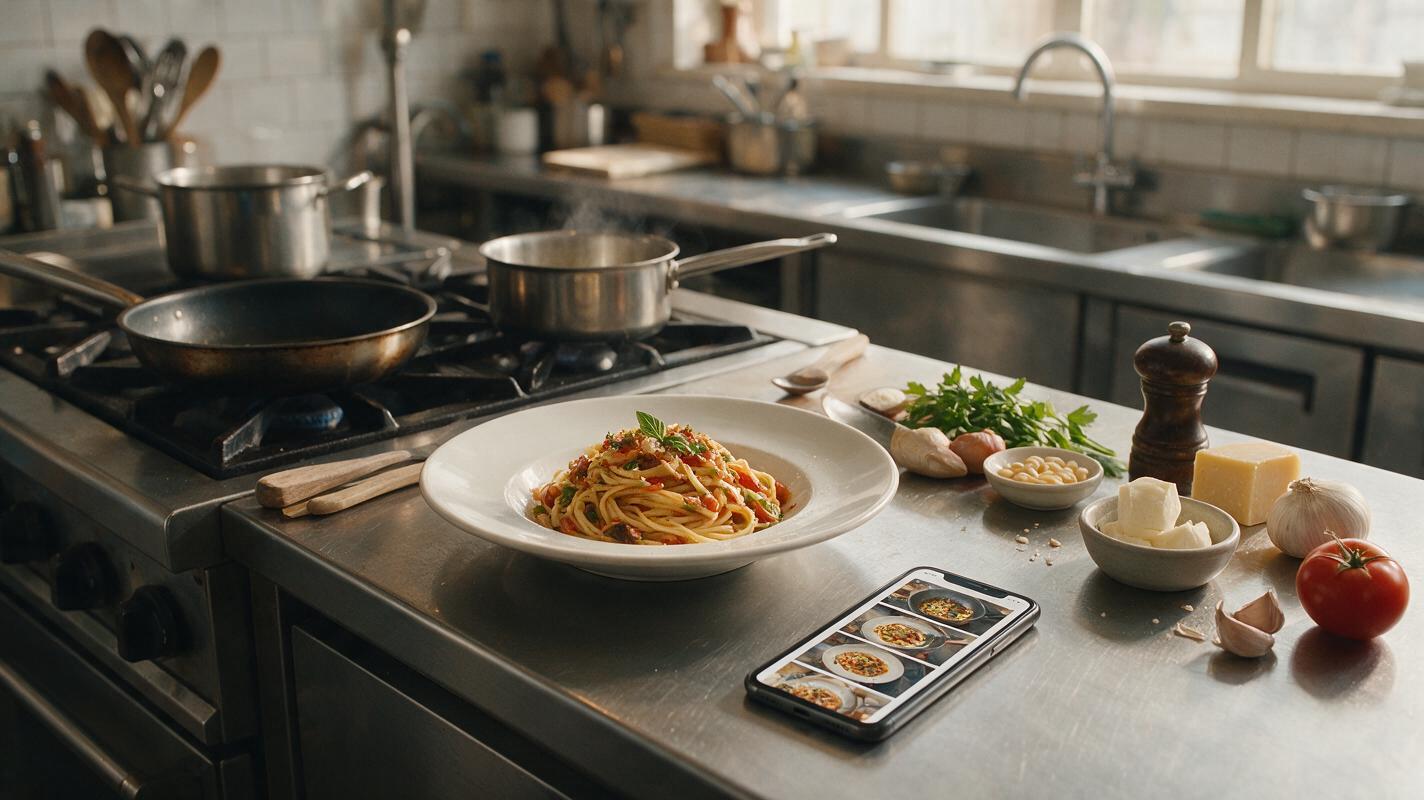
How to Turn One Food Photo Into an AI Recipe Video Without Morphing
Turn a single finished-dish photo into a believable vertical recipe video without making ingredients melt, multiply, or change identity. This practical workflow uses anchor images, shot-specific AI models, motion prompts, and continuity checks to build a polished food reel.
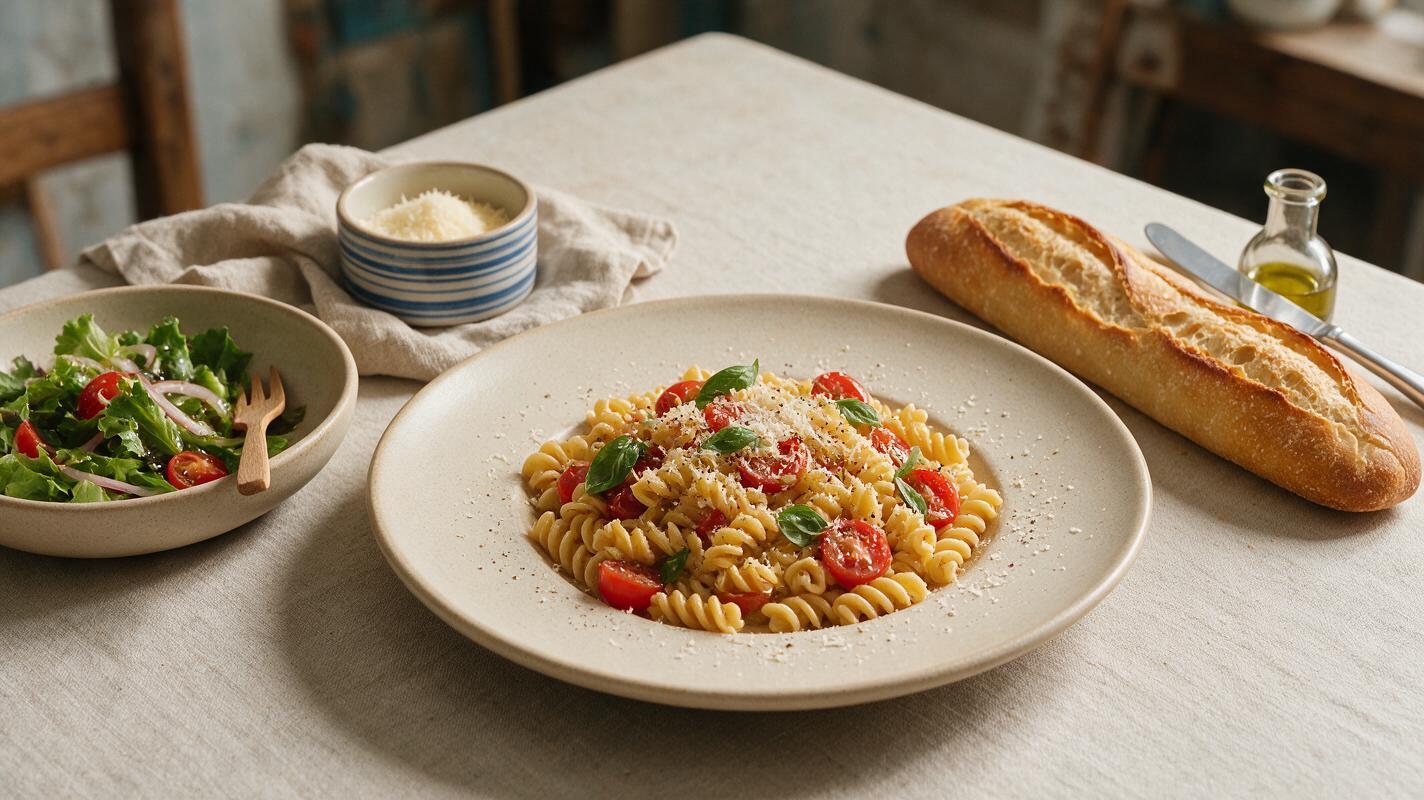
Best AI Food Photography Generators for Food Brands (Prompts + Troubleshooting)
Struggling to pick the right AI tool for your restaurant or food brand’s photography needs? This side-by-side comparison of top AI food image generators breaks down use cases, model-specific prompt templates, and quick fixes for the most common food generation fails, from rubbery cheese to flat beverages. Whether you need menu photos, social media content, or CPG product shots, you’ll find the right model and workflow to get professional, realistic results fast.
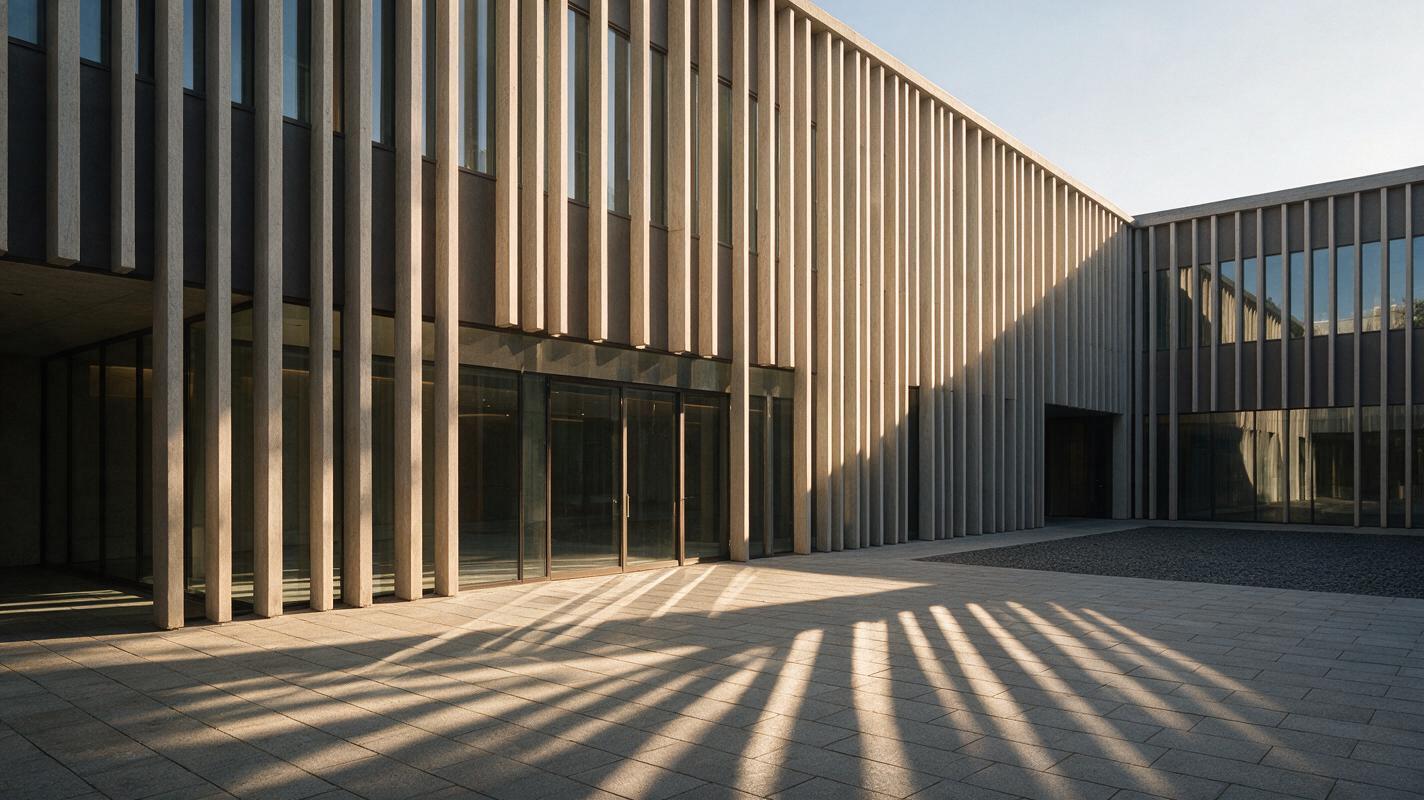
Seedance Prompts for Moving Sunlight in Architecture Render Animations
Animate a still architecture render with changing sunlight while keeping the camera and building visually stable. These Seedance prompts cover a facade, a courtyard, and an interior, with checks for shadow direction and geometry drift.
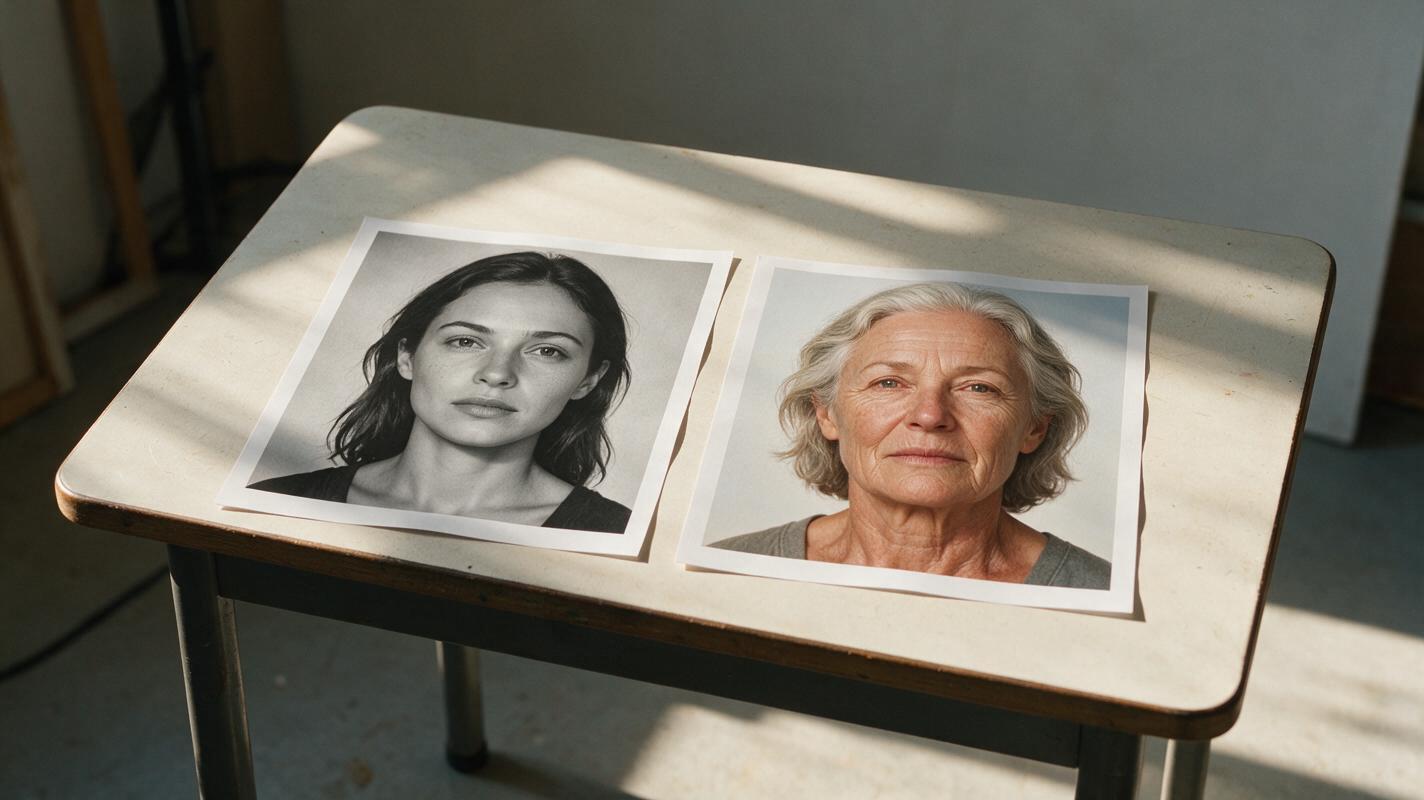
Keep One AI Video Character Consistent Across Flashbacks
A time jump should change a character’s apparent age without making them look like a different person. This tutorial builds an identity sheet, age-specific references, and a shot plan for checking flashback-to-present continuity.
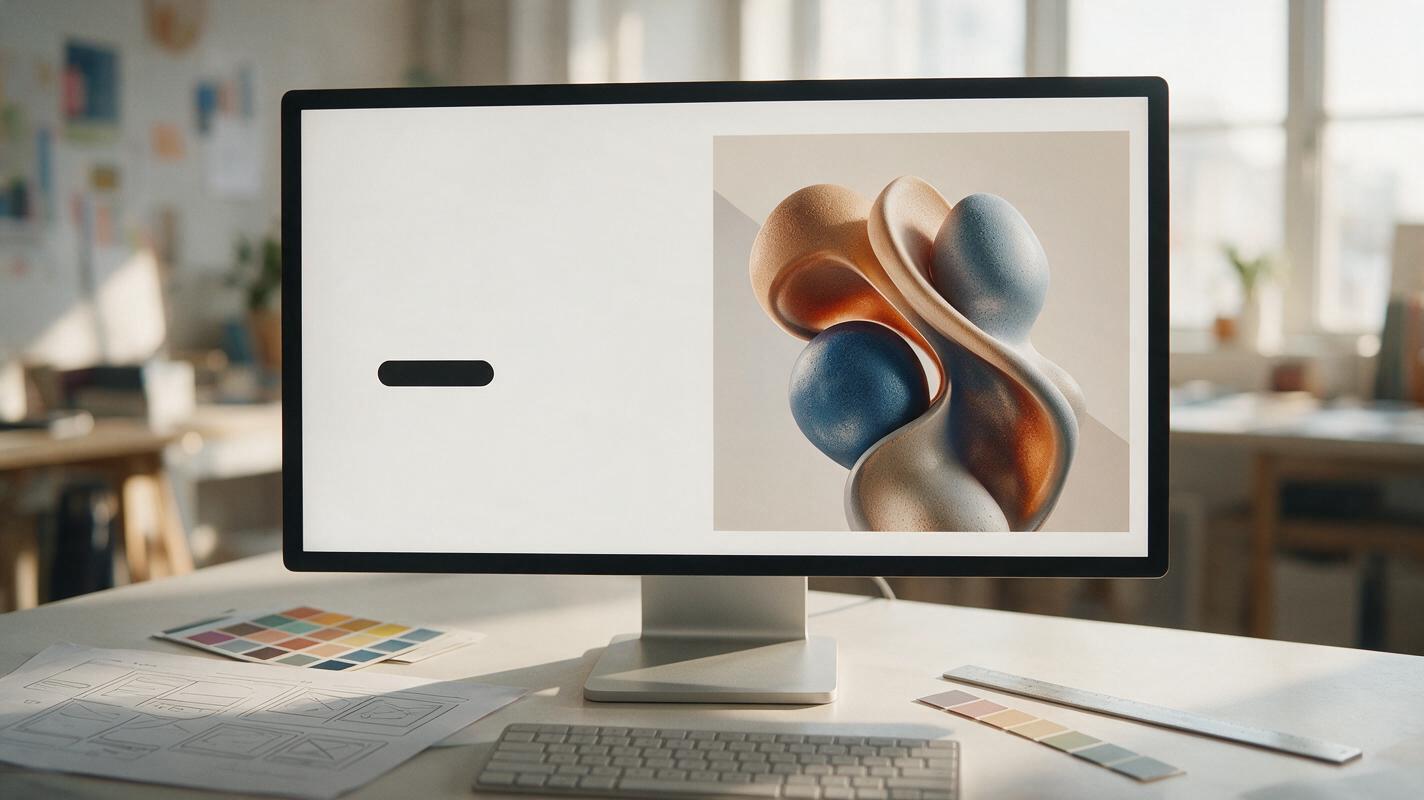
How to Create AI Hero Images With Space for Website Copy
Learn how to generate website hero images with intentional negative space for headlines, buttons, and responsive layouts. This practical workflow covers composition prompts, copy-safe zones, breakpoint variants, troubleshooting, and production-ready exports.
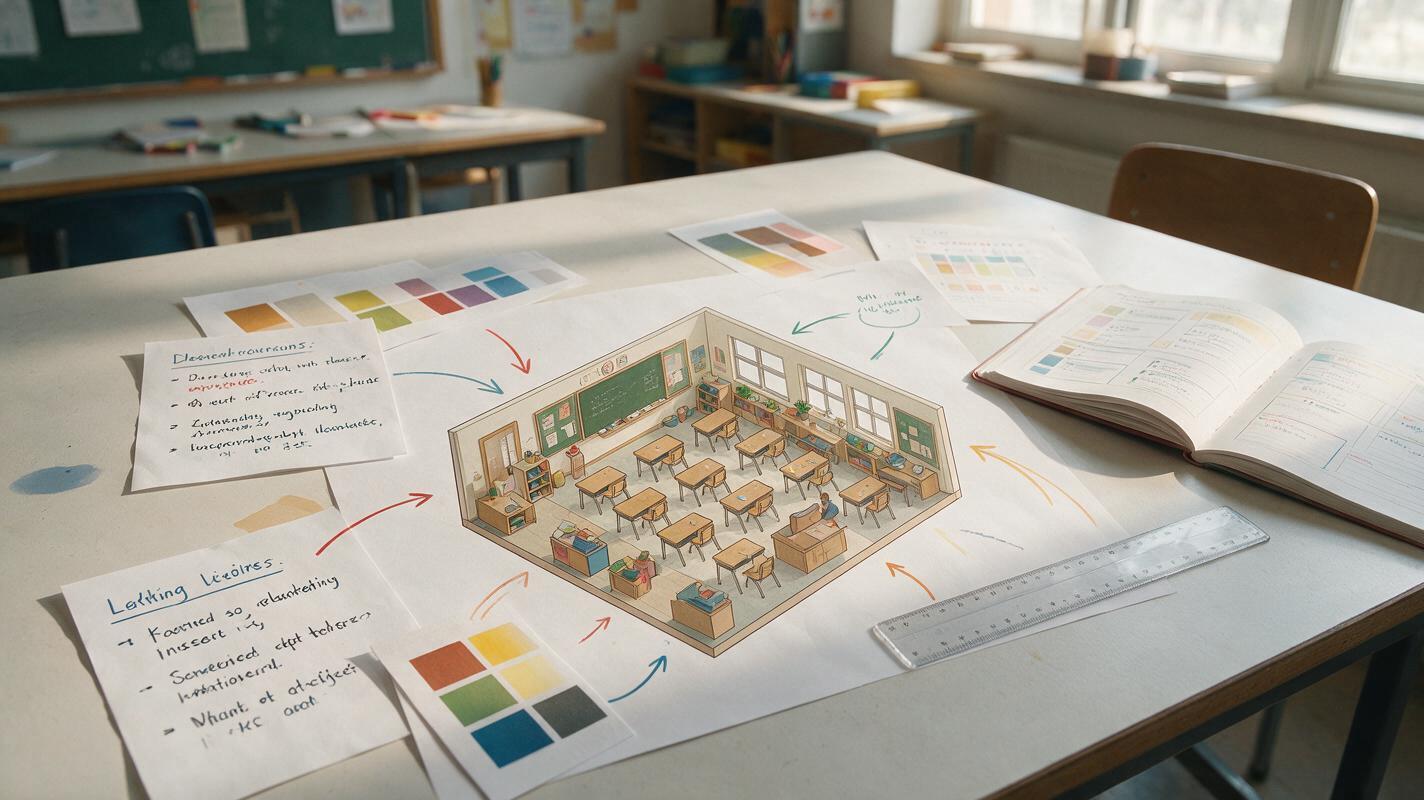
Midjourney Prompts for Clear Isometric Lesson Illustrations
Learn how to prompt Midjourney for isometric lesson illustrations that communicate processes and spatial relationships without unnecessary visual clutter. The guide includes a reusable prompt formula, classroom-ready examples, accuracy safeguards, and fixes for common composition problems.
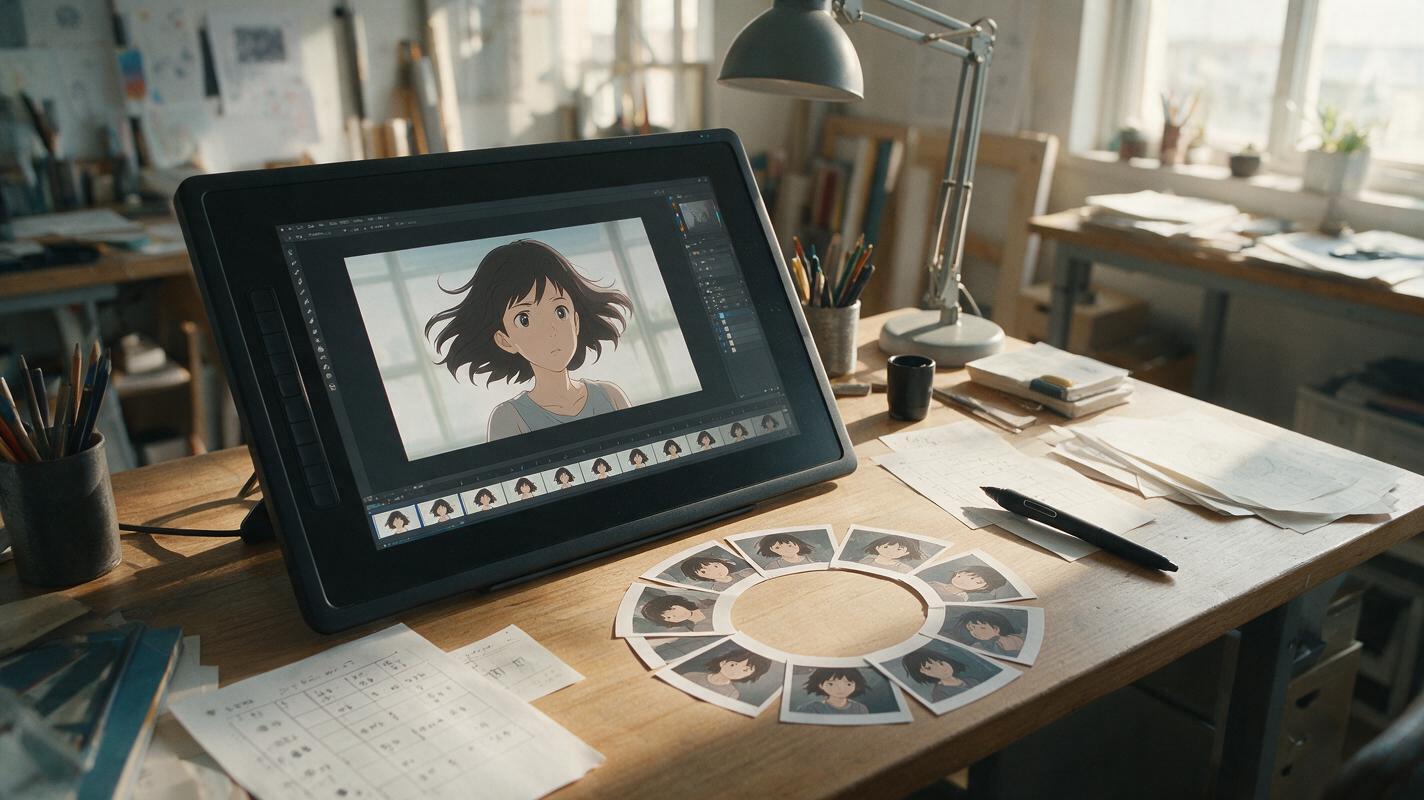
Why AI Anime Loops Jump—and How to Make Them Seamless
AI-generated anime loops often reveal a visible jump because the final pose, camera position, lighting, or particle layout no longer matches the opening frame. This guide explains how to use Vidu, loop-friendly prompts, and simple editing techniques to create seamless motion from a single anime illustration.
Why AI Logo Animations Distort (and 3 Ways to Get Clean On-Brand Results)
Brand designers often struggle with distorted, off-brand results when using AI to create quick logo animations. This article explains why AI warps logo geometry and shares three actionable workflows using Seedance, PixVerse, and a hybrid compositing method to get clean, on-brand animated logos for any use case.