Blog
Discover the latest from MagicBoat
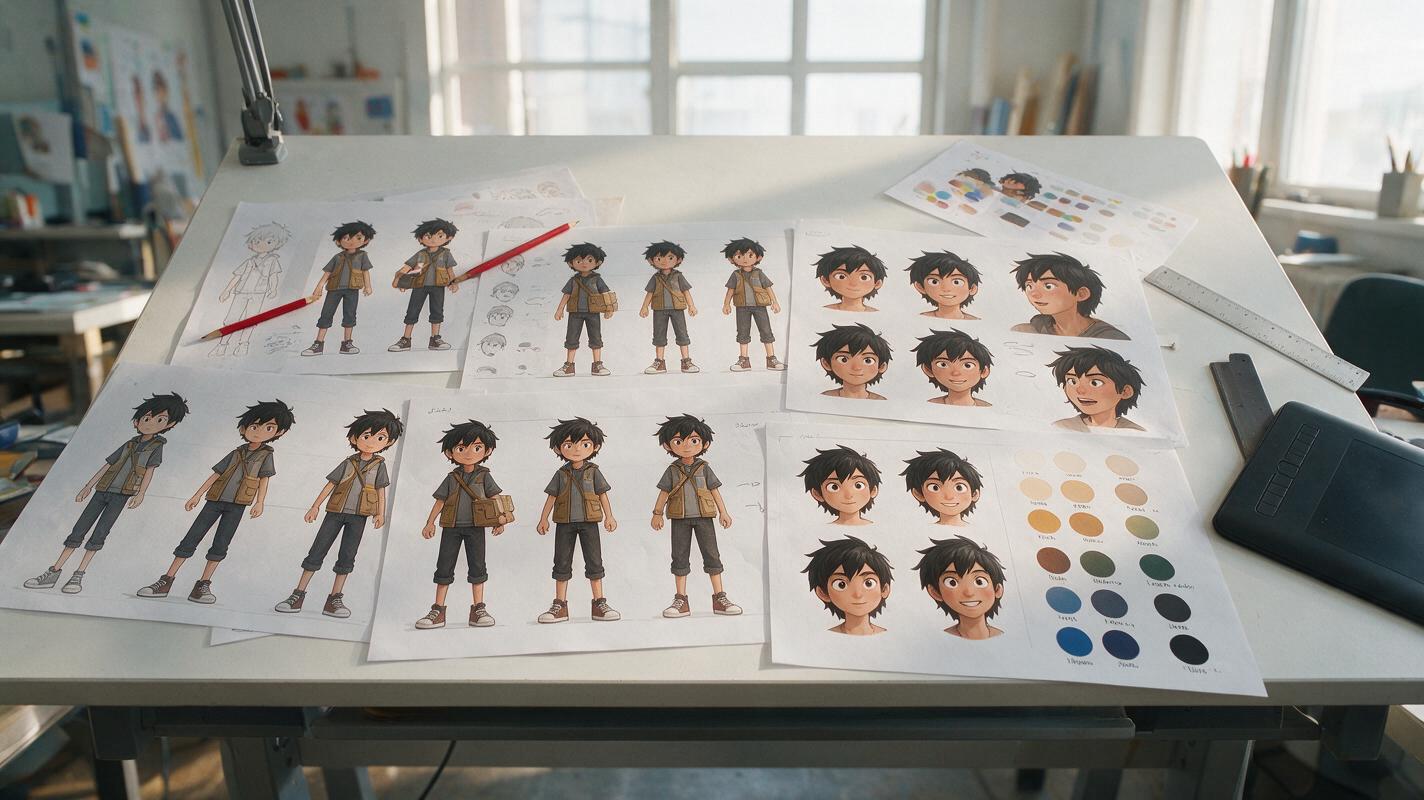
How to Make a Consistent Anime Character Sheet With AI
Build an AI anime character sheet that preserves the same face, hair, costume, colors, and proportions across expressions and poses. This practical workflow uses a locked design specification, controlled prompts, reference-based generation, and targeted corrections instead of relying on a seed alone.
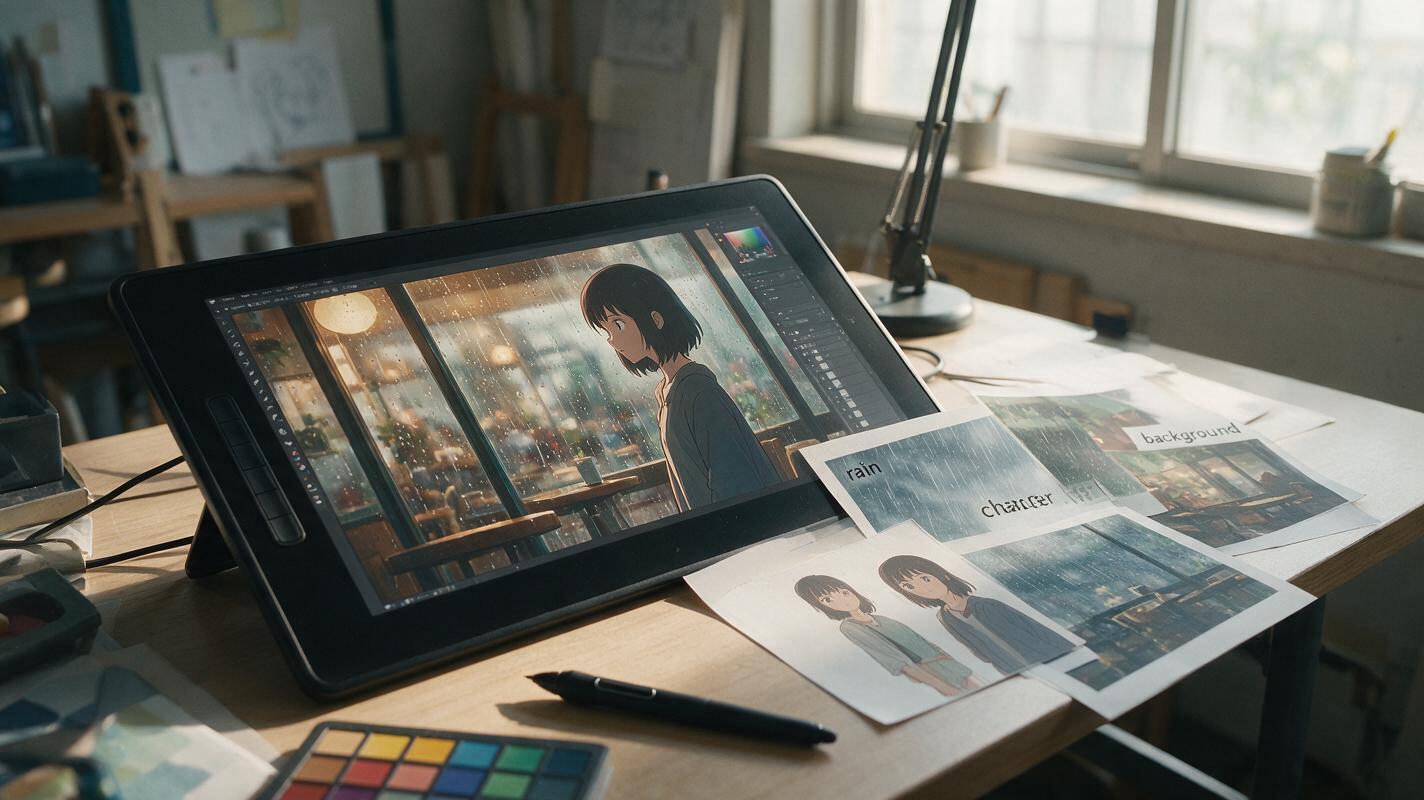
Why AI Anime Backgrounds Warp—and How to Keep Characters Still
Animating rain, wind, smoke, or moving light can cause an AI video model to distort the character that should remain still. This guide shows how to use Hailuo with motion hierarchy, restrained prompts, layered effects, and short generations to create ambient anime shots without melting faces or costumes.
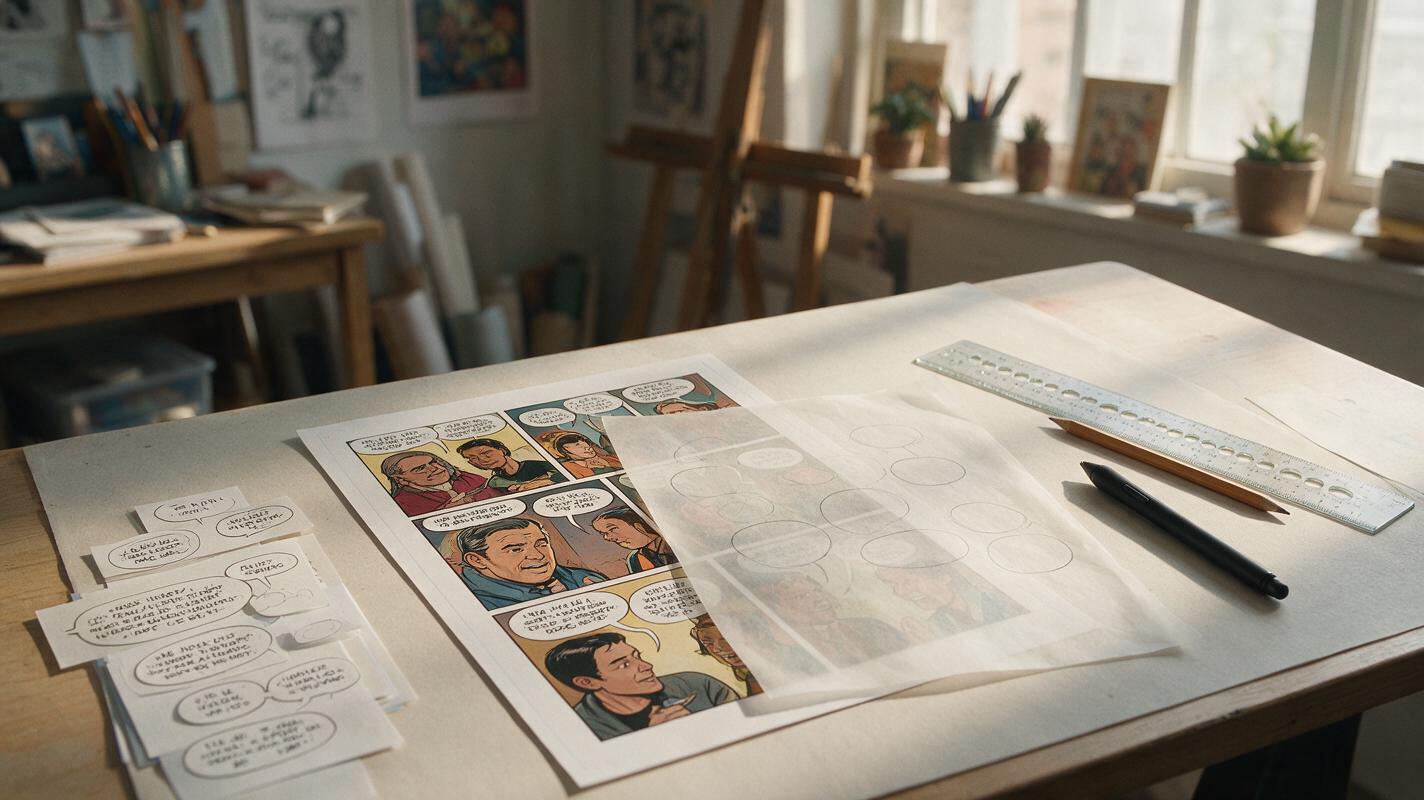
Why AI Comic Speech Bubbles Fail—and the Workflow That Works
AI-generated speech bubbles often contain broken text, point at the wrong speaker, or cover important artwork. This practical Nano Banana Pro workflow keeps panel art, balloon shapes, and lettering separate so comic and webtoon dialogue remains readable.
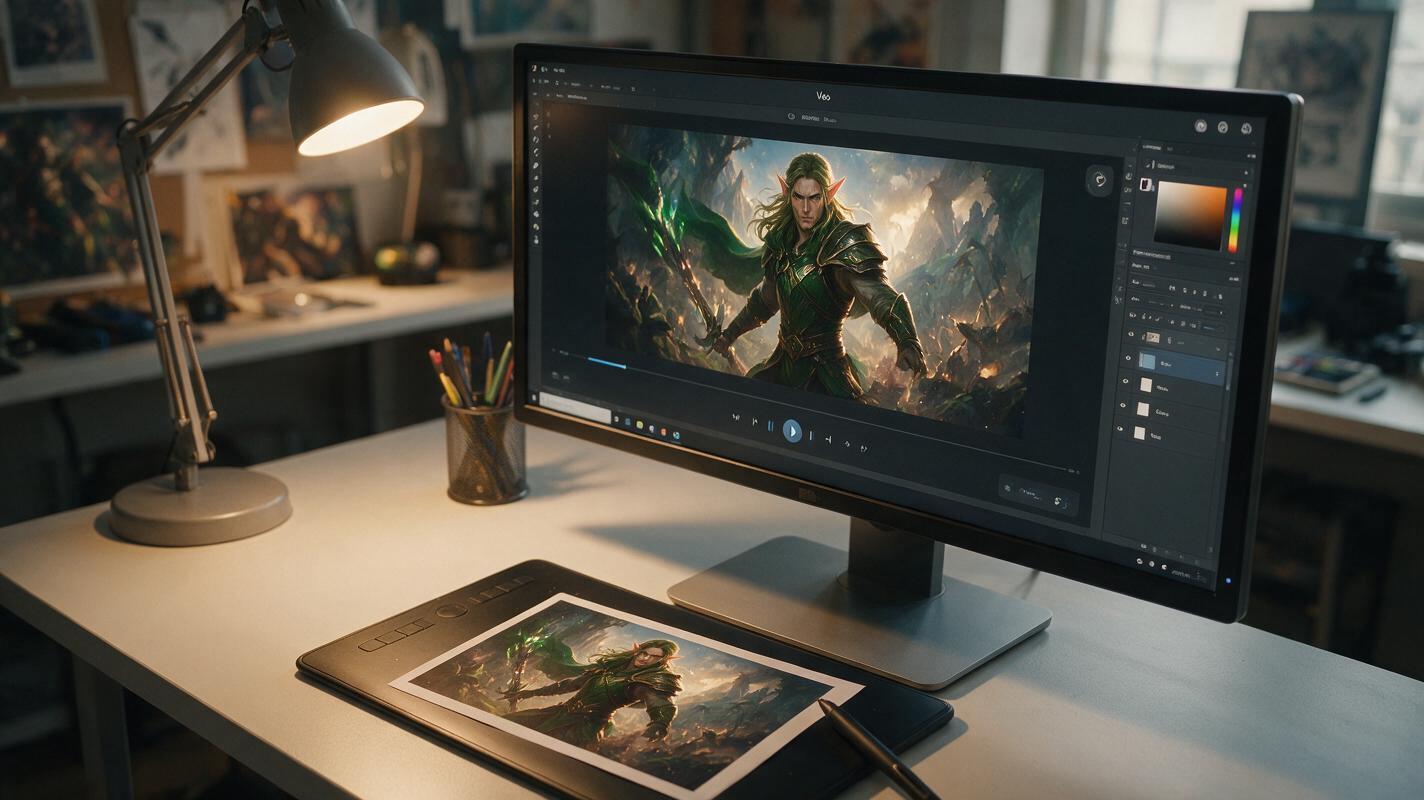
How to Turn Game Key Art Into a Cinematic World Reveal Shot With Veo
This workflow shows game designers and concept artists how to turn static game key art into a smooth cinematic world reveal shot using Veo’s image-to-video generation. It covers input prep, prompt structure for character and style consistency, recommended motion settings, and fixes for common issues like edge warping and face drift. The resulting 10-12 second clips are usable for game trailer teases, pitch decks, and world visualization prototypes.
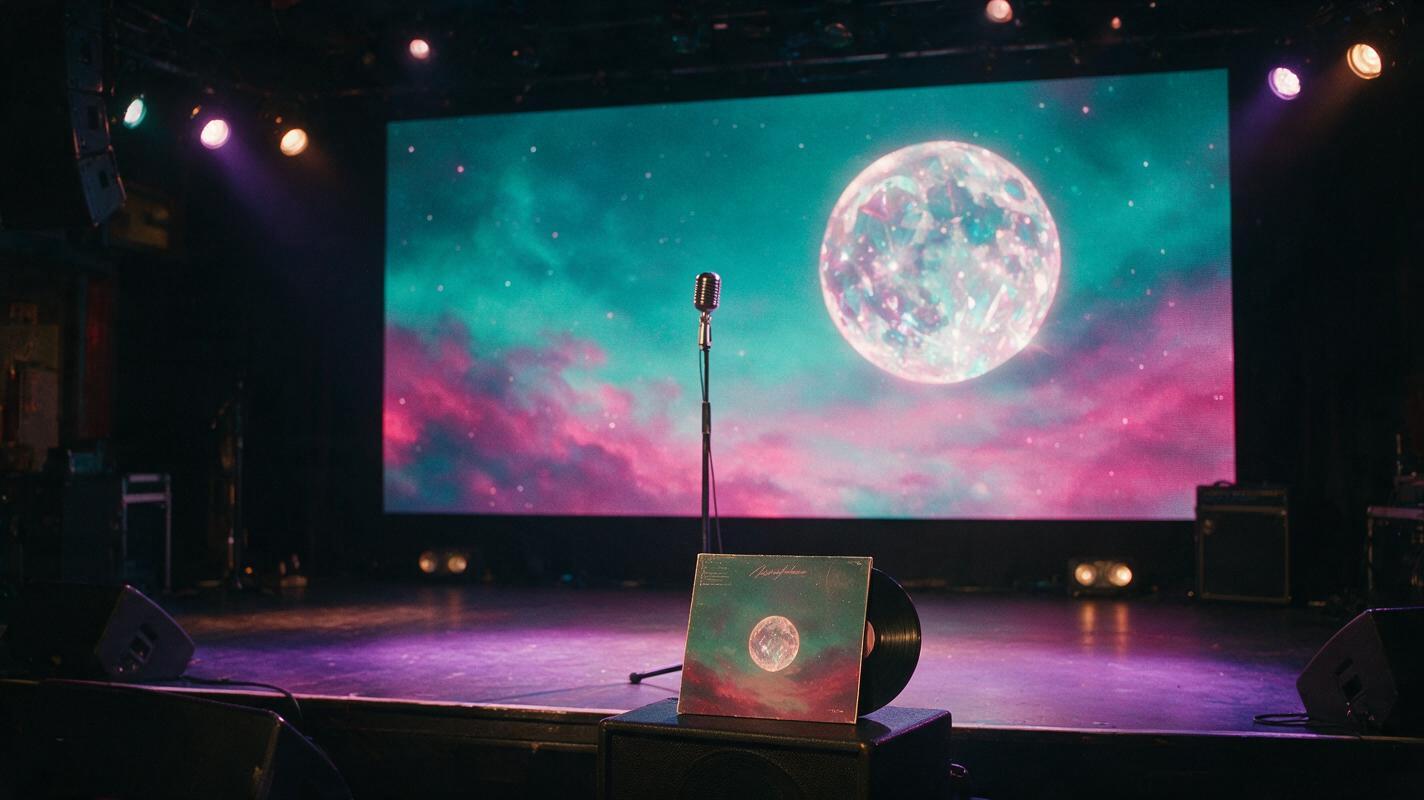
How to Turn Album Cover Art Into Live Stage Backdrops With Midjourney
Independent musicians can use their existing album cover art as a style reference in Midjourney to generate custom, cohesive live stage backdrop concepts for shows and virtual performances. This guide covers reference prep, parameter settings, reusable prompt templates for different setlist moments, and tips for optimizing visuals for LED screens.
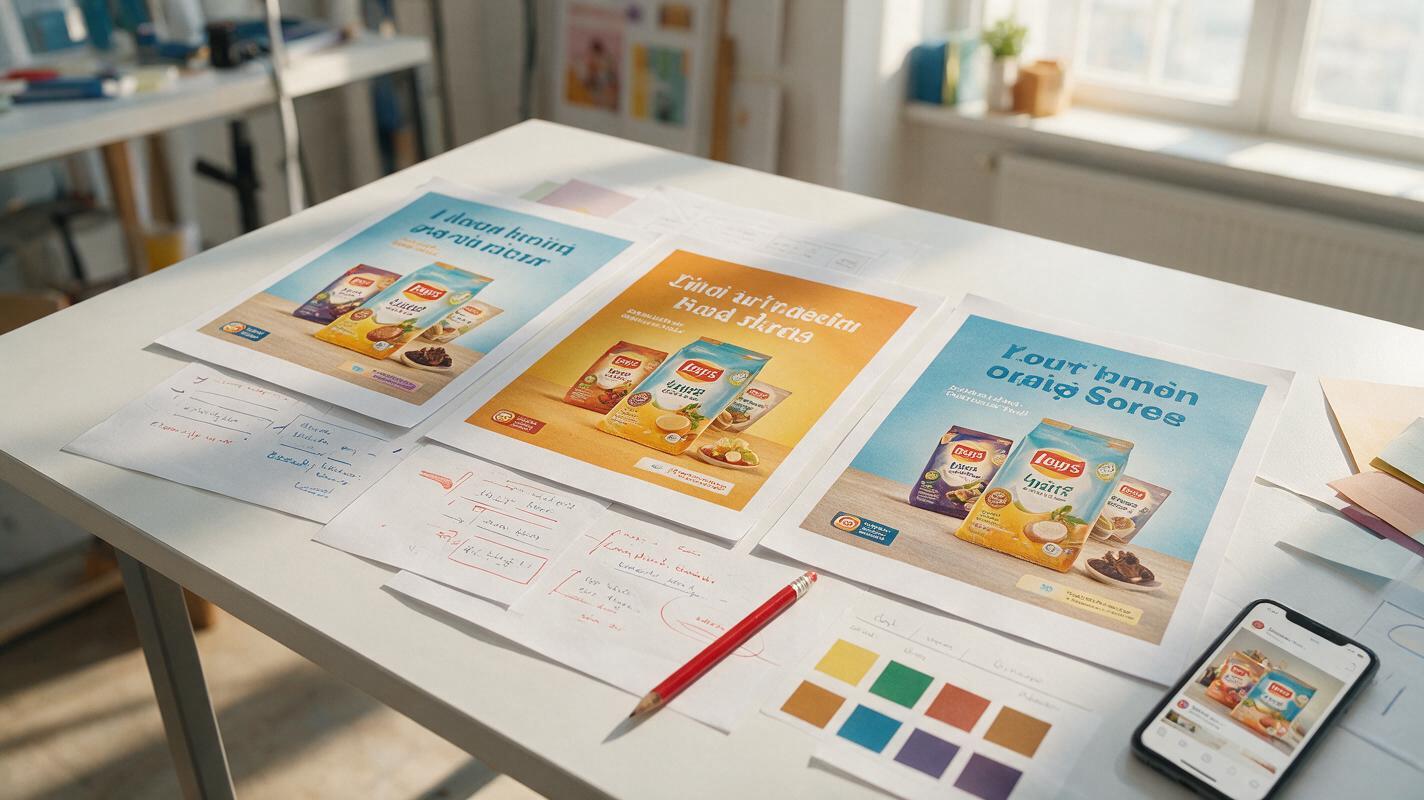
AI Ad Localization: Translate Creatives Without Breaking the Design
Localizing an ad requires more than replacing one language with another. This practical workflow shows marketing teams how to preserve products, layouts, brand cues, and offer meaning while adapting campaign creatives for new markets.
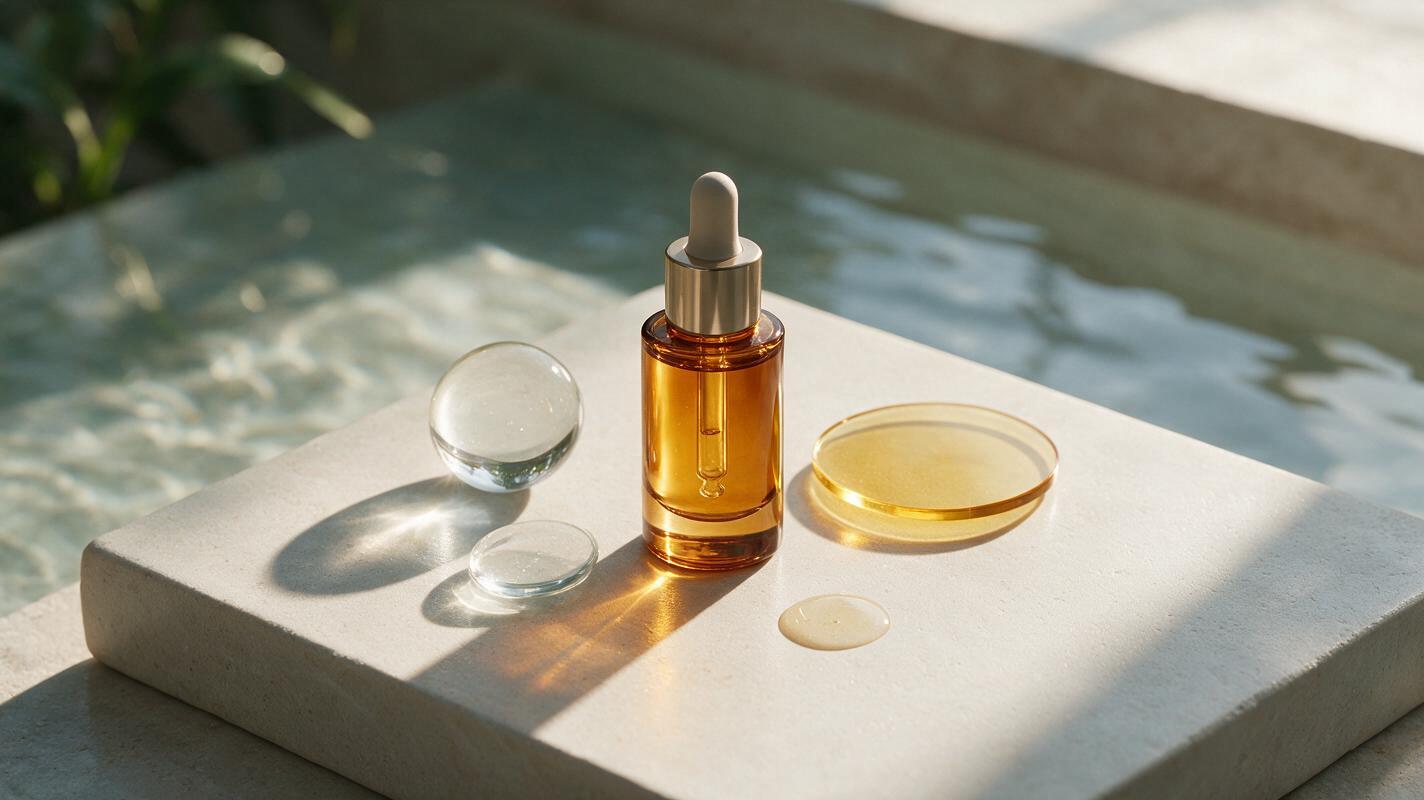
Seedream 4.5 Prompts for Skincare Ingredient Hero Images
Create premium skincare ingredient hero images without losing packaging accuracy or turning the formula story into a generic science graphic. These reusable Seedream 4.5 prompts cover hydration, brightening, barrier-care and nighttime-renewal concepts, plus practical fixes for floating products, illegible labels and artificial textures.
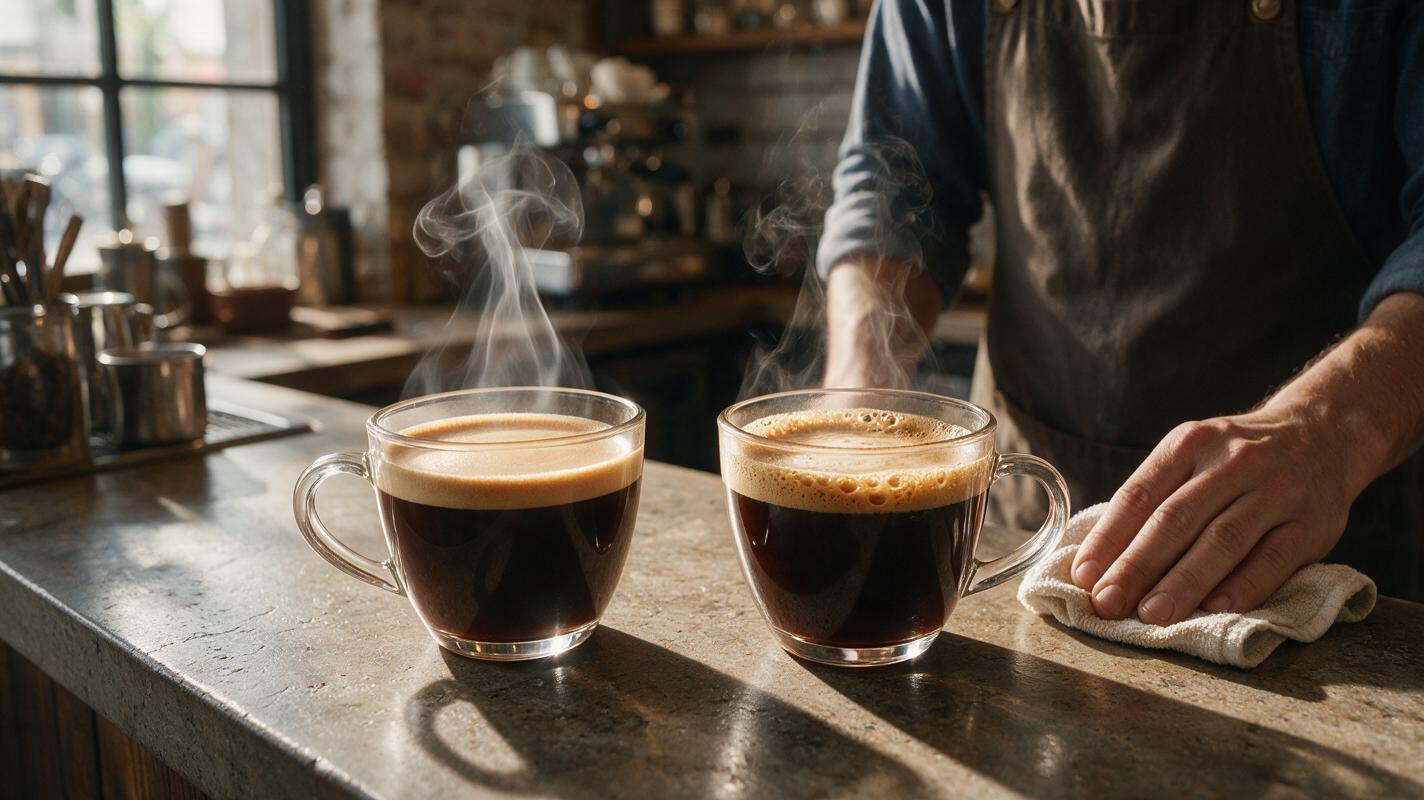
Why AI Hot Drink Photos Look Fake (And How to Fix Steam, Crema, Glow)
AI-generated hot drink photos often fall flat due to cartoonish steam, lifeless crema, and dull ceramic mugs, making them unsuitable for café menus, social media, and beverage brand campaigns. This troubleshooting guide breaks down the most common hot drink AI generation failures, provides reusable prompt templates for Flux and Seedream 4.5, and shares inpainting tricks to create realistic, appetizing hot drink visuals. Readers will walk away with actionable steps to build brand-aligned hot drink assets in minutes.
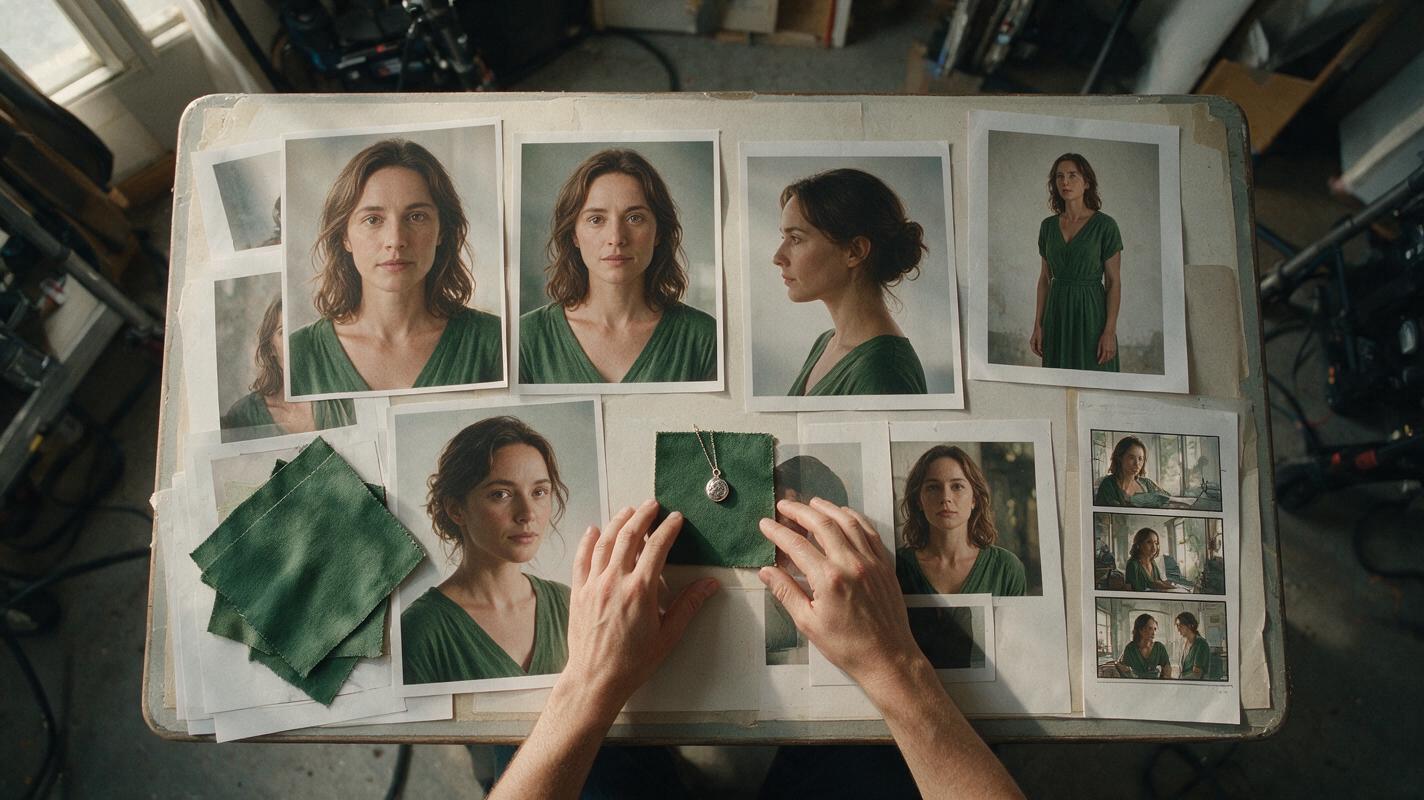
How to Keep Characters Consistent in an AI Short Drama
Keep recurring characters recognizable across every shot and episode by building a character lock packet before generating video. This tutorial covers reference portraits, identity-safe prompts, controlled shot testing, continuity checks, and targeted repairs.
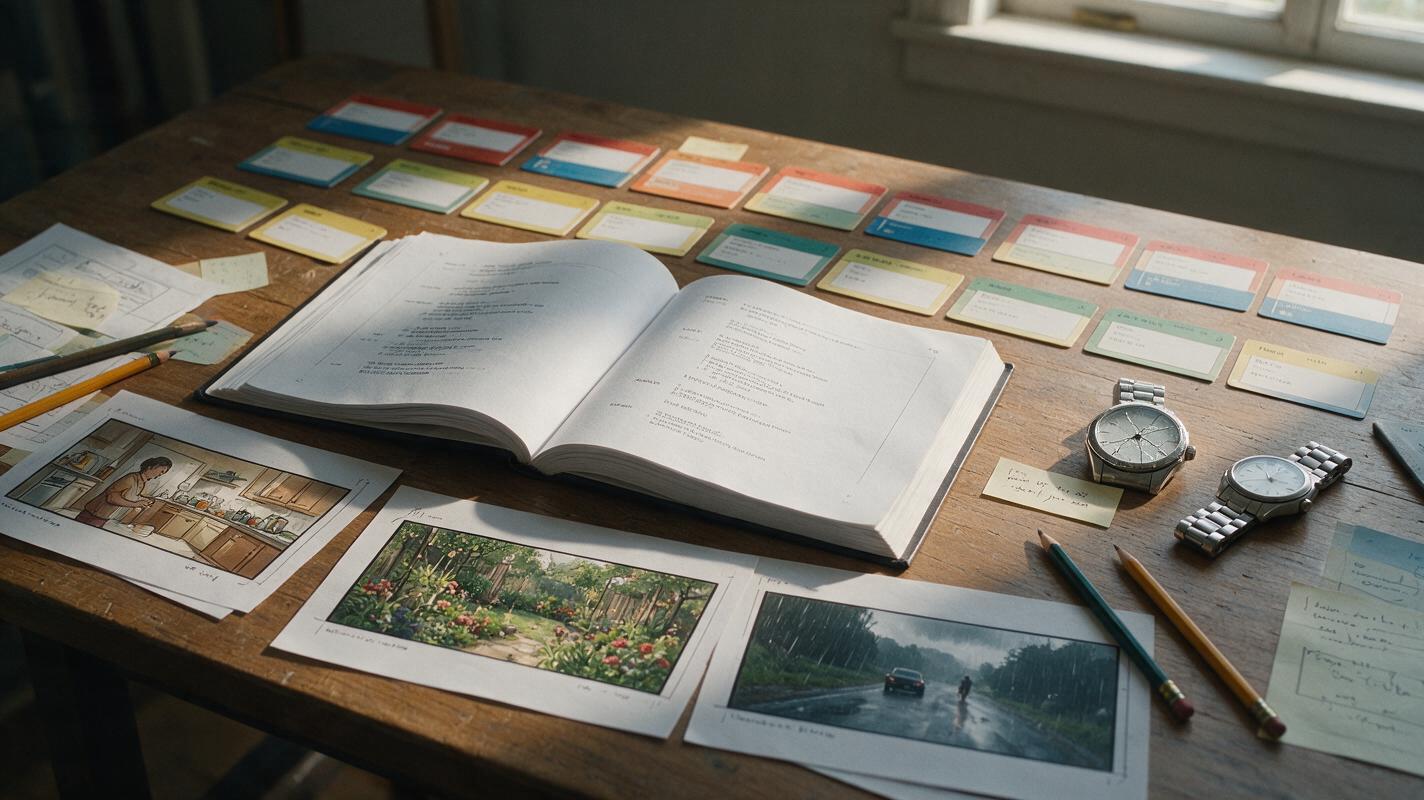
Script to Video AI: Turn a Flashback Script Into a Clear Film
Learn how to convert a flashback-heavy script into an AI video without confusing the audience. This workflow separates chronology from screen order, assigns each time period a visual grammar, and designs transitions before generating full clips.
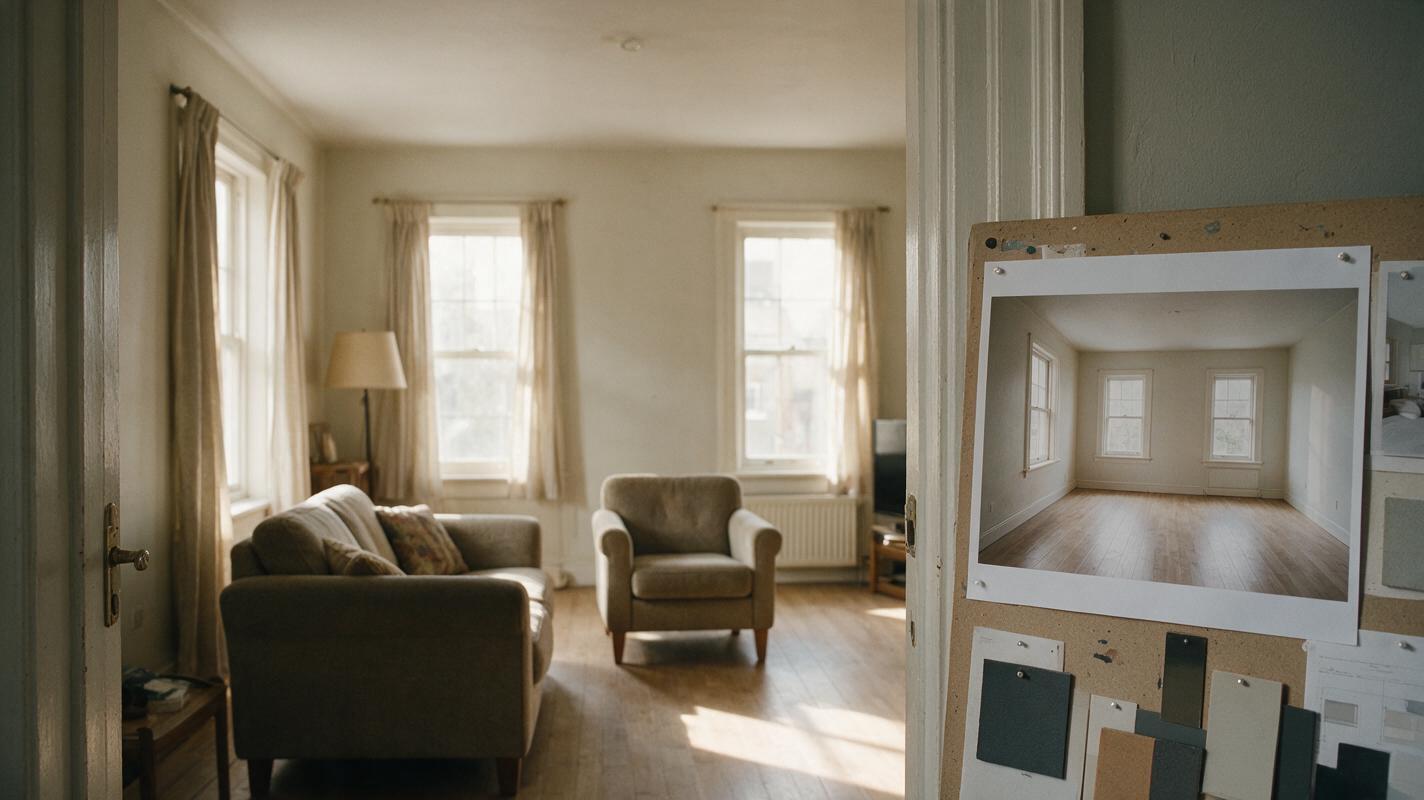
Seedream 4.5 Prompts to Remove Furniture From a Room Photo
An empty-room image can help a client see a redesign without the existing furniture getting in the way. These Seedream 4.5 prompts focus on removing objects while preserving visible architecture—and on identifying surfaces the model had to invent.
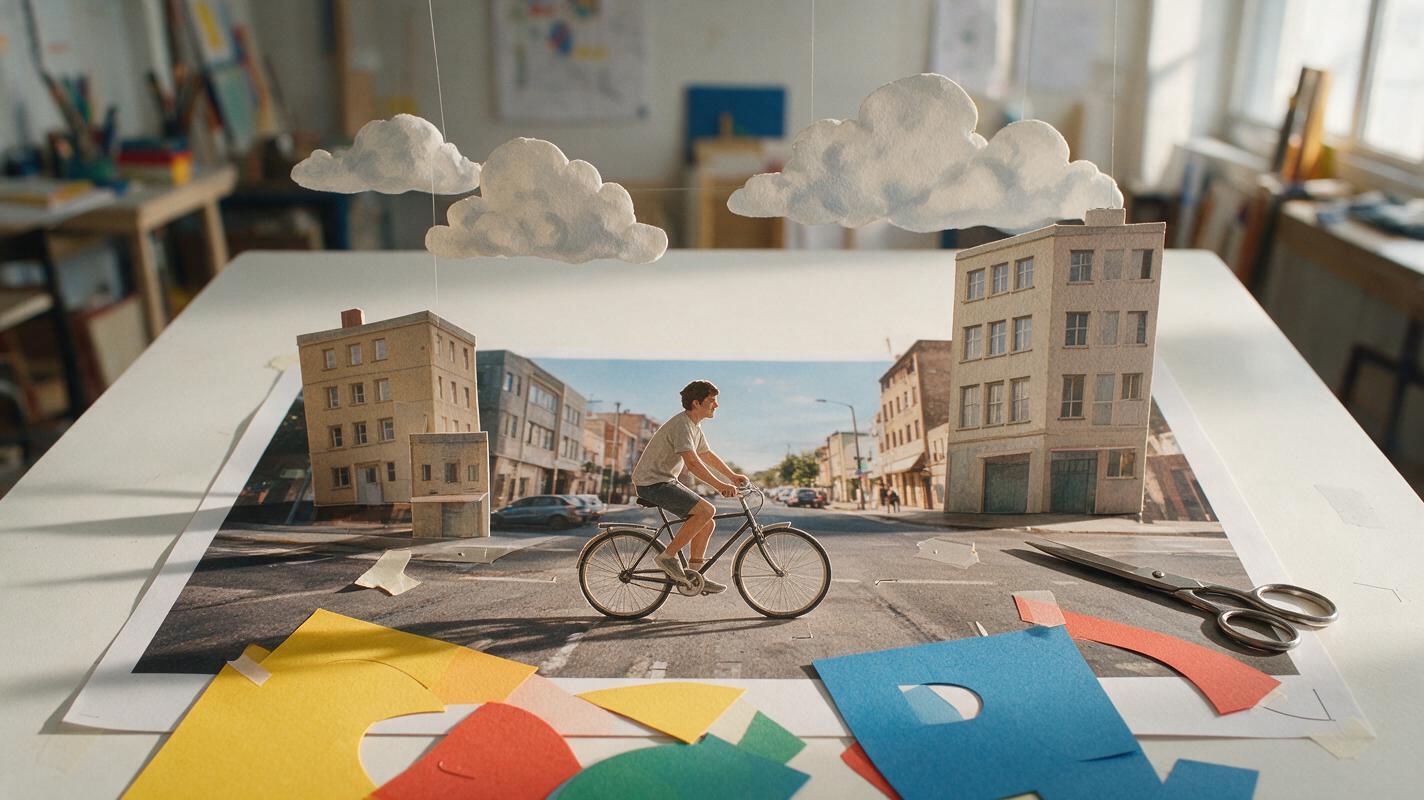
Turn One Photo into Layered Collage Assets with Nano Banana Pro
Transform a single reference photo into separated, motion-ready collage elements with Nano Banana Pro. This practical workflow covers layer planning, clean-plate generation, prompt design, edge preparation, animation, and common consistency failures.