Blog
Discover the latest from MagicBoat
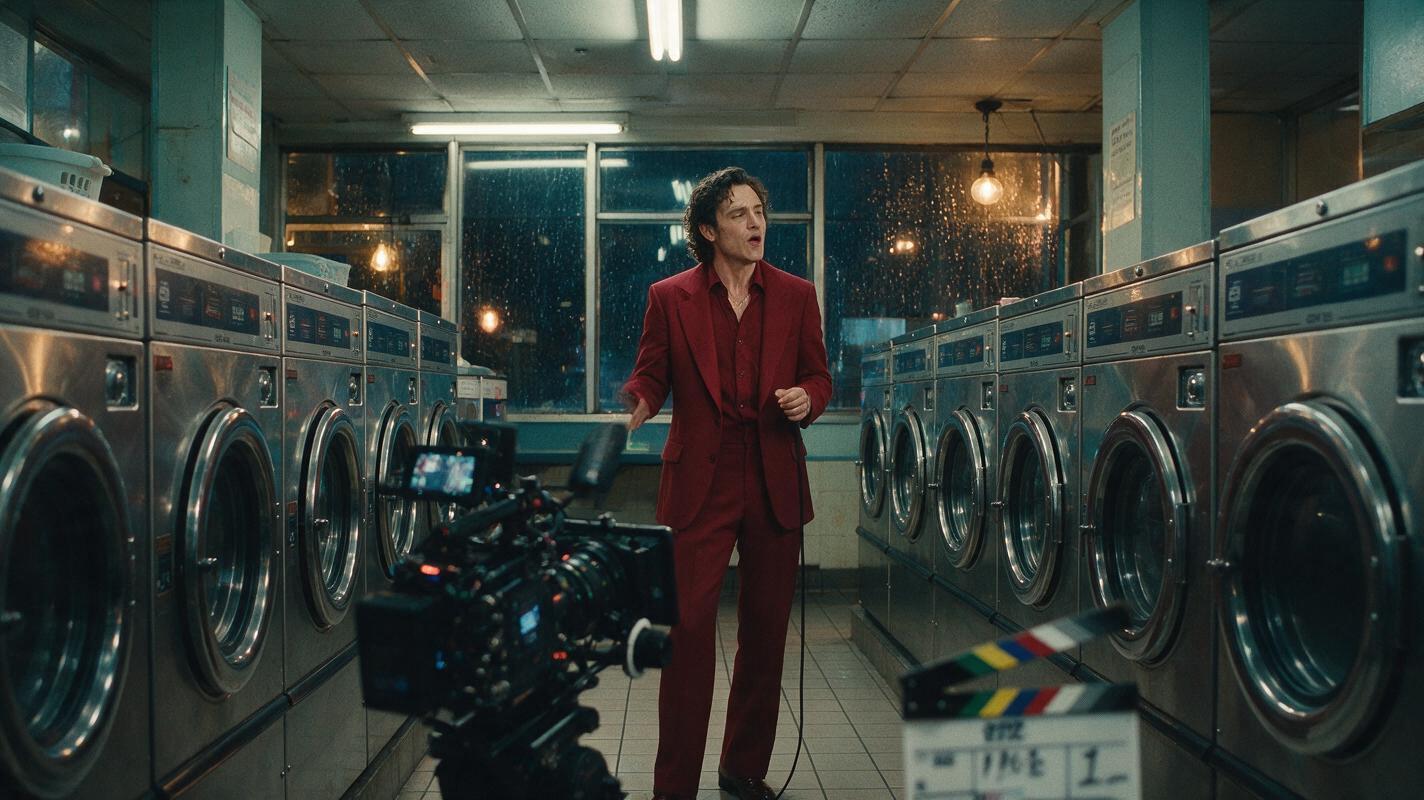
Sora Alternatives for Music Videos: 6 Creative AI Tools Compared
This comparison evaluates six Sora alternatives for creating music-video concepts, performance shots, transitions, and visual experiments. It covers capabilities, pricing structures, ideal use cases, and a repeatable same-prompt test for choosing the right generator.
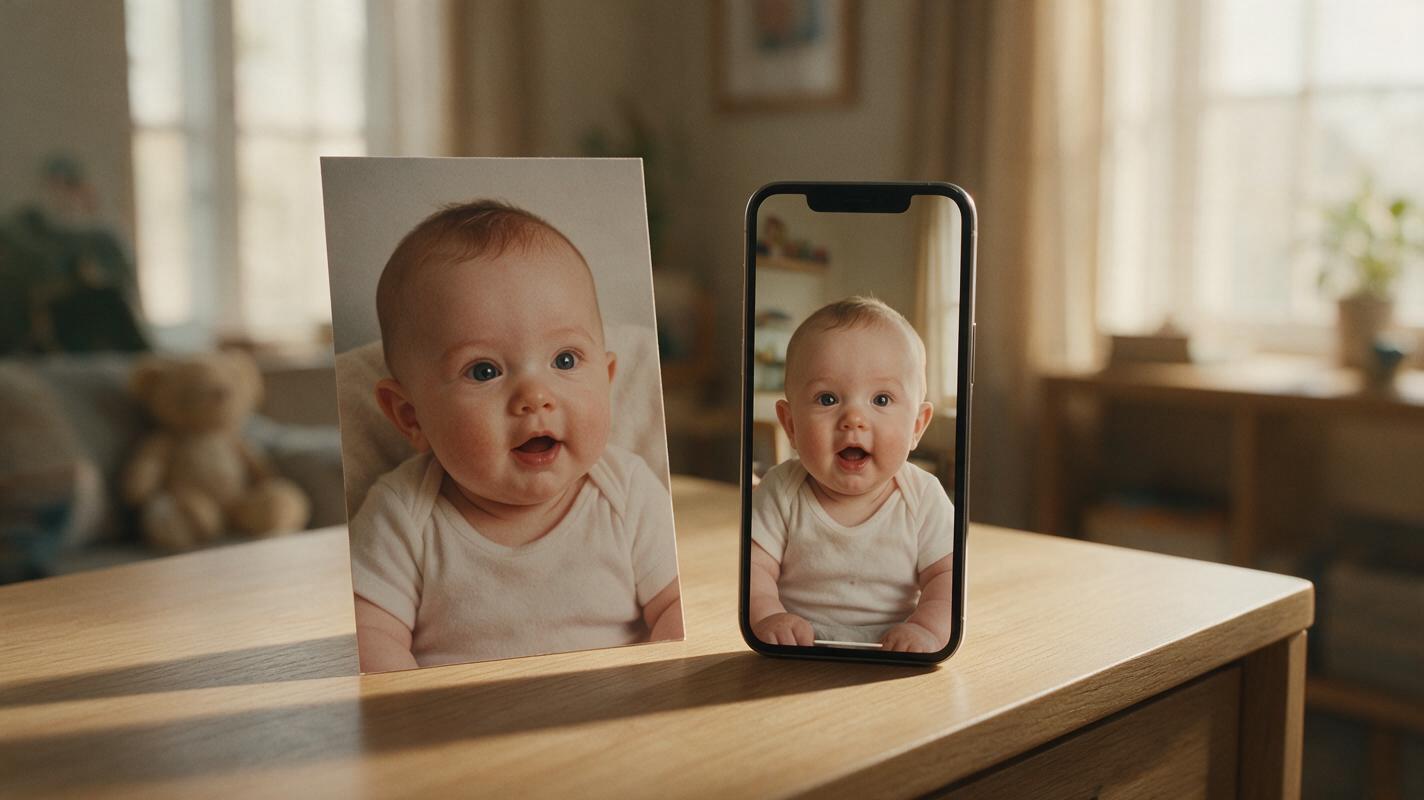
AI Talking Baby Podcast Generator: Create Baby Video Clips From a Photo
Learn how to use an AI talking baby podcast generator to turn a single baby photo into a charming, lip-synced video clip perfect for family podcasts, social media, or digital keepsakes. This practical guide covers reference photo prep, baby voice generation, motion mimic, and gentle AI enhancement tips for natural-looking results. No advanced editing skills are required to create fun, shareable baby content in minutes.
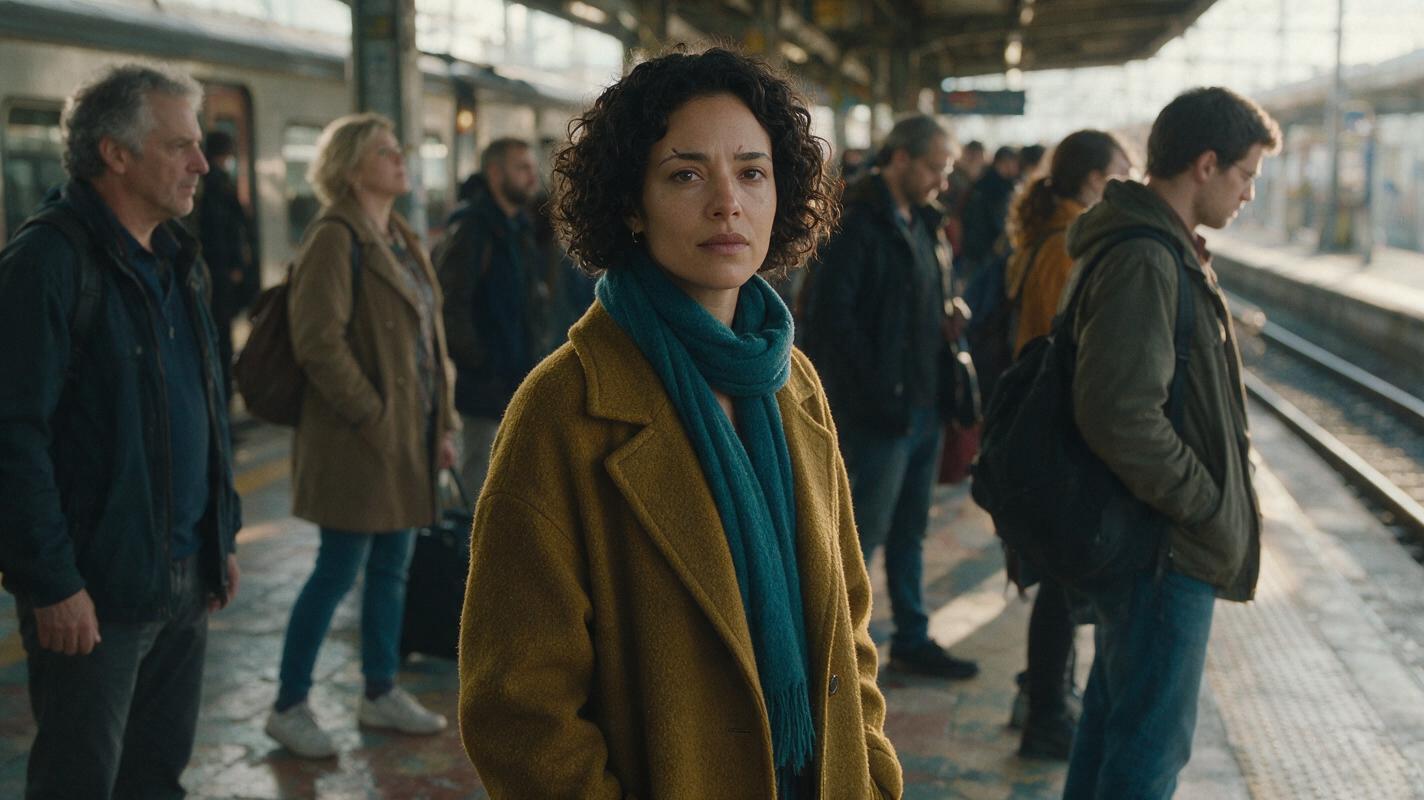
How to Stop an AI Video Character From Duplicating in Crowd Scenes
Crowd scenes can produce an unwanted second copy of a recurring character, especially when background faces share the lead’s defining features. This tutorial shows how to separate the lead from the crowd in reference images, scene prompts, and cut-point checks.
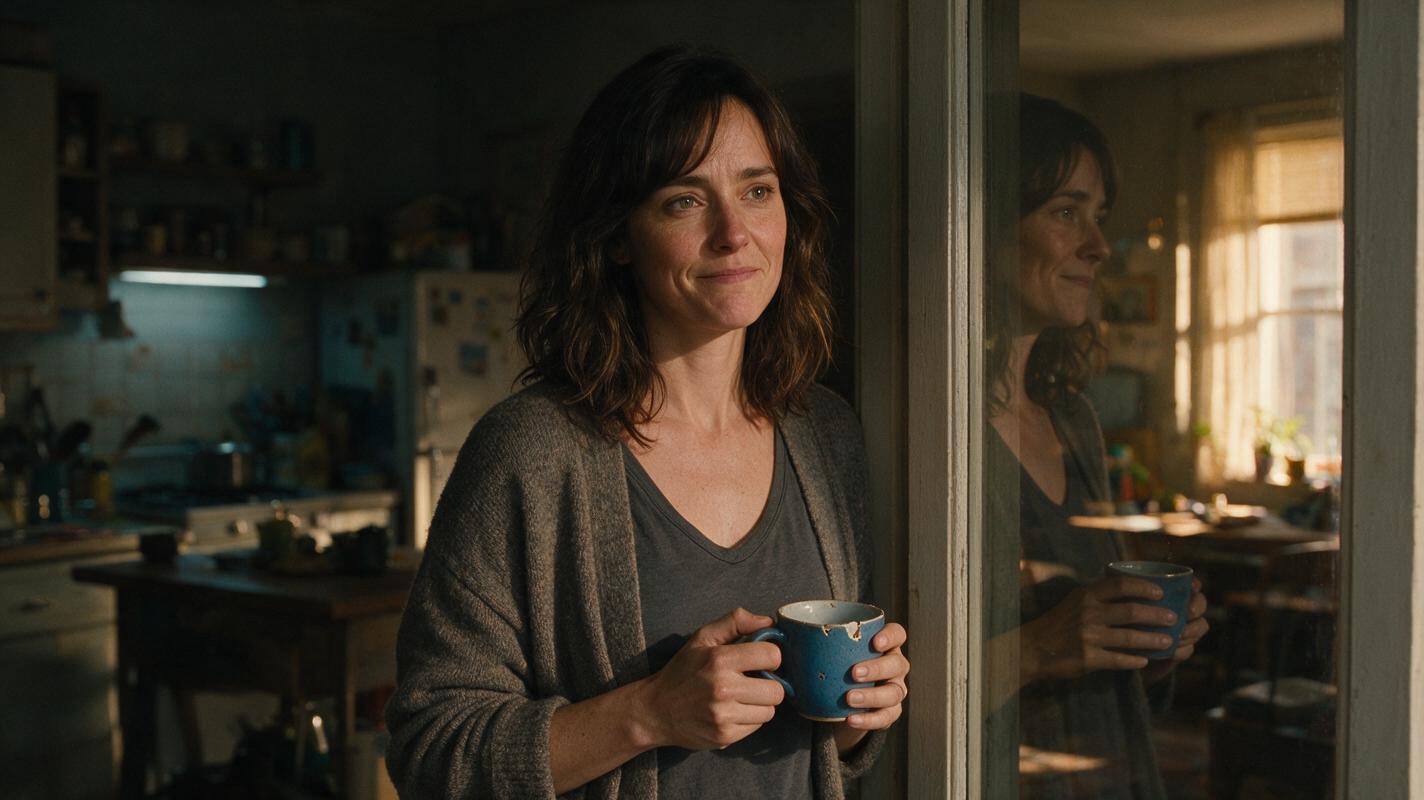
How to Build Clear Flashbacks in an AI Short Drama
A flashback should reveal one decisive fact without making viewers decode the timeline. This tutorial shows how to lock the present-day anchor, design a restrained visual grammar, create transition frames, and return cleanly to the main scene.
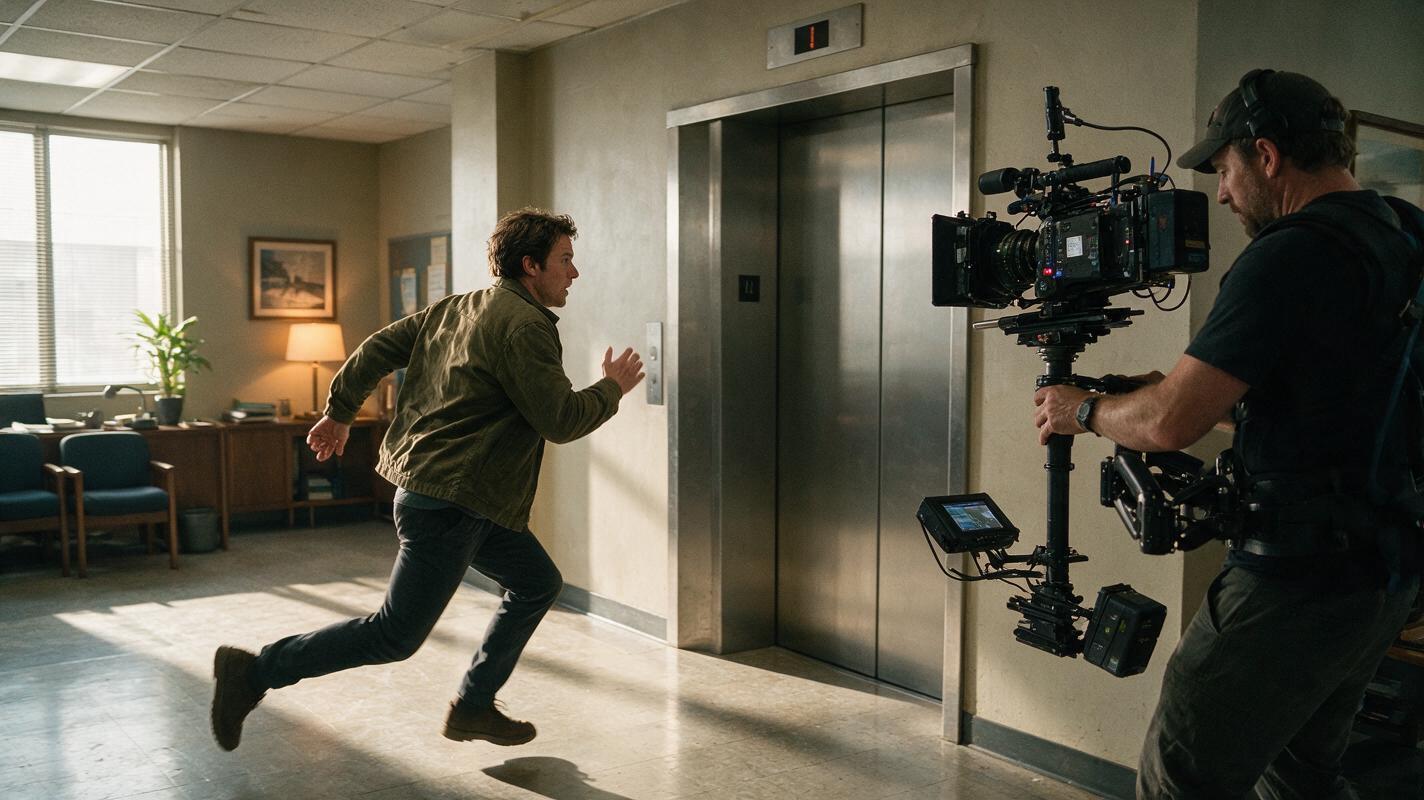
Script to Video AI: Keep Screen Direction Consistent in Action Scenes
Learn how to preserve screen direction when turning an action script into AI-generated video. This practical workflow uses movement beats, location anchors, storyboard checkpoints, and controlled clip prompts to prevent characters from appearing to reverse direction accidentally.
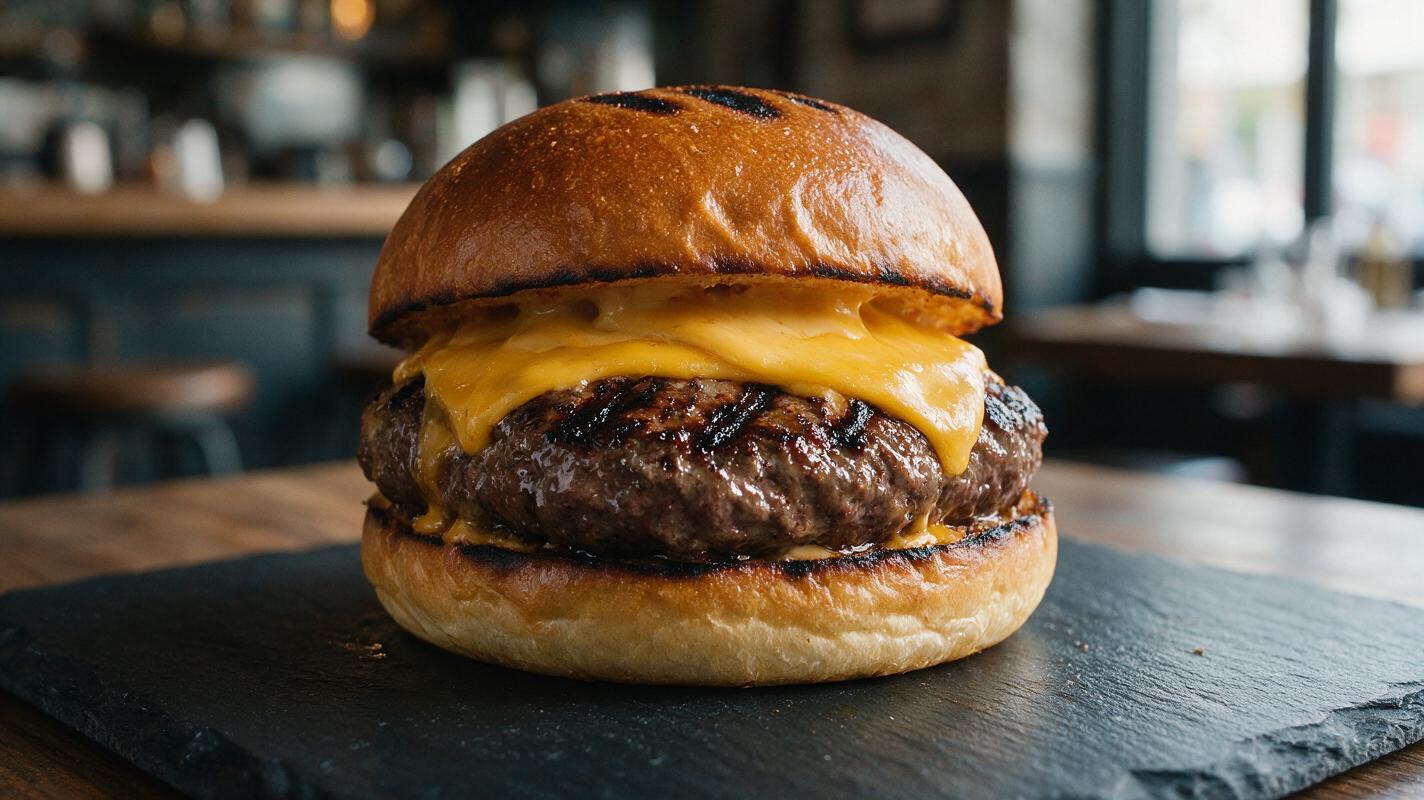
Why AI Grilled Food Photos Look Rubbery (And How to Get Charred, Juicy Results)
AI-generated grilled food photos often suffer from rubbery texture, fake uniform grill marks, and a lack of juicy char, making them unappetizing for restaurant menus and marketing campaigns. This troubleshooting guide breaks down the core causes of these flaws, shares a reusable prompt framework for Seedream 4.5 to create charred, realistic grilled food visuals, and provides targeted inpainting fixes and social media video repurposing tips for restaurants and food brands.
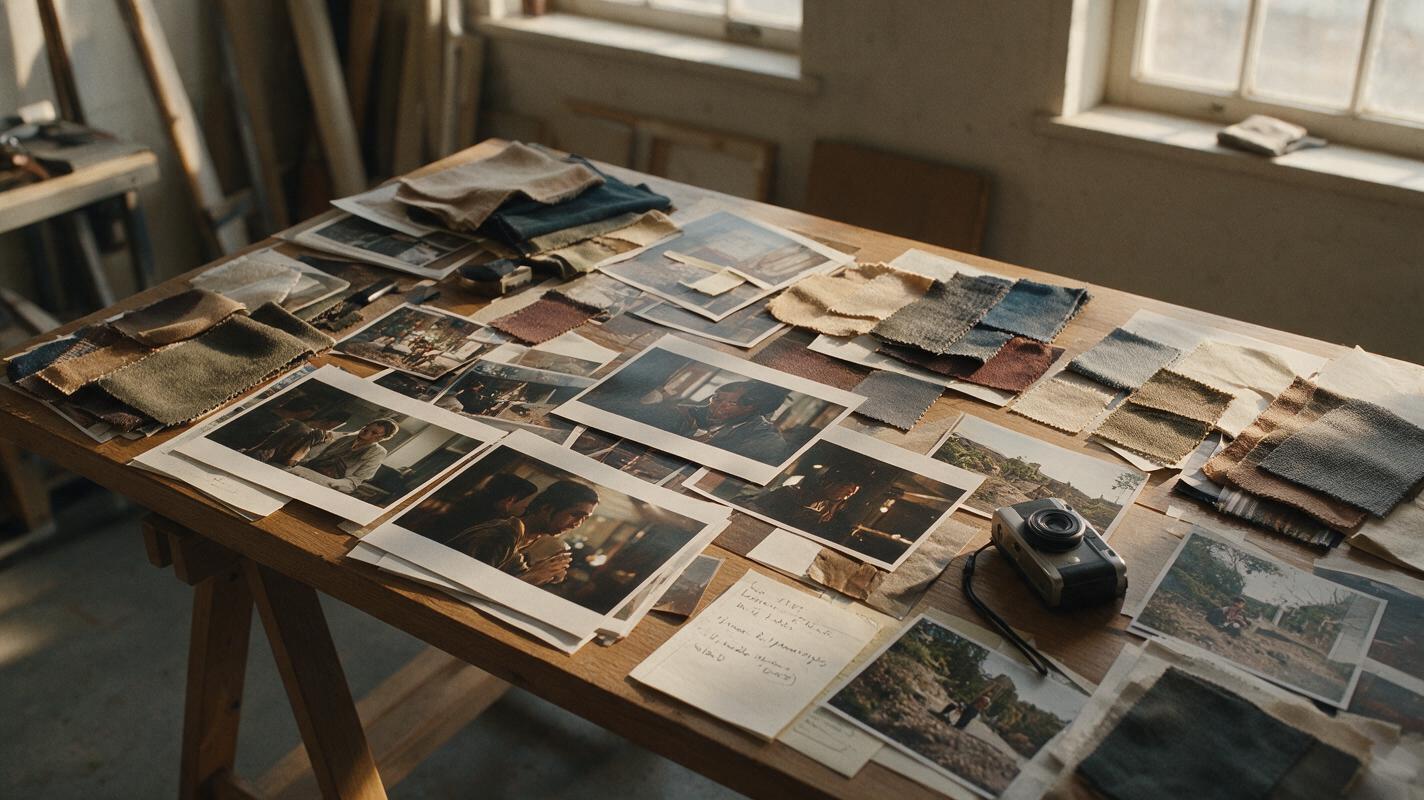
Sora Alternatives for Visual Moodboards: 6 AI Video Tools Compared
This comparison examines six Sora alternatives for visual moodboards and cinematic look development. It focuses on same-prompt model testing, reference-frame preservation, pricing structures, and practical workflows for evaluating composition, atmosphere, and motion.
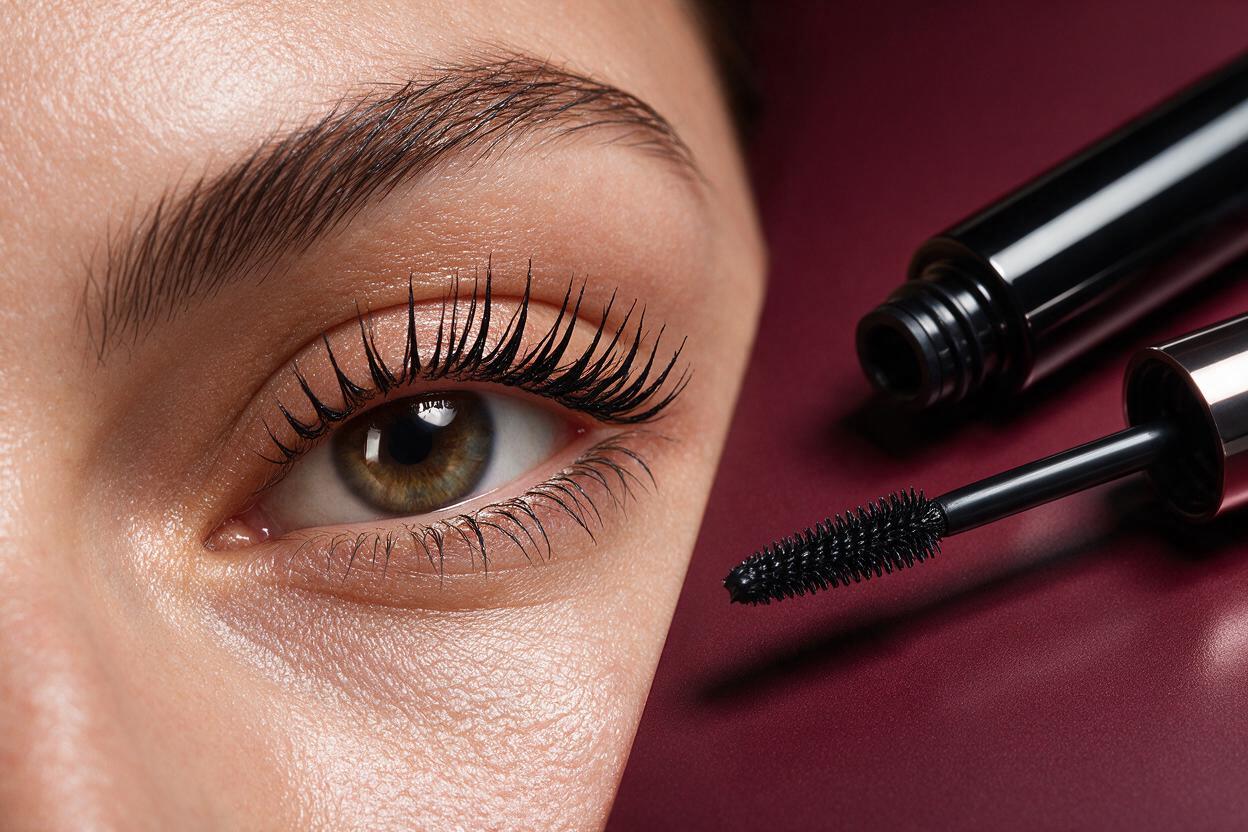
Imagen Prompts for Mascara Ads Without Spider Lashes
Create polished mascara campaign concepts without fused lashes, oversized fibers or distorted applicator wands. These Imagen prompts separate lash anatomy, makeup finish, product packaging and lighting so beauty teams can produce more realistic editorial visuals.
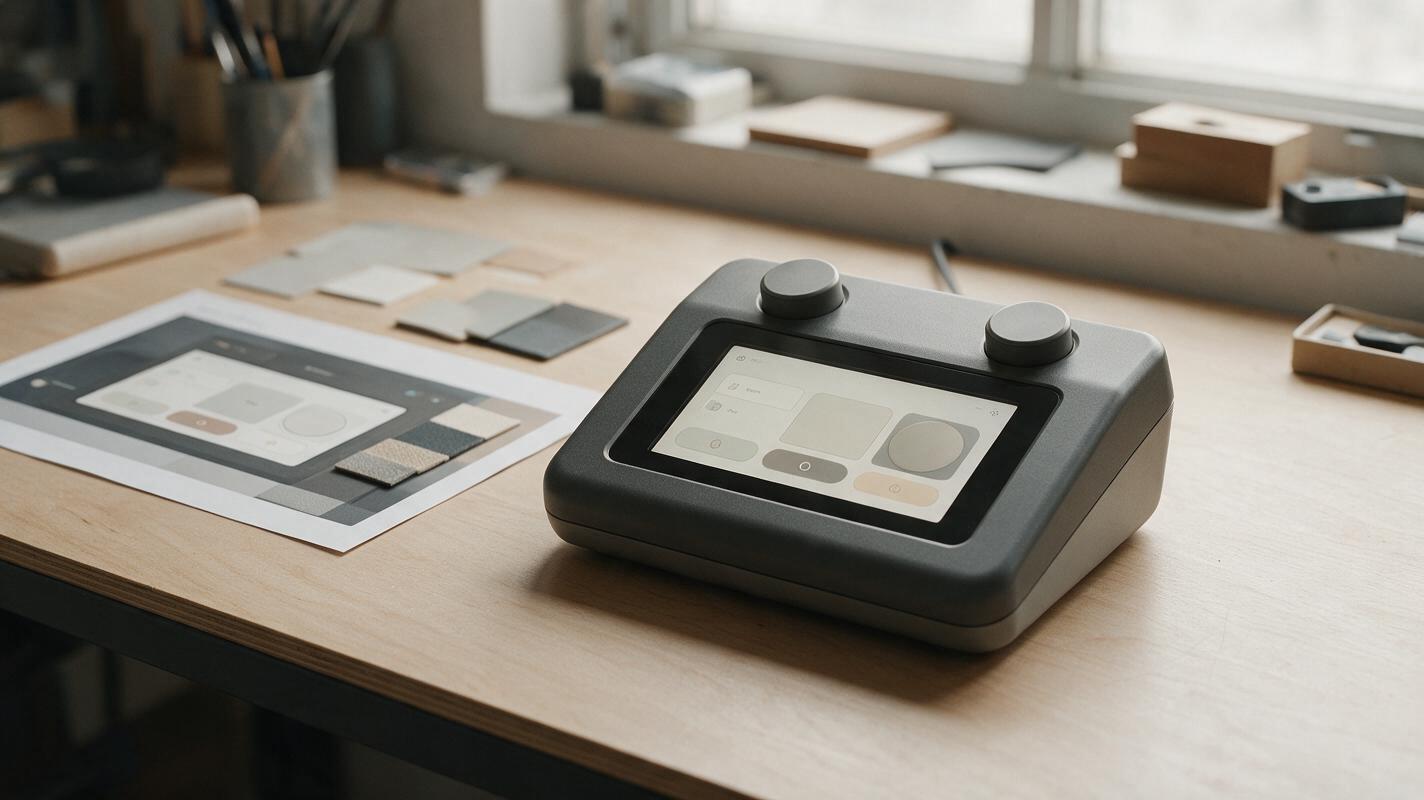
AI Product Renders With Readable Screens, Not Gibberish UI
AI can produce a convincing hardware render while filling its display with unreadable text, misplaced controls, or features that do not exist. This guide shows product designers how to generate the device image, place approved screen artwork separately, and check the final presentation for visual and functional accuracy.
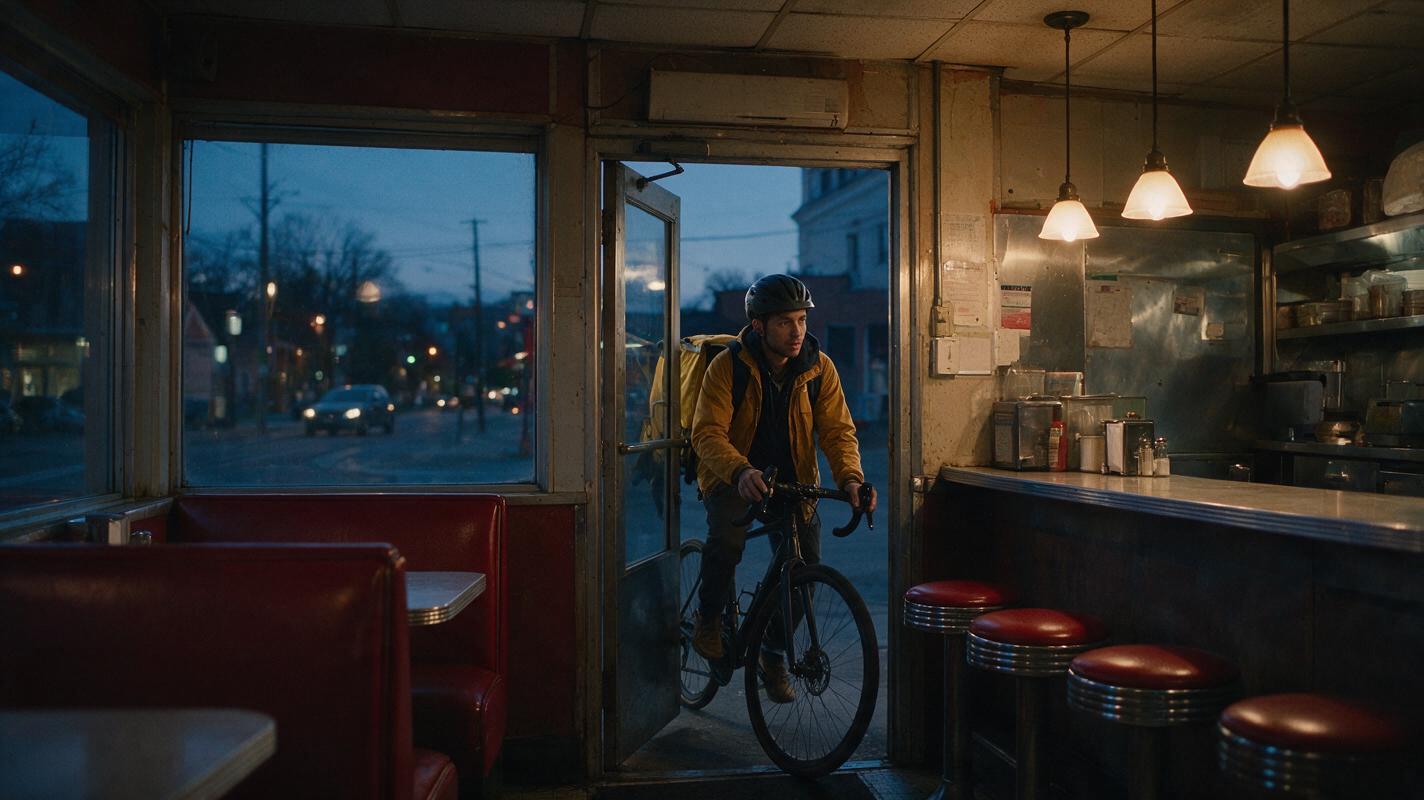
How to Keep Lighting Consistent in an Image-to-Video Sequence
Keep lighting consistent by defining one lighting bible, generating reusable location plates, and animating each shot without asking the video model to redesign the illumination. This reference-first image-to-video workflow shows how to preserve light direction, color temperature, exposure, and practical fixtures across a cinematic sequence.
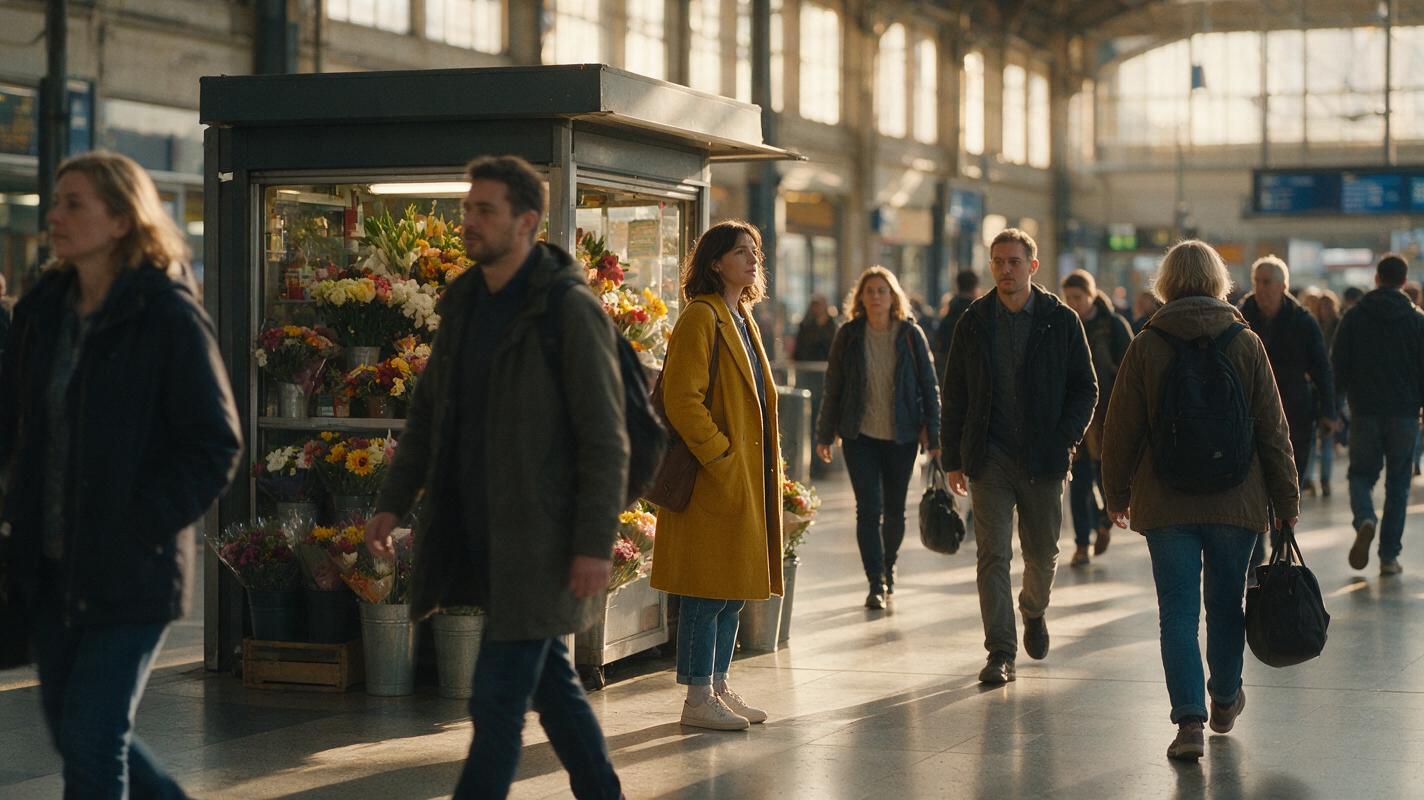
How to Create Stable AI Crowd Scenes with Image to Video
Create stable AI crowd scenes by designing one readable anchor frame, dividing people into motion zones, and animating only short, bounded actions. This image-to-video workflow reduces merged faces, duplicated limbs, sliding pedestrians, and unwanted changes to the main character.
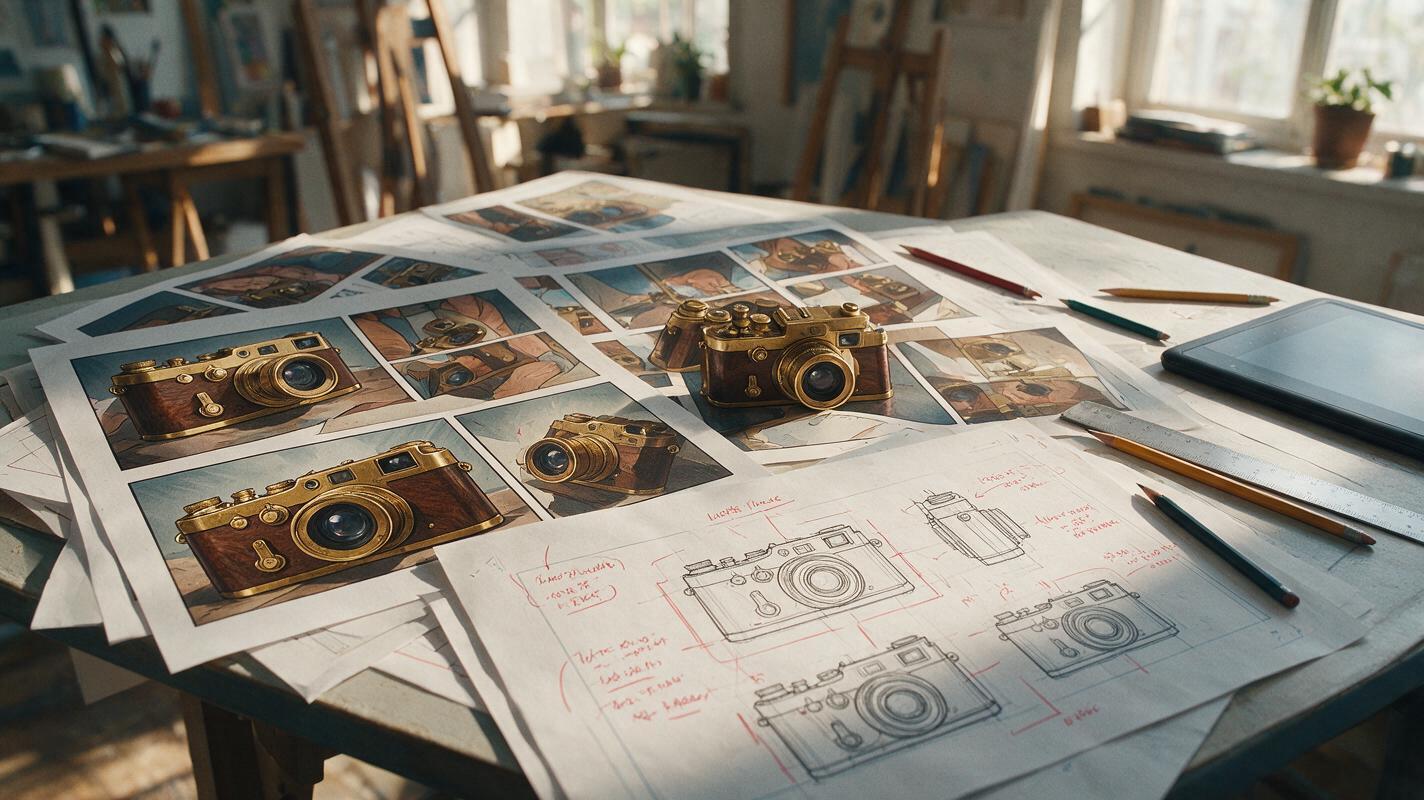
Why AI Comic Props Change Between Panels—and How to Keep Them Consistent
AI-generated props often change shape, scale, or construction whenever the camera angle changes. This guide shows comic and webtoon artists how to build a prop reference sheet, write interaction-aware prompts, and repair object drift with GPT Image without repainting the entire panel.