Blog
Discover the latest from MagicBoat
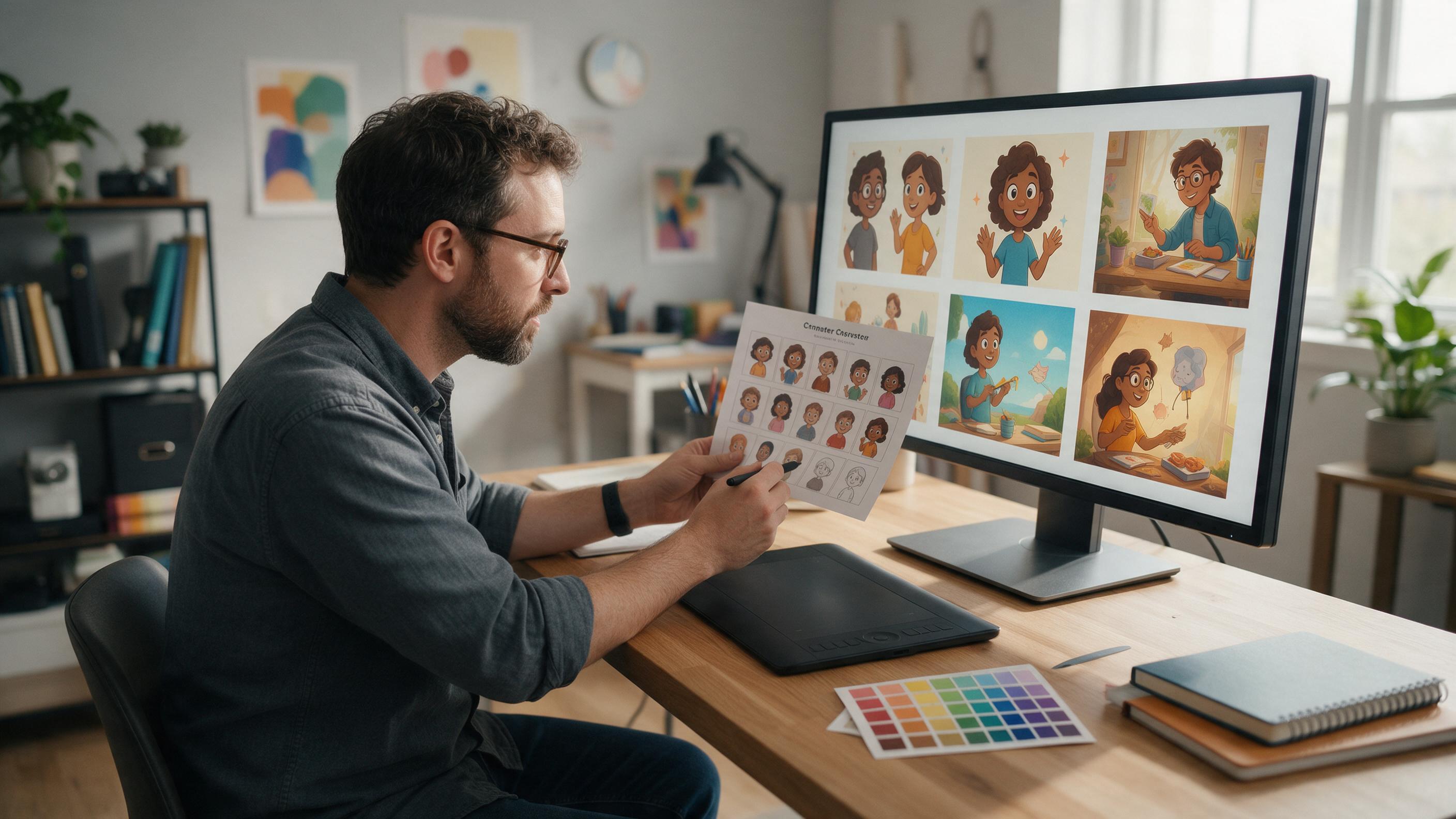
How to Keep One Character Consistent Across Lesson Illustrations
Create a reusable educational character that remains recognizable across slides, worksheets, explainers, and course thumbnails. This tutorial uses a character sheet, reference-based generation, controlled prompts, and targeted editing to reduce unwanted changes in clothing, colors, proportions, and facial features.
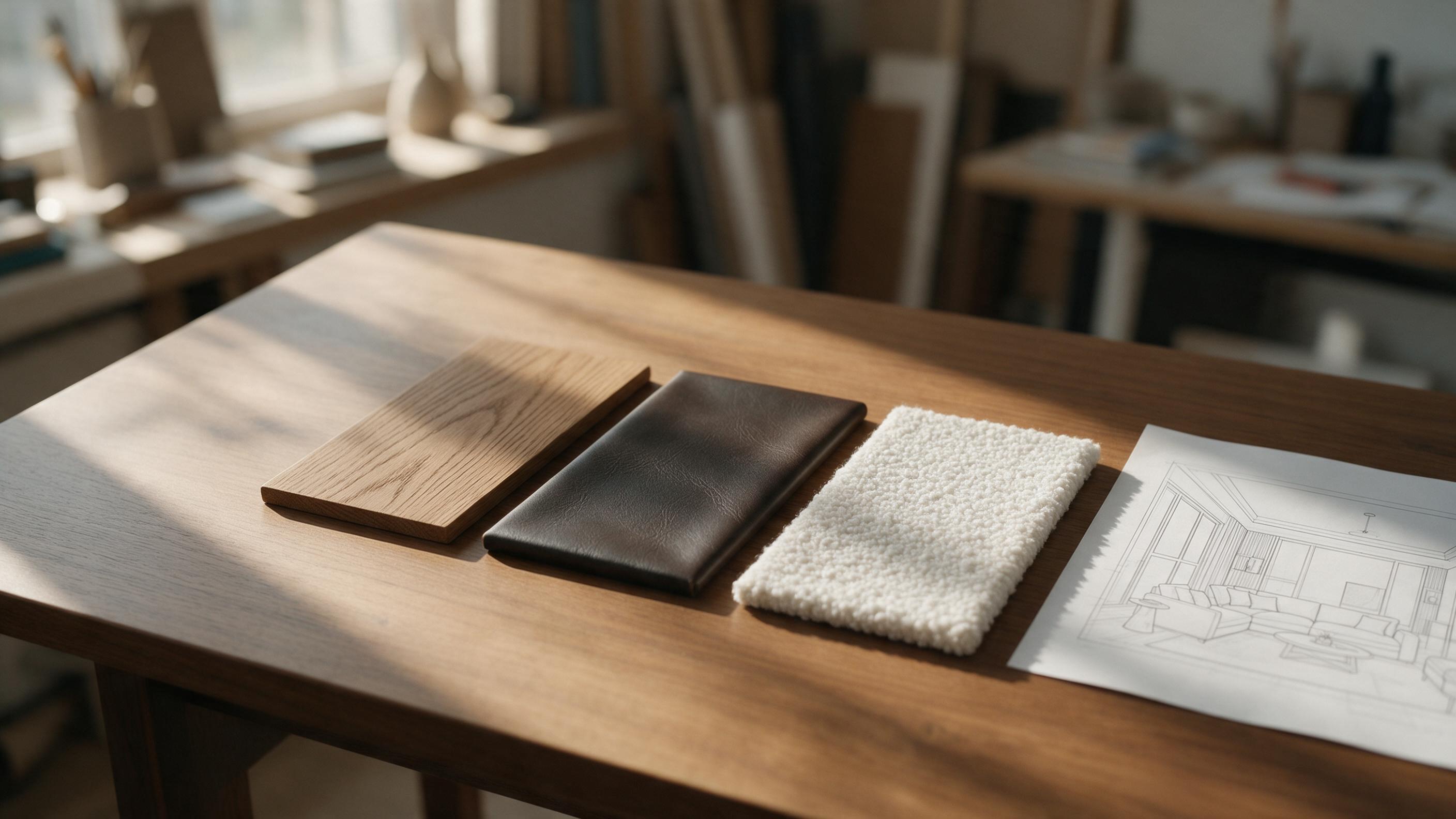
How to Generate Furniture and Material Variations from a Single Layout using Flux
Learn how to use Flux to instantly generate photorealistic material, lighting, and furniture variations from a single white-box interior sketch or layout.
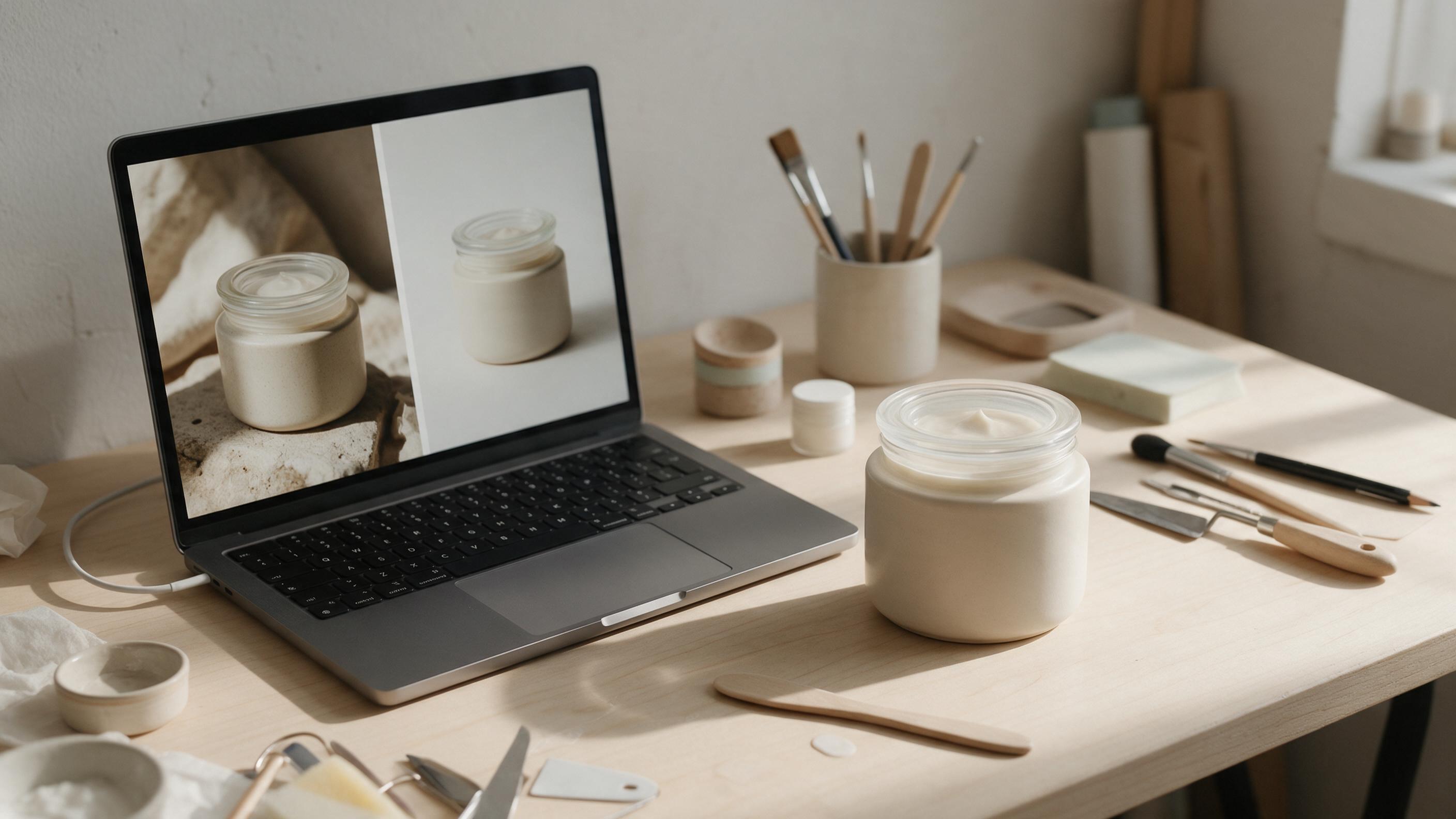
How to Change a Product Photo Background Without Changing the Product
A new background can make a product photo fit your store or campaign, but AI edits often alter labels, colors, or packaging along the way. This guide shows sellers how to protect the product, build a believable scene, and check the result before publishing.
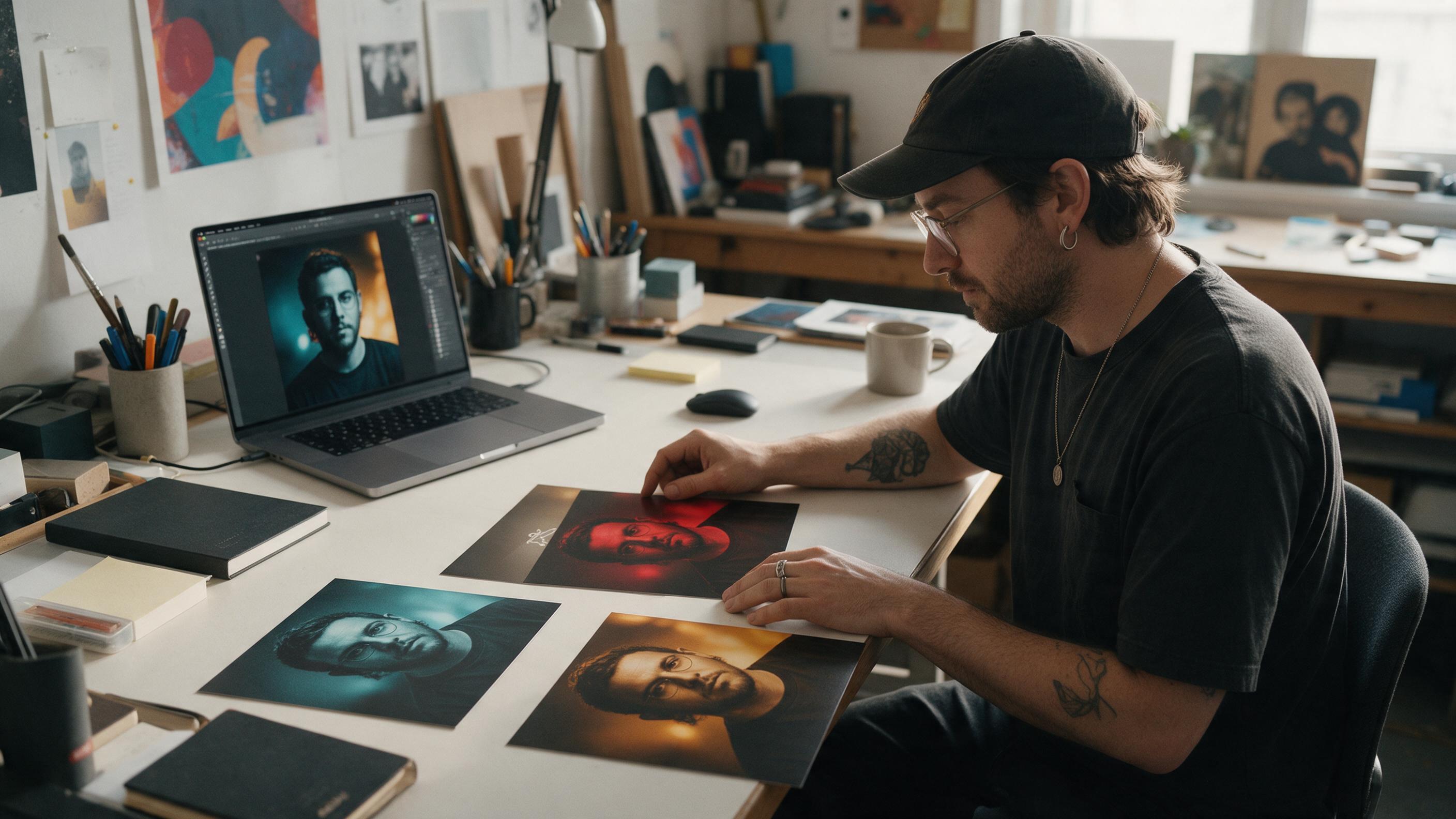
How to Make Matching Single Covers With GPT Image
Build a cohesive series of single covers without making every release look identical. This tutorial shows how to create a visual system, generate a master cover with GPT Image, preserve recurring elements through reference-based editing, and troubleshoot consistency problems.
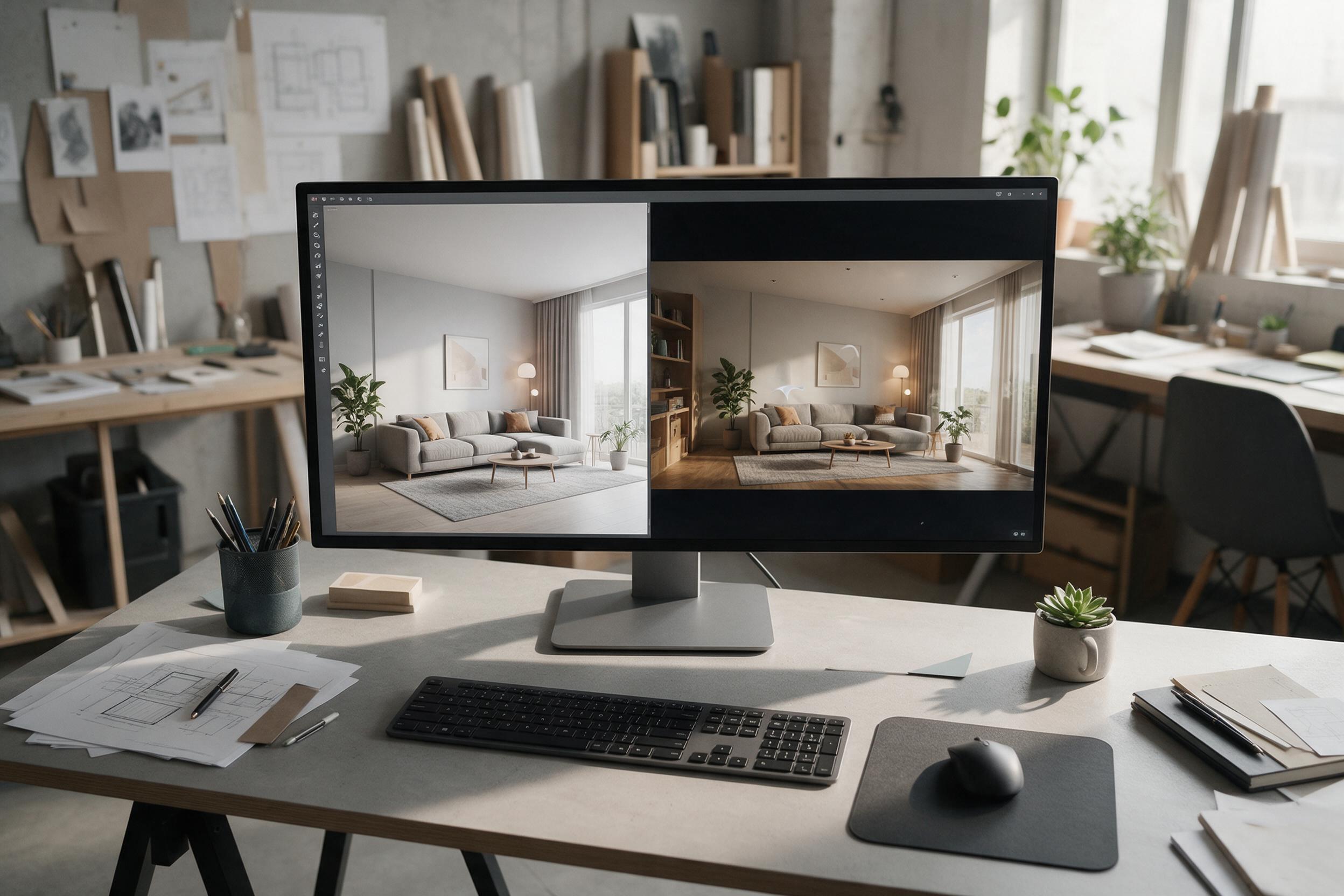
Turn Static Interior Renders into Walkthrough Videos with Kling
Learn how to transform single 3D interior renders into cinematic, moving walkthroughs. This workflow uses Kling and Runway to add realistic camera motion and lighting shifts to static room concepts.
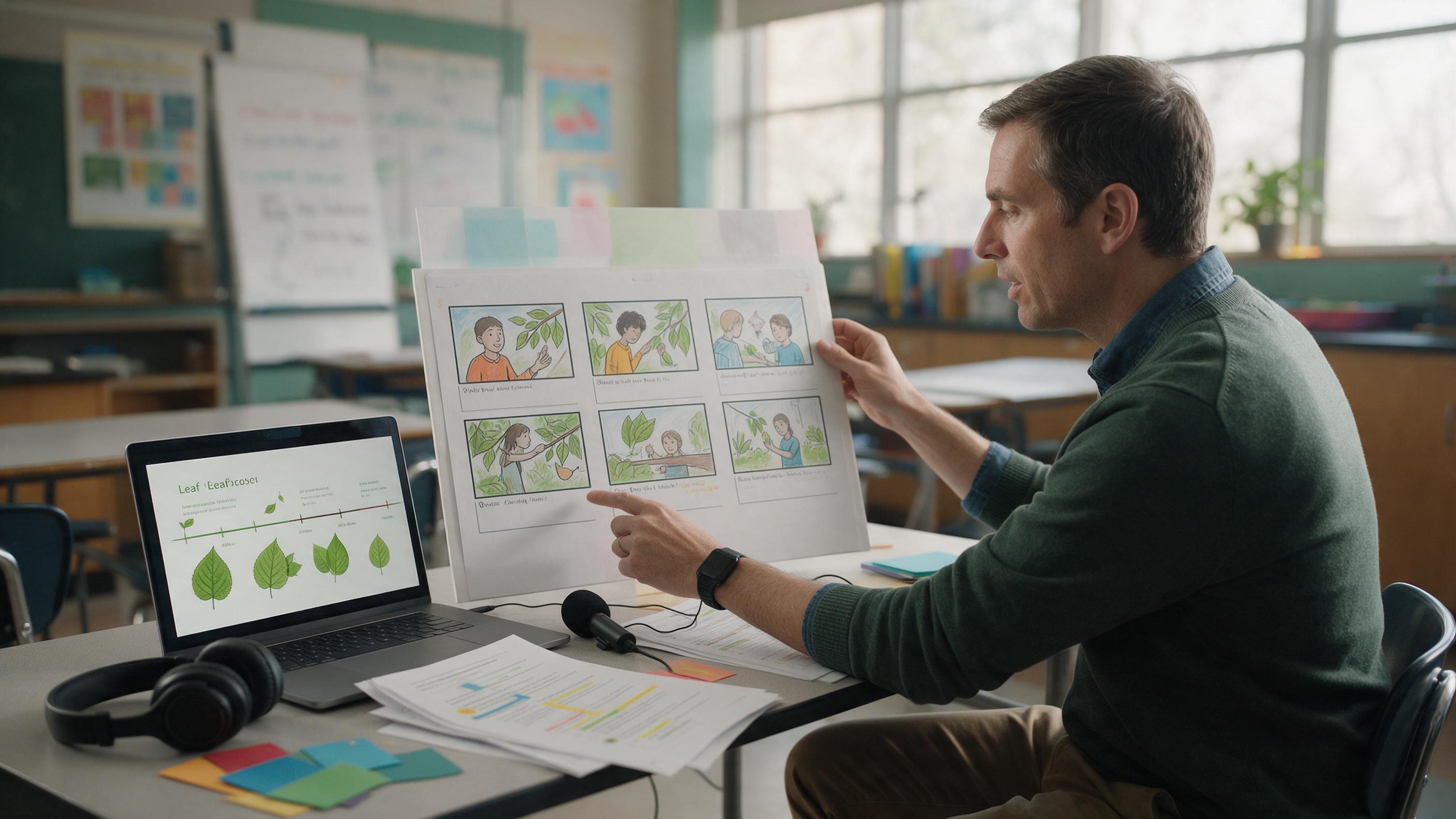
How to Turn a Lesson Script Into a 60-Second AI Explainer Video
Create a focused 60-second educational explainer by reducing your lesson to one objective, planning visual beats, generating controlled source frames, and animating them as short clips. This tutorial includes reusable prompts, model-selection guidance, pacing tips, and a troubleshooting table for common AI video problems.
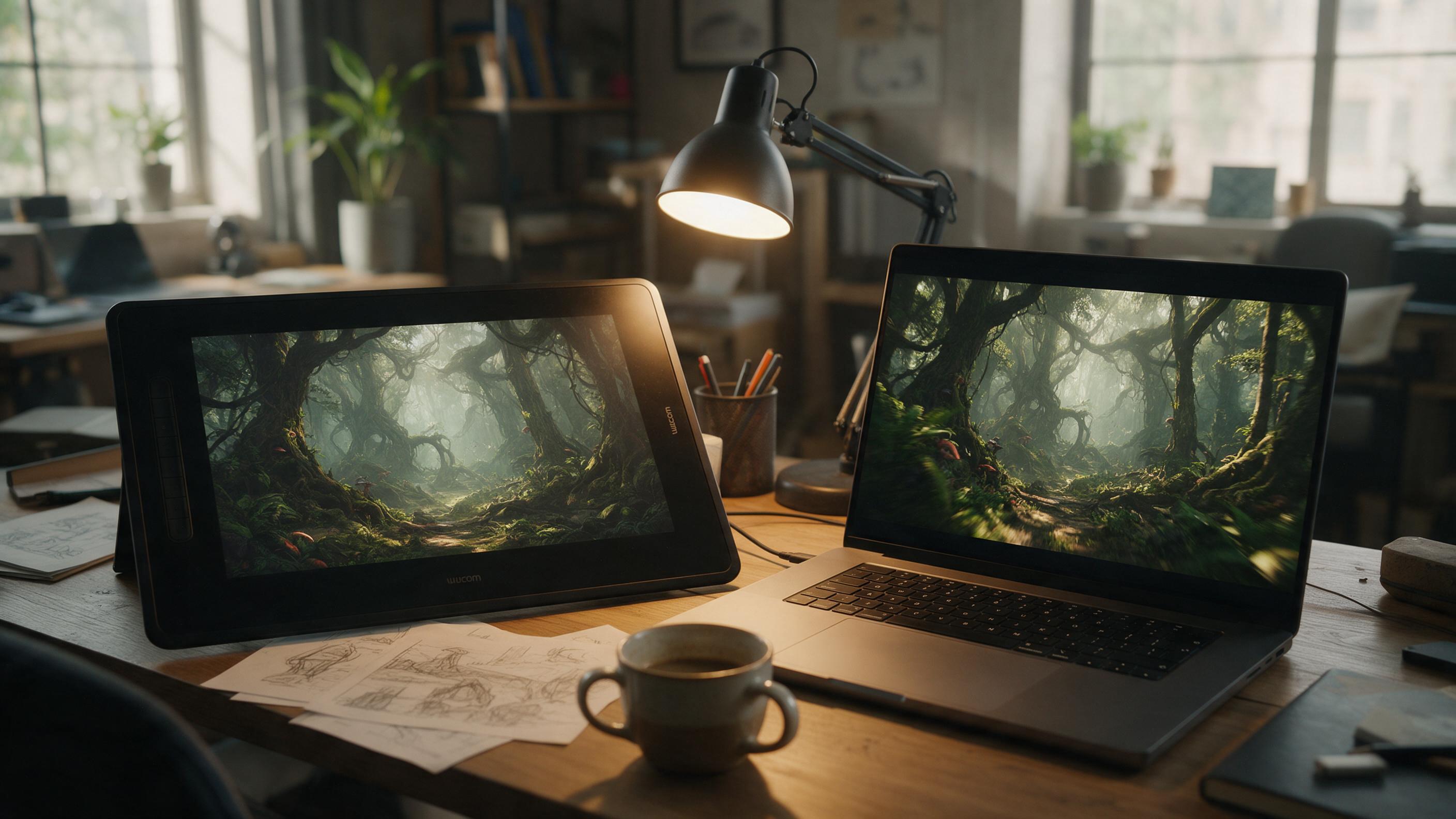
How to Turn Environment Concept Art Into Game Trailer Flythroughs With Kling
Static environment concept art is great for design reviews, but game teams often need moving footage for pitch decks and trailer teasers without building a full 3D scene. This tutorial walks through using Kling’s image-to-video tool to generate smooth, style-consistent flythroughs that preserve every detail of your original concept art, with troubleshooting for common issues like perspective warp and prop drift. You’ll learn exact input prep steps, optimized settings, and reusable prompt templates to create usable flythrough footage in minutes.
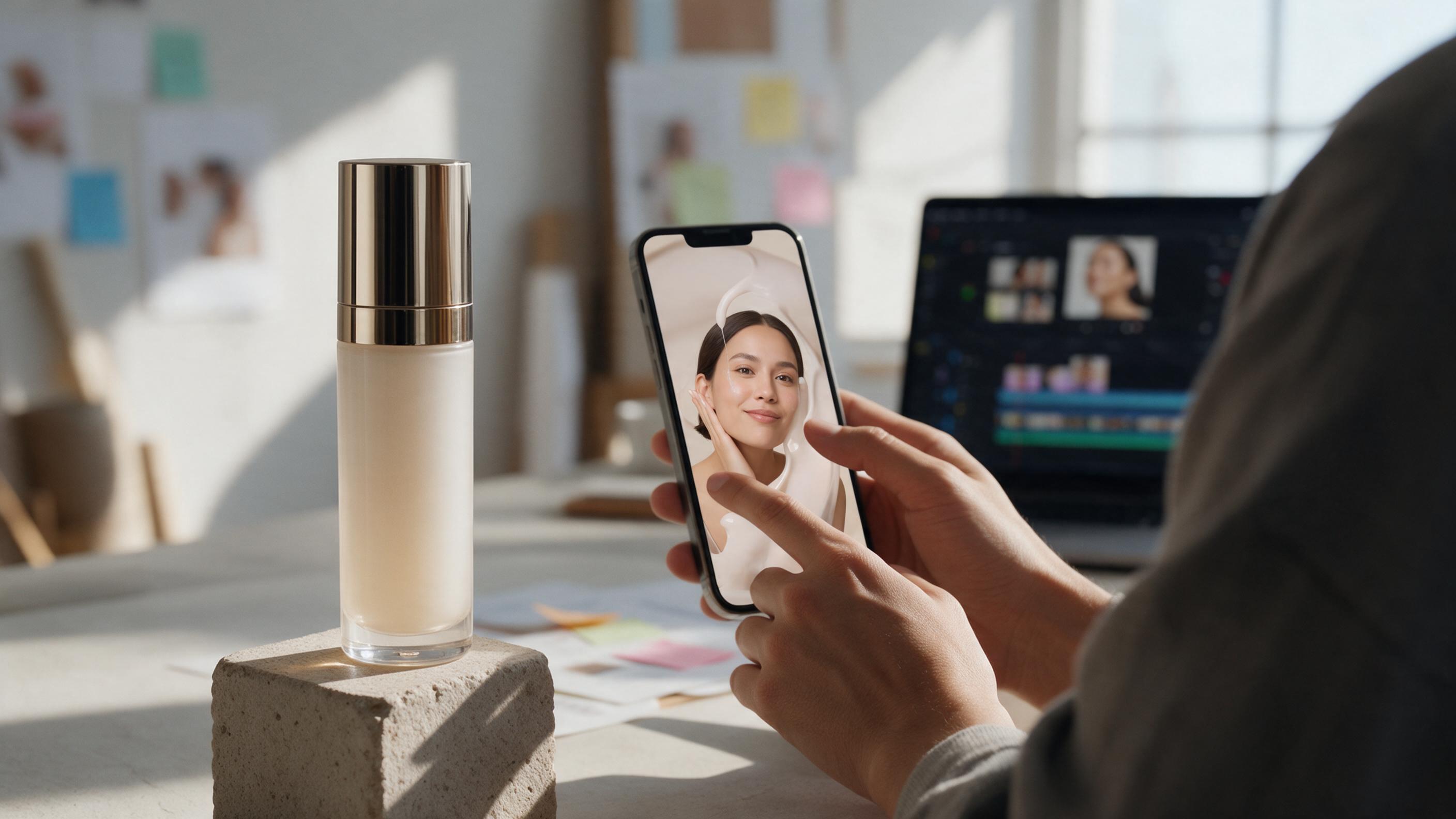
How to Turn Product Photos Into Seamless Looping Ads With Kling
Learn how to animate a static product photo with Kling and turn it into a short, seamless loop for social ads, product pages, and launch campaigns. This practical workflow covers source-image selection, controlled motion prompts, loop construction, text overlays, and common distortion fixes.
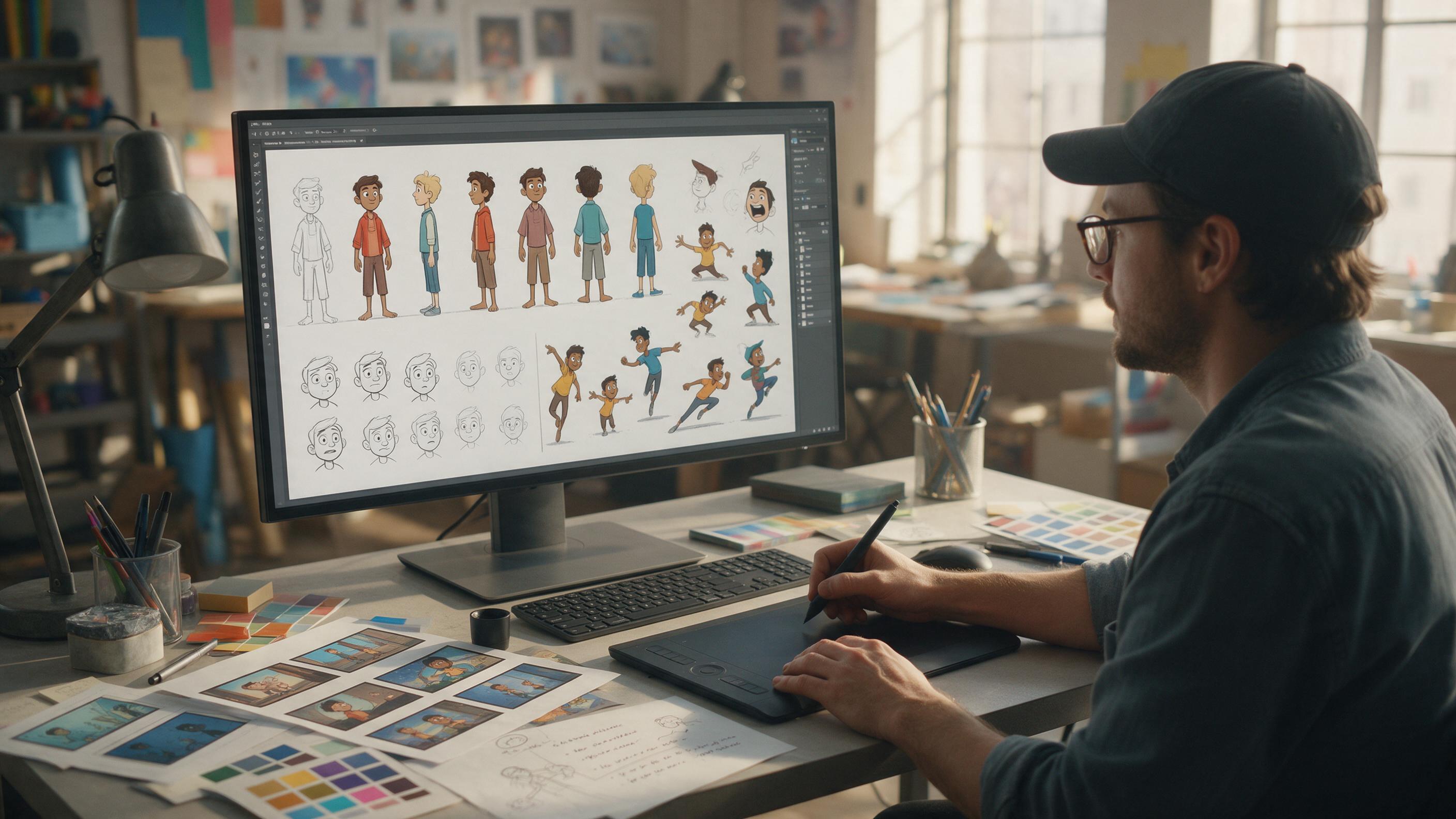
How to Make a Consistent Character Sheet with GPT Image
Learn how to build a production-ready character reference sheet with GPT Image before creating character motion. This step-by-step workflow covers anchor images, turnarounds, expressions, poses, animation tests, and common consistency problems.
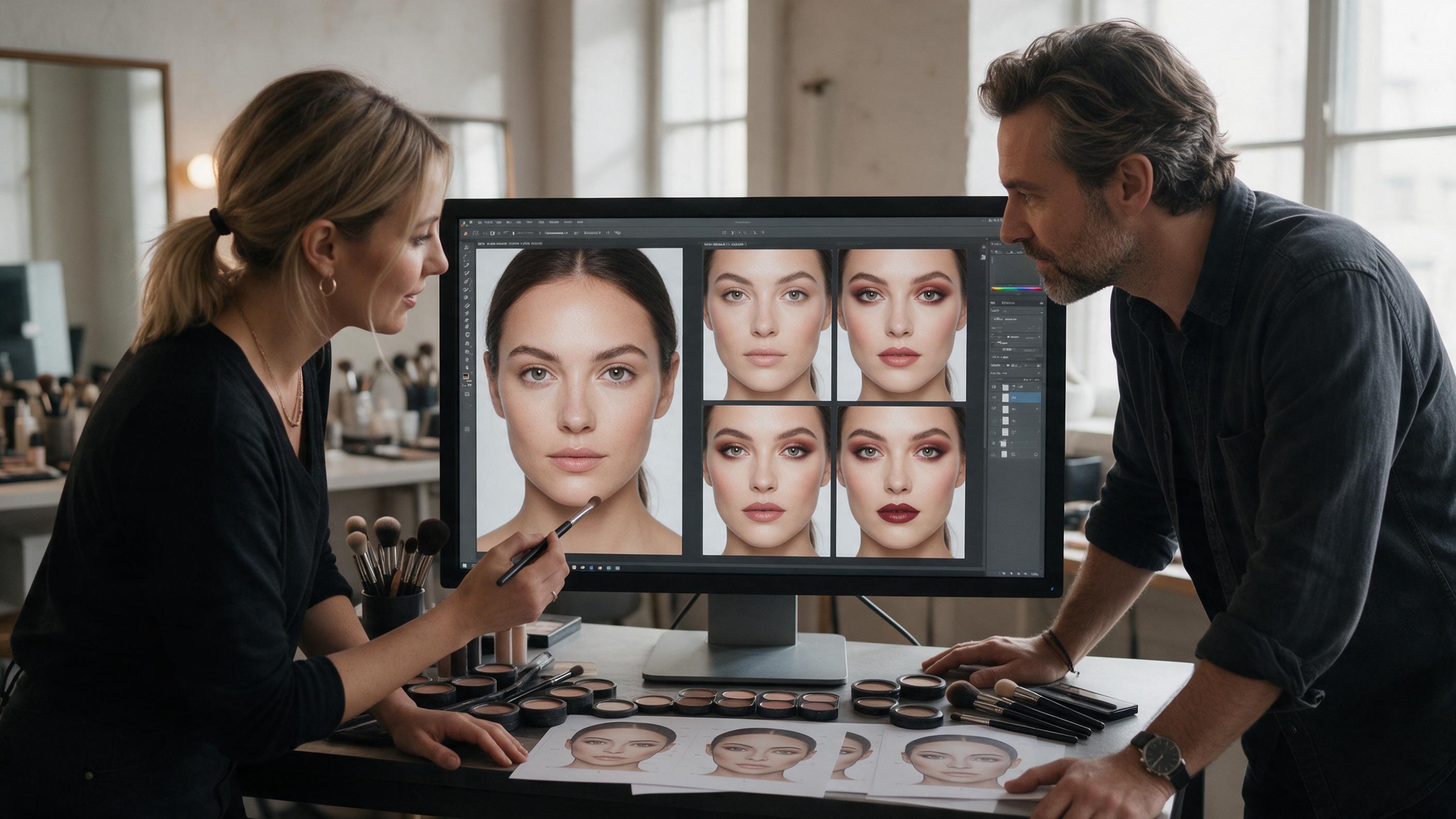
AI Makeup Generator Tutorial: Change the Look, Not the Face
Learn how to generate realistic makeup variations while preserving facial identity, skin texture and lighting. This practical workflow includes model-selection criteria, reusable prompts, comparison methods and fixes for the most common AI beauty editing failures.
How to Animate a 2D Illustration in Runway Without Warping
Learn how to turn a finished illustration into a controlled parallax shot in Runway while preserving faces, silhouettes, typography, and graphic style. This practical workflow covers source preparation, reusable prompts, variation testing, troubleshooting, and final compositing.
How to Turn Character Concept Art Into Consistent Animation With Seedance
Static character concept art fails to convey movement and personality in game pitches, and most AI video tools cause unwanted character drift or style shift. This step-by-step tutorial teaches game designers and concept artists to use Seedance’s image to video pipeline to generate consistent, blur-free concept animation clips from a single reference image, with reusable prompts and troubleshooting for common issues. The workflow takes 10–15 minutes per clip and works for all character art styles.