Blog
Discover the latest from MagicBoat
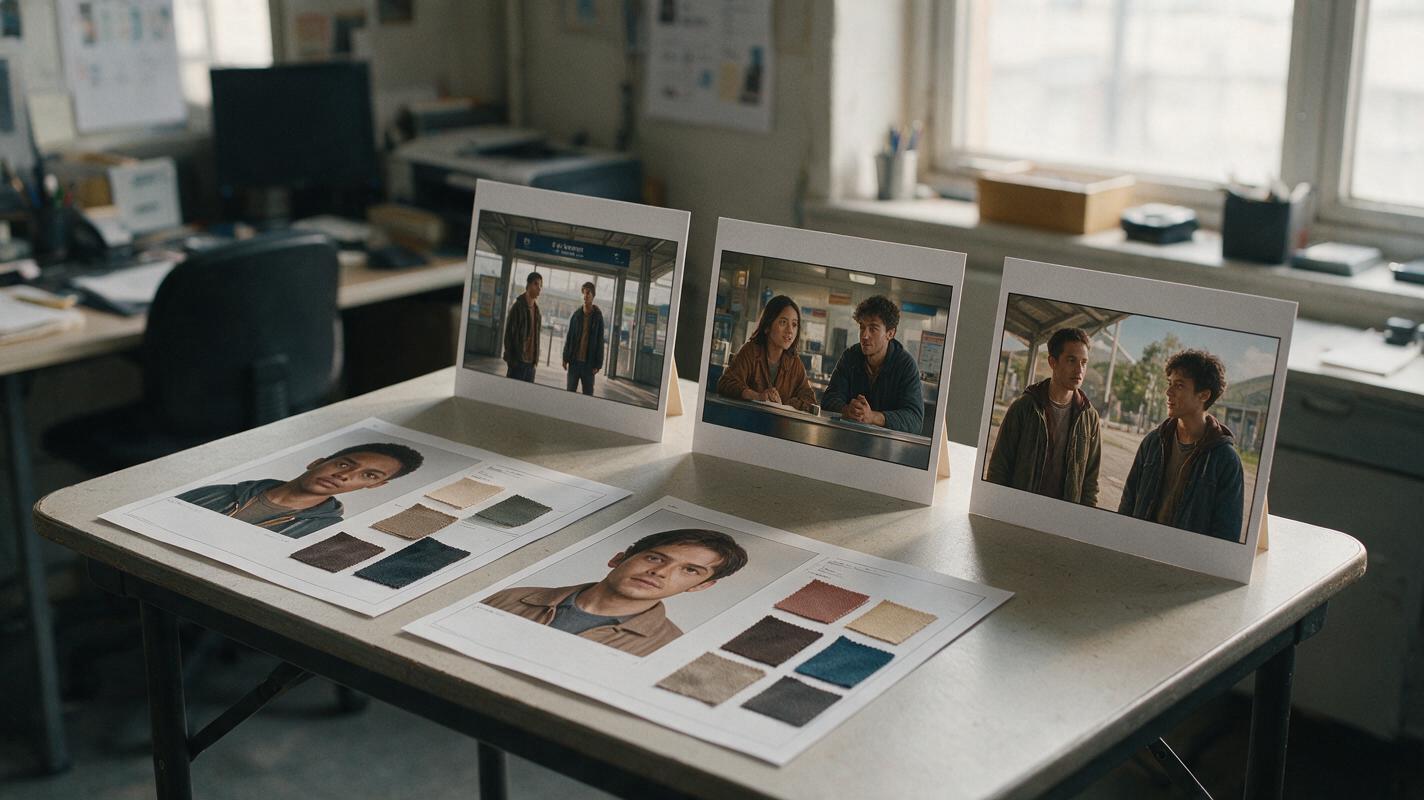
Multi-Entity Consistency: Keep Two Characters Distinct Across Scenes
When two characters appear in the same AI video, identity drift can turn a clear story into a confusing one. This guide uses separate character sheets, reference images, shot-by-shot prompts, and a review checklist to keep each character recognizable across scenes.
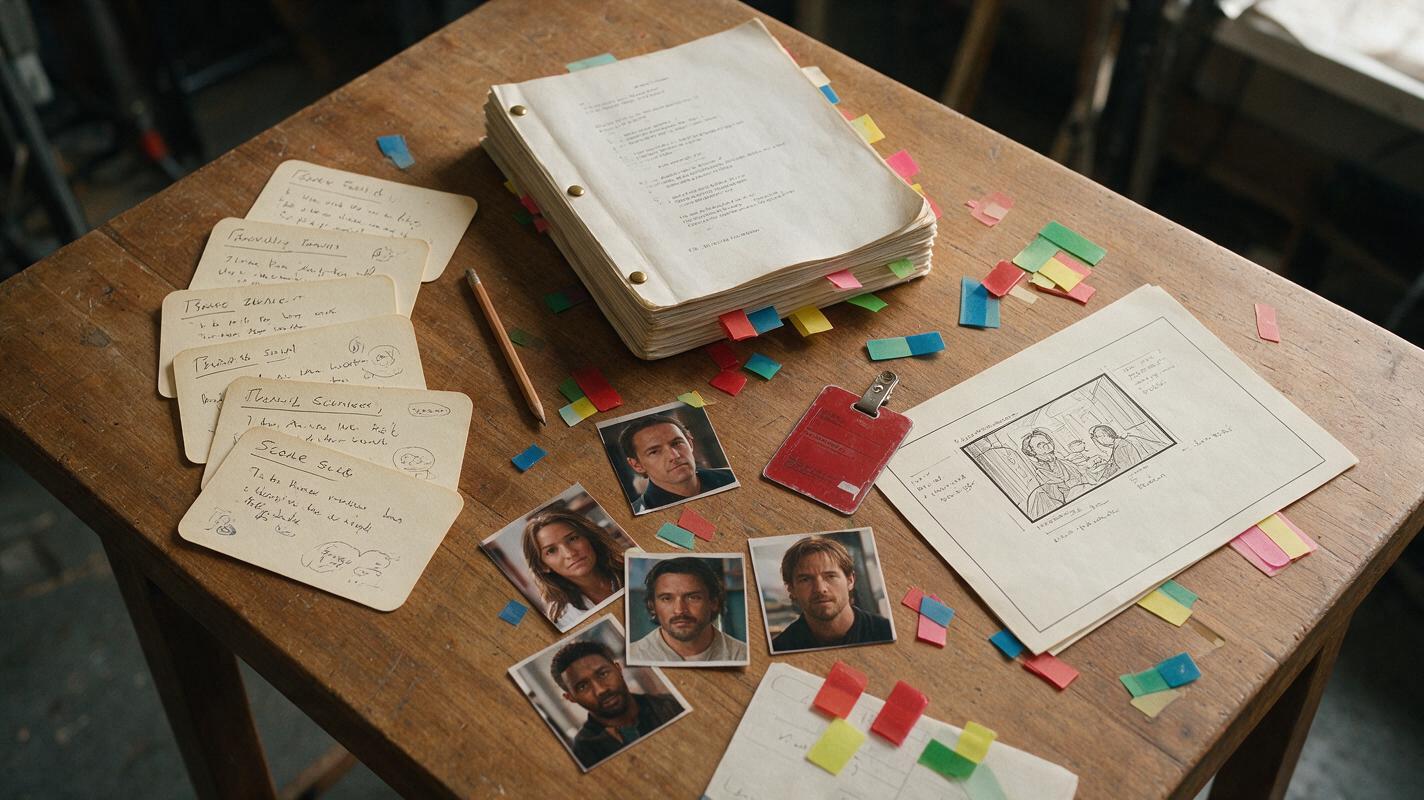
How to Turn a Script Into a Vertical AI Short Drama
A screenplay is not yet a production-ready prompt. This tutorial shows how to convert one script into a structured vertical AI short drama using episode cards, continuity rules, shot prompts, and a repeatable batch workflow.
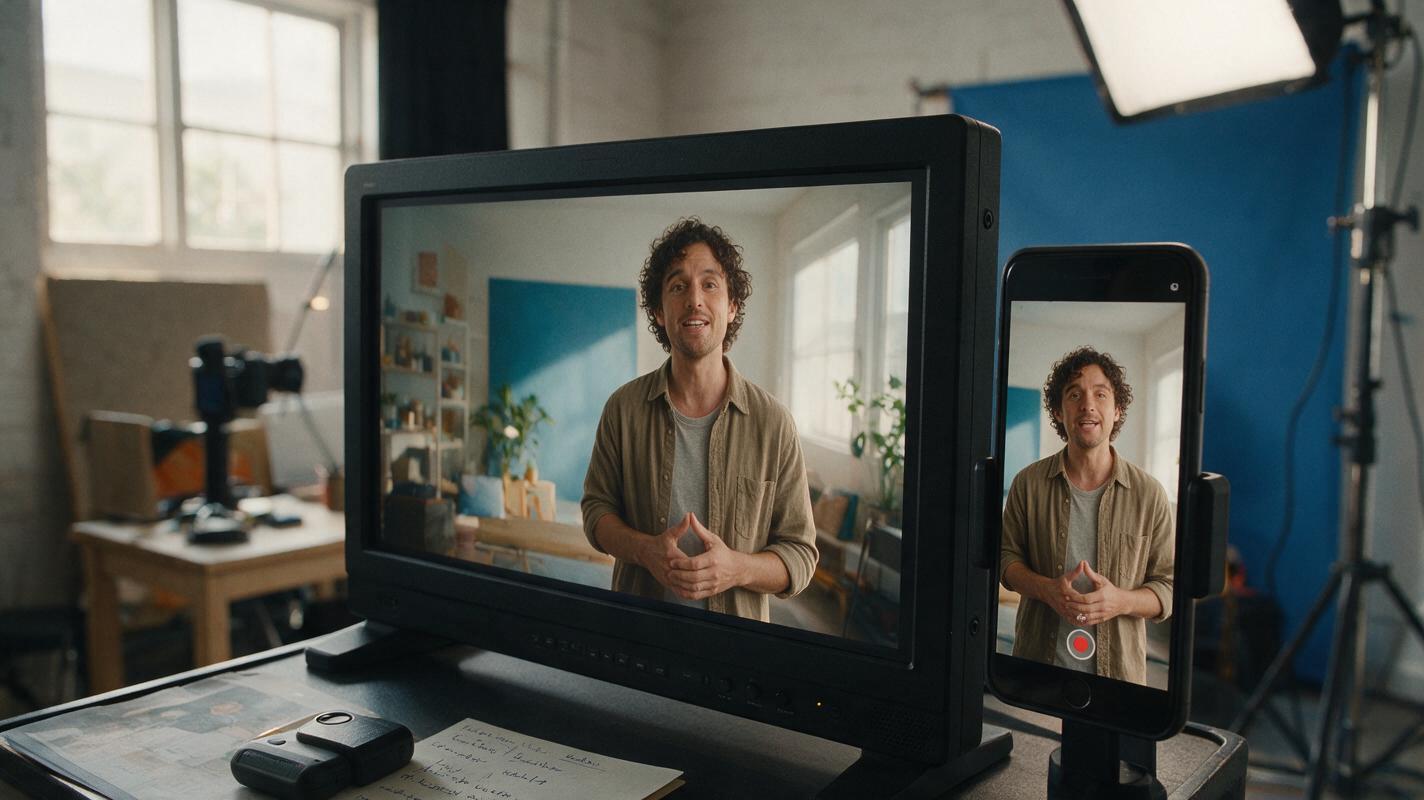
Video Reframe Guide: Turn Landscape Clips Vertical Without Bad Crops
Learn a practical video reframe workflow for turning a 16:9 presentation, interview, or product demo into a clean 9:16 social clip. The guide covers subject tracking, safe composition, caption placement, shot-change corrections, and an honest before-and-after review.
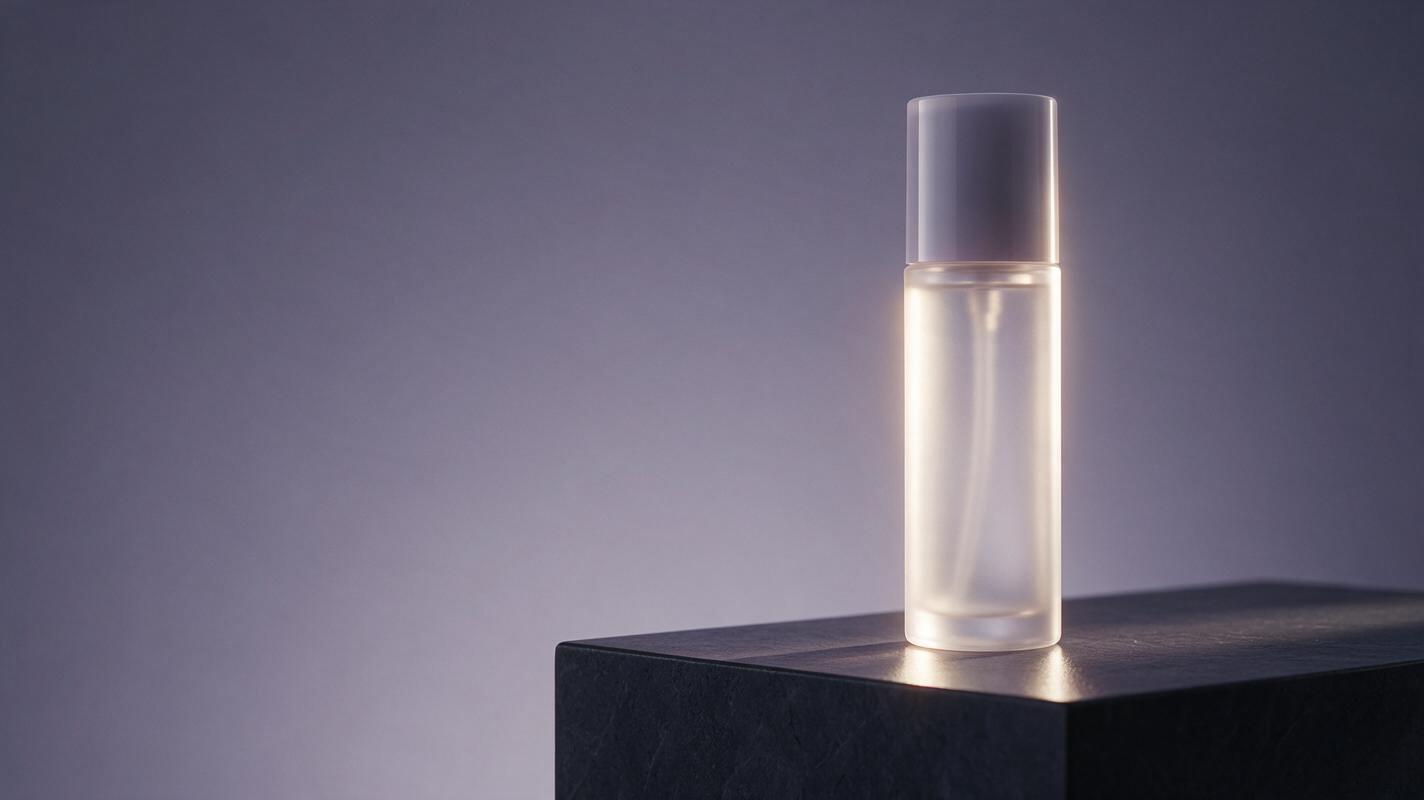
Seedream 4.5 Prompts for Campaign Key Visuals With Clean Copy Space
Learn how to prompt Seedream 4.5 for campaign key visuals that leave intentional, usable space for headlines, logos, and calls to action. This practical workflow covers composition planning, reusable prompt patterns, variation control, and advertising-focused quality checks.
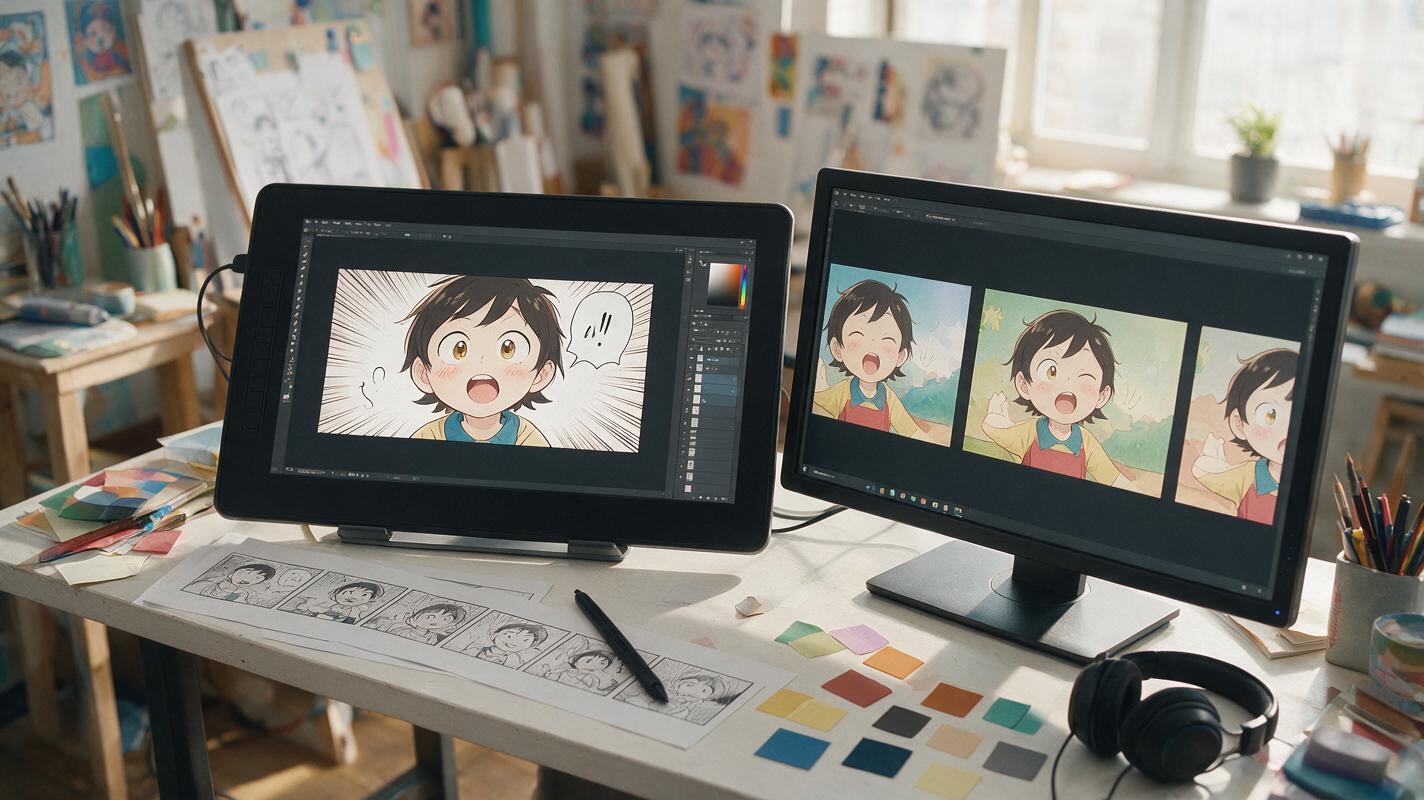
How to Animate a Comic Panel Without Warping the Artwork
Learn how to turn a finished comic or webtoon panel into a short animated shot without distorted faces, drifting line art, or unwanted camera movement. This practical workflow covers panel preparation, motion prompts, model selection, and fixes for common image-to-video failures.
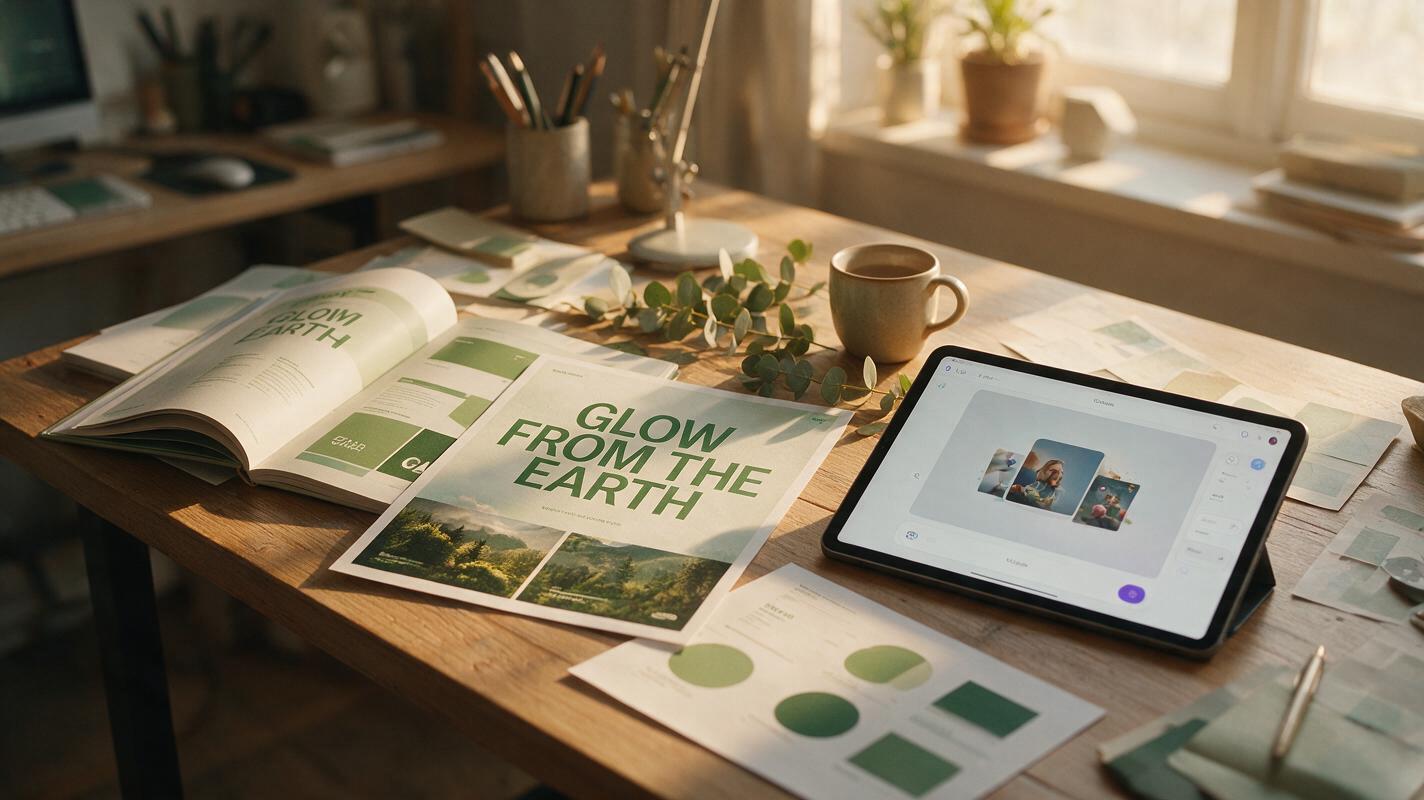
How to Make Typography-Led AI Campaign Key Visuals (Static + Animated)
Typography is often the weakest part of AI-generated campaign key visuals, with garbled text, wrong fonts, and inconsistent kerning wasting brand designers hours. This tutorial walks through a 4-step workflow to create crisp, on-brand static typography-led key visuals with Flux and GPT Image, then animate them for multi-channel use with Seedance. It includes reusable prompts, a tool comparison for typography animation, and troubleshooting for common AI text issues.
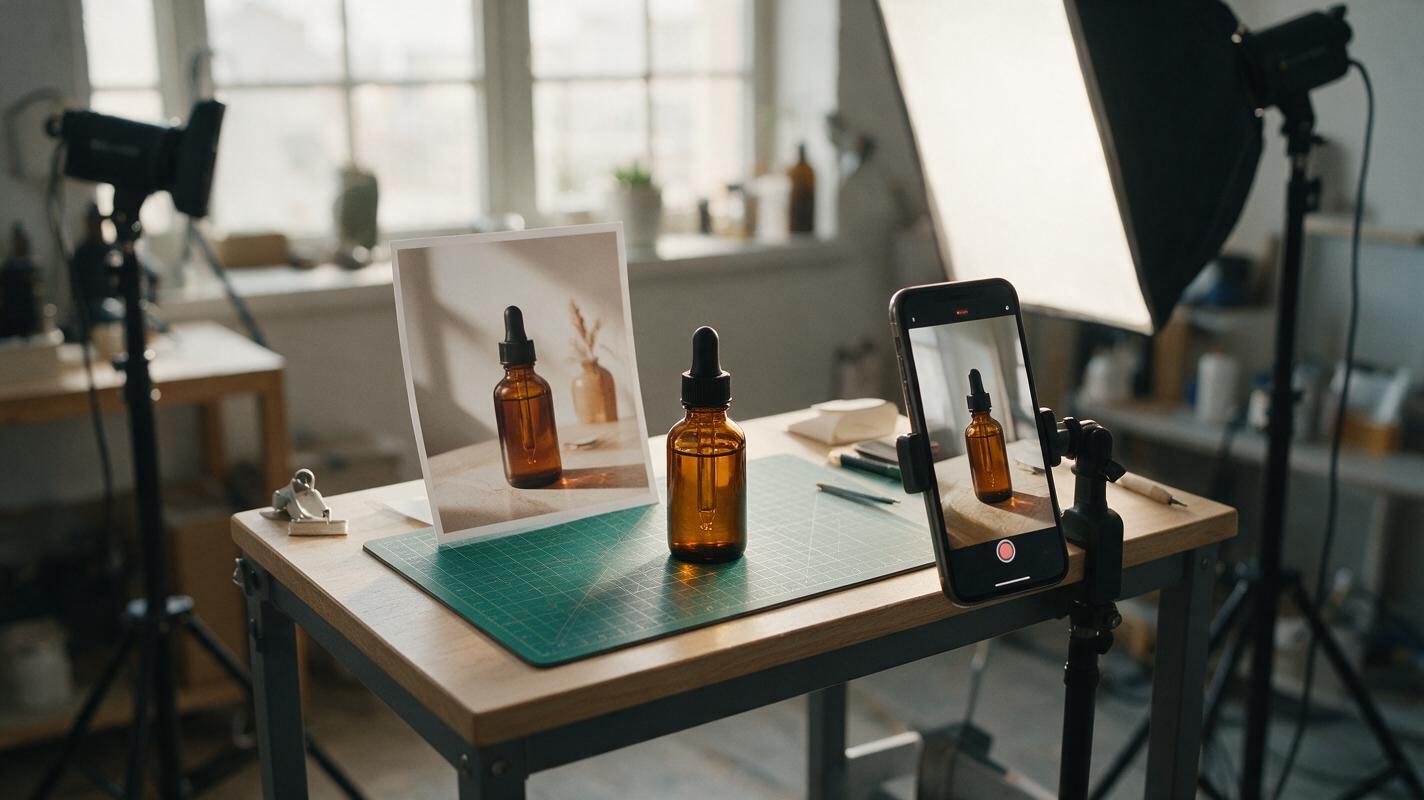
Turn One Product Photo Into a TikTok Shop Video Without a Reshoot
A single product photo can become a short TikTok Shop creative, but uncontrolled animation can distort the item or imply a demonstration that never happened. This tutorial shows sellers how to plan three simple shots, write image-to-video prompts, and check the finished video before publishing.
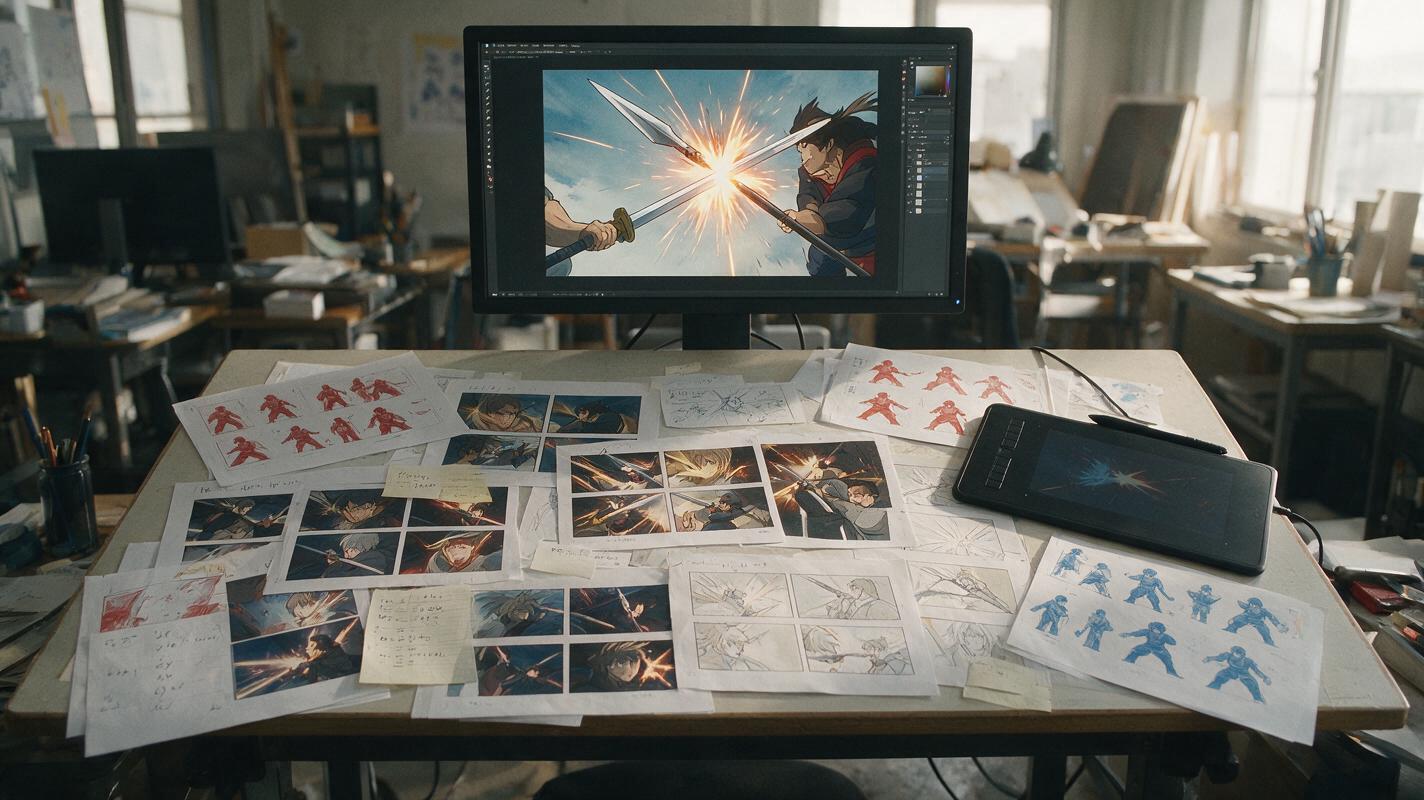
How to Make AI Anime Fight Animation That Feels Fast and Clear
Learn how to create an AI anime fight animation with readable choreography, stable characters, convincing impacts, and clean shot continuity. This practical workflow breaks one fight into short image-to-video clips that can be generated, repaired, and edited independently.
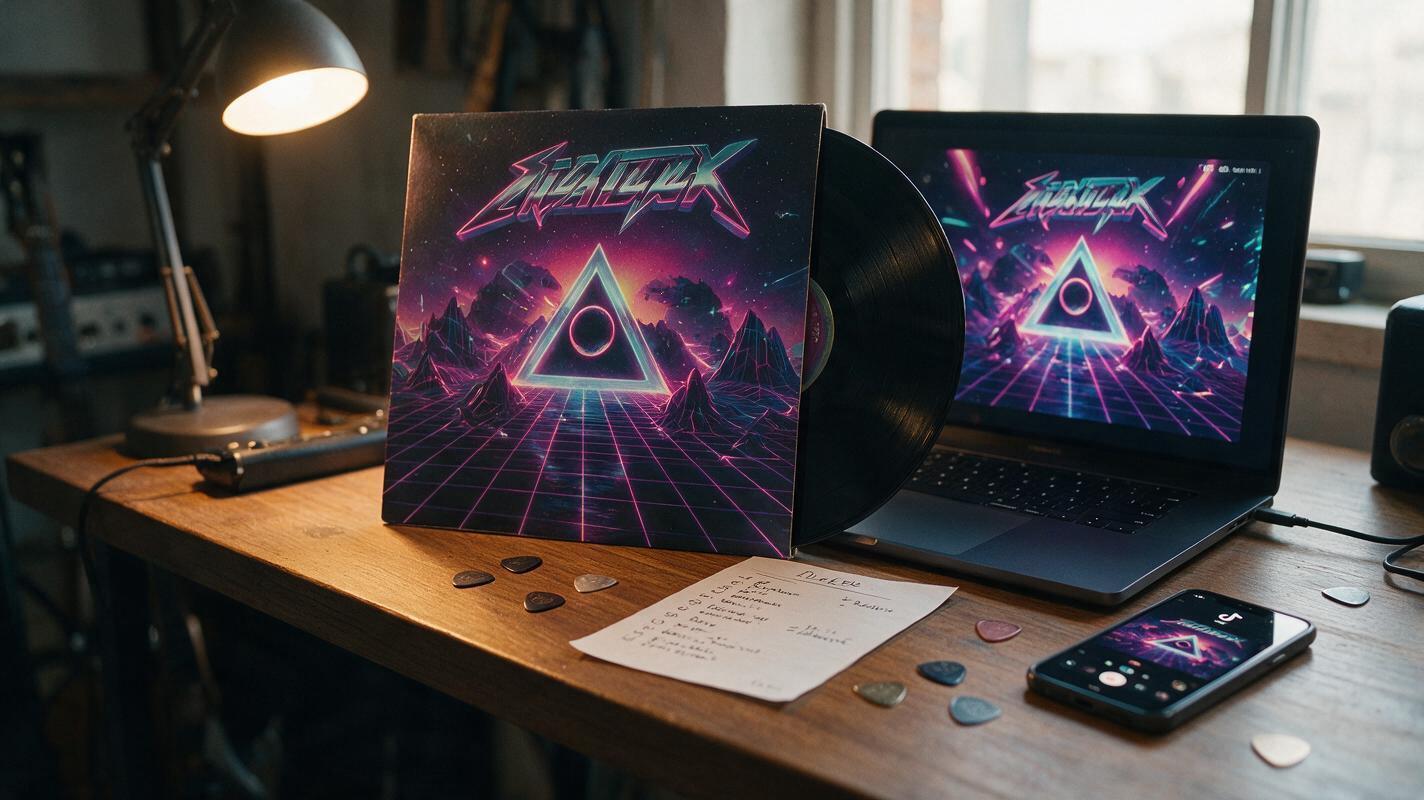
How to Turn Album Cover Art Into a 10s Promo Teaser With Seedance
This step-by-step tutorial teaches independent musicians and MV creators how to use Seedance’s reference-based image to video tool to turn static album cover art into a polished 10-second promo teaser for TikTok, Instagram Reels, and pre-save campaigns. It covers cover art prep, prompt engineering for style consistency, motion control settings, and platform-specific export tips to avoid common AI video glitches like color drift and warped details. Readers can create a brand-aligned teaser in under 15 minutes without filming or professional editing software.
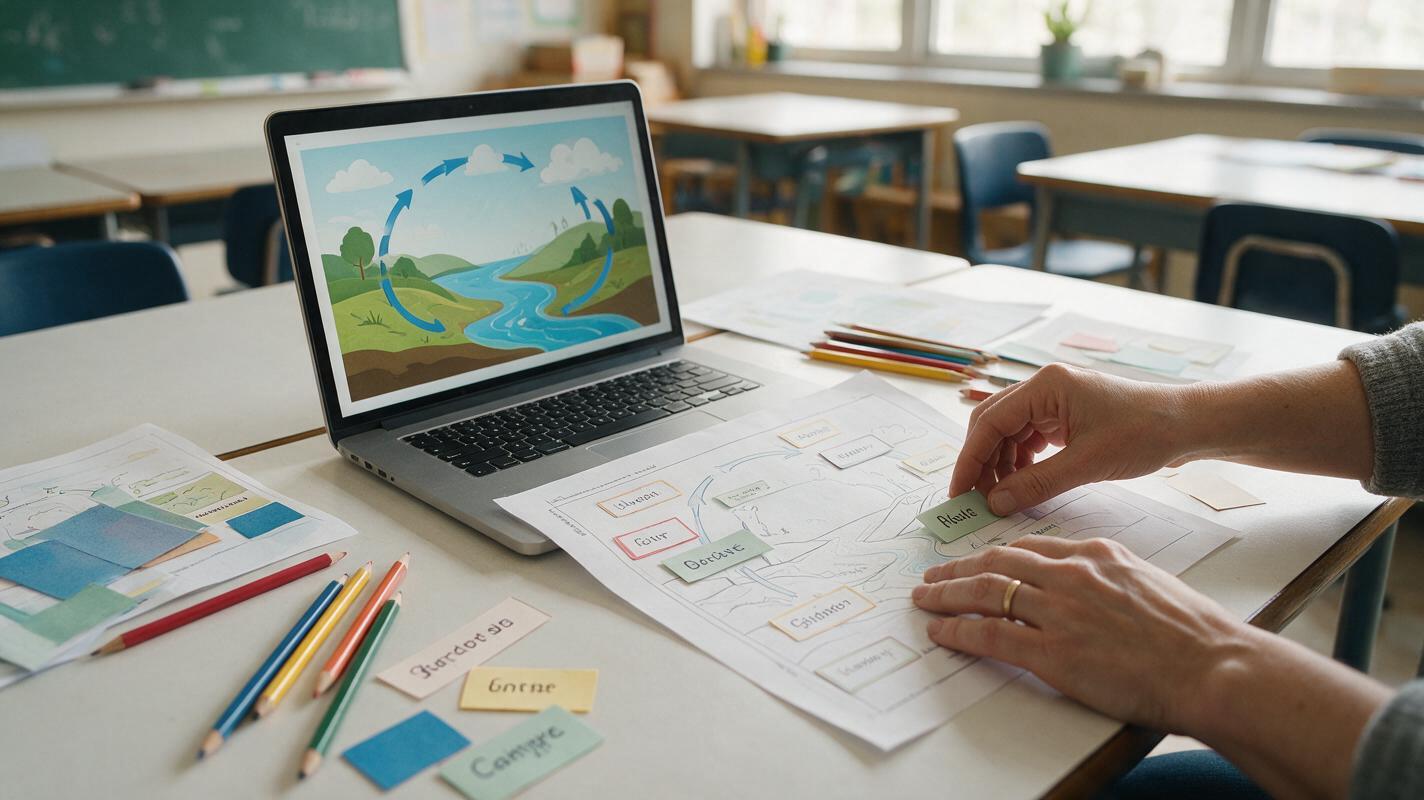
How to Make Editable Classroom Infographics With GPT Image
Learn an image-first workflow for creating classroom infographics with GPT Image while keeping facts, labels, and layout easy to correct. The tutorial shows how to separate visual generation from verified text, build a reusable prompt, troubleshoot common failures, and export accessible lesson visuals.
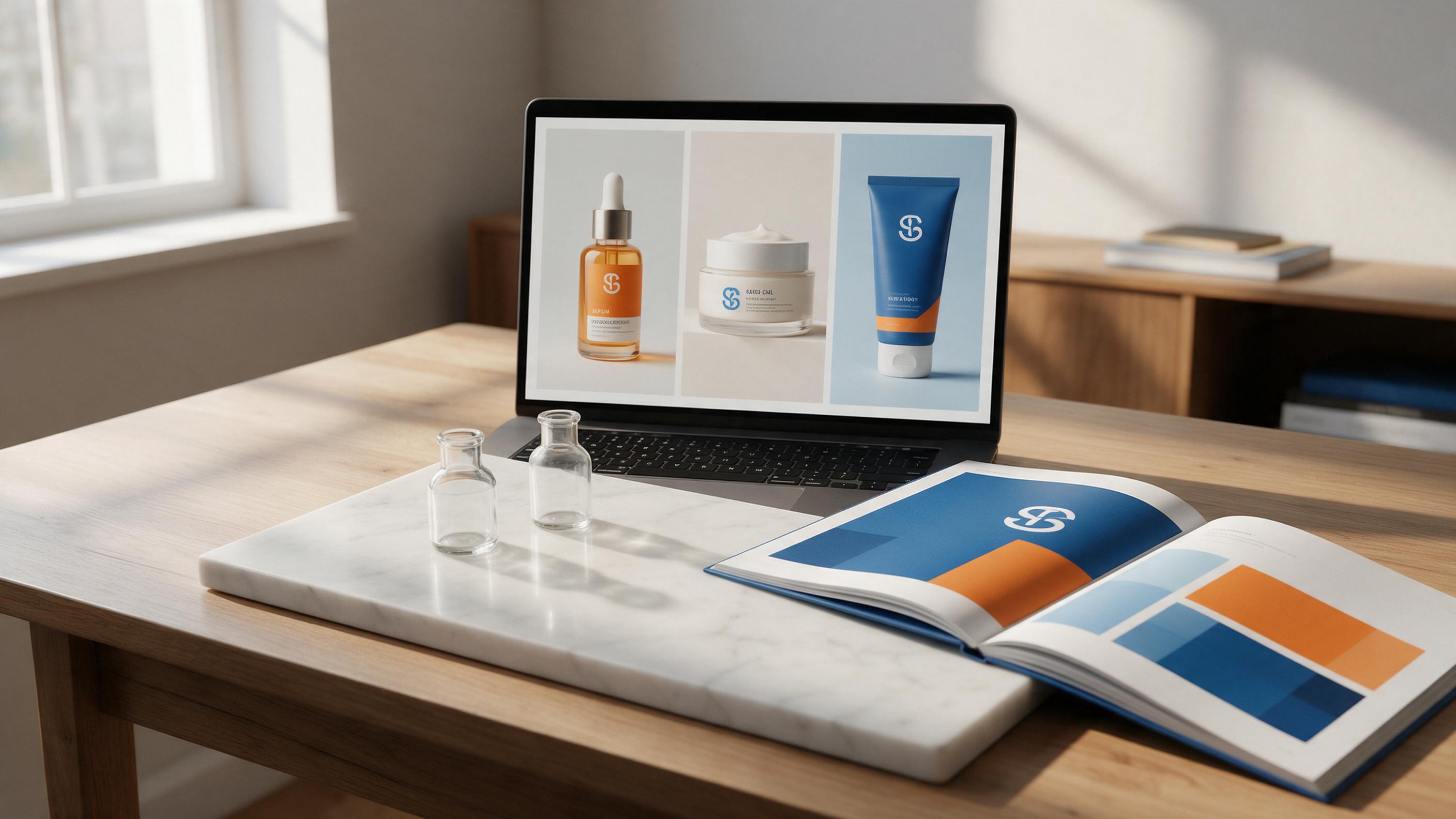
How to Create On-Brand AI Packaging Concepts & Animated Teasers Fast
This step-by-step tutorial teaches brand and graphic designers to generate on-brand AI packaging design concepts for multi-SKU product lines using Flux, with reusable prompts and brand consistency hacks. Then, learn to turn static packaging renders into polished animated product teasers with Runway’s image-to-video tool. Includes troubleshooting for off-brand colors, distorted logos, and warped packaging shapes.
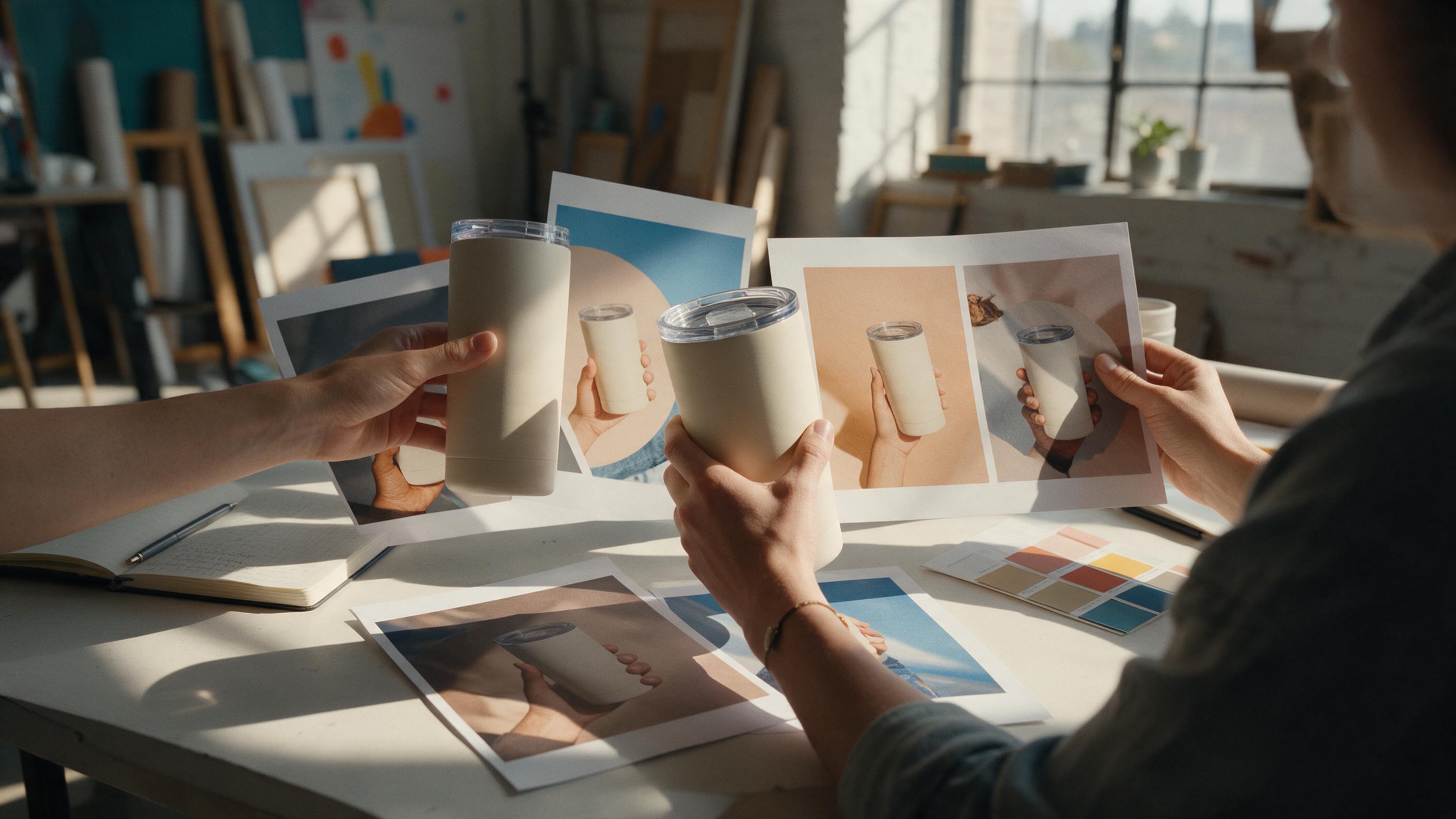
How to Turn One Product Photo into Five Social Posts with GPT Image
A single product photo can become a week of distinct social images without making the product look like five different items. This tutorial shows how to plan, prompt, and check five GPT Image concepts for a cohesive campaign.