Blog
Discover the latest from MagicBoat
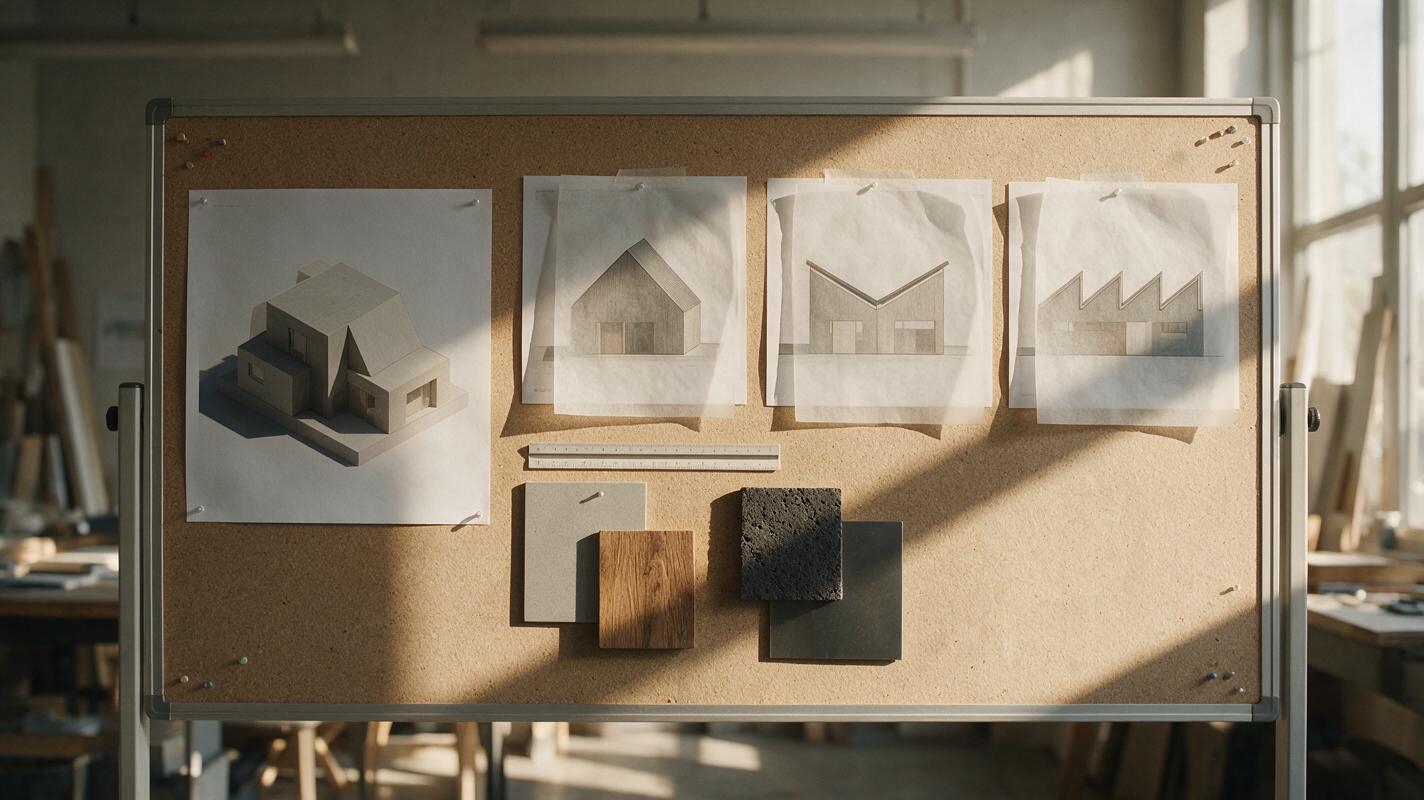
Seedream 4.5 Prompts for Roof Form Variations from One Massing Render
Compare gable, butterfly, and sawtooth roof concepts without rebuilding an architectural massing model for every option. These Seedream 4.5 prompts focus on keeping the viewpoint, footprint, and facade constant while making each roof change easy to evaluate.
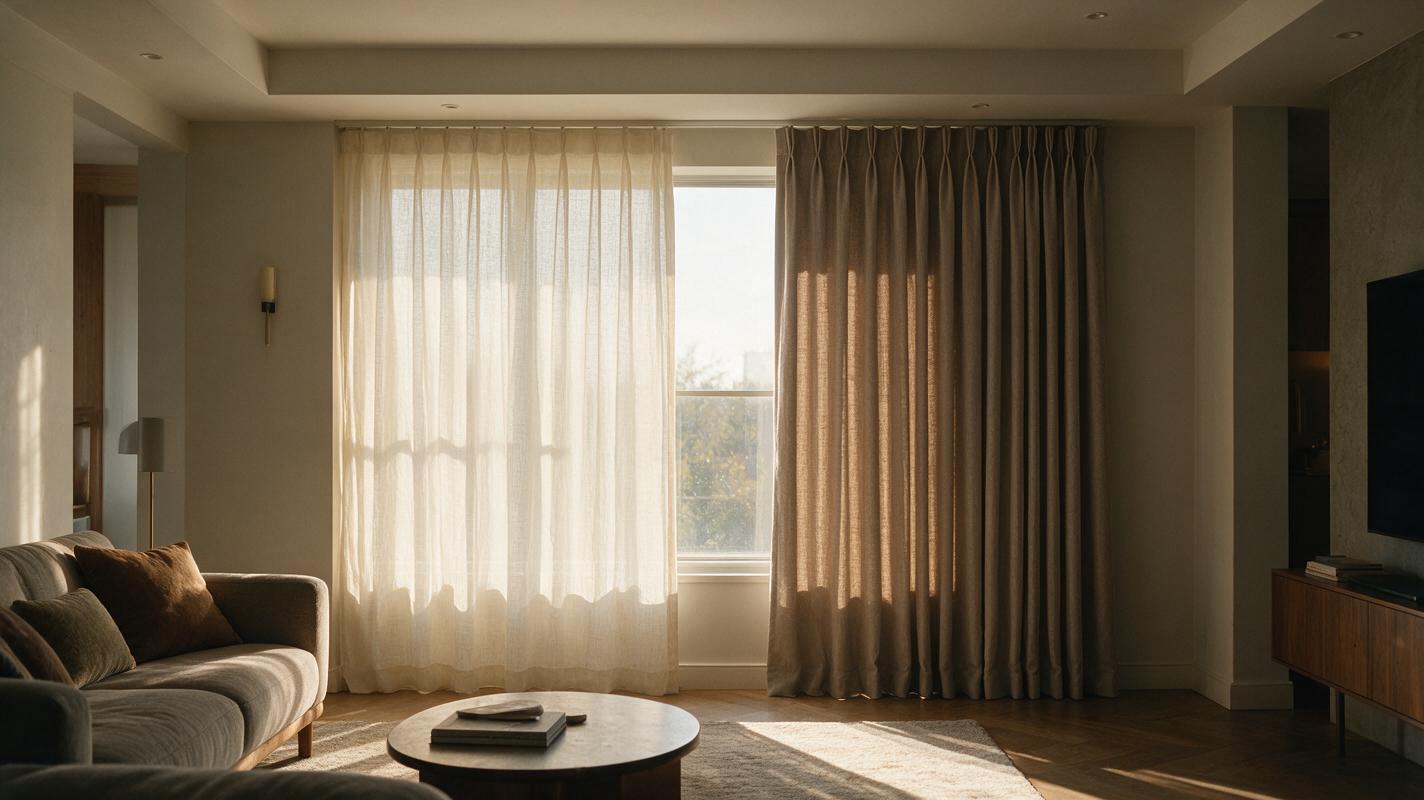
Seedream 4.5 Prompts for Sheer vs Blackout Curtain Previews
Compare sheer, layered, and blackout curtains in the same room photo without changing the furniture or window. These Seedream 4.5 prompts help interior designers make clearer visual options while keeping daylight and privacy claims realistic.
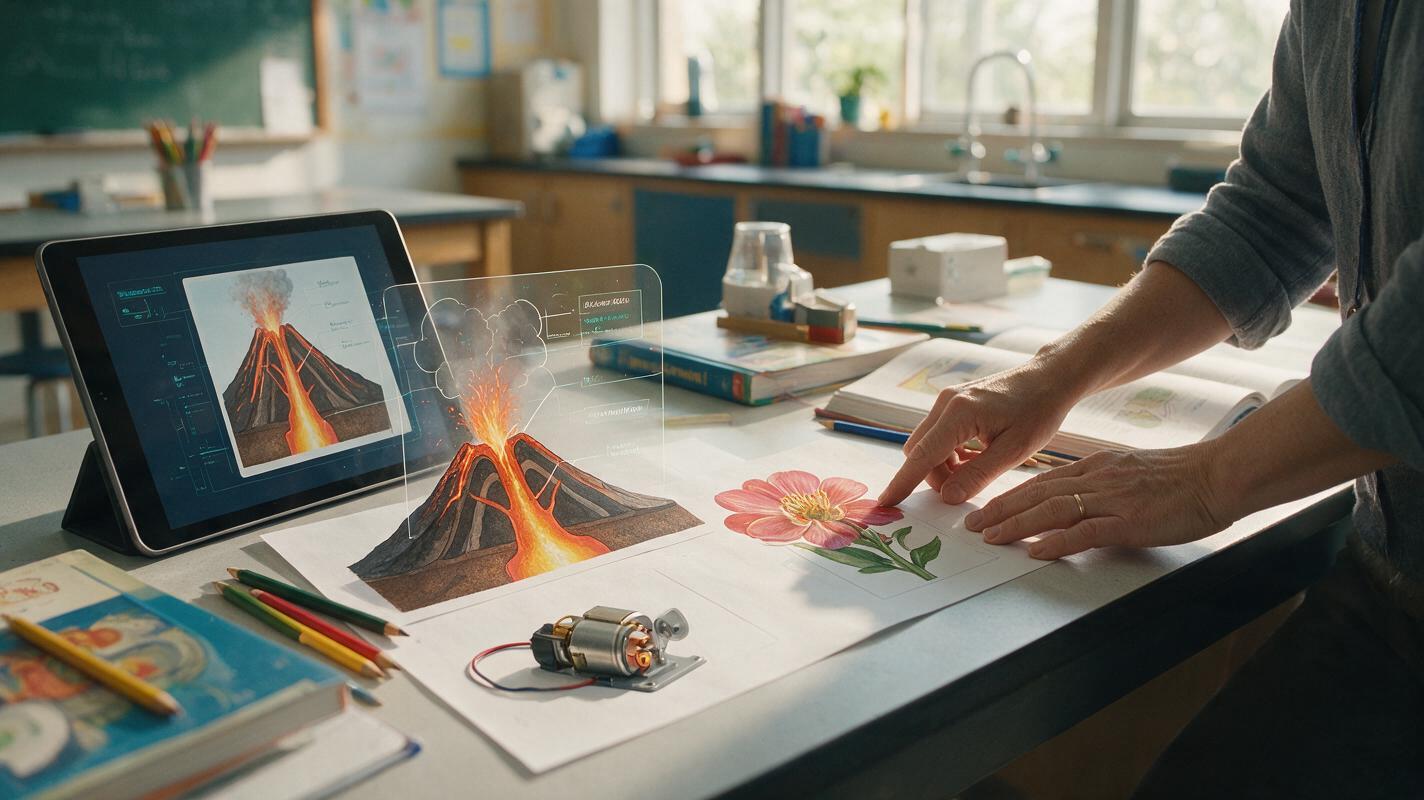
Imagen Prompts for Accurate Cutaway Science Illustrations
Create clear cutaway science illustrations with Imagen while reducing clutter, invented labels, and misleading internal structures. This guide provides reusable prompts, revision patterns, and a practical accuracy review for classroom and course visuals.
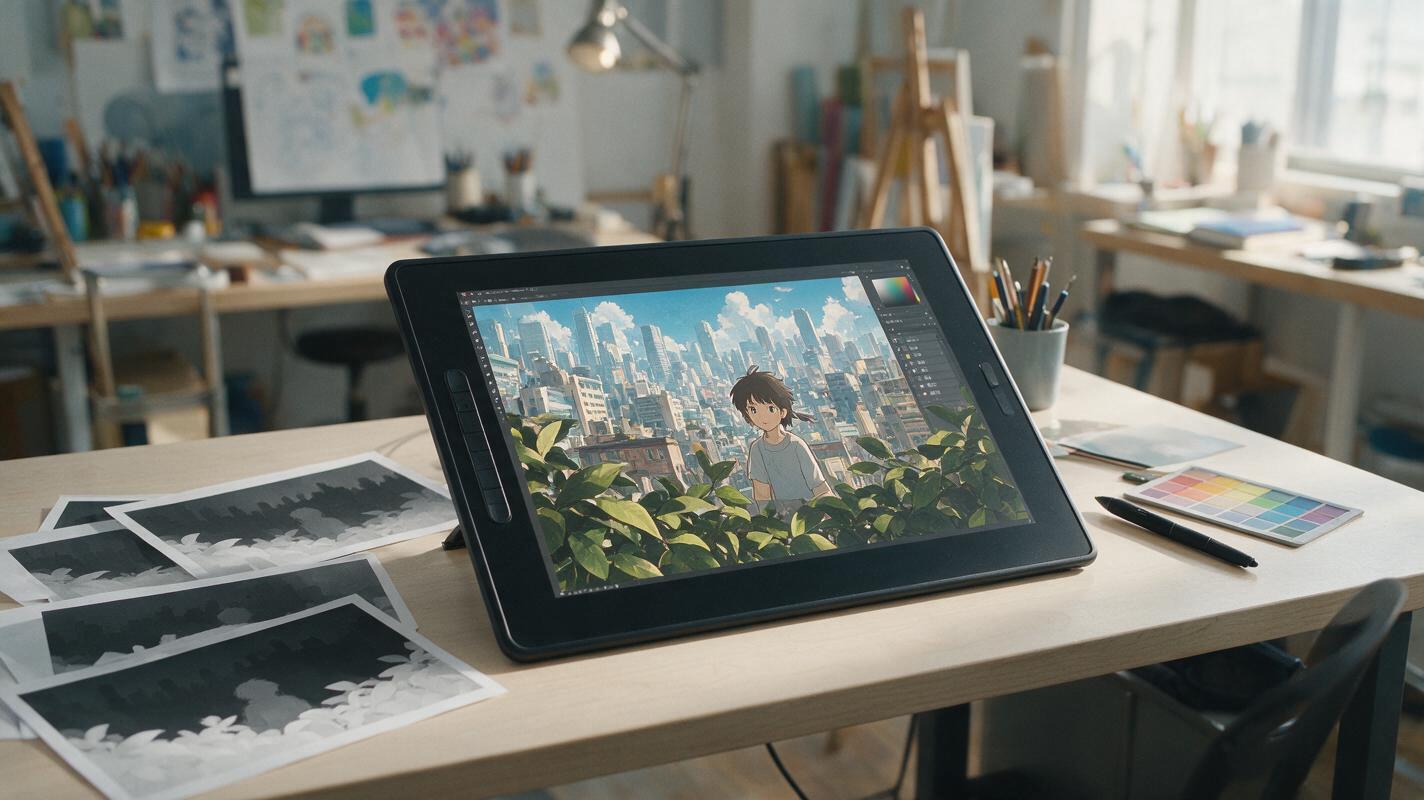
Why AI Anime Camera Moves Look Flat—and How to Fix Them
AI camera motion can make polished anime artwork resemble sliding cardboard layers or distort the character as the frame moves. This guide explains how to prepare depth-separated artwork, select a suitable camera move, and prompt Runway for restrained 2.5D motion without sacrificing the original illustration.
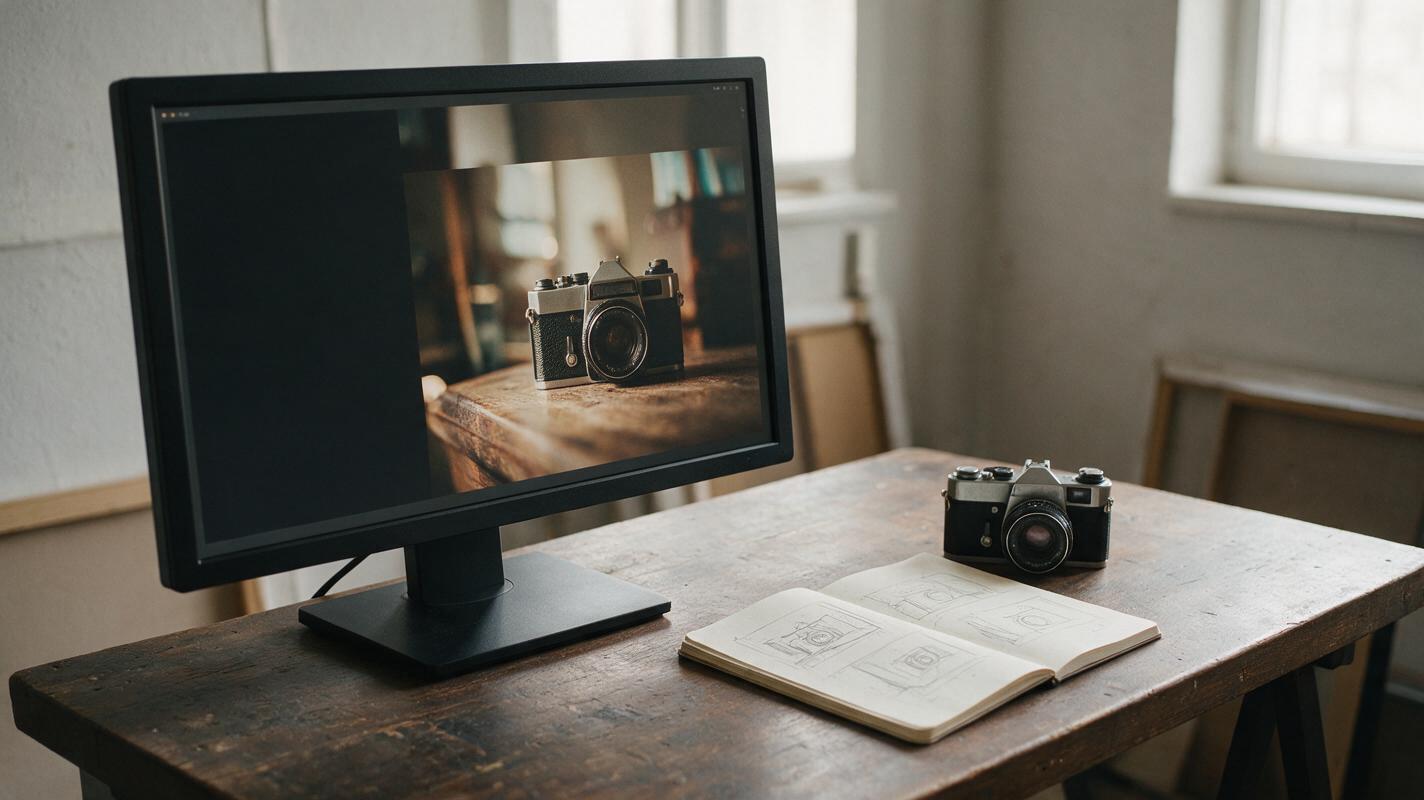
Seedream 4.5 Prompts for YouTube Thumbnail Backgrounds With Text Space
Create YouTube thumbnail backgrounds that leave a clear place for your headline instead of fighting it. These Seedream 4.5 prompts cover object-led, comparison, and mystery concepts, with practical checks for small-screen readability.
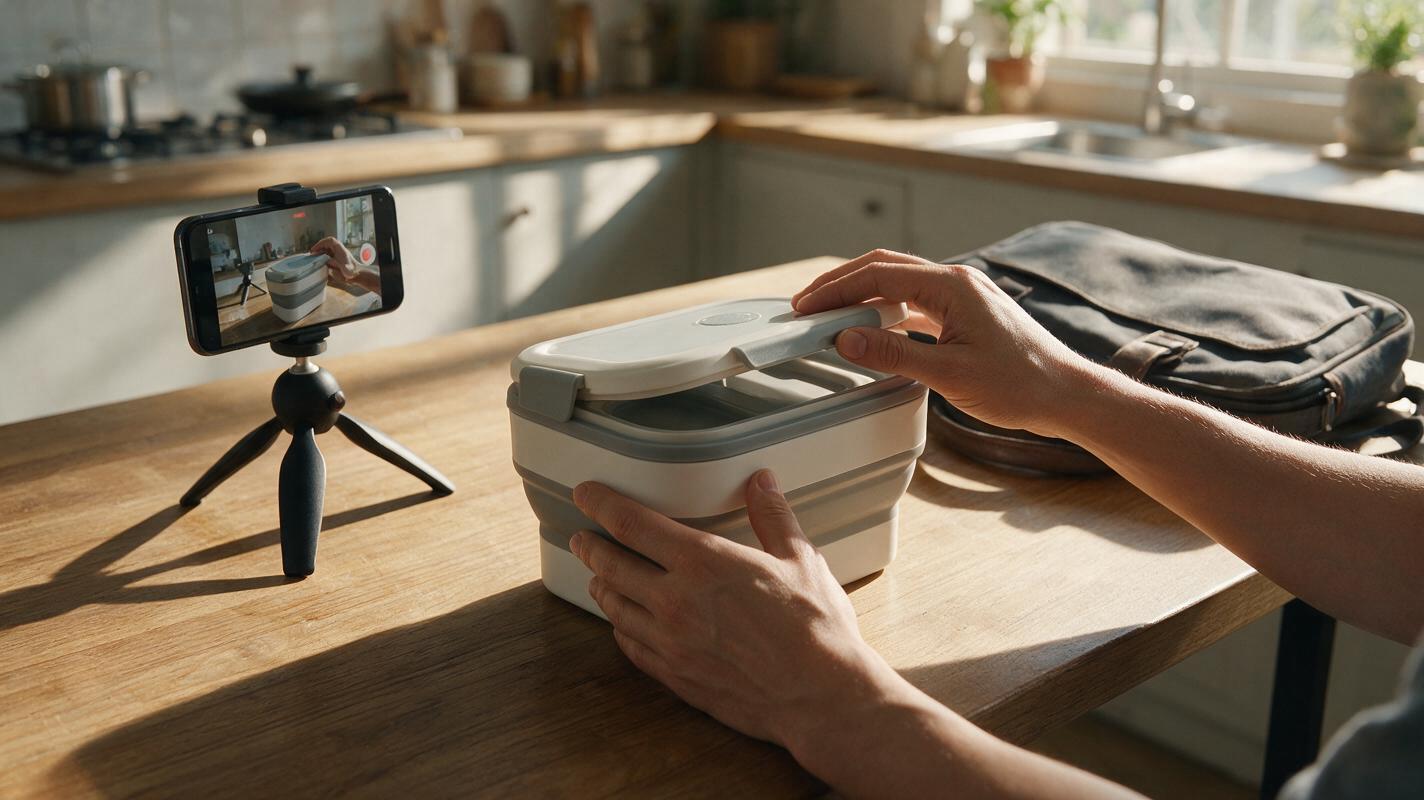
UGC-Style Product Ads Without Fake Testimonials
A UGC-style ad can feel personal without pretending that an AI-generated person bought or endorsed your product. This guide shows marketplace sellers how to build a short ad around real demonstration footage, verified claims, and optional AI-generated transitions.
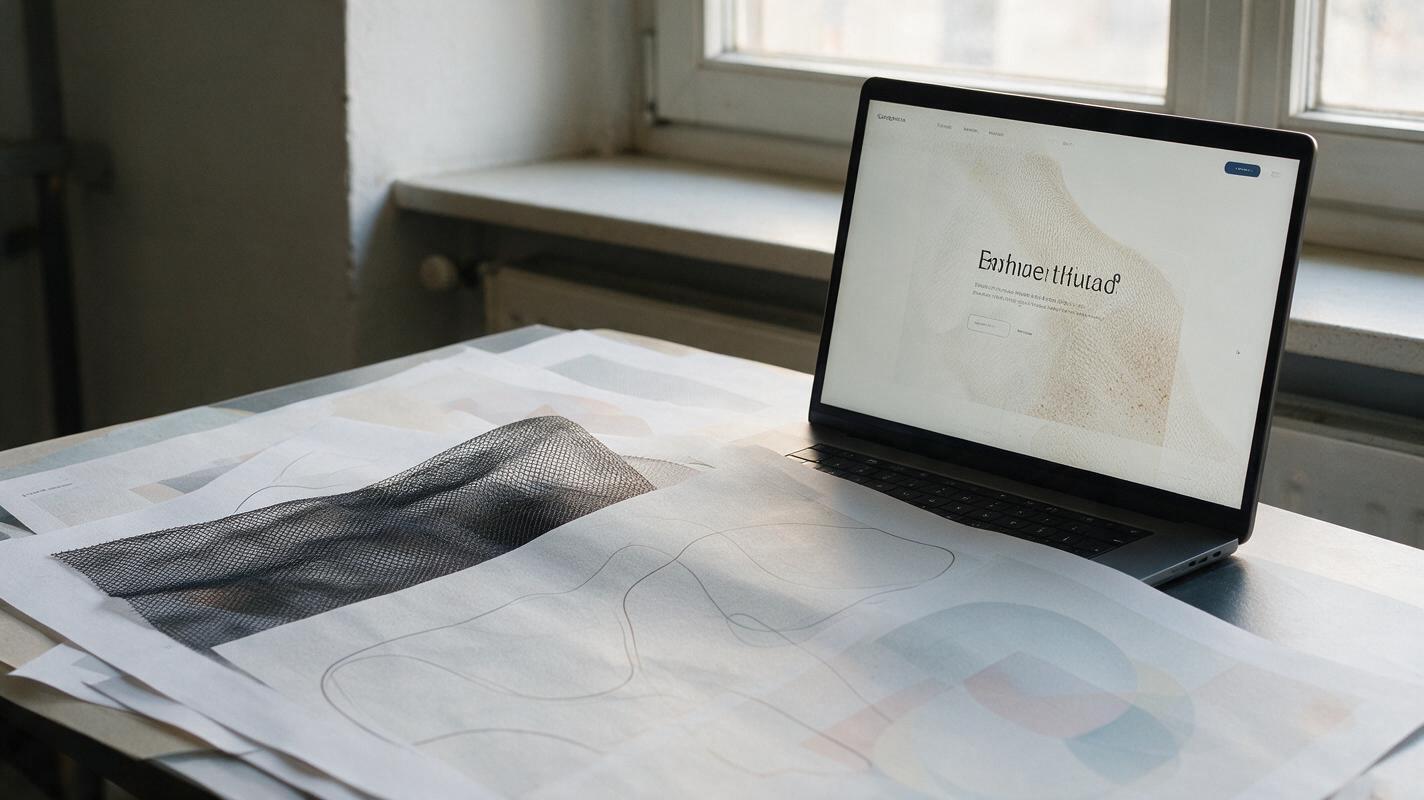
Midjourney Prompts for Seamless Website Background Textures
Create seamless Midjourney textures that can repeat across large website sections without visible borders, distracting motifs, or poor text contrast. This guide includes reusable prompts, layout testing methods, and export recommendations for production-ready landing-page backgrounds.
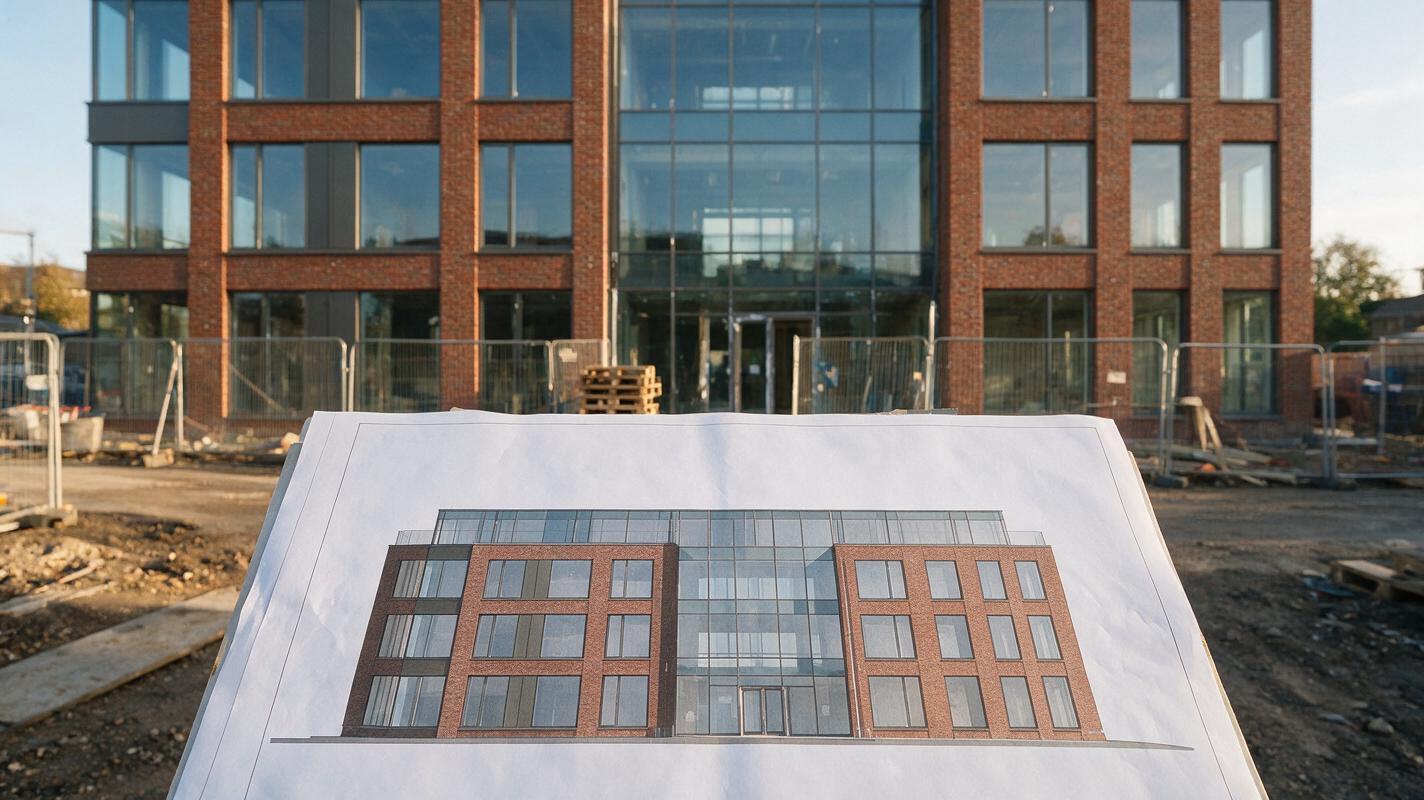
Nano Banana Pro Prompts to Remove Construction Clutter from Facade Photos
Construction fencing, stored materials, and temporary signs can obscure an otherwise useful facade photograph. These Nano Banana Pro prompts help architects create a cleaner presentation visual while preserving visible design details and clearly identifying any reconstructed areas.
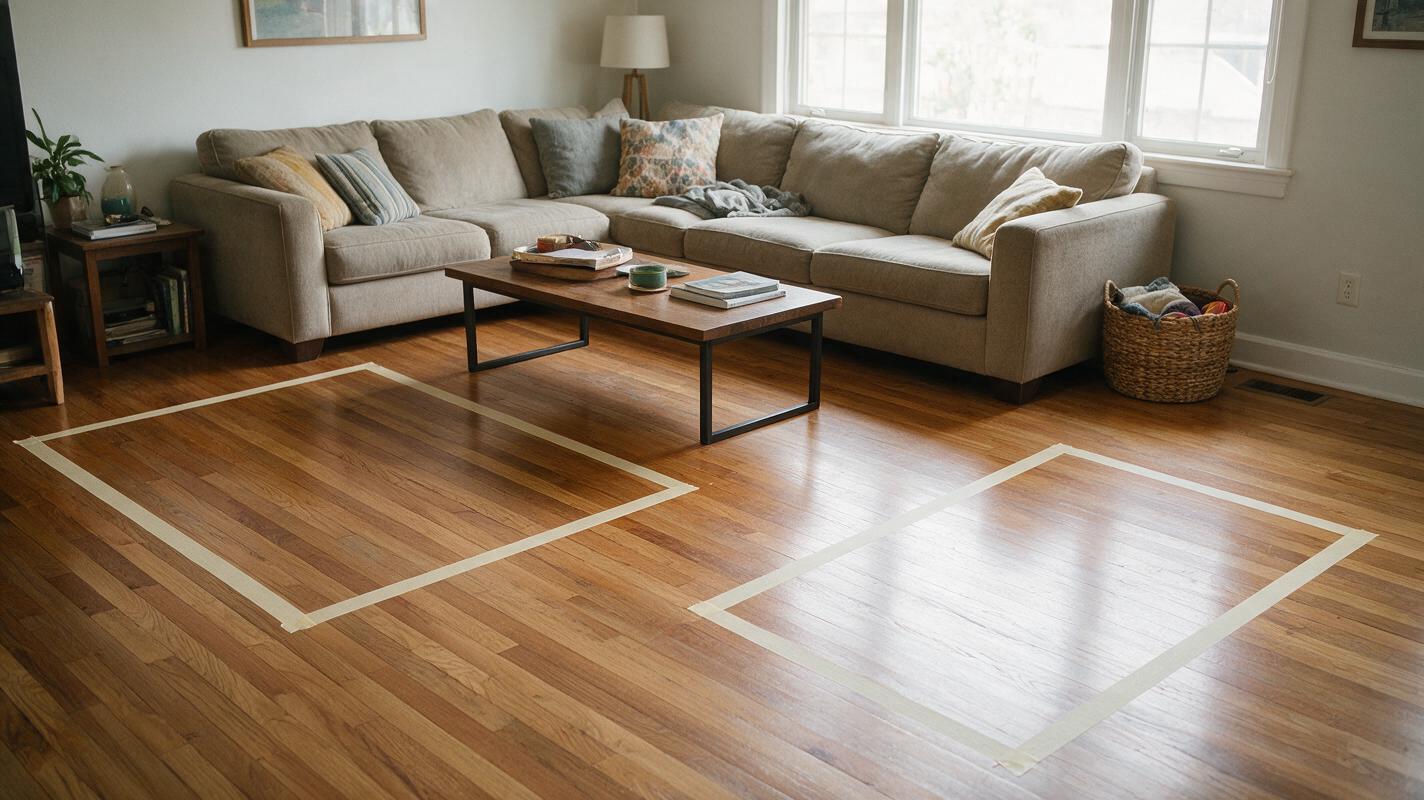
Preview Living Room Rug Sizes With Nano Banana Pro
A rug can look right in a product photo and still be the wrong size for a living room. This guide shows designers how to mark measured rug footprints in a room photo, use Nano Banana Pro to visualize each option, and check the results before recommending a purchase.
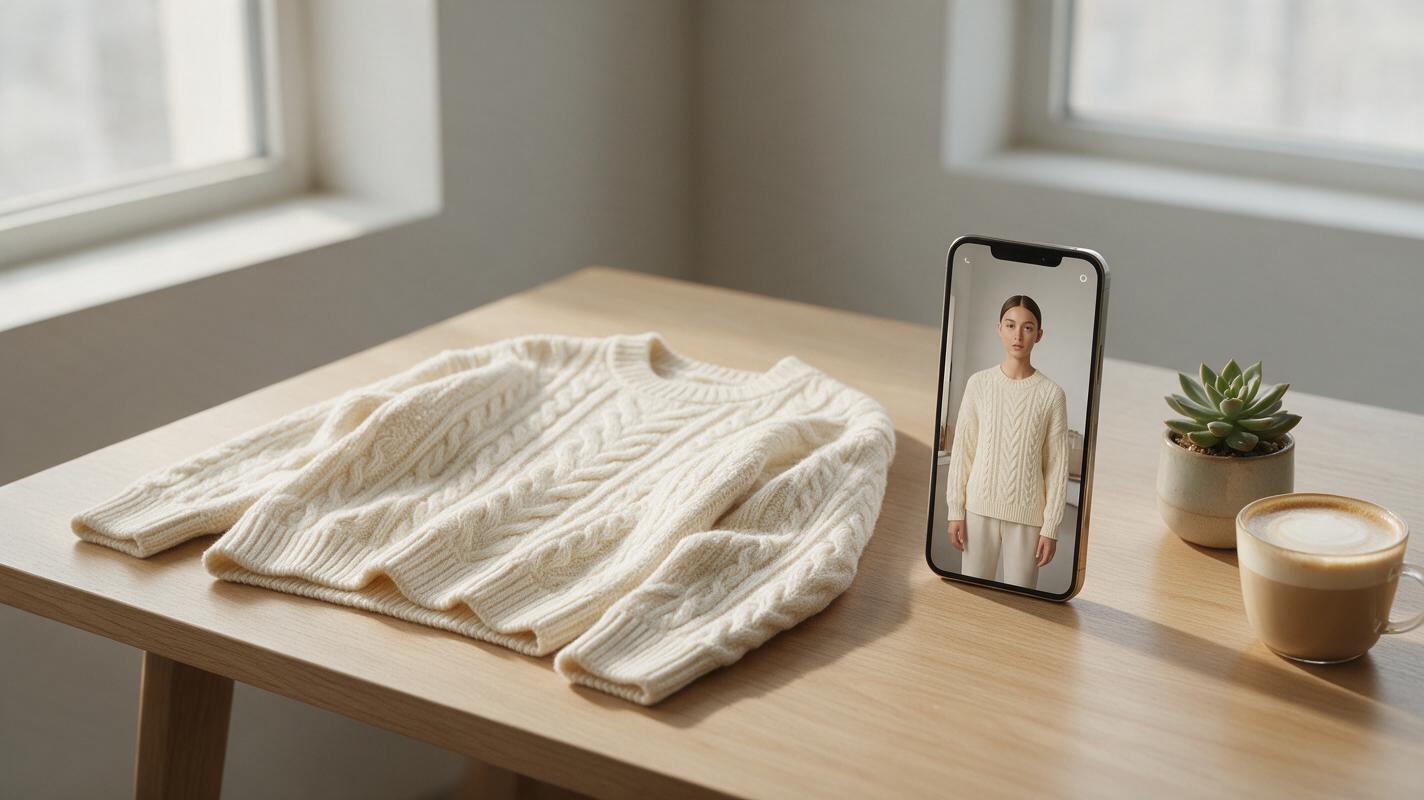
AI Virtual Try-On Video: Create Clothing Try-Ons Without Models
Want to create realistic clothing try-on videos without hiring models or booking studio time? This step-by-step guide teaches small clothing brand owners how to make 15-second vertical AI virtual try-on clips using avatars, motion mimic, and video enhancement tools. You’ll learn asset prep, generation tips, and polishing tricks for shareable, conversion-ready social media content.
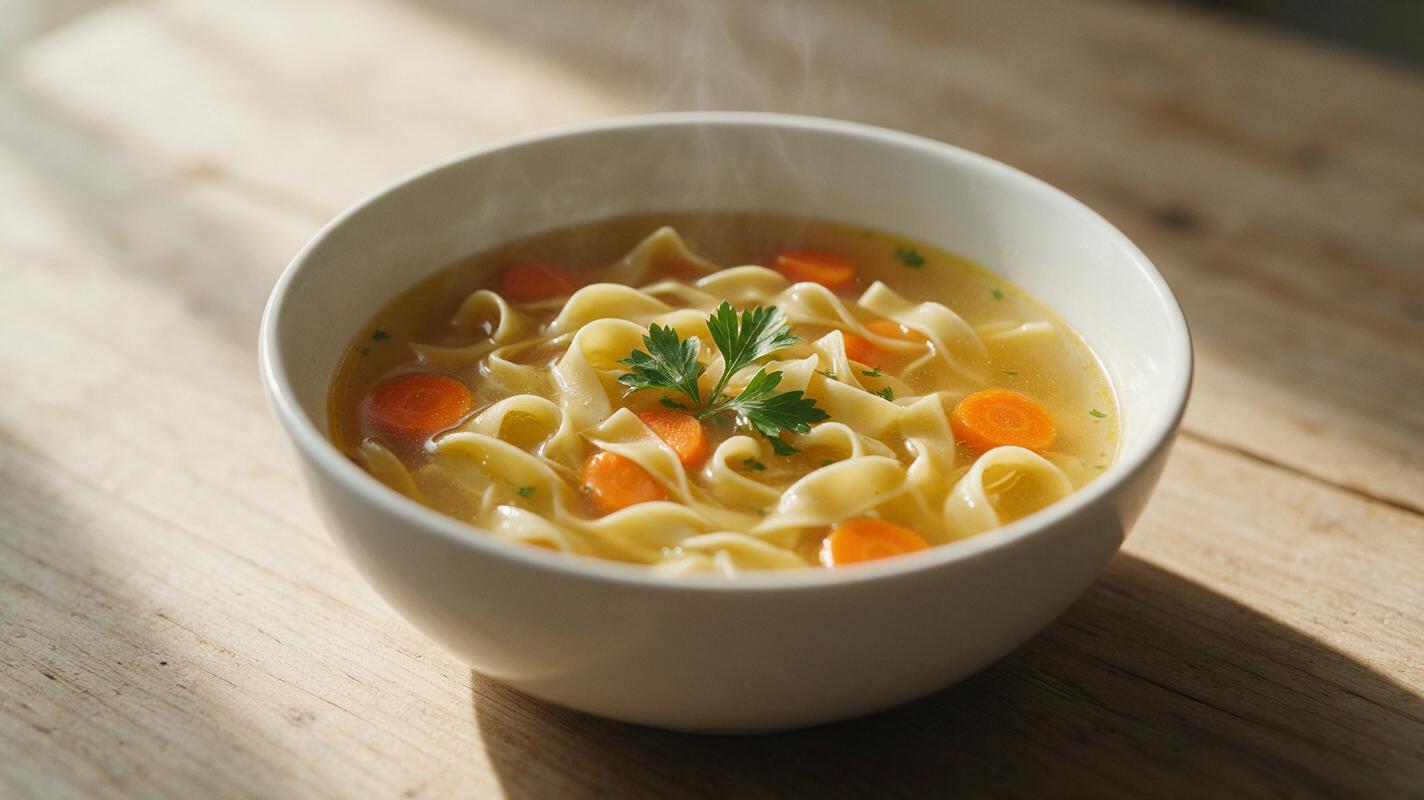
Why AI Soup Photos Look Murky (And How to Get Clear, Hearty Results)
AI-generated soup photos often look murky, watery, or unappetizing due to unclear broth texture, misaligned floating ingredients, and flat garnishes, making them unsuitable for restaurant menus and marketing. This troubleshooting guide breaks down common AI soup generation failures, provides reusable prompt templates, model-specific settings for Luma and Seedream 4.5, and targeted inpainting fixes to create realistic, hearty soup visuals. The guide also includes a quality checklist to ensure final assets are restaurant-ready.
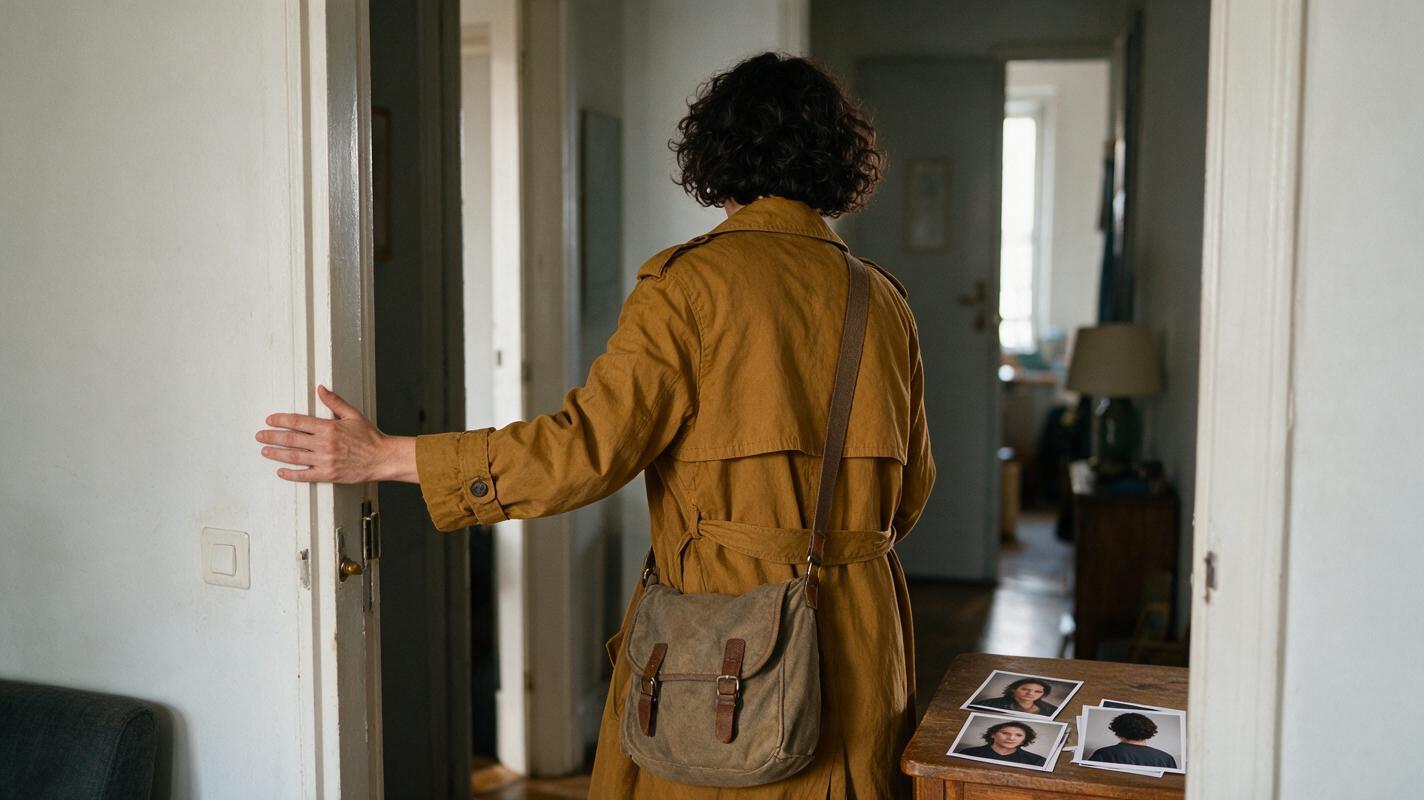
Keep the Same Character Through Back-Facing Shots and Reveals
A character can look convincing from the front yet become unrecognizable after a back-facing shot. This tutorial uses a character sheet, matched reference images, and a reveal-point check to preserve identity when the face disappears and returns.