Blog
Discover the latest from MagicBoat
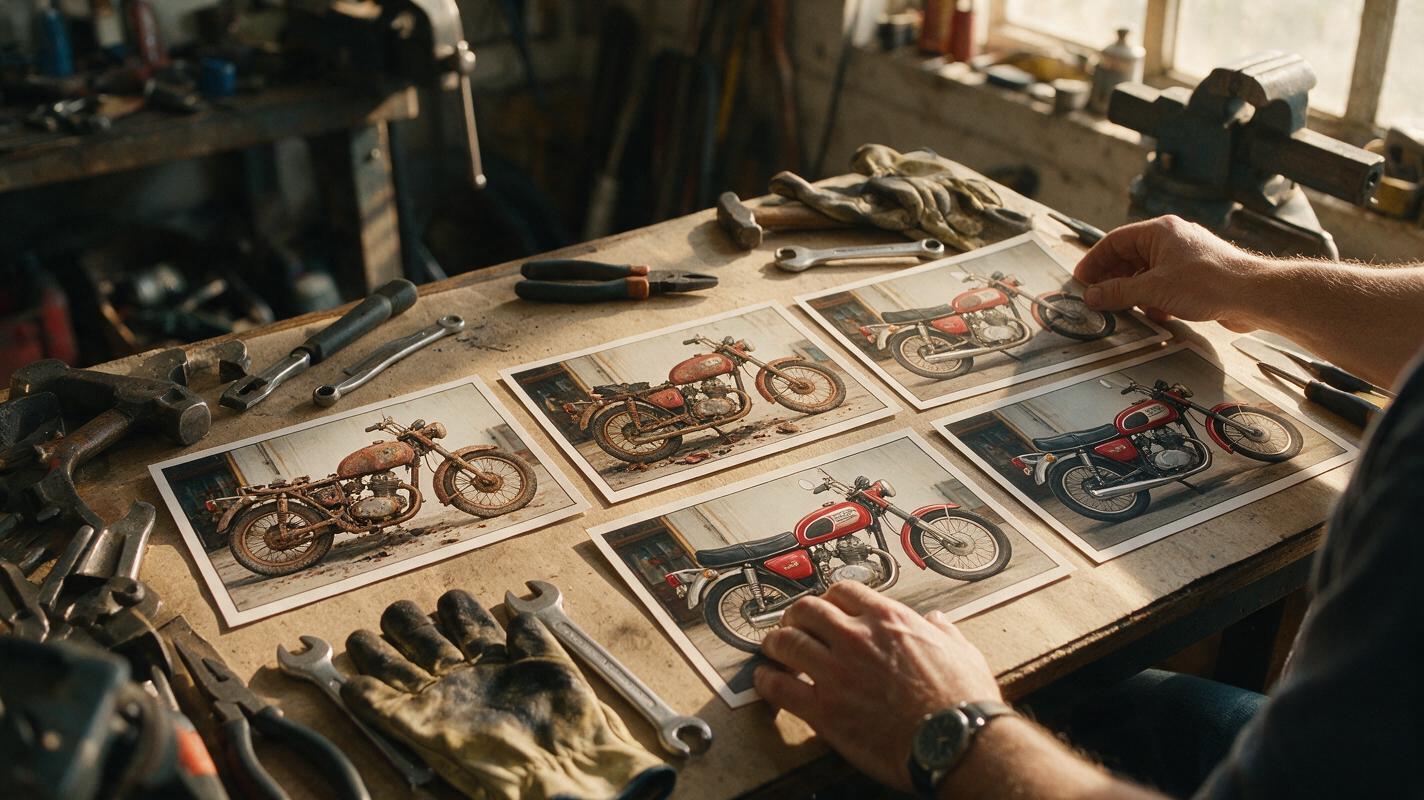
Script to Video AI: Turn a Written Montage Into a Coherent Sequence
Learn how to translate a written montage into a clear AI video sequence without generating a disconnected collection of attractive shots. This tutorial shows how to define visual progress, build storyboard beats, design transitions, prompt motion, and edit the final montage.
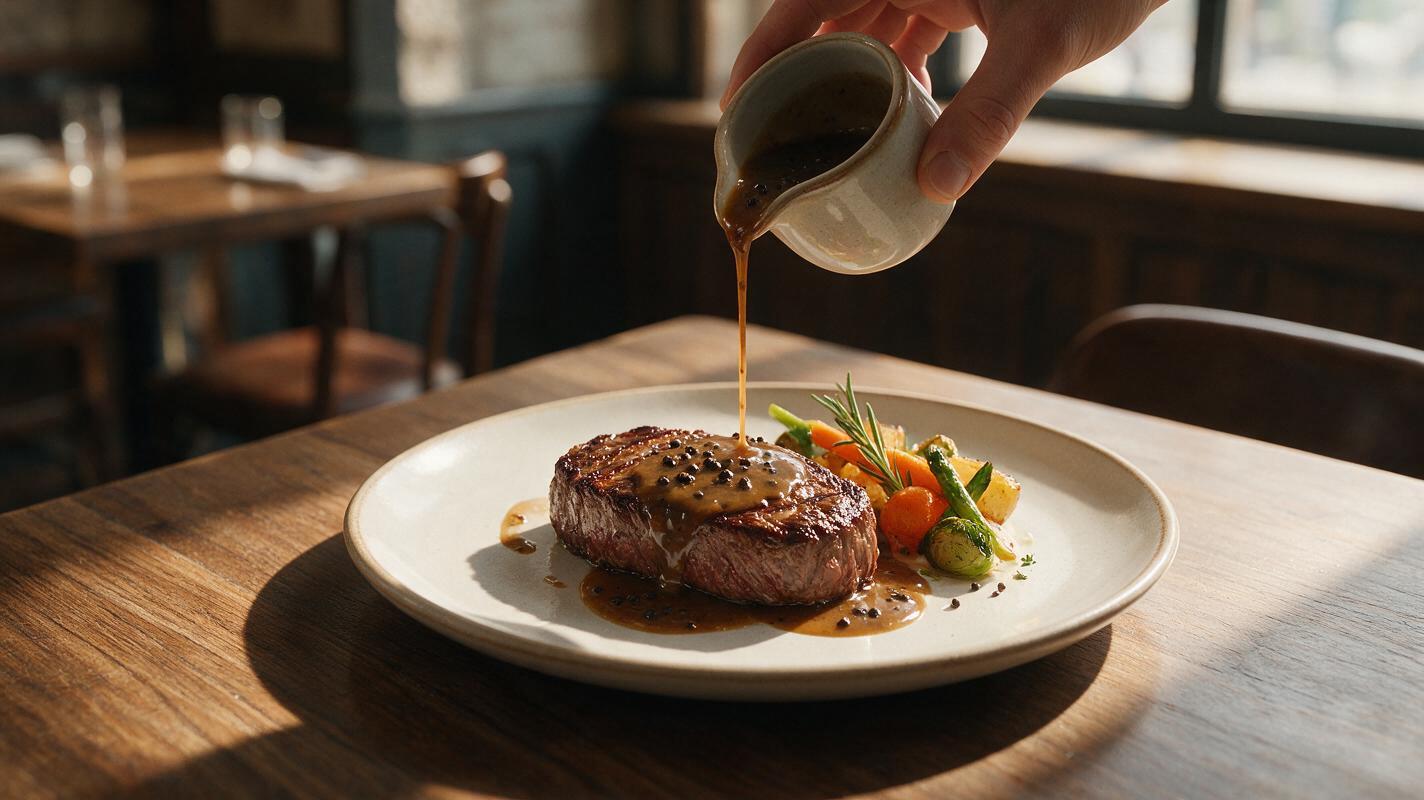
Why AI Sauce-Pour Videos Look Fake—and How to Fix the Motion
AI sauce-pour videos often fail when the stream changes shape, the serving utensil drifts, or the food deforms on contact. This guide shows food marketers how to design a stable source image, prompt believable liquid motion in Hailuo, and troubleshoot common physics errors.
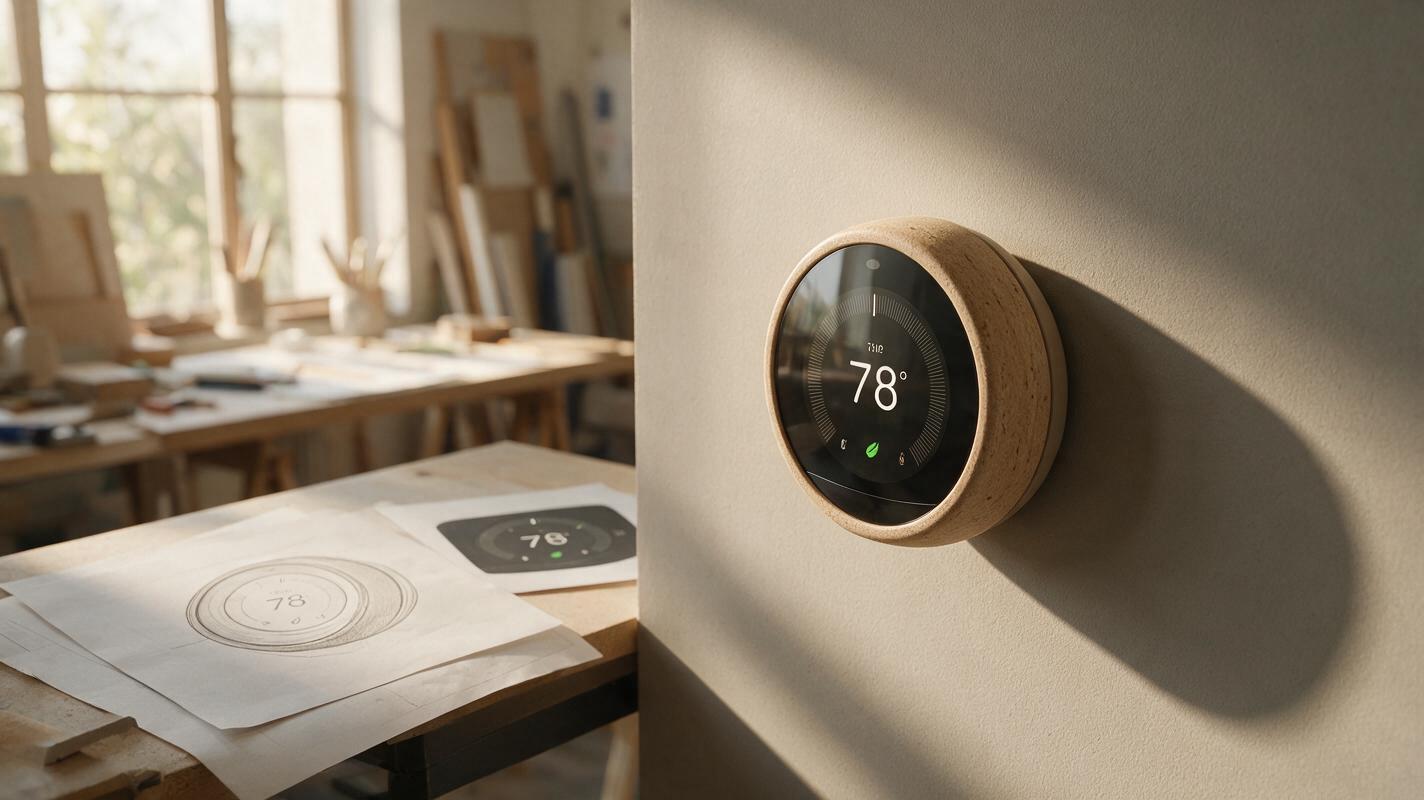
Why AI Product Renders Garble Screen UI—and How to Fix It
AI can make a convincing smart-product render while turning its screen into unreadable interface elements. This article shows product designers how to generate the physical product separately, place approved UI artwork into the display, and check that the finished image remains believable.
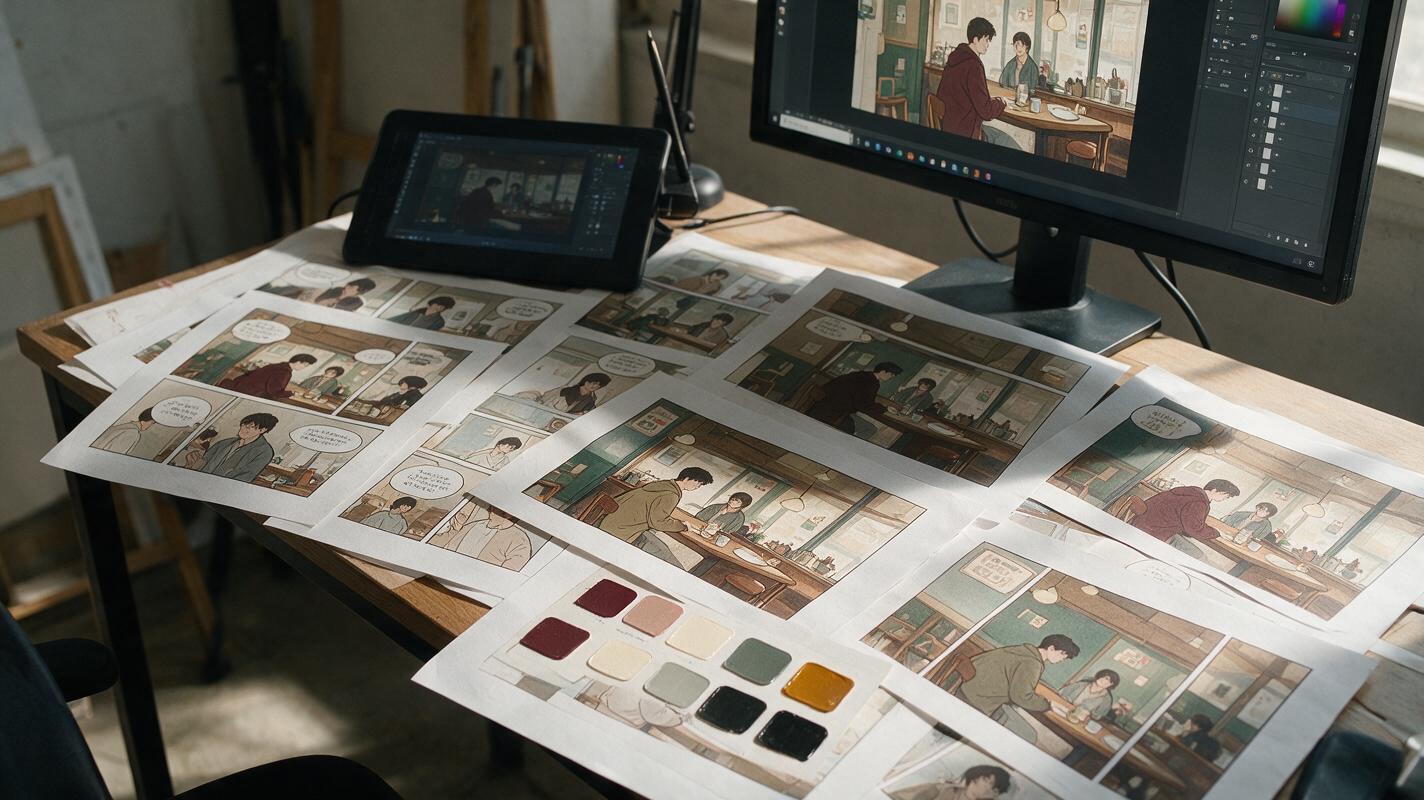
Why AI Webtoon Colors Drift—and the Palette Workflow That Fixes It
AI-generated webtoon panels often change hair, costume, prop, and background colors as lighting or composition shifts. This guide presents a scene-palette workflow for Nano Banana Pro that separates fixed identity colors from variable lighting, making episodes easier to generate, edit, and read.
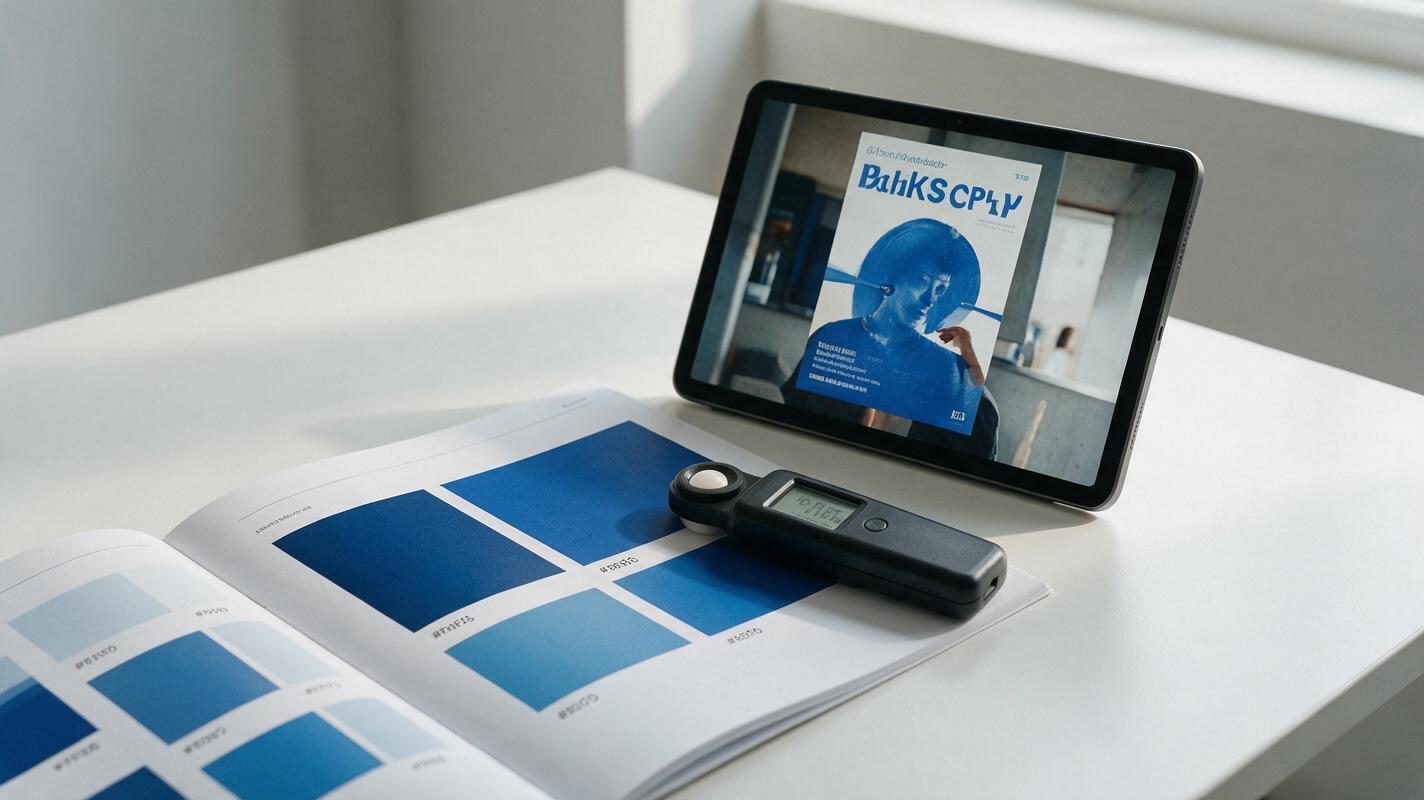
Why AI Brand Graphics Miss Your Exact Color Palette (and 3 Ways to Fix It)
AI-generated brand graphics often return with slightly off-color hues that don’t match approved brand palettes, forcing hours of manual color correction. This article breaks down why AI struggles with precise color matching and shares three actionable methods using Seedream 4.5 to get on-brand colors every time, from reference sheet locking to targeted inpainting. Whether you’re creating campaign posters, key visuals, or packaging renders, these methods cut down correction time and ensure brand consistency.
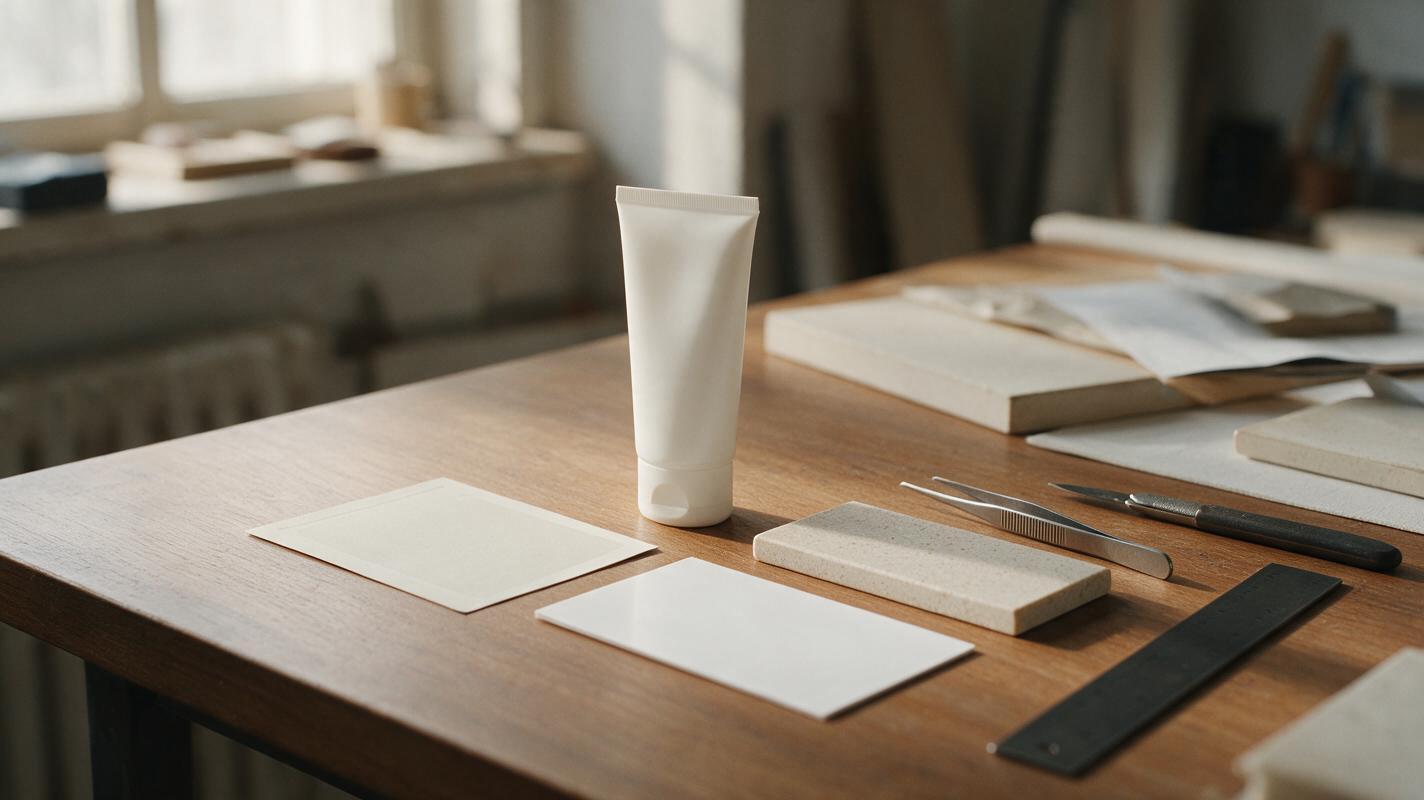
AI Packaging Mockups That Keep Your Product Label Accurate
Create product-launch packaging mockups without letting AI rewrite your label or invent packaging details. This guide uses Nano Banana Pro for presentation concepts, then places approved artwork onto a package template that matches what you intend to produce.
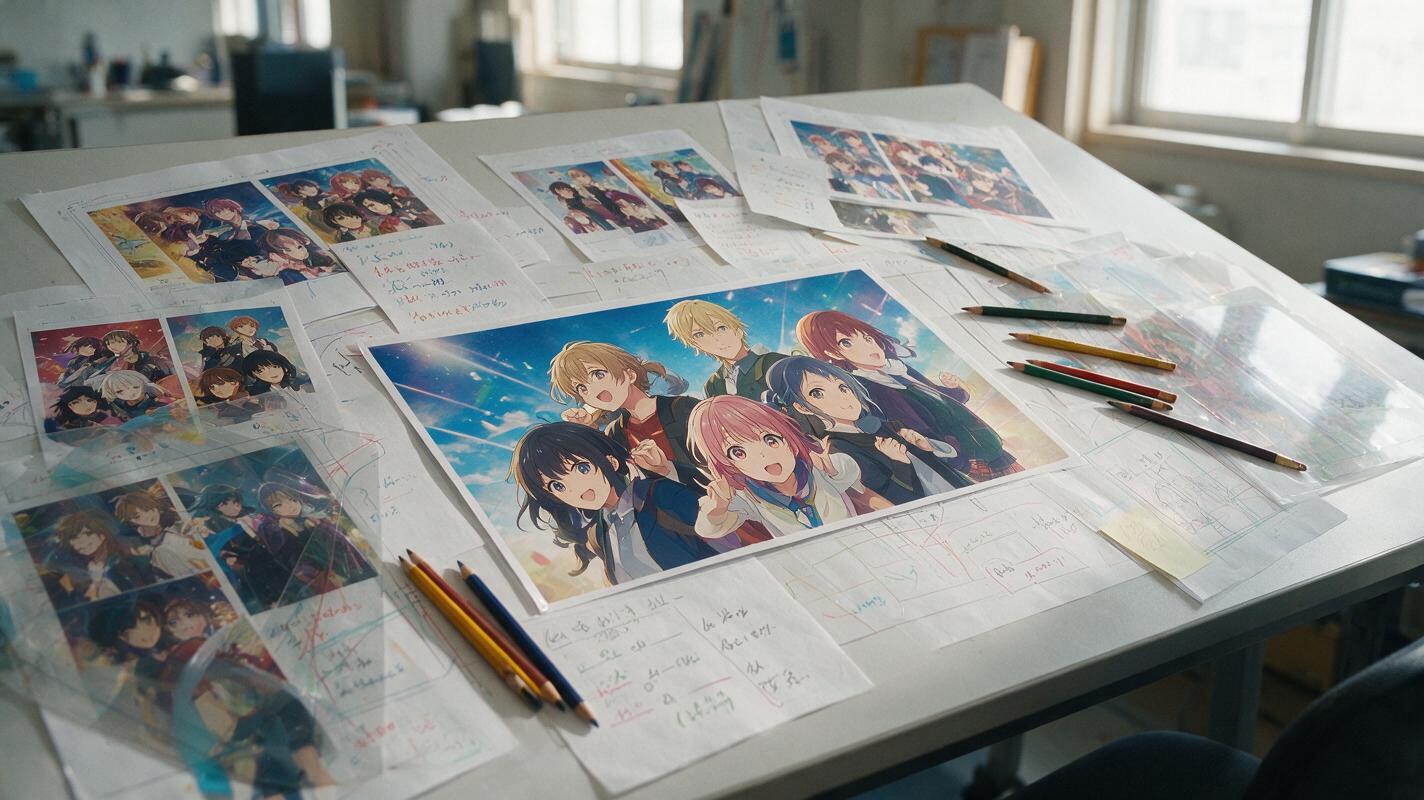
Midjourney Prompts for Clear Anime Ensemble Key Visuals
Anime ensemble posters often fail because every character competes for attention, faces merge, and the cast loses its visual hierarchy. This guide provides reusable Midjourney prompts and composition methods for creating readable anime key visuals with distinct silhouettes, intentional placement, and room for titles.
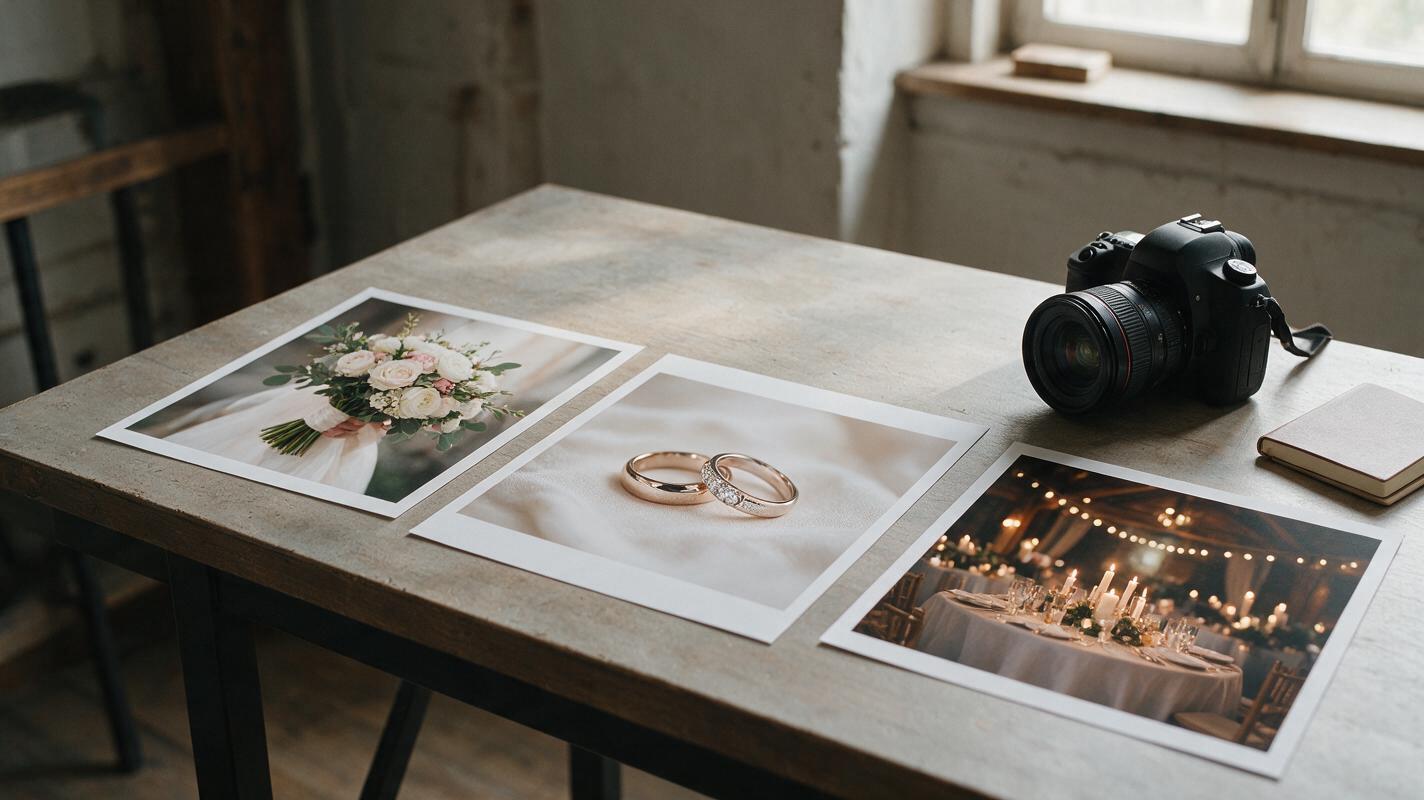
Turn Wedding Detail Photos Into a Short Reel With Seedance
A wedding detail reel can give a bouquet, rings, and reception setting a sense of motion without pretending they were filmed. This guide shows wedding photographers how to plan a short sequence with Seedance, prompt restrained movement, and protect meaningful details before delivery.
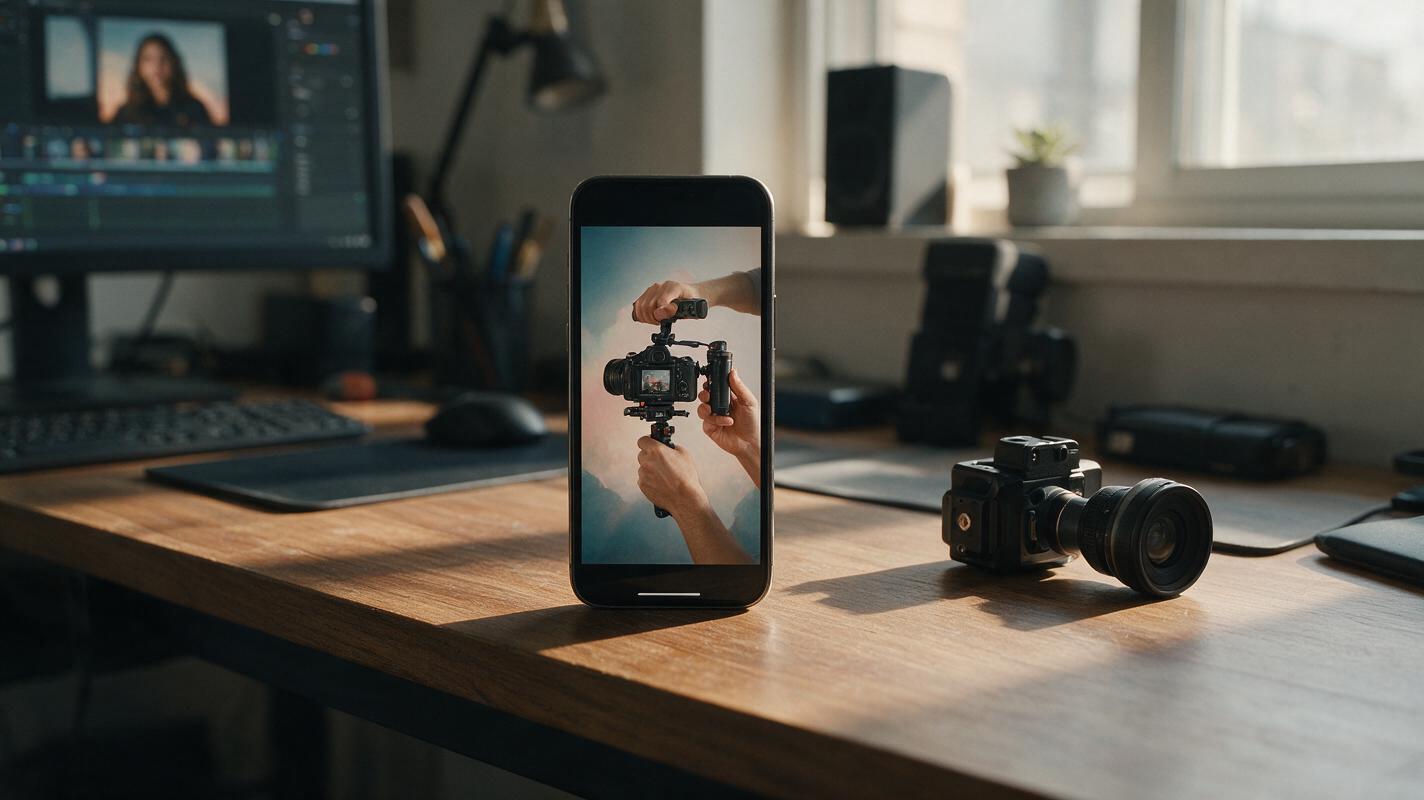
Fix Cropped YouTube Shorts With Nano Banana Pro Backgrounds
A horizontal shot can look cramped when it is cropped to fit a vertical Short. Use Nano Banana Pro to create a matching portrait background, then place the original footage on top so the subject stays fully visible.
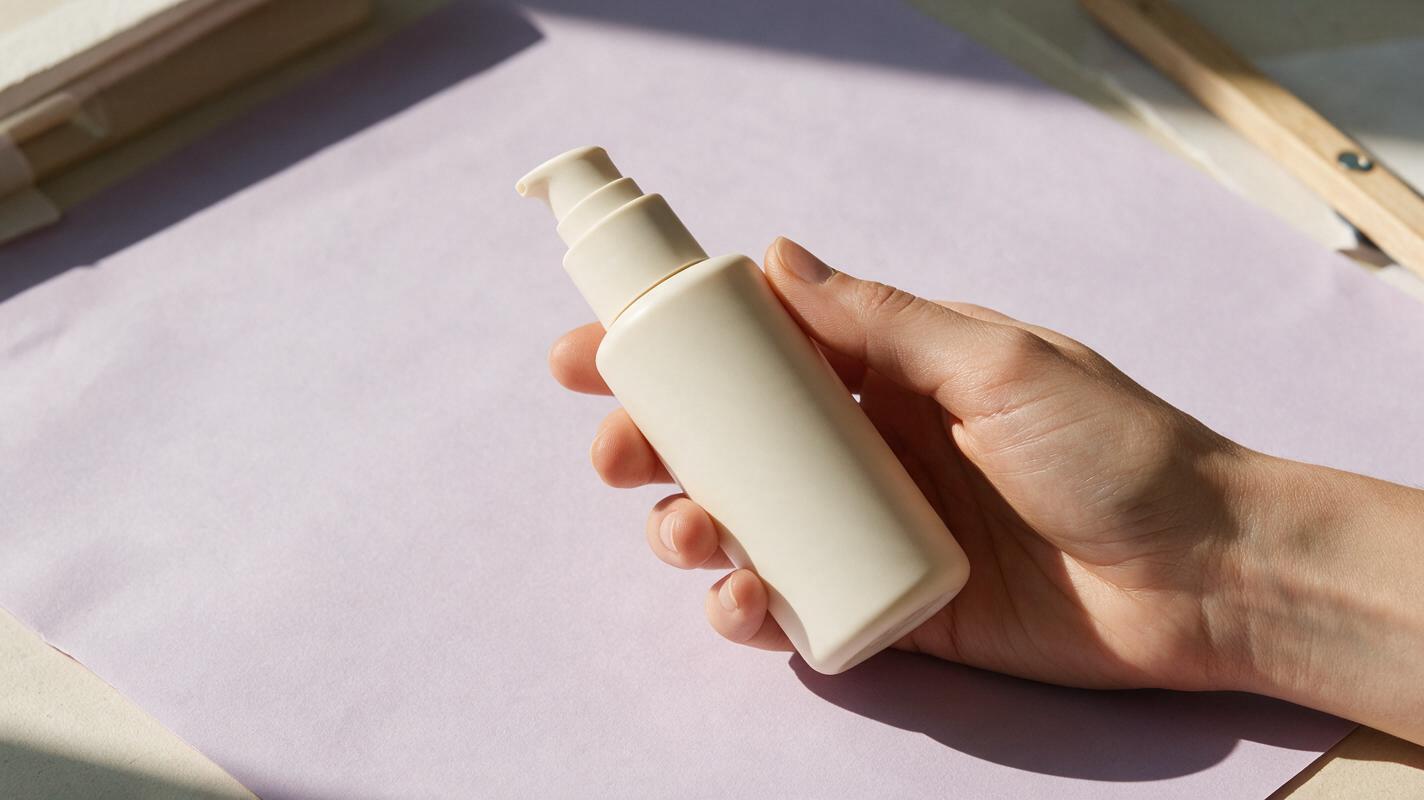
Imagen Prompts for Product-in-Hand Ads Without Broken Fingers
Create convincing product-in-hand advertising images with Imagen by defining the grip, visible fingers, product geometry, and camera angle before adding campaign styling. This practical prompt method helps creative teams reduce broken anatomy, floating products, hidden labels, and inconsistent pack scale.
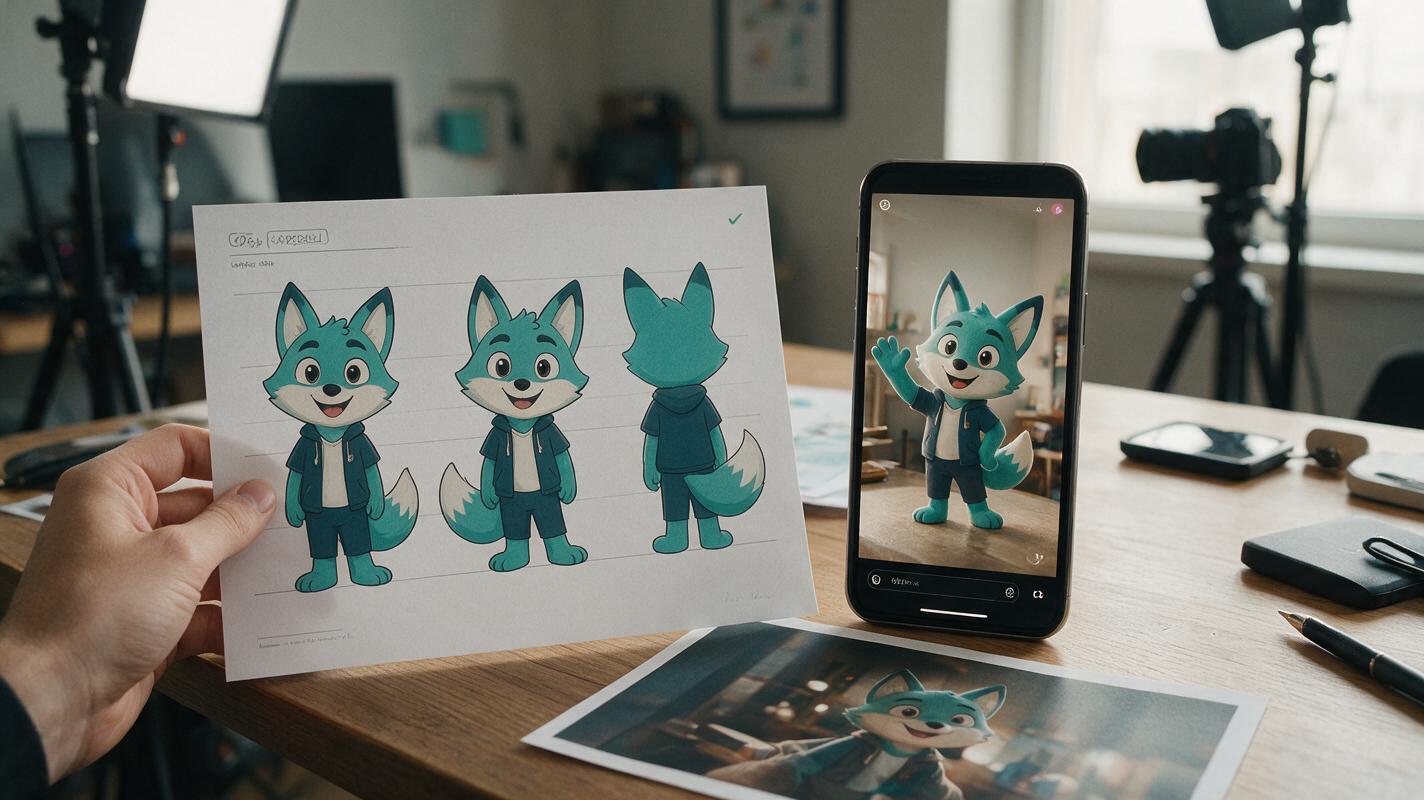
Vidu Prompts for Brand Mascot Reels That Stay Recognizable
Turn an approved brand mascot into short vertical clips without letting its face, colors, or proportions drift between generations. These Vidu prompts cover an entrance, a silent reaction, and a product-side gesture, plus an editing check before posting.
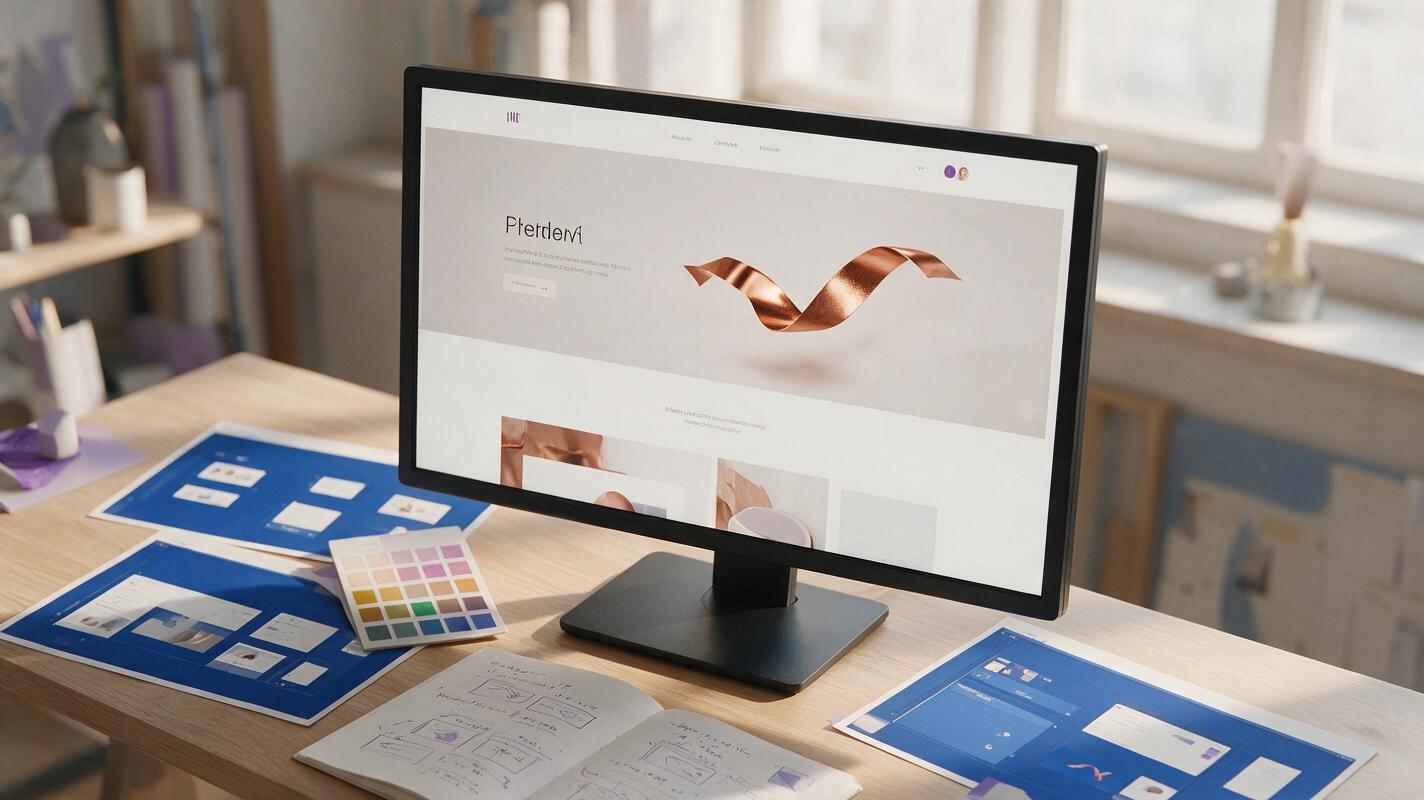
Runway Prompts for Transparent-Background Web Animations
Create isolated Runway motion elements that can sit over landing-page layouts without a visible rectangular video background. This guide covers source-image preparation, matte-friendly prompts, clean keying, seamless loops, responsive placement, and web export.